





Where to Sell Laptops in the UK: A Simple Guide

19/10/2025

15 Mins
Got an old laptop gathering dust? The quickest and easiest way to turn it into money is by using a special tech trade-in website. They give you a price straight away, with no fuss. But if you have a bit more time and want to get every last penny, selling it yourself on a marketplace like eBay or Facebook is probably your best bet.
Your Quick Guide to Selling a Laptop in the UK
Working out where to sell your old laptop can feel a bit like a puzzle. Should you go for the fastest way, or wait to get the highest price? That old machine is a box of potential money, and finding the right place to sell it is the first step. Let's make it simple.
Think of this guide as your map to the best places to sell in the UK. We'll look at everything from websites that give you a price in minutes to online markets where you get to decide the price.
Understanding Your Selling Options
Lots of people in the UK want to buy laptops, which is great news for you! The market is worth about £6.08 billion and it’s still growing. This means plenty of people are looking for both new and used laptops. This high demand gives you some brilliant chances to sell.
Choosing the right place really comes down to what's most important to you: speed, price, or how easy it is.
The Main Ways to Sell Your Laptop
You've got a few good choices, and each one has its good and bad points.
- Trade-in Websites: These are perfect if you want a sale that's guaranteed and has zero hassle. You get a price online, they send you a box with postage paid, you pop the laptop in, and you get paid. It's the simplest way by far.
- Online Marketplaces: Places like eBay, Gumtree, or Facebook Marketplace let you set your own price. You'll probably make more money, but you'll need to create a good advert, chat with buyers, and sort out the postage yourself.
- Local Tech Shops: Some shops on the high street, like CEX, buy used electronics. It’s a good choice if you'd rather get cash in your hand on the same day and deal with someone face-to-face.
A good way to think about it: a trade-in site is like a fast-food drive-through—quick, easy, and you know what you're getting. A marketplace is like cooking a meal from scratch—it takes more effort, but you control the final result (and it's often better!).
Many people find that a trusted trade-in service gives the best mix of everything. For example, on websites where you can easily sell your tech, you get a fair and fast price. This way, you can skip the bother of bargaining with different buyers and worrying about postage.
Comparing Your Laptop Selling Options
To make it even clearer, here’s a quick list of what to expect from each way of selling. This table should help you decide which one is right for you.
| Selling Method | Best For | How Fast You Get Paid | How Much You Can Get |
|---|---|---|---|
| Trade-In Websites | Speed and ease; a guaranteed, hassle-free sale. | 1-3 days | Fair, but often less than selling yourself. |
| Online Marketplaces | Getting the highest possible price; more control. | Varies (can take weeks) | Could be the highest amount. |
| Local Tech Shops | Same-day cash; face-to-face deal. | Instantly | Usually the lowest offer. |
In the end, there's no single "best" way—it all depends on what you want. If you need money quickly and can't be bothered with the paperwork, a trade-in is your winner. If getting the most money is your goal, a marketplace is worth the extra work.
Getting Your Laptop Ready for Its New Home
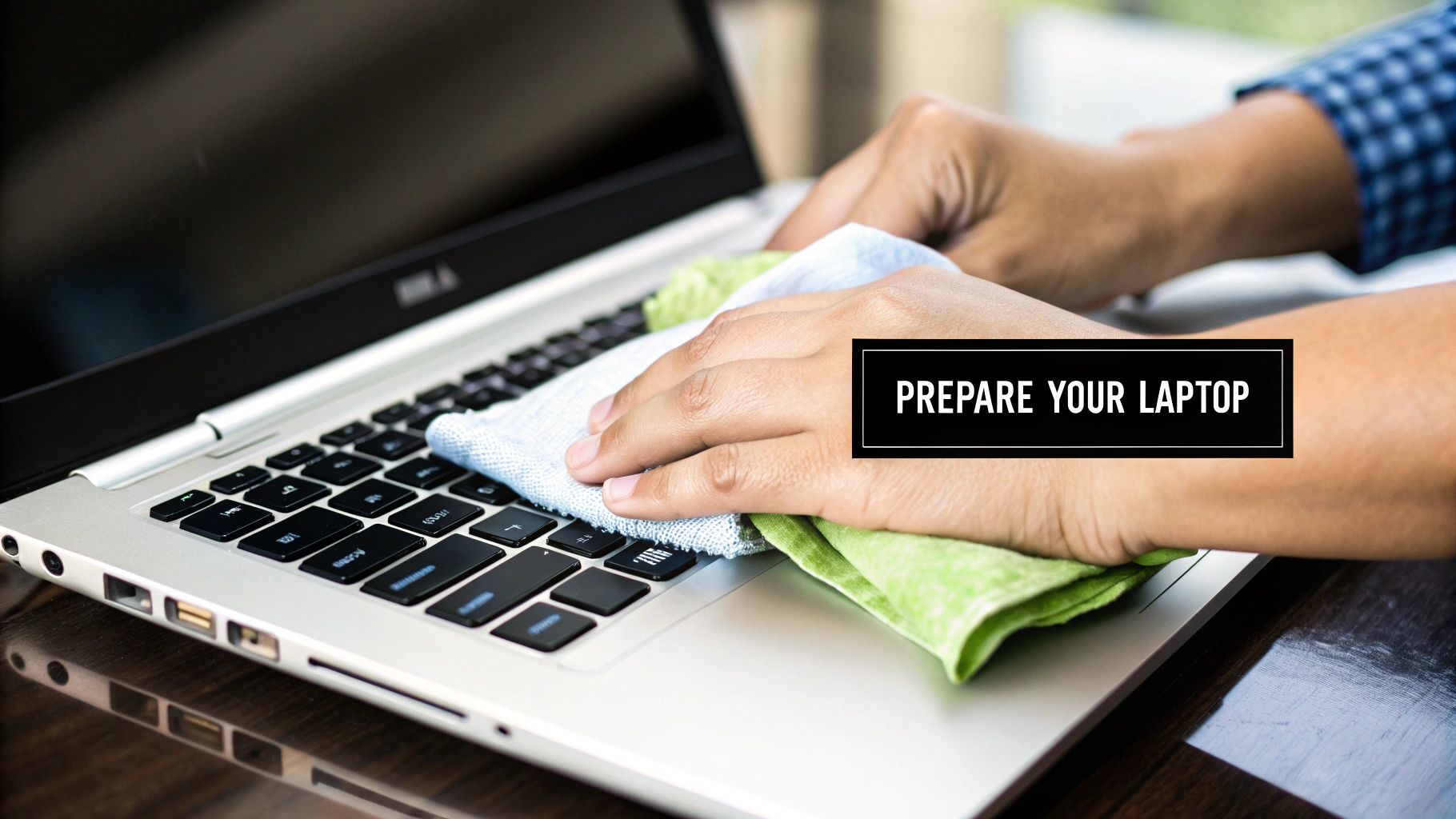
Before you even think about where to sell your laptop, you need to get it ready for its next owner. Think of it like preparing a car for sale – a little bit of work not only makes it look better but can really increase the final price.
This isn't just about making it look nice, though. It’s a super important step for protecting your personal information. A few simple jobs will keep your data safe and make your laptop a much better buy for someone else.
Save All Your Important Stuff
First things first: back up everything you don't want to lose. We're talking about photos, school work, game saves, and important documents – anything you care about. Losing it all would be a nightmare, so let's make sure that doesn't happen.
You've got a couple of great ways to save your files:
- Cloud Storage: Services like Google Drive, Dropbox, or iCloud are perfect for this. You just drag your files over, and they’re kept safe online, where you can get to them from any computer or phone.
- External Drive: If you have lots of big files like videos or photo albums, an external hard drive or a big USB stick is your best bet. Just plug it in and copy everything across.
Whatever you do, double-check that every file has been copied safely before you move on. You don't want to realise something is missing when it's too late!
Wiping Your Laptop Clean
Right, this is the most important part of the whole thing. You absolutely must wipe the laptop clean to make sure none of your personal information is left for the next person to find. A secure wipe is a key step in learning how to prevent data breaches long after you've sold the laptop.
The easiest and best way to do this is with a factory reset. This puts the laptop back to how it was when you first took it out of the box. The exact steps are different for each brand, but you'll almost always find the option in the 'Settings' or 'System' menu.
Wiping your data isn't just a good idea—you must do it. This one step protects your passwords, private messages, and bank details from ever being seen by someone else.
The reset process is very similar for mobile phones, too. If you want a more detailed guide, check out our article on how to wipe your data from old devices before a trade-in.
Give It a Good Clean
Last but not least, let's make it sparkle. A clean, well-cared-for laptop will always sell faster and for a better price. It just shows the buyer it's been looked after.
Grab a soft, microfibre cloth and give the screen, lid, and keyboard area a gentle wipe to remove fingerprints and smudges. For the keyboard, a can of compressed air works wonders to blow out any dust or crumbs hiding between the keys. This simple clean-up makes a huge difference, especially in the photos you'll use for your advert.
Exploring the Best Online Marketplaces
Once your laptop is all cleaned up and ready to go, it’s time to find its new owner. Deciding where to sell a laptop online can feel a bit scary, but you really have two main choices: online marketplaces and tech trade-in websites.
Marketplaces like eBay and Facebook Marketplace are like having your own personal shop. You’re in charge. You set the price, you write the description, and you talk to the people who might want to buy it. It’s definitely more work, but that extra effort often means more money in your pocket.
On the other hand, you’ve got tech trade-in websites such as MusicMagpie or CEX. These are the best choice if you just want a quick, easy sale. You simply tell them which laptop you have, they give you a price straight away, and if you're happy, you post it to them for free. It’s super simple.
Selling It Yourself on Marketplaces
If you’re happy to put in a bit of work to get the best possible price, then a marketplace is the way to go. eBay is the biggest one, a famous name all over the UK. You can list your laptop as an auction and let people bid on it, or you can just set a fixed "Buy It Now" price.
Facebook Marketplace is another fantastic choice, especially if you want to sell to someone who lives nearby. It’s completely free to list your items, and you can often arrange for the buyer to pick it up from you. This saves you the trouble and cost of postage. Just be sure to follow safety rules when meeting up with strangers!
Top Tip: When you're selling on a marketplace, be ready to answer a few questions. People will probably ask about the battery life, the screen, or why you’re selling. A friendly, honest, and quick reply builds trust and can help you make the sale much faster.
The UK's online laptop market is a busy place. For example, recent sales numbers from Amazon UK show just how many different laptops people want. While big names like Lenovo and Apple are the most popular, a huge 28% of the models available are from smaller brands. This is great news, as it proves that no matter what kind of laptop you have, there's almost certainly a buyer out there looking for it.
Quick and Easy Trade-In Websites
But what if you just want that laptop gone and the money in your bank account, without any of the chatting back and forth? That’s where trade-in sites are brilliant. You won’t need to take any photos, write a long description, or deal with a single buyer.
The process is refreshingly simple:
- Find your exact laptop model on their website.
- Answer a few simple questions about its condition.
- Get a price straight away.
- If you accept, they'll send you a free postage pack.
- Just pop your laptop in the post, and once they've checked it, the money is yours.
The price you’ll get is usually a little lower than what you could get by selling it yourself, but you simply can’t beat how easy it is. It's a guaranteed sale, and it's completely hassle-free. This is a perfect solution for older laptops that might be hard to sell on your own, or for anyone who just doesn't have the time to look after an advert.
It's also worth knowing that many people buy from these shops too. If you're looking for a new laptop, you can often uncover deals on refurbished laptops at Used Mobiles 4U, which come with a warranty for extra peace of mind.
How to Create an Advert That Sells Fast
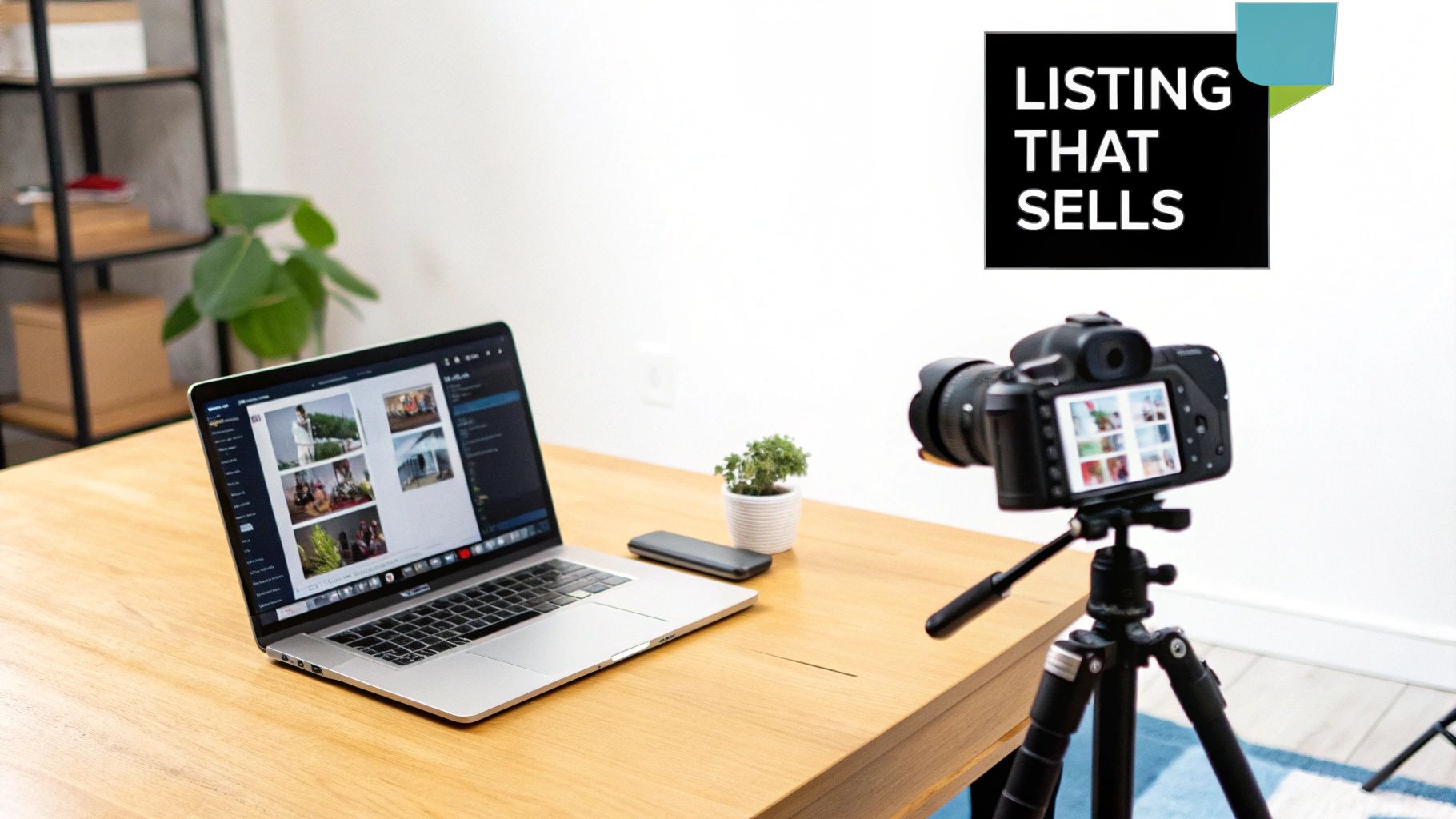
Making a great advert for your laptop is all about showing off its best bits so people can see what a brilliant machine it is. A brilliant advert is your secret weapon; it can attract buyers quickly and help you get a fantastic price.
The two things that really make an advert great are the photos and the description. Get these right, and you’ll have people lining up to buy your old tech. Let’s look at exactly how to make your advert shine.
Taking Photos That Pop
Think of this as a mini photoshoot for your laptop. You don’t need a fancy camera; your phone will do the job perfectly well. The real trick is to take clear, bright pictures that show the laptop from every angle.
A few simple tips can make a world of difference. To get your advert noticed and bring in buyers fast, learning how to take product photos at home like a pro is a massive help.
Here are the most important pictures you need to take:
- The Laptop Open: Get a clear picture of the screen turned on (if you can) and the keyboard.
- The Lid: A simple photo of the closed laptop, showing off the top cover.
- All the Sides: Take pictures of the left and right sides to show all the ports (like USB and headphone sockets).
- Any Marks or Scratches: This is a big one. Be honest! Take a close-up photo of any scuffs you can see. Buyers really appreciate it when you're truthful.
Make sure you take your photos in a room with lots of light, maybe near a window, to avoid those dark, blurry pictures that put people off. A clean, plain background like a simple table or even a sheet of white paper helps your laptop be the star of the show.
Writing an Honest and Helpful Description
Now it’s time to tell your laptop's story. The goal here is to give buyers all the information they need to feel happy about making an offer. You don't need to write a long story—just keep it simple, clear, and truthful.
Start with the most important bits. This is the information every single buyer will be looking for.
- Brand and Model: For example, "Apple MacBook Air (2020)" or "Dell XPS 13".
- Screen Size: Measured in inches, like "13.3-inch screen".
- Processor (CPU), Memory (RAM), and Storage: This might sound technical, but it’s usually written on the original box or in the 'About This Mac/PC' part of the settings. For example, "Intel Core i5, 8GB RAM, 256GB SSD".
Being honest about the condition is always the best idea. If the battery doesn’t last as long as it used to or there’s a tiny scratch on the corner, just say so. People are often fine with small problems as long as they know about them before they buy.
After the technical bits, describe its condition honestly. Mention how well it works and point out any of the marks you took photos of earlier. For example, if you're selling a gaming laptop, you could say how well it runs certain popular games. You can even get some ideas by looking at adverts for some of the top refurbished gaming laptops to see what kind of details they include.
Finally, you need to set a fair price. A brilliant way to do this is by searching for the exact same laptop model on the website you’re using. Look at what similar ones have recently sold for, not just what people are asking for. This gives you a real idea of what your laptop is actually worth and helps you price it perfectly for a quick sale.
How to Sell Your Laptop Safely in Person
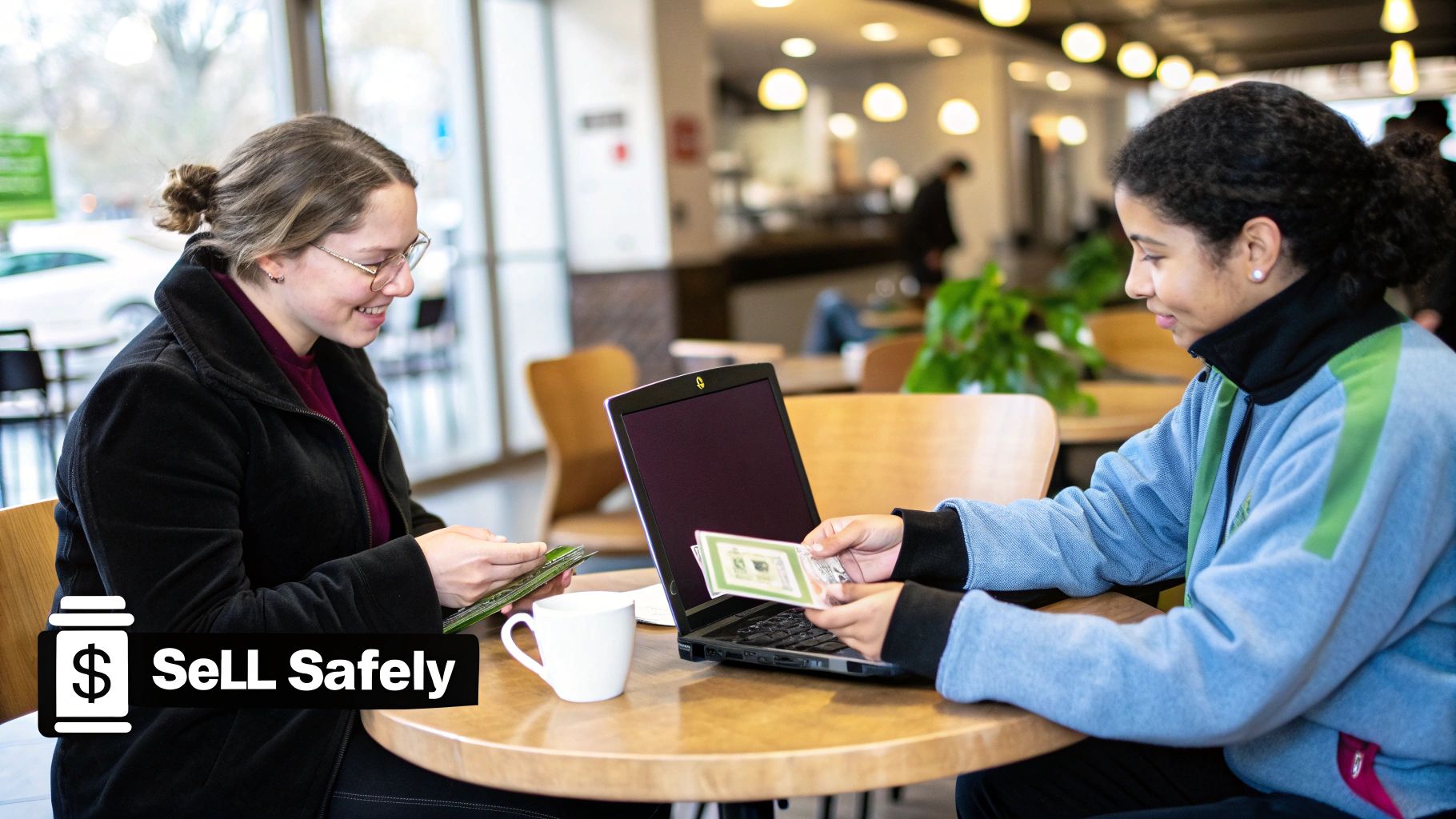
Selling your laptop to someone in your local area, maybe through Gumtree or a Facebook group, can be a brilliant way to get cash quickly. You get to skip the faff of packing and posting it, but meeting a stranger face-to-face means you must be smart about safety.
This is all about making sure your sale is smooth and completely worry-free. Following just a few simple rules will protect you, your laptop, and your money. Let’s go through the best way to do it.
Choose Your Meeting Spot Wisely
First things first: the golden rule is to never meet at your home or the buyer’s home. It's just not worth the risk. Always, always pick a busy, public place where there are plenty of other people around. This one simple choice makes the whole thing much safer.
A few good ideas for a meeting place include:
- A busy coffee shop: There are always other customers, staff, and usually security cameras. It’s a relaxed and safe place to be.
- A supermarket entrance: These areas are always full of shoppers, well-lit, and very public.
- A local library: It's quiet but still a public space, making it a safe, neutral place for a quick sale.
Even better? Bring a friend or family member along with you. It's always safer to have someone with you, and it gives you an extra bit of confidence.
Make Sure You Get Paid Safely
When it comes to getting paid, you need to be careful. Cash might seem easy, but it can be a headache. There's a risk of fake notes or the buyer trying to get you to lower the price on the spot.
The safest way to get paid for a local sale is almost always an instant bank transfer. Ask the buyer to send the money using their banking app while you're with them. Don't hand over the laptop until you have checked your account and can see the money has arrived.
This way is fast, safe, and leaves a digital record, which protects both of you. Never accept promises to be paid later, cheques, or any confusing payment methods you don't fully understand. If something feels wrong, it’s always okay to walk away from the sale. Better to be safe than sorry.
It's also worth remembering that the brand of your laptop can affect how many local buyers you'll find. Certain brands are just more popular in the UK, which gives you a clue about how many people might want it in your area.
So, by picking a safe spot, bringing a friend, and using a safe payment method, you can turn that old laptop into cash without any stress.
Common Questions About Selling Your Laptop
Got a few last-minute questions buzzing around? You’re not the only one. It’s completely normal to have a couple of things you’re not sure about, especially if it’s your first time selling a laptop.
To make sure you feel totally confident, we’ve put together answers to the most common questions we hear. Think of it as your final checklist before turning that old tech into money.
How Much Money Can I Get For My Old Laptop?
The price you’ll get for your laptop really depends on three key things: its age, its brand (think Apple vs. Dell), and its condition. It makes sense—a newer, powerful laptop that’s been well looked after will always be worth more than an older model that's seen better days.
A great way to get a rough idea is to search for your exact model on a site like eBay. It's really important to use the ‘sold items’ filter. This shows you what people have actually paid, not just what sellers are asking for. Trade-in sites are also brilliant for getting a price straight away, which gives you a good starting point even if you decide to sell it yourself.
Remember, a clean laptop that comes with its original charger and box often gets a better price. It just shows the buyer you’ve taken good care of it!
Is It Better To Trade In My Laptop Or Sell It Myself?
This is a classic question, and the answer depends on what you care about more: getting your money quickly and easily, or getting the best possible price.
- Trading In: This is the best for speed and being easy. You get a price, send your laptop off (usually with free postage), and get paid. No bargaining, no messaging buyers, no fuss.
- Selling It Yourself: Doing it this way on a website like Facebook Marketplace will almost certainly get you more money. The downside is that it takes more effort. You have to create the advert, take good photos, and deal with questions from people who might want to buy it.
So, if you just want a simple, guaranteed sale, a trade-in is your best bet. If you’re happy to put in a bit of extra work for more money, selling it yourself is the way to go. For even more detail, you can check out our frequently asked questions about selling tech.
What Should I Do If My Laptop Is Broken?
Whatever you do, don't just shove it in a drawer or—even worse—put it in the bin! A broken laptop can still be worth something. Plenty of people and special repair companies are looking for broken tech because they can use the working parts.
You can definitely list a broken laptop on eBay, but the key is to be 100% honest in your description. Make sure you choose the ‘for parts or not working’ condition. Then, clearly explain what’s wrong with it—whether it’s a cracked screen, a dead keyboard, or that it just won’t turn on.
You might be surprised by how many people are interested. Someone out there might need your exact screen or a certain part inside to fix their own machine. It’s a fantastic way to make a little extra money, and it’s much better for the planet than just throwing it away.
Ready to turn that old laptop into cash the easy way? At Used Mobiles 4 U, we offer great prices and a hassle-free way to sell your used tech. Get a price straight away and see how simple it is to sell your device with a trusted UK company. Find out more at https://usedmobiles4u.co.uk.







