





Where to find the best deal on a used iPhone in the UK

03/02/2026

10 Mins
Looking for the best place to buy a used iPhone? It comes down to finding a specialist UK retailer who offers a solid warranty, is clear about how they grade their phones, and has customer support you can actually talk to. While you might find cheaper prices on marketplaces, they often come with a much higher risk. A professional refurbisher offers a good balance between value and peace of mind.
This guide will help you compare your options for buying a used iPhone, from specialist retailers to online marketplaces and Apple's own refurbished store. We'll explain what really matters, such as the warranty, phone condition, and battery health, so you can make a smart choice.
Why a used iPhone is a smart choice
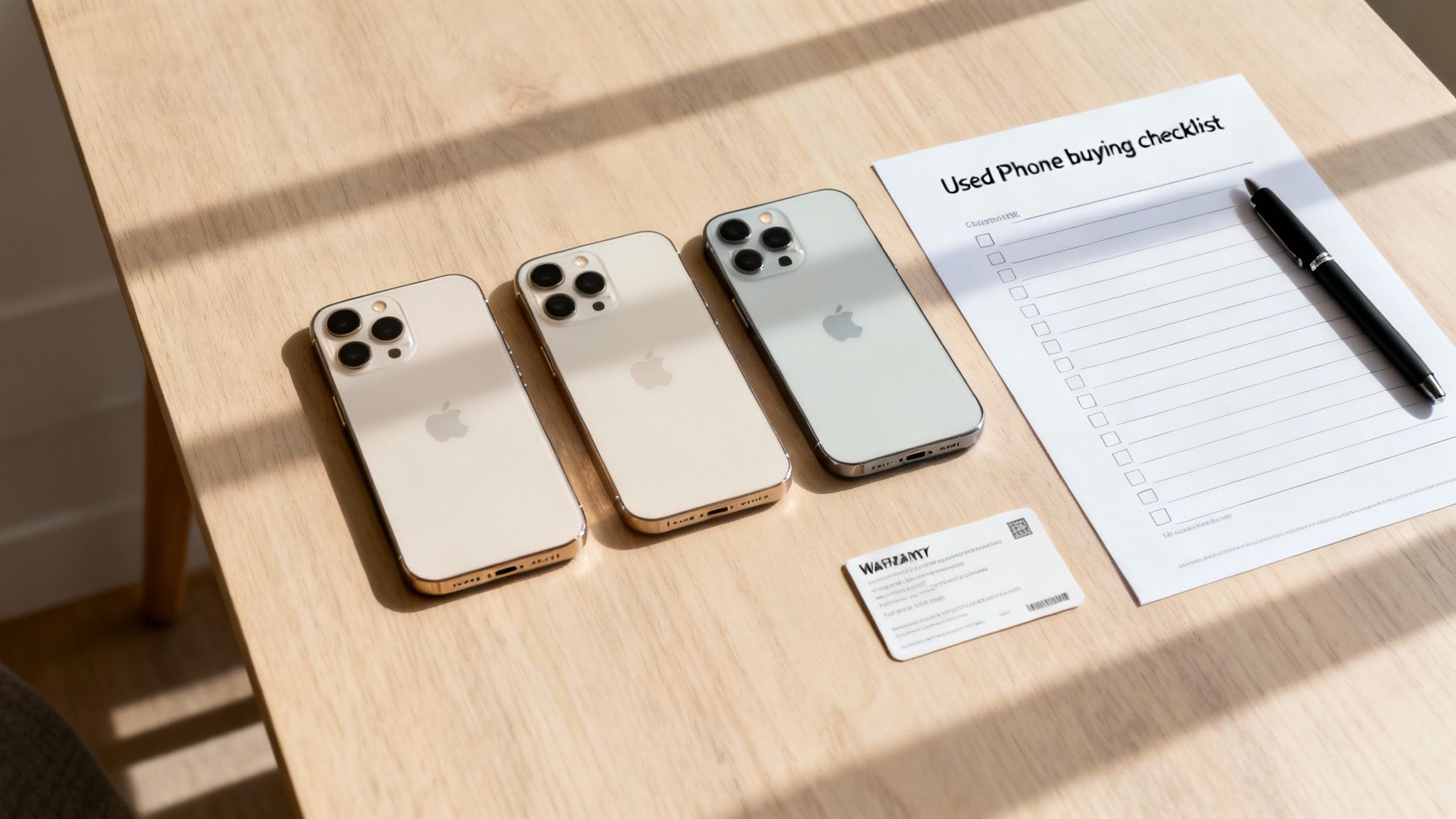
Choosing a used iPhone over a brand-new one is a practical move for many UK buyers. The most obvious benefit is the price. You can often find a recent model for significantly less than its original cost, making premium Apple tech more affordable.
Beyond the savings, opting for a refurbished mobile is a more sustainable choice. Every pre-owned device that finds a new home reduces CO₂ emissions and the demand for raw materials needed to build new ones.
People in the UK are keeping their mobiles for longer, and a quality-checked, pre-owned iPhone offers great longevity and value. You can learn more about the benefits in our guide to used phones in the UK.
Comparing where to buy your used iPhone
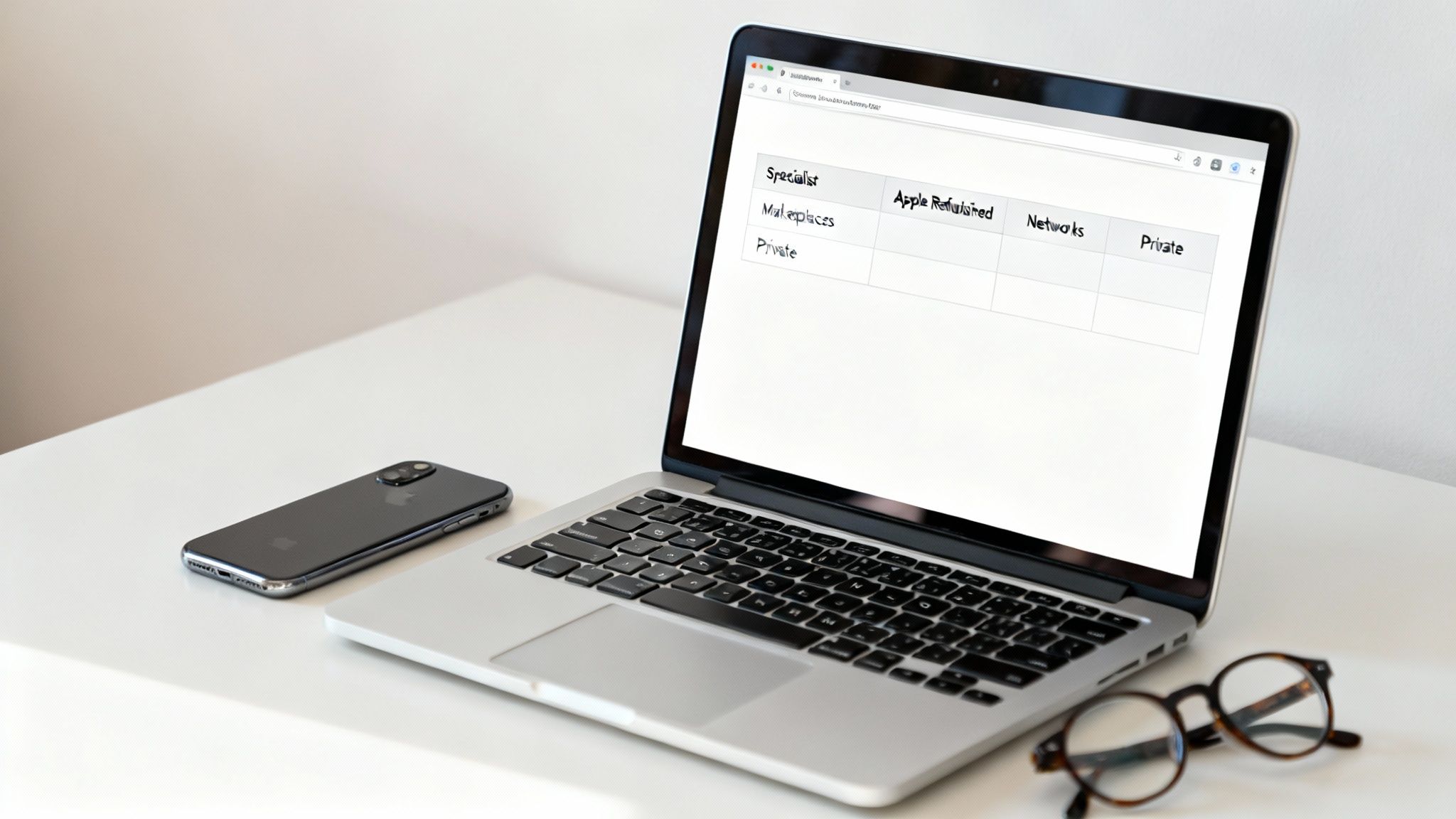
When you start looking for a used iPhone, you'll find a few different types of sellers. Each offers a different balance of price, buyer protection, and peace of mind. Knowing the pros and cons is key to making the right decision.
The main seller types explained
- Specialist UK Retailers: These are businesses that focus entirely on refurbished electronics. They typically offer competitive prices, a solid 12-month warranty, and UK-based customer support. As they handle everything in-house, from testing to shipping, quality control is usually reliable.
- Apple Certified Refurbished Store: This is often seen as the highest standard for quality. A refurbished iPhone from Apple is practically new, with a brand-new battery and outer shell, a standard one-year warranty, and all original accessories. The downside is that prices are often much closer to new, and stock can be limited.
- Online Marketplaces (e.g., eBay): Marketplaces offer the widest selection and potentially the lowest prices. The main risk is inconsistency. While you can find great professional sellers, you'll also find poor-quality devices with no support. Buyer protection helps, but you need to research the seller carefully.
- Mobile Network Operators (e.g., O2, Vodafone): Most major UK networks now offer refurbished phones. The main benefit is the convenience of bundling the mobile with a monthly plan. However, the range of models is often small, and prices may not be the most competitive.
- Private Sellers (e.g., Facebook Marketplace, Gumtree): This is where you'll find the lowest prices, as you're buying directly from the previous owner. It's also the highest risk. There is no warranty, no returns policy, and no guarantee the phone isn't locked or faulty. We don't recommend this route unless you can inspect the mobile thoroughly in person.
At a glance comparison
To help you decide on the best place to buy a used iPhone, this table summarises the key differences between each type of seller.
| Seller Type | Typical Warranty | Grading System | Battery Health Guarantee | Returns Policy | UK Support | Price Level |
|---|---|---|---|---|---|---|
| Specialist Retailer | 12 Months | Clear & Detailed | Often Guaranteed >80% | 14-30 Days | Yes | Competitive |
| Apple Refurbished | 12 Months | N/A (Like New) | New Battery (100%) | 14 Days | Yes | High |
| Online Marketplace | Varies by Seller | Varies Hugely | Rarely Guaranteed | Seller Dependant | Varies | Low to High |
| Network Operator | 12 Months | Often Simplified | Usually Guaranteed | 14 Days | Yes | Moderate-High |
| Private Seller | None | None | No Guarantee | No Returns | No | Very Low |
As you can see, a private seller might seem cheap, but the lack of protection is a serious gamble. At the other end, Apple offers a pristine product at a premium. Specialist retailers often provide a good balance of a fair price, a reliable warranty, and genuine UK-based support. For more detail, see our guide on where to buy refurbished iPhones.
Key factors in a quality used iPhone
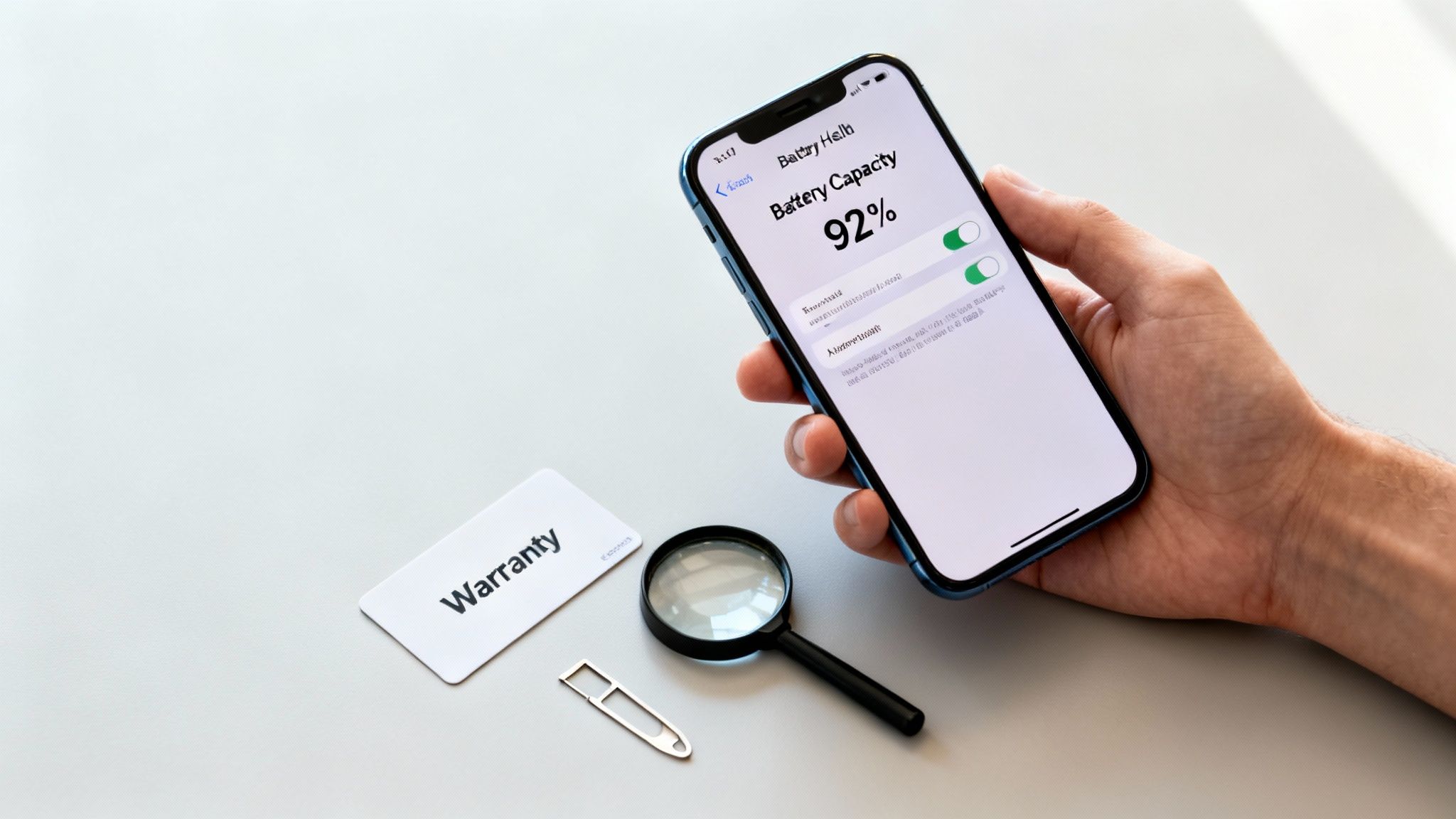
Once you have a shortlist of sellers, you need to know what makes a used iPhone a good purchase. It’s not just about the seller; the device itself has several key features that determine its quality and how long it will last.
Knowing what to look for—from the physical condition and battery life to warranty cover—is what separates a bargain from a dud. This knowledge helps you find the best place to buy used iPhones because you can tell if a seller is being transparent and offering a fair deal.
Understanding phone grading
A phone's "grade" is a shorthand sellers use to describe its cosmetic condition. While there is no single universal standard, most reputable UK retailers use a similar system. Always read the seller’s specific definitions before you buy.
Here’s a typical breakdown:
- Pristine (or Like New): The device is in exceptional condition, with no visible scratches or marks on the screen or body.
- Very Good (or Excellent): You might find very light signs of use, like faint micro-scratches on the casing that are not noticeable from arm's length. The screen will be clean.
- Good: The phone will show more obvious signs of wear, like small scratches or scuffs on the housing or screen. These cosmetic issues will not affect how the phone works.
Regardless of the grade, the device should be 100% functional. For a deeper dive, our complete guide to refurbished iPhone grading explains this in more detail.
Customer Scenario: Sarah is buying a first mobile for her teenager. She chooses a 'Good' condition iPhone 12. It has a few minor scuffs on the corners, but the screen is clean and it works perfectly. By choosing this grade, she saves money compared to a 'Pristine' model—a practical choice where a few cosmetic marks aren't a problem.
The importance of battery health
An iPhone’s battery health is critical for its daily performance. This refers to the battery's maximum capacity to hold a charge compared to when it was new.
Over time, all lithium-ion batteries degrade. According to Apple, a normal battery is designed to retain up to 80% of its original capacity at 500 complete charge cycles. If capacity drops below this, you'll likely notice the phone doesn't last as long.
You can check this on any iPhone by going to Settings > Battery > Battery Health & Charging.
The "Maximum Capacity" percentage is what you’re looking for. A trustworthy seller will guarantee their devices have battery health above a certain threshold, usually 80% or higher.
Warranties and returns policies
A solid warranty is your safety net and a key feature of the best place to buy used iPhones. A standard 12-month warranty should be the minimum you expect from a specialist retailer. This should cover any hardware faults not caused by you. It's important to remember that warranties almost never cover accidental damage or water damage.
Just as important is the returns policy. Reputable UK sellers must legally offer at least a 14-day 'cooling-off' period for online purchases, but many offer 30 days. This gives you time to test the phone and make sure you’re happy with it.
Other key considerations
A few other details are worth checking before you buy.
- Unlocked for any network: Ensure the iPhone is 'unlocked,' meaning it can be used with a SIM card from any mobile network (like O2, EE, or Vodafone).
- Secure delivery: Look for trusted couriers like Royal Mail or DPD that offer tracked services so you can follow your delivery.
- Included accessories: Check what’s in the box. Many sellers provide a new charging cable but not the wall plug, so it’s best to confirm this beforehand.
A pre-purchase checklist and red flags
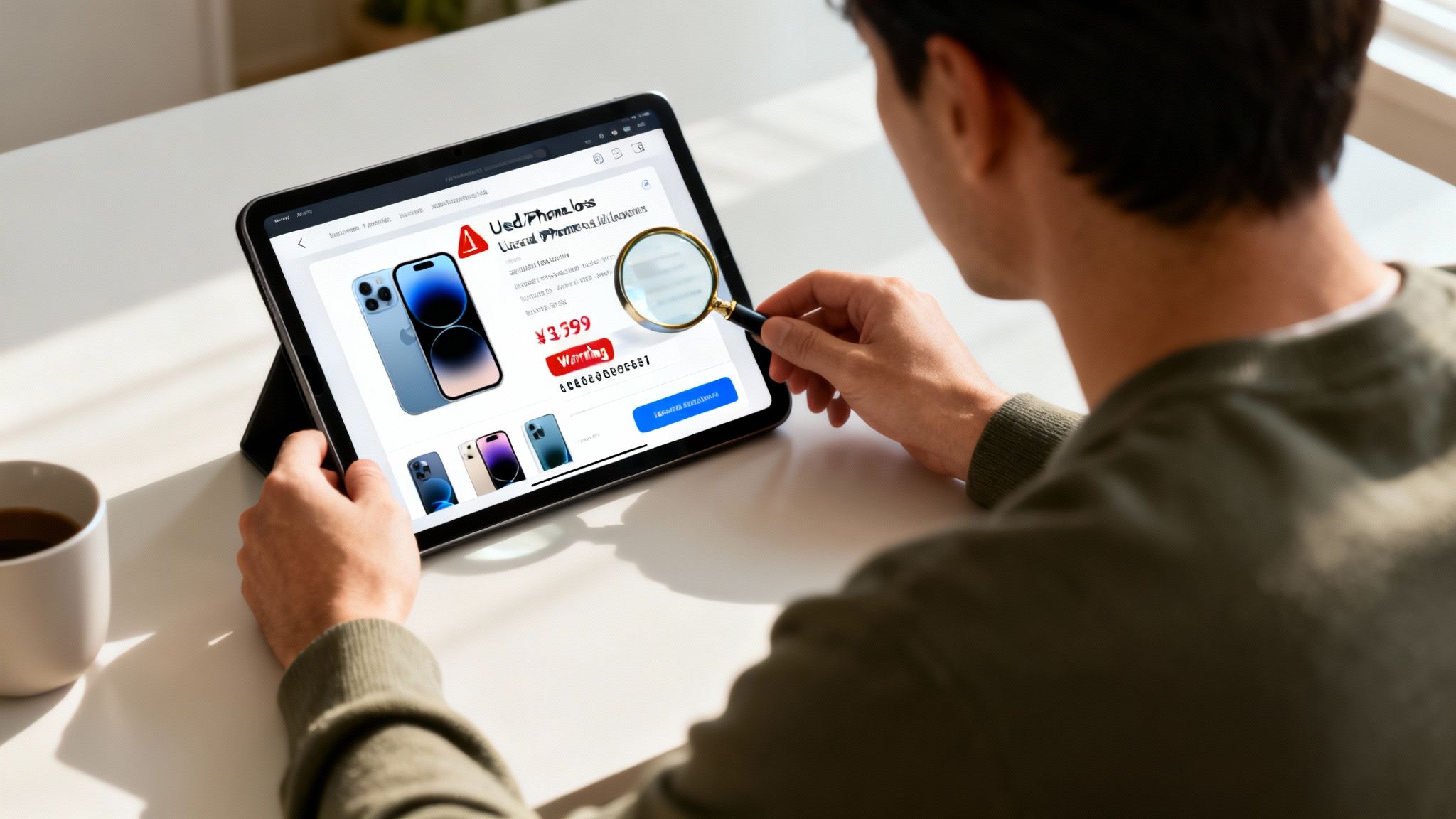
Before you finalise your purchase, it’s wise to run through a final set of checks. A few minutes of diligence can be the difference between a great deal and a headache. This practical checklist will help you verify a seller and spot potential problems.
Your essential pre-purchase checklist
- Check Seller Reputation: Look for independent reviews on sites like Trustpilot or Google Reviews. A long history of positive, genuine feedback is a good sign.
- Examine Product Photos: Are they generic stock images, or do they show the actual phone you'll receive? Real photos from multiple angles let you see its true condition.
- Confirm Warranty and Returns: Read the warranty terms. Is it for a full 12 months? What does it cover? You should also have at least 14 days to return the phone. A clear iPhone warranty and returns policy is essential.
- Verify What's in the Box: Check the listing to see what accessories are included. Knowing this upfront avoids any surprises.
- Read the Grading Description: Even if a phone is listed as ‘Pristine’, read the seller’s specific definition of that grade to ensure your expectations are aligned.
Red flags to watch out for
Part of finding the best place to buy used iPhones is knowing which places to avoid. Be extra cautious if you spot any of the following, particularly on marketplaces.
- Prices that are too good to be true: If a price is far below the market average, be suspicious. It could be faulty, stolen, or a scam.
- Vague or non-existent returns policy: A seller who isn’t willing to stand behind their product is a major red flag.
- Use of stock photos only: A professional seller should show you the device you are buying. Generic photos could be hiding cosmetic damage.
- Pressure to pay outside the platform: On marketplaces like eBay, some sellers might ask for a direct bank transfer to avoid platform fees. This removes any buyer protection, leaving you exposed.
Warning: iCloud Activation Lock
A major risk when buying from a private seller is the iCloud Activation Lock. If the previous owner hasn't signed out of their Apple ID, the iPhone will be unusable. Before paying, you must ensure the device has been fully wiped and removed from the previous owner's account. Professional retailers guarantee this has been done. If you need help, our guide on how to reset your iPhone walks you through the steps.
Setting up your used iPhone correctly
Once your used iPhone arrives, take a few minutes to set it up properly. First, give the phone a quick inspection to confirm its condition matches the grade you paid for. If you're happy, insert your SIM card and turn it on.
Verifying key settings
After the initial setup screens, it's a good idea to check two key settings.
First, check the battery health. Go to Settings > Battery > Battery Health & Charging. The "Maximum Capacity" percentage should be at or above the level the seller promised.
Next, check for software updates by going to Settings > General > Software Update. Keeping iOS updated is important for security and performance, so install any pending updates over Wi-Fi.
Warning: Back up your data first
Before moving your photos, contacts, and apps, always back up your old phone using either iCloud or a computer. This is your safety net and prevents any risk of accidental data loss during the transfer. To find your iCloud backup settings, go to Settings > [your name] > iCloud > iCloud Backup.
Transferring your data
With those checks done, you're ready to move your data. If you have your old iPhone nearby, Apple’s Quick Start feature makes this very straightforward. For a full walkthrough, see our guide on how to set up your second-hand iPhone without losing data.
Even after buying a great used iPhone, reception can sometimes be patchy. It's worth learning how to boost your mobile phone signal at home to get the best performance.
Frequently asked questions about used iPhones
Here are answers to a few common questions we hear from people looking to buy a used iPhone.
What do condition grades mean?
Condition grades describe the phone's cosmetic appearance. Definitions can vary slightly, so always check the seller's guide.
- Pristine (or Like New): Looks practically untouched, with no visible marks.
- Very Good (or Excellent): May have very light, minor scratches that aren't noticeable during normal use.
- Good: Shows more obvious signs of wear, like small scuffs, but is 100% functional.
Is it safe to buy from an online marketplace?
Buying from a marketplace like eBay can be safe, but it carries more risk than using a specialist retailer. The quality of sellers varies greatly. If you use one, stick to established sellers with a long history of excellent feedback and carefully read their warranty and returns policy.
What should I do if my used iPhone develops a fault?
If you bought from a reputable business, contact their customer support. Your purchase should be covered by a warranty (usually 12 months) for any hardware faults that weren't your fault. They should arrange a repair or replacement. This protection is a key reason why finding the best place to buy used iPhones often means choosing a seller with a solid warranty.
Before sending a device for repair or selling an old one, it's vital to completely wipe its data to protect your information.
Written by James Waterston — 24 years in the mobile phone industry from customer service to Sales Director of a global repair & recycling company; now running Used Mobiles 4 U for 8+ years. LinkedIn







