





iPhone 15 Pro Camera Settings Explained: How to Take Better Photos and Video – buy used iphone 15

21/01/2026

8 Mins
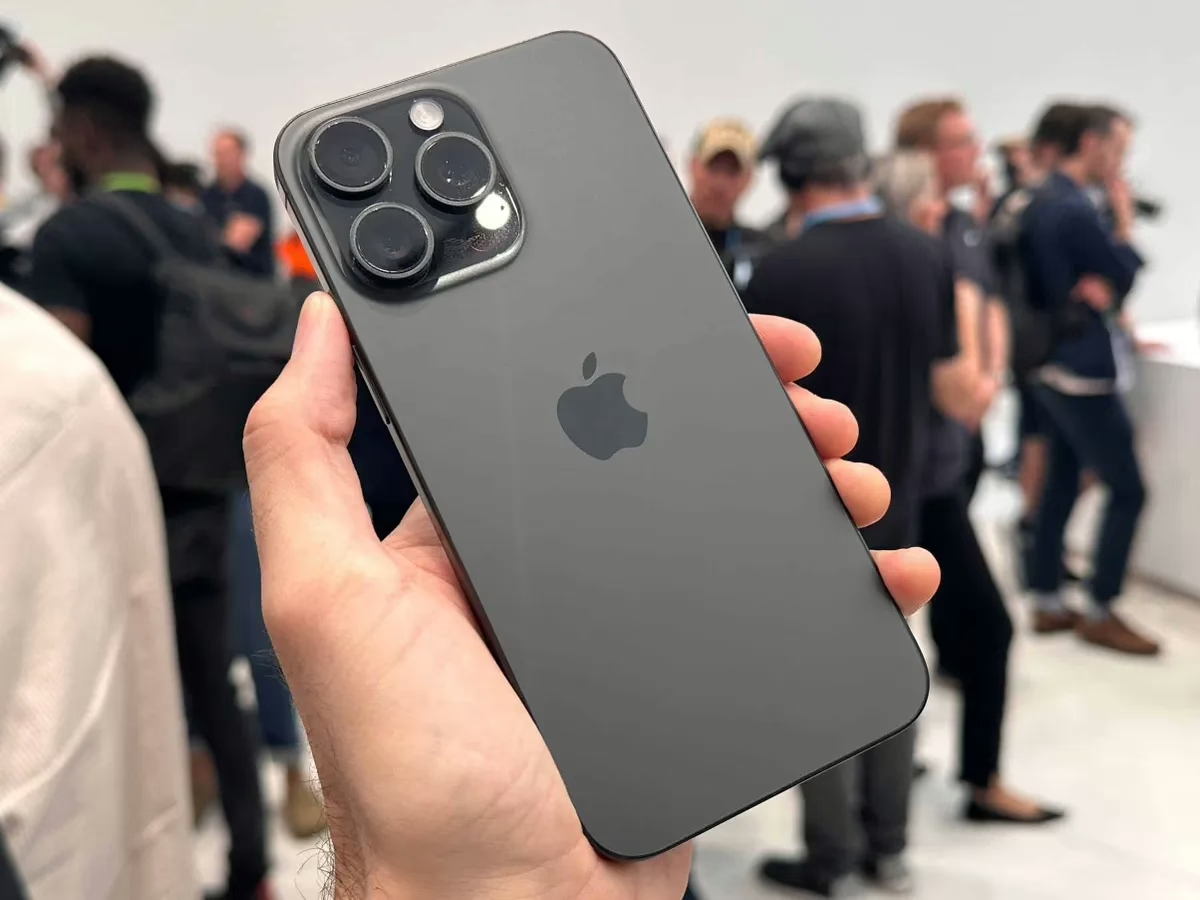
iPhone 15 Pro Camera Settings Explained: How to Take Better Photos and Video – buy used iphone 15
At Used Mobiles 4 U, we often speak to customers who are amazed by just how powerful the camera is on the iPhone 15 Pro. Even when purchased refurbished, the camera hardware and software remain every bit as capable as a brand-new model. However, many people never explore the settings that truly unlock its full potential.
Out of the box, the iPhone 15 Pro already produces impressive photos and videos. Yet, with a few thoughtful adjustments, it can deliver results that rival dedicated cameras. Whether you’re taking everyday photos, capturing travel memories, or recording high-quality video for social media, the right setup makes a noticeable difference.
In this guide, we explain the best iPhone 15 Pro camera settings for photography and video, breaking everything down clearly and practically. No jargon, no guesswork – just real advice you can use straight away.
Understanding the iPhone 15 Pro Camera System
Before adjusting settings, it helps to understand what the iPhone 15 Pro camera system actually offers. Apple has refined both the hardware and computational photography, meaning the phone does much of the hard work automatically. Still, knowing when to step in gives you greater control.
The main wide camera is the star of the show. It captures more light, produces sharper images, and handles challenging lighting better than the other lenses. Alongside it, you’ll find the ultra-wide and telephoto lenses, each designed for specific shooting situations. The clever part is how seamlessly the iPhone switches between them.
For most users, the biggest improvements come not from buying accessories, but from choosing the right settings for how they shoot.
Best iPhone 15 Pro Settings for Photography
Choosing the Right Photo Format
One of the most important settings sits quietly in the background: image format. By default, the iPhone uses HEIF, which balances quality and file size very well. For everyday photography, this is more than sufficient and keeps storage usage sensible.
However, if you enjoy editing photos, ProRAW is worth enabling. ProRAW captures significantly more image data, allowing you to adjust exposure, shadows, highlights, and colour without degrading quality. The files are larger, but the flexibility they offer is unmatched.
At Used Mobiles 4 U, we usually recommend HEIF for general use and ProRAW for special moments or creative photography. There is no need to use ProRAW for every photo unless you genuinely plan to edit them.
Preserve Your Camera Preferences
One common frustration we hear is that the camera seems to “forget” settings. This happens because, by default, the iPhone resets to automatic options every time you reopen the app.
By enabling “Preserve Settings,” you can lock in your preferred camera mode, exposure adjustments, and creative controls. This means if you like shooting with slight under-exposure or a specific photographic style, the phone remembers it.
This simple change saves time and ensures consistency, especially if you frequently take photos in similar conditions.
Grid Lines and Better Composition
Photography is not just about technical quality; composition plays a huge role. Turning on grid lines helps you align subjects using the rule of thirds, a principle that makes images feel more balanced and natural.
Instead of placing your subject dead centre, the grid encourages positioning them slightly off to one side, which often produces more visually interesting results. It is a small change that can noticeably improve your photos almost instantly.
Exposure Control: Don’t Rely on Auto Every Time
The iPhone is excellent at judging exposure, but it still benefits from manual input. When you tap to focus on a subject, you can slide your finger up or down to adjust brightness.
Slightly reducing exposure often results in richer colours and better highlight detail, especially outdoors. For scenes with bright skies, this prevents blown-out clouds and washed-out tones.
Locking exposure is particularly useful when shooting multiple photos in the same lighting. It keeps everything consistent rather than allowing the camera to constantly readjust.
Choosing the Best Lens for Photos
Although the iPhone 15 Pro offers multiple lenses, the main wide camera usually produces the best overall image quality. It has the largest sensor, meaning better sharpness and improved low-light performance.
The ultra-wide lens is ideal for landscapes and architecture, while the telephoto lens suits portraits and distant subjects. Knowing when to switch lenses manually rather than relying on automatic zoom helps maintain image quality.
Digital zoom should generally be avoided where possible. If you need to zoom, switching lenses gives far cleaner results.
Portrait Photography on the iPhone 15 Pro
Portrait mode has become one of the most popular features on modern iPhones. On the iPhone 15 Pro, it has improved edge detection and more natural background blur.
When shooting portraits, good lighting matters more than anything. Natural light near a window works beautifully. Avoid harsh overhead lighting, which can create unflattering shadows.
Interestingly, portrait photos no longer always require portrait mode. The iPhone can capture depth data automatically, allowing you to apply portrait effects later. This gives you flexibility if you forget to enable portrait mode at the time.
Macro Photography and Close-Up Control
Macro photography allows you to capture extreme close-ups with impressive detail. The iPhone 15 Pro automatically switches to macro mode when you get close to a subject, but this can sometimes be distracting.
By enabling macro control, you gain the option to turn it on or off manually. This prevents unwanted lens switching and gives you more creative freedom.
Macro works particularly well for nature shots, textures, food photography, and small objects. Steady hands and good lighting are key to sharp results.
Night Mode and Low-Light Photography
Low-light photography is one of the areas where the iPhone truly shines. Night mode activates automatically when needed, extending exposure time to capture more light.
You can manually adjust how long the exposure lasts. Longer exposures brighten the image further but require steadier hands. Resting your phone against a surface can make a big difference.
Avoid using flash whenever possible. Night mode produces more natural-looking images with better depth and colour.
Best iPhone 15 Pro Settings for Video Recording
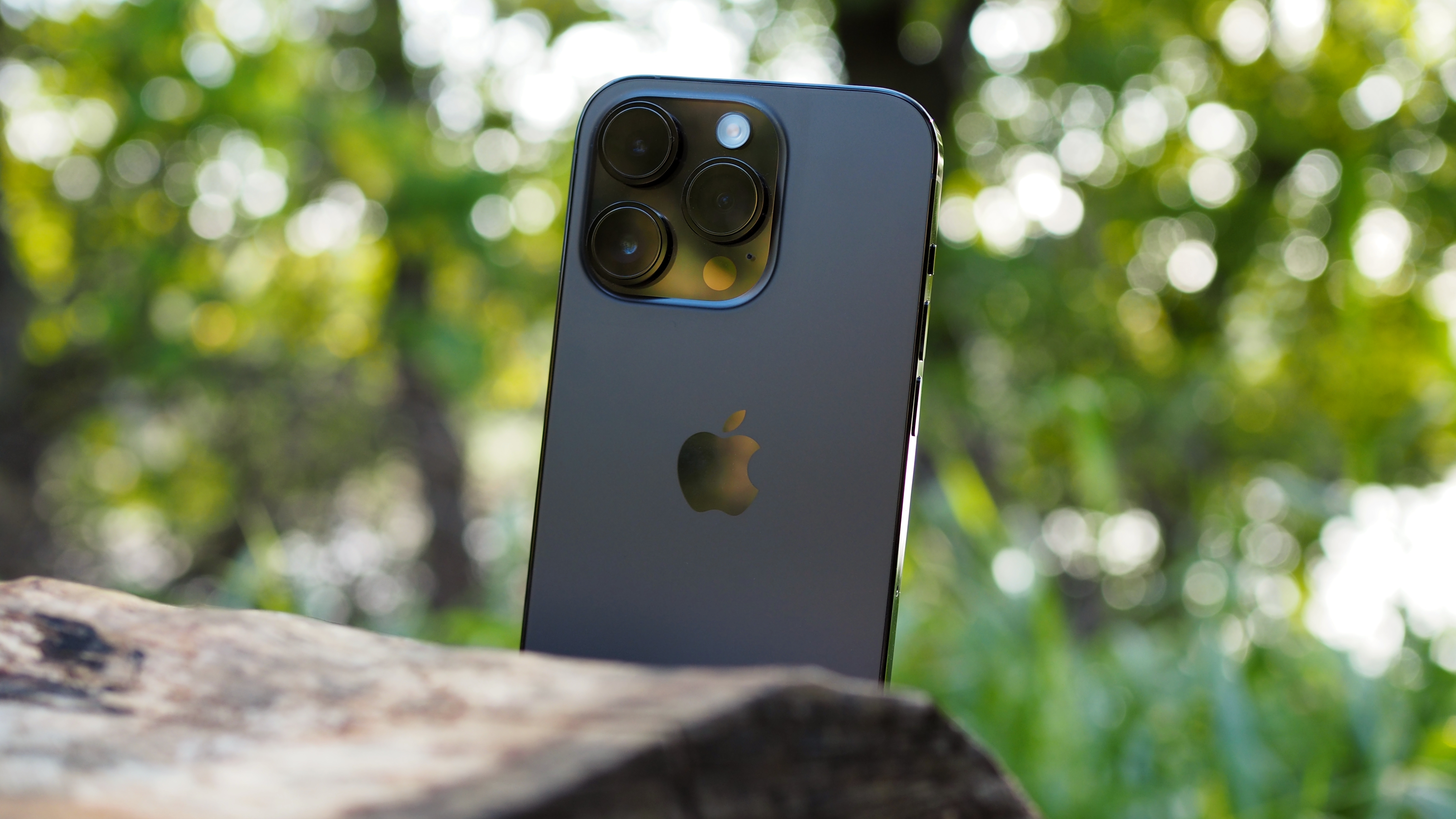
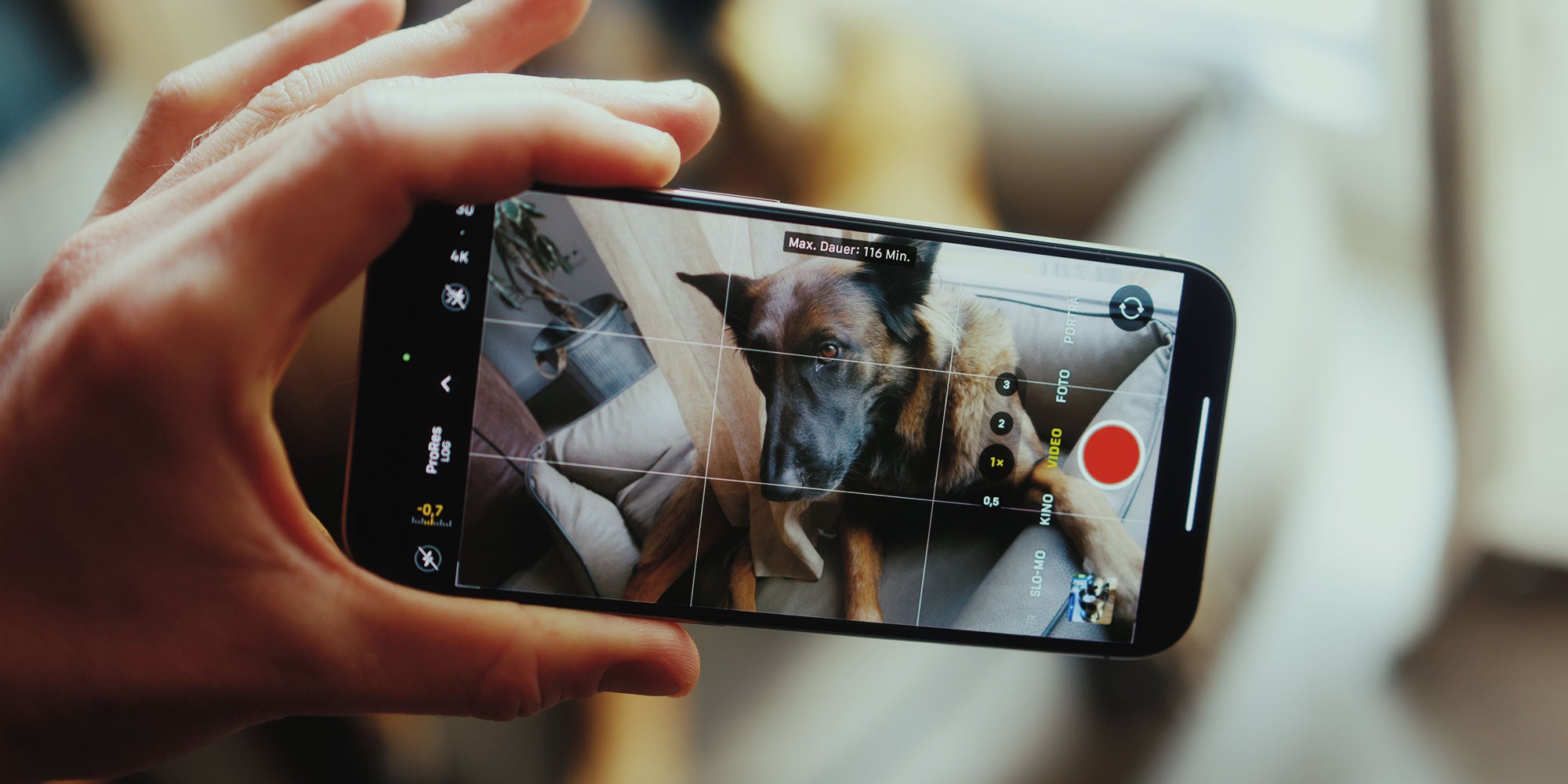
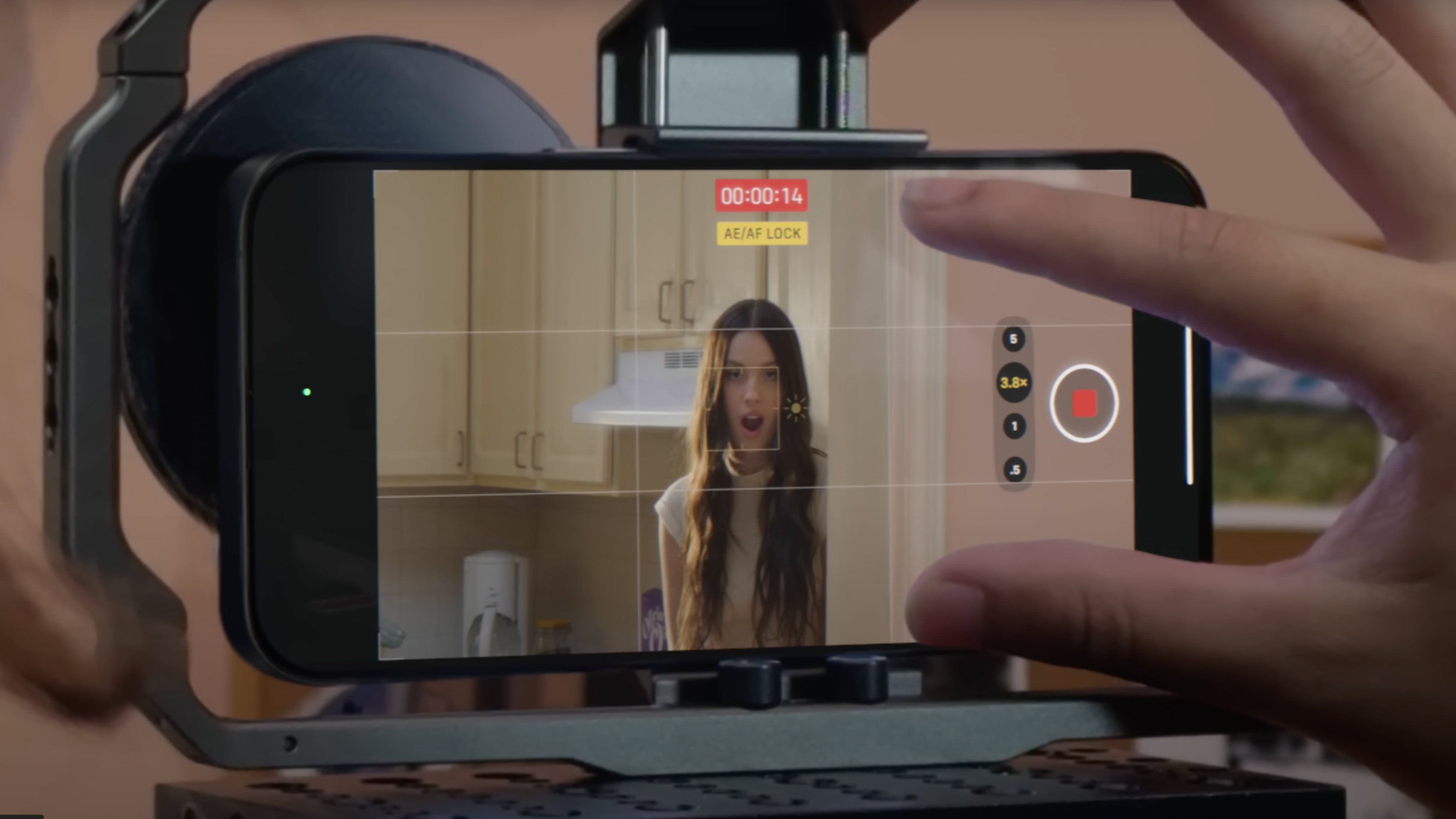
Video is where the iPhone 15 Pro truly stands out. With the right settings, it can produce footage suitable for professional projects, social media, or personal memories.
Resolution and Frame Rate Explained
The most important video decision involves resolution and frame rate. For most people, 4K resolution offers the best balance between quality and future-proofing.
Frame rate affects how motion appears:
-
24fps gives a cinematic look
-
30fps feels natural and works well for everyday video
-
60fps is ideal for fast action or smooth playback
At Used Mobiles 4 U, we usually recommend 4K at 30fps for general use. It delivers excellent clarity without massive file sizes.
Video Formats: Standard vs ProRes
Standard video recording already looks fantastic, but ProRes takes quality a step further. It captures more detail and colour information, making it ideal for editing.
The downside is file size. ProRes videos are significantly larger, so they are best used selectively rather than for casual clips.
If you enjoy editing or colour grading, ProRes is worth experimenting with. Otherwise, standard 4K video will be more than sufficient for most users.
Stabilisation and Handheld Shooting
Apple’s video stabilisation is extremely effective. Even handheld footage looks smooth, making a tripod optional in many situations.
However, stabilisation works best when movements are slow and deliberate. Sudden jerks can still appear unnatural. For best results, move steadily and let the stabilisation do its job.
Locking Focus and White Balance
Automatic focus and white balance are convenient, but they can change mid-recording. Locking these settings prevents distracting shifts in brightness or colour.
This is particularly important when filming indoors under artificial lighting or when moving between different lighting environments.
Cinematic Mode: When to Use It
Cinematic mode adds depth blur to video, mimicking professional cameras. While impressive, it works best in controlled conditions with good lighting.
For casual filming, standard video often looks cleaner and more natural. Cinematic mode shines when used intentionally rather than for everything.
Audio Settings: Often Overlooked but Crucial
Video quality is not just visual. Clear audio makes a massive difference. The iPhone 15 Pro’s microphones are excellent, but positioning matters.
Avoid covering microphones with your hands and try to film in quieter environments. If audio quality is critical, an external microphone can dramatically improve results.
Everyday Tips to Improve Your Results
Good photography and video come down to habits as much as settings. Cleaning the lens regularly prevents hazy images. Taking a moment to consider lighting often matters more than any technical adjustment.
Practice also plays a role. The more you experiment, the more confident you become in knowing which settings suit your style.
Why a Refurbished iPhone 15 Pro Still Excels
Many people assume refurbished phones compromise on performance. In reality, the camera system on a refurbished iPhone 15 Pro performs exactly the same as a new one.
At Used Mobiles 4 U, each device is carefully tested to ensure full functionality. This means you enjoy flagship-level photography and video without paying flagship prices.
Why More People Choose to Buy Used iPhone 15 Models
Many customers now prefer to buy used iphone 15 devices rather than paying full retail prices. When you buy used iphone 15, you still benefit from Apple’s advanced camera system, premium build quality, and long software support. For anyone considering whether to buy used iphone 15 models in the UK, value for money is often the deciding factor.
At Used Mobiles 4 U, customers regularly buy used iphone 15 devices because they want flagship performance without unnecessary expense. Choosing to buy used iphone 15 handsets also supports sustainability, reducing electronic waste while maintaining high performance standards. It is no surprise that more people now buy used iphone 15 phones instead of upgrading annually.
Photography enthusiasts continue to buy used iphone 15 models thanks to the outstanding camera capabilities, even when purchased refurbished. Content creators also buy used iphone 15 devices for video recording, ProRAW photography, and cinematic footage. Everyday users increasingly buy used iphone 15 phones to enjoy premium features at a sensible price point.
When reliability, performance, and affordability matter, many shoppers confidently buy used iphone 15 devices from trusted UK retailers. If you are looking for a future-proof smartphone with excellent camera technology, it makes sense to buy used iphone 15 rather than compromise on quality.
Final Thoughts: Mastering the iPhone 15 Pro Camera
The iPhone 15 Pro is an incredibly capable camera in your pocket. By adjusting a handful of settings and understanding when to use them, you can dramatically improve your photos and videos.
From everyday snapshots to high-quality video, the potential is already there. With a refurbished iPhone 15 Pro from Used Mobiles 4 U, you are investing in a device that remains future-proof, powerful, and creatively inspiring.
If you ever want advice on choosing the right iPhone model or getting the most from your device, we’re always happy to help.







