





Finding Cheap iPhones in the UK: A Practical Buyer’s Guide

10/02/2026

12 Mins
This guide will help you find a quality, affordable refurbished iPhone in the UK. We'll cover how to choose the right model, understand condition grades, and pick a trustworthy seller, ensuring you get a great mobile that fits your needs and budget.
How To Find Genuinely Good Value iPhones
Looking for used and refurbished mobiles can feel overwhelming, but there's great value available if you know what to look for. The goal is simple: find a reliable phone from a trustworthy seller that includes a solid warranty for peace of mind.
Why Refurbished is a Smart Choice
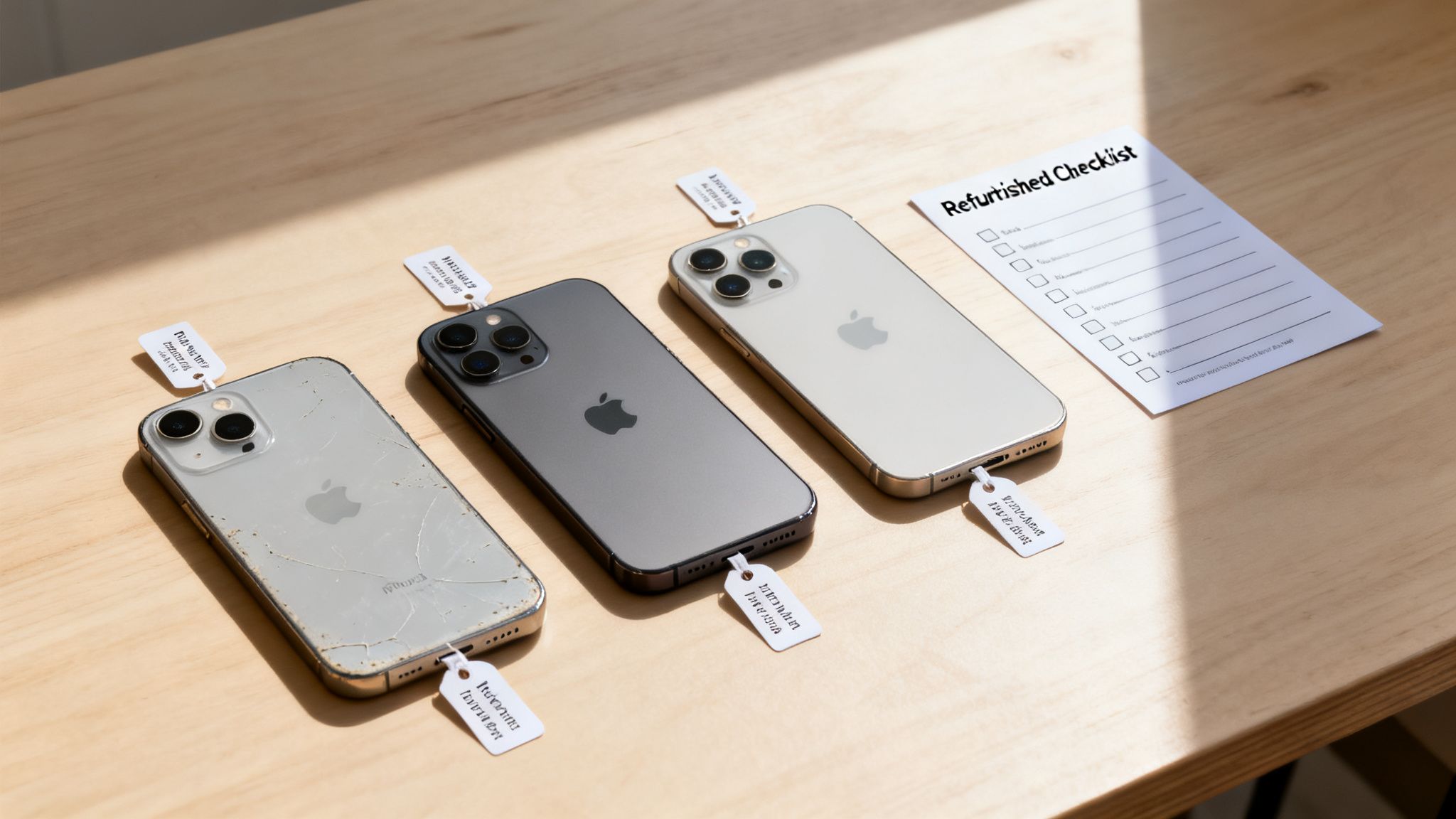
The constant demand for iPhones in the UK creates a healthy market for certified refurbished devices. Here you'll find excellent deals on models from older classics to more recent releases. This strong secondary market provides a sustainable and much more affordable alternative to buying brand new. To better understand how prices are set in these markets, it can be helpful to learn about purchasing strategies like demand aggregation.
What This Guide Will Cover
This is your roadmap to buying a great refurbished iPhone with confidence. We’ll cover how to:
- Match the right model to your budget and avoid paying for features you don’t need.
- Understand what condition grades like 'Pristine' or 'Good' actually mean for the phone you receive.
- Verify a seller's reputation and check for essentials like warranties and fair return policies. You can also see our top picks in our guide on the top sites to buy cheap iPhones in the UK.
- Spot the red flags that will help you avoid common pitfalls and disappointing purchases.
By the end, you’ll have a clear plan for finding genuinely cheap iPhones in the UK that are reliable and high-quality.
Written by James Waterston — 24 years in the mobile phone industry from customer service to Sales Director of a global repair & recycling company; now running Used Mobiles 4 U for 8+ years. LinkedIn
Choosing The Right Refurbished iPhone For You
Deciding which model to buy is about finding the right balance between price and the features you’ll actually use. A great deal isn't just the lowest price; it's finding a refurbished iPhone that gives you genuine, long-term value.
Let's look beyond the price tag to figure out which mobile is the right fit for you.
Think About Longevity, Not Just Price
One of the biggest factors people overlook is software support. Apple is excellent at providing iOS updates for years, but eventually, older models stop receiving them. Once a phone no longer gets updates, it becomes less secure and won't be able to run the latest apps.
For lasting value, you’ll want a model that’s likely to get iOS updates for at least another two to three years. In my experience, this generally means looking at the iPhone 11 series or newer. An older iPhone 8 or X can be very cheap, but its time on the latest software is limited.
A slightly more expensive, newer model often works out as better value than an older device that you'll have to replace in a year or two.
Match The Phone To Your Life
The best iPhone for you is the one that fits how you live. There's no point paying extra for a Pro model with an advanced camera if you mostly take quick snaps of your kids or pets.
Here are a few practical examples:
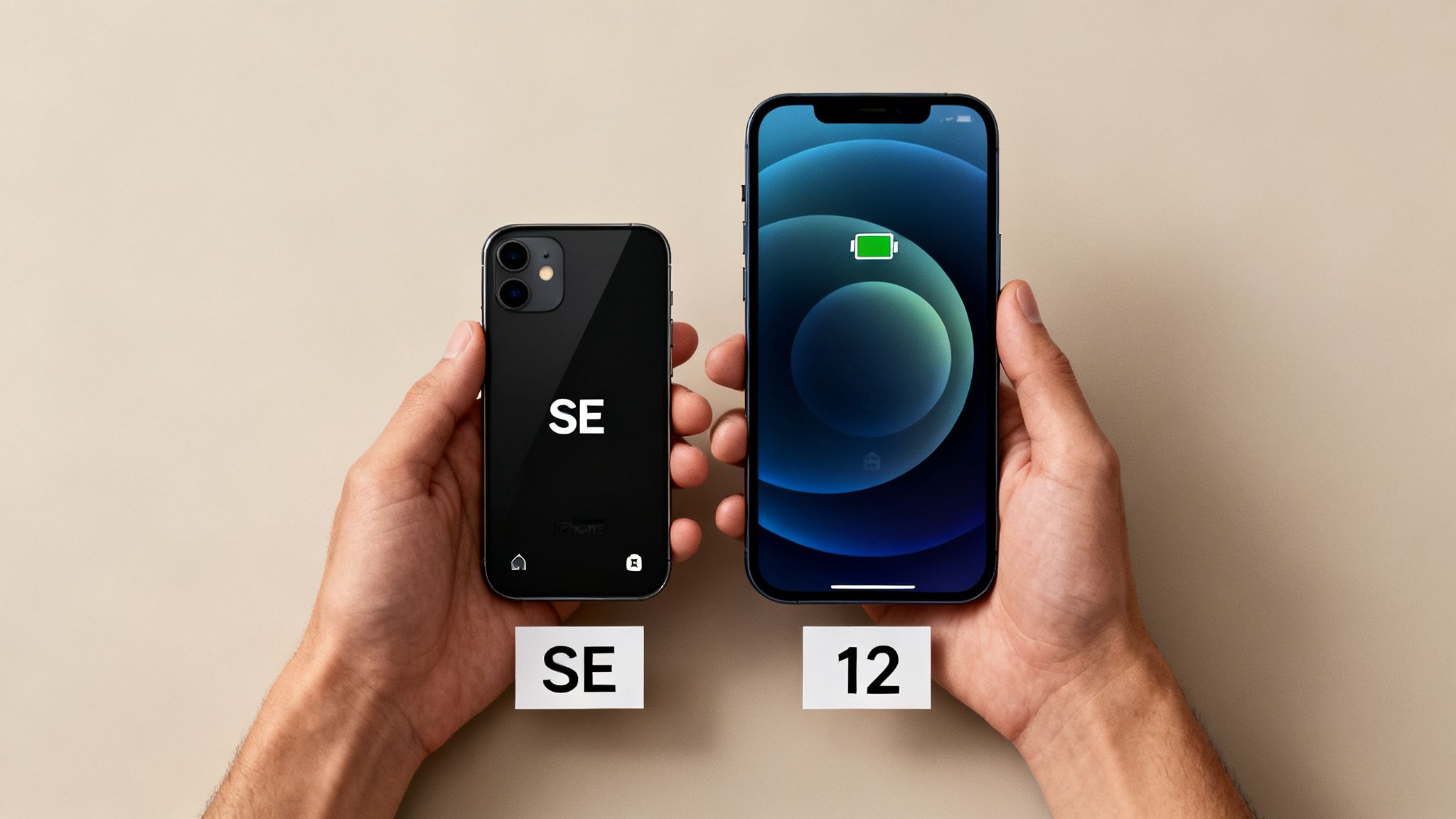
- For a Teenager's First Mobile: A parent, Sarah, is looking for something durable and affordable for her son. An iPhone SE (2nd or 3rd Gen) or an iPhone 11 is ideal. They have great performance for social media and games, decent cameras, and are cheaper to repair or replace if an accident happens.
- For a Small Business Owner: David runs his own business and needs a reliable mobile for emails, taking product photos, and staying organised. He doesn't need the top-end model, but good battery life and a quality camera are essential. An iPhone 12 or 13 is a brilliant choice, offering a big step up in performance without the flagship price.
- For the Everyday User: Someone who just needs a mobile for calls, texts, browsing, and the odd photo would be perfectly happy with an iPhone 11 or 12. They are a great choice for finding cheap iPhones in the UK that still feel modern and capable.
Before you buy, think about what really matters to you. Is it the camera? Screen size? Battery life? Answering that will narrow down your options and lead you to the perfect fit.
Written by James Waterston — 24 years in the mobile phone industry from customer service to Sales Director of a global repair & recycling company; now running Used Mobiles 4 U for 8+ years. LinkedIn
Decoding Refurbished Grades and What They Mean
When you’re looking for a refurbished iPhone, the condition grade is a major factor in its price. Terms like 'Pristine', 'Excellent', and 'Good' can mean slightly different things from seller to seller. Understanding this system is key to making sure you get exactly what you're paying for.
A proper refurbishment is more than a quick polish. It’s a full diagnostic check on every component, from the camera to the battery, and includes a secure data wipe of the previous owner's information.
What Do The Grades Actually Mean?
While sellers might use slightly different names, the grading system is all about cosmetic condition. The phone's internal parts should be fully functional regardless of grade; the difference is purely how it looks.
Here’s a typical breakdown:
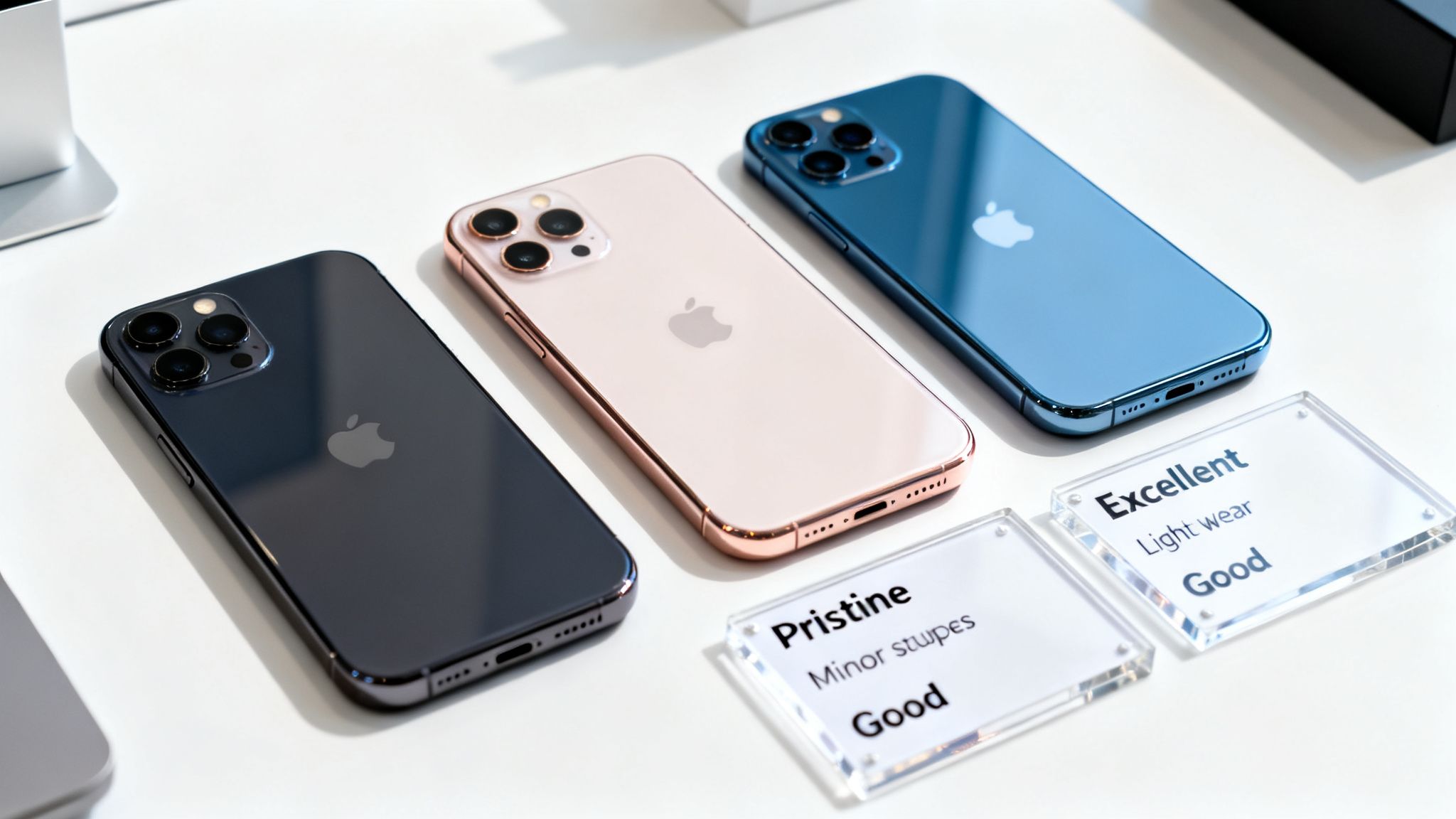
- Pristine (or Like New): The top tier. The device should be almost impossible to tell apart from a new one, with no visible scratches or marks on the screen or body.
- Excellent (or Very Good): This grade allows for very light signs of use. You might find some faint scratches that are only visible on close inspection.
- Good: This is often the best value. The phone will be 100% functional but will have obvious signs of wear, like light scratches or small scuffs on the casing.
A common scenario is a customer who wants a reliable mobile for daily use and will keep it in a case. For them, a 'Good' condition iPhone is a brilliant choice. They get all the functionality of a higher-grade device at a much lower price.
Checking Battery Health is Crucial
One of the most important checks a refurbisher performs is on the battery. An iPhone's battery health has a huge impact on its daily performance. Any reputable seller will guarantee a minimum battery health percentage.
Warning: Always back up your old mobile before transferring data to a new one. This simple step can prevent you from losing photos, contacts, and other important information.
Apple considers a battery to be in good health if it holds at least 80% of its original capacity, and any good seller should match this standard. You can easily check this yourself by going to Settings > Battery > Battery Health & Charging.
The pace of new phone releases also keeps the market supplied. For instance, data from trade-in sites shows that new iPhones can lose a significant portion of their value in the first year alone. This rapid drop fuels the supply of high-quality, cheap iPhones in the UK as people trade in recent models. You can read more about mobile depreciation over at Compare and Recycle.
For a deeper dive into how we determine grades, take a look at our guide to iPhone grading.
Written by James Waterston — 24 years in the mobile phone industry from customer service to Sales Director of a global repair & recycling company; now running Used Mobiles 4 U for 8+ years. LinkedIn
How To Verify a Seller and Avoid Common Pitfalls
Finding a trustworthy seller is the most critical part of buying a cheap iPhone. The mobile itself can be perfect, but without a reliable seller, you have no support if something goes wrong. Let's walk through how to check a seller’s credibility and avoid common issues.
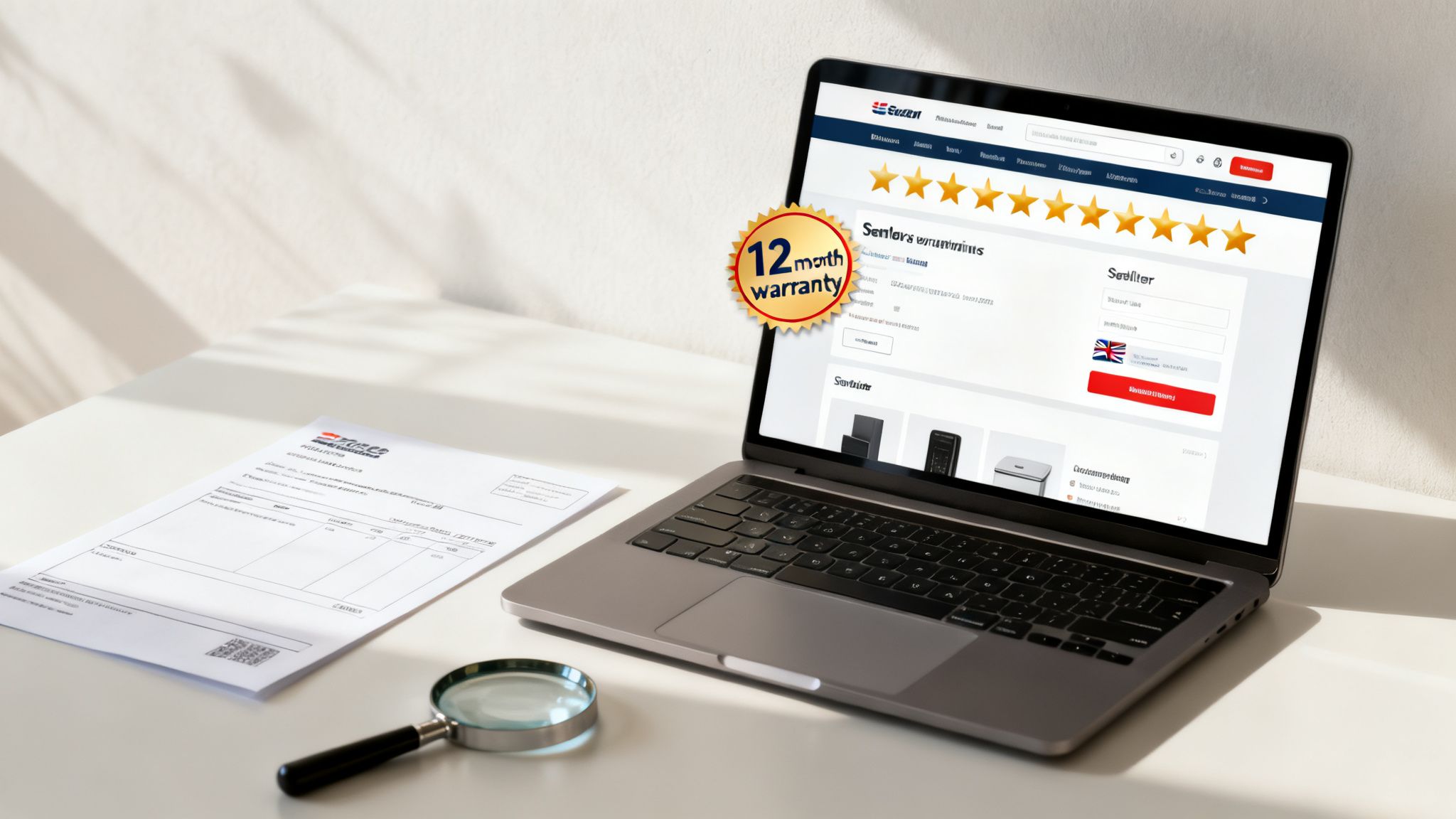
Check For Signs of a Genuine UK Business
First, make sure you're dealing with a legitimate UK company. A professional business should have a physical address listed on their website, not just a PO box. Look for a UK-based customer service number and check if they are VAT registered or listed with Companies House. This information is usually in the website's footer or on a 'Contact' page.
These details show the business is established and accountable, meaning you’re protected by UK consumer rights. If a seller is vague about this basic information, it's best to look elsewhere.
Read Customer Reviews the Right Way
Customer reviews are useful, but you need to read them carefully. Don't just glance at the star rating; dive into what people are actually saying.
Look for patterns. Are customers consistently praising fast delivery and phone condition? Or are there recurring complaints about battery life and difficult returns? Pay extra attention to recent reviews, as they reflect the seller's current service. Also, see how the company responds to negative feedback—a professional business will try to resolve issues.
Confirm Warranty and Returns Policies
A warranty is your safety net. Any reputable seller of refurbished iPhones will offer one, and a 12-month warranty is the industry standard. It shows the company is confident in its refurbishment process. A short warranty, or no warranty at all, is a clear sign to walk away.
A clear and fair returns policy is just as important. Make sure you understand the process for returning a device if it’s faulty or not as described. Reputable sellers make this simple. For more pointers, our guide on where to buy refurbished iPhones has extra tips.
Red Flags to Watch Out For
Finally, trust your gut. If a deal looks too good to be true, it probably is. Here are a few warning signs to look for when hunting for cheap iPhones in the UK:
- Vague Descriptions: Be wary of listings with little detail about the phone's condition or specifications.
- Stock Photos Only: A good seller should use actual photos of their refurbished phones, not just generic images from Apple's website.
- Pressure Tactics: Avoid sellers who create a false sense of urgency with phrases like "last one!" on multiple items.
- Unusually Low Prices: A price that's far below the market average for that model and grade can be a sign of a scam or a faulty device.
Written by James Waterston — 24 years in the mobile phone industry from customer service to Sales Director of a global repair & recycling company; now running Used Mobiles 4 U for 8+ years. LinkedIn
Finalising Your Purchase And Setting Up Your iPhone
You’ve done the research, chosen your model, and found a trusted seller. Now for the final stage: paying securely and getting your new-to-you iPhone running. A few quick checks on arrival will ensure you’ve got the great deal you were after.
When paying, always use a secure method that offers buyer protection, like a credit card or PayPal. These act as a safety net, allowing you to dispute the charge if the phone doesn't arrive or isn't as described. Avoid bank transfers or other direct payments, especially with new sellers.
First Checks When Your iPhone Arrives
When your parcel arrives, take a moment to inspect the iPhone before you start setting it up. This first check is your chance to confirm you received exactly what you paid for.
Here are the key things to test straight away:
- Physical Condition: Look over the screen, casing, and camera lenses for any scratches or scuffs that don’t match the grade you bought.
- Buttons and Ports: Press the volume, power, and silent switch buttons to ensure they work correctly. Plug in a charging cable to check the port is not loose.
- Camera Test: Open the camera app and take a few pictures with both the front and back cameras. Check for any dark spots or focusing issues.
- Battery Health: This is a big one. Go to Settings > Battery > Battery Health & Charging. The 'Maximum Capacity' percentage should be at or above the minimum the seller guaranteed (usually 80% or higher).
Customer example: Jane orders an iPhone 12 in 'Pristine' condition. When it arrives, she notices a small but deep scratch on the screen. Because she checked it immediately, she can contact the seller, provide photos, and use their returns policy to arrange a replacement that matches the 'Pristine' grade she paid for.
Setting Up and Transferring Your Data
Once you’re happy with the phone’s condition, it’s time to move your data from your old mobile.
Warning: Always back up your old device before you start. This is the best way to avoid losing photos, contacts, or other important information. You can back up to iCloud by going to Settings > [your name] > iCloud > iCloud Backup and tapping Back Up Now.
With your old phone backed up, you can start the setup on your new iPhone. Apple’s Quick Start feature makes this easy. Just place your old and new iPhones side-by-side and follow the on-screen prompts. It will guide you through connecting to Wi-Fi, setting up Face ID or Touch ID, and signing in with your Apple ID. For a more detailed walkthrough, see our guide on how to set up your second-hand iPhone without losing data.
Taking these careful steps ensures a smooth switch, leaving you to enjoy your great deal with complete peace of mind.
Written by James Waterston — 24 years in the mobile phone industry from customer service to Sales Director of a global repair & recycling company; now running Used Mobiles 4 U for 8+ years. LinkedIn
Got Questions About Cheap iPhones? We've Got Answers
If you're looking for a cheap iPhone, you probably have a few questions. It's smart to do your homework before you buy. Here are straightforward answers to the questions we hear most often from UK buyers.
What Is a Good Battery Health Percentage for a Refurbished iPhone?
You should look for a battery health of 80% or higher. This is the threshold Apple uses for peak performance. A battery with lower health will need charging more often and will likely need replacing much sooner.
All devices we sell are tested to ensure they meet this 80% standard. You can check this on any iPhone by going to Settings > Battery > Battery Health & Charging.
Is It Safe to Buy a Refurbished iPhone Online in the UK?
Yes, as long as you choose a trusted, professional retailer. Look for a UK-based company with a physical address, a clear grading system, and transparent warranty information. A 12-month warranty is a great sign that a seller stands by their products.
We advise steering clear of private sellers on marketplaces unless you can inspect the mobile in person. You don’t have the same consumer protections, and if something goes wrong, you have very little recourse. A professional seller offers peace of mind that a private sale cannot match.
Will My Refurbished iPhone Get the Latest iOS Updates?
In most cases, yes. Apple supports its iPhones with software updates for many years. For example, the iPhone XS from 2018 can run iOS 17, released in late 2023.
If you want to be covered for the next few years, aim for a model from the iPhone 11 series or newer. This will ensure you receive updates for a long time to come. You can always check the latest iOS compatibility on Apple's official support page.
What Is the Real Difference Between Used and Refurbished?
This is an important distinction. A 'used' phone is typically sold as-is by a private individual with no testing, data wipe, or warranty. It can be a gamble.
A 'refurbished' phone comes from a professional business. It has been thoroughly tested, repaired if needed, securely data-wiped, and its cosmetic condition has been graded. Crucially, a refurbished iPhone should always come with a warranty, giving you protection for your purchase.
Written by James Waterston — 24 years in the mobile phone industry from customer service to Sales Director of a global repair & recycling company; now running Used Mobiles 4 U for 8+ years. LinkedIn
About The Author
James Waterston has been in the mobile phone industry for 24 years, starting out in customer service and eventually becoming the Sales Director for a global repair and recycling company.
For the last 8+ years, he's been running Used Mobiles 4 U, combining his deep industry knowledge with a commitment to making tech affordable and reliable for customers across the UK. You can connect with him on LinkedIn.







