





How to Check if a Mobile Phone is Unlocked: A Simple UK Guide

28/01/2026

7 Mins
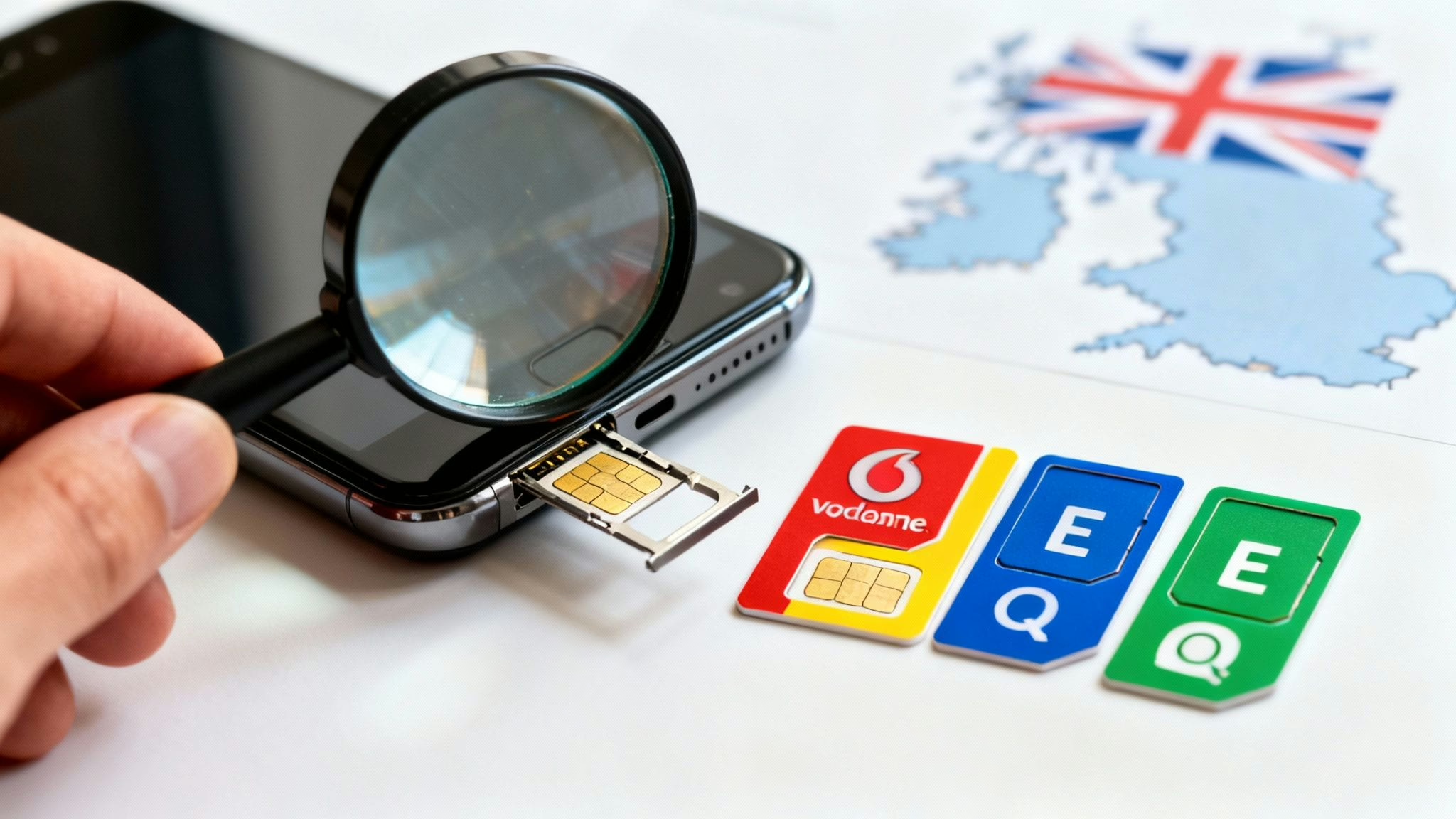
This guide explains how to check if your mobile phone is unlocked, meaning it can be used with a SIM card from any network. We'll show you two simple methods: a quick check in your iPhone's settings and a reliable SIM swap test that works for any phone.
Why Knowing Your Phone's Lock Status Matters
Having an unlocked mobile gives you the freedom to choose any UK network you like. This is important whether you're buying a used mobile, selling your old one, or just want to switch to a better SIM-only deal.
A locked phone, on the other hand, will only work with the network it was originally sold by.
This guide will walk you through clear, practical methods to determine if your mobile is ready for any network. We'll cover:
- The definitive SIM swap test.
- A quick check within your iPhone's settings.
- How to use an IMEI number for an online check.
- When it makes sense to contact a network directly.
To get a better idea of the advantages, take a look at our guide on unlocked phones—the smart, flexible mobile choice. It breaks down exactly why they're such a great option.
Quick Guide to Checking Your Phone's Lock Status
If you're in a hurry, this table summarises the fastest ways to check if your phone is unlocked, so you can choose the best one for your situation.
| Method | What You Need | Time Required | Best For |
|---|---|---|---|
| iPhone Settings Check | An iPhone running iOS 14 or later | Under 1 minute | A quick, initial check for iPhone users. |
| SIM Swap Test | A SIM card from a different network | 2-5 minutes | The most reliable test for any phone. |
| IMEI Checker | Your phone's 15-digit IMEI number | 1-2 minutes | Quick online verification, especially for Androids. |
| Contact Your Network | Your account details | 5-15 minutes | When you need official confirmation from a network. |
Each method has its place, but the SIM swap test remains the gold standard for a reason—it gives you a 100% certain answer.
The Definitive SIM Swap Test
The most reliable way to check if a phone is unlocked is to put in a SIM card from a different network. This simple physical check gives you a definite answer in minutes and works on any mobile, regardless of its make or age.
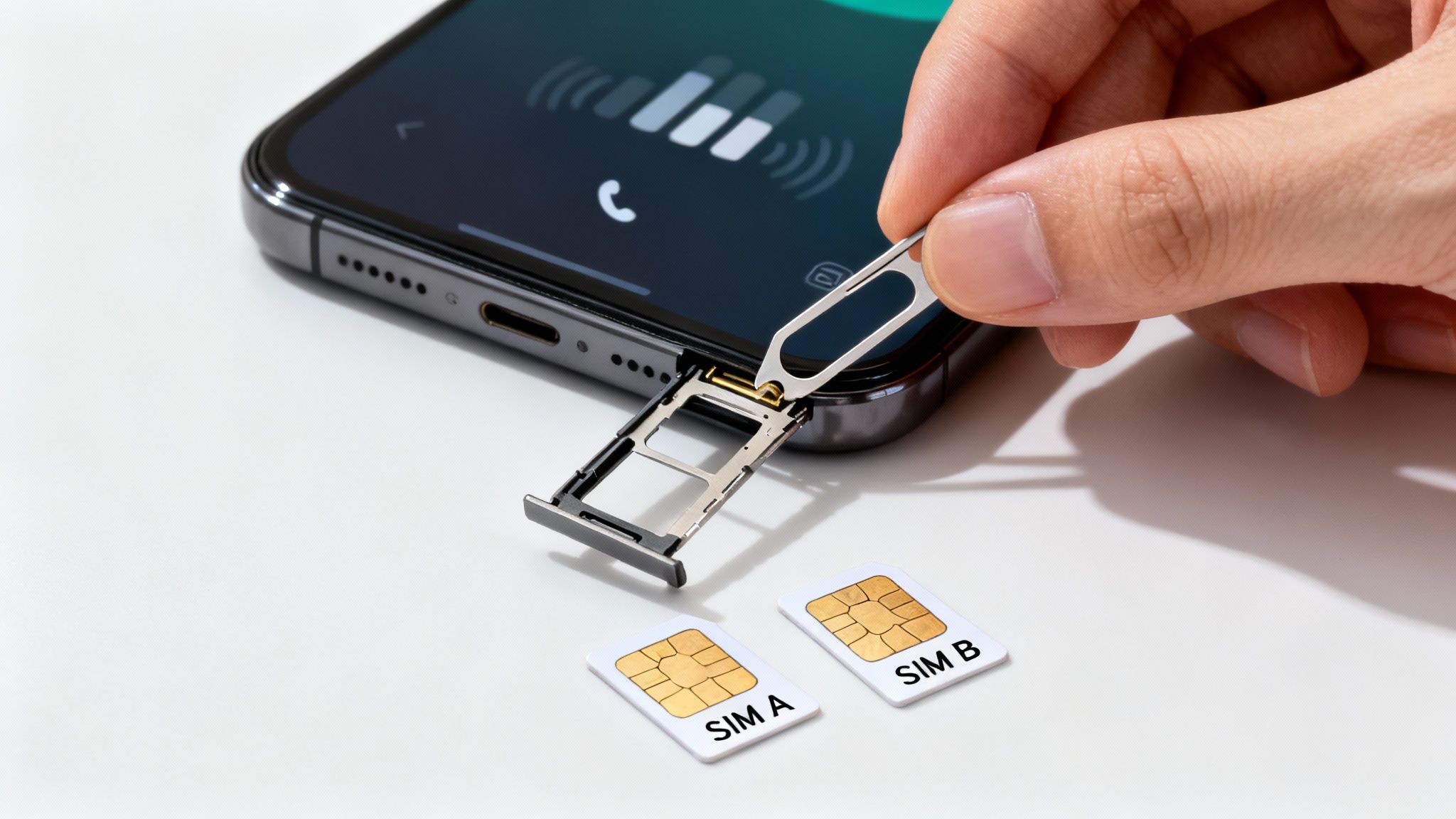
All you need is a SIM from another provider. The easiest way is to borrow one from a friend or family member. If that's not an option, a cheap pay-as-you-go SIM will do the trick. For example, you could try a Giff Gaff SIM card to see if the phone connects.
Just switch off your mobile, use a SIM tool to eject your current card, and slot the new one in. Switch it back on. If the phone connects to the new network and you can make a call or see signal bars with the new network's name, it’s unlocked. If you get an error message like ‘SIM Not Supported’ or ‘SIM Not Valid’, the phone is locked to its original network.
Consider Alex, who bought a used iPhone online. It worked fine with his Three SIM, but when he tried to switch to a new deal with VOXI, it wouldn't connect. A quick SIM swap test before buying would have shown the phone was locked to Three, saving him a lot of hassle.
Checking an iPhone's Lock Status in Settings
If you have a recent iPhone, there's a very simple way to check its lock status without needing a spare SIM card. This is especially useful if you're buying a used phone in person and want to check it’s unlocked on the spot.
It only takes a moment. Here’s the exact path to follow:
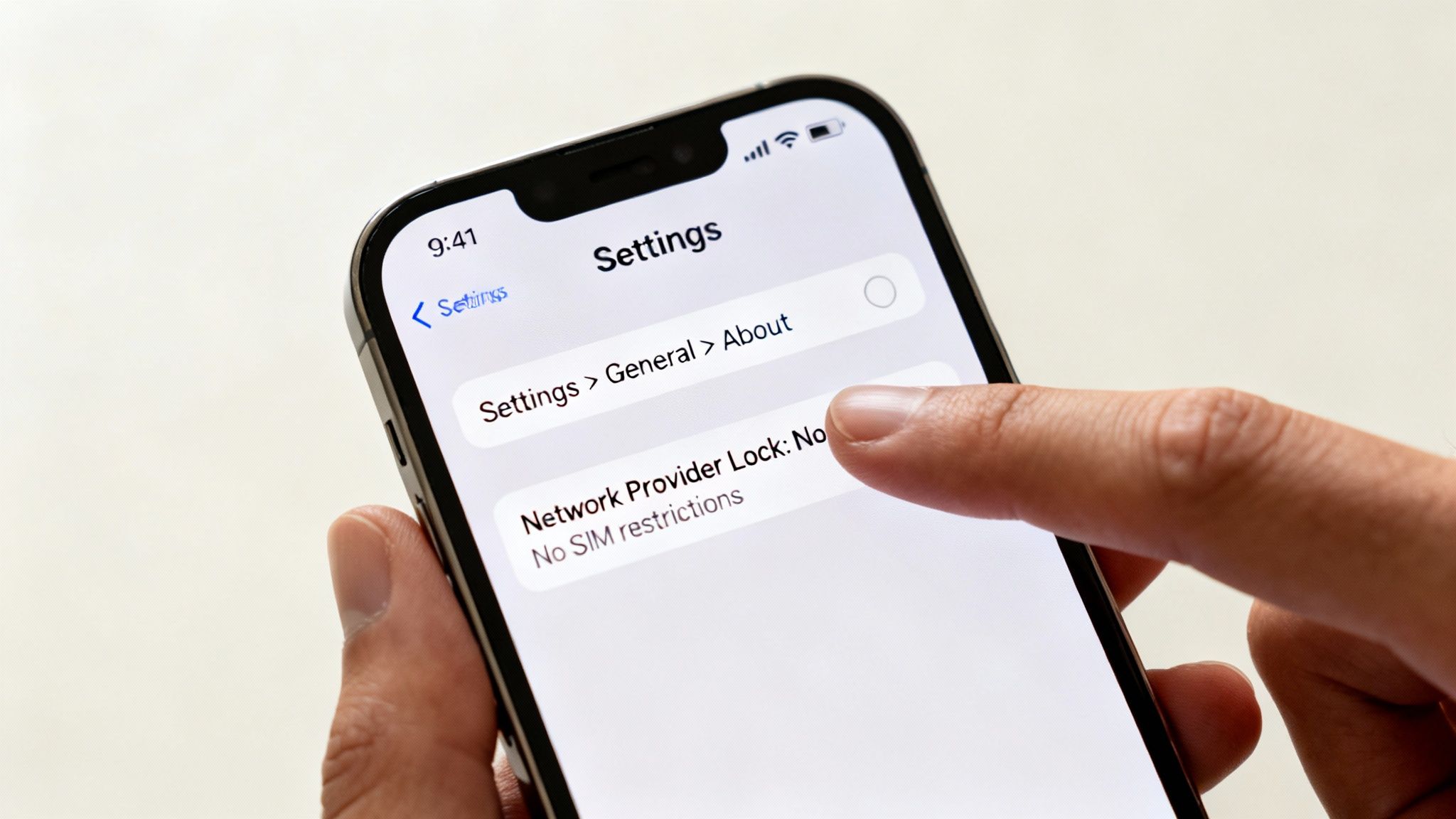
- Go to Settings > General > About.
- Scroll down the page until you see Network Provider Lock. On some older iOS versions, this may be called 'Carrier Lock'.
If it says "No SIM restrictions", your iPhone is unlocked and will work with any UK network. If it mentions a specific provider like EE or Vodafone, then it's locked to that network.
This quick settings check can save you trouble later on. According to UK regulator Ofcom, many mobile owners have historically had difficulties getting their phones unlocked, which is why rules were changed to make the process easier.
Using IMEI Checkers and Contacting Networks
What if you don't have the phone with you, or you can't put in another SIM card to test it? In that case, its unique IMEI number can be helpful.
You can find this 15-digit code on any mobile by dialling *#06# on the keypad. It’s a universal shortcut that works on almost any phone.
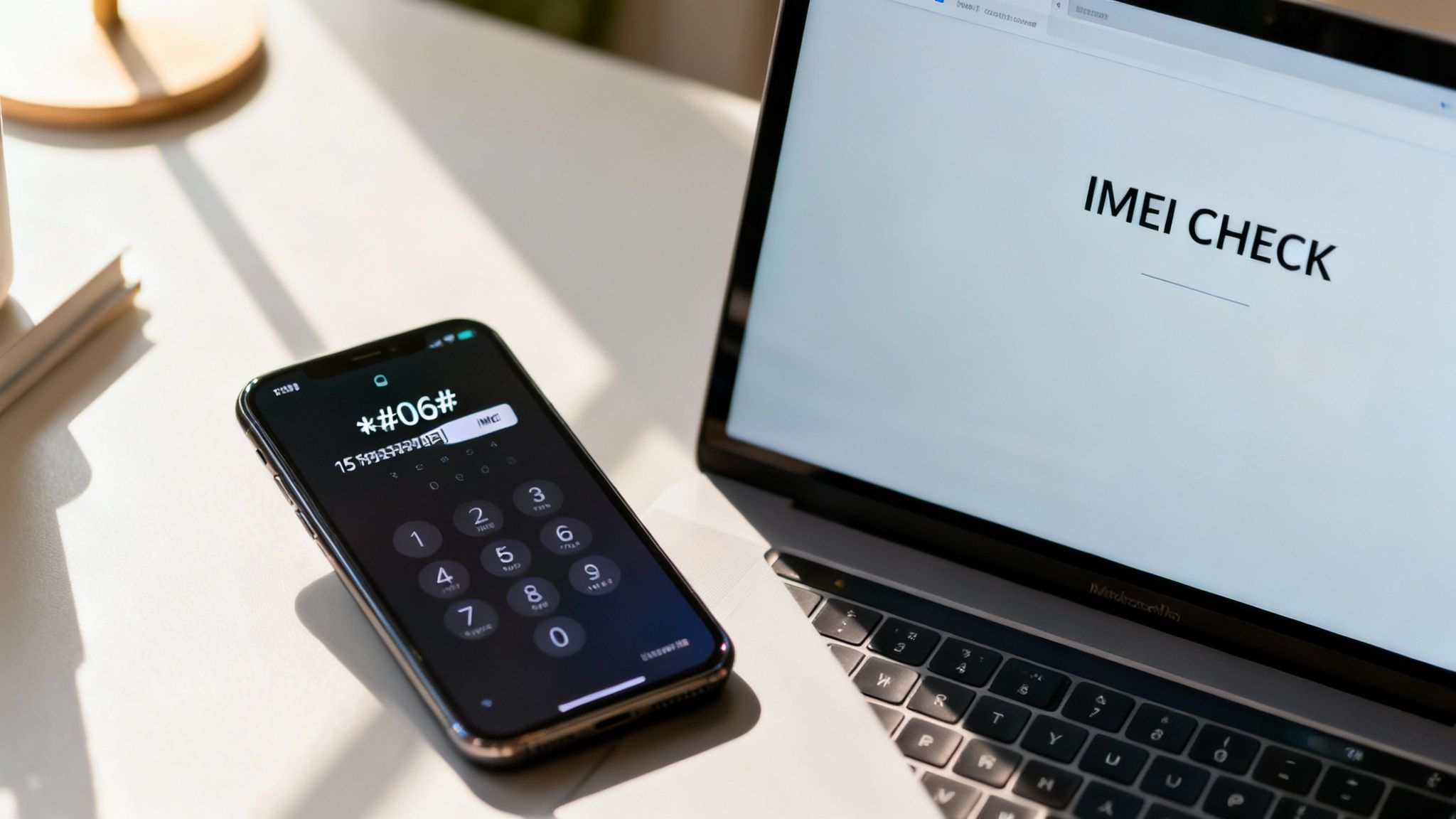
While there are many free online IMEI checkers, it’s best to be cautious. Their data can sometimes be outdated or inaccurate, so treat them as a starting point rather than a guaranteed answer. Still, a quick online check is one way of learning how to check if my phone is unlocked when a SIM swap isn't possible.
For a completely reliable result, the best method is to contact the mobile network directly. This is the best approach if you've inherited a phone or bought one second-hand and are unsure of its history.
If you're unsure which network the phone might be locked to, our detailed guide can help you figure out if used iPhones are unlocked and what to look for.
What to Do If You Discover Your Phone Is Locked
Finding out your phone is locked when you thought it wasn't is frustrating. Don't worry, though—it’s usually a problem you can solve.
If you’re the original owner and you've finished your contract, the network is often required by Ofcom to unlock it for you, free of charge. Your first step should be to contact their customer service team and request the unlock.
For those who've bought a second-hand phone only to find it locked, the process can be trickier. The best approach is still to contact the network it's locked to, but they might ask for details from the original owner. This is why it’s so important to know how to check if my phone is unlocked before you hand over any money.
If you need more help with common issues, have a look at our guide on troubleshooting a used iPhone.
Tips for Buying and Selling a Used Mobile
Knowing whether a phone is locked or unlocked is a big factor in the second-hand market. It affects its value and how easily it can be used, so for anyone buying, it’s one of the first things you should ask.
For Buyers
Ask the seller directly: "Is this phone fully unlocked for all UK networks?" It's also a good idea to follow up with, "Can you confirm it's not locked to an iCloud or Google account?"
If you can meet the seller in person, the best thing you can do is perform the SIM swap test right there to be certain. Our guide on what to check before buying a used iPhone covers more essential checks.
For Sellers
If you can advertise your phone as 'unlocked,' you'll find it's a much more attractive prospect for buyers and you can often get a better price for it.
Important Warning: Before you sell any device, always back up your data to iCloud or Google Drive first to avoid losing photos, contacts, and other important information. Once that's done, perform a full factory reset to securely erase your personal data. A guide on how to factory reset an iPhone can walk you through the steps.
Frequently Asked Questions
Here are the answers to some common questions we hear from customers about phone unlocking.
Is It Legal to Unlock My Mobile?
Yes. In the UK, it’s completely legal to unlock your phone, as long as you've either finished your contract or bought the device outright. Ofcom now requires networks to help you unlock it, often for free, once your contract is up.
Will Unlocking Void My Phone's Warranty?
If you go through your network provider to get the phone unlocked, your manufacturer's warranty will remain valid. The risk comes from using unofficial, third-party unlocking services, which could potentially cause problems. For more detail on this, see our guide on warranties for used and refurbished phones.
How Can I Check if a Phone Is Unlocked Before Buying?
When you're buying a used phone, the simplest proof is to ask the seller for a screenshot from an iPhone showing the path: Settings > General > About > Network Provider Lock. If it says "No SIM restrictions", that's a great sign.
You could also ask for the original receipt or proof of purchase, as this will often state if the phone was sold unlocked from the start. Knowing how to check if my phone is unlocked before you buy is the best way to avoid problems later.
Have more questions? You'll likely find the answers on our comprehensive used mobile FAQs page.
At Used Mobiles 4 U, we take the guesswork out of buying a used phone. Every one of our refurbished mobiles is guaranteed to be fully unlocked for any UK network, so you have complete freedom from day one. Feel free to browse our range of certified devices at https://usedmobiles4u.co.uk.
Written by James Waterston — 24 years in the mobile phone industry from customer service to Sales Director of a global repair & recycling company; now running Used Mobiles 4 U for 8+ years. LinkedIn







