





How to Sell My Old Phone for a Good Price in the UK

12/01/2026

16 Mins
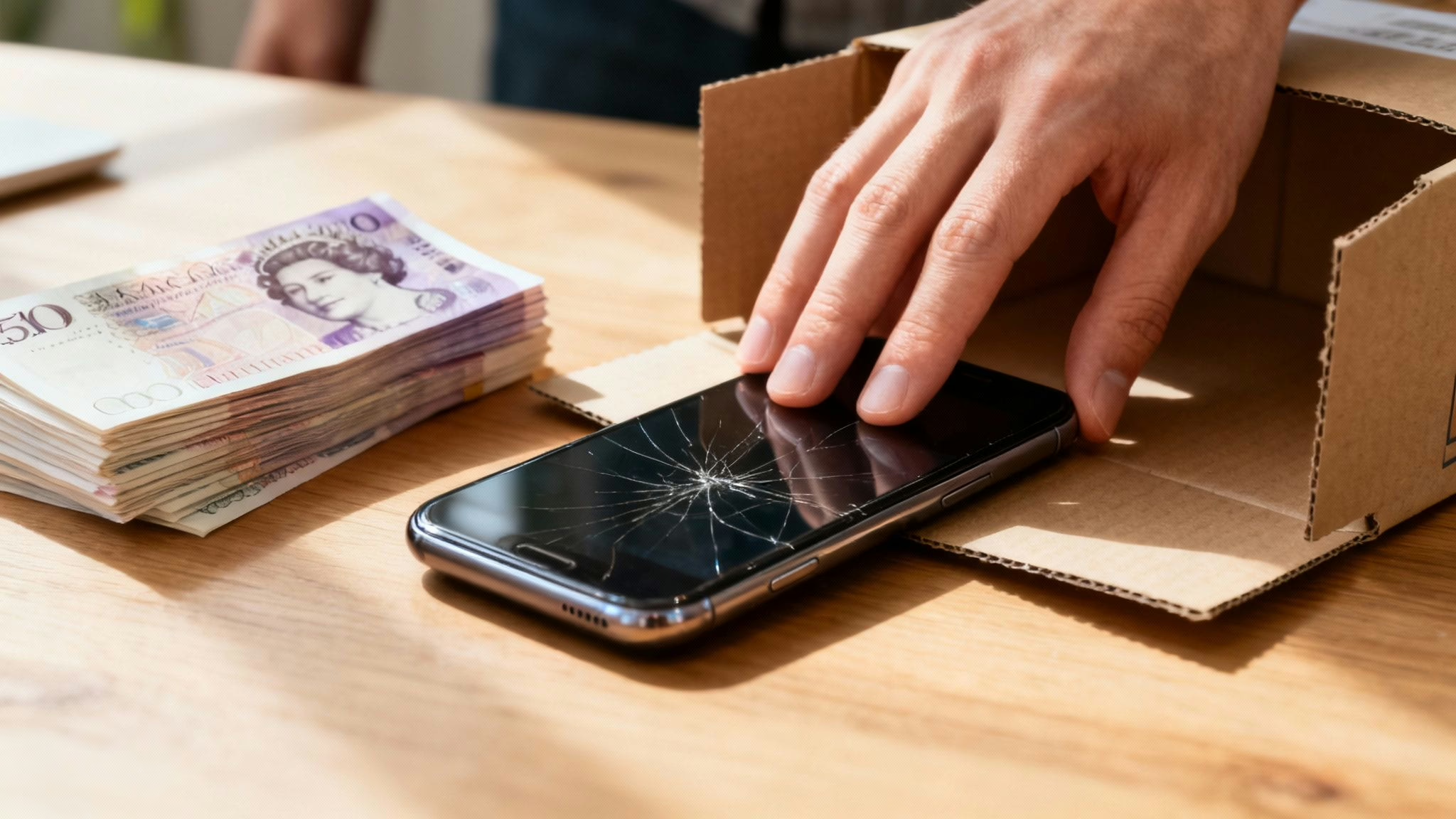
This guide will walk you through how to sell your old phone safely and for a good price. We'll cover preparing your device, checking its condition, choosing where to sell it, and completing the sale without any stress.
Thinking about selling your old mobile? It's a smart move. Instead of letting a perfectly good phone gather dust in a drawer, you can get some cash back in your pocket. But if you’re wondering how to sell my old phone for the best possible price, it can feel a bit daunting.
Don’t worry, it breaks down into a few clear steps. It all starts with getting your phone ready—backing it up, wiping your data, and giving it an honest check-over. From there, you can figure out the best way to sell it, whether that’s a quick trade-in or a private sale for a bit more money.
Your Practical Guide to Selling an Old Mobile Phone
This guide is a practical walkthrough of the entire process here in the UK, designed to help you get a great price without the stress. A lot of the advice here comes from solid general sales principles, but it’s all been tailored specifically for selling mobile phones.
The market for used phones in the UK is large. With millions of us owning a mobile, there’s always strong demand for quality second-hand devices. iPhones and Samsung phones are especially sought-after. If you're interested, you can look at the latest UK mobile statistics to learn more.
To make things as straightforward as possible, we’ll cover everything you need to know:
- Getting your phone ready: The essential first steps to protect your data and privacy.
- Assessing its true value: How to check its condition honestly for an accurate quote.
- Finding the best selling option: We'll compare trade-in services, online buyers, and marketplaces.
- Securing a safe transaction: Tips on how to list, ship, and get paid without any hassle.
Follow these steps, and you'll have a clear plan for turning that unused tech into cash, safely and efficiently.
Getting Your Phone Ready for a Safe and Profitable Sale
Before you even think about snapping a photo for a listing, properly prepping your phone is the single most important part of the whole process. Getting this right protects your personal data, stops annoying delays later on, and can genuinely boost the final price you get.
It’s a straightforward process, but getting it wrong can cause major headaches. Forgetting to disable security features like 'Find My' is one of the most common reasons phones get rejected by recycling companies and trade-in services. Why? Because it makes the device completely unusable for the next person.
Let's walk through exactly what you need to do, making sure you get every penny your old phone is worth.
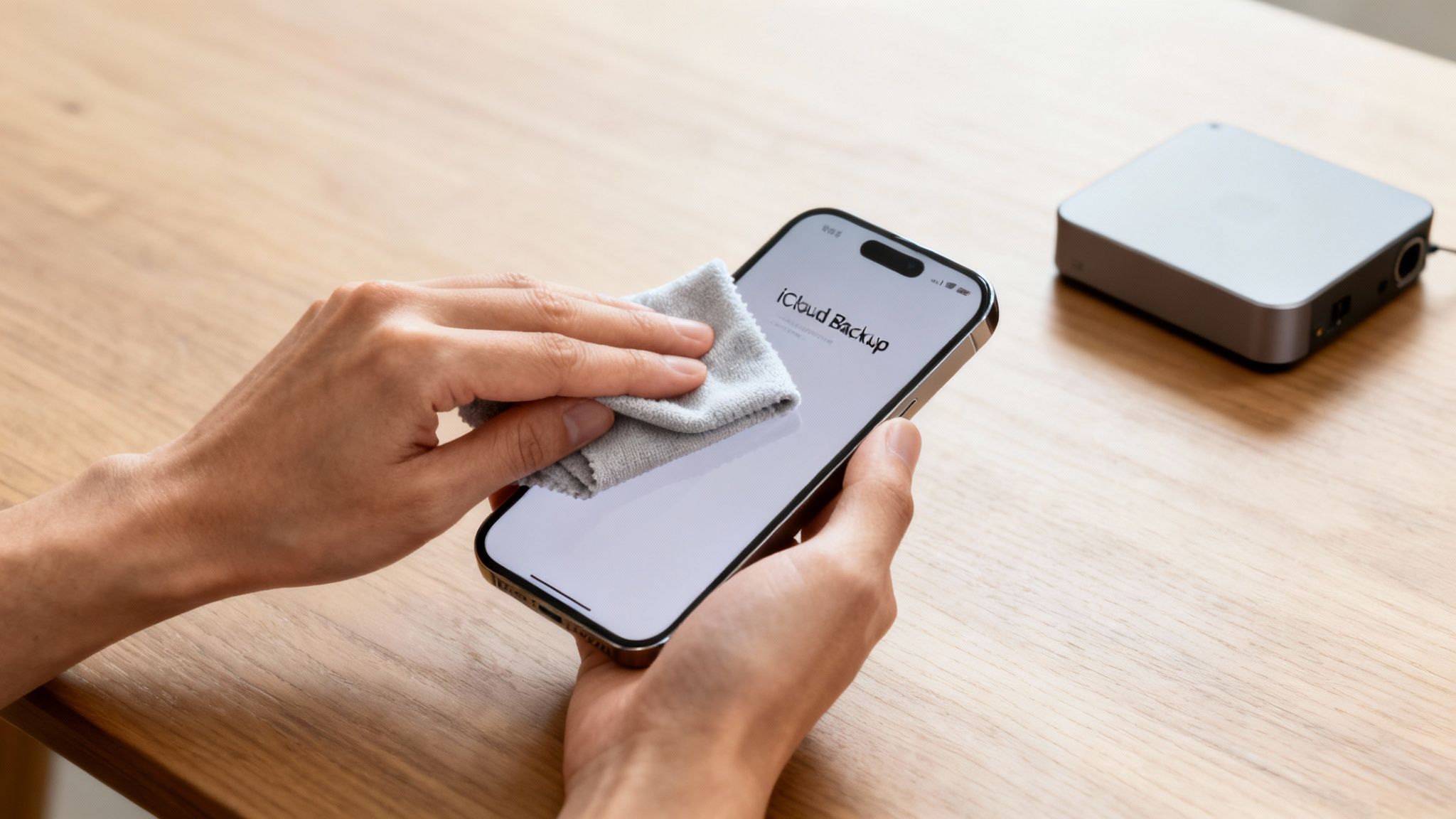
First Things First: Back Up Your Data
WARNING: The following steps will permanently erase all data from your phone. Always back up everything you want to keep before proceeding.
Your top priority is saving everything you care about. We’re talking photos, contacts, messages, and app data. All of it needs to be backed up so you can easily move it over to your new device. If you skip this, it's all gone for good once you wipe the phone. For help with this, see our guide on how to transfer data to a new iPhone.
Here’s a quick rundown for the most common devices:
-
For iPhone users: iCloud is the simplest option.
- Connect to a Wi-Fi network.
- Go to Settings > [your name] > iCloud.
- Tap on iCloud Backup.
- Make sure the toggle is switched on, then tap Back Up Now. Stay connected to Wi-Fi until it’s finished.
-
For Android users (Samsung, Google, etc.): Your Google Account can handle this.
- Go to Settings > Google > Backup. (The exact path can differ slightly depending on the brand).
- Check that 'Backup by Google One' is turned on.
- Tap Back up now. This saves your app data, contacts, and settings to Google Drive. For photos and videos, double-check the Google Photos app is set to back them up automatically.
Sign Out of All Your Accounts
Once you're confident your backup is complete and safe, it's time to sign out. This is a crucial step. It deactivates security features tied to your identity, like Apple's 'Find My' or Google's 'Find My Device'. A phone with these features still active has zero resale value.
Here’s a real-world example: A customer, David, sent in his old Samsung phone to sell. He’d done a factory reset but forgot to sign out of his Google account first. This meant the phone was still locked by Factory Reset Protection (FRP). We had to contact him and walk him through logging in remotely to remove the device, which delayed his payment by a few days.
- For iPhones: Go to Settings > [your name] and scroll all the way to the bottom. Tap Sign Out. It will ask for your Apple ID password to turn off 'Find My', which is exactly what you need to do.
- For Androids: Go to Settings > Accounts and backup > Manage accounts. Select your Google account and tap Remove account.
For a more detailed walkthrough, our guide on how to prepare an iPhone for sale has some extra handy tips.
Perform a Full Factory Reset
With your data safe and your accounts unlinked, you can now wipe the phone clean. A factory reset erases all your personal content and settings, returning the software to its original state.
- On an iPhone: Go to Settings > General > Transfer or Reset iPhone > Erase All Content and Settings.
- On an Android: Navigate to Settings > General management > Reset > Factory data reset.
Once that's done, your information is gone for good and your privacy is protected. If you need more detailed instructions, you can follow our guide on how to reset an iPhone.
Give It a Good Clean
Last but not least, don't underestimate the power of a simple clean. A phone that looks like it's been well cared for will always fetch a better price and attract more buyers.
Grab a soft, lint-free microfibre cloth and gently wipe down the screen and body. If you’ve got some stubborn marks, you can slightly dampen the cloth with a tiny bit of water, but never spray liquid directly onto the phone. Pay a bit of attention to the camera lenses, charging port, and speaker grilles. This small effort makes your listing photos look much better.
How to Accurately Judge Your Phone’s Condition and Value
Getting a fair price for your old mobile starts with an honest, critical look at its condition. Before you can work out what it’s worth, you need to see the device through a buyer's eyes. This is where you put your sentimental attachment aside and get real about its flaws.
We'll walk you through checking everything that matters – from the screen and casing to the battery health and whether it's locked to a network. It’s these small details that make the difference between getting a top-tier price and a disappointing offer. A clear understanding of your phone's true condition is the first step to selling it for what it’s actually worth.
What Buyers Look For: The Physical Inspection
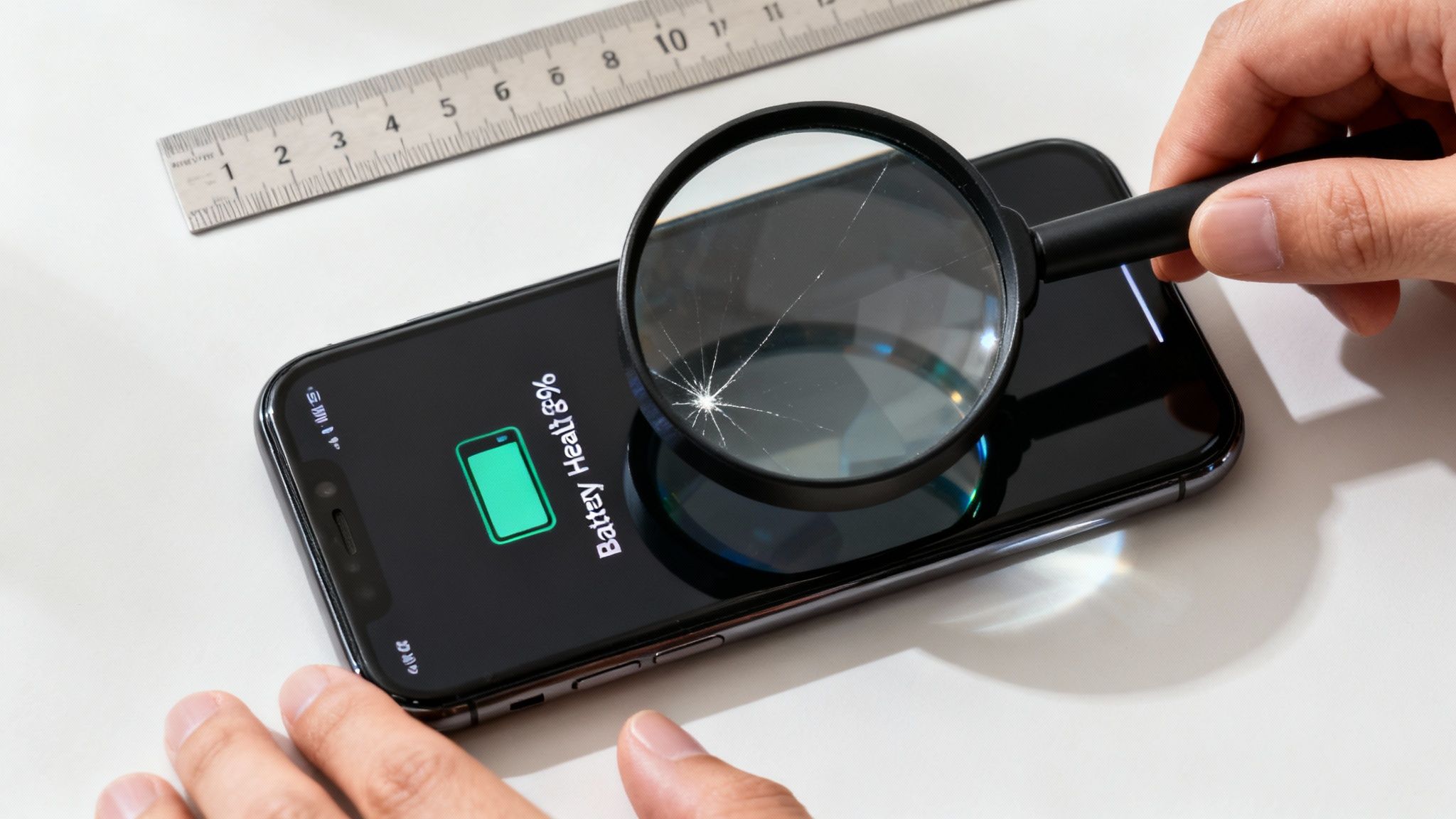
First things first. Find a well-lit area—near a window is perfect—and give your phone a proper look-over. Be brutally honest with yourself, because buyers will be. Hold it at different angles to let the light catch any faint scuffs that aren't immediately obvious.
Here’s a simple checklist of what to examine:
- The Screen: Any scratches? There’s a big difference between light micro-scratches from daily use and deeper gouges you can feel with a fingernail. Don't forget to check for cracks, chips, or any dead pixels on the display.
- The Casing: Look closely at the corners, edges, and back of the phone. Make a note of any scuffs, dents, or chips in the frame. Even what you consider minor wear and tear can affect the grade.
- Buttons and Ports: Click every single button—volume, power, and the mute switch if it's an iPhone. Do they feel responsive? Plug in a charger to confirm the port isn't loose and works correctly.
- Camera Lenses: Inspect the front and back camera lenses. A tiny scratch here can ruin photos and will knock a surprising amount off the phone's value.
Checking the All-Important Internals
A phone's cosmetic condition is only half the story. What’s going on inside is just as important, especially the battery and its network status. These two factors can massively influence the final offer you receive.
Assess Your Battery Health
A battery that can’t hold a decent charge is a major red flag for any potential buyer. Thankfully, it’s easy to check its health.
For an iPhone, the path is simple:
- Go to Settings > Battery.
- Tap on Battery Health & Charging.
- Look for the 'Maximum Capacity' percentage. A figure above 85% is generally considered good, while anything below 80% suggests it might need replacing soon, which will lower its value.
For Android users, this can vary. Some Samsung phones have a battery health checker in the device care settings, but for other brands, you might need to install a trusted third-party app like AccuBattery to get an accurate reading.
Is Your Phone Unlocked?
An unlocked phone is one that can be used with a SIM card from any mobile network. This makes it far more appealing to a wider range of buyers and can increase its value. If you bought your phone directly from a manufacturer like Apple or Samsung, it’s almost certainly unlocked.
If you got it on contract from a network like EE, Vodafone, or O2, it might be locked. The easiest way to check is to borrow a friend's SIM card from a different network. Pop it in your phone—if it gets a signal and you can make a call, it’s unlocked.
If it is locked, don’t panic. Most networks will unlock it for you for free once your contract is finished. It’s well worth taking the time to do this before you try to sell.
Once you have a full picture of your phone's condition, you can compare it against official grading criteria. Our detailed guide to refurbished phone grades explains what 'Like New', 'Good', and 'Fair' really mean, helping you set a realistic price.
Choosing the Best Place to Sell Your Phone in the UK
With your phone backed up, wiped clean, and honestly assessed, you’re ready for the final piece of the puzzle: deciding where to actually sell it.
In the UK, you have plenty of options. They all offer a different balance of price, speed, convenience, and safety.
Choosing the right path depends on what you value most. Are you chasing the highest price and happy to put in the work? Or would you prefer a quick, guaranteed sale, even if it means accepting a slightly lower offer? There's no single "best" way, but understanding the pros and cons of each will help you make a smart decision.
Let's break down the main routes you can take to turn that old mobile into cash.
Specialist Online Buyers and Trade-In Programmes
This is often the simplest and most reliable way to sell your old mobile. Companies like us at Used Mobiles 4 U, along with network providers and even Apple themselves, offer to buy your phone directly.
The process is usually very simple: you get an instant quote online, they send you a free postage pack, and you get paid once they've received and checked the device.
The main benefits here are speed and security. You're dealing with an established business, which removes the risk of dealing with scammers or time-wasters. It’s a clean transaction with no comebacks after the sale.
- Pros: Fast, convenient, and safe. You get a guaranteed price and payment is usually processed quickly.
- Cons: The price might be slightly lower than what you could get from a private sale, as the company needs to factor in its own costs.
Peer-to-Peer Online Marketplaces
Platforms like eBay, Facebook Marketplace, and Gumtree are where you’ll often achieve the highest selling price. This is because you're cutting out the middleman and selling directly to the end-user. You set the price, create the listing, and manage the sale yourself.
However, this higher potential reward comes with more effort and risk. You'll need to write a compelling description, take excellent photos, and be prepared to answer lots of questions from potential buyers.
More importantly, you have to be vigilant about scams. Dealing with dishonest buyers, payment disputes, or people claiming the phone never arrived can be a real headache. You must be prepared to package the phone securely and always use a fully tracked and insured postal service.
For a deeper dive into your options, our comparison of where to sell your phone can offer more specific advice.
High Street Retailers
Some high street shops, like CeX, also buy used electronics. The big advantage here is immediacy. You can walk in with your old phone and, assuming they're happy with its condition, walk out with cash or store credit the same day.
This is a great option if you need money in a hurry. However, that convenience often comes at a cost. The prices offered are frequently lower than those from specialist online buyers, as these stores have the overheads of a physical location to cover. It’s worth getting a quote, but be sure to compare it with online offers before you commit.
Comparing Phone Selling Options in the UK
To help you decide, here’s a simple breakdown of how the main options stack up. Each route has its place, depending on whether you prioritise getting the most money, the fastest sale, or the least hassle.
| Selling Method | Typical Price | Speed & Convenience | Safety & Risk Level |
|---|---|---|---|
| Specialist Online Buyer | Good to Very Good | Fast & Easy | Very Low Risk |
| Online Marketplace | Very Good to Excellent | Slower & High Effort | Medium to High Risk |
| High Street Retailer | Fair to Good | Very Fast & Convenient | Very Low Risk |
| Network Trade-In | Fair to Good | Fast & Easy | Very Low Risk |
Ultimately, figuring out the best way to sell your old phone comes down to your personal priorities.
If you want a quick, safe, and fair sale without any fuss, a specialist buyer is an excellent choice. If you're willing to put in the work and navigate the risks for a potentially higher return, a marketplace could be for you.
Creating a Listing That Sells and Avoiding Scams
If you've decided to go down the marketplace route with somewhere like eBay or Facebook Marketplace, your listing is everything. This is your chance to make your old phone stand out and convince a serious buyer to click "buy". It's also where you need to be careful to avoid scammers.
Let's break down how to put together a listing that gets attention and, just as crucially, how to handle the sale safely from start to finish. A bit of effort here really does pay off.
Crafting a Compelling and Honest Listing
A good listing does two things: it grabs a buyer's attention and it builds their trust. Honesty isn't just good practice; it's your best defence against disputes and returns later on. A standout listing comes down to two things: brilliant photos and a description that leaves nothing out.
Take Excellent Photographs
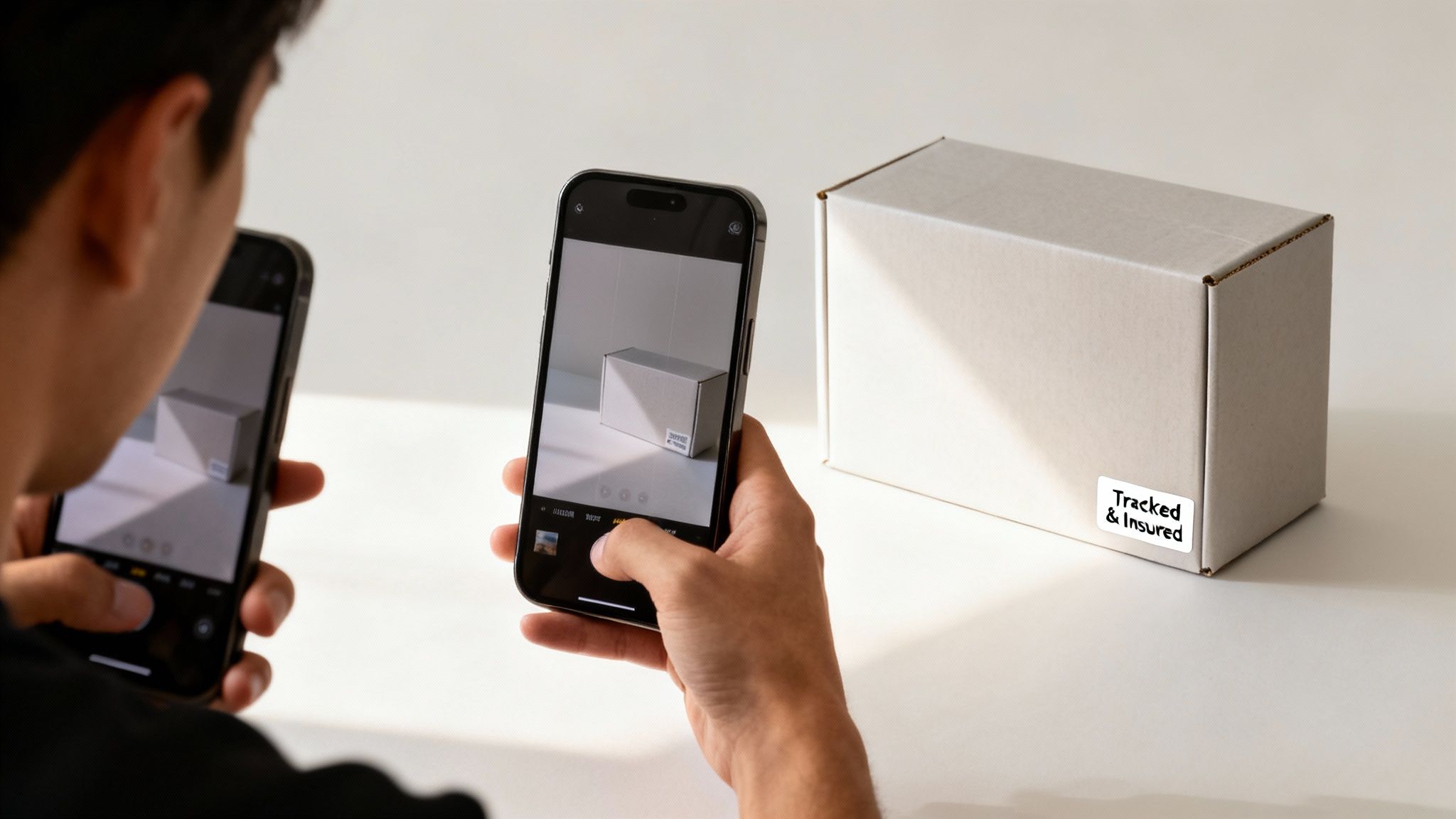
Your phone's camera is perfectly fine for this, but you need to put some thought into it. Good photos are often the single biggest reason people click on one ad over another.
- Find some natural light: Set up near a window. Avoid harsh spotlights that create glare and deep shadows.
- Show every single angle: This means the front, back, all four sides, and close-ups of the corners.
- Be honest about flaws: If there's a scuff or a scratch, don't try to hide it. Take a clear, close-up photo of any damage. Buyers respect this transparency.
- Show it's working: Snap a picture of the phone while it's turned on to prove the screen is perfect. If you're including the original box or a charger, get them in a group shot too.
Write a Detailed Description
Your description should answer every question a potential buyer might have. The more information you include, the fewer messages you'll have to deal with.
Make sure you cover these key details:
- Exact Model: "iPhone 12 Pro," not just "an iPhone."
- Storage Capacity: 128GB, 256GB, etc.
- Colour: Pacific Blue, Midnight Green, or whatever it is.
- Network Status: Be crystal clear. State if it's "Unlocked" or locked to a provider (e.g., "Locked to EE network").
- Condition: Describe it honestly, referring to your photos. Don't forget to mention the battery health percentage you checked earlier.
- What's Included: List every single thing the buyer will get—the phone, original box, charging cable, a case, etc.
Staying Safe and Avoiding Common Scams
While marketplaces can fetch you a good price, they're also a place for scammers. Staying safe is all about spotting the red flags and sticking to the rules. Knowing how to sell my old phone securely is just as vital as getting a good price for it.
A Classic Scam to Watch For: A buyer messages you, asking to take the conversation off the platform to WhatsApp or email. They'll often offer to pay you a little extra and ask for your bank or PayPal details directly. This is a common trick to get you to ship the phone without a secure payment, leaving you out of pocket.
Here’s how to protect yourself:
- Keep all chat on the platform: Always use the marketplace’s own messaging system. This gives you an official record of every conversation.
- Only use approved payment methods: Stick to the platform's official system, like eBay Managed Payments or PayPal Goods & Services. Never agree to a direct bank transfer.
- Watch out for overpayment offers: Anyone offering you more than your asking price is almost certainly trying to scam you. No legitimate buyer does this.
Shipping Your Phone Securely
Once you have the money, it's your job to get the phone to its new owner safely. This is not the time to cut corners on postage.
- Package it properly: Wrap the phone generously in bubble wrap and put it in a sturdy, small box. Fill any gaps with more packaging so it can't rattle around.
- Use a tracked and insured service: This is non-negotiable. Use a service like Royal Mail Special Delivery, which gives you full tracking and insures your item for its true value.
- Keep your proof of postage: Don't throw the receipt away. Hold onto it until the buyer confirms they’ve received the phone and everything is okay. It's your only proof that you sent the item.
Following these steps will help you get a better price and ensure the whole process is smooth and free of surprises.
Finalising the Sale for Total Peace of Mind
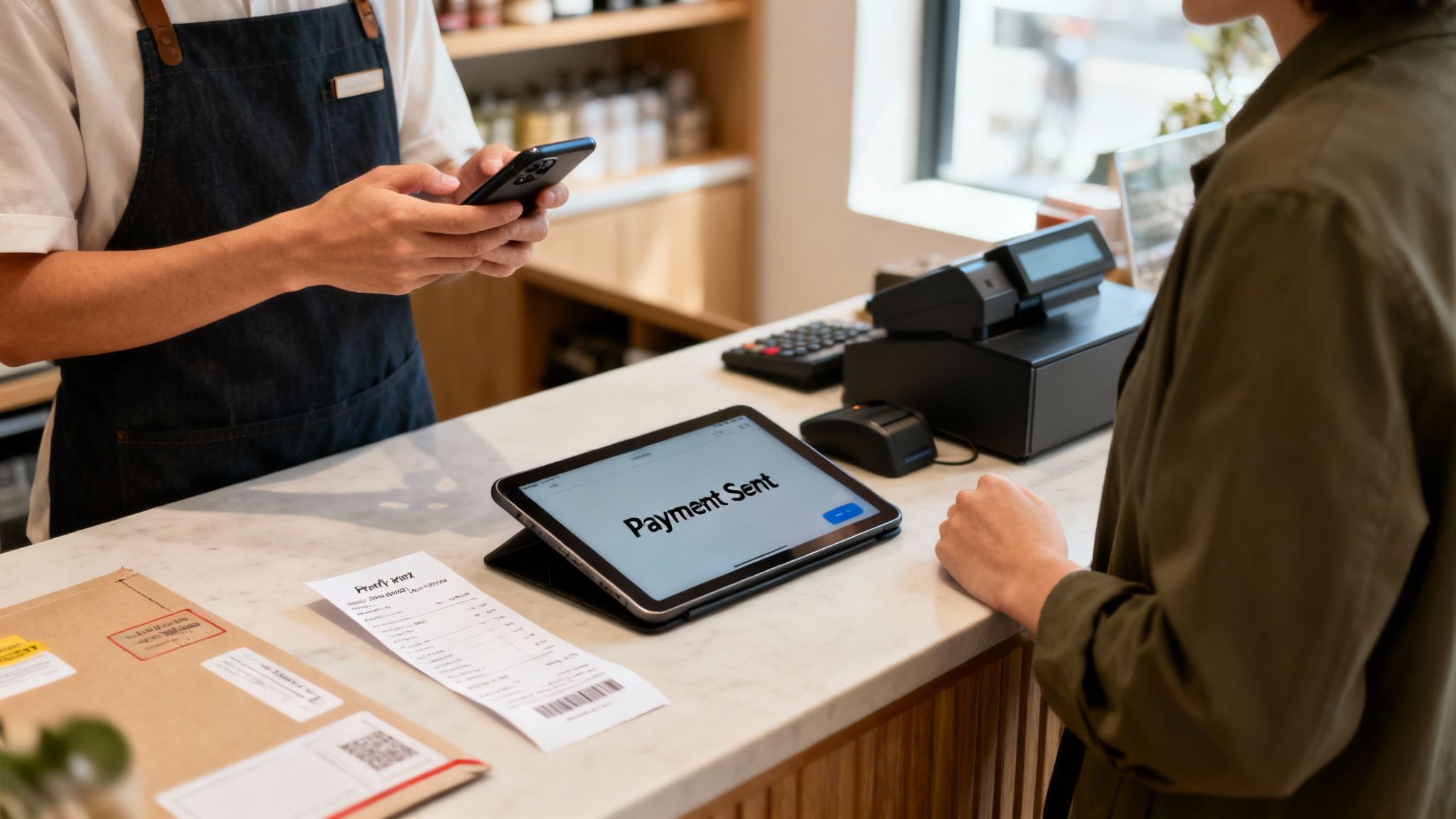
Just because you’ve posted the phone doesn’t mean the job is done, especially if you sold it on a marketplace. For your own protection, it’s vital to keep all your documents until you know the buyer is completely happy.
Always hold onto your proof of postage and the tracking number. It’s the only evidence you have if a buyer claims the phone never showed up. Keeping an eye on the tracking yourself offers reassurance, and it can be helpful to understand what different delivery statuses mean, like understanding what 'out for delivery' means.
Selling on a marketplace can sometimes lead to disputes, where a buyer might claim the phone isn’t in the condition you described. This is where you see the value of selling to a trusted business, which offers a clean, final end to the whole process.
The Simplicity of Selling to a Trusted Retailer
This is where knowing how to sell my old phone with minimum fuss makes all the difference. When you sell to a specialist retailer like Used Mobiles 4 U, the process is wrapped up as soon as we receive and check the device.
We inspect the phone to confirm it matches the description you provided, and then we send your payment straight over. No post-sale questions, no risk of a dispute, and no chance of the buyer changing their mind weeks down the line. It's about total peace of mind.
Once the sale is finalised, your next thought might be setting up your new phone. But if you have any lingering doubts about whether you properly wiped your old one, our guide on how to wipe your data when trading in your phone offers that extra layer of reassurance.
Your Questions About Selling Your Phone, Answered
Got a few lingering questions before you sell your old mobile? You're not the only one. Here are the answers to some of the most common queries we hear from people looking to cash in on their old tech.
Is It Better to Sell My Phone or Trade It In?
This really comes down to what you value more: getting the highest price or having the easiest experience. Selling privately on a marketplace like eBay will almost always get you the most money, but it's a trade-off. You'll need to create a listing, deal with buyers, and navigate the risks of potential scams or disputes.
Trading in with a network or retailer is quick and simple, but you'll likely be offered a lower value for that convenience.
Selling to a specialist online buyer like us strikes a great balance. You get a competitive, fair price without the hassle or risk that comes with a private sale. It's a popular option for anyone wondering how to sell my old phone with minimum fuss and maximum confidence.
What If My Phone Has a Cracked Screen?
You can still sell a phone with a cracked screen or other damage, but its value will be lower. The golden rule here is complete honesty – be upfront about every single fault in your description to avoid any issues later on.
Plenty of specialist buyers, including our team here at Used Mobiles 4 U, purchase faulty phones. We either refurbish them or use their working components for parts. Just describe the damage accurately, and you’ll get a specific quote based on the type and severity of the issue.
How Long Does It Take to Get Paid?
This timeline varies depending on which route you take.
- Marketplaces: Payment usually comes through once the buyer receives the phone and confirms they're happy with it. This can sometimes involve a holding period.
- Trade-in/Specialist Buyers: This is where you get your money fast. Once your device is received and inspected, payment is usually processed right away. We typically send a direct bank transfer within one or two business days.
Ready to get a fast, fair, and secure price for your old mobile? The Used Mobiles 4 U Sell Your Tech programme gives you an instant quote, free tracked postage, and quick payment, taking all the stress out of the process.
Written by James Waterston — 24 years in the mobile phone industry from customer service to Sales Director of a global repair & recycling company; now running Used Mobiles 4 U for 8+ years. LinkedIn







