





MacBook Pro vs MacBook Air: A Practical Comparison for UK Buyers

25/01/2026

13 Mins
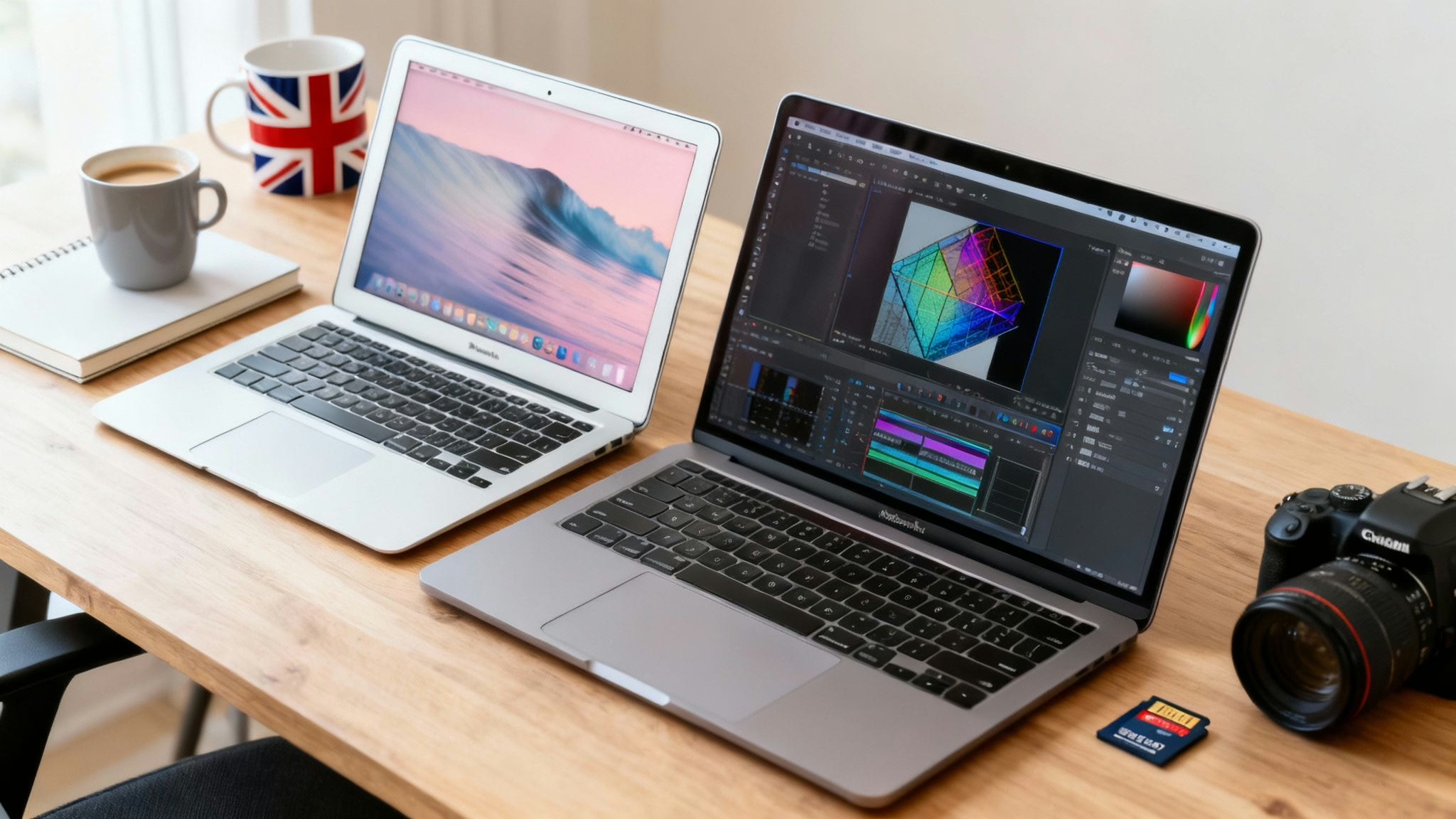
This article will help you decide between a MacBook Pro and a MacBook Air by comparing their performance, design, and suitability for different tasks. We'll look at real-world examples to help you choose the right refurbished model for your needs and budget.
Your choice really hinges on what you'll be doing. Do you need a lightweight machine for work on the go, or a powerhouse that can handle intense creative or technical jobs without slowing down? Let's find out which is the right fit for you.
Choosing Your Next MacBook: A Quick Comparison
Both are fantastic machines, but they serve different people. The MacBook Air is famously thin and light, making it the go-to for students, writers, and anyone who's constantly on the move. It has more than enough power for day-to-day activities like browsing, juggling emails, and streaming media.
The MacBook Pro, on the other hand, is built with more intensive work in mind. It typically has a more advanced display, a better selection of ports, and—most importantly—an internal fan. This cooling system is what lets it run at peak performance for longer, which is crucial for tasks like video editing, music production, or heavy-duty coding.
MacBook Air vs MacBook Pro At a Glance
To make things even clearer, here’s a quick table breaking down the main distinctions you’ll find in most models from recent years.
| Feature | MacBook Air | MacBook Pro |
|---|---|---|
| Best For | Everyday use, portability, students | Demanding tasks, creative professionals |
| Cooling | Fanless (silent operation) | Active cooling system (with fans) |
| Display | High-quality Liquid Retina display | Brighter Liquid Retina XDR display |
| Ports | Fewer ports (usually two Thunderbolt) | More ports (often includes HDMI, SD card) |
| Weight | Lighter and thinner | Heavier and slightly thicker |
For many people, a MacBook Air is more than enough computer, especially when you consider the value offered by refurbished models. You can learn more about the models we have in stock by exploring our range of second-hand Apple laptops.
Comparing Performance and Power for Real-World Tasks
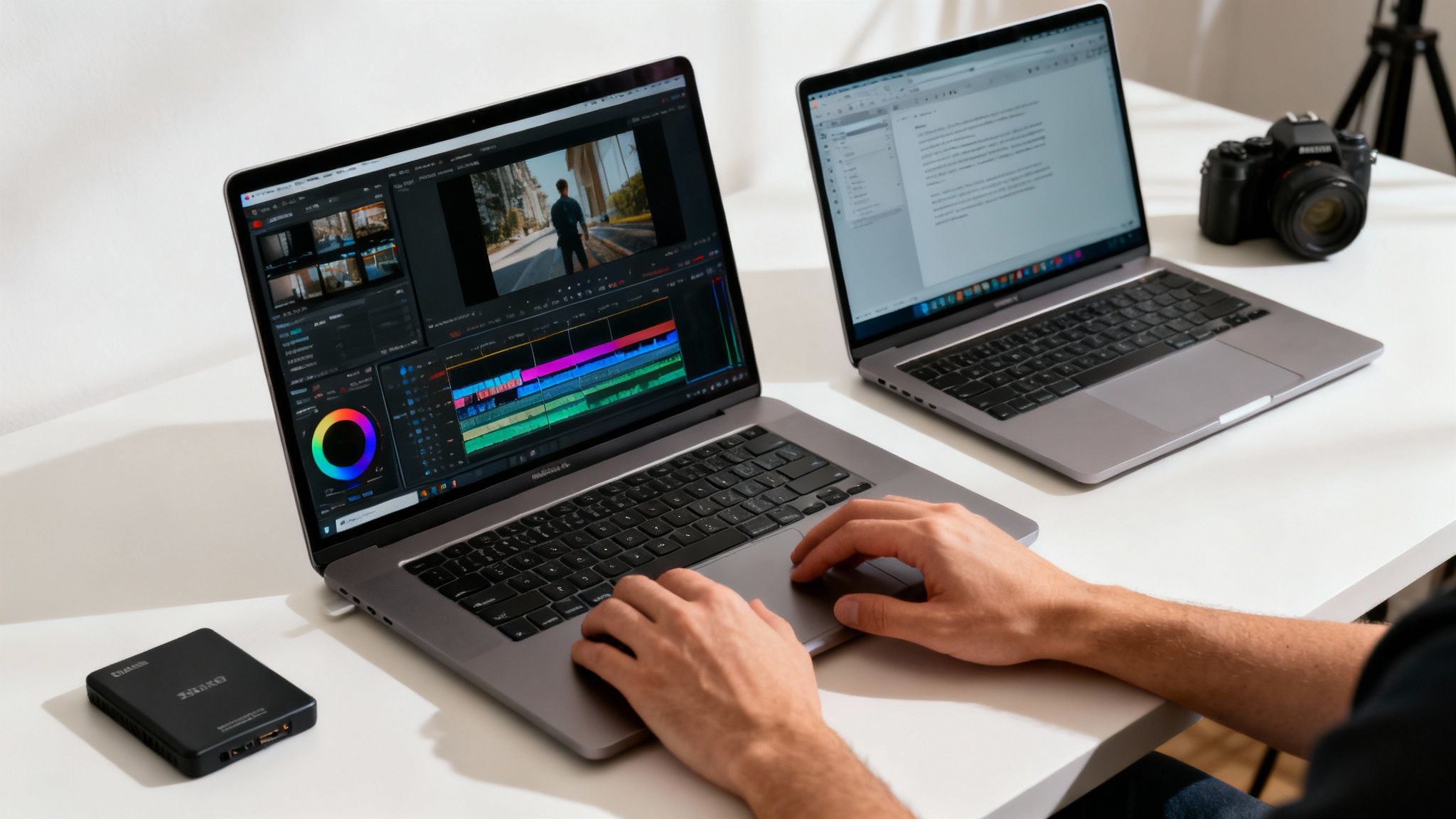
When you get down to the details of MacBook Pro vs MacBook Air, the biggest difference isn’t just the chip inside—it’s how each machine gets rid of heat. This one detail is the deciding factor in how they perform under pressure, especially when you’re pushing them for long periods.
The MacBook Air is famous for having no fan. This makes it completely silent, which is brilliant if you’re working in a quiet spot like a library or a coffee shop. For everyday stuff—browsing the web, writing essays, or watching films—it’s an incredibly quick and responsive laptop.
The MacBook Pro, on the other hand, comes with an active cooling system. It has internal fans, and this is the secret to its sustained, high-end performance. When you start throwing intensive tasks at the processor, those fans kick in to keep the chip cool, letting it run at full tilt for much longer.
Throttling: The Air’s Key Limitation
Because it has no fans, the MacBook Air has to rely on passive cooling to manage its temperature. When it gets too hot during a demanding job, it protects itself by slowing down the processor automatically. This process is known as thermal throttling. You probably wouldn’t notice this during short bursts of activity, but for any kind of sustained workload, it can become a real bottleneck.
For instance, imagine Sarah, a freelance designer who bought a refurbished MacBook Air for her day-to-day work. For creating graphics and managing her website, the Air is perfect—fast, light, and silent. One day, she needs to export a five-minute 4K video. The export starts quickly, but after a few minutes, the laptop gets warm and the process slows to a crawl as the chip throttles its performance to stop itself from overheating.
The Pro Advantage Under Pressure
With a MacBook Pro, the story is different. When you start a demanding task like a 4K video render, the internal fans spin up to keep the processor cool. This means the MacBook Pro can maintain its peak performance for the entire job. The video export finishes much faster, without the frustrating slowdown you might see with the Air.
For professionals, this is the heart of the MacBook Pro vs MacBook Air debate. The Pro’s active cooling isn’t just a nice-to-have feature; it's a guarantee that the machine can handle heavy, sustained work without compromise. This is why professionals whose income relies on their machine's dependability almost always choose the Pro.
Memory and Storage for Professional Workflows
Beyond the processor and its cooling system, the MacBook Pro typically offers configurations with more unified memory (RAM) and faster storage options. Both are critical for avoiding bottlenecks in professional software.
- Memory (RAM): For tasks like multi-layer video editing, 3D modelling, or running virtual machines, having 16GB, 32GB, or even more RAM is a game-changer. It lets the machine handle massive files and multiple demanding apps at the same time without grinding to a halt.
- Storage (SSD): MacBook Pro models often ship with faster solid-state drives (SSDs). For a video editor transferring hundreds of gigabytes of footage, faster read and write speeds translate directly into time saved.
For anyone who needs that professional-grade performance without the brand-new price tag, a refurbished Apple MacBook Pro 13" from 2020 can be a fantastic, budget-friendly option. At the end of the day, your choice comes down to what you value most: silent portability or sustained, reliable power.
Written by James Waterston — 24 years in the mobile phone industry from customer service to Sales Director of a global repair & recycling company; now running Used Mobiles 4 U for 8+ years. LinkedIn
Analysing Display Quality and Physical Design
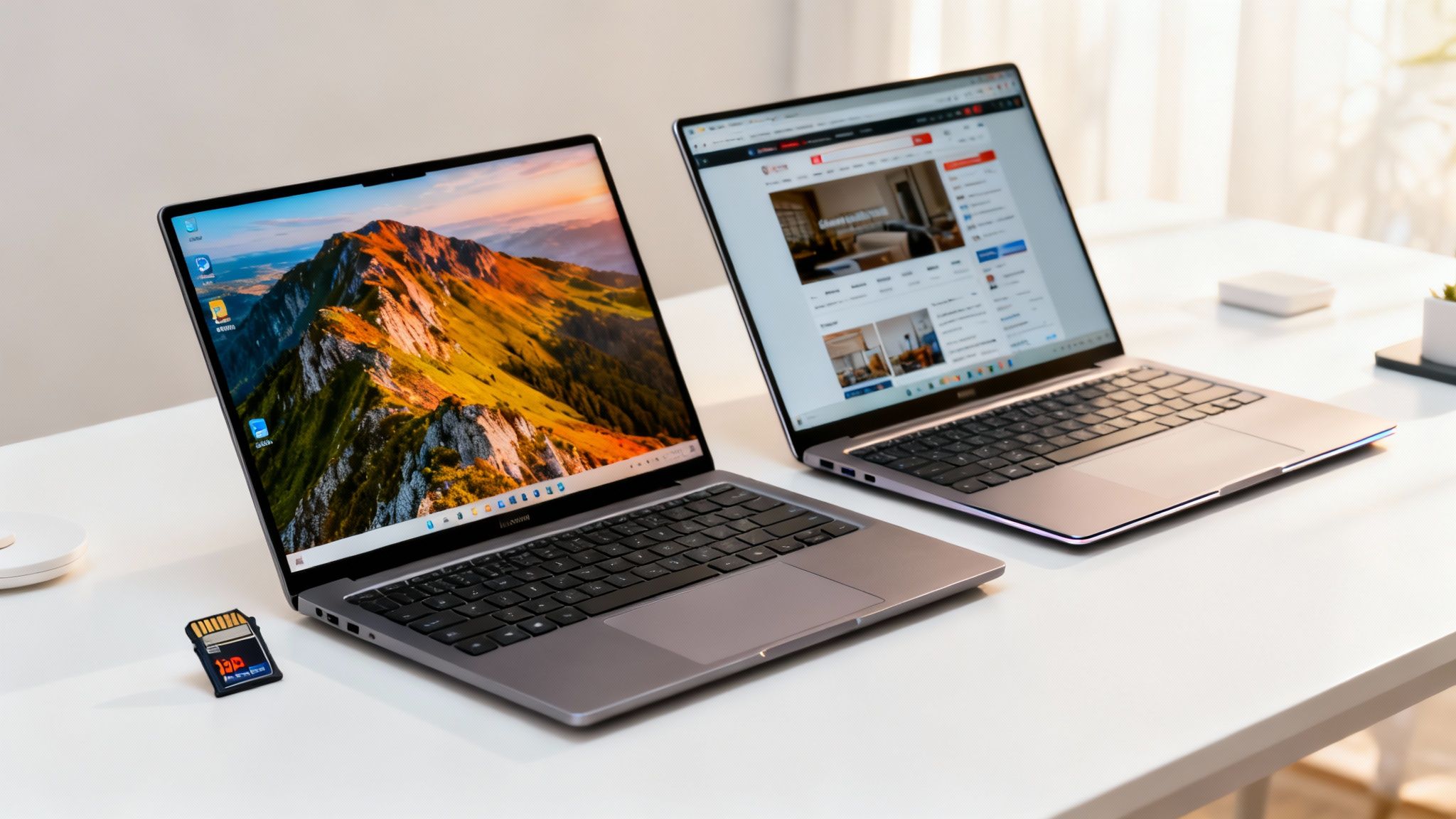
Beyond the raw power, it’s the screen you stare at and the machine you carry that defines your day-to-day experience. When you’re weighing up the MacBook Pro vs MacBook Air, these physical differences are every bit as important as the processor.
Both laptops have excellent, high-resolution screens, but the MacBook Pro pulls ahead for professional creative work. It often features a Liquid Retina XDR display, which is brighter and includes ProMotion technology. In simple terms, ProMotion provides a variable refresh rate up to 120Hz, making everything from scrolling web pages to editing video feel incredibly fluid. The MacBook Air’s Liquid Retina display is still fantastic, but it lacks that extra smoothness.
The Display Difference in Practice
For most of us, the MacBook Air’s screen is more than good enough—it’s sharp, vibrant, and a pleasure to use for writing, browsing, or watching films. But for certain professionals, the Pro's display makes a real difference.
- Video Editors: The high refresh rate makes skimming through footage much smoother, giving a more accurate feel for the final cut.
- Designers & Photographers: The XDR display offers higher sustained brightness and better contrast, which is crucial for accurate colour grading and editing high-dynamic-range (HDR) content.
It’s also worth thinking about maintenance. Accidents happen, and knowing your repair options ahead of time can be helpful. For instance, a resource like this MacBook Pro display replacement guide can be useful to have bookmarked.
Form Factor and Connectivity
The physical designs show what these machines were built for. The MacBook Air has always been about portability. It’s incredibly light and easy to slip into any bag. The MacBook Pro, while still sleek, is built with function in mind. It's a bit thicker and heavier, but that's a trade-off for more powerful components and a better selection of ports.
A typical MacBook Air gives you just two Thunderbolt/USB-C ports, while the Pro usually includes:
- An HDMI port for connecting to monitors and projectors.
- An SD card slot, a massive time-saver for photographers and videographers.
- Extra Thunderbolt ports, so you can connect more accessories without needing an adapter.
This difference is a huge deal in the MacBook Pro vs MacBook Air debate for anyone who regularly plugs in external devices.
Detailed Feature Comparison MacBook Air vs Pro
This table breaks down some of the key technical differences.
| Specification | Typical MacBook Air | Typical MacBook Pro |
|---|---|---|
| Display Tech | Liquid Retina Display | Liquid Retina XDR with ProMotion |
| Max Refresh Rate | 60Hz | 120Hz |
| Brightness | Up to 500 nits | Up to 1,600 nits (peak) |
| Ports | 2x Thunderbolt/USB 4 | 3x Thunderbolt 4, HDMI, SDXC slot |
| Audio | Stereo Speakers | High-fidelity six-speaker sound system |
| Microphones | Three-mic array | Studio-quality three-mic array |
As you can see, the Pro’s advantages in display and connectivity cater to users who need that extra professional versatility. Ultimately, if you value lightness and are always on the move, the Air is hard to beat. If you need a robust workstation with versatile connections, the Pro is the clear winner.
Written by James Waterston — 24 years in the mobile phone industry from customer service to Sales Director of a global repair & recycling company; now running Used Mobiles 4 U for 8+ years. LinkedIn
Who Should Buy Which MacBook? Practical Scenarios

Technical specs are one thing, but the best way to settle the MacBook Pro vs MacBook Air debate is to imagine how each one fits into your daily life. Let’s walk through a few scenarios to see which laptop is the right tool for the job.
The Student or Writer
Picture Chloe, a university student. Her day is a mix of writing essays, joining online lectures, and juggling research tabs. She’s constantly moving between her flat and the campus library, so a lightweight design and solid battery are essential.
For Chloe, a refurbished MacBook Air is the clear winner. It’s light enough to carry everywhere, yet the M-series chip has more than enough power to handle her work. Plus, its fanless design means it’s completely silent—a massive advantage in a quiet library.
- Key Benefits for this User: Portability, silent operation, and a battery that lasts through a full day of lectures.
- Our Recommendation: A refurbished M1 or M2 MacBook Air with 8GB or 16GB of memory is fantastic value.
The Creative Professional
Now, let's think about Ben, a freelance photographer. His workflow involves transferring and editing hundreds of large RAW files in Adobe Lightroom and Photoshop. He needs a machine that doesn't slow down when processing huge batches of photos.
For Ben, the MacBook Pro is an essential bit of kit. The built-in SD card reader saves time, while the active cooling system lets the processor run at full speed for hours. The Liquid Retina XDR display also gives him the pin-sharp colour accuracy his work demands. For a creative professional, the extra investment in a MacBook Pro quickly pays for itself in time saved.
The Office Worker or Small Business Owner
Most office-based professionals need a reliable workhorse for emails, presentations, spreadsheets, and video calls. Their workload isn’t usually as intense as a creative’s, but they still need a snappy and dependable machine.
Either MacBook could fit the bill here, but the MacBook Air usually hits the perfect sweet spot. It delivers a premium feel for all standard business apps and its portability is a real plus for anyone travelling or working from home. A MacBook Pro would likely be overkill unless the job involves very specific, power-hungry software.
The Musician or Developer
For more technical workflows, like music production or software development, the choice almost always points towards the Pro. A musician working in Logic Pro with dozens of tracks and plugins needs sustained power to avoid audio dropouts. A developer compiling a large codebase will see a massive speed boost from the Pro’s more powerful chip and active cooling.
Choosing the right machine is the main hurdle. Once you've settled on your ideal MacBook, you can think about accessories like MacBook sleeve options to protect it. The key is to be honest about what you’ll actually be doing—this will point you straight to the right MacBook.
Navigating the Refurbished MacBook Market in the UK
Choosing a refurbished MacBook is a brilliant way to get the performance and quality you expect from Apple for a much better price. A trusted UK seller makes all the difference, removing the guesswork and giving you peace of mind. A massive part of the decision comes down to the condition of the device, so reputable sellers use a clear grading system.
Understanding Our Cosmetic Grades
Every refurbished MacBook we sell is fully tested and certified to work flawlessly, no matter its cosmetic grade. The grade simply tells you what the machine will look like on the outside.
- Like New: The device is in pristine condition and shows virtually no signs of use. You'd be hard-pressed to tell it apart from a brand-new machine.
- Very Good: These MacBooks might have very light, minor signs of wear, like faint scratches you’d only spot on close inspection.
- Good: Our most budget-friendly option. These MacBooks will show more obvious signs of use, such as visible scratches, but they are 100% functional and have passed all our technical checks.
The Importance of a Solid Warranty
One of the biggest worries when buying any second-hand electronic item is what happens if something goes wrong. A comprehensive warranty isn't just a nice-to-have; it's essential. At Used Mobiles 4 U, every refurbished MacBook comes with a 12-month warranty as standard. This gives you the same level of protection you’d get when buying new.
This warranty covers any hardware faults that might crop up, ensuring your investment is protected. It's a crucial safety net that separates a professional refurbisher from a private seller on a marketplace.
Setting Up Your New MacBook
Once your refurbished MacBook arrives, the setup is straightforward. However, there's one critical step before you start moving your files over.
WARNING: Risk of Data Loss
Before you do anything else, you must create a full backup of your old computer. Whether you use Time Machine, iCloud, or another cloud service, having a complete copy of your files is the only way to guarantee nothing gets lost.
Once you’re backed up, you can use Apple’s Migration Assistant. On your new Mac, go to Applications > Utilities > Migration Assistant. The tool guides you through connecting to your old Mac or Time Machine backup to transfer your documents, apps, and settings. For more options, you can check out our guide on the best refurbished laptops in the UK.
Written by James Waterston — 24 years in the mobile phone industry from customer service to Sales Director of a global repair & recycling company; now running Used Mobiles 4 U for 8+ years. LinkedIn
Our Final Verdict and Recommended Configurations
After weighing everything up in the MacBook Pro vs MacBook Air showdown, the final verdict is refreshingly straightforward. It’s not about chasing the most powerful specs; it’s about matching the machine to what you actually do.
For the vast majority of people—students, writers, office workers, and anyone needing a reliable and portable laptop for everyday tasks—a refurbished MacBook Air is the smartest choice. It offers more than enough power in a silent, lightweight package, and the value for money is excellent.
On the other hand, if your work involves sustained, heavy-duty tasks, the MacBook Pro is a necessary investment. For video editors, music producers, or software developers, its active cooling system and superior display are essential tools for a demanding workflow.
Recommended Refurbished Configurations
To get the best balance between price and performance, we suggest focusing on these specific refurbished models.
-
The All-Rounder: A refurbished M1 MacBook Air with 16GB of RAM is a fantastic, future-proof choice. The M1 chip is still incredibly fast for day-to-day tasks, and 16GB of memory ensures it will handle heavy multitasking for years to come.
-
The Creative Powerhouse on a Budget: Look for a 14-inch M1 Pro MacBook Pro. This model was a huge leap forward, offering phenomenal performance, a stunning ProMotion display, and all the ports you need. As a refurbished option, it delivers professional-grade power at a much more accessible price.
The decision is about being honest with your needs. The Air is the perfect tool for most, while the Pro is the specialised instrument for the few who genuinely push their hardware to its limit. If you're looking for other ways to save money, check out our guide to uncover deals on refurbished laptops.
Written by James Waterston — 24 years in the mobile phone industry from customer service to Sales Director of a global repair & recycling company; now running Used Mobiles 4 U for 8+ years. LinkedIn
Answering Your Final Questions
Let's clear up a few common questions that pop up when people are weighing up a refurbished MacBook Pro vs MacBook Air.
Is a Refurbished MacBook Air Powerful Enough for Photo Editing?
For most hobbyists using apps like Adobe Lightroom, an M-series MacBook Air is more than powerful enough. It will happily handle editing photos, even RAW files. However, if you're a professional photographer editing large batches of high-resolution images, you'll appreciate the extra muscle of the MacBook Pro. Its active cooling is vital for keeping your workflow fast during long editing sessions.
What Can I Expect From a Refurbished MacBook's Battery?
You can expect reliable, all-day battery life for typical tasks. All our refurbished MacBooks go through rigorous testing to make sure the battery meets a high standard of health. We check that it retains a significant portion of its original factory capacity, so you'll get great performance right out of the box. A key benefit of buying from a trusted refurbisher is the assurance that crucial components like the battery have been professionally checked.
What’s the Main Benefit of the MacBook Pro Screen?
While both laptops have excellent displays, the MacBook Pro’s screen has two key advantages for creative professionals. The first is ProMotion technology, which provides a higher refresh rate for incredibly smooth on-screen motion. The second is its much higher brightness level, which is a lifesaver in brightly lit rooms and crucial for accurate colour work with HDR (High Dynamic Range) content.
At Used Mobiles 4 U, we have a fantastic range of fully tested and certified refurbished MacBooks to suit every need and budget.
Explore our certified refurbished MacBook deals
Written by James Waterston — 24 years in the mobile phone industry from customer service to Sales Director of a global repair & recycling company; now running Used Mobiles 4 U for 8+ years. LinkedIn







