





Refurbished iPhone Battery Health – Our Guide

27/01/2026

8 Mins
Refurbished iPhone Battery Health: What to Expect (and What to Avoid)
Buying refurbished phones can feel like buying a used car without seeing the mileage. You’ll see shiny photos, a grade label, and that one number everyone worries about: refurbished iPhone battery health. It’s a smart way to save money and reduce electronic waste.
Here’s the calm truth: refurbished doesn’t mean “worn out”, but battery condition does vary by seller, grade, and model age. This guide explains what battery health actually measures, what a reasonable range looks like in the UK, how good refurbishers test, what to check in your first few days, and what to avoid so you don’t end up carrying a charger like it’s your house keys.
What iPhone Battery Health really tells you (and what it doesn’t)
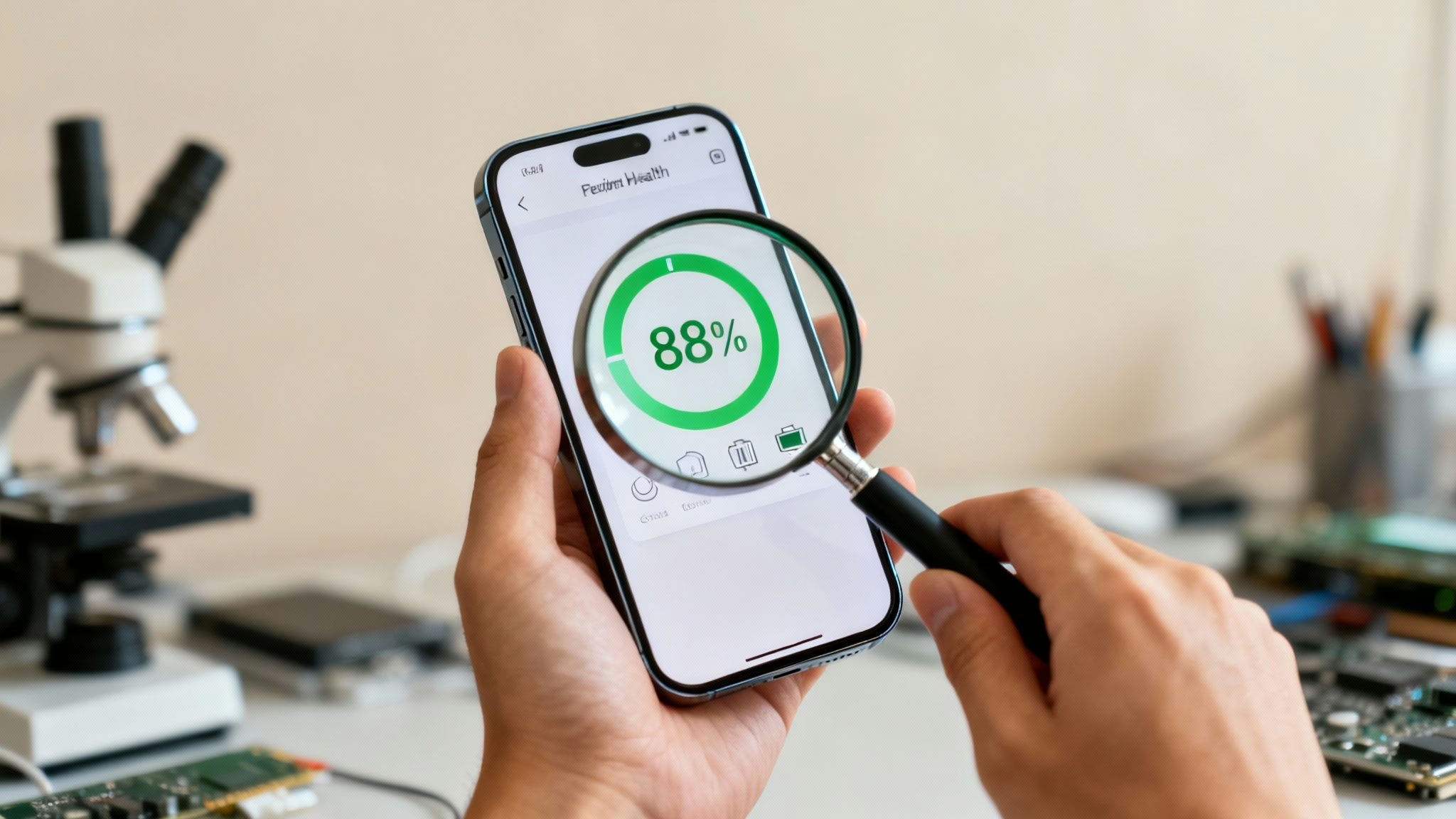
In iOS, Battery Health is mainly about maximum capacity. iPhone’s lithium-ion batteries age over charge cycles, so think of your battery like a water bottle. Over time, it’s the same bottle, but it doesn’t quite hold as much as it did when new. A phone at 85% maximum capacity is like a 1-litre bottle that now holds 850ml.
Apple’s own guidance explains how battery ageing can affect performance and when iPhones may manage performance to prevent unexpected shutdowns, see Apple’s iPhone battery and performance notes. In simple terms, Apple often treats around 80% capacity as a common point where many users start noticing shorter days and the battery may be closer to needing replacement.
You can find it in iPhone Settings > Battery > Battery Health and Charging. Some newer iPhones also show cycle count and other details in battery screens, but maximum capacity is still the headline number most listings mention.
Battery health percentage vs daily battery life
Battery health percentage is a good clue, but it’s not a stopwatch. Two people can own the same iPhone on 85% and have totally different days due to their usage patterns.
A phone on battery health 85 percent can feel solid if you mainly use WhatsApp, email, a bit of browsing, and you’re on decent Wi-Fi. A phone on 90% can feel awful if you’re hammering 5G, filming video, running sat nav, or playing games for an hour on the train.
Common things that make batteries seem worse than they are include bright screens, weak signal (especially on commutes), background app refresh, Bluetooth accessories, constant location use, and cold weather. January in the UK is not kind to batteries, and your pocket isn’t always warm.
The warning signs inside iOS you should take seriously
The percentage matters less than what iOS is trying to tell you. Take these seriously:
- “Service” in Battery Health: iOS is warning the battery may be degraded or behaving oddly.
- Sudden shutdowns: especially when you still had plenty of charge left.
- Peak Performance messages: iOS may reduce performance to prevent shutdowns.
- Sudden drops: going from 40% to 10% in minutes isn’t normal.
Tiny differences (like 88% vs 90%) won’t change your life. Warnings and weird behaviour might.
What’s a fair level of refurbished iPhone battery health in the UK (and what to avoid)
For UK buyers, a sensible baseline is simple: reputable sellers should set a minimum battery standard and put it in writing when offering refurbished phones. Many sellers use 80% as a floor because it aligns with typical guidance and real-world usability, while top grades often aim higher.
Battery expectations also tie into grading. “Like New” should not just mean a clean screen. It should mean the phone has been tested properly, and the battery should be strong enough to match the grade, especially for certified pre-owned devices. “Good” may be cheaper, but you’re more likely to see lower capacity, as long as it’s clearly disclosed and covered by warranty.
If you want a quick third-party view on what makes refurbished phones more trustworthy in general (testing, warranty, returns), read Box’s guide to refurbished phone reliability.
What to avoid is usually obvious once you know the tells:
- Listings with no stated battery standard
- Vague phrases like “battery holds charge” with no details
- “As seen” or “sold as is” wording
- Sellers who won’t confirm battery health or warranty cover in writing
A simple rule of thumb for buyers who want an all-day phone
If the iPhone meets a clear minimum standard from a reputable UK seller and shows no Service warnings, it should handle normal days for many people.
If you’re a power user (5G hotspot, video, gaming, lots of camera use), aim for a higher battery health target to ensure solid battery life, or choose a newer model. A newer iPhone can feel better even at similar capacity because the efficiency is often improved and iOS manages performance capability as the battery ages.
Red flags that usually mean trouble later
Some problems don’t show up in a listing photo. Red flags include the seller saying “battery not tested”, missing warranty information, an unbranded third-party battery with no proof of quality, overheating during basic tasks, or a phone that arrives already showing “Service”.
In the UK, the return window matters because it’s your safety net if the battery behaves badly after a day or two of normal use.
How reputable refurbishers test batteries and back it up with warranty
A proper battery check isn’t mysterious. It’s repeatable and it leaves a paper trail. Good refurbishers ensure batteries are tested by technicians, who check maximum capacity, look for Service alerts, test charging behaviour, and watch for fast drain or heat under normal load.
Used Mobiles 4U explains what a thorough check looks like in their own workflow, see their refurbishment process. The key point is accountability: testing, grading, and backing it up with warranty terms you can actually read.
In the UK, warranty expectations should be clear on length, what’s covered, and how returns work. If the battery is part of the reason you’re buying refurbished, you want a seller who treats the battery as a core component, not an afterthought.
What a proper refurbishment process should include
You don’t need a lab to judge a process, you just need a standard. A credible refurbishment process for refurbished phones usually includes inspection, cleaning, functional testing (buttons, cameras, speakers, network), battery checks, and replacing parts that fall below standard due to battery degradation.
A quick checklist to compare sellers:
- Clear grading definitions
- A stated battery health minimum such as original battery capacity (and what happens if it’s below)
- Warranty length and a straightforward returns policy
Battery replacements on refurbished iPhones, what’s safe and what’s risky
A battery replacement can be a good thing if it’s done properly. A fresh battery upgrade, fitted correctly using an OEM battery, should improve real-world use.
The risk comes from cut corners: poor-quality cells, sloppy fitting, or unclear disclosure. Bad batteries can swell, run hot, or trigger shutdowns. If a seller can’t tell you what was fitted or won’t stand behind it, walk away.
Your day-one checklist, test battery health before the return window ends
Treat the first 24 to 72 hours like a test drive. Check battery health to ensure it behaves like a healthy phone in your real routine.
If you decide you simply want stronger endurance, sometimes the best “battery fix” is choosing a newer generation. Used Mobiles 4U’s ranges make that easy to compare, from refurbished iPhones to refurbished phones like refurbished iPhone 12 models, iPhone 13, and iPhone 14.
For Apple’s official walkthrough of battery screens and usage views, use Apple’s guide to battery usage and health.
Quick checks in Settings that catch most problems
- Open Settings, Battery, Battery Health and note Maximum Capacity and any warnings.
- Open Battery Usage and check if one app is draining unusually fast.
- Check for a Service message or notice about peak performance capability.
- Install any pending iOS update (updates can fix drain bugs).
- Make sure Optimised Battery Charging is turned on if it suits your routine.
A simple real-life test for drain, charging, and heat
Charge to 100% once, then use the phone normally for a full day. Mix in the things you actually do: calls, camera, streaming, maps, social apps. Watch for sudden drops in battery life, especially from 30% downwards.
Check charging too, paying attention to your charging habits and always using certified chargers. It should climb steadily, not stall, and the phone shouldn’t get uncomfortably warm during light use. Also test in a normal signal area, poor reception can make any battery look worse than it is.
Conclusion
Battery Health is worth checking, but it’s not the whole story. The safest way to buy refurbished phones is from a reputable UK refurbisher with clear standards, a real warranty, and a return window that gives you time to test properly. Used Mobiles 4U is a good example of a retailer that sets expectations upfront, grades devices clearly, and explains how they refurbish. Do your day-one checks on battery life and you’ll know quickly whether your iPhone is a keeper, helping you save money with confidence.
FAQ
What battery health should a refurbished iPhone have?
A sensible minimum is often 80% or higher, with higher grades commonly aiming above that. What matters most is that the seller states a minimum standard and the phone shows no iOS battery warnings.
Is 80% battery health bad on a used iPhone?
It’s not “bad”, but it’s the point where an 80% maximum capacity battery health percentage means many users start noticing shorter days. If you’re a light user it may still feel fine. If you rely on heavy apps, you’ll probably want higher.
Will a refurbished iPhone battery be replaced?
Sometimes. Many refurbishers replace batteries only if they fall below their standard or show faults, so look for clear battery replacement policies. Always check the listing, grading policy, and warranty terms so you know what you’re buying.
Does charging overnight damage iPhone battery health?
Not usually. iPhones manage charging to reduce stress, especially if Optimised Battery Charging is enabled on refurbished phones. Heat is the real enemy, so avoid charging under pillows, on heaters, or in direct sun.
How can I check if my refurbished iPhone battery is genuine?
Start with iOS Battery Health screens and watch for warnings or odd behaviour. If the seller states a battery policy and offers warranty support, that’s a good sign. If anything seems off, ask for proof of parts and testing.
What should I do if Battery Health says “Service” after I buy?
Contact the seller straight away, ideally within the return window. Before that, check battery health via iOS or third-party apps to confirm issues like throttled performance. A Service message is more serious than a small percentage difference, and it’s reasonable to expect repair, replacement, or return under warranty or consumer rights.
Author: James Waterston, Owner (25 years in the industry), LinkedIn URL provided.
Looking for a refurbished phone?
Shop professionally tested refurbished iPhones and Samsung phones with 18 month warranty, 30 day returns and free UK delivery.
Browse Refurbished Phones






