





Refurbished Phone Vodafone: Will It Work in the UK?

06/04/2026

11 Mins
This guide explains everything you need to know about using a refurbished mobile on the Vodafone network. We'll cover the essential checks to make before you buy, what to expect from different device grades, and how to get set up without any fuss.
The short answer is yes, a refurbished phone will work perfectly with Vodafone. However, the most important thing to check is that the phone is "unlocked." This means it isn't tied to another network like O2 or EE. An unlocked phone will accept your Vodafone SIM card straight away. It's also wise to check the phone's cosmetic condition, battery health, and warranty before buying.
Getting a Refurbished Phone Working on Vodafone
Choosing a refurbished phone for Vodafone is a smart way to get a great mobile without paying the full price for a new one. Most of the time, the process is simple: you buy an unlocked phone, pop your Vodafone SIM in, and you're ready to go.
Still, a few common slip-ups can catch people out. Knowing what to look for before you hand over your money can save you a lot of trouble later.
The Most Common Problem: The Network Lock
The single biggest issue we see is people accidentally buying a phone that's locked to another network. A customer brought in a nearly new iPhone last month that they’d bought from a private seller online. It was advertised as ‘unlocked’, but when they inserted their Vodafone SIM, they got a "SIM Not Supported" error. It turned out the phone was locked to EE.
This meant their new phone was useless on Vodafone until it could be officially unlocked, which can be a slow and frustrating process. This is exactly why buying from a reputable retailer is so important. At Used Mobiles 4 U, for instance, every device is guaranteed to be fully unlocked for use on any UK network, including Vodafone.
Beyond the Lock: Frequency Bands and Blacklists
Even if a phone is unlocked, you need to be sure it's a UK or European model. A phone originally sold in the US or Asia might not fully support the specific 4G and 5G frequency bands that Vodafone uses here. This can result in a poor signal, slow data speeds, or features like 4G Calling not working correctly.
Finally, always check the phone’s unique 15-digit IMEI number, especially if you're buying from a private seller. You can use a free online checker to see if the phone has been reported lost or stolen. If it has, it will be blacklisted and blocked by all UK networks, including Vodafone.
Our guide on how to check if a phone is unlocked goes into more detail on these essential pre-purchase checks.
Confirming a Phone Is Unlocked for Vodafone
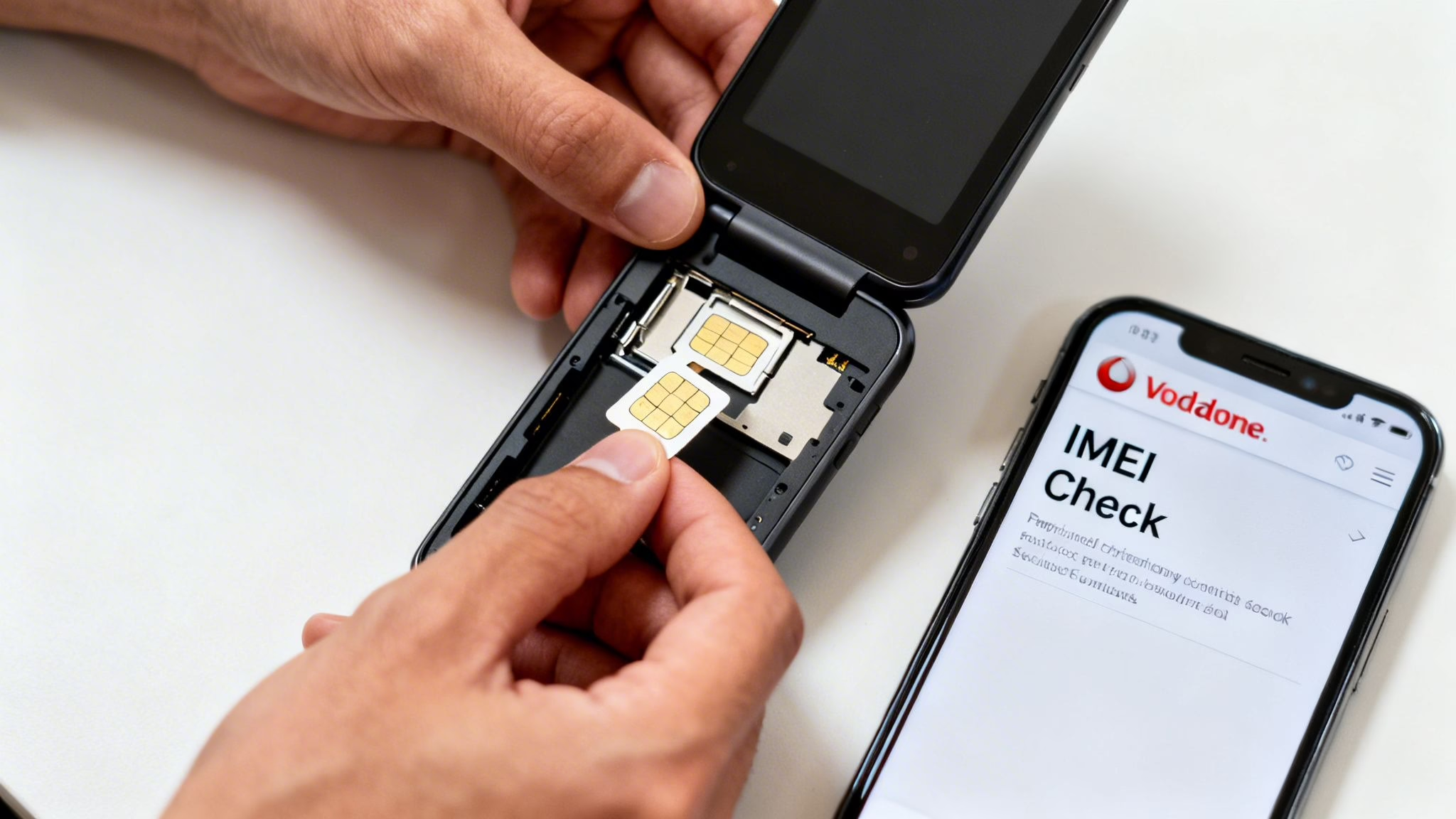
Let's walk through the most important check you need to make before buying a refurbished phone: making sure it’s genuinely unlocked. This one step ensures your Vodafone SIM will work the moment you put it in.
This is a much more common issue than you might think. We recently had a customer who bought a phone from an online marketplace. It looked perfect, but their Vodafone SIM wouldn't connect. The device was still locked to its previous network—an easy mistake to make, but an even easier one to avoid.
How to Check if a Phone Is Unlocked
The simplest way to check if a phone is unlocked is to test it with a SIM card. If you're buying a refurbished phone for Vodafone in person, ask the seller if you can insert your own Vodafone SIM. If it connects to the network and you can make a call, you’re all set.
If you don't have a SIM with you, you can usually find the lock status in the phone’s settings.
- On an iPhone: Go to Settings > General > About. Scroll down and look for Network Provider Lock. If it says "No SIM restrictions", the iPhone is unlocked.
- On an Android phone (like a Samsung or Google Pixel): Go to Settings > Network & internet > SIMs. The exact path can vary, but you are looking for an option like "Add a network" or "Choose network." If you can see and select other networks, it’s a good sign the phone is unlocked.
We have a more detailed guide that covers how to check if your mobile is unlocked using a few different methods.
A quick tip from our workshop: The best test is to borrow a friend's SIM card from a different network (like O2 or Three). If the phone accepts it and makes a call, it's definitely unlocked and will work perfectly with your Vodafone SIM.
Why Network Bands and IMEI Checks Still Matter
Beyond the network lock, you also need to be sure the phone was made for the UK market. A device intended for the US or Asia might not support the specific 4G and 5G frequency bands Vodafone uses here. This can lead to patchy signal or prevent features like 4G Calling (VoLTE) from working, which affects call quality.
That’s why buying from UK-based sellers who guarantee their phones are fully compatible is always the safest bet.
And remember, choosing a pre-owned phone has a real environmental benefit. Research conducted with Vodafone showed that a refurbished phone has an 87% lower contribution to climate change than a brand-new one, avoiding the extraction of over 76 kg of raw materials. You can see the full details in Vodafone's findings about refurbished phones.
Decoding Refurbished Grades and Battery Health
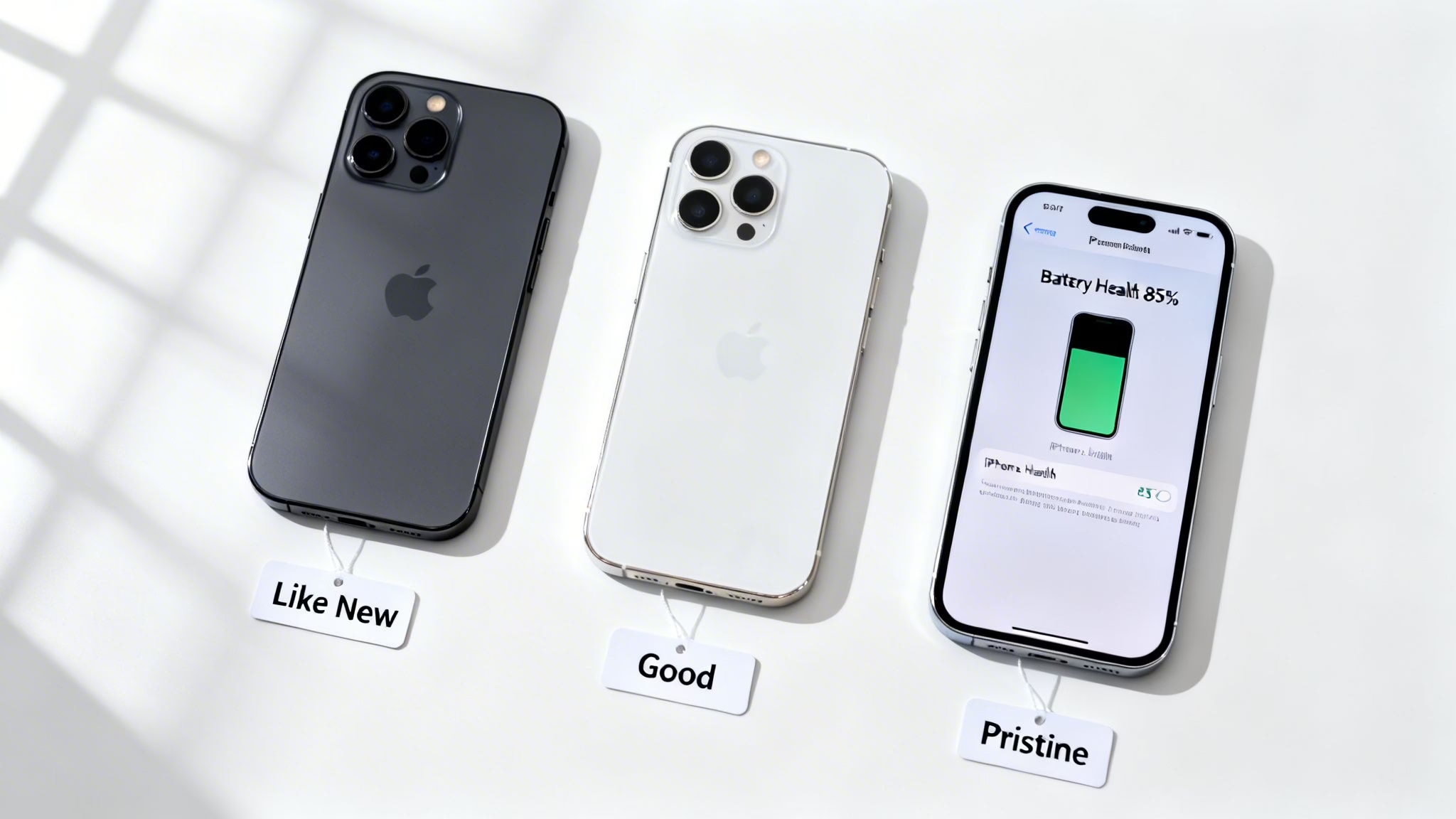
When you're shopping for a refurbished phone, you’ll see terms like 'Like New', 'Pristine', 'Good', or 'Fair'. These grades describe the phone's cosmetic condition—what it looks like on the outside. But what’s happening inside, especially with the battery, is just as important for your daily use.
The growing popularity of refurbished phones is hard to miss. Vodafone itself reported an 83% increase in refurbished device sales over the last year, showing a big shift in how people buy mobiles. You can read more about this trend in Vodafone's UK report.
Understanding what to expect from both the external grade and internal health is key to finding a great refurbished phone for Vodafone.
What Do Refurbished Grades Mean?
A grade simply tells you about the physical appearance of the phone. At Used Mobiles 4 U, we use a clear system so you know exactly what you’re getting.
- Like New: The phone is in exceptional condition. It will look almost identical to a brand-new device, with no visible marks.
- Pristine: This grade may have a few very light signs of use, but you would have to look very closely to see them.
- Very Good: You might see some minor scratches on the screen or body, but nothing that affects how the phone works.
- Good: The phone will show clear signs of previous use, such as more noticeable scratches, but it is 100% functional and usually offers the best value.
A common mistake is assuming a 'Pristine' phone will also have a perfect battery. We've heard from customers who've bought phones from auction sites that look flawless but can't hold a charge for more than a few hours. Looks aren't everything.
Why Battery Health Is So Important
Battery health is the most common concern we hear from customers. It's a measure of the battery's ability to hold a charge compared to when it was new. All batteries degrade over time, but a good refurbished phone should still have plenty of life in it.
Based on testing thousands of devices, our advice is to look for a refurbished phone with a minimum battery health of 85%. Anything above this should easily get you through a normal day without needing to charge.
For an iPhone, you can check this yourself by going to Settings > Battery > Battery Health & Charging. The 'Maximum Capacity' percentage tells you everything you need to know. Any reputable seller should test and guarantee a minimum battery health level.
If you want to understand these percentages better, our guide on judging battery health on refurbished iPhones explains what they mean for daily use.
The Importance of Warranty and Returns
When you buy a refurbished phone, a good warranty is your safety net. It’s what separates a quick, no-fuss fix from a costly problem if something goes wrong. While checking the cosmetic condition and battery health is important, the warranty provides real peace of mind.
It’s easy to confuse a warranty with a return policy. A return policy might give you 14 or 30 days to change your mind, but a warranty protects you against faults that can appear months later.
What a Good Warranty Should Cover
Any refurbished phone you buy for your Vodafone plan from a professional seller should come with a solid warranty. At Used Mobiles 4 U, for example, our warranty lasts for a full 12 months.
A strong warranty should cover:
- Component Failure: This includes parts like the screen, buttons, speakers, or charging port failing during normal use.
- Battery Performance: It should protect you if the battery health drops significantly or the battery fails unexpectedly.
- Software Glitches: This is for persistent software bugs that a factory reset doesn’t fix.
This is protection you simply don't get when buying from a private seller on an auction site. We recently helped a customer whose refurbished phone’s speaker suddenly died three months after they bought it. Because it was under our warranty, we repaired it quickly and at no cost. If they’d bought it privately, they would have been stuck paying for the repair themselves.
Under the Consumer Rights Act 2015 in the UK, goods must be of satisfactory quality and fit for purpose. If a refurbished phone from a trader develops a fault within the first six months, it’s presumed the fault was there at the time of purchase, and you are entitled to a repair or replacement.
A good warranty from the seller gives you a much faster way to get problems sorted. It shows the seller is confident in the quality of their products. If you ever need to send a device back, our guide on how to handle refurbished phone returns can make the process smoother.
Getting Your New Phone Set Up on Vodafone
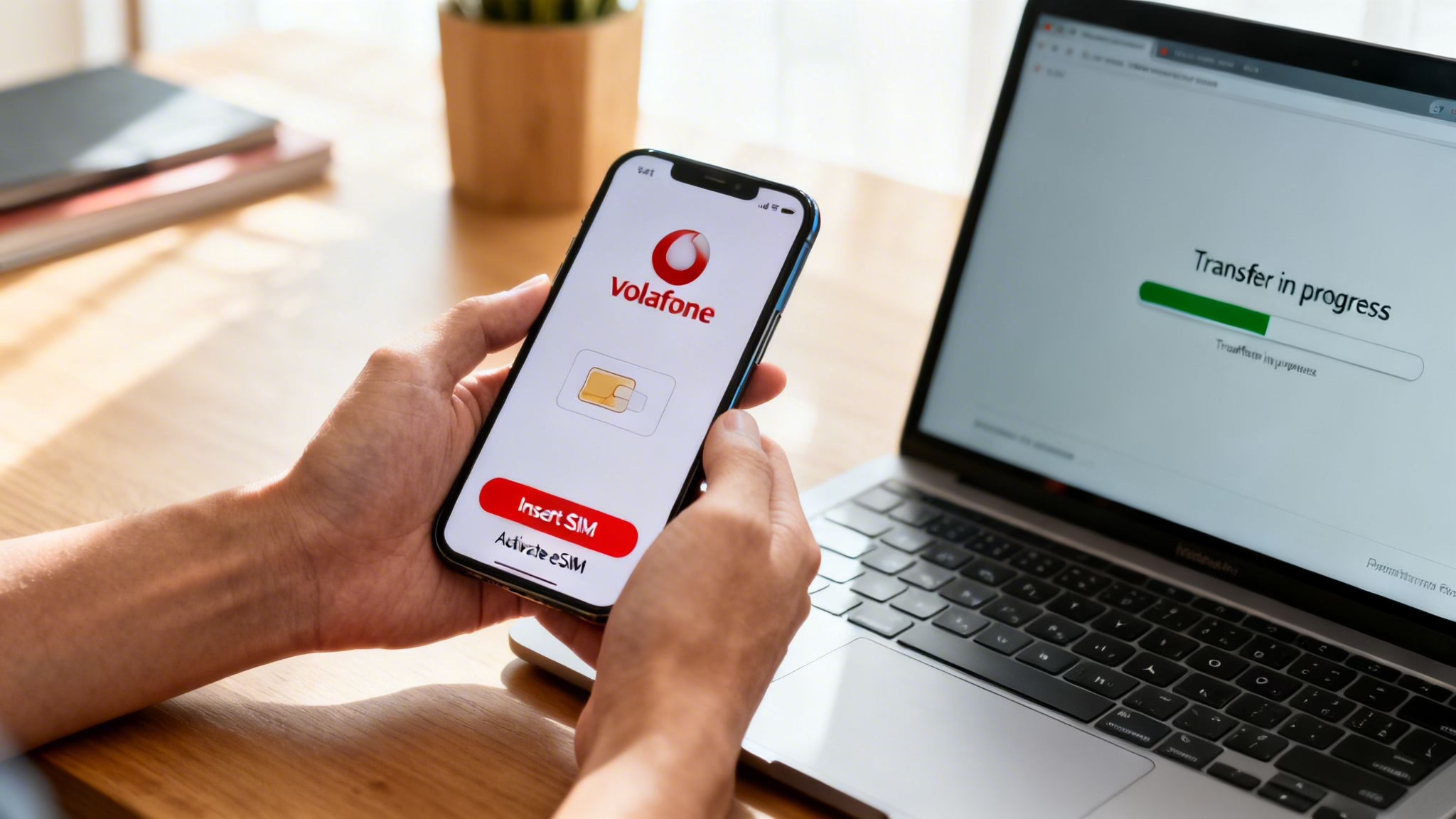
Your refurbished phone has arrived. Now for the exciting part: getting it connected and moving your data across. This is usually straightforward, but a few tips can make it completely seamless, especially when using a refurbished phone for your Vodafone service.
Before you even switch it on, connect it to a reliable Wi-Fi network. You’ll be downloading apps, restoring from a backup, and running updates, all of which can use a lot of mobile data.
Inserting Your SIM and Getting Connected
Most of the time, all you need to do is pop your Vodafone SIM card into the new phone. Use the little SIM ejector tool (or a straightened paperclip) to open the tray. Once the SIM is in, restart the phone. It should find the Vodafone network automatically.
If your new phone supports eSIM, you can activate your plan digitally without a physical card. Vodafone will give you a QR code to scan. On an iPhone, you’ll find this under:
- Settings > Mobile Service > Add eSIM
On most Android phones, it’s usually something like:
- Settings > Network & internet > SIMs > Add a network
Just scan the code and follow the steps.
Transferring Your Data and Checking Settings
With your phone connected, it’s time to move your data. Both Apple and Google have excellent built-in tools for this. During the phone's initial setup, you’ll be prompted to transfer data from your old device. Just make sure your old phone is nearby, charged, and also on Wi-Fi.
A Note on Carrier Settings: Your phone might show a message asking to update carrier settings. Always tap 'Update'. These small updates help your phone work better with the Vodafone network for features like 4G/5G Calling and Visual Voicemail.
Common Activation Problems and How to Solve Them
What if it doesn't "just work"? Don’t worry. The most common issue is a "SIM not supported" message. This nearly always means the phone is locked to another network, even if it was sold as unlocked. If this happens, your first call should be to the seller, not Vodafone.
A reputable seller, like us at Used Mobiles 4 U, guarantees every device is fully unlocked. If a mistake ever happens, we'll sort it for you immediately. If you bought from a private seller, however, you could have a bigger problem.
If the phone connects but the signal is weak, try these quick fixes:
- Restart the phone. A simple on-and-off cycle fixes a surprising number of issues.
- Check for local outages. Before getting too frustrated, go to Vodafone's online network status checker to see if there’s a known problem in your area.
- Reset your network settings. This won't delete your personal data, but it will clear saved Wi-Fi passwords and network configurations. You can find this in your phone’s main reset menu.
Common Questions About Vodafone Refurbished Phones
Here are the answers to some of the most common questions we get from customers looking to pair a refurbished mobile with their Vodafone plan.
Will Features Like Wi-Fi Calling and 5G Work?
Yes. As long as you choose a UK or European model that was built with these features, they will work perfectly on the Vodafone network. For example, any refurbished iPhone 12 or newer is fully compatible with Vodafone’s 5G.
The key is to make sure the phone is unlocked and intended for this region. This is why we test every single device to guarantee that critical features like 5G, 4G Calling (VoLTE), and Wi-Fi Calling are fully functional.
Can I Still Trade In My Old Mobile with Vodafone?
Yes, you can. Vodafone’s trade-in programme is open to anyone, no matter where you bought your new phone. You can use their online tool to get a quote for your old mobile and apply the credit to your monthly Vodafone bill.
WARNING: Always back up all your data before sending a mobile for trade-in. Once you post it, your personal information will be wiped, so make sure everything important is saved somewhere safe first.
What Is the Difference Between Buying from Vodafone and a Retailer?
The main differences are price, choice, and flexibility. When you buy a refurbished phone from Vodafone, it’s often tied to a monthly plan, which can lock you into a contract and limit your choice of models.
Independent specialists like Used Mobiles 4 U sell fully unlocked devices. This gives you the freedom to use a SIM from any UK network and switch providers when you want. You also get a straightforward 12-month warranty for peace of mind, which is something you should always look for. It's always worth comparing the total cost—the device price, its condition, and the warranty—to see where the best value is.
Are Younger People More Likely to Buy Refurbished?
The data suggests they are. Figures from the Vodafone Institute show that 37% of Gen Z have bought a refurbished device, compared to just 18% of Baby Boomers. Younger generations seem more comfortable with the idea, attracted by the cost savings and environmental benefits.
The same research found that 81% of those who have bought refurbished plan to do so again. This shows that when the quality is good and the seller is trustworthy, the experience can be just as good as buying new.
If you're still deciding which refurbished phone is right for you, or just need a bit of advice on a model, our team at Used Mobiles 4 U is always happy to help. You can browse our range of fully tested, unlocked devices here: https://usedmobiles4u.co.uk.
Written by James Waterston — 24 years in the mobile phone industry from customer service through to Sales Director of a global repair and recycling company. Now running Used Mobiles 4 U for over 8 years.
LinkedIn:
https://uk.linkedin.com/in/james-waterston-9039a21a







