





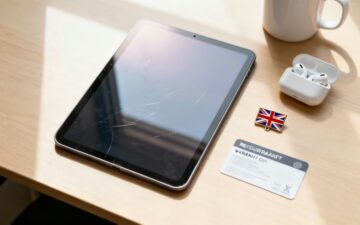
A Smart Buyer’s Guide to Refurbished Tablets UK
This guide explains what 'refurbished' means for tablets in the UK, how to understand seller grades, and what to look for in a good warranty. We'll help you find the best value models and run through the essential checks to make before you buy.
Why Choose a Refurbished Tablet
Buying refurbished technology is a practical way to get a high-performance device, like an iPad or a Samsung Galaxy Tab, for a much lower price than buying new. The market for refurbished tablets uk sellers offer is growing as more people look for affordable and sustainable options.
What Does 'Refurbished' Actually Mean?
A refurbished device is not just 'used'. It is a pre-owned tablet that has been professionally tested, repaired if needed, and fully data-wiped. Unlike buying from a private seller, a professionally refurbished tablet comes with important assurances:
- Thorough Testing: Every component, from battery health to screen responsiveness, is checked.
- Warranty Included: Reputable sellers provide a warranty (usually 12 months), which gives you peace of mind.
- Clear Grading: The cosmetic condition is clearly described, so you know exactly what to expect.
This process turns a pre-owned gadget into a reliable product. The UK refurbished electronics market is valued at over USD 6 billion, showing a strong consumer trust in these items. For many families, choosing from the range of refurbished tablets UK retailers supply is simply a smart financial decision.
Understanding Refurbished Tablet Grades
When browsing for refurbished tablets UK sellers have available, you will see terms like 'Pristine', 'Very Good', and 'Good'. These grades are not standardised across the industry, so one seller's 'Very Good' might be another's 'Grade A'.
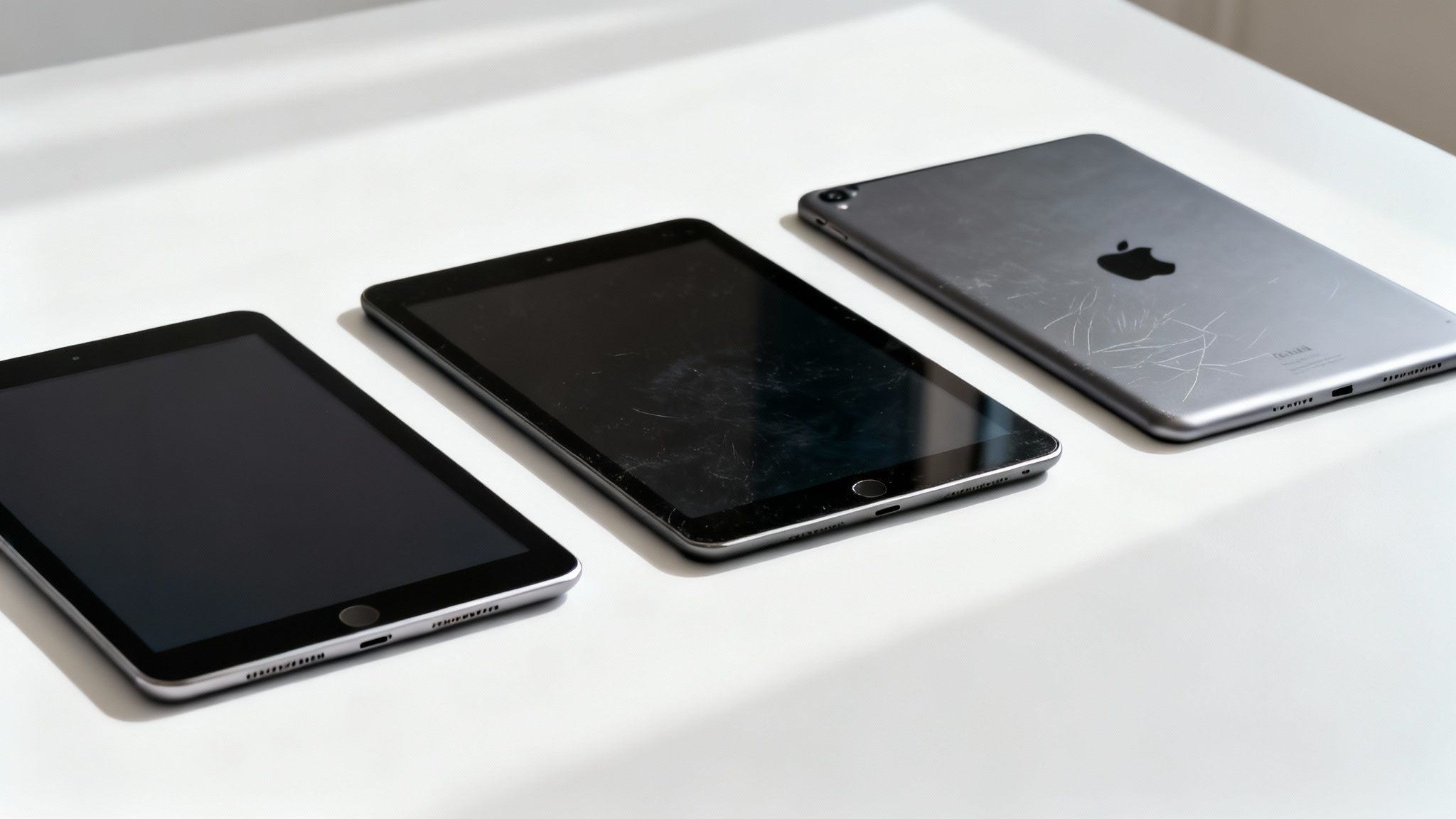
It is important to know that these grades refer only to the cosmetic condition of the tablet—how it looks, not how it functions. A professionally refurbished device is in perfect working order regardless of its grade. The difference comes down to appearance and price.
What Do the Grades Actually Mean?
'Pristine' or 'Like New' is the highest grade. A tablet with this rating will be flawless, with no visible marks or scratches. It is the closest you can get to a brand-new device.
'Very Good' or 'Grade A' devices may have a few faint micro-scratches on the body or screen, usually only visible under close inspection. This grade offers a good balance between appearance and cost saving.
'Good' or 'Grade B' condition tablets show more obvious signs of use, such as light scratches on the casing or screen. Any marks on the screen will not be visible when it is turned on. This is a budget-friendly option, especially if the tablet will be used by a child or kept in a case.
To clarify, here is a simple breakdown of what to expect from each grade.
Refurbished Tablet Grade Comparison
| Grade | Typical Cosmetic Condition | Screen Condition | Best For |
|---|---|---|---|
| Pristine | Looks brand new. No visible scratches or scuffs on the body. | Flawless, with no scratches or marks. | Gift-giving or anyone wanting a perfect device. |
| Very Good | Very light signs of use. May have faint micro-scratches on the casing. | May have very light micro-scratches, invisible when the screen is on. | People who want a great-looking tablet and a decent discount. |
| Good | Visible signs of use, like light scratches, scuffs, or small dinks. | Light scratches may be visible but not when the screen is on. | Budget-conscious buyers, kids' tablets, or if it will be in a case. |
These are general guidelines, so it is always a good idea to check the seller's specific grading policy.
While terms vary, the principles are consistent. We explain this in more detail in our guide to refurbished phone grades, and the same logic applies to tablets. Choosing a grade is a trade-off between paying more for a new-looking tablet or saving money on a device that works perfectly but has minor cosmetic wear.
Finding the Best Value Refurbished Tablets
When looking for a refurbished tablet, some models offer better value and performance than others. The most popular choices are typically Apple iPads and Samsung Galaxy Tabs.
A refurbished iPad Pro can provide professional-level power for creative or academic work at a much lower cost. For general family use, such as streaming and educational apps, a later standard iPad model like the 8th or 9th generation is a good choice. We offer more suggestions in our guide on the best refurbished tablets for kids.
For Android users, Samsung's Galaxy Tab S and A series are excellent options. The Tab S series, like the S7 or S8, competes with iPads on performance. The Tab A series is a great budget-friendly choice for casual use.
Real-World Scenario: Chloe's Choice
Let's consider Chloe, a university student on a tight budget. She needs a tablet for taking notes, research, and some graphic design. She is considering two popular refurbished tablets UK retailers are offering: an Apple iPad Air (4th Gen) and a Samsung Galaxy Tab S7 FE.
- The iPad Air: It integrates well with her iPhone and offers access to specific creative apps she needs for her course. However, it is slightly more expensive.
- The Samsung Tab S7 FE: This is more affordable, has a larger screen, and includes the S Pen stylus.
Chloe considers her needs. The free S Pen is a significant benefit, but the smooth performance of iPadOS and the specific apps available on it make the slightly higher cost of the refurbished iPad Air a better long-term investment for her studies.
Apple has a large market share in the UK, which influences the refurbished market. A recent UK mobile device market analysis shows that many UK buyers are choosing refurbished Apple products due to the combination of trusted quality and affordable prices.
Essential Checks Before You Buy
Finding a good price on a refurbished tablet is just the first step. To ensure you are getting a reliable device, there are a few important checks to make before buying.
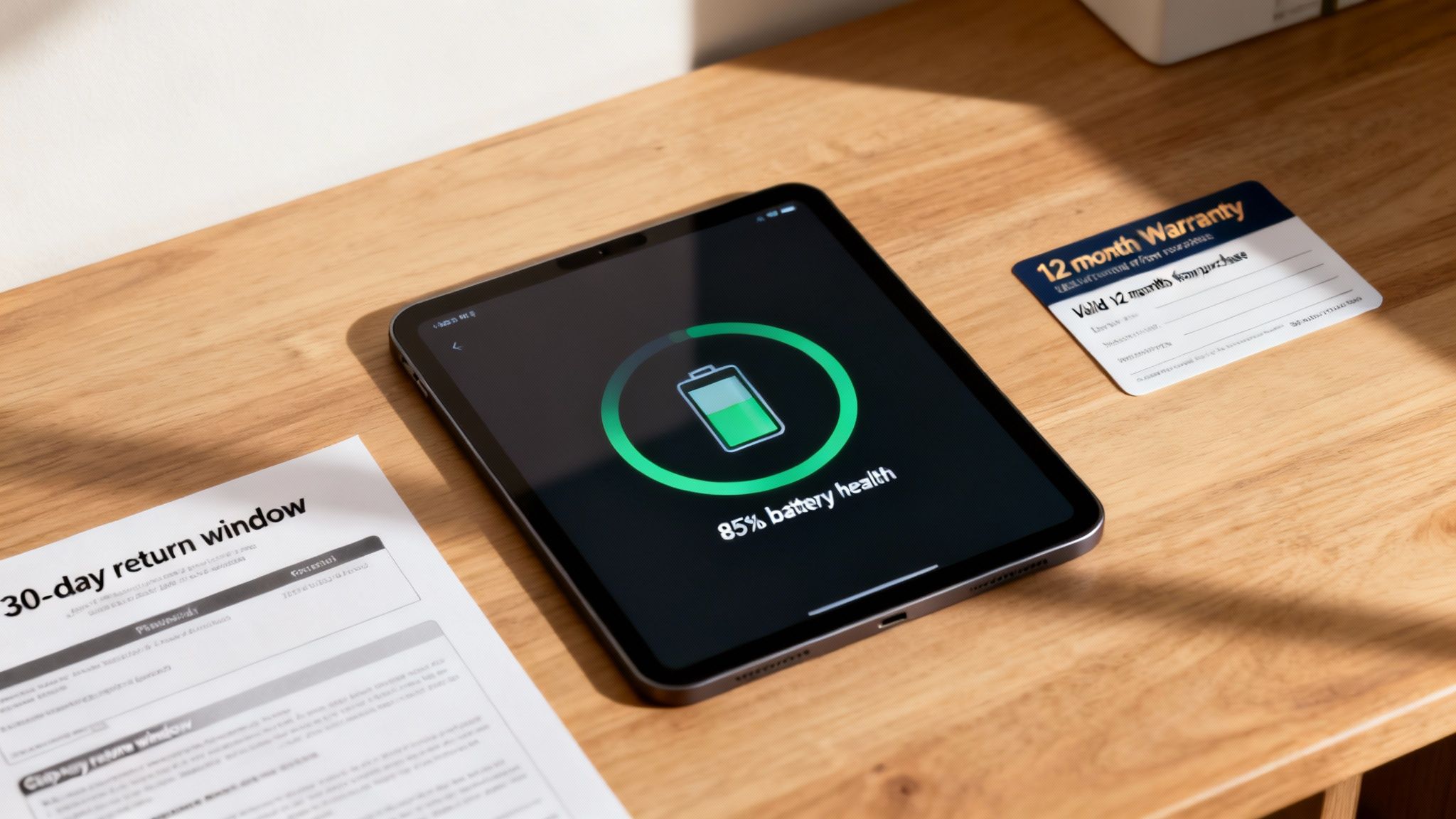
There are four key areas to check that separate the best retailers from the rest. Getting these right provides a clear picture of the product's quality and the seller's confidence in their work.
Warranty and Returns
A 12-month warranty should be the minimum you accept. This is the industry standard for high-quality refurbished tech in the UK and shows the seller stands behind their product. Anything less can be a cause for concern.
A clear and fair returns policy is also essential. Look for at least a 14-day return period, which gives you a hassle-free way to send the tablet back for a full refund if it is not what you expected.
Battery Health
A tablet's battery life is crucial. A reputable seller will guarantee that the battery meets a minimum health standard, typically 80% or more of its original capacity. This ensures it will hold a decent charge. Always check the product description for a specific battery health guarantee.
Customer Reviews
Do not just rely on reviews on the seller’s own website. Look for independent feedback on platforms like Trustpilot or Google Reviews. This is where you will find unfiltered opinions from real customers about product quality, delivery, and customer service.
A thorough refurbishment process is what makes buying a used device a safe and smart choice. It involves much more than a quick wipe-down; it's a comprehensive series of checks on everything from the camera to the charging port to ensure the device functions perfectly.
Understanding the refurbishment process can provide extra confidence. We explain every stage in our 10-step refurb check guide, showing how we ensure every device meets high standards.
Where Do Refurbished Tablets Come From?
Many high-quality refurbished tablets UK retailers sell come from business and public sector trade-in programmes. This creates a steady supply of well-maintained devices.
Large companies, schools, and government departments often upgrade their technology every few years. When they do, thousands of perfectly good iPads and Samsung tablets are taken out of service. These devices have typically been well looked after, making them ideal for refurbishment.
The Corporate and Public Sector Pipeline
When a business refreshes its tech, specialist companies handle the collection, secure data wiping, and resale of the old equipment through professional IT Asset Disposition (ITAD) processes.
This process supports the circular economy by giving electronics a new life and keeping them out of landfills. UK central government departments are also a major source. One report shows how government tech trade-ins support the market, feeding a large volume of devices into the refurbishment industry.
Once collected, a device undergoes rigorous testing and grading before being listed for sale. This reliable supply from professional environments is one reason you can buy refurbished tablets with confidence.
Getting Started With Your New Tablet
When your refurbished tablet arrives, take a few minutes to check it over before you start using it. This will ensure everything is as expected and help you have a good experience.
Before turning it on, inspect the tablet to see if its physical condition matches the grade you purchased. Check the screen and casing for any marks that shouldn't be there.
Initial Setup and Checks
If you are happy with the tablet's appearance, you can power it on and begin the setup process.
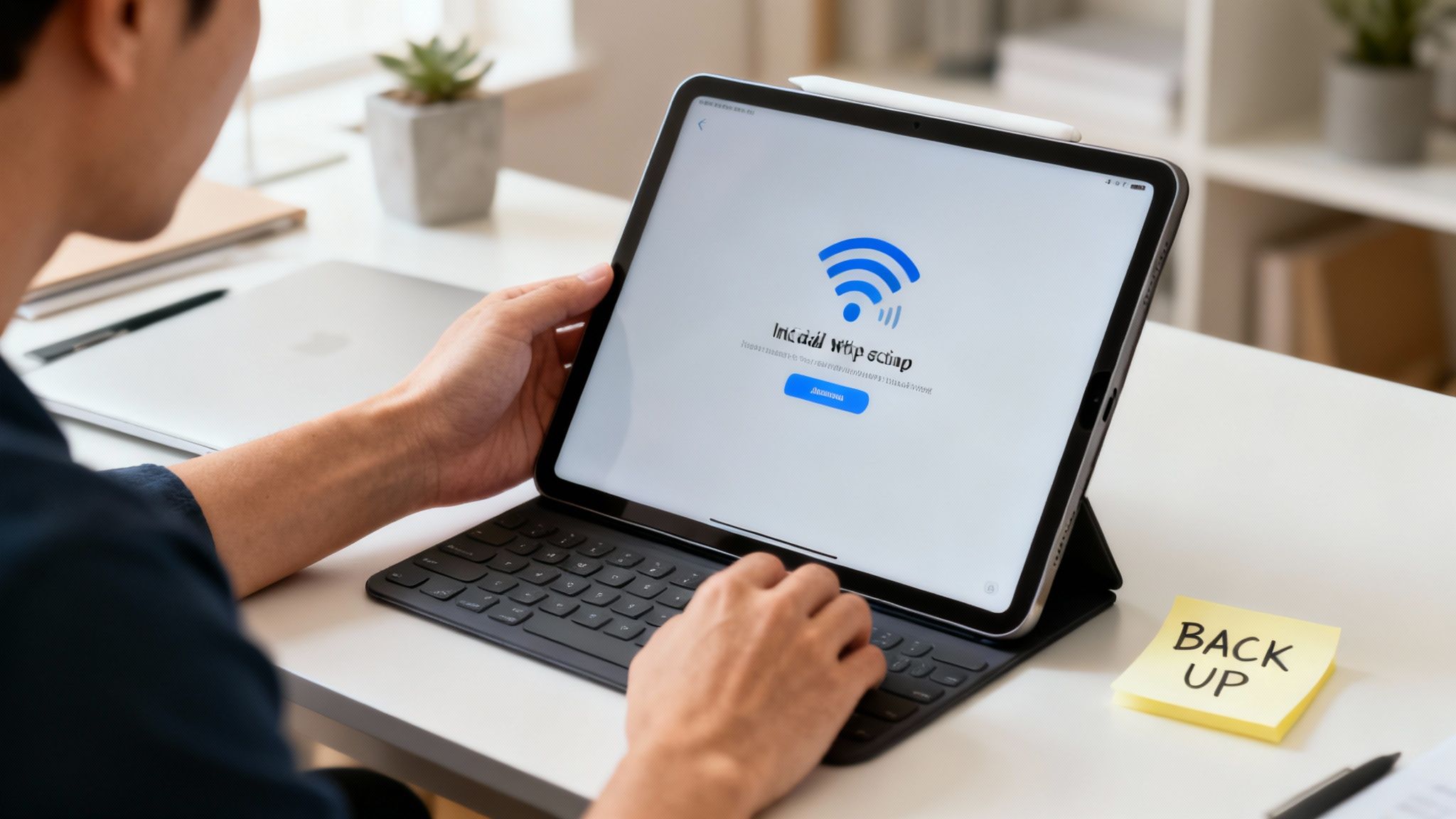
- Connect to Wi-Fi: The first step is to get online. This will allow you to sign into your accounts and check for software updates.
- Sign In: Log in with your Apple ID or Google Account to sync your apps and data. If you have forgotten your Apple password, our guide on resetting the password on an iPad can help.
- Check for Updates: Go to settings and install any available software updates. For an iPad, go to Settings > General > Software Update. Keeping the operating system up to date is important for security.
Warning: Before transferring personal data from an old device, always make sure you have a recent backup. A backup is a critical safety net in case anything goes wrong during the transfer.
Transferring Your Data
With the basic setup complete, you can move your photos, apps, and contacts. Both Apple and Google provide simple tools for this, which usually appear during the setup wizard. Following these steps helps ensure your experience is smooth and secure.
Got Questions? We’ve Got Answers
It is normal to have questions when buying refurbished. Here are answers to three common queries.
Is It Safe to Buy Refurbished Tablets Online?
Yes, it is safe if you buy from a reputable UK-based seller. Look for a company that offers a minimum 12-month warranty and a fair returns policy. Positive reviews on independent sites like Trustpilot are also a good indicator of a trustworthy business.
Will a Refurbished Tablet Come with a New Battery?
Not always, but it will have a healthy one. Professional refurbishers test every battery to ensure it meets a minimum performance standard, typically 80% or more of its original capacity. If a battery falls below this threshold, it is replaced with a new one.
Can I Use the Latest Apps on a Refurbished Tablet?
Yes. As long as you choose a reasonably modern model (usually released in the last 4–5 years), it will be able to run the latest version of its operating system. This means you will have full access to the Apple App Store or Google Play Store and can run the newest apps and games. This helps ensure your refurbished tablets UK purchase is a smart investment that will last.
Written by James Waterston — 24 years in the mobile phone industry from customer service to Sales Director of a global repair & recycling company; now running Used Mobiles 4 U for 8+ years. LinkedIn







