How Long Does a Refurbished iPhone Last?
Buying a refurbished iPhone is one of the smartest ways to get a high-quality Apple device without paying the full price of a brand-new model. For many people, a refurbished iPhone offers the ideal balance between performance, reliability, affordability and sustainability. However, one of the most common questions customers ask before buying is: how long will the device actually last?
You may also be wondering, “Does a Refurbished iPhone Last?” The simple answer is yes, a well-refurbished iPhone can last for several years, especially when it has been professionally tested, repaired where needed, and properly cared for after purchase. In many cases, a refurbished iPhone can continue performing reliably for three, four, five years or even longer, depending on the model, battery health, condition, software support and how the phone is used day to day.
At Used Mobiles 4 U, we understand that buying a refurbished phone is not just about finding a cheaper device. It is about confidence. You want to know that the iPhone you are buying has been checked properly, that it works as expected, that the battery is in good condition, and that it will continue to support your everyday needs for as long as possible.
In this guide, we will explain what affects the lifespan of a refurbished iPhone, how the refurbishment process works, what to look for before buying, and how you can make your refurbished iPhone last longer.
What Is a Refurbished iPhone?
A refurbished iPhone is a pre-owned iPhone that has been inspected, tested, cleaned and restored to full working condition before being sold again. It is different from simply buying a used phone from a private seller because a refurbished device should go through a proper checking process before it reaches the customer.
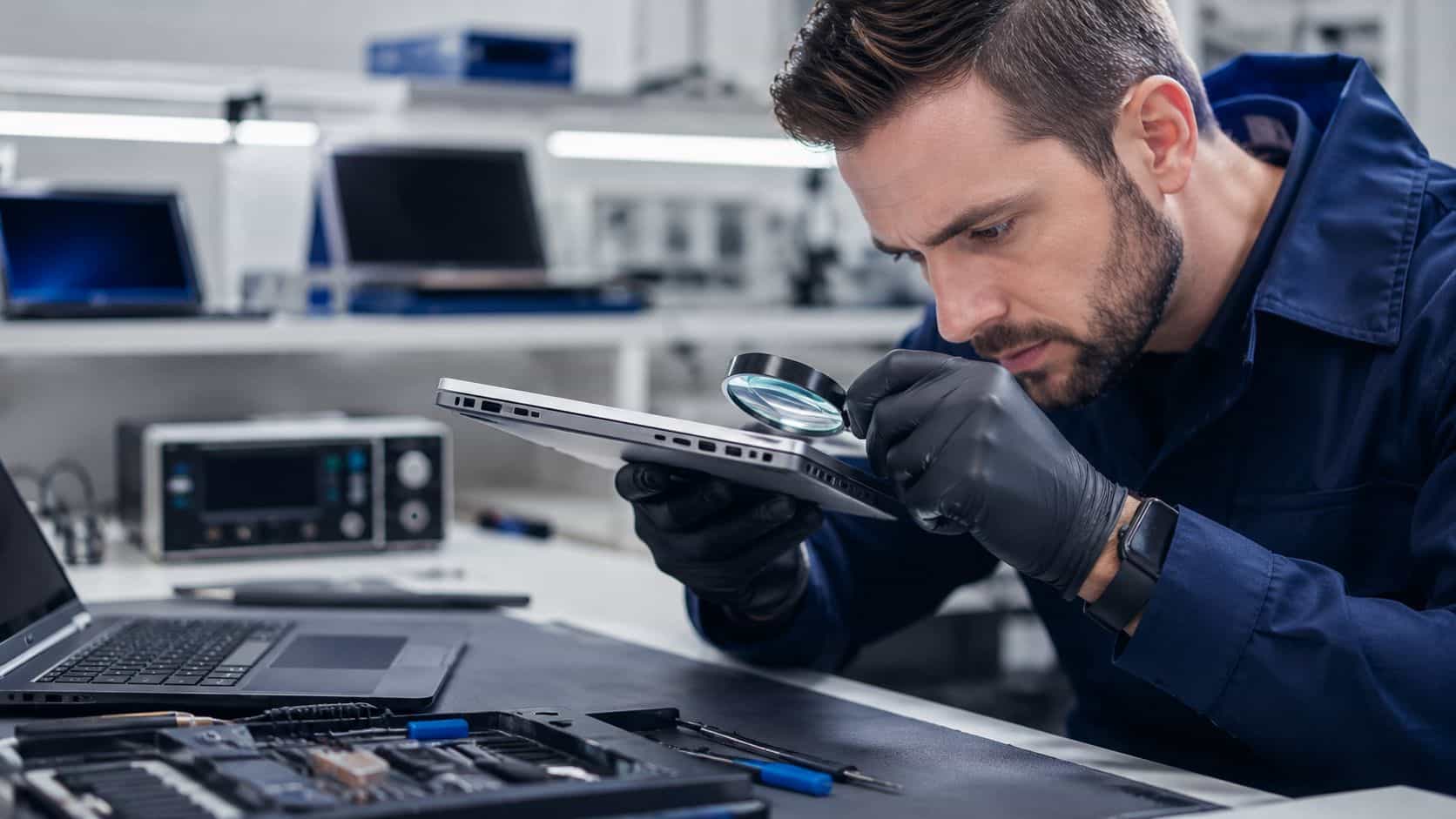
When a refurbished iPhone arrives at Used Mobiles 4 U, it is carefully assessed by trained technicians. The device is checked for faults, tested across key functions, cleaned, graded and prepared for resale. If any important component is not working correctly, it may be repaired or replaced before the phone is made available to customers.
This process can include checks on the screen, camera, speakers, microphone, buttons, charging port, connectivity, Face ID or Touch ID, storage, software and battery health. The aim is to ensure that the refurbished iPhone is reliable, functional and ready for everyday use.
It is important to understand that not all refurbished iPhones are the same. The quality of the refurbishment process can vary depending on the seller. Some refurbished phones are tested thoroughly, while others may only receive a basic clean and reset. This is why it is important to buy from a trusted refurbished phone supplier that explains its grading system, provides clear product information and offers customer support.
A properly refurbished iPhone should give you much more reassurance than a standard second-hand phone. Instead of taking a risk on a private sale, you are choosing a device that has been checked, tested and prepared for another owner.
So, Does a Refurbished iPhone Last?
A refurbished iPhone can usually last between three and five years, and sometimes longer, depending on several important factors. These include the model you choose, the condition of the phone, the quality of the refurbishment, the health of the battery, the level of software support available, and how carefully the device is used.
If you are asking “Does a Refurbished iPhone Last?”, the answer depends heavily on the quality of the refurbishment and the condition of the device when you buy it. A newer refurbished model, such as an iPhone 14, iPhone 15 or iPhone 16, will generally last longer than an older refurbished model because it has newer hardware, stronger performance, better cameras and a longer likely period of software support ahead of it.
However, older models can still be excellent choices if they are in good condition and suit your needs. For example, someone who mainly uses their iPhone for calls, WhatsApp, emails, browsing, social media, photos and online banking may find that a professionally refurbished older model works perfectly well for years.
On the other hand, someone who uses their iPhone for heavy gaming, 4K video recording, professional content creation or demanding apps may benefit from choosing a newer refurbished model with a faster processor and more advanced battery performance.
The real lifespan of a refurbished iPhone is not only about age. A well-maintained iPhone that has been properly refurbished can outlast a newer phone that has been poorly treated, exposed to heat, frequently dropped or charged carelessly.
Does a Refurbished iPhone Last as Long as a New iPhone?
Many customers want to know, “Does a Refurbished iPhone Last” as long as a new iPhone? In some cases, it can last a very long time, but it is important to be realistic. A brand-new iPhone starts its life with no previous usage, a new battery and the latest hardware. A refurbished iPhone has already been owned before, so its remaining lifespan depends on its age, condition and battery health.
That does not mean a refurbished iPhone is a poor choice. In fact, a properly refurbished iPhone can still offer excellent long-term value. If you choose a recent model with good battery health and look after it properly, it can serve you reliably for many years.
The main difference is that a new iPhone may have a longer total lifespan from the date of purchase, while a refurbished iPhone offers strong performance at a lower price. For many customers, the savings make a refurbished iPhone a much better option.
It is also worth thinking about what you actually need from your phone. If you mainly use your device for everyday tasks, such as messages, calls, browsing, social media, photos, maps and emails, a refurbished iPhone can be more than capable. You may not need to pay the highest price for the latest model when a refurbished iPhone can provide the performance you need at a more affordable cost.
The Quality of the Refurbishment Matters
The biggest factor affecting how long a refurbished iPhone lasts is the quality of the refurbishment itself. A properly refurbished iPhone should be much more reliable than a phone bought second-hand without testing.
During a professional refurbishment process, the phone should be inspected inside and out. The screen should be checked for cracks, dead pixels or touch issues. The battery should be tested for capacity and performance. The cameras should be checked to make sure they focus correctly and produce clear images. Speakers, microphones, buttons, Wi-Fi, Bluetooth, mobile network connection and charging should all be tested.
If the phone has any faults, they should be repaired before it is sold. If a part has been replaced, it should be fitted properly and tested afterwards. The phone should also be reset, cleaned and graded so the buyer understands its cosmetic condition.
When customers ask “Does a Refurbished iPhone Last?”, refurbishment quality is one of the most important parts of the answer. A phone that has been properly tested, repaired and cleaned is much more likely to provide reliable performance than a used phone bought without checks.
At Used Mobiles 4 U, our grading system helps customers understand what condition a device is in before they buy. This means you can choose a refurbished iPhone based on your budget, expectations and preference for cosmetic appearance.
A phone in a higher cosmetic grade may have fewer visible signs of use, while a lower grade may have more marks or scratches but still work properly. Cosmetic condition does not always determine how long the phone will last, but it does help you know what to expect when the device arrives.
The more thorough the refurbishment process, the better your chances of receiving an iPhone that performs reliably for years.
Battery Health Is One of the Most Important Factors
When people ask how long a refurbished iPhone lasts, they are often really asking how long the battery will last. The battery is one of the most important parts of any smartphone. Even if the screen, camera and processor are working perfectly, a weak battery can make the phone feel frustrating. It may drain quickly, need charging several times a day, or cause the phone to slow down under heavy use.
iPhones use rechargeable batteries that naturally age over time. Every battery has a limited number of charge cycles, and its maximum capacity gradually reduces with use. This is why battery health is so important when buying a refurbished iPhone.
Does a Refurbished iPhone Last Longer with Good Battery Health?
Another common question is “Does a Refurbished iPhone Last” longer if the battery health is good? Yes, battery health plays a major role in how long the device feels useful and reliable. A refurbished iPhone with strong battery health will usually last longer between charges and provide a better everyday experience.
At Used Mobiles 4 U, we ensure that our refurbished iPhones have a fully functional battery with a minimum battery health level of 80% capacity. This helps customers buy with confidence, knowing that the phone has been checked and is ready for normal use.
Battery health can affect both how long the phone lasts between charges and how long the phone remains enjoyable to use overall. A refurbished iPhone with strong battery health can feel very close to a new device in everyday use. A device with poor battery health may still work, but it may not provide the same level of convenience.
When thinking “Does a Refurbished iPhone Last?”, always check the battery condition before buying. A healthy battery can make a huge difference to the phone’s long-term performance.
Can You Replace the Battery Later?
Yes. One of the advantages of buying an iPhone is that battery replacement is often possible. If your refurbished iPhone works well but the battery begins to degrade after a few years, replacing the battery can give the device a new lease of life.
This is one reason refurbished iPhones can be such good value. You may not need to replace the entire phone when the battery gets weaker. In many cases, a battery replacement can restore better battery life and improve the overall user experience.
Battery replacement can be especially worthwhile if the iPhone still receives software updates, has enough storage and performs well for your needs. If the phone is otherwise in good condition, replacing the battery may extend its useful life by another year or two, or even longer.
So, if you are asking “Does a Refurbished iPhone Last?”, remember that battery replacement can help extend its lifespan even further.
The Model and Age of the iPhone Make a Difference
The model you choose has a major impact on how long your refurbished iPhone is likely to last. A newer refurbished iPhone will usually have several advantages over an older model. These include a faster processor, better battery efficiency, improved cameras, stronger water resistance, better display quality, more advanced security features and longer software support.
For example, an iPhone 15 or iPhone 16 is likely to remain useful for longer than an iPhone 11 simply because it is newer and more powerful. However, this does not mean older models are poor choices. Many older iPhones still deliver excellent performance for everyday use, especially when refurbished properly.
Software support is also important. Apple continues to support many iPhone models for years, but older devices eventually stop receiving the latest major iOS updates. This matters because software updates help keep your device secure, compatible with apps and up to date with new features.
Does a Refurbished iPhone Last If It Is an Older Model?
You may be wondering, “Does a Refurbished iPhone Last” if it is an older model? The answer is yes, it can, but the expected lifespan may be shorter than a newer refurbished iPhone.
Older iPhones can still be ideal for everyday tasks such as messaging, calling, browsing, social media, emails, taking photos and using common apps. If the phone has been refurbished properly and has good battery health, it can still offer excellent value.
However, if you want the longest possible lifespan, it is usually best to choose the newest refurbished iPhone that fits your budget. A newer model is likely to offer better performance, stronger battery efficiency and longer software support.
The answer to “Does a Refurbished iPhone Last?” can vary depending on whether you choose a recent model or an older one, so it is worth comparing your options carefully before buying.
How You Use the Phone Affects Its Lifespan
A refurbished iPhone does not have a fixed expiry date. Its lifespan depends heavily on how it is used. Someone who uses their iPhone lightly may get many years from the same device. Light use might include calls, messaging, browsing, music, occasional photos and checking emails. This kind of use places less strain on the battery, processor and storage.
Heavy use can shorten the practical lifespan of any phone, including a refurbished iPhone. Heavy use may include mobile gaming, video editing, long video calls, constant GPS navigation, hotspot use, high-brightness screen time, 4K video recording and frequent fast charging. These activities generate heat and use more battery power, which can contribute to faster battery wear over time.
Storage also matters. If your iPhone is constantly full, it may feel slower and become less convenient to use. Choosing enough storage from the start can help your refurbished iPhone last longer. For many users, 128GB is a good minimum choice, especially if you take lots of photos and videos or use many apps.
When asking “Does a Refurbished iPhone Last?”, your own usage habits are just as important as the age of the phone.
Care and Maintenance Can Add Years to Your iPhone
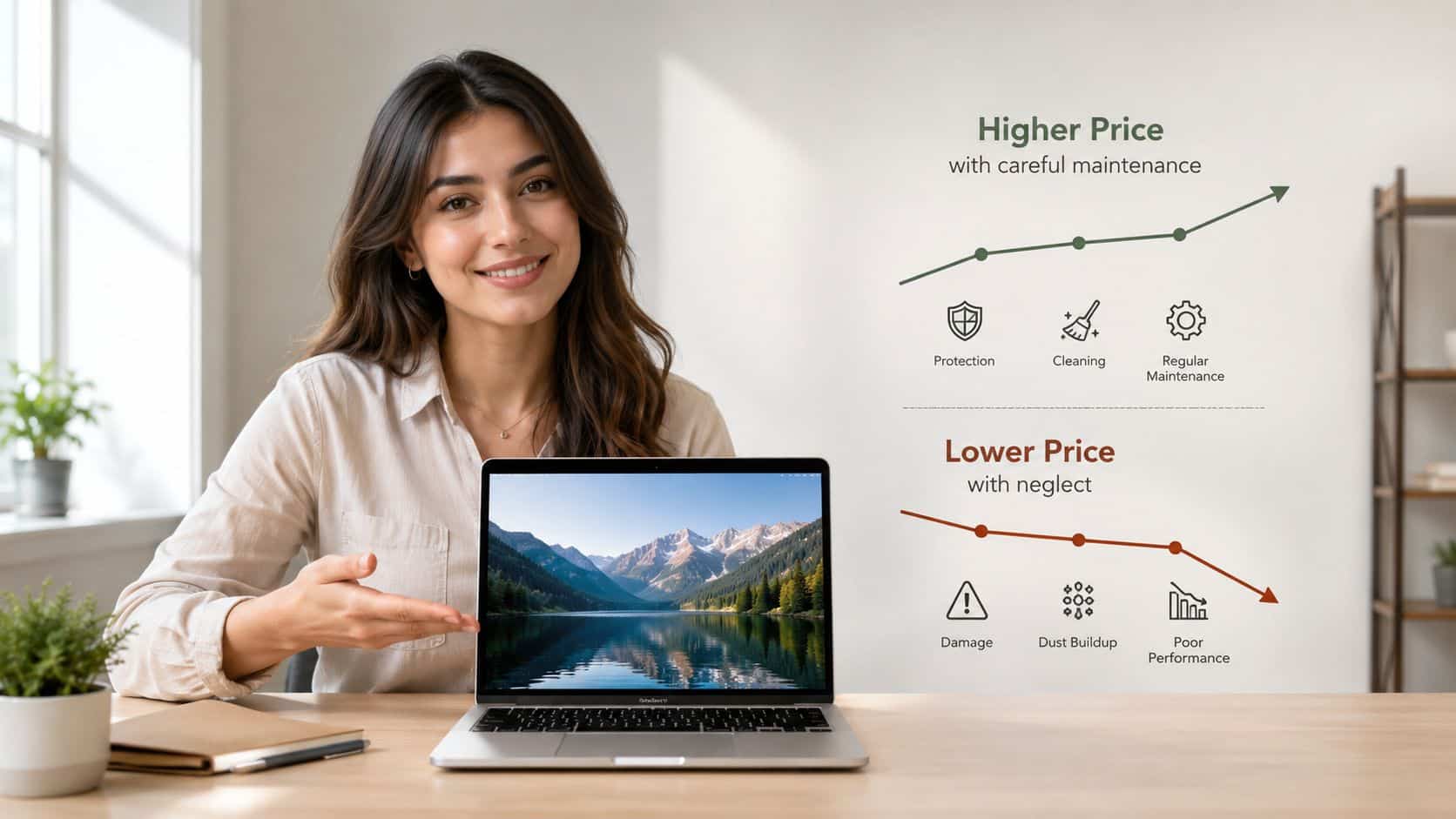
How you care for your refurbished iPhone has a huge effect on how long it lasts. Using a protective case and screen protector is one of the easiest ways to protect your phone from accidental drops, scratches and cracks. Even a small drop can damage the screen, back glass, camera lens or internal components. A good case can reduce the risk of expensive repairs and help keep the phone in better condition for longer.
You should also avoid exposing your iPhone to extreme heat or moisture. Heat is especially harmful to smartphone batteries. Leaving your phone in direct sunlight, charging it under a pillow, using it heavily while charging, or keeping it in a hot car can all increase the risk of battery wear.
Moisture is another risk. Although many iPhones have water resistance, this does not mean they are waterproof. Water resistance can weaken over time, especially if the phone has been dropped or repaired. It is best to avoid unnecessary exposure to water, steam or damp conditions.
Keeping your iPhone clean can also help. Dust and debris can build up in the charging port, speakers and buttons. Cleaning the phone carefully with appropriate tools and avoiding harsh liquids can reduce the chance of charging problems or speaker issues.
Does a Refurbished iPhone Last with Regular Software Updates?
A useful question to ask is “Does a Refurbished iPhone Last” longer with regular software updates? In many cases, yes. Regular software updates are important for keeping your refurbished iPhone secure and reliable. Updates often include security improvements, bug fixes, performance enhancements and compatibility updates for apps.
If your iPhone supports the latest iOS version, it is usually a good idea to keep it updated. Keeping apps updated is also useful. App developers often optimise their apps for newer iOS versions, fix bugs and improve performance. If apps are out of date, they may run poorly or stop working correctly.
However, before installing a major new iOS version on an older model, some users prefer to check reviews first to see how it performs. This can be useful if your iPhone is already several years old. Minor security updates are usually important, but major feature updates can sometimes feel heavier on older hardware.
Software support is another key factor when asking “Does a Refurbished iPhone Last?” A phone that still receives updates is likely to remain secure and useful for longer.
Refurbished Does Not Mean Unreliable
Some people worry that “refurbished” means “old” or “faulty”, but this is not true when the phone has been refurbished properly. A refurbished iPhone is not the same as a damaged phone. It is a pre-owned device that has been checked, tested and prepared for resale. In many cases, customers choose refurbished iPhones because they want Apple quality at a lower price.
There are also environmental benefits. Buying refurbished extends the life of existing devices and reduces electronic waste. Instead of a working phone being discarded, it is restored and used again. This makes refurbished technology a more sustainable choice as well as a cost-effective one.
The key is to buy from a trusted supplier. A cheap second-hand iPhone from an unknown seller may come with hidden problems, poor battery health, iCloud lock issues or no return support. A professionally refurbished iPhone from a reputable business gives you much more confidence.
Why Customers Ask: Does a Refurbished iPhone Last?
Many buyers search “Does a Refurbished iPhone Last?” because they want reassurance before choosing a pre-owned device. This is completely understandable, especially if you are used to buying brand-new phones. The good news is that a professionally refurbished iPhone can still offer excellent performance, dependable battery life and long-term value.
The question “Does a Refurbished iPhone Last?” is best answered by looking at the phone’s condition, battery health, software support and how carefully it has been tested before sale. A refurbished iPhone that has gone through a proper inspection process is far more reliable than a standard second-hand device bought privately.
For customers comparing different models, “Does a Refurbished iPhone Last?” may also depend on whether the device is a recent model or an older one. Newer refurbished iPhones usually offer longer software support and better performance, while older models can still be a good choice for everyday use.
Another reason people ask “Does a Refurbished iPhone Last?” is because they are worried about the battery. Battery health is one of the biggest factors in how useful a refurbished iPhone feels over time, which is why it should always be checked before purchase.
If you are still wondering “Does a Refurbished iPhone Last?”, remember that care and maintenance make a big difference. Using a case, keeping the phone updated, avoiding extreme heat and charging it sensibly can all help extend its lifespan.
Overall, the answer to “Does a Refurbished iPhone Last?” is yes, provided you buy from a trusted refurbisher and look after the device properly.
What Should You Check Before Buying a Refurbished iPhone?
Before buying a refurbished iPhone, there are several things worth checking. First, check the model. Make sure the iPhone you choose is suitable for your needs and likely to receive software support for a reasonable length of time. Newer models usually cost more but may last longer.
Second, check the battery health. A battery health level of 80% or above is generally considered usable, but higher is better. At Used Mobiles 4 U, our refurbished iPhones have a fully functional battery with a minimum 80% capacity.
Third, check the cosmetic grade. This tells you what the phone will look like. Some customers do not mind visible signs of use if it means saving more money, while others prefer a device that looks almost new.
Fourth, check storage capacity. If you take lots of photos, record videos, download music, or use many apps, do not choose too little storage. Running out of storage can make the phone frustrating to use.
Fifth, check the returns policy and warranty. A reliable seller should provide clear support if something is not right.
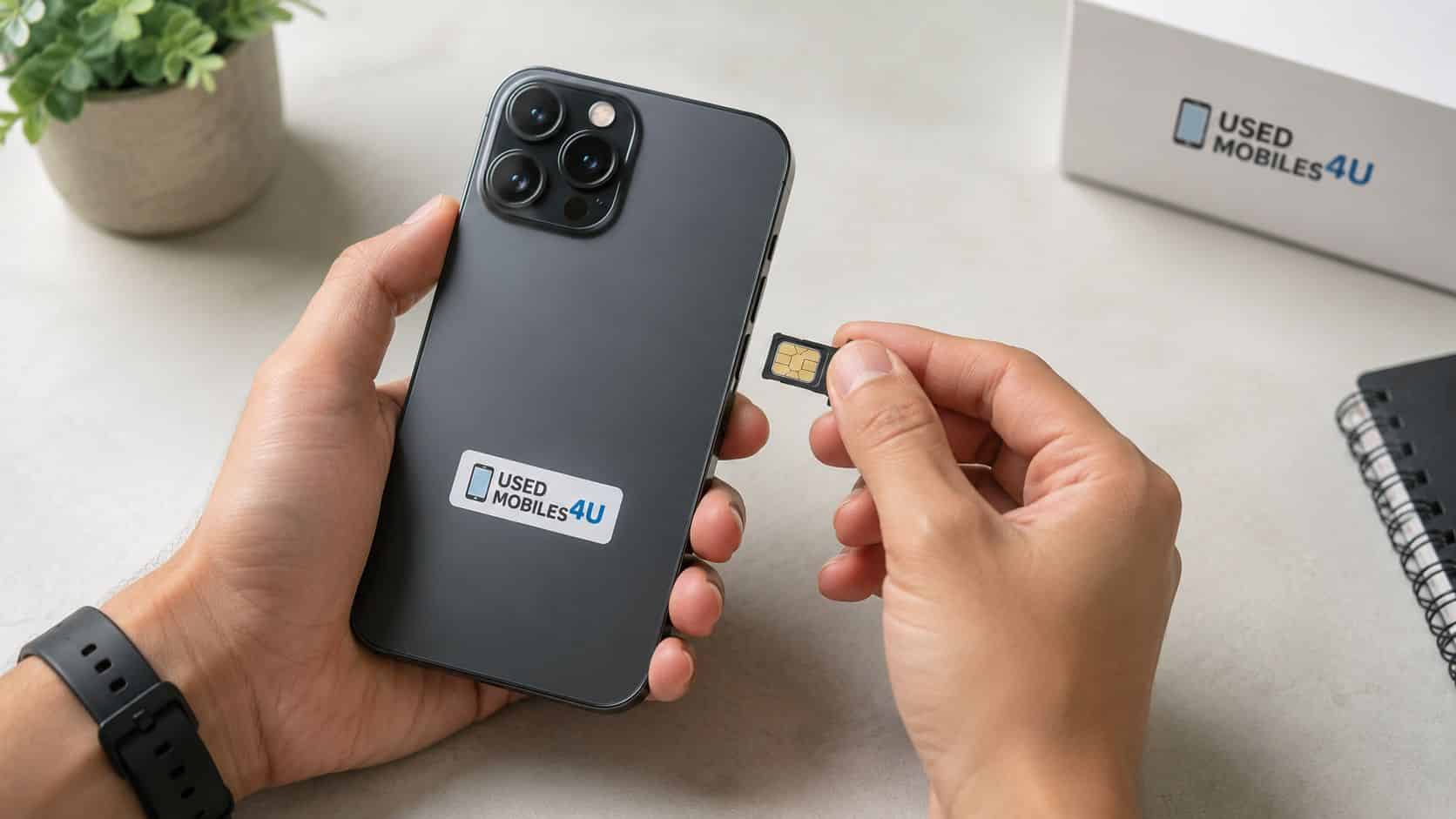
Finally, make sure the phone is unlocked or compatible with your network. This is especially important if you plan to use your existing SIM card.
How to Make a Refurbished iPhone Last Longer
There are many simple ways to extend the life of your refurbished iPhone. Use a good-quality case and screen protector from day one. This protects the phone from accidental damage and keeps it looking better for longer.
Avoid letting the battery run completely flat all the time. For better long-term battery health, many users try to keep their battery between around 20% and 80% where possible. You do not need to be perfect with this, but avoiding constant full drain and full charge cycles may help reduce battery wear.
Keep your phone away from extreme heat. Heat is one of the biggest enemies of battery health. Avoid charging your phone in direct sunlight or using demanding apps for long periods while charging.
Update your software and apps regularly. This helps with security, performance and compatibility.
Delete unused apps and files. Keeping some free storage available can help your iPhone run more smoothly.
Clean the charging port carefully if charging becomes unreliable. Dust in the port is a common cause of charging issues.
Use good-quality charging cables and plugs. Cheap or damaged chargers can cause problems and may be unsafe.
Restart your iPhone occasionally. This can help clear temporary issues and keep the phone running smoothly.
Avoid unnecessary repairs from untrusted sources. Poor-quality repairs can create new problems and may affect long-term reliability.
When Is It Time to Replace a Refurbished iPhone?
Even a well-cared-for refurbished iPhone will eventually reach the point where replacing it makes sense. You may want to upgrade if the battery no longer lasts long enough and replacing it is not worthwhile. You may also want to replace the phone if it no longer receives important software updates, if apps you rely on stop working, or if the device feels too slow for your needs.
Physical damage can also make replacement the better option. If the screen, back glass, camera and battery all need repairs, it may be more cost-effective to buy another refurbished iPhone instead.
Storage limitations can also be a reason to upgrade. If your phone has 64GB or less and you constantly run out of space, moving to a newer model with more storage may make everyday use much easier.
However, if the phone still performs well, supports the apps you need and has decent battery life, there is no reason to replace it early. One of the biggest benefits of buying refurbished is that you can get excellent value from a device for several years.
Is a Refurbished iPhone Worth It?
For many customers, yes. A refurbished iPhone can be absolutely worth it. You can save money compared with buying new, while still getting a premium Apple device. You can choose from a wide range of models and storage options. You can also reduce electronic waste by giving a quality device a second life.
A refurbished iPhone is especially worth considering if you want a reliable phone for everyday use but do not need the newest model. Many people do not use all the features of the latest iPhone, so a refurbished model can provide everything they need at a much lower price.
The most important thing is to buy from a trusted refurbisher. Look for clear grading, battery health information, proper testing, warranty support and transparent product descriptions. This will give you a much better chance of getting a phone that lasts.
FAQs About Refurbished iPhone Lifespan
Can a refurbished iPhone last for years?
Yes, a refurbished iPhone can last for years when it has been properly tested, refurbished and cared for. The expected lifespan depends on the model, battery health, software support and how the phone is used.
Does a refurbished iPhone battery last?
Yes, a refurbished iPhone battery can last well, especially if the device has been checked before sale. Battery health is one of the most important things to look at before buying. A phone with strong battery health will usually offer better daily performance and a longer usable lifespan.
Is it better to buy a newer refurbished iPhone?
If you want the longest lifespan possible, buying a newer refurbished iPhone is usually the better choice. Newer models often have faster processors, better cameras, improved battery efficiency and longer software support.
Can a refurbished iPhone be used every day?
Yes, a refurbished iPhone can be used every day, just like a new iPhone. As long as it has been properly refurbished and tested, it should be suitable for calls, messages, browsing, apps, photos, videos and general daily use.
How can I make my refurbished iPhone last longer?
You can make your refurbished iPhone last longer by using a protective case, keeping it away from heat and moisture, updating the software, avoiding poor-quality chargers, protecting the battery and keeping enough storage free.
Final Thoughts: How Long Will a Refurbished iPhone Last?
A refurbished iPhone can last for many years when it has been properly refurbished, carefully tested and well maintained. In general, you can expect a good refurbished iPhone to last around three to five years, although the exact lifespan depends on the model, battery health, software support, usage and care.
The battery is one of the most important factors, which is why buying from a seller that checks battery health is essential. The model also matters, as newer iPhones usually offer better performance and longer software support. Your own habits also play a major role. Protecting the phone, avoiding heat, keeping software updated and looking after the battery can all help extend its lifespan.
At Used Mobiles 4 U, we take pride in offering high-quality refurbished iPhones that are tested, graded and prepared for everyday use. Our refurbishment process is designed to give customers confidence, value and reliability.
Overall, if you are still asking “Does a Refurbished iPhone Last?”, the answer is that a quality refurbished iPhone can give you reliable performance for many years with the right care.
So, if you are wondering whether a refurbished iPhone is a good long-term choice, the answer is yes. With the right model, a trusted seller and proper care, a refurbished iPhone can give you excellent performance and dependable use for years to come.