





Trade In a Broken iPhone for Cash in the UK

30/12/2025

15 Mins

This guide explains how to get cash for your broken iPhone, even if it has a smashed screen or won’t turn on. We’ll show you how to check its condition, find a reliable buyer, and securely prepare your mobile for sale, including how to back up and wipe your personal data.
Yes, you can trade in a broken iPhone for cash in the UK. It doesn’t matter if it has a smashed screen or won’t power on. Many specialist companies are happy to buy faulty devices because the internal components still hold value for refurbishment and repairs.
How to Turn Your Broken iPhone into Cash
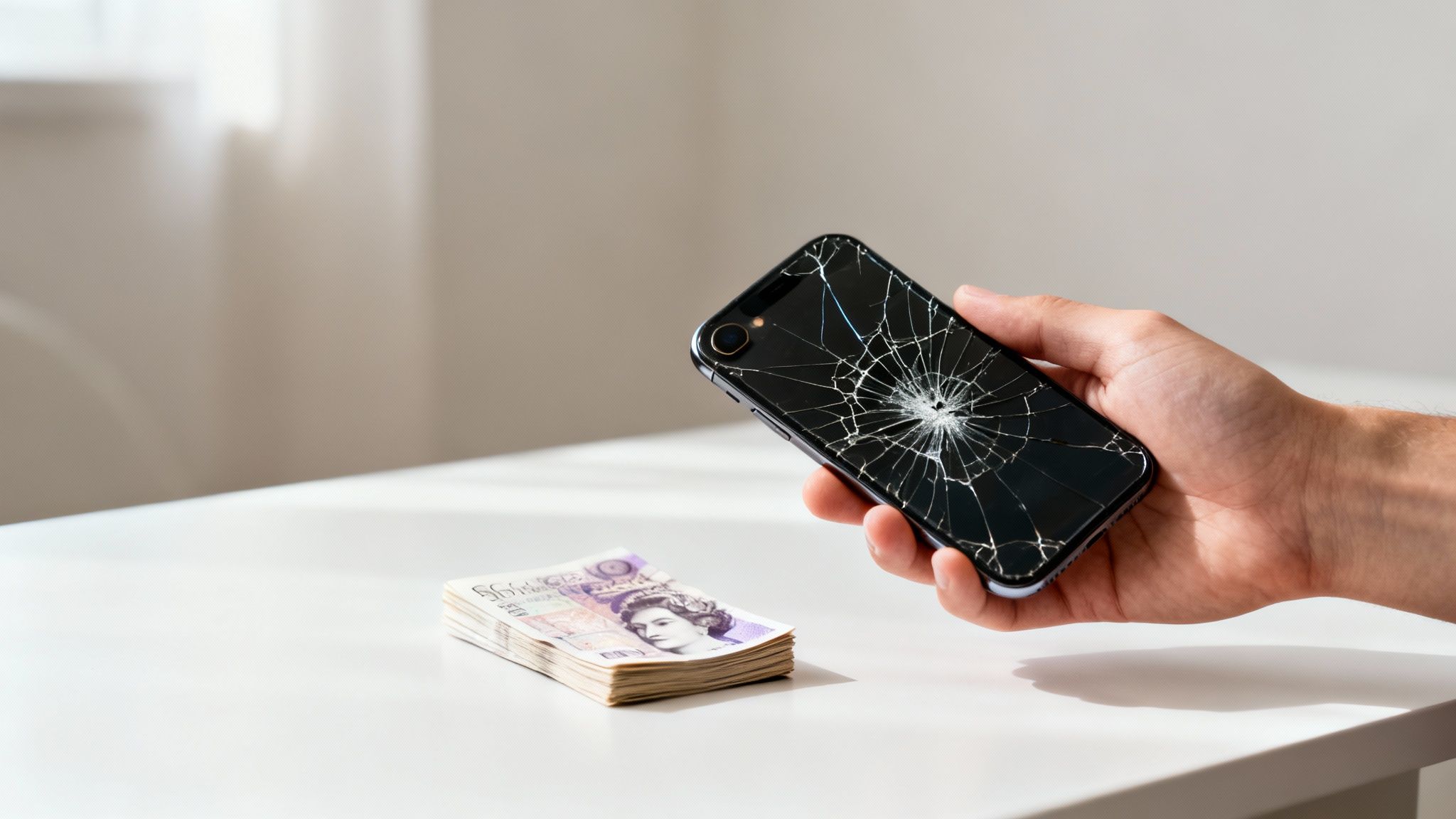
This guide gives you a clear, practical path to selling that damaged mobile. We’ll walk through how to accurately assess your iPhone’s condition, find the best trade-in companies, and securely get your device ready for sale. By understanding what recyclers mean by terms like ‘faulty’ or ‘damaged’, you can set realistic expectations for your cash offer.
Most importantly, we’ll cover the crucial steps of backing up and completely wiping your personal data to protect your privacy. Even a non-working iPhone can store sensitive information, so this is a step you can’t afford to skip. For a detailed walkthrough, our guide on how to factory reset an iPhone provides more in-depth steps.
Why Your Damaged iPhone Still Has Value
It’s easy to look at a mobile with a shattered screen or a battery that won’t hold a charge and assume it’s worthless. Thankfully, that’s rarely the case. Even a phone that seems beyond repair is a collection of valuable parts.
A broken iPhone isn’t just a single broken object; it’s a collection of potentially functional components. Recyclers and refurbishers are experts at salvaging these parts, which is why even a non-working device can still fetch a cash offer.
Specialist buyers are often on the hunt for specific components that can be used to repair other devices. These parts can include:
- The logic board: This is the ‘brain’ of the iPhone.
- Camera modules: Both the front and rear cameras are valuable.
- The casing: The metal frame can often be reused if it’s not severely dented.
- Internal speakers and microphones: These are frequently salvageable.
This is why you can still get a decent price when you trade in a broken iPhone for cash in the UK. The key is to be completely honest about its condition from the start to receive an accurate and fair quote.
Finding Buyers for Damaged Mobiles
The market for damaged electronics has grown, making it easier than ever to find a buyer. A good starting point for understanding the landscape is this guide on shops that buy electronics, though it has more of a US focus.
Here in the UK, your main options will be online mobile phone recyclers, official trade-in schemes, and some local repair shops. By following the steps in this guide, you’ll know how to turn that damaged device into cash, safely and for the best possible price.
How Is a Broken iPhone Valued?
The cash offer you get for your broken iPhone isn’t just a number plucked from thin air. It’s the result of a detailed grading process where companies figure out what can be salvaged. When you trade in a broken iPhone for cash in the UK, technicians carefully assess its condition to determine the value of its working parts.
Knowing what they’re looking for will help you set realistic expectations for your quote. It boils down to separating cosmetic blemishes from genuine functional problems, as each has a very different impact on the final price.
Cosmetic Flaws vs. Functional Faults
When a trade-in company gets your mobile, the first thing they do is categorise the damage. This distinction is the single biggest factor affecting how much cash you’ll be offered.
Cosmetic damage is about the look and feel of the iPhone, not how it works. Think of things like:
- Light to moderate scratches on the screen or body.
- Minor scuffs on the corners.
- Small dents that don’t affect the screen or anything inside.
Functional faults, on the other hand, are problems that stop the iPhone from working as it should. These are far more serious and will significantly lower your cash offer. Common examples include:
- A cracked screen where the display is distorted (showing lines or black spots) or the touch sensor is dead.
- Buttons that don’t respond, like the power or volume controls.
- A battery that won’t hold a charge or has very low health.
- Problems with the cameras, speakers, or microphones.
- Water damage, which is almost always a major fault.
- The iPhone simply won’t switch on.
If you want a clearer picture of how these conditions translate into prices, our guide to refurbished phone grades explains the standards that professional buyers use.
It’s a common myth that a newer, badly broken iPhone is worth less than an older, working one. In reality, the opposite is often true. A newer model’s internal parts are far more valuable, making them desirable even if the screen is completely smashed.
The Value Is in the Parts
Imagine you have an iPhone 14 with a shattered screen that won’t respond to touch. The screen itself is a write-off, but the parts inside—like the main logic board, the advanced camera system, and the back glass—are in high demand for repairs. These components are expensive to buy new, so recyclers will pay a decent price to salvage them.
Now, think about a much older, fully working iPhone XR. While it functions perfectly, its components are outdated and not worth much. Its camera and processor can’t be used in newer models, so its overall value to a recycler is lower than the parts from the broken iPhone 14. This is why the model and its internal parts play a huge role in your final cash offer.
Where to Find the Best UK Trade-In Offers
You’ve got a broken iPhone and you want the best price for it. The good news is you have options, but knowing where to look is half the battle. Your main routes for trading in a broken iPhone for cash in the UK are specialist online recyclers, your mobile network, and Apple’s own programme.
Each one has its own quirks, and the best choice really boils down to one simple question: do you want cash, or are you happy with credit for a new gadget?
A smart first move is to use a comparison site. It saves you the hassle of hopping between dozens of websites to get a quote for your specific model and its faults.
Specialist Online Recyclers
If you’re after a straightforward cash sale, specialist online recycling companies are almost always your best bet. These firms are built to buy used and broken phones, so their entire process is geared for it.
They usually offer the most competitive prices for damaged devices because they know exactly how to salvage and reuse the internal parts.
The process is generally very simple:
- Get an instant quote on their website by telling them the model and what’s wrong with it.
- They’ll send you a free postage pack or a label to mail your iPhone.
- Once they get it and check it, the money is sent to you via bank transfer or PayPal.
This is the quickest way to get cash in your account, with no obligation to buy anything else. They’re fully equipped to handle everything from a smashed screen to a mobile that won’t even turn on.
Mobile Network Trade-In Schemes
All the big UK networks like EE, Vodafone, and O2 have their own trade-in schemes. These can be convenient if you’re already a customer and are thinking about upgrading your contract. But there’s a catch.
Most network schemes pay out in credit, not cash. This credit then gets applied to your monthly bill or taken off the cost of a new phone contract. That’s great if you’re planning to stick with them, but not if you want money you can spend elsewhere.
Always read the small print. Some networks offer surprisingly little for heavily damaged devices compared to the specialist recyclers.
Apple’s Official Trade-In Programme
Apple’s own Trade In programme is another solid choice, especially for brand loyalists. It’s a reliable service, but just like the networks, its main goal is to keep you in the Apple ecosystem.
If your broken iPhone still has some life in it, Apple will give you an Apple Store Gift Card. You can put this towards a new iPhone, a Mac, or anything else they sell. If your phone is too old or damaged to be worth anything, they’ll still recycle it for you free of charge.
Comparing UK iPhone Trade-In Options
| Trade-In Option | Payment Method | Best For | Handles Broken Phones? |
|---|---|---|---|
| Specialist Online Recyclers | Cash (Bank Transfer, PayPal) | Getting the highest cash value for a damaged device quickly. | Yes, it’s their specialty. |
| Mobile Network Schemes | Bill Credit / Discount on Upgrade | Existing customers who are upgrading their contract. | Yes, but value may be lower for significant damage. |
| Apple’s Trade In Programme | Apple Store Gift Card | Apple enthusiasts planning to buy a new Apple product. | Yes, but may offer recycling only if value is zero. |
Ultimately, the right choice depends entirely on what you want to get out of the deal.
Scenario: Sarah from Manchester has an iPhone 13 with a cracked back and a battery that dies in a couple of hours. She wants cash to put towards a holiday. A specialist recycler offers her £140 via bank transfer. Her mobile network counters with £160, but only as credit against her next 12-month contract. Apple offers a £150 gift card. For Sarah, the recycler is the clear winner because she needs flexible cash, not a discount on a bill.
Choosing where to sell really comes down to what you need. Our guide on where to sell your iPhone dives deeper into the pros and cons of different buyers, helping you find a reputable company that will give you the best cash price for your iPhone’s specific condition.
How To Secure Your Data Before Sending Your iPhone
Before your broken iPhone leaves your hands, protecting your personal information is the most important thing you need to do. Get this wrong, and you could be exposing years of photos, private messages, and even banking details.
This section is a walkthrough for backing up your data and then securely wiping the device. It ensures your memories are safe and your privacy is locked down before the phone goes in the post.
Warning: Skipping the backup stage will result in the permanent loss of all your photos, contacts, and other personal information. Always back up your data before you erase anything from your device.
Backing Up Your Data (If the iPhone Still Works)
If your iPhone still turns on and the screen is usable, even if it’s cracked, backing up your data is straightforward. You have two main options: using iCloud directly on the phone or connecting it to a computer.
1. The iCloud Method
This is usually the easiest route, as long as you have a stable Wi-Fi connection. iCloud saves everything to Apple’s servers, making it simple to transfer data to a new iPhone later on.
- Connect your iPhone to a reliable Wi-Fi network.
- Go to Settings > [your name] > iCloud.
- Tap on iCloud Backup.
- Check the “Back Up This iPhone” toggle is on, then tap Back Up Now.
Make sure you stay connected to Wi-Fi until it’s finished. This can take a while, especially if you have a lot of photos and videos. If you’re new to this, there’s a practical guide on how to use cloud storage that offers some useful insights.
2. Backing Up with a Computer
If you’d rather have a local backup stored on your own machine, you can use a Mac or a Windows PC.
- On a Mac: Connect your iPhone to your Mac. Open Finder and select your iPhone from the sidebar. Click the General tab, then choose “Back up all of the data on your iPhone to this Mac” and tap Back Up Now.
- On a Windows PC: You’ll need iTunes for this. Connect your iPhone, open iTunes, and click the little iPhone icon near the top left. Click Summary, and then click Back Up Now.
Wiping Your Data When the iPhone Works
Once you are 100% certain your data is safely backed up, it’s time to wipe the device completely. This returns it to its factory state, removing every trace of your personal information.
Head to Settings > General > Transfer or Reset iPhone. Then, tap Erase All Content and Settings. You’ll need to enter your passcode and Apple ID password to confirm. Remember, this step is irreversible.
Dealing With an Unresponsive or Smashed Screen
What if your iPhone’s screen is so smashed you can’t use it, or the phone won’t turn on at all? In this scenario, you can’t perform a backup, but you can still erase your data remotely to protect your privacy. This is done using Apple’s Find My feature.
You’ll need another device, like a laptop or iPad, to get this done.
- Open a web browser and go to iCloud.com, then sign in with your Apple ID.
- Click on the Find Devices icon.
- From the list of your devices, select your broken iPhone.
- Choose the Erase This Device option and follow the on-screen instructions.
This sends a command to your iPhone. The next time it connects to the internet (if it ever can), it will automatically wipe itself. It’s a vital security measure for any lost or broken device.
The Final, Crucial Step: Disabling Activation Lock
Activation Lock is an anti-theft feature that ties your iPhone to your Apple ID. Until it’s removed from your account, nobody else can use the device. Trade-in companies cannot process your payment until this is done.
After you have erased the iPhone (either manually or remotely), you must remove it from your Apple ID account.
- Go back to iCloud.com and sign in again.
- Head to Find Devices.
- Select the erased iPhone from your list.
- Click Remove from Account.
Once that’s done, your device is ready to be sent off. You’ve secured your data, protected your privacy, and prepared the iPhone for its new life, which means a smooth payment process for you.
Completing the Trade-In Process and Getting Paid
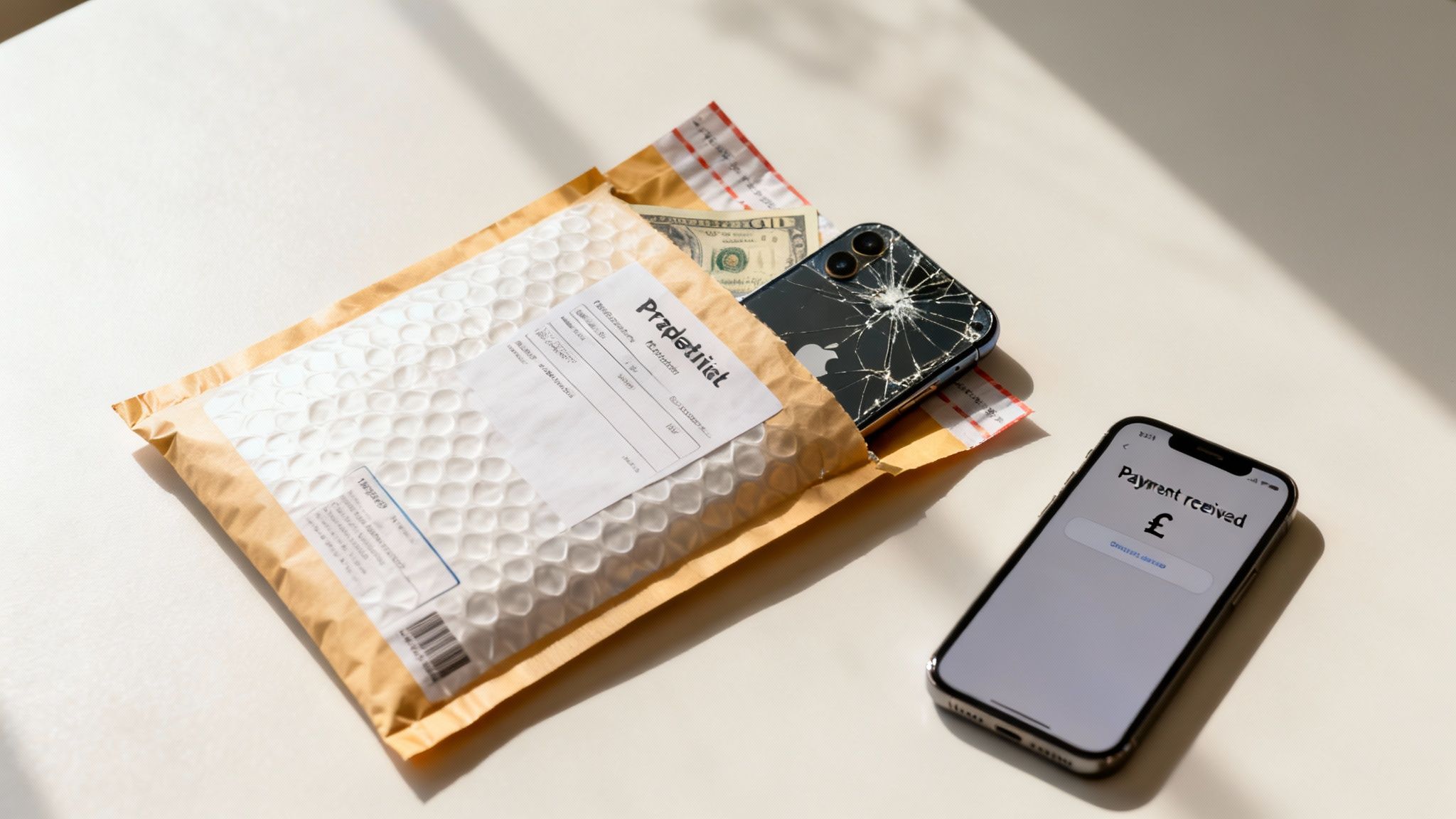
With your data safely backed up and erased, you’re on the home straight. Now it’s just a case of getting your broken iPhone to the trade-in company and getting your cash.
This final part of the process is usually simple, but knowing what to expect with postage and payment helps make everything go smoothly.
Packing and Posting Your iPhone Securely
Once you’ve accepted a quote, the company will give you clear instructions for sending your device to them. Most reputable UK recyclers offer a free postage service when you want to trade in a broken iPhone for cash.
You’ll typically receive one of two things:
- A pre-paid postage pack: This is usually a padded envelope or a small box sent to your address. All you have to do is pop the iPhone inside and drop it off at a Post Office.
- A printable postage label: You’ll get an email with a Royal Mail or courier label to print and stick on your own packaging.
When packing a broken iPhone, especially one with a smashed screen, take a little extra care. It’s a good idea to wrap the device in bubble wrap before putting it in the envelope. This stops any loose glass shards from causing more damage or getting lost in transit.
Tip: Before sealing the package, take a quick photo of the iPhone inside its packaging. It’s a simple step that can be useful as proof of its condition should any issues arise during delivery.
What Happens After You Post Your Device
After you’ve sent your iPhone, the trade-in company will inspect it when it arrives. Their technicians will check that the condition and faults match the description you gave when you got your quote. As long as you were honest about the damage, this is just a formality.
If they do find an issue you didn’t mention, they may send you a revised offer, often called a ‘re-quote’. A trustworthy company will let you accept or reject this new price. If you reject it, they are obliged to return your mobile to you, usually free of charge.
This transparent process is a hallmark of the growing refurbished market in the UK. A recent report from Ingram Micro Lifecycle showed that Apple devices made up a dominant 56.5% of refurbished sales in the UK market in early 2024. This shows how established and reliable the trade-in ecosystem has become for iPhones. You can read more about these trends and the UK electronics market in the full report.
Receiving Your Cash Payment
Once your iPhone passes its inspection, the final step is getting paid. This is usually very quick, with many companies processing payment on the same day they receive your device.
The most common payment methods you’ll see are:
- Direct Bank Transfer: This is the most popular option. The money appears directly in your bank account, typically within one business day.
- PayPal: Another fast and secure method, though be aware that PayPal may take a small fee from the payment you receive.
The timeframe from posting your mobile to seeing the money in your account is often just a few days. This makes the entire process a surprisingly quick and efficient way to turn a broken iPhone into something useful again.
Common Questions About Selling a Broken iPhone
Thinking about trading in your broken iPhone for cash often throws up a few key questions. It’s normal to wonder what happens with a phone that won’t even switch on, or how companies handle things if the damage is worse than you thought.
Let’s run through the most common queries we see.
Can I Trade In an iPhone That Won’t Turn On?
Yes, you absolutely can. Most specialist UK trade-in sites are set up to buy iPhones that are completely dead.
When you’re getting an online quote, you just need to select the “won’t turn on” option. The offer will naturally be lower than for a device with just a cracked screen, as this is a major fault. But the phone still has value. Technicians can salvage internal parts like the logic board, cameras, or even the casing to use in other repairs.
What Happens If a Company Lowers My Quote?
This is a standard part of the industry, often called a ‘re-quote’. It happens when the company’s technicians inspect your iPhone and find the damage is different from what you first described.
A reputable company will always get in touch with you first. They’ll send an email explaining what they found and provide a new, revised offer. At this point, you have two choices:
- Accept the new offer, and the company will process the payment for the revised amount.
- Reject the new offer. If you’re not happy, you can decline it, and the company is then obligated to return your iPhone to you, free of charge.
Always read a company’s terms and conditions before sending your device, and look for their re-quote and return policy. This ensures you know where you stand and won’t get hit with any unexpected postage costs if you reject their new price.
Should I Repair a Cracked Screen Before Trading In?
In almost every case, the answer is no. It doesn’t make financial sense to pay for a screen repair before you sell the mobile.
The cost of a quality screen replacement is nearly always higher than the extra trade-in value you’d get. Trade-in companies run their own repair centres and can get parts much cheaper than the general public. You will almost certainly end up with more cash in your pocket by selling the iPhone with its broken screen and declaring the fault upfront.
Can I Sell a Water-Damaged iPhone?
Yes, you can sell an iPhone with water damage, but honesty is the best policy. Every iPhone has a hidden Liquid Contact Indicator (LCI), usually inside the SIM card tray slot. This sticker is white when dry but turns a permanent red or pink the moment it touches liquid.
Technicians check the LCI as a standard part of their inspection. Trying to pass it off as undamaged will just lead to a re-quote. Water damage is a serious fault and will lower the value significantly, but it doesn’t make the phone worthless. Plenty of internal components might still be salvageable.
Ready to see what your broken iPhone is worth? At Used Mobiles 4 U, we make it simple to get a fair cash price for your damaged or faulty device. Our process is quick, our postage is free, and we pay fast.







