





When Should I Upgrade My iPhone? A Practical UK Guide

05/02/2026

13 Mins

This guide will help you decide if it's the right time to get a new mobile. We'll walk through the common signs that your current iPhone is holding you back, from poor battery life and slow performance to outdated software. By the end, you'll have a clear idea of whether an upgrade is a practical choice for you.
It’s less about chasing the latest shiny model and more about recognising when your mobile is genuinely no longer meeting your needs.
Key Signs It’s Time to Upgrade Your iPhone
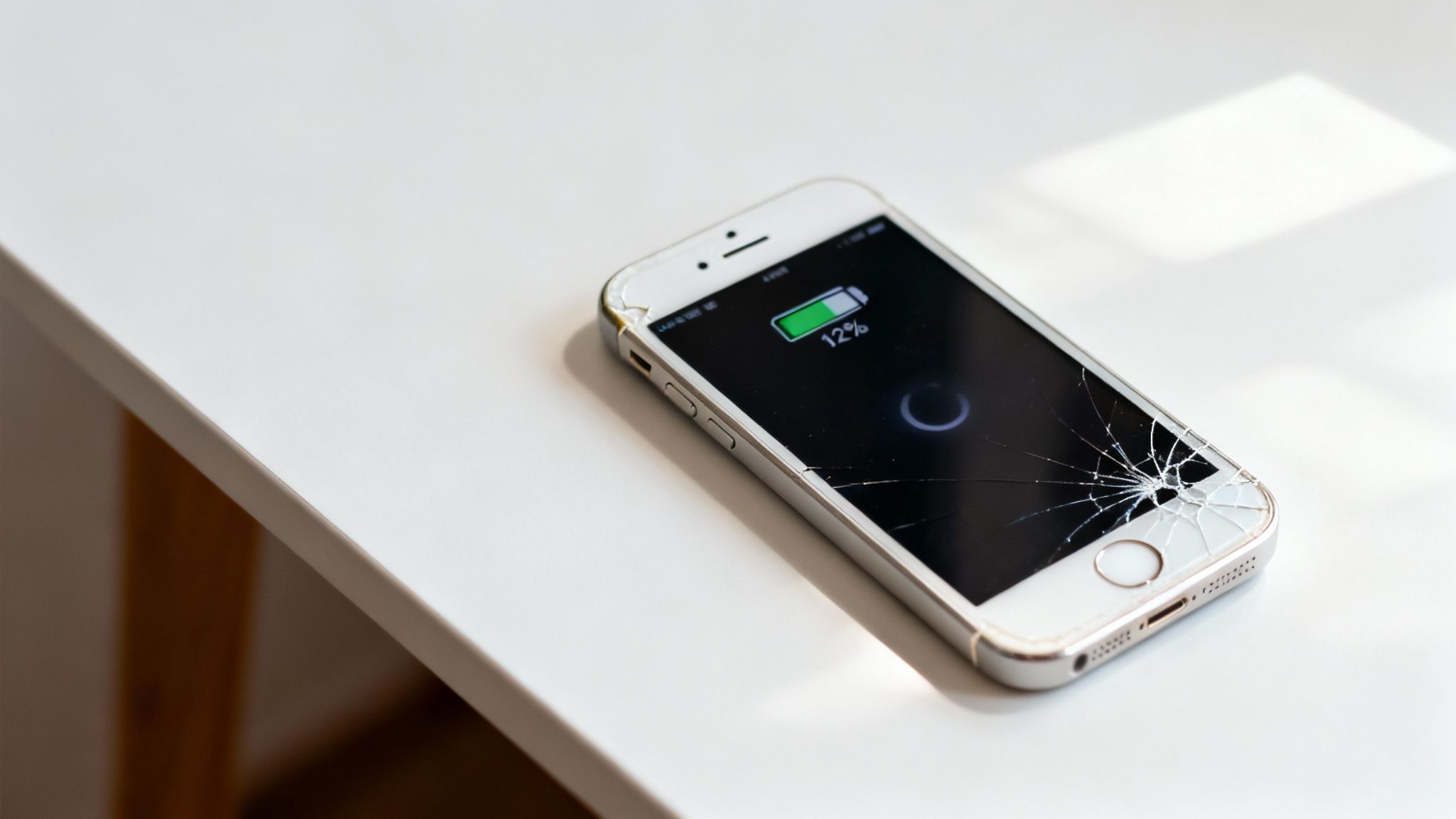
Most people don't upgrade just because a new iPhone is announced; they upgrade because a specific problem has made their current mobile a daily frustration. These issues often build up over time until you can’t ignore them anymore.
Here are the main culprits:
- Degraded Battery Life: Your mobile doesn't last the day, even with light use.
- Poor Performance: Apps take ages to load, the keyboard lags, or the device freezes up.
- Lack of Software Updates: Your iPhone is too old to get the latest iOS updates, leaving it exposed to security risks.
- Physical Damage: The screen is smashed, buttons are broken, or the charging port is unreliable.
- Insufficient Storage: You're constantly deleting photos and apps just to make space.
- Outdated Features: The camera quality is poor, or it's missing features you need, like 5G connectivity.
For instance, a customer recently sold us their old iPhone X. It was still a decent mobile, but the battery was at 75% capacity, which meant it barely lasted until lunchtime. They also wanted a better camera for family photos. For them, upgrading to a refurbished iPhone 13 was a practical solution that solved both problems without the hefty price tag of a brand-new device.
To give you a clearer picture, we've put together a quick checklist to help you see if it's time for a change.
Quick Upgrade Checklist
Use this table to quickly assess if your iPhone is showing common signs that an upgrade is needed.
| Symptom | What to Check | Indicates Upgrade Needed When… |
|---|---|---|
| Poor Battery Life | Go to Settings > Battery > Battery Health & Charging | The Maximum Capacity is below 80%, and it doesn't last a full day. |
| Slow Performance | Notice how long it takes for apps to open or for the keyboard to appear. | Everyday tasks feel sluggish, and the mobile frequently freezes or crashes. |
| No More iOS Updates | Go to Settings > General > Software Update | Your device is no longer eligible for the latest major iOS version. |
| Not Enough Storage | Go to Settings > General > iPhone Storage | You're constantly seeing "Storage Almost Full" warnings and can't free up space. |
| Physical Damage | Inspect the screen, buttons, ports, and camera lenses. | Cracks impair visibility, buttons don't work, or the charging port is unreliable. |
| Outdated Camera | Compare your photos to those from newer mobiles. | Your photos look grainy, especially in low light, and you're missing key features. |
If you're ticking several of these boxes, it’s a strong sign that an upgrade would make a real difference to your daily life. Deciding when you should upgrade your iPhone is ultimately a personal choice. For some, a single issue like a failing battery is the final straw. For others, it's a combination of smaller annoyances that finally prompts a change.
Checking Your iPhone's Battery Health and Performance
A battery that can’t make it through the day is probably the number one reason people start looking for a new mobile. Let's walk through how to check your iPhone’s real battery health and spot those other annoying performance issues that tell you it might be time for an upgrade.
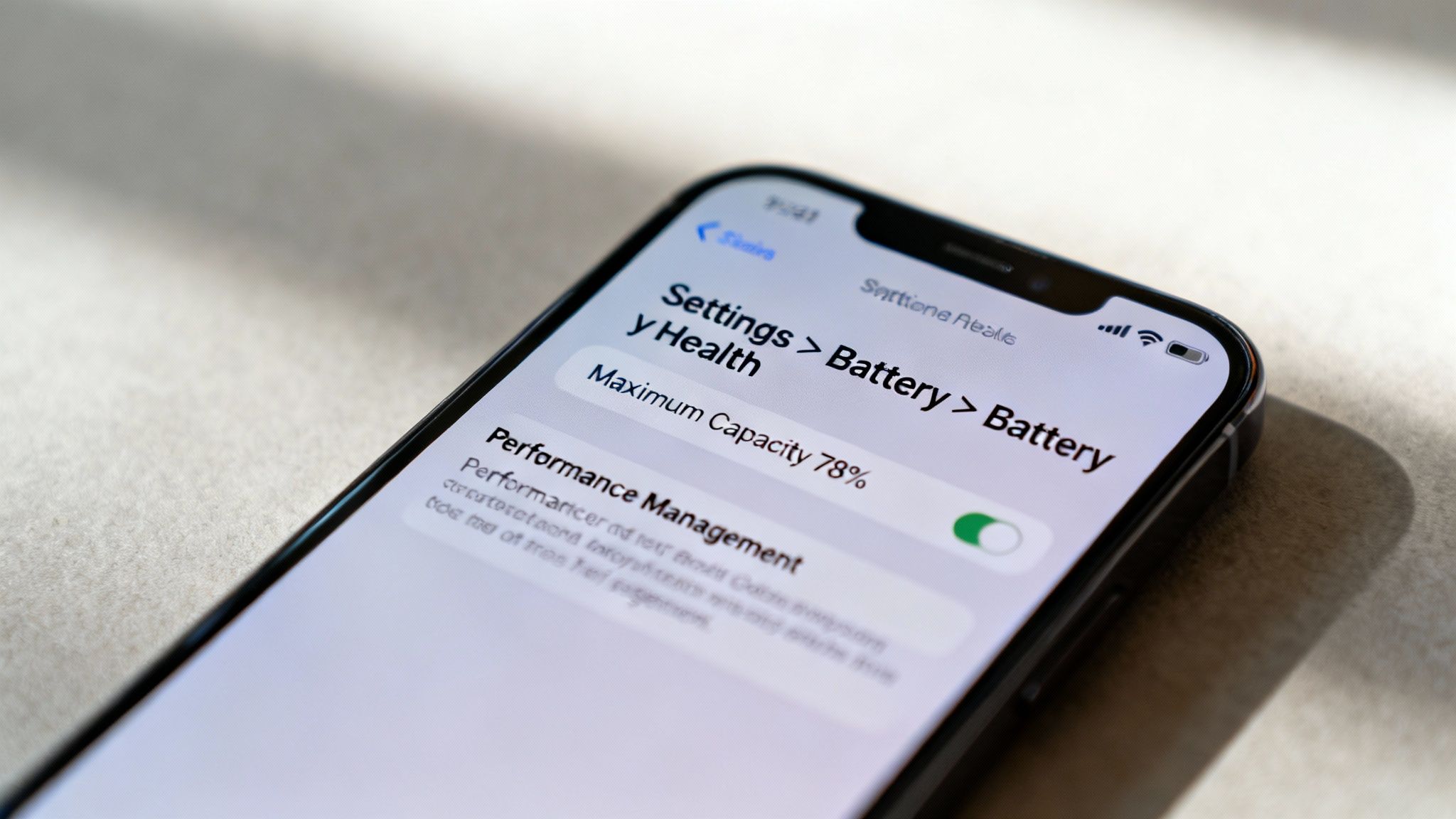
Thankfully, your iPhone has a built-in tool that gives you a clear picture of its battery's condition. It’s the very first place you should look when you feel your mobile isn’t holding its charge like it used to.
How to Check Your Battery Health
Finding this information is simple and only takes a few taps.
- Open the Settings app on your iPhone.
- Scroll down and tap on Battery.
- Tap on Battery Health & Charging.
Here, you’ll see a percentage next to Maximum Capacity. This figure tells you how much charge your battery can hold compared to when it was brand new. Over time, as a battery ages chemically, this number will naturally decrease.
A brand-new iPhone should show 100%. As it gets older, this number drops. Apple considers any iPhone with a battery health below 80% to have a degraded battery. At this point, you'll likely notice a real-world difference, such as needing to charge your mobile in the middle of the afternoon.
What Does Maximum Capacity Mean for You?
When the battery’s maximum capacity falls below that 80% threshold, your iPhone might activate a feature called "performance management." This is a safety measure to stop your mobile from unexpectedly shutting down because the old battery can't supply enough power for demanding tasks.
When this kicks in, you might notice:
- Slower App Launches: Apps that used to be instant now have a noticeable delay.
- Lower Frame Rates: Scrolling through websites or your social feed might feel choppy instead of smooth.
- Dimmer Screen: The screen backlight might be automatically dimmed, even at full brightness.
- Reduced Speaker Volume: The maximum volume might be lower than you remember.
If you’ve noticed these issues and your battery health is low, the two are almost certainly connected. For more details on what to expect from batteries in used devices, you can learn more about refurbished iPhone battery life in our guide.
Beyond the Battery: General Performance Slowdowns
Sometimes, the battery is fine, but the mobile itself just feels sluggish. This is often because the processor inside your older iPhone is struggling to keep up with the demands of modern apps and the latest iOS software.
Here’s a common scenario: Sarah has a refurbished iPhone 8 she bought a few years ago. The battery health is still a decent 86%, but she finds that her banking app often freezes, and switching between messages and her browser is frustratingly slow. The hardware inside her iPhone 8 simply isn't powerful enough for the software she uses daily. For help with issues like this, you can check our guide on troubleshooting a used iPhone.
These performance bottlenecks are clear indicators that your mobile's hardware is reaching its limits. While a battery replacement can solve charge-related problems, it can't fix an underpowered processor. When daily tasks become a chore, it’s a good time to think about when you should upgrade your iPhone.
Understanding iOS Updates and Security
Your iPhone's software is just as vital as its physical parts. iOS updates do more than add new features; their most crucial job is delivering security patches. These patches fix weak spots that hackers could otherwise use to access your personal data, from photos and messages to your banking details.
Why Software Support Matters
Apple supports its devices with major iOS updates for about five to seven years after release. Eventually, every model reaches a point where the older hardware can't keep up with modern software. When that happens, your mobile has reached the end of the line for new updates, which is a serious sign it's time for a new one.
Using an unsupported mobile is a bit like leaving your front door unlocked. Once your iPhone stops getting those big annual updates, you stop receiving vital security patches, leaving your device more and more vulnerable as time goes on.
How to Check if Your iPhone Can Be Updated
It’s simple to check if your mobile is running the latest software.
- Open the Settings app.
- Tap on General.
- Then, tap Software Update.
Your iPhone will check for updates. If it says you're up to date, brilliant. But if it says a newer version of iOS is available but your device isn't compatible, that’s it—your iPhone has reached the end of its software support life. If you want to dig deeper into this, have a look at our guide on what you need to know about iOS updates on refurbished iPhones.
The Real-World Impact of an Outdated iOS
Running an unsupported iPhone causes practical problems beyond just security. Soon enough, app developers stop supporting older iOS versions to focus on the new ones.
This can lead to some frustrating situations:
- App Incompatibility: You might find you can't download new apps or even update the ones you already have. This is a big issue for apps handling sensitive information, like banking apps, which often demand the latest security.
- Missing Features: You won't get any of the new features Apple adds to Maps, Messages, or the Camera.
- Bugs and Glitches: Any little software bugs your mobile has will be there forever, never to be fixed, which can lead to crashes and general instability.
When the services you rely on stop working, it’s one of the clearest signs you'll get that it's time for an upgrade. At that point, your device isn’t just old; it’s becoming a liability that holds you back and puts your data at risk.
When Your iPhone's Features No Longer Meet Your Needs
Sometimes, the moment you realise you need a new iPhone has nothing to do with a dying battery or a smashed screen. It’s a quieter feeling—the slow realisation that your mobile, which once felt so advanced, is now holding you back.
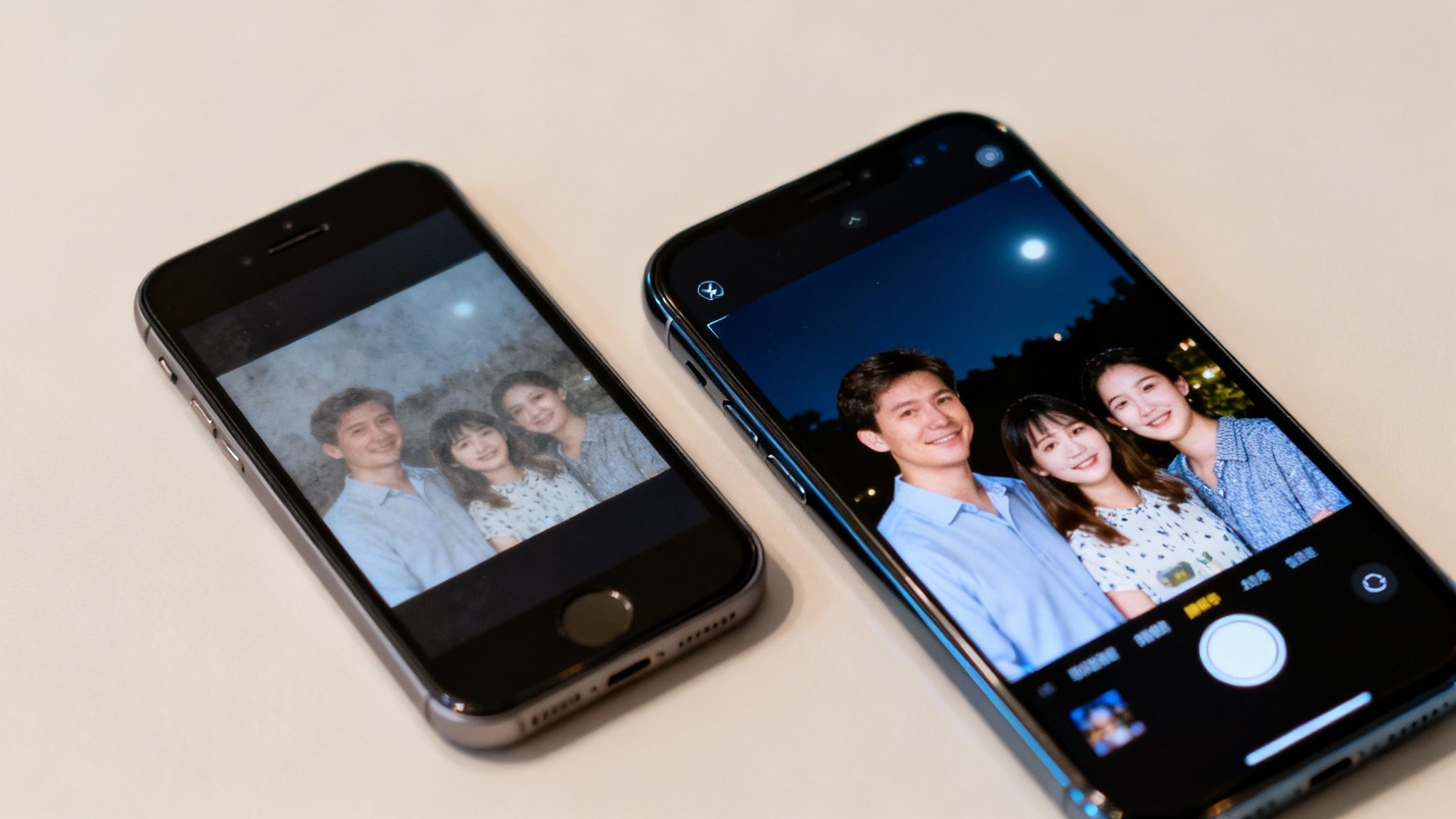
This can happen in lots of ways. Perhaps you’ve taken up a new hobby, and your camera just can't keep up. Maybe you’ve moved to an area with brilliant 5G coverage, but your older iPhone can't tap into those faster speeds. It’s a subtle shift where your needs have simply outgrown what your mobile can offer.
The Camera Quality Chasm
The most common capability gap we see is the camera. Apple’s camera technology has taken massive leaps forward in recent years. Features that are now standard on newer refurbished models, like Night mode for crisp low-light shots and proper Optical zoom, simply didn’t exist on older devices.
Imagine you have a trusty iPhone XR. But recently, you find that photos of your new grandchild in dimly lit rooms just come out grainy and blurred. Meanwhile, your partner’s newer iPhone 13 captures those same moments with stunning clarity. Suddenly, that camera has become the single biggest reason to think about an upgrade.
Let’s break down just how big that difference can be.
Feature Comparison: Older vs Newer iPhone Models
The table below gives you a quick snapshot of how key photography features have evolved. It’s often these small but significant improvements that make upgrading feel less like a splurge and more like a necessary investment.
| Feature | Example Older Model (e.g., iPhone XR) | Example Newer Refurbished Model (e.g., iPhone 13) |
|---|---|---|
| Low-Light Photos | Often grainy and dark without a dedicated Night mode. | Night mode automatically activates for bright, clear shots. |
| Zoom Quality | Relies on digital zoom, which reduces image quality. | Features an Optical zoom for sharper, more detailed close-ups. |
| Video Recording | Good quality, but lacks features like Cinematic mode. | Cinematic mode adds a professional-looking depth effect to videos. |
| Portrait Mode | Limited to detecting people for its background blur effect. | Works on pets, people, and objects with more advanced depth control. |
If photography is important to you, the improvements in newer models are hard to ignore. For a deeper dive, our guide on which iPhones last longer also touches on how camera hardware evolves over time.
Storage Space and Connectivity Needs
Beyond the camera, other features can create a clear need for a change. Running out of storage is a constant headache, especially as apps get bigger and photos get sharper. If you're constantly deleting precious memories just to make room, your current device's capacity is no longer cutting it.
Another key factor is connectivity. While 4G is still perfectly fine for most day-to-day tasks, 5G offers a noticeable speed boost for downloading large files or streaming high-quality video. If you live and work in an area with good 5G coverage, an upgrade to a 5G-capable iPhone is the only real solution. Ultimately, if your current mobile is stopping you from doing things you enjoy or need to do, it might be time for a change.
Smart Financial and Environmental Upgrade Choices
Deciding it's time for an upgrade doesn't automatically mean you have to pay for the latest, most expensive iPhone. Making a smart, sustainable, and budget-friendly choice is easier than you might think, especially when you know all your options.
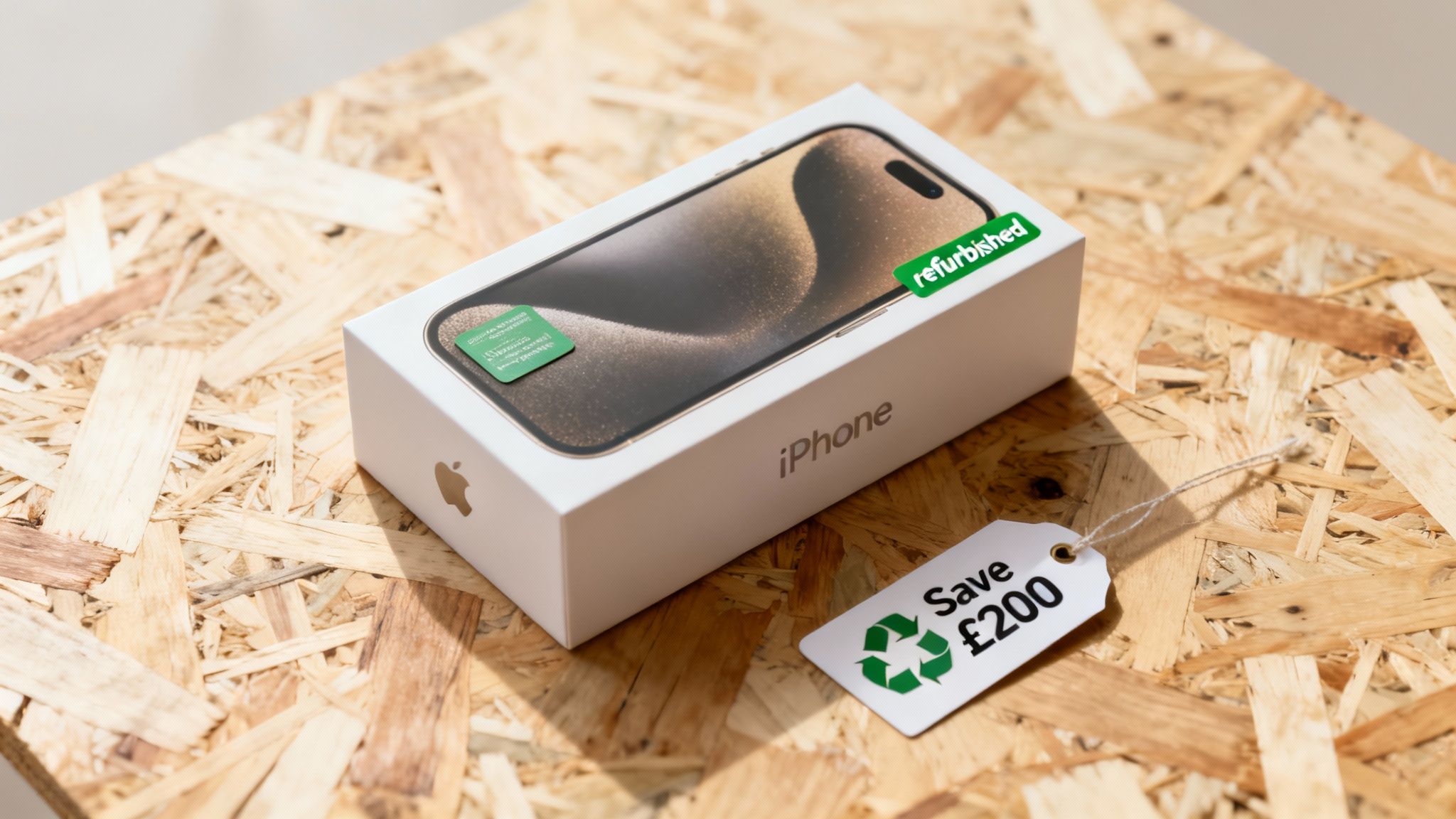
One of the biggest perks of the iPhone ecosystem is how well the devices hold their value. This turns your old mobile into an asset that can significantly bring down the cost of your next one.
The Value of Refurbished iPhones
Choosing a high-quality refurbished iPhone is one of the smartest financial moves you can make. It's common to find a model that’s only a year or two old for hundreds of pounds less than its original price. These aren't just 'used' mobiles; they're professionally tested, repaired, and graded, and usually come with a warranty, so you know exactly what you're getting.
This route makes it possible to get a major step up in performance, camera quality, and features without the financial sting of buying new.
Warning: Before you sell, trade in, or even pass on your old iPhone, it is essential to back up your data. You don’t want to lose precious photos, contacts, and files.
To back up your iPhone, follow these exact steps:
- Connect your iPhone to a Wi-Fi network.
- Go to Settings > [your name] > iCloud.
- Tap on iCloud Backup.
- Make sure the Back Up This iPhone toggle is switched on.
- Tap Back Up Now and let the process finish.
Once you’re certain everything is saved, you can safely reset your old device. This is a critical step before you sell your mobile.
Leveraging Your Old Device
Your current iPhone is more than just an old gadget; it's a financial resource. iPhones consistently hold their value better than almost any other smartphone. This strong resale value means you can get a decent amount of cash back by selling it, which you can then put towards your next purchase.
The strong demand for iPhones in the UK makes selling your old model a straightforward process. As you think about your upgrade, consider selling your current device to offset the cost and reduce waste. For some guidance on what sells well, you might find articles like the 7 best items to resell on eBay useful.
The Eco-Friendly Choice
Opting for a refurbished iPhone isn’t just a savvy financial decision; it’s a powerful environmental one, too. Every refurbished mobile sold is one less device ending up in a landfill and reduces the demand for a new one to be manufactured.
This feeds into what’s known as the circular economy. Instead of a "take, make, dispose" model, the circular economy is all about reusing, repairing, and recycling products to extend their life and minimise waste.
By choosing a refurbished mobile, you are actively helping to:
- Reduce E-Waste: Electronic waste is a growing global problem. Keeping a perfectly functional mobile in circulation is the most effective way to fight it.
- Conserve Resources: Manufacturing a new smartphone requires huge amounts of energy, water, and precious metals. Reusing an existing device avoids this environmental toll.
- Lower Your Carbon Footprint: The production and shipping of new electronics generate substantial carbon emissions. Buying refurbished drastically cuts this impact.
Take a real-world example: a customer, Chloe, was using an older iPhone 8. She wanted better camera features but was concerned about the environmental impact of buying a brand-new mobile. By trading in her iPhone 8 and purchasing a refurbished iPhone 13, she got exactly what she wanted without creating unnecessary waste. If you're interested in selling your old mobile, you can learn more about how to recycle your mobile phone in the UK with our guide.
Common Questions About Upgrading Your iPhone
Deciding when to finally upgrade your iPhone always seems to bring up the same few questions. To help you get a clear answer, we’ve put together our thoughts on the most frequent queries we get from customers.
Is There a Best Time of Year to Upgrade My iPhone?
Yes, timing your purchase can save you money. Apple announces its new iPhones every September. In the weeks and months that follow, you’ll often see prices for the previous year's new models drop, and the value you get from refurbished models becomes even better.
The sweet spot is often from late September through to the Christmas sales – it's a great window to find excellent deals. That said, with a trusted refurbished retailer, good value is available all year round, so the best time is simply when your current mobile can no longer keep up with your needs.
Should I Repair My Current iPhone or Just Upgrade It?
This really comes down to the problem and the age of your mobile. If you've got a relatively new model with a straightforward issue like a cracked screen or a worn-out battery, a repair is almost always the most sensible and cost-effective choice.
However, if your mobile is over four years old, has been left behind by crucial iOS security updates, and has multiple issues piling up, the cost of repairs can quickly spiral. In that case, putting that money towards a newer, quality refurbished model is a much smarter long-term investment and a better answer to the question of when you should upgrade your iPhone.
How Long Will a Refurbished iPhone Last?
A quality refurbished iPhone from a reputable seller should last for many years, giving you a lifespan that’s very similar to a brand-new device. Because they are professionally tested, restored to full working order, and often come with a solid warranty, you get the same peace of mind you’d expect from a new purchase.
The key factor for longevity really comes down to software support from Apple. For instance, a refurbished iPhone 13 bought today can be reasonably expected to receive iOS updates for another four to five years. This makes it an incredibly reliable and long-lasting choice.
Ready to find your next iPhone? At Used Mobiles 4 U, we offer a wide range of fully tested, high-quality refurbished iPhones that come with a 12-month warranty and free delivery. Browse our latest deals today.
Written by James Waterston — 24 years in the mobile phone industry from customer service to Sales Director of a global repair & recycling company; now running Used Mobiles 4 U for 8+ years. LinkedIn







