Your Practical Guide to Second Hand iPhones in the UK
This article will help you choose, check, and buy a used or refurbished iPhone in the UK with confidence. We’ll cover what device grades mean, why a warranty is important, and the essential checks to make before you buy, so you can find a great mobile at a fair price.
How to Confidently Choose a Second Hand iPhone

This guide will break down everything you need to know about buying second hand iPhones in the UK. We’ll help you get to grips with:
- Device grades and what they really mean for the mobile’s quality and price.
- What to look for in a warranty to make sure your purchase is properly protected.
- The crucial checks you need to perform to avoid getting stuck with a faulty or locked mobile.
The core principles of smart purchasing are the same whether you’re buying a phone or another high-value item. Applying strategies for buying used items confidently helps secure a reliable device you’ll be happy with. By the end of this guide, you’ll have all the practical knowledge needed for choosing the best used mobile phone that fits your needs and budget.
Why More People Are Choosing Used iPhones

Opting for a used iPhone over a brand-new one is becoming a popular and sensible choice across the UK. The biggest reason is the cost, as you can often find a premium model for significantly less than its original price tag.
But this shift isn’t just about saving money. It’s also a better move for the planet. Choosing a refurbished mobile reduces e-waste and lessens the environmental strain that comes from manufacturing new devices.
With a growing market for professionally tested and graded iPhones, you no longer have to sacrifice performance for price. That’s especially true when you buy from a trusted retailer who backs their mobiles with a solid warranty.
The Financial and Environmental Benefits
The main driver behind the rise in second hand iPhones in UK homes is clear: outstanding value for money. A top-tier iPhone that felt out of reach when it was first released suddenly becomes far more affordable a year or two down the line.
This approach gives you two clear benefits:
- Financial Sense: You get all the powerful tech and premium features without paying the full price.
- Eco-Friendly Choice: You extend the life of a perfectly good mobile, keeping it in use and out of a landfill.
A Rapidly Growing Market
The demand for used mobiles is soaring. The UK’s refurbished phone market is set to grow significantly, with high-end models leading the charge as people hunt for the latest tech at a big discount.
This growth is great news for you as a buyer. It means more choice, better quality checks, and more reliable mobiles on the market than ever before. You can dive deeper into the rise of second-hand phones in the UK in our detailed article.
Understanding iPhone Grades and Warranties
When you start looking for a used iPhone, you’ll quickly see terms like ‘Like New,’ ‘Excellent,’ or ‘Good.’ These are part of a grading system that tells you about the phone’s physical condition, and the grade directly affects the price.
Think of it like a condition report for a used car. A ‘Like New’ or ‘Grade A’ phone should be almost impossible to tell apart from a brand-new one. On the other hand, a ‘Good’ or ‘Grade C’ device will show signs of its previous life—perhaps a few light scratches or small scuffs—but it will be 100% functional. It’s a good idea to check how each retailer defines their grades, as there isn’t a single, universal standard.
Decoding the Grades
The grading system gives you a clear choice between cosmetic perfection and a better price. A mobile with a few minor scratches on the back will work just as well as a flawless one, but it will leave more money in your pocket.
Here’s a simple table to show you what these grades generally mean.
A Simple Guide to Refurbished iPhone Grades
| Grade | Cosmetic Condition | Typical Price Point | Best Suited For |
|---|---|---|---|
| Like New (Grade A) | Pristine condition. No visible scratches or marks on the screen or body. | Highest | Someone who wants a new-phone experience without the new-phone price tag. |
| Excellent (Grade B) | Very light signs of use. Maybe faint micro-scratches, only visible up close. | Mid-Range | The perfect balance between a great-looking phone and smart savings. |
| Good (Grade C) | Noticeable signs of wear, like visible scratches or small dents on the frame. | Lowest | Anyone who prioritises function over form and wants the biggest possible discount. |
For a more detailed look at how we classify our phones, you can read our full guide to refurbished phone grades to see what to expect.
The Importance of a Solid Warranty
Just as important as the phone’s grade is its warranty. Any reputable seller of used iPhones will offer one, and it’s your main safety net if something inside the device goes wrong. A warranty is a promise that the mobile has been thoroughly tested and is free from functional defects.
For refurbished mobiles in the UK, a 12-month warranty is standard. This covers issues that aren’t your fault, like problems with the battery, a faulty charging port, or software glitches that a reset can’t fix.
A key point to remember is that a warranty won’t cover accidental damage. If you crack the screen or drop it in water, that’s not covered. The warranty is there to protect you from unexpected hardware failures. Always read the warranty terms before you buy.
Where to Safely Buy Your Used iPhone in the UK

Where you buy your second-hand iPhone from is the most important decision in the process. Get it right, and you’ll have a fantastic mobile for years. Get it wrong, and you could end up with an expensive paperweight. Your two main options are certified refurbishers and private sellers on online marketplaces.
Certified Refurbished Retailers: The Safest Option
Certified refurbishers are professional businesses that specialise in testing, repairing, and selling used electronics. For anyone looking to buy second hand iphones in uk, this is the most reliable route.
When you buy from a specialist retailer, you get a mobile that has been through a multi-point inspection. Technicians check everything from the battery and camera to the speakers and screen. They also perform a secure data wipe.
Most importantly, you get two key benefits: a solid warranty (usually for 12 months) and a clear returns policy. If something unexpected goes wrong, you have a clear path to getting a repair, a replacement, or your money back.
Online Marketplaces: The Higher-Risk Option
Online marketplaces like eBay, Gumtree, or Facebook Marketplace can look tempting. You’ll see listings for used iPhones at very low prices, but this route is full of potential problems.
You’re usually buying directly from a private individual. That means no professional checks, no guaranteed data wipe, and no warranty. Once you’ve paid, you have little protection if things go wrong.
Here are a few common issues:
- Activation Lock: The phone could still be tied to the last owner’s iCloud account, making it unusable.
- Hidden Faults: A seller might not mention a faulty charging port or a screen that flickers.
- Stolen Devices: You could buy a mobile that gets blacklisted a week later, meaning it can’t connect to any network.
- No Returns: A private seller is under no obligation to give you a refund if you change your mind or find a fault.
While some platforms offer buyer protection, making a claim can be a long process with no guarantee of success. Our guide on the best place to buy a used iPhone digs into this topic in more detail.
The Essential Checks to Perform Before You Buy

Before you hand over any money, it’s vital to run through a few simple checks. These steps will confirm the iPhone is legitimate, in good working order, and ready for you to use. A reputable seller will have already done these checks, but it pays to know what to look for yourself.
Check the Battery Health
The battery is the heart of any mobile. A worn-out battery won’t hold its charge, which can be frustrating. Apple makes it easy to check its condition.
You can see this for yourself by going to: Settings > Battery > Battery Health & Charging. Look for the Maximum Capacity percentage. A healthy battery should show a capacity of 80% or higher. Anything below this is considered degraded by Apple.
Physically Inspect the Device
Next, give the iPhone a proper look-over. Take a moment to inspect the details and check for any damage that wasn’t mentioned in its grade description.
Pay close attention to these spots:
- The Screen: Look for deep scratches, cracks, or discolouration.
- The Body: Check the frame and back for dents, scuffs, or bending.
- Ports and Buttons: Test the volume buttons, power button, and charging port.
- Camera Lenses: Check that the front and back camera lenses are clear and free from scratches.
Verify the IMEI Number
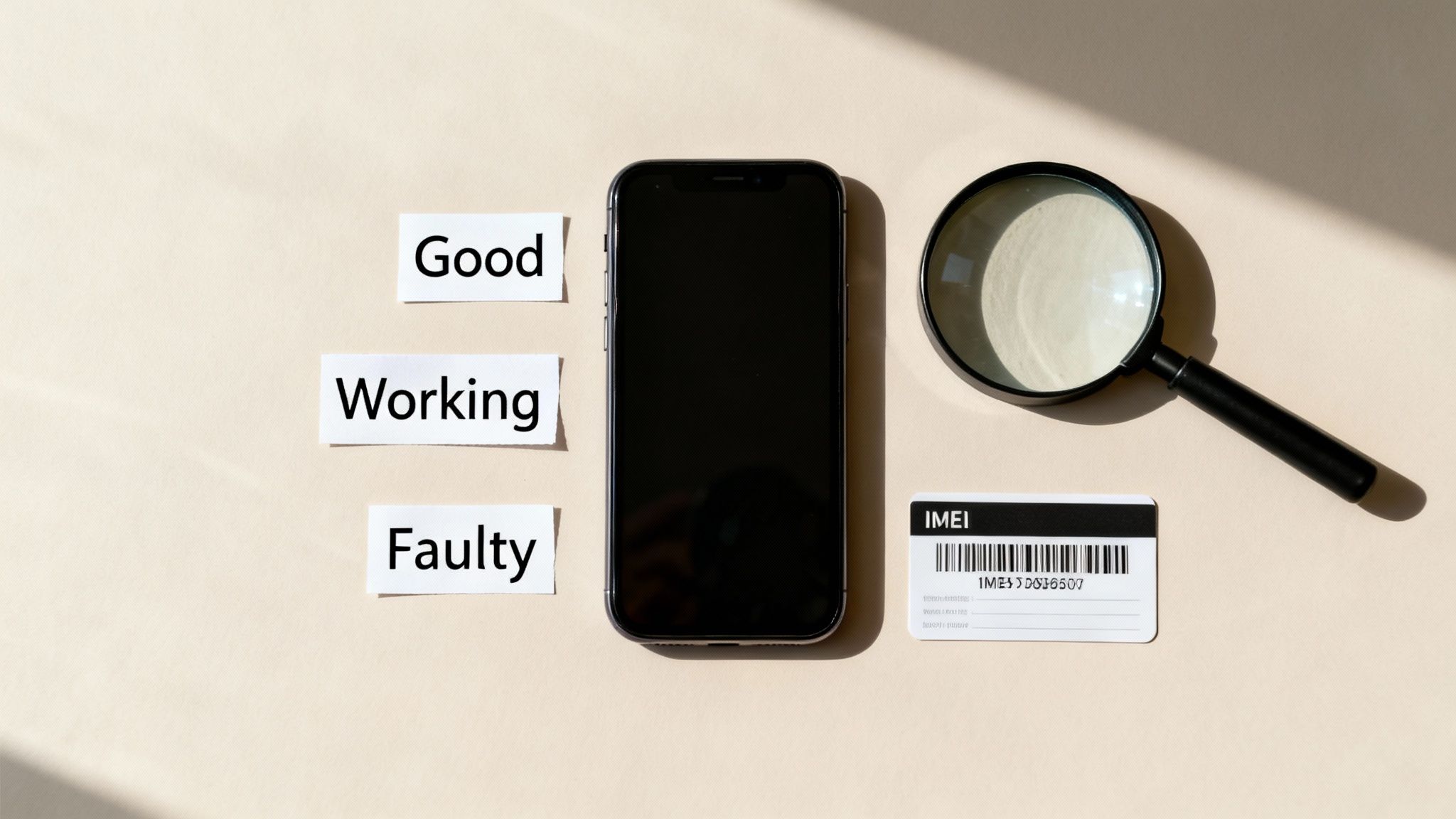
Every mobile has a unique IMEI (International Mobile Equipment Identity) number. This is how you check if the device has been reported as lost or stolen. If it has, it will be ‘blacklisted’ and won’t be able to connect to any UK network.
To find the IMEI, go to Settings > General > About. Once you have the number, you can use a free online IMEI checker to verify its status. Knowing a phone’s history is key; you can learn more about iPhone depreciation trends here.
The Most Important Check: Activation Lock
This last check is a deal-breaker. An iPhone that’s still Activation Locked is unusable. It’s a security feature from Apple’s Find My service that links an iPhone to the owner’s Apple ID. If the previous owner hasn’t removed their account, you won’t be able to set it up.
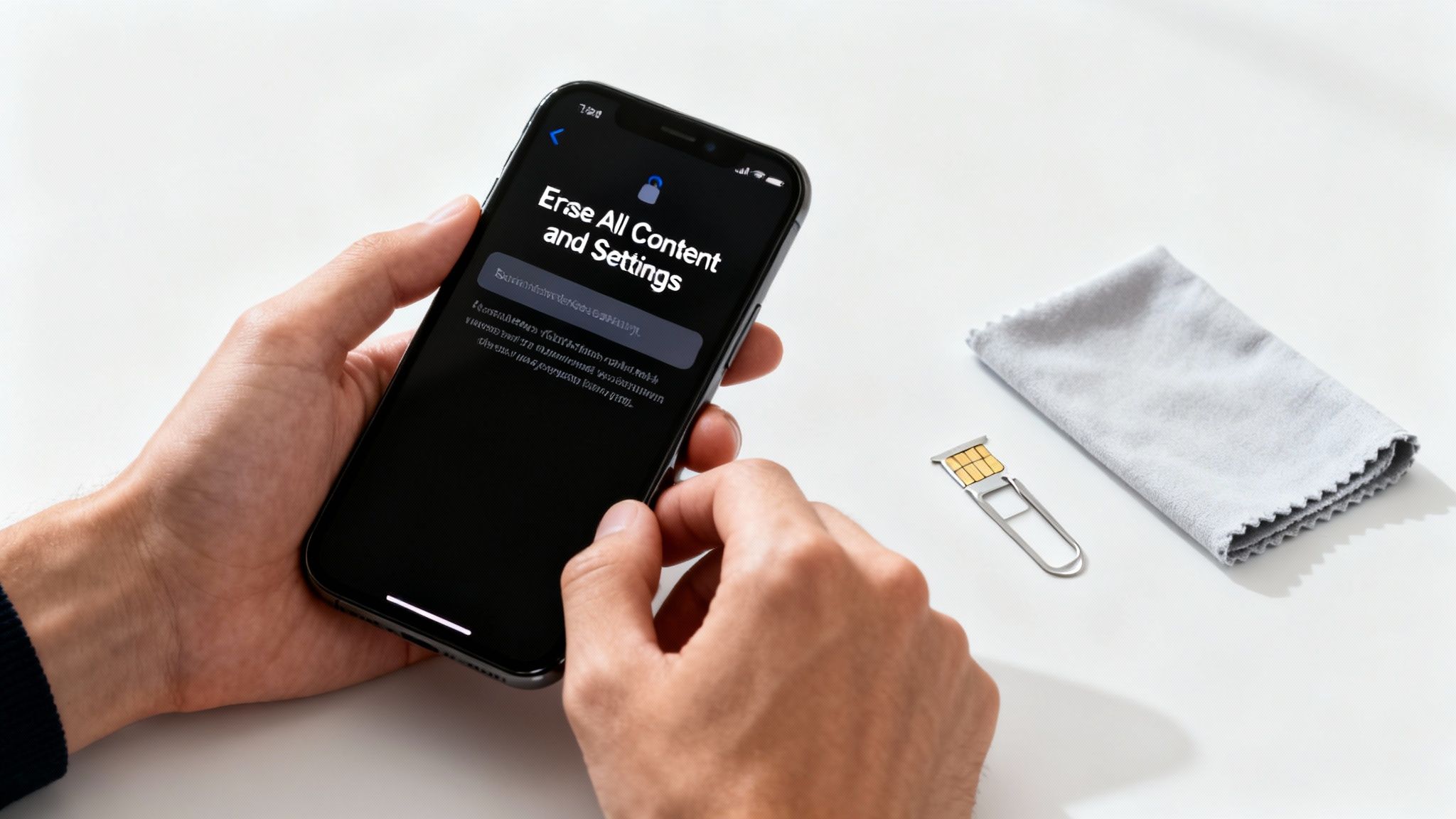
Warning: Risk of data loss. Before you begin setting up your new phone or transferring data, always ensure the previous owner’s data has been fully wiped. It is best practice to perform a factory reset yourself. Back up any existing data first.
To ensure the phone is not locked, ask the seller to show you that Find My is turned off. They can check this by going to Settings > [their name] > Find My > Find My iPhone. If it’s off and the phone greets you with the “Hello” setup screen, you’re good to go. For more help, see our guide to reset the iPhone.
Smart iPhone Choices for Parents and Businesses
Buying used iPhones is also a smart move for families and businesses. Whether you’re a parent considering a child’s first mobile or a business owner equipping a team, refurbished devices offer a great balance of performance, reliability, and cost savings.
For most day-to-day use, you don’t need the absolute latest model. What you need is a dependable, secure, and familiar device that gets the job done without stretching your budget.
A Sensible First Phone for Children
Giving a child their first mobile can feel like a big step, and the cost of a brand-new iPhone is often a hurdle. A second-hand model is an ideal choice. An older, refurbished device like an iPhone SE or an iPhone 12 gives them all the essential features without the premium price tag.
These models are fully compatible with Apple’s parental controls, which are easy to manage. You can set screen time limits, stop app purchases, and filter web content. Opting for a refurbished iPhone is also a lower-risk investment if the phone gets dropped or lost.
Cost-Effective Solutions for Businesses
For any business, keeping costs down is a priority. Buying refurbished iPhones is a shrewd financial move that allows you to equip your team with powerful, secure devices while significantly reducing your outlay.
Here’s a realistic example: a small marketing agency needs to provide five new team members with work mobiles. Instead of spending over £4,000 on new models, the owner opts for ‘Grade A’ refurbished iPhones for around £2,250, complete with a 12-month warranty. The business saves nearly half the cost without compromising on performance. Businesses might also look into other technology branded products to support their operations.
After You Buy: Setup, Protection, and Your Old Mobile
So, your new-to-you iPhone has arrived. Taking a few final moments to set things up properly is the last piece of the puzzle. It’s your chance to get everything running smoothly, understand your consumer rights, and decide what to do with your old mobile.
First, get your personal data from your old phone to your new one. If you’re coming from another iPhone, the Quick Start feature is a simple way to transfer everything wirelessly.
Warning: Risk of data loss. Before you start transferring data, always back up your old phone first. Think of it as a safety copy of your photos, contacts, and apps. This protects you from any issues during the transfer.
Getting Set Up and Staying Protected
Once your data is on your new iPhone, look at the warranty and returns policy from the retailer. These are your safety net if you spot a fault.
- Understand Your Warranty: A reputable seller will offer at least a 12-month warranty. Take a minute to read the terms. It should cover hardware failures but not accidental damage. Our guide to warranties explains this in more detail.
- Check the Returns Policy: Know how long you have to send the phone back if it’s not what you expected. Good sellers offer a clear returns window.
If you run into any snags during setup, don’t panic. Our guide on how to troubleshoot a used iPhone gives you practical steps for fixing common issues. And if you need help moving your information, our instructions on how to transfer data will walk you through it.
What to Do with Your Old Mobile
Now that your new iPhone is up and running, what about the old one? Instead of letting it gather dust, you could trade it in. Many retailers will give you cash or credit for your old device.
This puts some money back in your pocket and is better for the environment. Trading in ensures your old mobile gets a new life or is recycled safely, keeping harmful materials out of landfills.
Got Questions? We’ve Got Answers
Buying a second-hand mobile can bring up a few questions. To help, here are some straight answers to the questions we hear most often from people looking for second hand iPhones in the UK.
What Is a Good Battery Health for a Used iPhone?
You should look for a battery health of 80% or higher. Anything less and Apple considers the battery degraded, meaning it will drain faster.
You can find this by going to Settings > Battery > Battery Health & Charging. A reputable seller will guarantee a minimum battery health, so always ask before you buy.
Is Buying From a Marketplace Safe?
It can be a gamble. While you might find a bargain on places like Facebook Marketplace, you’re usually dealing with a private seller. That means no warranty, no returns policy, and no guarantee of what you’re getting.
The risk of ending up with a mobile that has hidden faults or is locked to another account is much higher. It’s usually safer to buy from a certified refurbisher that offers a warranty and a clear returns process.
How Do I Check if a Second Hand iPhone Is Stolen?
Every phone has a unique IMEI number. Ask the seller for it – they can find it by going to Settings > General > About.
Once you have the number, use a free online IMEI checker. These services can tell you if the phone has been reported lost or stolen by a mobile network. If it has, it will be blacklisted and won’t connect to any UK network.
Do Refurbished iPhones Receive iOS Updates?
Yes, absolutely. A refurbished iPhone is a pre-owned device that has been checked and tested. It functions just like a brand-new one.
This means it gets the same official iOS software updates directly from Apple. As long as the model is still supported by Apple, you’ll receive every new feature and security patch.
Refurbished Phone Buying Resources
Learn more about how refurbished phones work and how to choose the right device.
Written by James Waterston — 24 years in the mobile phone industry from customer service to Sales Director of a global repair & recycling company; now running Used Mobiles 4 U for 8+ years. LinkedIn