





Best Refurbished Laptops: Top Picks and Guide

03/05/2026

15 Mins

The best refurbished laptops are usually business-grade models with an SSD, enough memory for your daily work, and a proper warranty from a UK seller. For most people, that means a Grade A Dell Latitude, Lenovo ThinkPad, HP EliteBook, or a well-kept MacBook, chosen for reliability first and headline specs second.
Quick Verdict
- Best for people who want solid everyday performance without paying new-device prices.
- Not ideal for buyers who need the newest hardware for demanding gaming or highly specialised creative work.
- Typical cost or price range varies by model, grade, battery condition, and seller.
- Better alternative is a new laptop only if you specifically need the latest chip, full manufacturer support, or a very niche feature.
- Main risk is inconsistent refurbishment quality, especially from vague listings with weak warranty cover.
- Practical recommendation buy a business-grade laptop from a seller with clear grading, a 12-month warranty, and a straightforward return policy.
Quick Comparison
- For students choose something light, simple, and dependable with an SSD and enough memory for browsing, documents, and video calls.
- For remote work a ThinkPad, Latitude, or EliteBook is usually the safe bet because keyboards, ports, and build quality tend to be better.
- For families prioritise durability and easy replacement over shiny looks.
- For Apple users a refurbished MacBook often makes sense if you already use an iPhone and want a familiar setup.
- For pure value older business laptops often beat cheap new consumer models because they were built better in the first place.
Quick Steps
- Decide what you actually do on the laptop each day.
- Pick business-grade over budget consumer-grade where possible.
- Insist on SSD storage.
- Check the grade and read what that grade means cosmetically.
- Make sure the seller offers a real warranty and returns process.
- Check battery health, screen condition, keyboard, ports, and charger when it arrives.
The Best Refurbished Laptops A Practical Guide
If you’re trying to find the best refurbished laptops, don’t start with brand names or flashy spec sheets. Start with what will still feel dependable in a year or two. That’s the part many buying guides miss.
A good refurbished laptop should feel boring in the best way. It should boot quickly, stay stable on video calls, handle browser tabs without grinding to a halt, and not leave you worrying every time you close the lid.
For most UK buyers, the sweet spot is simple:
- Business-grade build such as Dell Latitude, Lenovo ThinkPad, HP EliteBook, or a solid MacBook.
- SSD storage because that makes the biggest day-to-day difference.
- Clear grading so you know whether you’re paying for cleaner cosmetics or simply functional value.
- A proper warranty because refurbishment quality varies and peace of mind matters more than a small saving.
Practical rule: buy for your real workload, not for the version of yourself who might start editing films, making music, and playing high-end games next month.
The other reason refurbished makes sense is value. In the UK refurbished laptops market, buyers typically achieve 30-50% cost savings compared with new devices, and laptops are projected to hold 73.55% share in 2025 within a global market expected to grow from USD 9.61 billion in 2025 to USD 10.54 billion in 2026, according to Mordor Intelligence’s refurbished computers and laptops market analysis.
That tells you something useful. Refurbished isn’t just a fallback for people on a tight budget. It’s become a normal, practical buying route for households, students, and businesses that want sensible value.
Why Choose a Refurbished Laptop in 2026
Buying refurbished isn’t about settling. It’s about avoiding the worst value end of the laptop market, which is often the shiny, underpowered new model that looks decent on a shelf and feels slow after a short time.
In practical terms, refurbished works well because you can often buy a machine that started life as a better-quality laptop. A corporate laptop built for daily office use usually ages better than a budget retail model built to hit a price point.

Why the value is real
The headline attraction is cost. UK buyers typically save 30-50% compared with buying new, based on the refurbished laptop market data already cited from Mordor Intelligence.
That changes the quality level you can afford. Instead of stretching for a low-end new laptop, you can often step into a sturdier machine with a better keyboard, more reliable chassis, and a much nicer day-to-day feel.
- Better build for the money because ex-business laptops are often designed for daily opening, closing, travel, and desk work.
- Less wasted spend because many buyers don’t need the newest processor to handle email, Office, web browsing, schoolwork, and streaming.
- Smarter replacement cycle because you can buy well now and replace later without feeling you’ve overpaid.
Why sustainability matters too
A refurbished laptop also makes sense if you don’t like waste. Many buyers want tech that works well without adding to the pile of discarded electronics, and refurbished gives them that option without forcing a major compromise.
The same market trend points to a broader shift towards sustainable and budget-conscious purchasing. You don’t need to be an environmental campaigner to appreciate that using an existing device for longer is often the more sensible route.
A refurbished laptop makes the most sense when your work is ordinary but your standards aren’t.
Who should buy refurbished first
Refurbished is often the default smart choice for:
- Students who need dependable coursework and video-call performance.
- Parents buying a laptop for school use, revision, or shared home use.
- Remote workers who care more about reliability than showroom appeal.
- Small businesses equipping staff without overspending.
A common repair-counter conversation goes like this. Someone buys a very cheap new laptop, then comes back frustrated because it freezes with a few tabs open and feels flimsy. In many of those cases, a solid refurbished business laptop would have been the better buy from day one.
Decoding Refurbished Grades and Warranties
Grades confuse people because they sound technical, but they’re usually about cosmetics first. The laptop’s condition label tells you how it looks, while the warranty tells you how protected you are if something goes wrong.
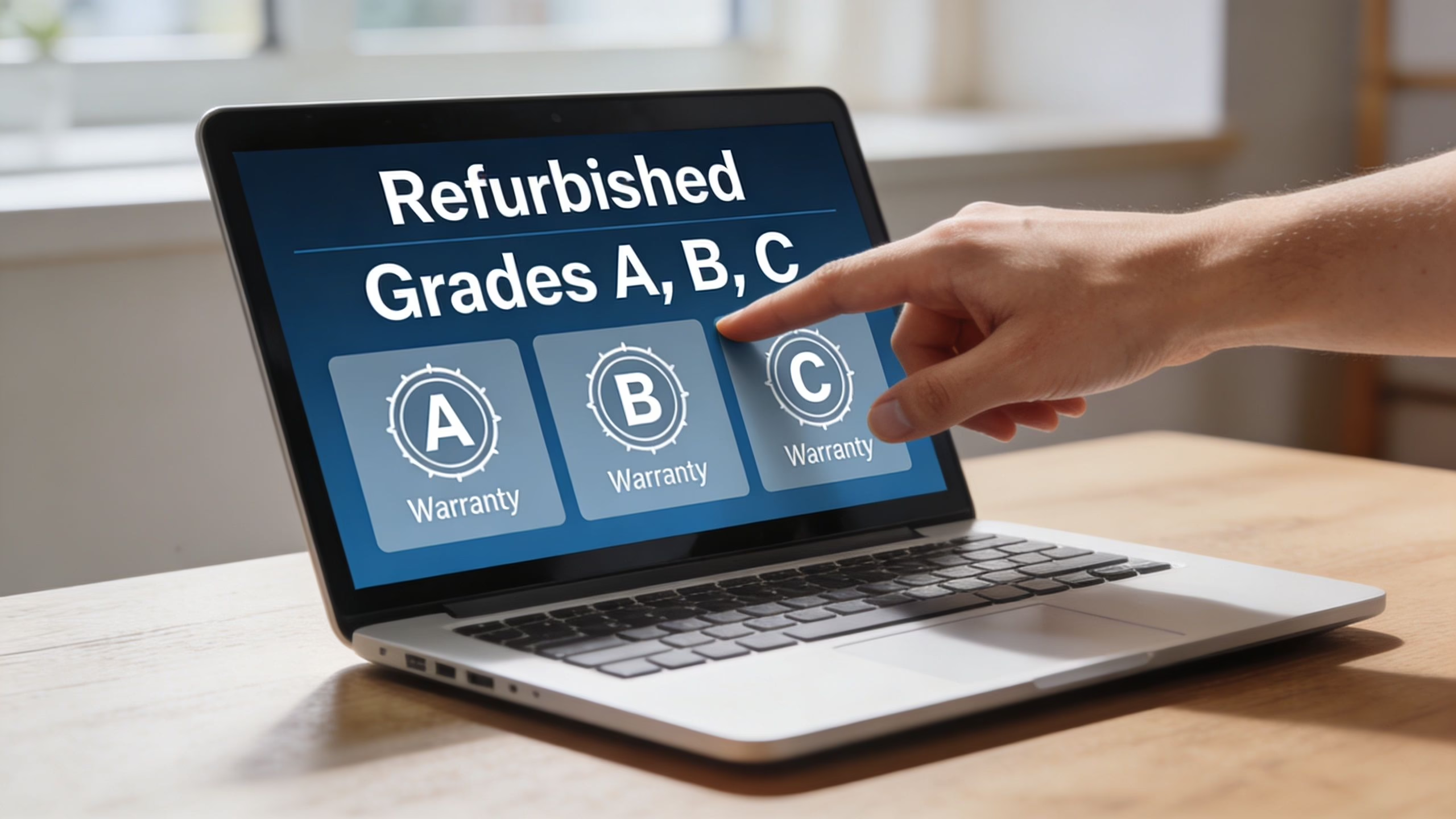
That’s why I tell customers not to get stuck on trying to buy the prettiest unit unless appearance matters a lot to them. A faint mark on the lid often matters far less than who tested the machine, how clearly it was graded, and what happens if it develops a fault.
What grades usually mean in real life
Every seller words grades slightly differently, so always read that seller’s actual description. Still, the pattern is usually close to this:
- Like New means very clean cosmetically, with little visible wear.
- Grade A or Very Good usually means light signs of use, but nothing that changes how the laptop works. This is often the best value point.
- Good often means more noticeable marks, polished keys, or wear on the casing, but still fully functional if refurbished properly.
Think of it like buying a used car from a proper dealer. A tiny scratch on the door is one thing. A vague service history is something else entirely.
Grade A devices dominate the market with superior quality, and the global market was valued at USD 5.4 billion in 2024 with growth driven by sustainability mandates and 20% annual growth in refurbished electronics in the UK, according to Custom Market Insights on refurbished computers and laptops.
Why warranty matters more than grade
A warranty is the practical safety net. It matters because even a well-refurbished laptop is still a used device with a history, and component wear isn’t always visible from photos.
When you’re comparing sellers, look for:
- Length of cover with at least a 12-month warranty being the standard I’d want for peace of mind.
- Clear fault support so you know how to report a problem and what the next step is.
- Straightforward returns because the first few days with the laptop are when you check whether the grade and condition match the listing.
- Transparent testing language rather than vague claims that tell you almost nothing.
Cosmetic grade affects how the laptop looks on your desk. Warranty affects how you sleep after you buy it.
What specs mean without the jargon
Most people don’t need a lecture on processors. They need to know what actually changes their daily use.
- CPU is the worker. A stronger one handles jobs more smoothly.
- RAM is the desk space. More room means more apps and tabs can stay open comfortably.
- SSD is the filing cabinet you can reach instantly. It makes the system feel quick when starting up, opening apps, and saving files.
If you want broader UK second hand laptop advice, focus on sellers that explain both grade and after-sales support in plain English. That’s usually a better sign than a listing packed with buzzwords.
What Laptop Specs Actually Matter For You
Most buyers don’t need the highest numbers. They need the right balance of processor, memory, storage, and battery condition for the way they actually use a laptop.
If you strip away the jargon, one spec matters more than most people realise. It isn’t the processor badge. It’s the drive.
Start with the SSD
An SSD is the upgrade that makes an older laptop feel far newer than it is. Prioritising an SSD over a traditional HDD can deliver 5x faster read and write speeds and 20-30% faster application load times, according to Box’s refurbished laptop buying guide.
That shows up in everyday use immediately. The laptop boots faster, programs open quicker, and basic tasks feel less frustrating.
- For school and home use an SSD keeps homework, web browsing, and streaming responsive.
- For work it helps with Office apps, web tools, and lots of browser tabs.
- For older Macs or Windows laptops it often makes more difference than chasing a slightly newer processor.
How much performance is enough
A refurbished business-grade laptop such as a Dell Latitude with an Intel Core i5 from 10th generation or newer and an SSD can offer 8-10 hours of battery life and smooth multitasking, again based on the Box guide already cited.
That gives you a useful real-world benchmark. If your day is email, spreadsheets, web research, Zoom, document work, and streaming, you don’t need extreme hardware. You need stable, decent hardware.
Bench advice: for everyday buyers, a balanced laptop beats an over-specified one with poor battery health or a weak warranty.
Spec choices by user type
- Student use prioritise portability, battery life, webcam quality, and an SSD. Lightweight matters more than raw power.
- Home office use look for a comfortable keyboard, good port selection, stable Wi-Fi, and enough memory for multitasking.
- Family shared laptop go for durability, easy charging, and a model with parts and chargers that are easy to replace.
- Creative work on a budget focus on display quality, more memory, and storage headroom before chasing the latest chip.
MacBook or Windows
If you’re torn between Apple and Windows, don’t reduce it to brand loyalty. Think about your other devices, software, and whether you value familiarity or flexibility more.
For Apple buyers, Used Mobiles 4 U’s MacBook breakdown is a useful starting point if you’re trying to work out whether portability or extra performance matters more.
Battery health also deserves a reality check. Refurbished batteries vary. Some will feel excellent, some merely acceptable, so it’s worth checking condition early rather than assuming every listing means the same thing.
Best Refurbished Laptops for Every User
The best refurbished laptops aren’t one-size-fits-all. The right buy for a student is often the wrong buy for a designer, and the right buy for a home office can be overkill for a child doing schoolwork.

For students and everyday users
A student usually needs three things. Low hassle, decent battery life, and a laptop that doesn’t feel heavy after carrying it around all day.
A MacBook Air often suits this kind of user because it stays portable and simple. If you’re comparing Apple options, this UK MacBook Air buyer’s guide helps narrow down what matters most.
On the Windows side, a lighter ThinkPad, Latitude, or EliteBook can do the same job well. The key is not to overbuy. Coursework, web apps, YouTube, and Teams don’t need workstation hardware.
For parents buying for a child
Parents usually get the best results from durable Windows business laptops. They tend to cope better with school bags, kitchen tables, and the occasional less-than-gentle handling.
- Choose sturdy casing over slim looks.
- Choose replaceable chargers over unusual connectors if possible.
- Choose practicality over the fanciest screen if the laptop is mainly for schoolwork.
A customer in this position recently asked whether they should buy a cheap new machine or an older refurbished ThinkPad for a child starting secondary school. In that sort of case, the ThinkPad often wins because it was built to survive everyday use rather than impress on a shelf.
For remote workers and small business users
This is where business laptops really shine. Lenovo ThinkPad, Dell Latitude, and HP EliteBook models are common favourites because they were designed for full working days, regular transport, and constant typing.
The brand differences are often about feel as much as specs:
- Lenovo ThinkPad tends to suit buyers who care about keyboard comfort and durability.
- Dell Latitude usually appeals to people who want a balanced, no-fuss work machine.
- HP EliteBook often suits buyers who want a more premium look without losing business practicality.
For office work, the best laptop is the one you stop noticing because it just gets on with the job.
For creatives and heavier users
If you edit photos, work with large files, or keep lots of apps open, you need to be more selective. A refurbished MacBook Pro or a stronger Windows business model can still make sense, but you’ll want more headroom in memory and storage than the average home user.
Gaming is the area where refurbished shopping gets trickier. A lot of standard business laptops are excellent work machines but poor gaming machines because graphics performance isn’t the priority. If gaming matters more than office reliability, a specialist guide like this look at the best gaming laptop under 1000 is more useful than a generic refurbished list.
That’s the real trade-off. Refurbished business laptops are brilliant at dependable work. They aren’t automatically the best answer for every gaming setup.
Top Brands to Consider Apple, Lenovo and Windows Options
Brand matters, but not for the reason many buyers think. It’s less about prestige and more about how a laptop was designed to be used, repaired, and carried over time.
Apple
MacBooks suit buyers who want a clean, consistent experience and already use Apple devices. They also make sense for people who value trackpad quality, portability, and a laptop that feels refined rather than purely functional.
The trade-off is simple. Repairs and upgrades can be less straightforward on some models, and you need to be sure macOS suits the software you rely on.
Lenovo
ThinkPads have a loyal following for good reason. They tend to be durable, practical, and comfortable to type on for hours.
They aren’t always the most stylish machines in photos, but that isn’t what they were built for. If your priority is work rather than showroom appeal, Lenovo is often an easy recommendation.
Dell and HP
Dell Latitude and HP EliteBook laptops sit in a very sensible middle ground. They usually offer strong everyday usability, solid port selection, and the kind of design that works well in a home office or business setting.
- Dell Latitude often feels like the safe all-rounder.
- HP EliteBook can feel a touch more polished while staying practical.
- Both are often better long-term buys than cheap consumer laptops with bigger marketing claims.
What to check when it arrives
No matter which brand you buy, inspect it properly while you’re still within the return window. A quick first-day check saves a lot of frustration later.
- Check the screen on a plain background for obvious marks or dead pixels.
- Open a document and test every key on the keyboard.
- Plug something into each port you expect to use.
- Confirm the reported processor, memory, and storage in system settings.
- Test the webcam, speakers, microphone, Wi-Fi, and charger.
That short inspection tells you much more than the brand badge ever will.
Your Practical Buying and Inspection Checklist
A refurbished laptop should earn your trust quickly. The first job isn’t to admire it. It’s to check that the machine matches the listing, works properly, and feels right for the money you paid.
Total cost matters too. The total cost of ownership for a refurbished laptop in the UK is around 40% lower over three years than for a new one, and that calculation should include delivery costs and the value of return policies, according to this note on refurbished laptop ownership value.
Open the box and check these first
- Condition matches grade by looking at the lid, palm rest, corners, and screen bezel in good light.
- Screen looks clean with no major pressure marks, lines, or distracting defects.
- Keyboard and trackpad work properly because these are the parts you notice all day.
- Ports are functional including USB, charging, headphone jack, and video output if you need it.
- Charger is correct and charges consistently without cutting out.
Do a simple setup check
Once it powers on, verify the basics in the operating system.
- Open system information and confirm the processor, memory, and storage.
- Connect to Wi-Fi and test a video call app.
- Play audio through the speakers and through headphones if you use them.
- Open several browser tabs and a couple of normal apps to see whether the laptop stays responsive.
If something feels off on day one, don’t spend a week trying to talk yourself into keeping it.
Think beyond purchase price
The cheapest listing isn’t always the best buy. Delivery, return friction, charger quality, battery condition, and support all affect what the laptop really costs you in time and hassle.
That’s why local UK sellers with transparent grading and clear after-sales support often make more sense than a bargain listing with almost no detail. You aren’t just buying a laptop. You’re buying the confidence that you can sort things out if the machine isn’t right.
How Used Mobiles 4 U Guarantees Quality and Value
When buyers are unsure whether to choose a marketplace listing, a private seller, or a specialist retailer, the real difference is usually clarity. The safer option is the one that tells you how devices are graded, what warranty support looks like, and what happens if the laptop isn’t right for you.
If you’re comparing options, refurbished laptops from Used Mobiles 4 U are presented with clear condition grading, a 12-month warranty, UK support, and a returns process. That’s useful for buyers who want less guesswork around what they’re receiving.
What that means in practice
- Tested devices help reduce the uncertainty that comes with ordinary used listings.
- Clear grading makes it easier to decide whether you want cleaner cosmetics or lower cost.
- Warranty cover matters because laptops can look fine and still develop faults later.
- UK delivery and support make communication and returns more straightforward.
Questions worth asking any seller
Whether you buy there or elsewhere, ask these before paying:
- How is the laptop tested and is battery condition checked?
- What exactly does the grade mean cosmetically?
- How long is the warranty and how do I use it?
- What is the return process if the laptop isn’t as described?
Those answers tell you a lot about whether you’re dealing with a refurbisher or just a reseller moving stock on quickly.
Frequently Asked Questions
Are refurbished laptops worth it for most people
Yes, if your priority is value and reliability rather than having the newest model. They make most sense when bought from a seller that explains grading clearly and backs the laptop with a proper warranty.
Are refurbished laptops reliable long term
They can be, but seller quality matters. A 2025 Which? survey found that 28% of refurbished laptops from non-manufacturer retailers failed within 18-24 months, which is why a robust 12-month warranty from a certified seller matters, as referenced in this discussion on refurbished laptop warranty expectations.
Is Grade A always worth paying more for
Not always. If you care most about function, a lower cosmetic grade can be the smarter buy. If the marks are only on the lid or base and the warranty is good, you may get better value that way.
Can a refurbished laptop be good for gaming
Some can, but many of the best refurbished laptops are business machines first. That means they usually focus on stability, battery life, and build quality rather than gaming graphics.
Should I buy a MacBook or a Windows laptop
Buy the one that fits your software, habits, and other devices. If you already use Apple gear and want a familiar setup, a MacBook is often the easier fit. If you want broader choice, easier compatibility, and more business-style options, Windows usually gives you more flexibility.
What matters more, processor or SSD
For most everyday users, SSD storage makes the biggest visible difference. A sensible processor matters, of course, but a laptop with an SSD usually feels quicker and less annoying than one with a slower old-style hard drive.
Can I upgrade a refurbished laptop later
Sometimes yes, sometimes no. Many business-grade Windows laptops are easier to upgrade than thinner premium models. Check the exact model before buying if you plan to add memory or storage later.
What should I do first when it arrives
Inspect it straight away. Check the grade against the condition, test the keyboard, ports, screen, Wi-Fi, webcam, speakers, and charging, then confirm the listed specs in system settings while you’re still within the return period.
If you’re unsure which of the best refurbished laptops actually fits your needs, the team at Used Mobiles 4 U can help you compare practical options based on how you work, study, or use your laptop day to day.
Written by James Waterston, 24 years in the mobile phone industry from customer service through to Sales Director of a global repair and recycling company. Now running Used Mobiles 4 U for over 8 years.
LinkedIn:
James Waterston on LinkedIn
Looking for a refurbished phone?
Shop professionally tested refurbished iPhones and Samsung phones with 18 month warranty, 30 day returns and free UK delivery.
Browse Refurbished Phones






