





MacBook Air vs Pro: A Practical Guide for UK Buyers

24/02/2026

14 Mins
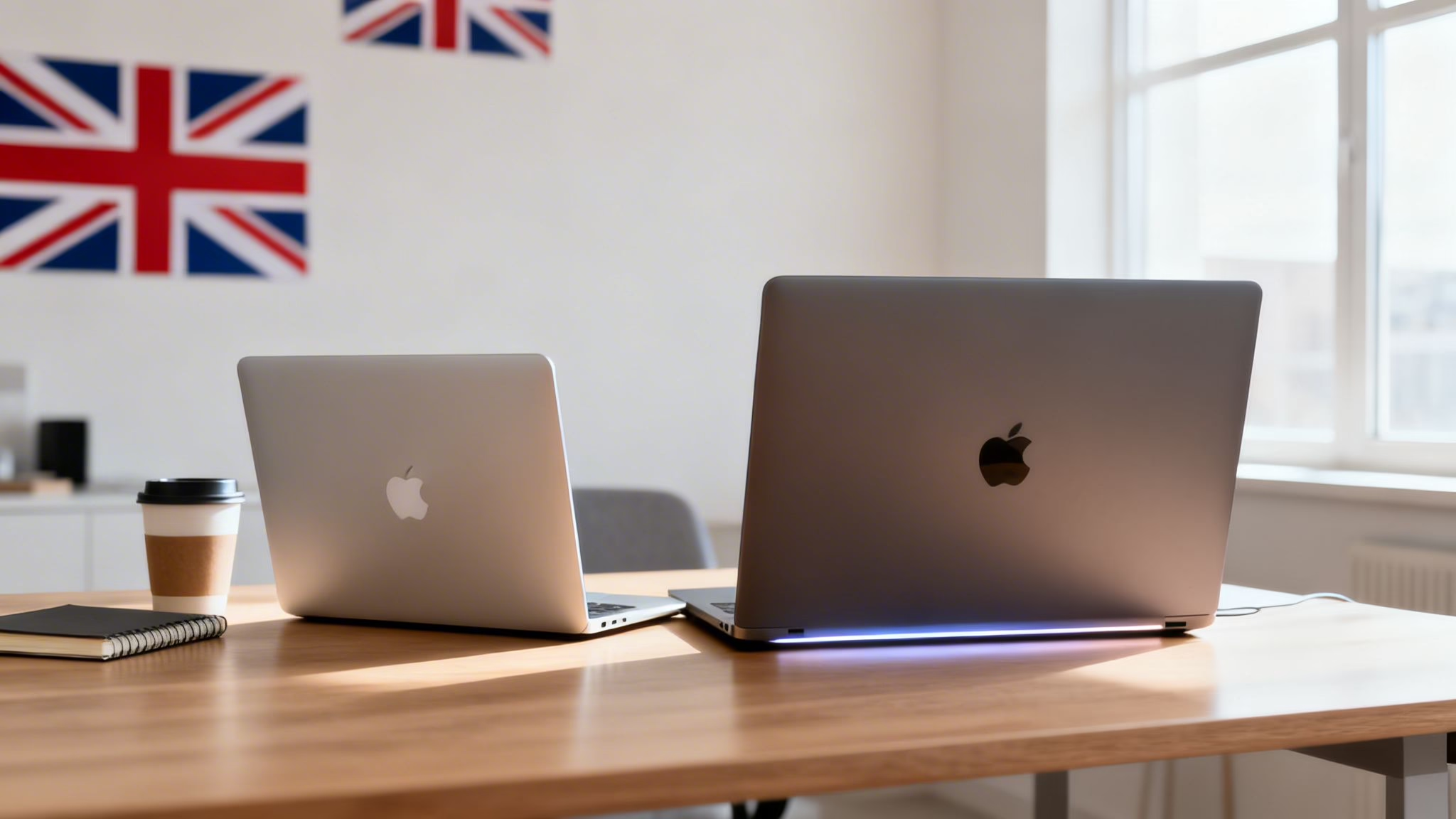
This guide will help you decide between a refurbished MacBook Air and a MacBook Pro by comparing their real-world performance, features, and value. We'll look at who each model is best for, so you can choose the right used or refurbished laptop for your needs and budget.
The main difference in the MacBook Air vs Pro debate comes down to what you do with your laptop day-to-day. The MacBook Air is about portability and quick performance for everyday use, making it an excellent match for students, parents, and most professionals.
The MacBook Pro, however, is built for those who need more power. It delivers sustained performance for demanding jobs like video editing or coding, along with a better screen and more ports for creative and technical work.

Air or Pro: Which One Is Right For You?
Choosing the right refurbished MacBook isn’t about picking the ‘best’ one, but the one that’s best for you. It’s about matching the machine’s strengths to your daily routine. This guide cuts through the technical jargon to focus on the practical differences that matter when you're buying a used model in the UK.
For many people—students writing essays, parents managing family admin, or professionals working in documents and web apps—the MacBook Air has more than enough power. Its light, fanless design means it’s easy to carry around and runs completely silently. A refurbished M1 or M2 MacBook Air is a fantastic deal, offering snappy performance that will feel fast for years.
If your work is more intense, spending a bit more on a MacBook Pro pays off. For creative professionals, developers, or data analysts, the Pro's active cooling system (a fan) is the crucial difference. It lets the Pro run at full speed for much longer without slowing down, something the Air can’t do.
Quick Comparison: Key Differences at a Glance
This table gives you a straightforward summary of what sets these two machines apart, focusing on what you'll notice in real-world use.
Ultimately, both are brilliant machines built for different people. As you weigh up your options, have a look through our range of second-hand Apple laptops to see how these differences play out in prices and models.
How Performance Differs in the Real World
Technical specs are one thing, but what really matters in the MacBook Air vs Pro debate is how each machine handles your day-to-day work. It’s easy to get lost in chip names like M1, M2, and M3, but the performance gap truly appears when you push these laptops.
For most people, a refurbished MacBook Air is brilliantly quick. Whether you're browsing online, streaming a film, typing up documents, or clearing your inbox, the performance is snappy and smooth. The Apple silicon chips (M1 onwards) are so efficient that even older models feel very responsive for these everyday tasks.
But the story changes when your work involves heavy, sustained processing. This is where the single biggest physical difference between the Air and the Pro comes into play: the cooling system.

Cooling: The Secret to Sustained Power
The MacBook Air has a fanless design. This is great for silent operation and keeping it light, but it means the laptop relies on passive cooling to manage heat. When you give it a demanding task for a long time, the chip will deliberately slow down (thermal throttling) to stop itself from overheating.
The MacBook Pro, on the other hand, has an active cooling system—which just means it has fans. These fans start up during intensive tasks, keeping the processor cool and allowing it to run at full speed for much longer.
This cooling difference is the heart of the performance debate. The Pro isn't just faster on paper; its fans let it stay faster under pressure, making it the more dependable tool for heavy workloads.
This distinction is crucial when you're deciding which refurbished model is right for you. While both are powerful machines, only the Pro is built for endurance under heavy strain.
Real-World Scenarios
What does this mean for you? Let's look at some practical examples where the performance gap becomes obvious.
- Video Editing: Exporting a 15-minute 4K video. The MacBook Pro will consistently finish the job faster because its fans prevent the chip from throttling. The Air will start strong but will slow down as heat builds up.
- Music Production: Working on a complex Logic Pro project with dozens of tracks and plug-ins. The Pro can handle more happening at once without stuttering or dropping audio.
- Software Development: Compiling a large piece of code. This is a CPU-heavy task where the Pro’s sustained performance will save you a noticeable amount of time over multiple builds.
- 3D Rendering & Design: Manipulating complex 3D models or rendering scenes. The Pro’s superior graphics cores and active cooling make it far better suited for this kind of work.
A MacBook Air will feel just as quick as a Pro for everyday things like browsing the web, watching videos, or using Microsoft Office. The extra cost for a Pro only makes sense if your work regularly involves demanding, long-running tasks that benefit from active cooling.
Comparing Displays and Connectivity Options
The screen you look at all day and the ports you plug things into are two of the most practical differences in the MacBook Air vs Pro debate. They might seem like small details, but they can have a big impact on your workflow.
While both lines feature Apple's sharp Retina displays, the MacBook Pro often has a significant edge, especially for anyone doing visually demanding work.

Screen Quality: What Really Matters
A refurbished MacBook Air, particularly an M1 or M2 model, has a fantastic display that’s perfect for everyday tasks like browsing, writing, and watching films. It's bright, crisp, and shows colours beautifully.
However, many refurbished MacBook Pro models come with upgrades that are vital for creative professionals. Here’s what to look for:
- Brightness (Nits): Pro models often get significantly brighter. A screen with 500 nits (common for an Air) is great, but a Pro might push 600 nits for normal use. This makes a real difference when you're working in a bright room.
- P3 Wide Colour Gamut: Both models support this, which means they can display a wider, more vibrant range of colours than standard screens. It's a must for photo and video editors who need colour accuracy.
- ProMotion Technology: Found on newer 14-inch and 16-inch Pro models, this provides an adaptive refresh rate of up to 120Hz. It makes everything from scrolling web pages to editing video feel incredibly smooth.
For a graphic designer or photographer, the extra brightness and fluid motion of a Pro's display are real benefits that can speed up their work. For everyone else, the Air’s excellent screen is more than good enough.
Ports and Practical Connections
Connectivity is another area where the lines are clearly drawn. Your decision here comes down to how you work and what you need to plug in.
The MacBook Air is very minimalist. Most models, especially the popular M1 and M2 versions, come with just two Thunderbolt / USB-C ports and a headphone jack. It’s a clean setup, but it often means you'll need an adapter or a hub to connect older kit like a standard USB mouse or an external monitor via HDMI.
The Pro models are built for a more complex workflow out of the box. The inclusion of an HDMI port and an SD card slot on many 14-inch and 16-inch Pros means you can leave the adapters at home, which is a massive convenience for photographers and anyone giving presentations.
Recent reports show a shift towards larger displays. Many Air buyers now opt for the 15-inch model, while a majority of Pro users pick the 14-inch for its balance of screen space and portability. You can discover more on these trends at AppleInsider, which highlights how hybrid working has shaped what people need from a laptop.
A Customer Scenario
Take Alex, a freelance photographer from Bristol who bought a refurbished 14-inch MacBook Pro from us. He’s often editing huge batches of high-resolution RAW photos in Adobe Lightroom.
On his old laptop, exporting 200 edited photos was a slow process that would make the machine sluggish. With his refurbished MacBook Pro, the fan spins up quietly, the export is done much more quickly, and he can get on with his next job. The built-in SD card reader is also a big time-saver. For his workflow, the sustained performance of a Pro model like this Apple MacBook Pro 13" 2020 is essential.
Portability and Battery Life Compared
Beyond raw power, how a laptop fits into your daily life is a huge part of the MacBook Air vs Pro decision. A machine’s weight and battery life can be the difference between a go-anywhere partner and something that’s better left on a desk.
The MacBook Air is famous for being very light. Models like the refurbished M1 and M2 versions weigh in at around 1.24 kg (2.7 pounds), making them easy to carry all day. Its slim shape slides into a bag without any fuss, which is why it’s a favourite with students, commuters, and anyone on the move.
The MacBook Pro is a bit heavier and thicker, as it needs space for more powerful parts and the cooling system. A 14-inch Pro, for example, comes in at around 1.6 kg (3.5 pounds). While still portable, you’ll feel the extra weight if you’re carrying it between meetings or lectures.
The trade-off is straightforward: the Air is about effortless portability, while the Pro sacrifices a little lightness in exchange for more power and features. For many people, that small difference in weight is a major factor.
If you spend most of your day at a desk, the Pro's extra weight isn't an issue. But if you're a student running between classes, the lighter Air will be a real benefit.
How Battery Life Holds Up
Both the MacBook Air and MacBook Pro offer fantastic battery life, which is one of the biggest benefits of Apple silicon chips. But how they perform depends on what you’re doing.
For lighter tasks, they’re very similar. It’s when you push them hard that the Pro can sometimes pull ahead. Its bigger battery and more efficient way of handling heavy jobs mean it doesn't have to work quite as hard, which can save power.
Here's what you can realistically expect from a typical refurbished M-series model:
- Streaming BBC iPlayer or Netflix: Either machine will easily get you through a long journey. You're looking at up to 18 hours of video playback on an Air, and sometimes more on certain Pro models.
- A Day of Mixed Use: For a normal workday of writing, sending emails, and joining a few video calls, both will get you through from morning to evening without needing to plug in.
- Intensive Workloads: If your day involves editing video in Final Cut Pro or compiling code, the Pro’s larger battery will often give it the edge, as it's built to sustain high performance for longer.
This classic MacBook Air vs Pro dilemma shows how your own routine should guide your choice. You just have to decide what matters more to you: maximum portability or sustained power.
Which Model Is Best for Your Needs?
Deciding between a MacBook Air and a MacBook Pro gets much simpler when you match the machine to your daily life. To help you solve the MacBook Air vs Pro puzzle, let's walk through a few real-world scenarios.

For the University Student
A student’s life means moving between lectures, the library, and home. Portability and a battery that lasts all day are top priorities, plus enough power for essays and research.
- Top Recommendation: A refurbished M1 or M2 MacBook Air.
- Why it works: It’s incredibly light, completely silent (no fan noise in a quiet lecture hall!), and its battery will get you through a full day of classes. It has more than enough power to handle dozens of browser tabs, Microsoft Office, and video calls.
- Budget: This is also the most wallet-friendly choice, delivering performance that will easily see a student through their entire degree.
The Creative Professional
Imagine Sarah, a freelance graphic designer. Her work involves editing massive photo files in Adobe Photoshop and creating complex illustrations. For her, sustained performance and colour accuracy are essential.
- Top Recommendation: A refurbished 14-inch MacBook Pro (M1 Pro or newer).
- Why it works: The Pro's active cooling system means it won’t slow down when she’s exporting huge files. Its brighter, ProMotion display shows colours more accurately, which is vital for professional work. The built-in SD card slot and HDMI port also mean fewer adapters to carry.
For Sarah, spending more on a Pro isn't a luxury; it's a practical business tool. The time saved from faster performance directly translates to getting more work done, making the refurbished Pro a smart investment.
The Business User or Hybrid Worker
Think about someone working from home, juggling countless applications, video calls, and large spreadsheets. They might need to connect to multiple external monitors at their desk but still want something portable for office days.
- Top Recommendation: A 13-inch MacBook Pro or a 15-inch MacBook Air.
- Why it works: A 13-inch Pro offers a great middle ground, giving you active cooling for heavy multitasking without the bulk of larger models. A 15-inch Air offers a bigger screen for better productivity, which is brilliant for anyone not pushing the processor to its limits. You can explore our deals on refurbished laptops.
Considering Your Software Needs
It's also important to think about any specific software you rely on. While macOS handles most jobs beautifully, some industries still use Windows-only applications. For anyone whose workflow demands specific software, understanding the options for running Windows on a Mac is a crucial part of the decision.
Ultimately, the best choice is the one that removes friction from your day. By being honest about what you'll be doing with it, you can find a refurbished model that gives you the perfect balance of performance, portability, and price.
Smart Tips for Buying a Refurbished MacBook
Going for a refurbished MacBook is a great way to get Apple quality without the price of a brand-new machine. It’s a sensible and sustainable choice, but you still need to know what you’re buying. Here are a few practical tips to help you make a good decision.
The first thing to understand is the condition. When you browse our site, you’ll see every MacBook has a grade. This simple system tells you exactly what to expect from its physical appearance.
Understanding Our Device Grades
We check every device carefully, and our grades are purely about cosmetic condition—the performance is always 100%. Here’s a quick breakdown:
- Like New: This is the best you can get. The device will look practically untouched, with no visible marks.
- Pristine: The device might have very faint, tiny signs of use, but you would have to look extremely closely to notice them.
- Very Good: You might find some light scratches or minor marks, but nothing that detracts from the overall look of the MacBook.
- Good: This device will show more obvious signs of daily use, such as noticeable scratches or scuffs, but it will be fully functional.
This transparent grading helps you balance cost with condition, so you can pick the MacBook that’s right for your budget.
Warranty and Peace of Mind
One of the biggest worries when buying any used tech is what happens if something goes wrong. Every refurbished MacBook we sell comes with a 18 Month Warranty as standard. This means if you run into any trouble, we’re here to help.
Alongside the warranty, we have a straightforward returns policy. If the MacBook isn’t what you expected, you can send it back. This kind of confidence is crucial when you're weighing up the pros and cons of the MacBook Air vs Pro.
Getting Your Data Moved Over
Once your new MacBook arrives, you’ll want to get all your files and settings across from your old computer. Apple’s Migration Assistant tool makes this process very simple.
WARNING: Before you start any data transfer, it is vital that you back up your old device. This ensures you won’t lose any important files if something goes wrong. Use Time Machine on a Mac or a trusted cloud service.
If you’re moving from an old Mac, you can start the process by going to Applications > Utilities > Migration Assistant. The on-screen steps will guide you, bringing across your apps, user accounts, and files. For more help, you can check our guide on how to transfer data to a new device.
Finally, your old tech might still have some value. Our 'Sell Your Tech' programme is an easy way to get some money for your old laptop. For more tips on choosing the right model, check out our guide to the best refurbished laptops in the UK.
Your MacBook Questions, Answered
We get asked a lot of questions by customers trying to decide between a refurbished MacBook Air and a Pro. Let's tackle some of the most common ones.
Can a MacBook Air handle video editing?
Yes, for most people, it can. A refurbished M1 or M2 MacBook Air is more than powerful enough for editing 1080p and even 4K video for things like family holiday videos or content for social media.
However, if you're a professional working on complex, multi-layered 4K projects, the MacBook Pro is the right tool. Its internal fan is the key difference, allowing it to maintain peak performance for longer without slowing down. This means much faster rendering times.
How many years will a refurbished MacBook last?
A modern refurbished MacBook with an Apple silicon chip (M1, M2, or M3) is built to last for many years. These machines are powerful and efficient, so they won't feel outdated soon.
You can expect to receive macOS updates for at least 5–7 years from the model's original release date. This keeps your machine secure and running the latest software for a long time.
Is 8GB of RAM enough?
For most everyday tasks, 8GB of RAM is perfectly adequate. If your day consists of web browsing, streaming shows, sending emails, and using office apps, you'll be fine.
You should consider an upgrade to 16GB if you're a heavy multi-tasker who keeps dozens of browser tabs open while juggling other programs. It's also a smart investment for creative work like photo editing, as it ensures a much smoother workflow.
Ready to find the perfect refurbished laptop for your needs? Used Mobiles 4 U offers a range of fully tested, graded MacBooks, all backed by a 18 Month Warranty for complete peace of mind.
Browse our collection today at https://usedmobiles4u.co.uk.
Written by James Waterston — 24 years in the mobile phone industry from customer service to Sales Director of a global repair & recycling company; now running Used Mobiles 4 U for 8+ years. LinkedIn
Looking for a refurbished phone?
Shop professionally tested refurbished iPhones and Samsung phones with 18 month warranty, 30 day returns and free UK delivery.
Browse Refurbished Phones






