





How to Remove Scratches From Your Mobile Phone Screen

19/03/2026

12 Mins
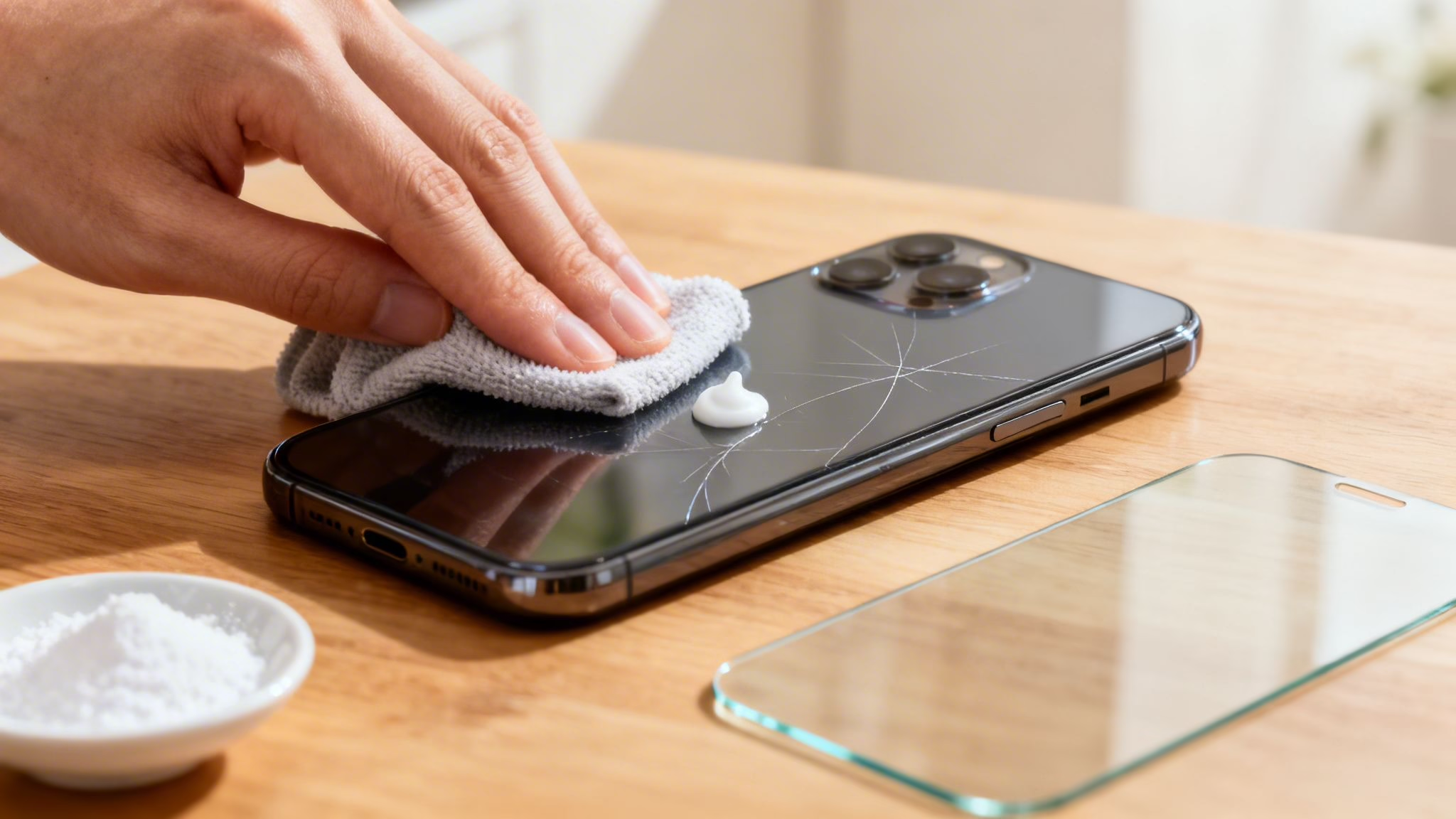
Spotting a scratch on your mobile screen is always a bit gut-wrenching. Before you do anything, it's worth knowing that you can sometimes polish out very light surface scuffs at home to make them less obvious.
However, for anything deeper, trying a DIY fix is likely to cause more damage. This guide will help you tell the difference, walk you through the safer home methods for minor marks, and explain when a professional repair is your only sensible option.
Assessing Your Mobile Screen Scratches
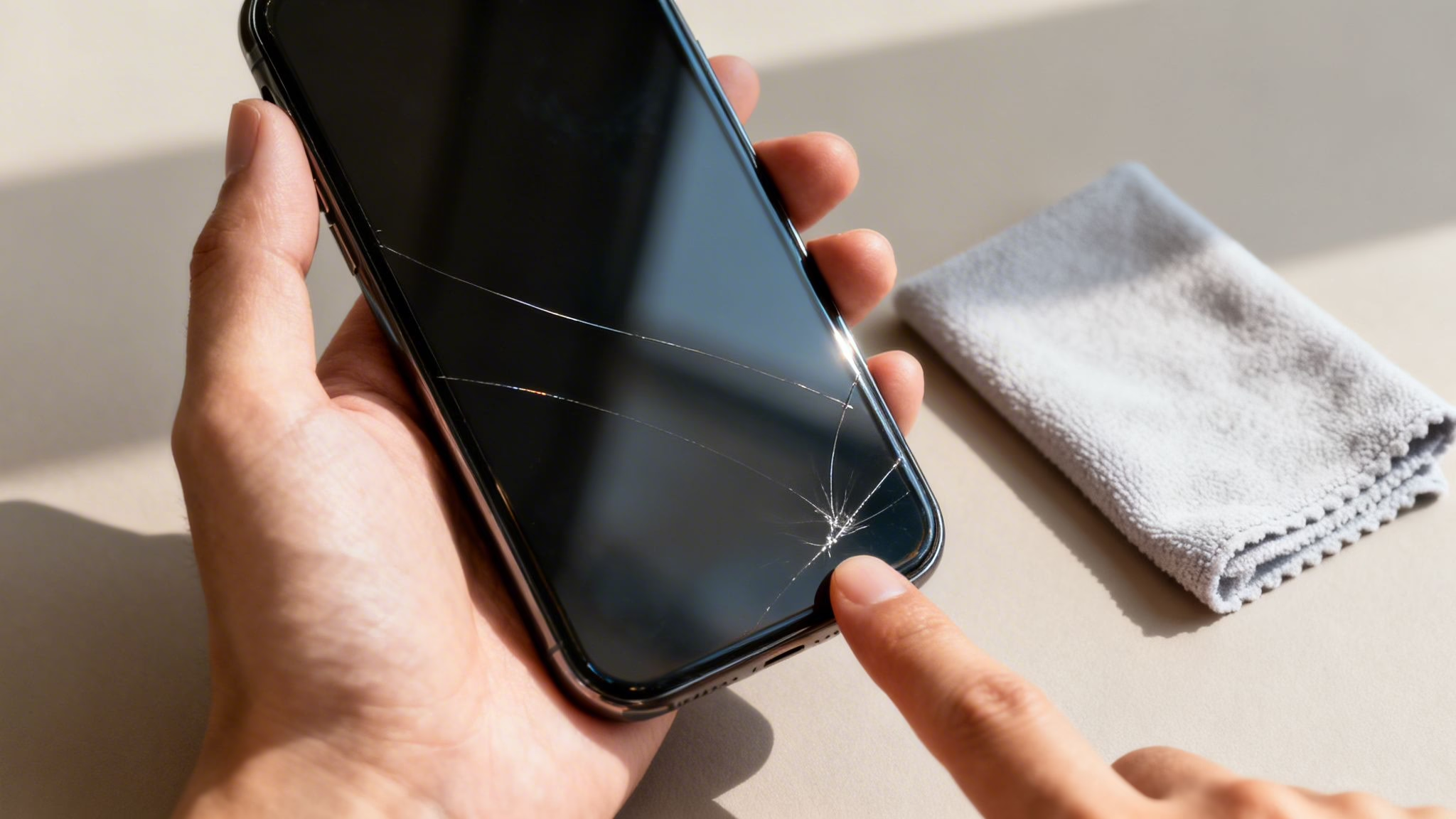
Before you reach for the toothpaste or some other remedy you’ve seen online, you need to understand what kind of damage you're dealing with. A lot of online advice lumps all scratches together, which is a fast way to ruin your screen for good.
First, give your screen a proper clean with a soft, lint-free microfibre cloth. This gets rid of any grime or oils that might be making a tiny mark look much worse than it is. Once it’s clean, hold your mobile under a bright light and have a good, close look.
Light Scuffs vs Deep Scratches
Here’s the most important test, and it’s a simple one: can you feel the scratch with your fingernail?
- Micro-scratches or scuffs: These are the extremely fine marks you get on the surface from daily life—sliding your mobile across a table or having grit in your pocket. You can see them, especially when the screen is off, but you cannot feel them when you run a fingernail over them. These are the only type of scratch you should ever consider trying to polish at home.
- Deep scratches: If you gently run a fingernail across the screen and it catches in the groove, the scratch is too deep for any DIY fix. Trying to polish it will only strip the screen's protective coating and make the area around the scratch look cloudy and far more noticeable.
As a rule of thumb, if a scratch is deep enough to catch your nail, it has gone through the top layers of glass. Trying to "buff it out" is like trying to sand away a single crack in a pavement—you’ll just end up with a bigger, uglier patch.
Knowing this difference is crucial, especially if you’re looking at used or refurbished phones. A deep scratch is classed as damage, not just cosmetic wear. If you’re not sure what kind of condition to expect, you can learn more about what to look for when you buy a refurbished phone.
If you’ve checked and you’re absolutely certain you only have the lightest of surface scuffs, we’ll walk you through a couple of careful methods below. But if the damage is anything more, your best and safest option is to skip the home remedies and look at professional repair options instead.
Safe DIY Methods for Very Light Scratches
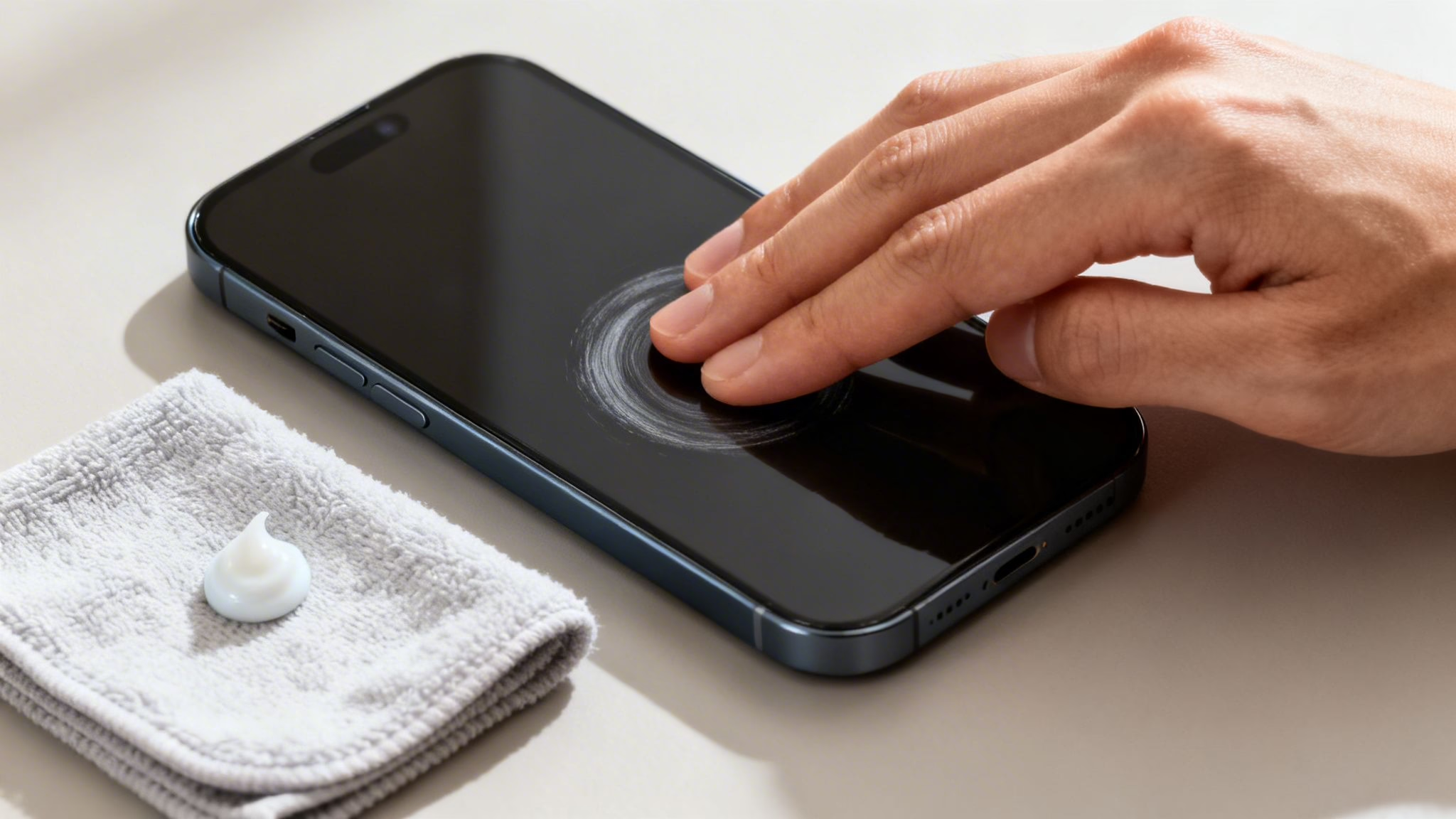
So, you've spotted those tiny, hairline marks on your screen—the kind you can only see in the right light and can't feel with a fingernail. Good news. A couple of careful home remedies might help. It’s important to realise this isn't a magic fix; you won't be removing the scratch itself. What you’re actually doing is gently polishing the glass surface to make the scuff far less noticeable.
Before you start, give the screen a proper clean to avoid grinding any lingering dust or grit into the glass. Our guide on how to clean your phone screen correctly shows you the safest way to get it spotless.
Using Non-Gel Toothpaste
This is probably the most common home remedy you’ll find online, and for the faintest of scratches, it can sometimes work if you're extremely careful.
- What you'll need: A basic, white, non-gel toothpaste is essential. Avoid anything with microbeads, whitening agents, or bright colours. You’ll also need a clean microfibre cloth and some masking tape.
- How to do it: Start by taping over the speaker grille, charging port, and any buttons to keep them safe. Dab a tiny, pea-sized amount of toothpaste onto a corner of your cloth—never directly onto the phone.
- The right motion: Gently rub the cloth over the scratched area in small, slow circular motions for a minute or two. Don’t apply much pressure at all; you need to let the mild abrasive in the paste do its job.
- Finishing up: Use a fresh, slightly damp part of the cloth to wipe away every trace of residue. Then, dry the screen completely with another clean, dry section.
A crucial warning: The biggest risk here is damaging the oleophobic coating on your screen. This is the factory-applied layer that repels fingerprints and smudges. If you polish too aggressively, you'll wear it away, leaving a patch that gets greasy and smudged far more easily than the rest of the screen.
Trying a Baking Soda Paste
If you don't have a suitable toothpaste, a paste made from baking soda and water is another option. The principle is exactly the same: using a very mild abrasive to gently buff the surface.
- Preparation: Mix one part baking soda with one part water in a small bowl until it forms a thick paste. It should be dense, not runny.
- Application: Just like with the toothpaste method, apply a small amount of the paste to a clean microfibre cloth.
- Technique: Use that same gentle, circular rubbing motion over the scratch for a minute or two, keeping the pressure minimal.
- Clean-up: Carefully wipe away all the paste with a damp cloth and then dry the screen thoroughly.
If you’re interested in the principles behind this kind of surface restoration, it can be helpful to look at it from another angle, like this useful DIY guide to removing scratches from cars. The key is always to start gently and be ready to stop if it isn’t working.
The Internet 'Fixes' That Will Ruin Your Screen
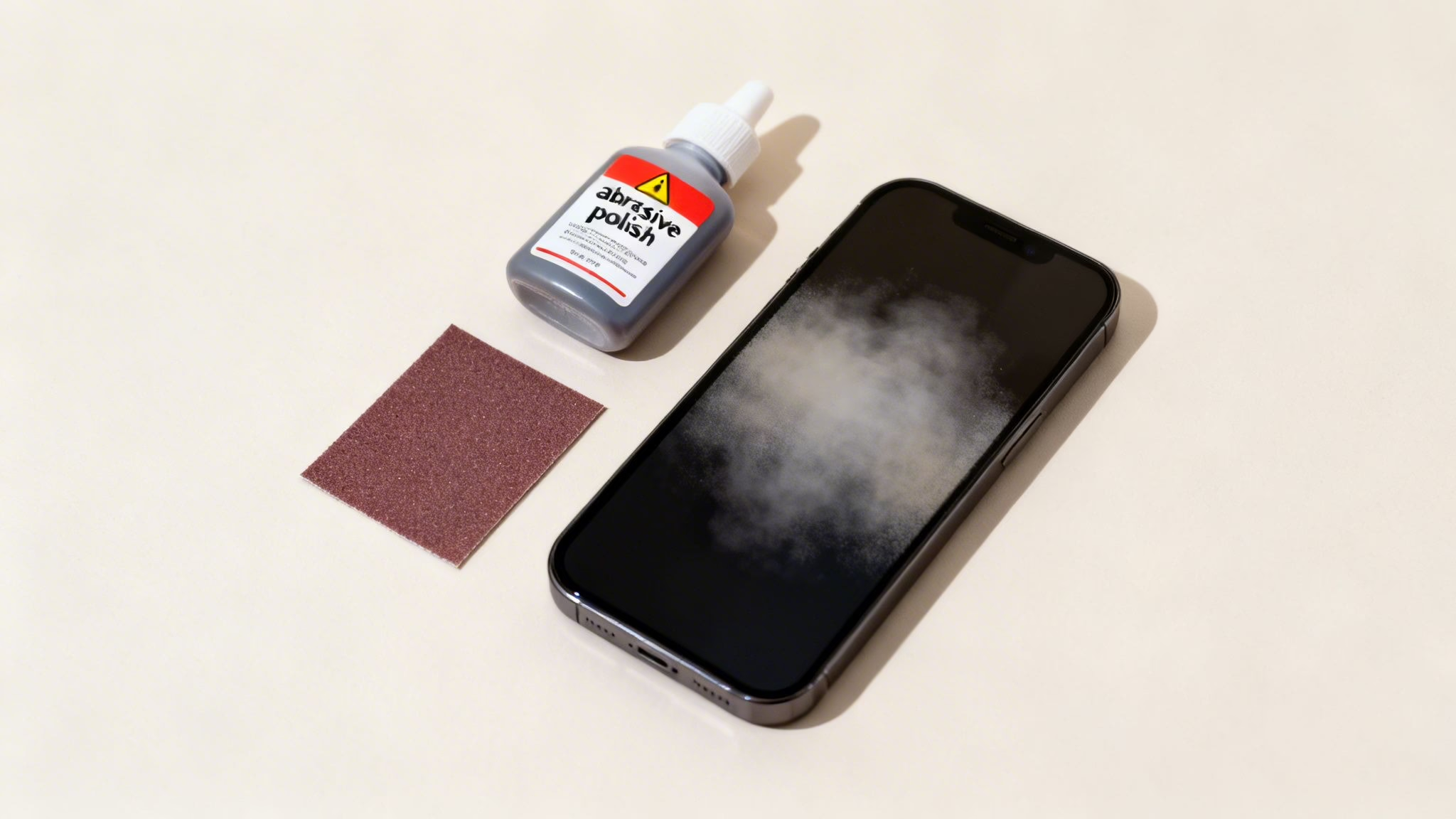
A quick online search for how to remove scratches from a phone screen unleashes a tidal wave of bad advice. Trust us, we’ve seen the aftermath of these DIY disasters at our repair counter, and it’s never a pretty sight. While some of these internet ‘fixes’ sound clever, most are guaranteed to cause permanent, irreversible damage.
Remember your phone screen isn't just a simple bit of glass. It’s treated with specialised coatings, including a crucial oleophobic layer designed to repel the oils from your fingers. Using the wrong substance will strip this coating away in seconds, making your screen a smudgy, ugly mess.
Abrasives: The Number One Way to Wreck Your Display
The most dangerous advice involves using abrasive compounds. Please, whatever you do, do not put any of the following anywhere near your mobile:
- Sandpaper (even the super-fine grit)
- Brasso, Silvo, or any other metal polish
- T-Cut or similar car scratch removers
- Household cleaners like Cif or dry baking soda powder
These products are made for tough materials like metal or car paintwork, not delicate coated glass. They don't gently buff out a scratch; they aggressively scour away the screen's surface and its protective coatings. You'll end up with a huge, dull, hazy patch that's far worse than the original scratch ever was.
A customer recently came to us with a nearly new refurbished iPhone. He’d tried to polish out one tiny scratch with a car compound he found in his garage. He ended up with a permanent, thumbprint-sized smear right in the centre of the display. The only fix was a full screen replacement, which cost him far more than just living with the initial tiny mark.
The Greasy Illusion of Scratch Fillers
Another common myth is to use oily substances to 'fill in' the scratches. We've heard it all, from vegetable oil and petroleum jelly (Vaseline) to lip balm.
Sure, these might make a scratch seem to disappear for a few minutes by filling the tiny gap with grease. But it’s just an illusion. The effect vanishes the moment you wipe the screen or put the mobile in your pocket. What you're left with is a greasy, grimy display that attracts dust and can even mess with the touchscreen's sensitivity. It’s a messy, temporary fix that causes more problems than it solves.
When a Professional Repair Is Your Best Bet
Let’s be honest, sometimes a DIY fix just won't cut it. Knowing when to step away from the home remedies and call in a professional can save you a world of grief, time, and—believe it or not—money. Trying to buff out a deep gouge is a recipe for disaster and can quickly turn a single scratch into a much bigger, more expensive problem.
So, how do you know when it’s time to call in the experts? As we covered earlier, if your fingernail catches in the groove, the scratch is too deep for any at-home solution. No amount of polishing will fix this; you'll just end up rubbing away the screen's protective layer and creating a huge, hazy mess.
Another clear sign is any kind of visual distortion. If you can see a faint rainbow effect along the line of the scratch, or if the pixels underneath look warped or discoloured, the damage has reached the display panel. This is way beyond cosmetic and needs a professional eye.
We see phones all the time where someone has tried to buff out a deep scratch. They come to us with a large, cloudy patch on their screen that’s far more distracting than the original mark ever was. At that point, a full screen replacement is the only option left.
DIY vs Professional Repair Cost and Outcome
| Factor | DIY Method (e.g., Toothpaste) | Professional Screen Repair |
|---|---|---|
| Cost | Minimal (household items) | £50 – £250+, depending on model |
| Risk | High. Can remove coatings, create hazy patches, or even crack the screen further. | Low. Performed by trained technicians using proper tools and parts. |
| Success Rate | Very low for anything but the faintest micro-scratches. Ineffective on deep scratches. | High. Restores the screen to its original condition. Often comes with a warranty. |
| Time | Quick to attempt, but can lead to hours of frustration with poor results. | Typically done within a few hours or a day. |
| Outcome | Often a more noticeable, smudged area on the screen. Could devalue the mobile. | A fully functional, flawless screen that looks and works like new. |
As you can see, while the DIY route is tempting for its low initial cost, the risks are substantial. A professional repair, though more expensive upfront, offers a guaranteed result and peace of mind. For a detailed breakdown, check out our guide on the costs of iPhone repairs versus buying a refurbished iPhone.
Should You Repair or Replace Your Scratched Phone?
So you’ve got a scratched screen and a hefty repair quote. It’s a classic dilemma: do you pay up, or is that money better put towards a newer phone?
For older mobiles, a screen replacement can easily cost as much as the phone is actually worth. We see this all the time. Just recently, a customer brought in an iPhone 8 with a few deep scratches across the display. A local shop had quoted him £70 for a new screen. While that’s a fair price for the job, we had to point out that the phone itself was only worth about that much on the trade-in market.
In situations like this, it often makes more financial sense to trade in the damaged device and upgrade. For that customer, we showed him that for just a bit more than his repair quote, he could trade in his old iPhone 8 and walk away with a refurbished iPhone 11 in 'Good' condition from our store. He’d get a much newer, faster phone with a perfect screen and a 12-month warranty.
Weighing Your Options
Before you commit to a repair, it’s worth taking a moment to do the maths. The decision really boils down to a simple comparison:
- Repair Quote: How much will it cost to get the screen professionally replaced?
- Phone’s Current Value: How much is your mobile worth in its current, scratched state?
- Cost to Upgrade: How much would you need to spend to buy a new or quality refurbished replacement?
The first step is getting a clear idea of your phone's trade-in value. Our guide can help you figure out how much your mobile phone is worth in the UK. Once you have that figure, you can put it side-by-side with your repair quotes.
A good rule of thumb: if the repair cost is more than 50% of your phone's current value, an upgrade is probably the smarter long-term investment. You'll end up with a newer device that will get software updates for longer.
Ultimately, the choice is yours. If you’re really attached to your current mobile and the scratch is its only problem, then a repair might be the right call for you. But if you're looking for the best value for your money—especially with an older handset—trading it in and upgrading to a quality refurbished phone is often the savviest move.
How to Prevent Scratches on Your Next Mobile
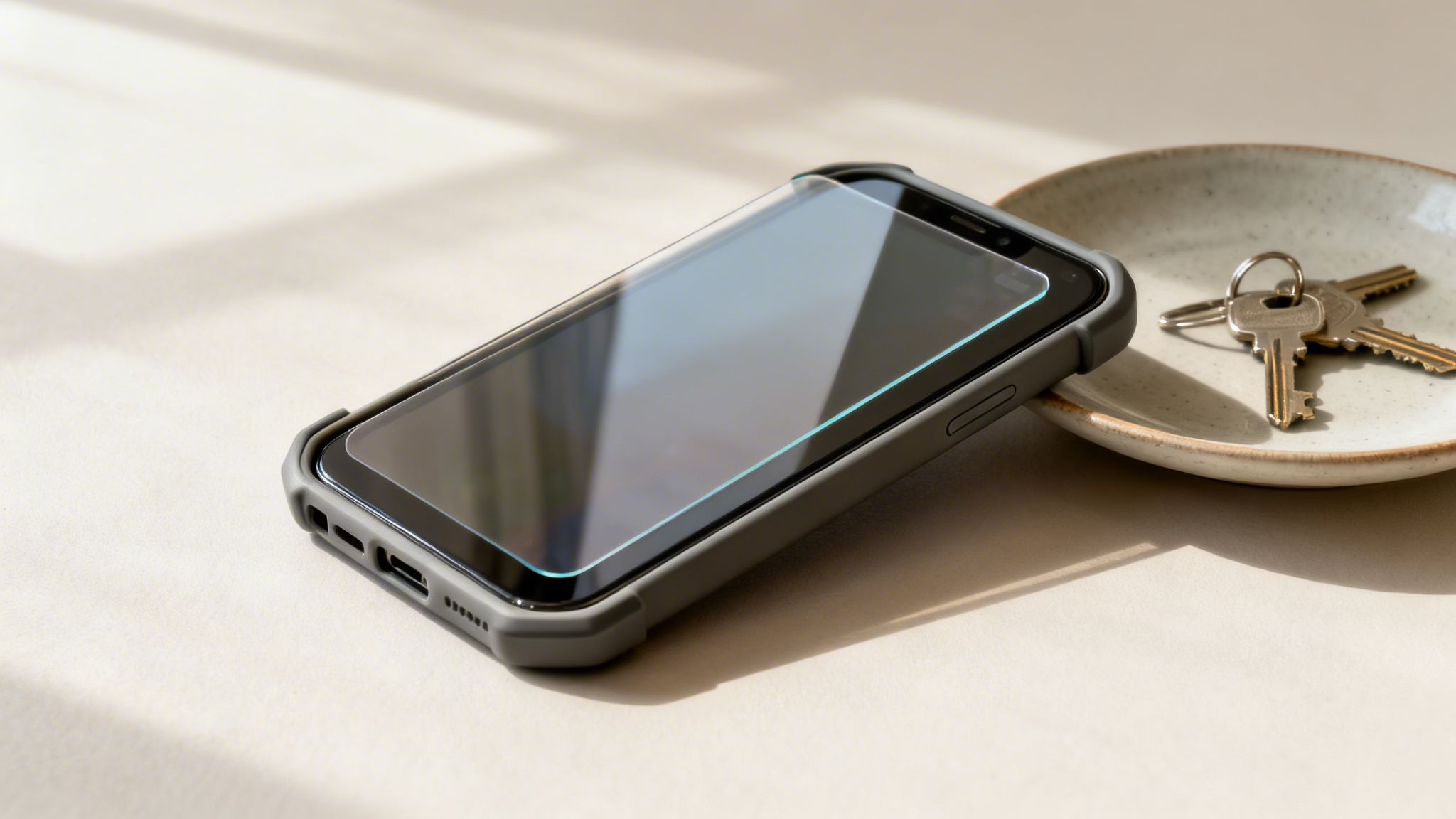
After battling with a scratched screen, the last thing you want is to go through it all again. Now is the perfect time to adopt a few simple habits to keep your next mobile looking as good as new.
Prevention is far easier and cheaper than any cure. The single best investment you can make is a high-quality tempered glass screen protector. A good one costs very little, takes minutes to apply, and will sacrifice itself to take the scratches and impacts that would otherwise ruin your phone's display.
Choosing the Right Protection
A screen protector is your first line of defence, but a good case is your essential backup. Look for one with a raised ‘lip’ or bezel around the front edge. It’s a tiny detail that provides a massive amount of protection, ensuring the screen doesn't even touch a flat surface if you drop it face-down.
Beyond accessories, a little bit of common sense goes a very long way.
- Mind your pockets: The classic mistake is chucking your keys and phone into the same pocket. It’s a guaranteed recipe for scratches. Get into the habit of having a dedicated, phone-only pocket.
- Avoid abrasive surfaces: Try not to slide your phone face-down across tables or counters. You'd be surprised how tiny particles of grit and dirt can create those annoying micro-scratches.
When you invest in protection from day one, you’re not just keeping the screen looking good for yourself—you’re also preserving the phone’s resale value for when you eventually decide to upgrade.
Understanding Refurbished Phone Grades
If you're buying a refurbished mobile, you already have a head start on getting a great-looking screen. At Used Mobiles 4 U, we're completely transparent about the cosmetic condition of our devices. Our grading system lets you choose exactly what’s right for your budget:
- Like New: The device looks practically untouched. Think zero visible scratches.
- Pristine: Might have a few very faint micro-scratches, but you’d have to look very closely to spot them.
- Very Good: Shows light signs of wear, like minor scuffs that are completely unnoticeable when the screen is on.
- Good: Our most affordable option. It will have noticeable scratches but is 100% functional.
By understanding these grades, you can pick a phone that meets your expectations perfectly. No surprises when it arrives, just a great phone at a fair price.
Frequently Asked Questions About Phone Scratches
We get plenty of questions about screen scratches, especially from customers browsing our refurbished phones. To help clear things up, here are some straight answers to the queries we hear most often.
Can a Screen Protector Hide Existing Scratches?
For very fine, light scratches, yes it can. When you apply a new tempered glass screen protector, the adhesive flows into those tiny surface-level marks, often making them disappear completely.
It’s a neat trick, but it won't work miracles. If you can feel the scratch with your fingernail, a screen protector won't be able to conceal it.
Will Using Toothpaste Really Damage My Phone Screen?
This old internet trick is a risky one, and yes, it absolutely can cause damage if you’re not careful. The theory is that the mild abrasive in toothpaste can polish out scuffs, but it’s a gamble.
If you must try it, you have to use a basic, non-gel white toothpaste. Anything with whitening crystals or gel formulas is far too abrasive and can easily strip the oleophobic (fingerprint-resistant) coating from your screen. Once that’s gone, your display will become a magnet for smudges. Think of it as a last-ditch effort for the tiniest of scuffs only.
Does My Warranty Cover Screen Scratches?
Almost certainly not. Scratches are considered cosmetic damage, which is a natural result of everyday use. Standard manufacturer warranties don't cover this kind of wear and tear.
Similarly, the 12-month warranty from Used Mobiles 4 U is there to cover you against hardware faults and functional defects, not accidental or cosmetic issues like scratches.
If you’re thinking about an upgrade instead of a repair, our team is always happy to help you find the right refurbished model.
Written by James Waterston — 24 years in the mobile phone industry from customer service through to Sales Director of a global repair and recycling company. Now running Used Mobiles 4 U for over 8 years.
LinkedIn:
https://uk.linkedin.com/in/james-waterston-9039a21a







