





How to Clean a Phone Safely Without Causing Damage

29/01/2026

7 Mins
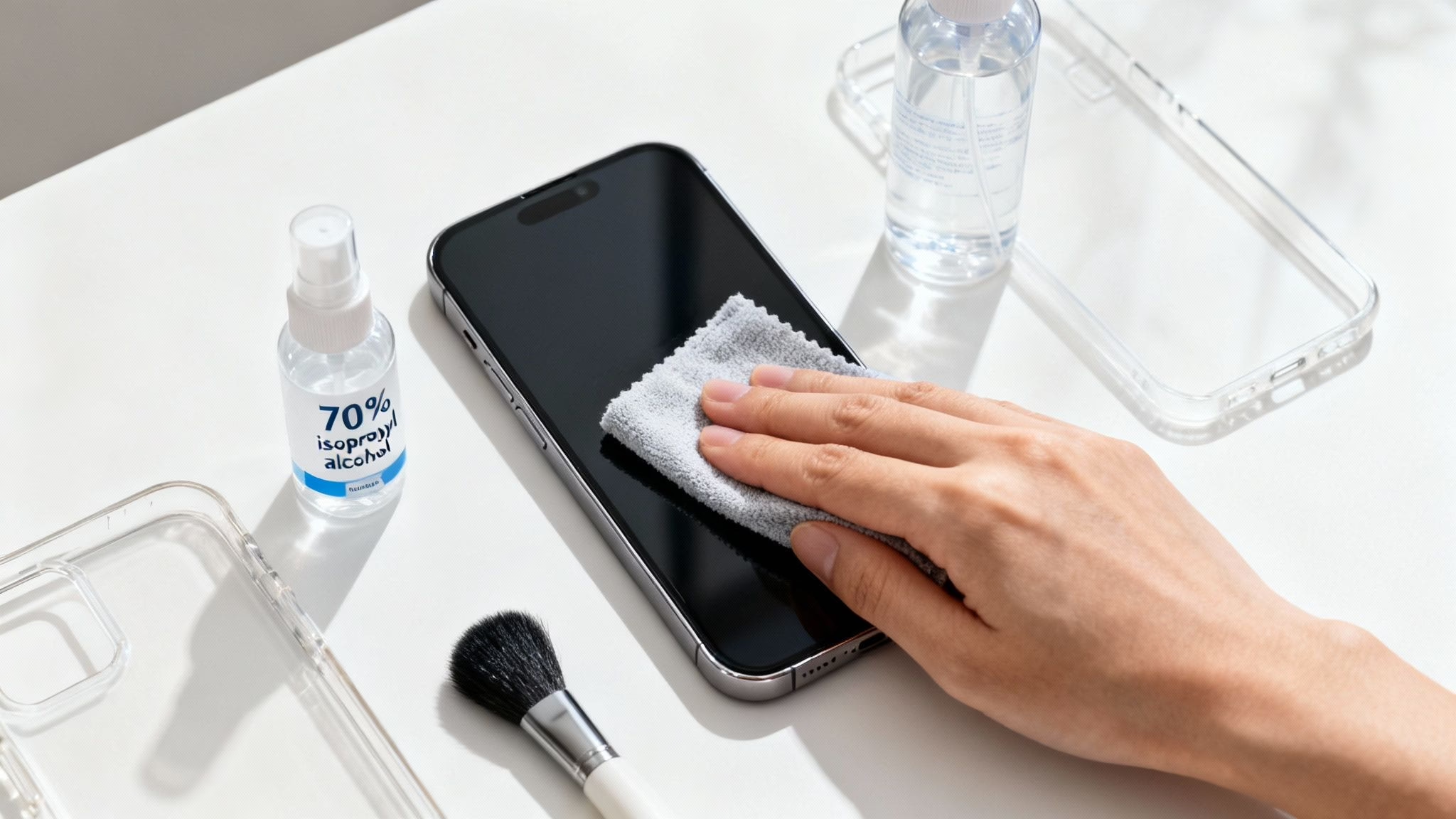
This guide will walk you through the simple steps for how to clean a phone properly. Following this advice will help keep your new or used mobile hygienic, prevent common problems like muffled speakers, and make sure it stays in great working condition.
Why a Clean Phone Matters for Health and Performance
Keeping your mobile clean is about more than just appearances—it's essential for good hygiene and for keeping the device running smoothly. Imagine this scenario: Sarah recently bought a ‘Good’ condition refurbished iPhone for her son. Before she hands it over, she wants to make sure it’s spotless and completely germ-free.
This is a sensible first step for any new or used phone. Over time, you’d be surprised how much dust and grime can build up and cause some common headaches:
- Muffled Audio: Lint and tiny bits of debris are notorious for clogging speaker grilles and microphones, making calls sound distant.
- Charging Problems: Pocket fluff is the number one culprit for dodgy connections. It gets packed into the charging port and stops the cable from seating properly.
- Poor Photos: A blurry photo isn't always down to a shaky hand. More often than not, it’s just fingerprints and smudges on the camera lens.
A regular clean stops these issues in their tracks and ensures your phone works just as it should. It’s one of the easiest ways to get the most from your mobile, as you’ll see in our top tips to maintain a used mobile phone.
The Hidden Grime on Your Smartphone
It’s easy to overlook, but your phone is a magnet for germs and daily grime. This is something to think about straight away if you've just bought a used or refurbished phone – giving it a good clean from the start ensures it’s fresh and hygienic for you.
If you need a little motivation, consider just how much can build up. A study by Initial Washroom Hygiene found that the average smartphone carries over double the biological contaminants of a toilet seat. In fact, they classified a shocking 52% of phones as 'heavily contaminated', partly because a quarter of UK adults admit they never clean their device. You can read the full research on device hygiene here.
Beyond just hygiene, all that build-up can have other effects you might not have considered. You can learn more about the hidden impact of old mobile phones in our related guide.
Gathering the Right Tools for a Safe Clean
Before you start wiping down your phone, let's get our supplies in order. Grabbing the right tools is the most important step to avoid accidentally damaging your device, especially if you have a refurbished model. The last thing you want is to use a harsh chemical that strips your screen's protective coating or, even worse, voids your warranty.
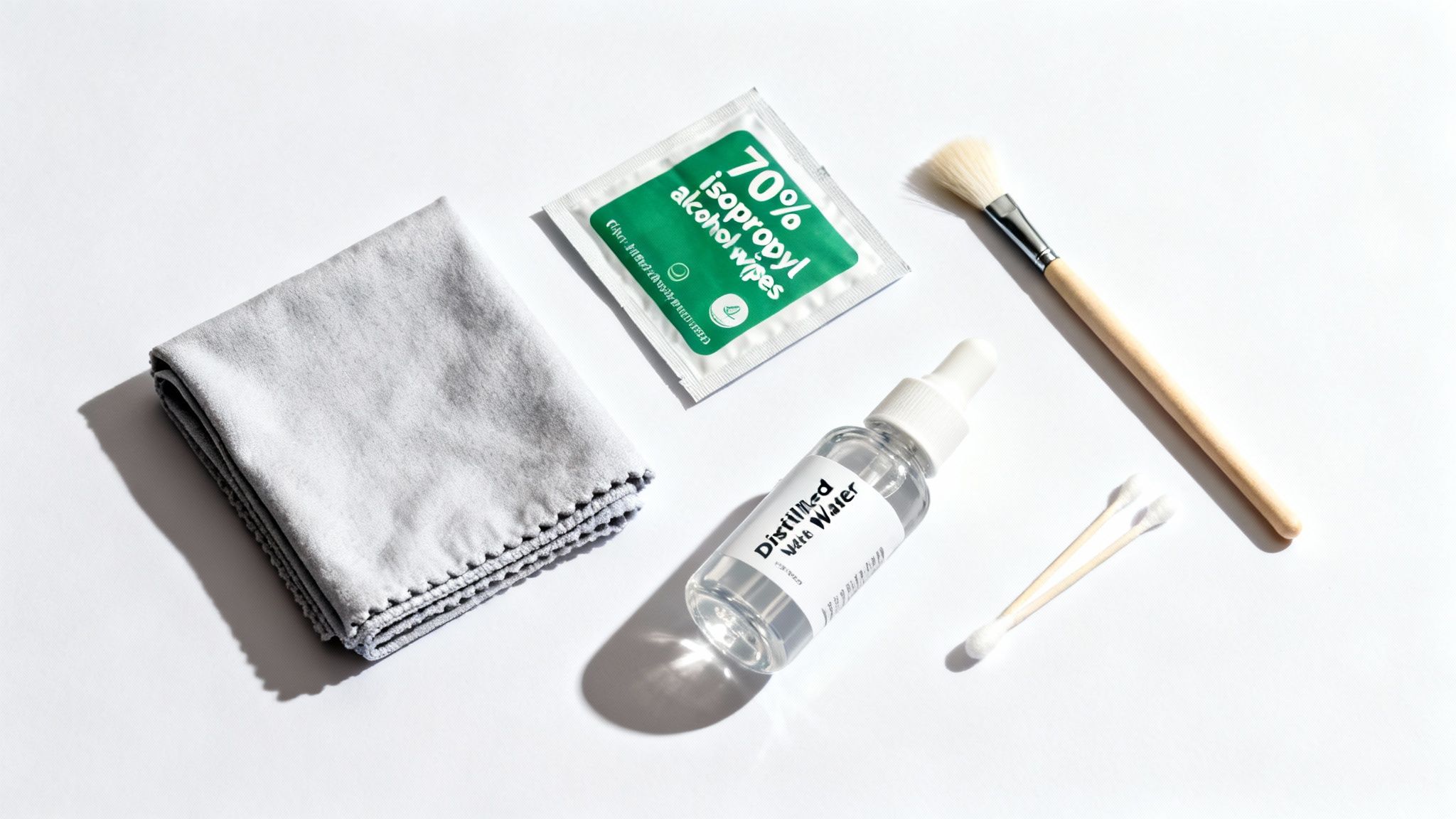
Here's a quick checklist of what you'll need. Don't worry, it's pretty simple:
- Soft, lint-free microfibre cloths: It's best to have two on hand—one for the initial clean and another for drying and buffing. Avoid paper towels or tissues, as their fibres can leave behind tiny scratches over time.
- 70% isopropyl alcohol wipes: This is the ideal strength. It's strong enough to disinfect properly but not so harsh that it'll damage your screen. Both Apple and Samsung approve this for their devices.
- Cotton swabs or a soft brush: These are perfect for getting into tricky areas like speaker grilles and around the camera lens without causing any harm.
- Distilled water (optional): If you've got some stubborn grime, a tiny bit of distilled water on your cloth can help. Never use tap water, as the minerals in it can leave residue behind.
To make it even clearer, here's a quick reference table to keep you on the right track.
Phone Cleaning Dos and Don'ts
Think of this table as your golden rulebook for phone cleaning. Stick to the "Do" column, and you'll keep your device looking and working great for years to come.
A quick but important warning: never use window cleaner, bleach, or compressed air. These products are far too aggressive. They can strip away the oleophobic coating that repels fingerprints and even force dust deeper into your phone's ports, which can lead to permanent damage. A solid disinfection guide on hydrogen peroxide and rubbing alcohol can offer more scientific detail on why some chemicals are just too harsh for electronics.
Pro Tip: Many of our recommended accessories for refurbished iPhones often come bundled with handy cleaning kits, so it's worth checking those out if you're looking for an all-in-one solution.
The Method for a Thoroughly Clean Phone
With your cleaning kit ready, let’s get into the nitty-gritty of how to clean a phone safely. First things first: power your mobile completely off and unplug any cables. You should also take the case off so you can clean it separately and get to any grime that’s built up between the case and the phone.
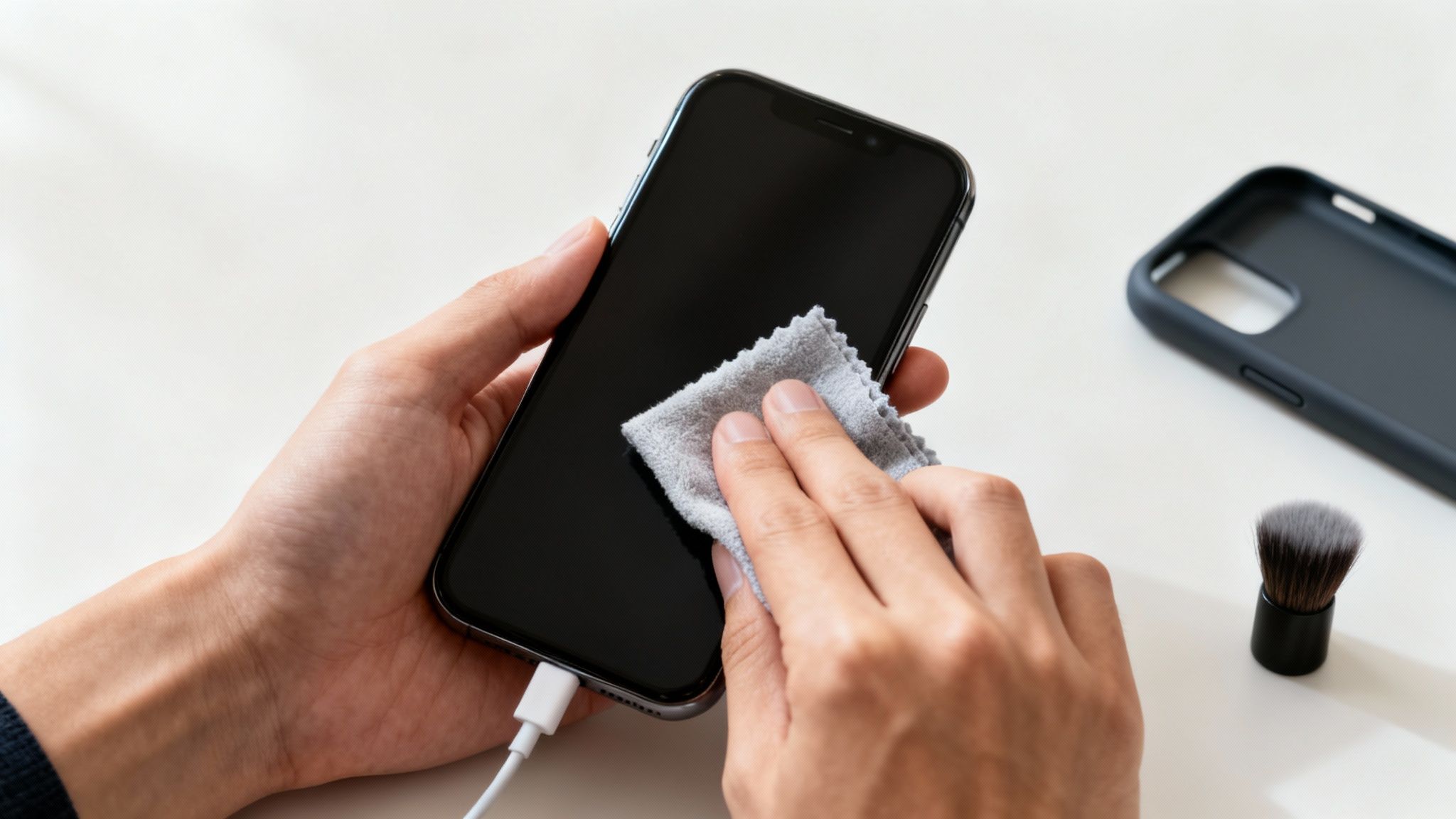
Grab your microfibre cloth and dampen a corner with a tiny bit of 70% isopropyl alcohol solution to wipe down the screen and body. The key here is knowing the best practices for removing grime without causing damage, especially on delicate electronics like a phone. For fiddly areas like the charging port and speaker grilles, a soft, dry brush is your best friend—use it gently to dislodge any dust or fluff.
If you are thinking about selling your phone, it's a good idea to back it up and reset it first to protect your data. Our guides can help you transfer your data or reset your iPhone safely. For more tips on this, see our guide on how to prepare an iPhone for sale.
How to Keep Your Refurbished Phone in Top Condition
Choosing a refurbished phone is a smart, sustainable decision, and a little care goes a long way. While we professionally clean every device before it leaves our hands, ongoing maintenance is the key to protecting your investment.
A consistent cleaning routine prevents those annoying long-term problems. Think of things like lint building up in the charging port and causing connection issues, or dusty speakers that start to muffle your audio. It’s the little things that count.
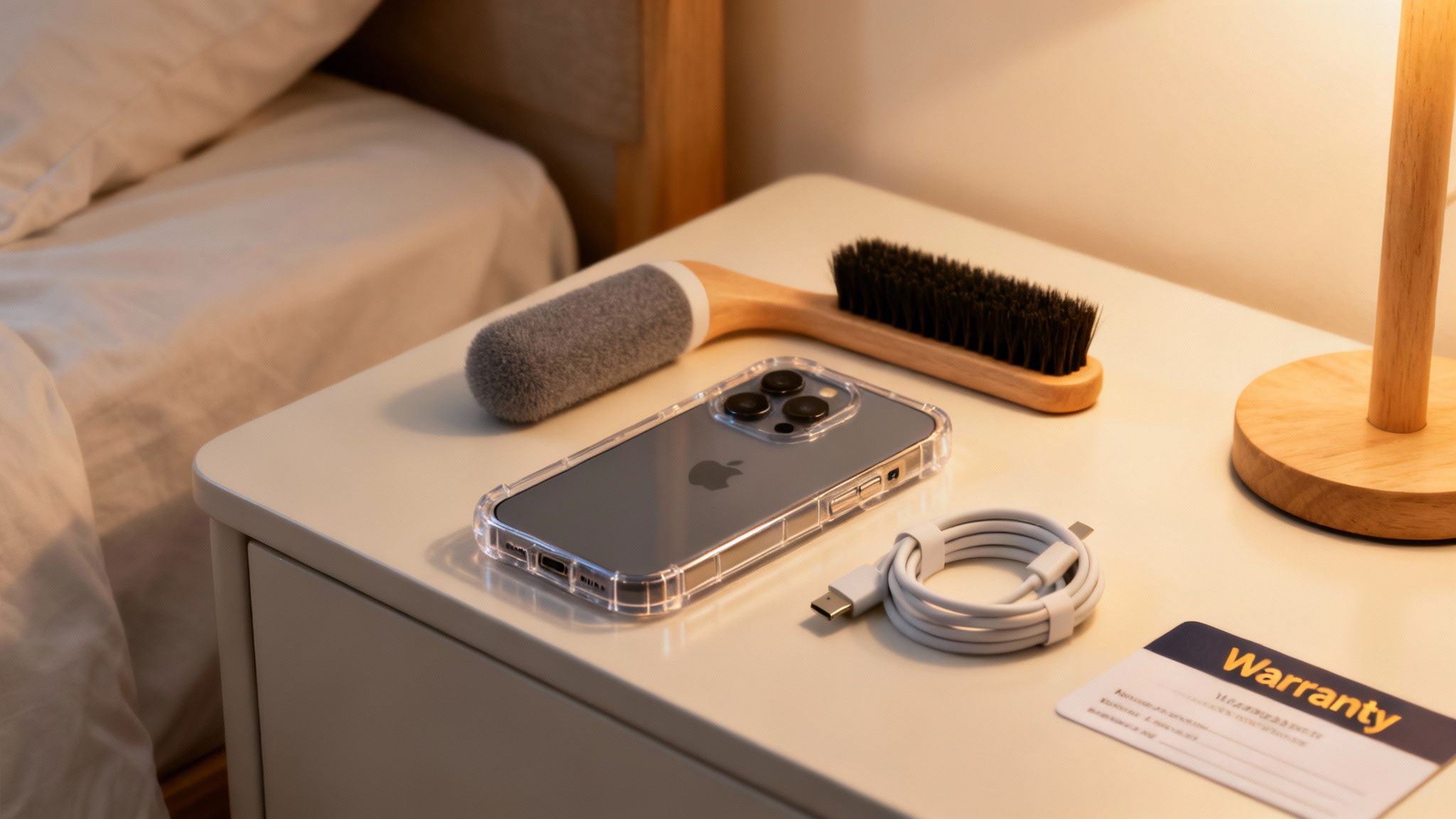
With Brits spending nearly 3.5 hours on their mobiles daily, it's no surprise that dirt and grime inevitably build up. Neglect can lead to poor performance, but a simple weekly routine can make a huge difference to your phone's longevity. You can discover more insights about digital habits and see why keeping things clean really matters.
Simply put, regularly cleaning your refurbished mobile ensures it works as well as it looks for years to come.
Common Questions About Cleaning Your Phone
We get asked all sorts of questions from customers figuring out how to clean their phones for the first time. To help you clean your device with confidence, here are some clear, practical answers to the most common queries we hear.
How Often Should I Clean My Mobile?
For daily upkeep, a quick wipe with a dry microfibre cloth is all you need to get rid of fingerprints.
If you’re looking for a proper disinfection using a 70% isopropyl alcohol wipe, aiming for once a week is a great routine. This is especially sensible if you’re often on public transport or work in a busy, shared space like an office.
A deep clean of the ports and speaker grilles doesn't need to happen as often. You can tackle this monthly, or just whenever you start to notice any visible build-up of dust or lint.
Can I Use Hand Sanitiser on My Phone Screen?
It’s best to avoid this completely. Hand sanitisers often have alcohol concentrations far higher than the recommended 70%, and they’re usually packed with gels and fragrances.
Over time, these extra ingredients can strip away the special oleophobic (fingerprint-resistant) coating on your screen. This will leave it looking streaky and worn.
The golden rule is to stick with products specifically designed for electronics. Using the wrong substance is a common mistake that can cause irreversible damage, so always reach for 70% isopropyl alcohol wipes.
Is It Safe to Use Water on a Water-Resistant Phone?
Even if your phone has an IP rating for water resistance, this protection can weaken over time. The seals that keep water out can degrade, which is particularly true for a used or refurbished device where they might not be as robust as when they were brand new.
You should never submerge your phone in water. Instead, power it down completely and use a slightly damp, lint-free cloth to wipe the outside. Make sure no moisture gets into any openings like the charging port or speaker grilles. This is the safest way to clean your phone without risking water damage.
For extra peace of mind, it’s always a good idea to understand what our warranties cover for your device.
A Final Word of Advice
At the end of the day, a clean phone is a happy phone. Taking just a few minutes out of your week to give your device a proper wipe-down doesn’t just keep it looking its best; it’s also one of the easiest ways to prevent common issues like muffled speakers or a charging port that’s stopped working properly. Knowing how to clean your phone safely is simply part of protecting your investment.
Written by James Waterston — 24 years in the mobile phone industry from customer service to Sales Director of a global repair & recycling company; now running Used Mobiles 4 U for 8+ years. LinkedIn
Looking for a refurbished phone?
Shop professionally tested refurbished iPhones and Samsung phones with 18 month warranty, 30 day returns and free UK delivery.
Browse Refurbished Phones






