





How to Check You’re Getting a Refurbished iPhone with a Clear Battery Health Report

05/01/2026

9 Mins
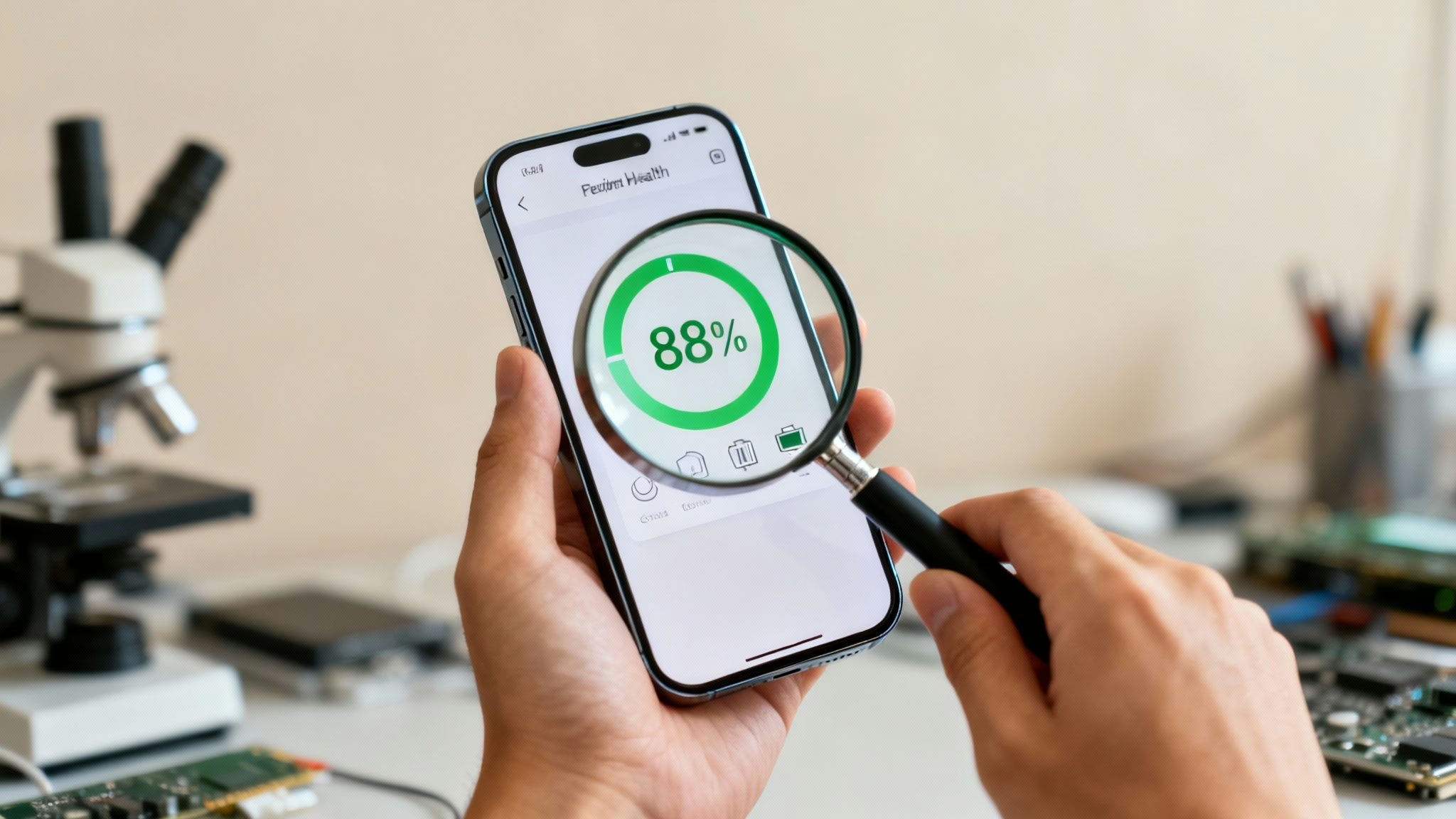
Buying a refurbished iPhone is a smart way to get a great mobile for less, but the biggest worry is often the battery. A weak battery can turn a bargain into a daily frustration, keeping you tied to a charging cable. That’s why understanding its health before you buy is so important.
This guide will help you understand what a 'clear battery health report' means for a refurbished iPhone. We'll show you exactly how to check the battery yourself, what percentage is a good sign, and the key questions you should ask any seller so you can choose a mobile with a battery that won't let you down.
What is iPhone Battery Health?
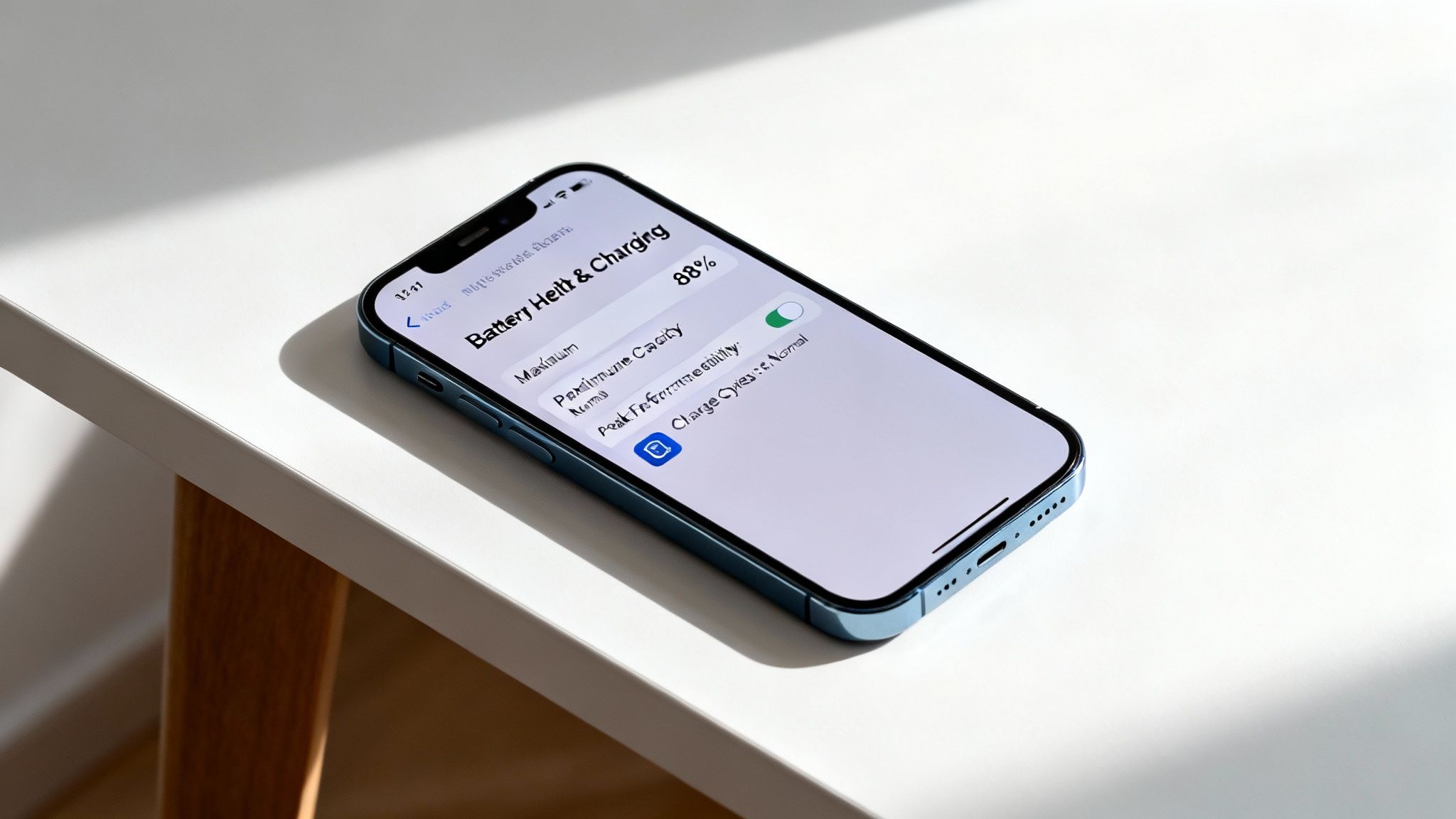
The term battery health isn't just about the percentage you see at the top of your screen. It’s a deeper measure of the battery's ability to hold a charge and deliver power compared to when it was brand new. Think of it as the battery's overall lifespan and current condition combined.
For anyone looking for a refurbished iPhone with a clear battery health report, knowing how to read this information is the key to avoiding disappointment. A phone can look pristine on the outside but have a battery that’s already on its last legs.
Making Sense of the Numbers
Every new iPhone starts with 100% battery health, but this figure naturally drops over time with every charge cycle. This is simply how lithium-ion batteries work. Reputable sellers will always be upfront about this number to give you a transparent view of what you’re buying.
Here’s a quick summary of what to look for in the iPhone's settings:
- Maximum Capacity: This is the most important number. It measures the battery's current capacity relative to when it was new. An 88% capacity means it can hold 88% of its original charge.
- Peak Performance Capability: This tells you if the battery can still supply enough power for demanding tasks, like gaming or recording video, without causing unexpected shutdowns.
- Service Warnings: Apple’s software will display a warning if the battery has degraded significantly and may need to be replaced.
A good seller will provide this information clearly. For a deeper dive into what you can realistically expect, you can learn more about what to expect from a refurbished iPhone's battery life in our dedicated article.
How to Check Battery Health on Any iPhone
The most reliable way to know what you’re getting is to check the battery's condition directly within the iPhone’s own settings. Apple built this tool to give you a straightforward, honest look at the battery's current state. It’s the first place you should look, whether you’re inspecting a mobile in person or asking a seller for proof.
Getting this information is a crucial step when buying a refurbished iPhone with a clear battery health report, as it empowers you to make a properly informed decision. This feature is available on any iPhone 6 or newer running iOS 11.3 or a later version.
Finding the Battery Health Screen
You can get to this information in just a few taps. Here’s the step-by-step path:
- Open the Settings app on the iPhone.
- Scroll down and tap on Battery.
- On the next screen, tap on Battery Health & Charging.
This takes you to the screen with all the essential details about the battery's condition. The two most important pieces of information – 'Maximum Capacity' and 'Peak Performance Capability' – are right there in plain sight.
What to Look For
Once you’re on the Battery Health screen, there are two key pieces of information to check. Understanding what they mean will help you properly assess any device.
- Maximum Capacity: This percentage is the headline number. For a refurbished device, anything 85% or higher is generally a great sign.
- Peak Performance Capability: This section gives you a written summary of the battery's ability to supply power when the phone needs it most. The message you want to see is: "Your battery is currently supporting normal peak performance."
If you see a different message, like a warning that "performance management has been applied" or that the battery’s health is "significantly degraded," it’s a clear red flag. That battery is on its way out.
Customer Scenario: Alex was looking for a refurbished iPhone 11 online. He found one at a good price but was rightly concerned about the battery. He asked the seller to send him a screenshot of the Settings > Battery > Battery Health & Charging screen. The image showed 91% Maximum Capacity and "Normal Peak Performance," which gave him the confidence to go ahead and buy it.
This simple check provides the transparency you need. Once your new device is all set up, you might find our guide on the top apps to install on your refurbished phone useful for getting started.
Decoding a Seller's Diagnostic Report
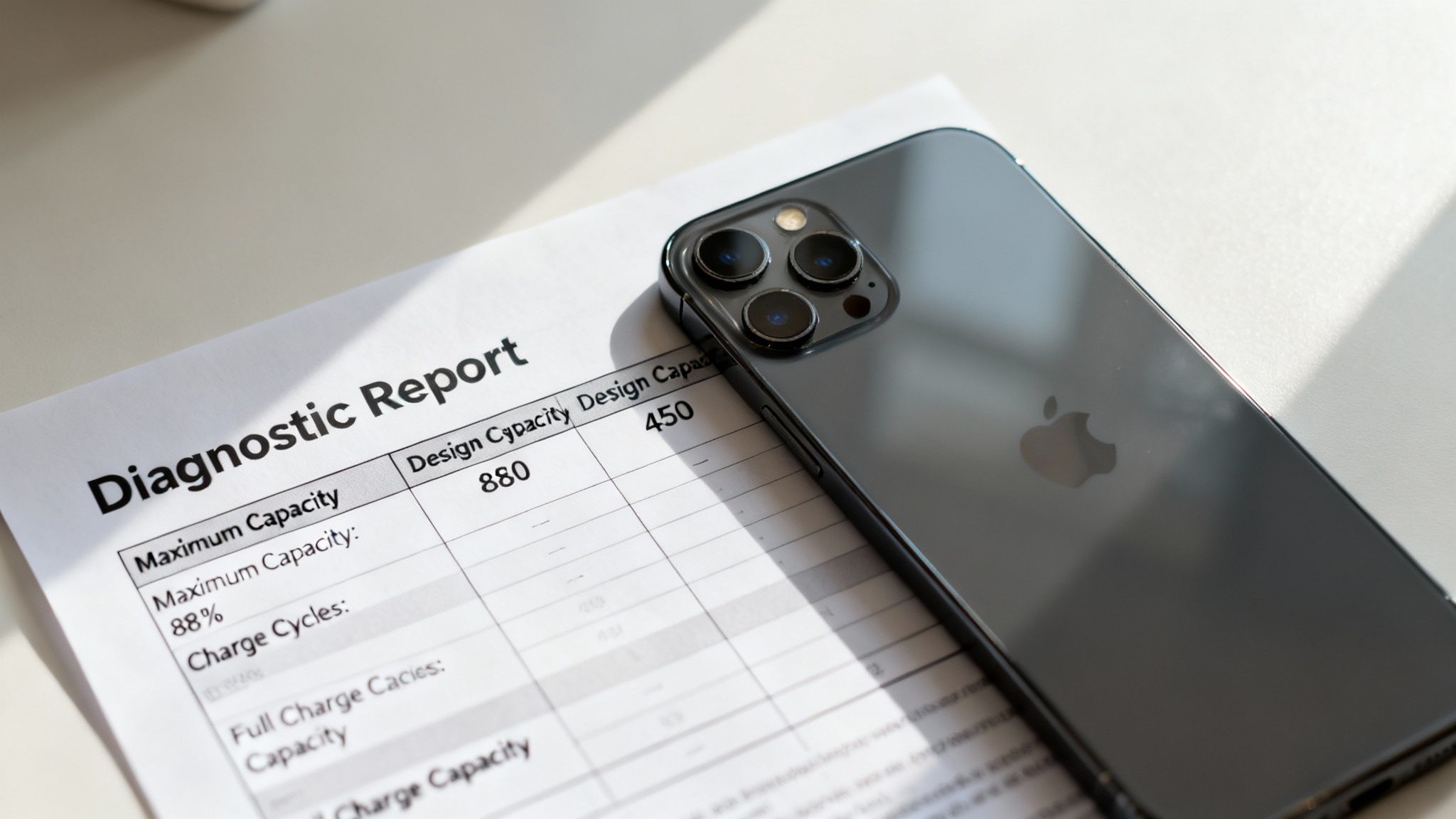
While the iPhone’s own settings give you a good snapshot, a reputable seller often uses professional diagnostic software for a deeper look into a battery’s real condition. These reports provide an extra layer of confidence in your purchase, showing the seller is committed to transparency.
Understanding these reports is a great way to ensure you're getting a refurbished iPhone with a clear battery health report.
What to Look For in a Diagnostic Report
A professional diagnostic report breaks down the battery's history and current state. When a seller provides one, it’s a very positive sign.
Here are the key metrics you’ll want to check:
- Original Design Capacity: The battery's capacity when new, measured in milliampere-hours (mAh).
- Current Full Charge Capacity: The maximum charge the battery can hold right now.
- Total Charge Cycles: How many times the battery has completed a full 0% to 100% charge cycle. A lower number generally means less wear.
- Overall Health Rating: Many reports give a simple 'Pass/Fail' or 'Good/Fair/Poor' rating, summarising the battery's condition at a glance.
The charge cycle count is particularly useful. Apple says its batteries are designed to retain up to 80% of their original capacity after 500 full charge cycles. A lower cycle count is almost always better, and it’s information you can’t get from the iPhone’s standard settings.
This transparency is key to finding a reliable refurbished mobile. At Used Mobiles 4 U, every device goes through extensive checks. You can learn more about our 10-step refurbishing process, which verifies battery health and much more.
What Is a Good Battery Health Percentage?
So, what’s the magic number you should be looking for? While 100% is what you get with a brand-new device, it’s not a realistic target for a refurbished phone. The goal is to find the sweet spot between a healthy battery and getting fantastic value.
The 80% Rule
As a rule of thumb, a battery is considered to be in good condition as long as it holds at least 80% of its original capacity. This is the benchmark that Apple itself uses.
At Used Mobiles 4 U, we stick to this standard. Every phone we sell is guaranteed to have a battery health of 80% or higher. This ensures the device you receive will perform reliably and hold a decent charge from day one. In reality, most of our devices have a capacity well above this minimum.
Why 85% Capacity Is Excellent Value
Let’s put this into real-world terms. A brand-new iPhone 13 might last around 15 hours playing non-stop video. A refurbished model with 85% battery health would still give you over 12.5 hours under the same conditions. For most people’s daily use, the difference is even harder to spot.
By accepting a slightly lower (but still very healthy) battery capacity, you can save a significant amount of money. You get a top-tier device with a battery that will comfortably see you through the day, without paying the new-in-box premium.
Your Warranty Is Your Safety Net
Buying from a reputable retailer makes all the difference. Your warranty isn't just for a cracked screen or a faulty button; it’s your backup plan for battery problems, too.
At Used Mobiles 4 U, every device comes with a full 12-month warranty that explicitly covers battery faults. This gives you complete peace of mind. If the battery health drops significantly soon after your purchase, you are fully covered.
This is the kind of protection you don't get from a private seller on a marketplace. When you buy a refurbished iPhone with a clear battery health report from a professional seller, you're also buying confidence that your investment is safe. If you do run into any problems, our guide to troubleshooting a used iPhone is a great place to start.
Your Pre-Purchase Checklist and Key Questions
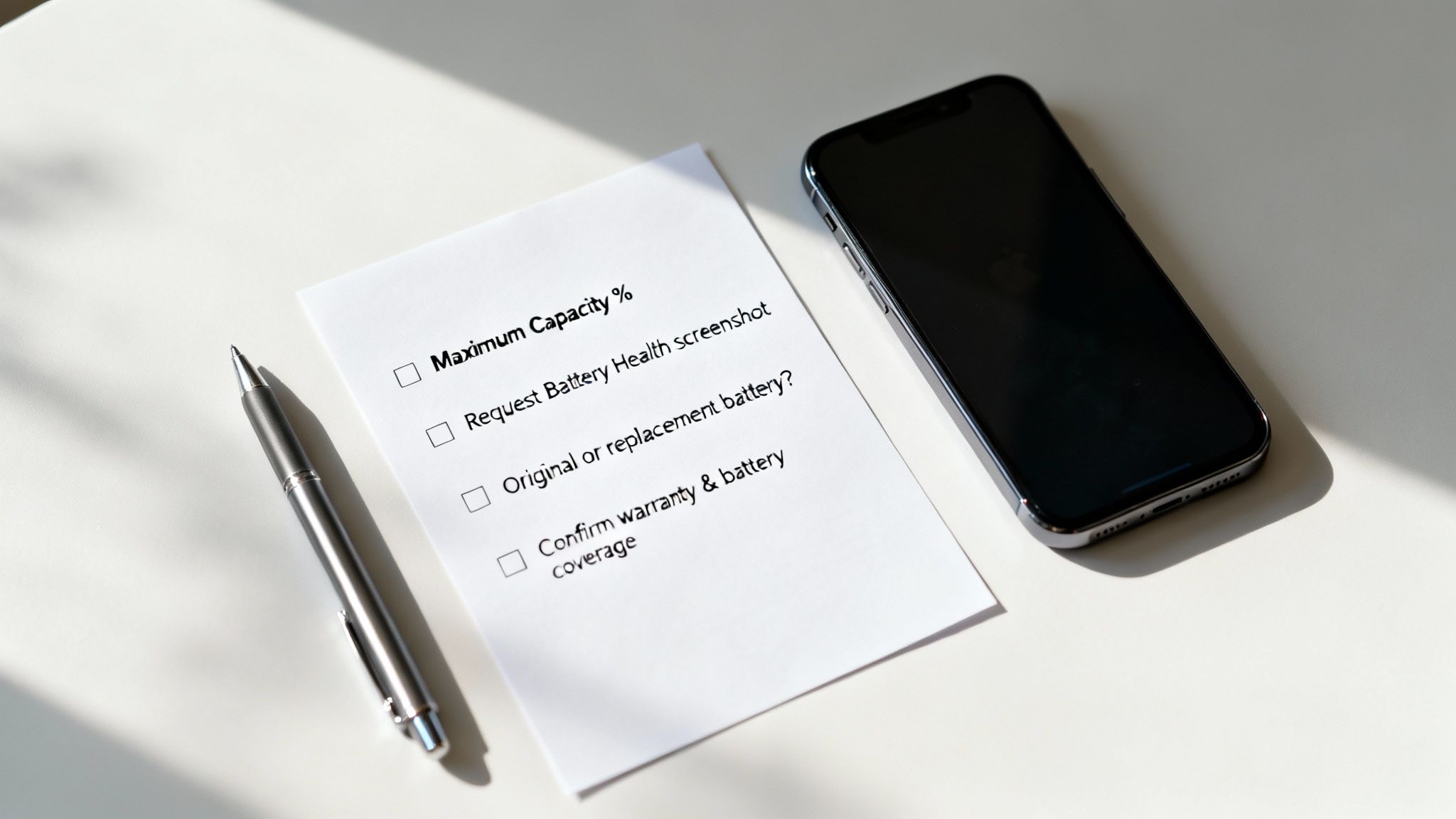
Now you know what to look for, you can approach any sale with confidence. This simple checklist of questions will help you put that knowledge into practice before you part with your money.
Key Questions for Any Seller
Whether buying online or in person, these are the questions to ask. Any honest seller will be happy to give you straight answers.
-
"What is the exact 'Maximum Capacity' percentage?"
- Don't settle for vague replies like "it's good". You need the specific number.
-
"Can you send me a current screenshot of the 'Battery Health & Charging' screen?"
- This is crucial. A genuine screenshot is the best proof, showing both the Maximum Capacity and the Peak Performance Capability status.
-
"Is the battery original or a replacement?"
- If it has been replaced, ask if it's a genuine Apple part or a third-party one. A cheap, uncertified battery can cause problems.
-
"What does your warranty cover regarding the battery?"
- Ask if the warranty covers poor performance, not just a battery that completely fails. A solid warranty is a sign of a trustworthy seller.
This two-step approach—asking the right questions and then checking the proof—is the most reliable way to secure a refurbished iPhone that won't disappoint. For a full rundown of everything you should inspect, take a look at our comprehensive 2025 checklist for buying a used iPhone.
Frequently Asked Questions
Here are answers to some of the most common questions we get from customers looking for a refurbished iPhone.
Can a Seller Fake the Battery Health Percentage?
While it is technically possible for a dishonest seller to alter the battery health percentage, it requires specific tools and is not something reputable retailers do. A business's reputation depends on its honesty.
The best way to protect yourself is to buy from a trusted source with a solid warranty. A warranty ensures that if any faked data was used, the poor performance would quickly become apparent, and you would be covered.
Should I Buy an iPhone with a Replacement Battery?
An iPhone with a replacement battery can be an excellent buy, as long as a high-quality, certified battery has been installed by a professional. In these cases, the Maximum Capacity will usually be at or near 100%.
The problem arises with cheap, uncertified third-party batteries, which can be unreliable. Always ask the seller if the battery has been replaced and, if so, what kind of part was used.
What Does the Service Warning Mean in Battery Health?
If you see a "Service" warning in the battery health settings, it means the battery is significantly degraded. The phone will likely still work, but its performance and ability to hold a charge will be seriously affected, and it may shut down unexpectedly.
You should not buy a refurbished iPhone showing this message unless the seller has already promised to replace the battery before sending it. It does not meet the standards of a quality refurbished product.
At Used Mobiles 4 U, every iPhone we sell is guaranteed to have a healthy battery, backed by a 12-month warranty for your peace of mind. Explore our range of certified refurbished iPhones.
Written by James Waterston — 24 years in the mobile phone industry from customer service to Sales Director of a global repair & recycling company; now running Used Mobiles 4 U for 8+ years. LinkedIn







