





How to Sell Your iPhone 13 for the Best Price in the UK

12/03/2026

14 Mins
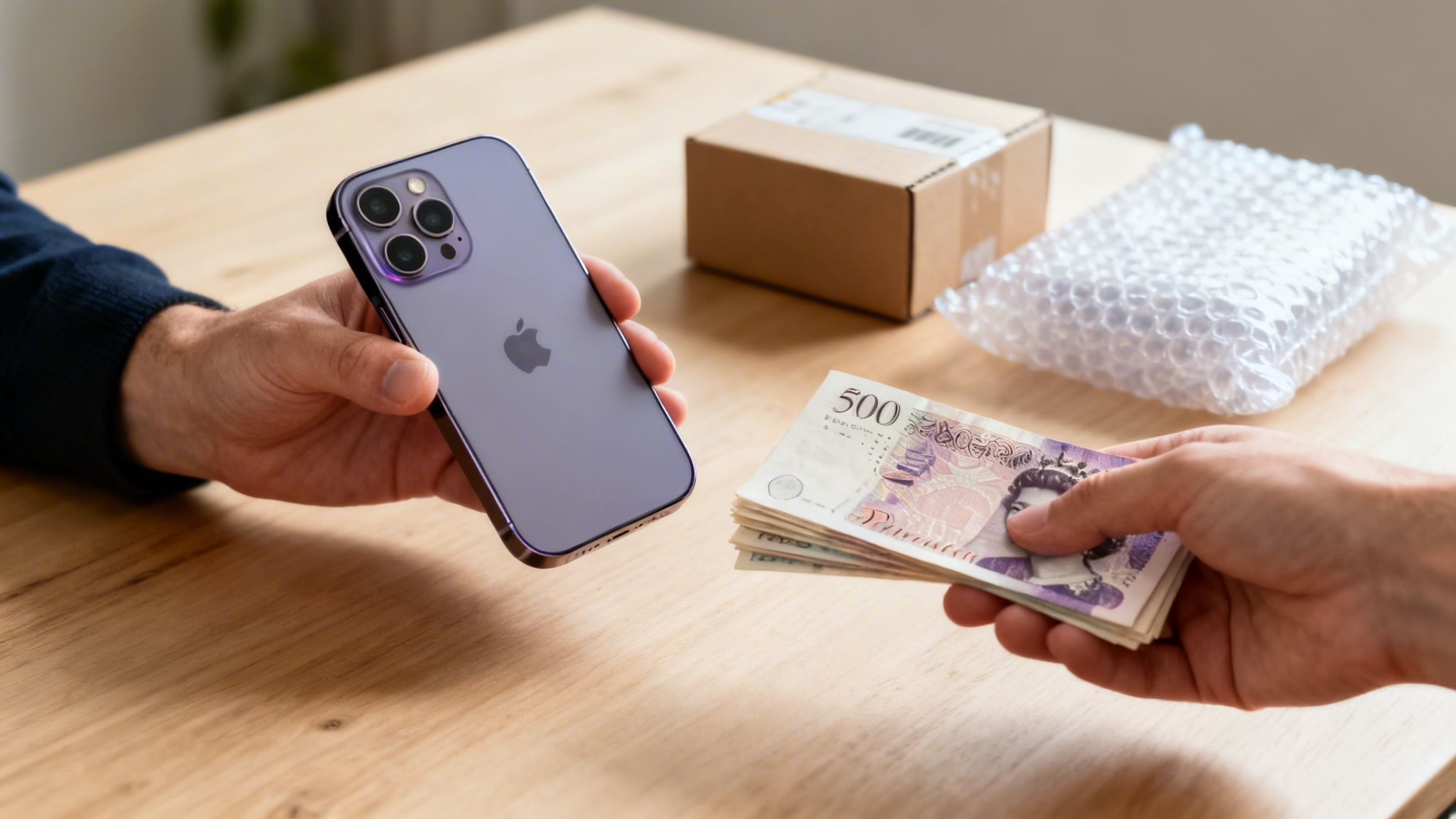
If you're looking to sell your iPhone 13, you'll want to get the best price with the least amount of fuss. This guide will walk you through everything you need to know, from working out your phone's value to preparing it for sale and getting paid.
The process comes down to two main options: a quick and guaranteed trade-in, or a private sale which might earn you more money but will take more of your time. Whichever route you choose, getting the preparation right is key to protecting your data and ensuring a smooth handover.
Your Quick Guide to Selling an iPhone 13

Selling a mobile can feel like a chore, but it doesn't have to be. Whether you’re upgrading to a newer model or just want to free up some cash, a few simple steps will get your iPhone 13 ready for its new home.
Let's start by breaking down the key decisions and outlining what you need to do to protect your privacy and ensure the phone is ready for its next owner.
First Things First: Getting Prepared
Before you even think about listing your phone, there are a few things to sort out. Getting this groundwork done first makes everything else much easier.
- Choose Your Selling Path: Will you opt for a fast and easy trade-in service, or are you willing to sell it privately on a marketplace for a potentially higher price?
- Give it an Honest Assessment: Take a good look at your phone's physical state. Check for scratches, scuffs, and any screen damage. You’ll also need to check its current battery health.
- Secure Your Device: This is the most important part. You must back up your data, sign out of your iCloud account, and do a full factory reset.
A customer recently contacted us after trying to sell his iPhone 13 on Facebook Marketplace. The buyer couldn’t set it up because the previous owner hadn't signed out of his Apple ID. This is a common problem known as Activation Lock, and it basically turns the phone into a paperweight for anyone else. Taking a few minutes to prepare it properly avoids these headaches.
Trade-In vs. Private Sale: Which is Right for You?
Choosing between a trade-in and a private sale is a classic "time vs. money" dilemma. It's helpful to see the pros and cons side-by-side.
Here's a quick look at the most popular ways to sell a used iPhone 13, showing the trade-offs between speed, price, and the effort involved.
Comparing Your iPhone 13 Selling Options
| Selling Method | Speed and Convenience | Potential Price | Effort Required |
|---|---|---|---|
| Trade-In Service | Very high. Instant quote, free postage, fast payment. | Good, but often slightly lower than private sales. | Low. Just pack it and post it. |
| Private Marketplace | Low to moderate. Can take days or weeks. | Potentially the highest price you can get. | High. Listing, photos, buyer communication, shipping. |
| Mobile Network | Moderate. Often tied to a new contract or upgrade. | Varies. Usually paid in credit, not cash. | Low to moderate. Often done in-store or online. |
| High Street Shop | High. Instant cash in hand. | Often the lowest price. | Low. Just walk in with your device. |
A trade-in service, like the one we offer through our Sell Your Phone programme, is built for speed and simplicity. You get an instant online quote, a free postage kit, and a quick payment once your device is checked. It's the most straightforward path if you're short on time.
On the other hand, selling privately on sites like eBay or Gumtree can sometimes fetch a little more money. This route, however, means you're in charge of everything: taking photos, writing a detailed listing, answering questions from potential buyers, and handling the postage.
For many people, the security and convenience of a professional trade-in service far outweigh the small extra profit you might make from a private sale. It removes the risk of time-wasters or potential disputes after you’ve sold it.
How Much Is My iPhone 13 Worth?

Working out the right price for your iPhone 13 is the first step to a successful sale. When you sell an iPhone 13, its value depends on a few key details: its storage capacity, physical condition, battery health, and whether it’s unlocked.
A 256GB iPhone 13 in ‘Like New’ condition will always fetch a higher price than a base 128GB model with a few visible scratches. We see it every day—two phones of the exact same model can have a price difference of £100 or more, purely based on their condition and specs.
Check Your Phone’s Vitals
Before setting a price, you need to know exactly what you’re working with. It only takes a minute to find these details on your device.
- Storage Size: Go to Settings > General > iPhone Storage. You’ll see the capacity at the top. The iPhone 13 was available in 128GB, 256GB, and 512GB models.
- Battery Health: Go to Settings > Battery > Battery Health & Charging. The ‘Maximum Capacity’ percentage is a big deal for buyers. Anything over 90% is great, while a capacity below 85% will likely lower the offers you get.
- Network Lock Status: Go to Settings > General > About. Scroll down to ‘Network Provider Lock’. If it says ‘No SIM restrictions’, your phone is unlocked—making it worth more to a wider audience.
We recently helped a customer who was disappointed with the trade-in quotes they were getting. They thought their iPhone 13 was in excellent condition, but its battery health had dropped to 81%. For most buyers and trade-in services, a battery under 85% suggests a replacement might be needed soon, which directly lowers the offer.
What Factors Influence the Price?
The iPhone 13 is still a very capable and popular mobile. Apple products are known for holding their value well, and there’s a large and healthy second-hand market in the UK that keeps resale values for models like the iPhone 13 stable.
The biggest factor influencing your phone's value, though, is its cosmetic condition. You need to be honest with yourself and grade it fairly:
- Like New: No scratches, scuffs, or marks. It looks like it just came out of the box.
- Excellent: Only has very light, hard-to-see signs of use. Maybe a tiny micro-scratch on the screen that’s invisible when it’s on.
- Good: Has some visible scratches on the screen or body, but no cracks or deep gouges. It’s fully functional.
- Fair/Poor: Shows heavy signs of use, like deep scratches, dents, or even functional issues. This grade will significantly lower the price.
If you’re unsure on a price, a good starting point is to see what similar models are selling for on private marketplaces. Then, check what instant trade-in prices are being offered. You can get a clearer idea of your mobile's value by using our phone valuation guide for more detail. Your ideal private sale price will usually sit somewhere between those two figures.
Getting Your iPhone 13 Ready for a Secure Sale
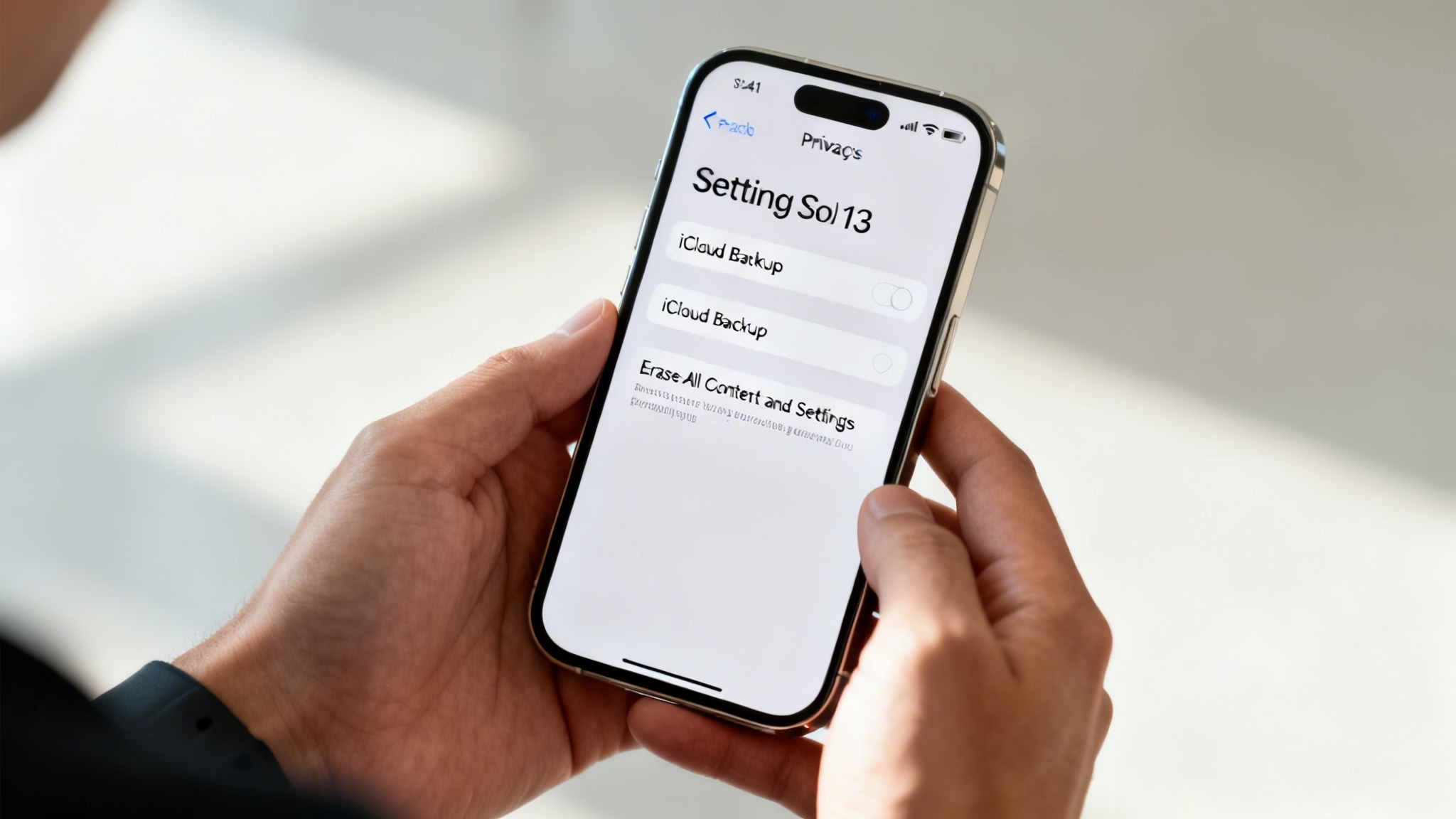
Before you hand over your phone, there are a few things you must do. This isn't just about making it look nice for the next owner; it’s about protecting your personal data and making sure the device is usable for them.
This process involves backing up your information, signing out of your Apple account, and wiping the phone completely clean. Getting this part right is the most important step to sell your iPhone 13 securely.
Step 1: Back Up Your Data
Warning: If you do not back up your iPhone before erasing it, you will permanently lose your data. Make a backup first.
You don't want to lose years of photos, contacts, and messages. You have two main options for backing up: iCloud or a computer.
Backing Up with iCloud
This is often the easiest route, as you can do it straight from your iPhone using Wi-Fi.
- Connect to a Wi-Fi network.
- Go to Settings > [your name] > iCloud.
- Tap on iCloud Backup.
- Make sure the ‘Back Up This iPhone’ toggle is on, then tap Back Up Now.
Keep the phone on Wi-Fi until the backup is finished.
Backing Up with a Mac or PC
This can be quicker if you have a lot of photos and videos.
- On a Mac: Connect your iPhone, open Finder, and select your iPhone in the sidebar. Under the ‘General’ tab, choose ‘Back up all of the data on your iPhone to this Mac’ and click ‘Back Up Now’.
- On a Windows PC: You’ll need iTunes. Connect your iPhone, open iTunes, and click the small iPhone icon near the top left. Under ‘Backups’, select ‘This Computer’ and click ‘Back Up Now’.
Step 2: Sign Out of Your Apple ID
This is the step that trips up so many sellers. If you don't sign out, the iPhone stays locked to you through a feature called Activation Lock, making it useless to the next person.
To sign out correctly:
- Go to Settings > [your name].
- Scroll to the bottom and tap Sign Out.
- Enter your Apple ID password to turn off ‘Find My’. This is the action that deactivates Activation Lock.
- It will ask if you want to keep a copy of data on the phone. Since you’re about to erase it, you don't need to.
Once you’ve signed out, the phone is no longer tied to you.
Step 3: Wipe It Clean
The final step is to wipe the phone completely, returning it to its factory state. This securely erases all your data.
- Go to Settings > General > Transfer or Reset iPhone.
- Tap Erase All Content and Settings.
- Tap ‘Continue’ and enter your passcode if asked.
The phone will take a few minutes to erase everything and then restart to the "Hello" screen, just like it was when you first unboxed it. Now it's clean, secure, and ready for its new home. For a complete walkthrough, our detailed guide on how to prepare an iPhone for sale has you covered.
Choosing Where to Sell Your iPhone 13
So, you’ve decided to sell your iPhone 13. Your first big decision is where to sell it. Broadly speaking, you have two paths: trading it in with a company or selling it privately. Your choice comes down to what you value more: your time or getting the maximum cash in your pocket.
A trade-in service is built for speed and convenience. You get an instant quote, a free postage label, and fast payment once the phone is checked. It’s the most straightforward, secure way to get cash for your old mobile.
Selling privately on a marketplace like eBay or Facebook might net you a slightly higher price. But this route demands more effort and comes with its own headaches.
The Trade-In Route for Simplicity
For most people, a trade-in is the most practical option. It cuts out the hassle of creating listings, dealing with endless questions, and sorting out postage. You know what you’re getting from the start.
- Speed: Get an instant quote and receive payment quickly.
- Convenience: No need to take photos or write descriptions.
- Security: You’re dealing with a legitimate business, which avoids the risk of scams that can happen with private sales.
We often help people sell an old iPhone 13 to put towards an upgrade. For them, the security and speed of a trade-in are worth far more than the extra £20 they might make privately. It's a guaranteed, no-nonsense process.
The Private Sale Route for Maximum Profit
If you have more time and you’re comfortable with online marketplaces, selling your iPhone 13 yourself can be more profitable. You set the price and manage the sale from start to finish.
This, however, comes with a to-do list. You'll need to create a listing with great photos, write an honest description, and be ready to answer enquiries. Then there's packaging the phone safely, shipping it, and making sure you get paid without any issues. It's a more involved process. For a deeper look, our guide on the best place to sell an iPhone in the UK breaks it all down.
Why Selling Your iPhone Is a Smart Move
The market for used and refurbished mobiles has grown in the UK, making it a brilliant time to sell your old device. As people become more budget-conscious and environmentally aware, the demand for high-quality, pre-owned phones has shot up. This growing trend works in your favour and helps your iPhone 13 hold significant value.
This shift means there's strong demand for good quality, pre-owned models, which translates to strong sell-back values for iPhone 13 owners. In fact, research on mobile phone sales trends in the UK shows many people are now choosing pre-owned devices, fuelling a very healthy second-hand market. While that link refers to general sales, the principles for choosing platforms and marketing strategies found in a practical guide to profitable online sales are also relevant here.
How to List and Ship Your iPhone Securely
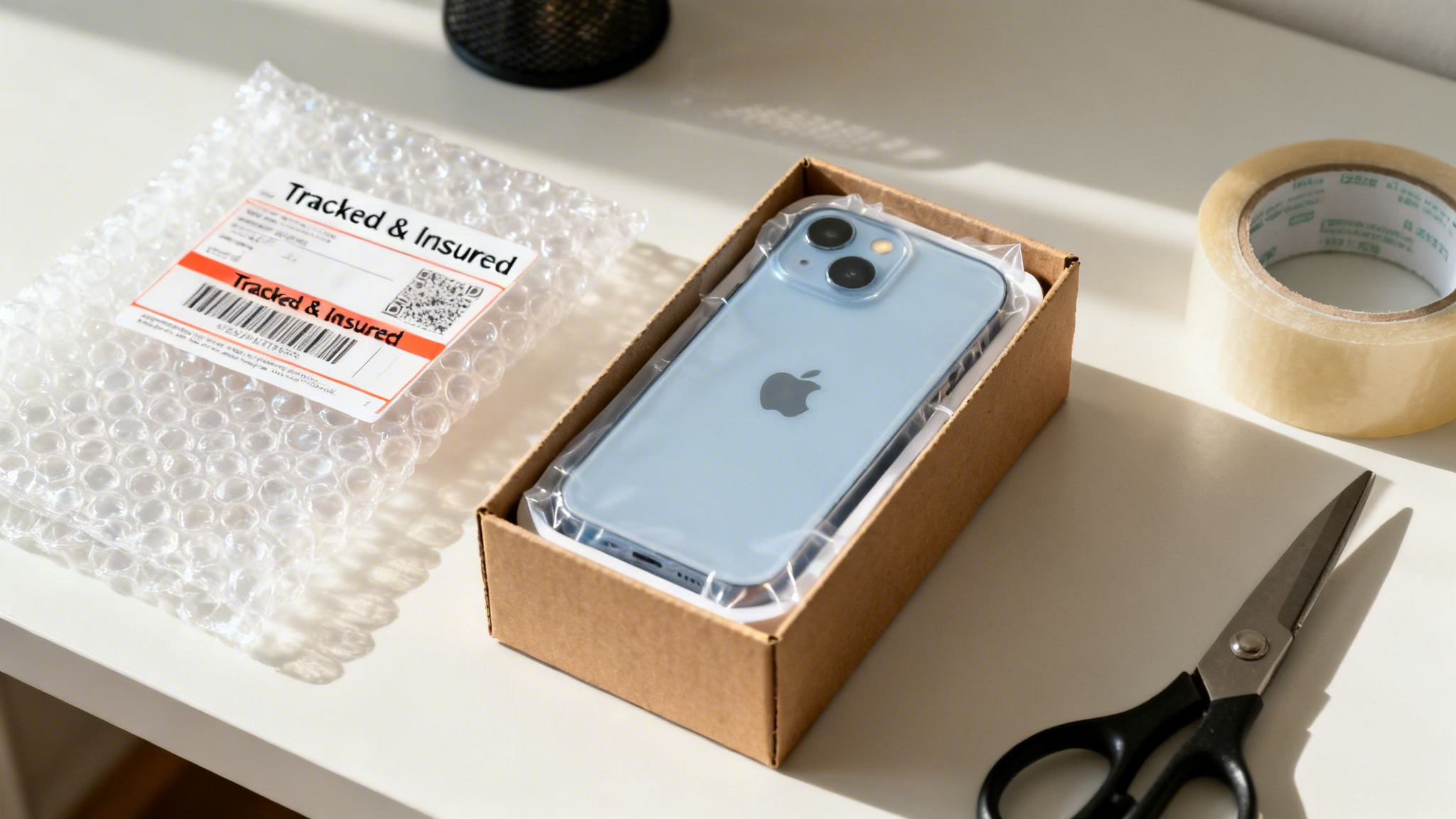
If you've decided against a trade-in and are ready to sell your iPhone 13 privately, the final steps are critical. A clear, honest listing will attract serious buyers, while secure shipping ensures your phone arrives safely and you get paid.
A well-crafted listing does more than just sell your phone; it builds trust and heads off potential disputes.
Crafting a Listing That Sells
Your listing is your sales pitch. The goal is to answer every question a potential buyer might have before they ask.
Take Honest, Clear Photos
Place your iPhone 13 on a plain, well-lit surface and take pictures from every angle: front, back, top, bottom, and all four sides.
Most importantly, show any imperfections. If there’s a tiny scratch on the screen or a scuff on the corner, take a close-up photo. It proves you’re an honest seller and prevents a buyer from claiming the item wasn't as described.
Write a Detailed Description
Your description needs to back up the photos with facts. Include these details:
- Exact Model: Apple iPhone 13
- Storage Size: 128GB, 256GB, or 512GB
- Colour: e.g., Blue, Midnight, Starlight
- Network Status: Be clear. Is it "Unlocked" or locked to a specific network like EE or Vodafone?
- Battery Health: Go to Settings > Battery > Battery Health & Charging and state the exact percentage.
- Condition: Sum it all up truthfully. For example: "Screen is in excellent condition. There is one small scuff on the top-right corner of the frame, as shown in the photos. The phone is fully functional."
Secure Payments and Safe Shipping
Once you have a buyer, you need to handle payment and shipping carefully to protect yourself.
Choose a Safe Payment Method
If you’re selling on a platform like eBay, stick to their managed payment system. For private sales elsewhere, PayPal Goods & Services is a good option as it adds protection for both you and the buyer. Avoid PayPal Friends & Family for sales, as it offers no protection if things go wrong.
Be wary of any buyer who tries to convince you to complete the deal outside the marketplace's official channels. It's a classic scam tactic.
Package Your iPhone Properly
Your phone needs to be packed securely to survive the journey.
- Find a sturdy, small cardboard box that’s slightly larger than the phone.
- Wrap the iPhone 13 in bubble wrap and place it in the centre of the box.
- Fill any empty space with more bubble wrap or crumpled paper so it can't move.
- Seal the box securely with strong packing tape.
You can find lists of frequently purchased shipping and packing supplies online if you're not sure what you need.
Choose the Right Postage Service
Always use a fully tracked and insured delivery service. In the UK, Royal Mail Special Delivery Guaranteed by 1pm is the standard for shipping high-value items like an iPhone. It provides tracking and includes insurance cover for the phone’s value. Don't be tempted to save a few pounds on a cheaper, untracked service—it isn’t worth the risk.
Common Questions About Selling Your iPhone
When it’s time to part with your old phone, a few questions always come up. Here are straightforward answers to the queries we get most often from customers looking to sell their iPhone 13.
Is It Better to Sell My iPhone 13 Now or Wait?
The simple answer is to sell it sooner rather than later. Your phone's value goes down over time, especially with a new iPhone launch every September.
Selling your iPhone 13 now will almost certainly get you a better price than if you wait a few months. We see it every year: trade-in prices tend to peak in late summer, just before Apple’s announcement. Once new models are out, the market gets flooded with older devices, and values can drop significantly.
What if My iPhone 13 Is Locked to a Network?
You can sell an iPhone that's locked to a network like O2 or Vodafone, but it will fetch a lower price than an unlocked one. An unlocked phone gives the next owner the freedom to use any SIM card, making it more desirable.
Our advice is to contact your network provider before you sell. If you’ve finished paying off your contract, they are required to unlock the device for you, and it’s usually free. It might take a few days, but that small effort can add a surprising amount to your phone's sale price.
What Do the Different Condition Grades Mean?
Condition grades are a simple way for buyers to know what they're getting. Honesty is key here. At Used Mobiles 4 U, we use a clear system for our refurbished phones:
- Like New: A perfect device. It looks like it has just been taken out of the box.
- Excellent: Shows only the slightest signs of use. You’d have to look very closely to find a tiny scratch.
- Good: Has normal signs of wear, like light scratches on the screen or small scuffs on the frame, but is 100% fully functional.
If you’re selling privately, be just as descriptive. Mention any dings and be upfront about screen scratches. This helps everyone agree on a fair price.
Just last week, a customer came in to trade an iPhone 13 they described as 'Excellent'. When we looked at it, we found a small but deep scratch on the screen. For us, that moves it to the 'Good' category, which changes the price. Being clear about flaws from the start makes for a much smoother sale.
Is My Data Definitely Gone After I Erase My iPhone?
Yes, as long as you follow the proper steps, your data is gone for good. Modern iPhones use powerful encryption that makes it practically impossible to recover data once it has been wiped correctly.
The secure way to do this is by going to Settings > General > Transfer or Reset iPhone > Erase All Content and Settings. This performs a cryptographic wipe that erases the encryption keys protecting your data, rendering it completely inaccessible.
Once you see the "Hello" screen, you can be sure that your photos, messages, and personal information have been permanently and safely removed.
If you have any more questions about selling your old mobile or are looking to buy a quality refurbished phone, our team is always happy to help.
Written by James Waterston — 24 years in the mobile phone industry from customer service through to Sales Director of a global repair and recycling company. Now running Used Mobiles 4 U for over 8 years.
LinkedIn:
https://uk.linkedin.com/in/james-waterston-9039a21a







