





How to Sell Your Phone in the UK for the Best Price

15/02/2026

15 Mins

This guide explains how to sell your phone safely and get a good price. We'll cover how to prepare your device by backing up and wiping your data, how to get a realistic valuation, and where to sell it.
Thinking about how to sell your phone can feel like a bit of a faff, but it really just comes down to a few key moves. To get the best price, you need a realistic idea of what your mobile is worth, a plan to get it ready for its new owner (which means wiping your data!), and a smart choice on where to actually sell it.
This guide will walk you through each part of the process, making it simple and secure.
Your Essential Checklist to Sell Your Phone
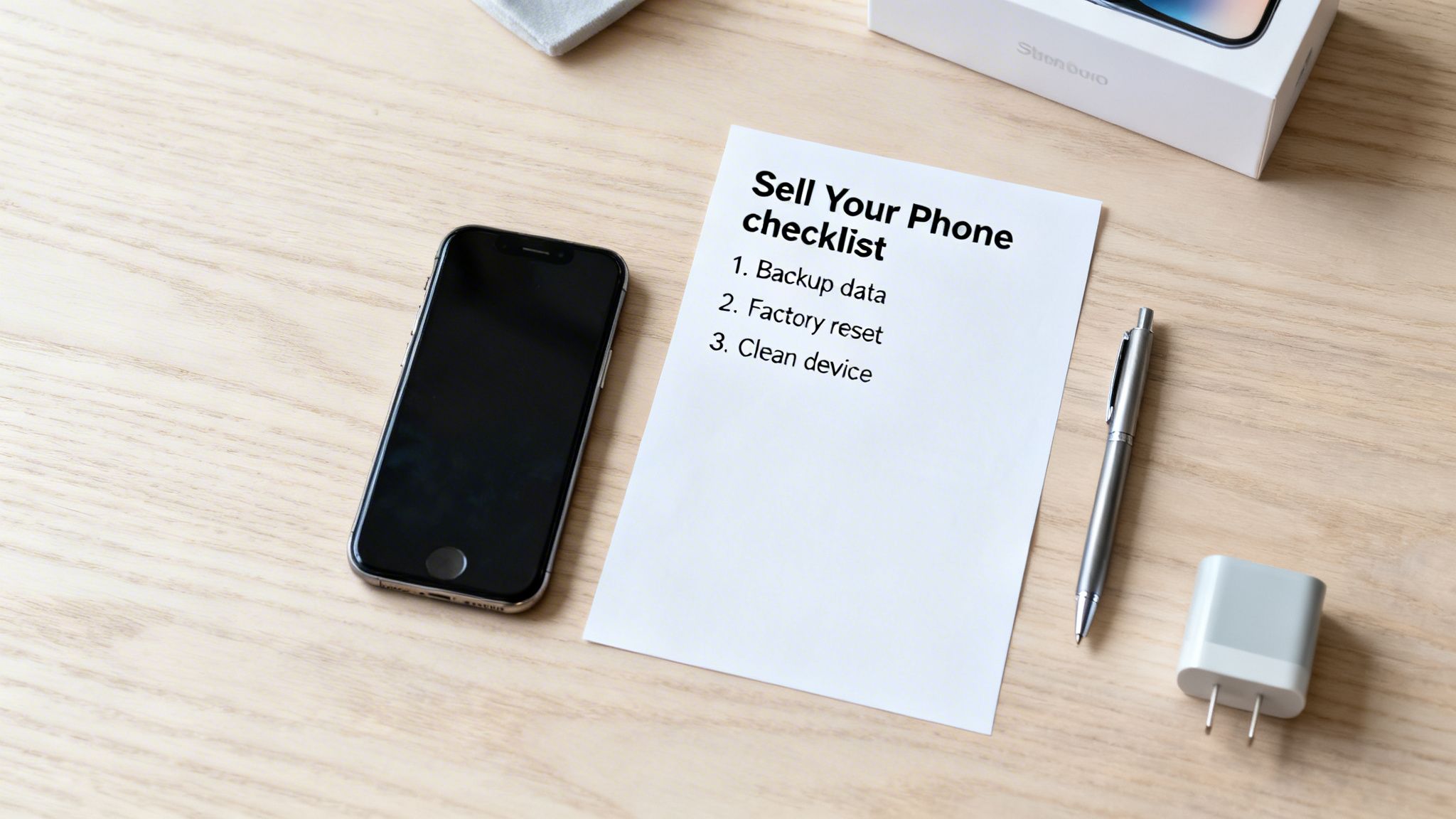
Selling your old mobile is a brilliant way to make some extra cash and do your bit for the environment by giving your device a second life. It's also a great way to help fund your next upgrade without having to stump up the full price.
But before you can get paid, there are a few crucial jobs to tick off. This isn't just about making the phone look good; it's about protecting your personal information and making your device as appealing as possible to its next owner.
Getting this prep work right ensures a smooth, trouble-free sale. A clean, correctly wiped phone not only protects you but also builds trust with the buyer, whether that's a trade-in company or a private individual.
Key Preparation Steps
To make sure you don't miss anything vital, let's run through what needs to be done. Think of it as a pre-sale MOT for your mobile.
Here's a quick overview of the essential actions to take before selling your device. Ticking these boxes will protect your data and help you get the best possible price.
Each step is there for a reason, ensuring both your privacy and a seamless handover to the new owner.
Warning: Always back up your phone before you do anything else. Once you perform a factory reset, your data cannot be recovered. Double-check that your backup is complete and saved securely before moving on.
For a more detailed walkthrough, you can learn more about how to prepare an iPhone for sale in our dedicated guide. Completing these steps means you're ready to find out how much your phone is worth and move on to the next stage.
Written by James Waterston — 24 years in the mobile phone industry from customer service to Sales Director of a global repair & recycling company; now running Used Mobiles 4 U for 8+ years. LinkedIn
How to Find Out What Your Phone Is Really Worth
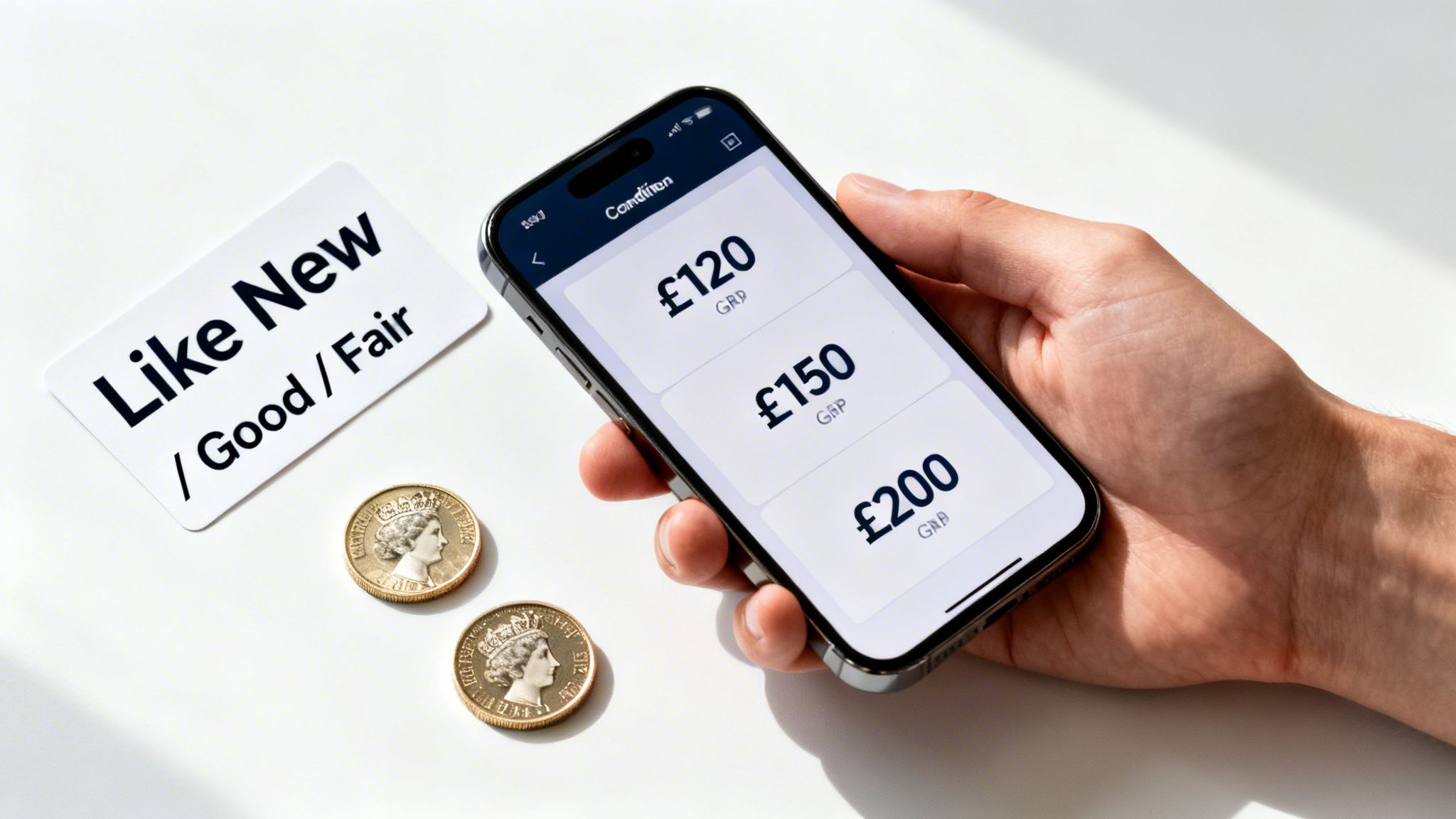
Before you can get a fair price, you first need a clear, honest idea of what your phone is actually worth. Getting an accurate valuation is the essential first step, and it boils down to a few key factors.
The obvious ones are the make, model, and storage capacity. An iPhone 14 Pro with 256GB will always fetch a higher price than an iPhone 11 with 64GB. But beyond the core specs, it’s the physical and functional condition that truly shapes its final value.
Honestly Grading Your Phone
When you get a quote from a trade-in site, you’ll be asked to grade your phone’s condition. This is where being realistic really pays off.
- Like New: The phone is practically untouched. No scratches, scuffs, or marks anywhere on the screen or body, and everything works perfectly. Think of a device that has lived in a protective case from day one.
- Good: This is the most common condition for a well-cared-for phone. It might have a few very light, minor scratches or faint signs of gentle use, but nothing deep or distracting. All buttons, cameras, and features work without a hitch.
- Fair/Average: The device is fully functional but shows noticeable cosmetic wear and tear. This could be multiple scratches on the screen or scuffs around the frame's edges. Crucially, there are no cracks, and the screen isn't lifting away from the body.
- Faulty/Poor: The phone has significant issues. We’re talking a cracked screen, dodgy buttons, camera problems, or it simply won’t turn on. Don't write it off, though—even damaged phones have value for parts.
Even a single deep scratch can knock your phone’s grade down from ‘Good’ to ‘Fair’, which will impact the offer. Be your own toughest critic now to avoid a revised, lower quote later on.
Market Demand and Other Factors
The popularity of your phone plays a massive role in its resale value. Certain models, especially Apple iPhones, hold their value incredibly well. This is largely down to strong brand loyalty and consistently high demand in the second-hand market.
Having the original box, charger, and cable can also add a small but welcome boost to your phone's value. It’s a good sign that the device has been well looked after and makes for a more complete package for the next owner.
Ultimately, the best way to land on a realistic price is to get a few different quotes. Check a handful of reputable trade-in sites to see what they offer for your exact model and condition. This gives you a solid baseline before you decide where to sell your phone. For a full rundown of your options, check out our guide on the best places to sell a phone.
Written by James Waterston — 24 years in the mobile phone industry from customer service to Sales Director of a global repair & recycling company; now running Used Mobiles 4 U for 8+ years. LinkedIn
Getting Your Phone Ready for Its New Owner
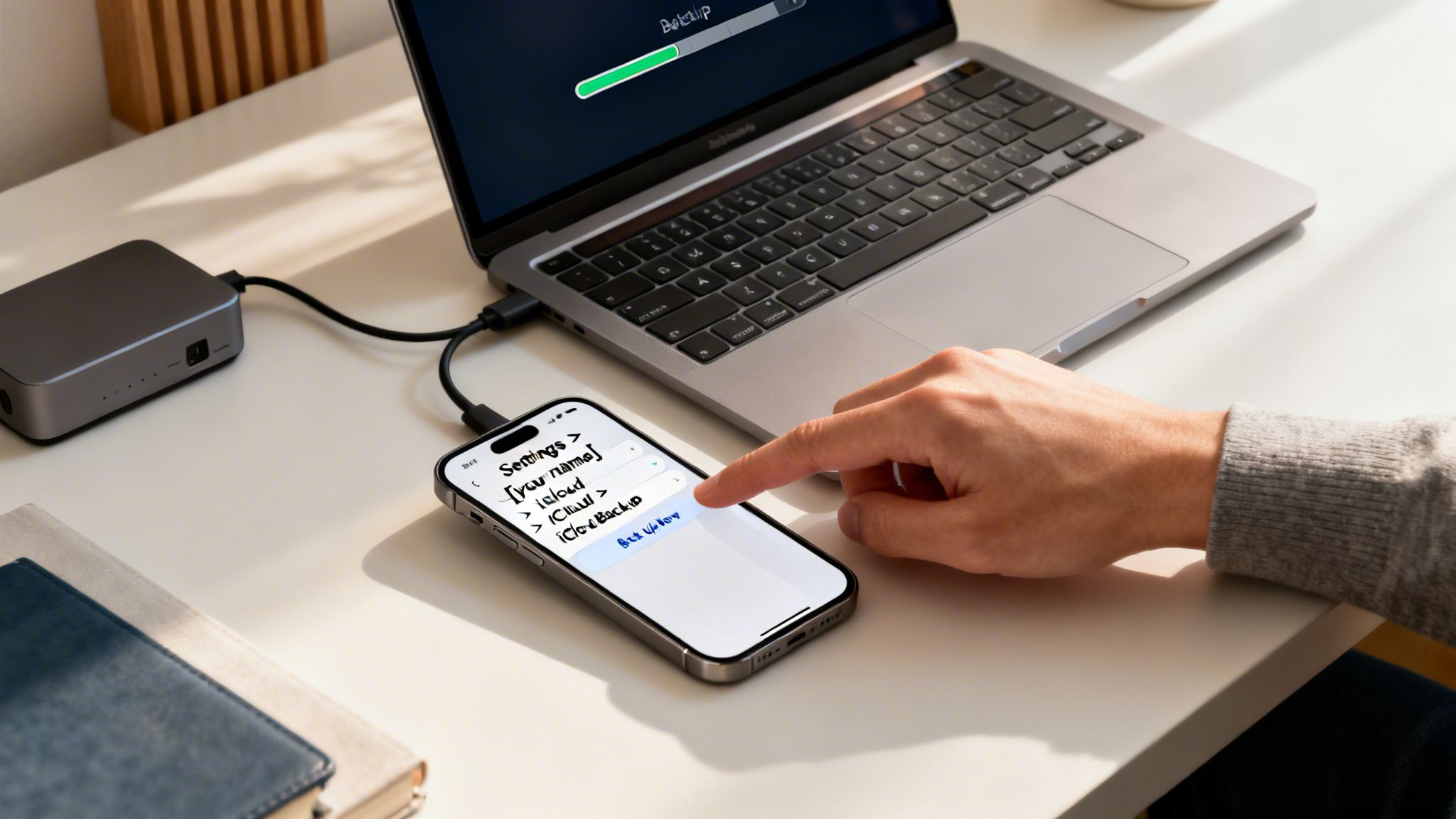
Before you can sell your phone, you need to get it ready for its next life. This is more than just giving the screen a quick wipe; it’s about protecting your personal data and ensuring a clean, secure handover for the new owner.
Just a few simple steps will prevent your private information from falling into the wrong hands. We’ll walk through the three most important actions: backing up your data, signing out of your accounts, and wiping the device completely clean.
Securely Back Up Your Data
First things first. Your phone is a treasure trove of memories, from photos and videos to contacts and messages. Before you do anything else, you must create a full backup of everything you want to keep. Skip this, and you’ll lose that data for good.
Warning: This is your last chance to save your personal information. Once you reset the phone later on, there’s no getting your data back. Always double-check that your backup is complete before moving on.
For most of us, using a cloud service is the simplest way to go.
- On an iPhone: Head to Settings > [your name] > iCloud > iCloud Backup. Make sure ‘iCloud Backup’ is toggled on, then tap ‘Back Up Now’ to kick off a manual backup over Wi-Fi.
- On an Android phone: The path can vary a bit, but you'll usually find it under Settings > Google > Backup. Just make sure the backup is switched on for your Google Account and tap ‘Back up now’.
Once that backup is finished, all your information is safely tucked away, ready to be restored on your new device.
Sign Out of Your Accounts
Next up, you need to disconnect all your personal accounts from the device. This is a crucial step for disabling security features like Apple’s ‘Find My’ or Google’s Factory Reset Protection. If you don't do this, the phone could be completely useless to the next owner.
Think of it like handing over the keys to a house – you need to make sure you’re no longer the registered owner.
- For iPhones: Go to Settings > [your name] and scroll right down to the bottom. Tap ‘Sign Out’ and pop in your Apple ID password to turn off ‘Find My’ and remove your iCloud data.
- For Android: Go to Settings > Accounts (or sometimes ‘Passwords & accounts’). Select your Google account and tap ‘Remove account’. Do this for any other accounts you're logged into on the device.
Perform a Full Factory Reset
With your data safely backed up and all your accounts removed, it’s time for the final, irreversible step: wiping the phone clean. A factory reset erases every bit of your content and all your settings, returning the phone to the state it was in when it first came out of the box.
This is the only surefire way to ensure none of your personal information is left behind. We’ve got detailed instructions in our guide on how to reset an iPhone to factory settings.
- On an iPhone: Navigate to Settings > General > Transfer or Reset iPhone > Erase All Content and Settings.
- On Android: The path is usually something like Settings > System > Reset options > Erase all data (factory reset).
Once this process is complete, your phone is completely clean, secure, and ready for its new home. If your old device has any issues like a cracked screen, it's a good idea to sort them out first. Looking into local iPhone repair services can often restore its functionality and boost its final sale price.
Written by James Waterston — 24 years in the mobile phone industry from customer service to Sales Director of a global repair & recycling company; now running Used Mobiles 4 U for 8+ years. LinkedIn
Deciding Where to Sell Your Mobile in the UK
You’ve backed everything up and wiped the phone clean. Now for the big question: where do you actually sell it? Your choice really boils down to what matters most to you—getting the absolute best price, the fastest payment, or just the easiest, most painless process.
In the UK, you’ve got a few solid options, and each comes with its own pros and cons. Knowing the difference will help you pick the right one for your situation.
Specialist Trade-In Services
This is where companies like us, Used Mobiles 4 U, come in. We’re set up purely for speed and simplicity. The whole thing is incredibly straightforward: you get an instant quote on our site, we pop a free postage pack in the mail for you, and once we’ve checked your phone, the money goes straight into your bank account.
The real win here is the guaranteed price and the complete lack of hassle. No need to write listings, take photos, field questions from strangers, or dodge payment scams. It's a secure, efficient way to sell your phone without any of the usual headaches.
For example, imagine you’re upgrading from a Samsung Galaxy S22. With a trade-in service, you could have a quote in under a minute and the phone in the post the very same day. Payment often lands just a day or two after we receive it. Simple.
Public Marketplaces
Platforms like eBay, Facebook Marketplace, and Gumtree throw your phone into a huge pool of potential private buyers. The main draw here is the chance to get a higher price. By cutting out the middleman, you’re selling directly to the person who will actually use the phone.
But, and it's a big but, this route comes with a lot more work and a fair bit of risk. You'll need to:
- Write a compelling and brutally honest description of your phone.
- Take sharp, high-quality photos that show its true condition.
- Deal with endless enquiries, haggle on price, and filter out the time-wasters.
- Figure out secure postage and manage the payment, which can sometimes lead to disputes or scams.
Selling on a marketplace definitely takes more time and patience, but if you’re prepared to put in the effort, it can certainly pay off.
It's the classic trade-off: convenience versus cash. For a fast, guaranteed sale with zero fuss, a trade-in service is tough to beat. But if you’re aiming for the maximum return and don't mind the legwork, a private sale could be worth it.
Network Provider Schemes
Most of the big mobile networks—think EE, Vodafone, and O2—have their own trade-in programmes when you're ready for an upgrade. This can feel like the easiest option because it's all handled in one go, with the value of your old phone usually knocked off your new contract.
The catch? The trade-in values offered by networks are often much less competitive than what specialist services can offer. On top of that, the "payment" is nearly always in the form of credit, not cash, which locks you into staying with them.
Comparing Phone Selling Options in the UK
Deciding on the best place to sell your old phone depends on what you prioritise. This table breaks down the most common methods, comparing them on price, ease, and speed so you can see which one fits your needs.
Ultimately, whether you choose a specialist recycler for speed, a marketplace for price, or your network for simplicity, the key is to pick the route that causes you the least amount of stress.
Written by James Waterston — 24 years in the mobile phone industry from customer service to Sales Director of a global repair & recycling company; now running Used Mobiles 4 U for 8+ years. LinkedIn
How to Ship Your Phone and Get Paid Safely
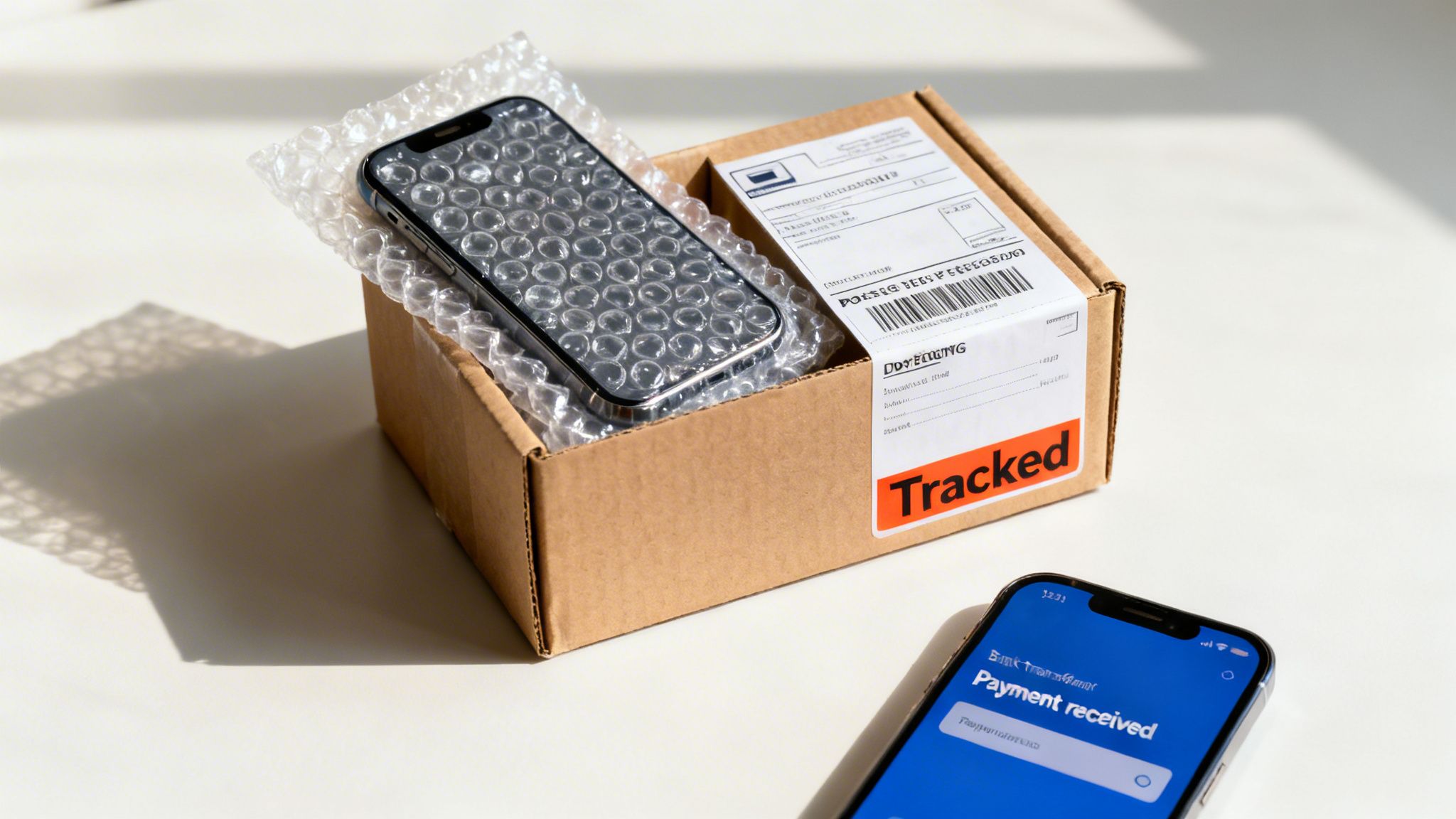
You’ve done all the prep work, and now you’re right at the finish line. Getting your mobile safely to its new owner and the money into your account is just as crucial as everything you’ve done so far. A little care here makes sure the whole process wraps up without a hitch.
Getting the packaging right is your first job. A phone is a delicate bit of kit, after all, so you can't just pop it in any old envelope and hope for the best.
Packaging Your Phone Securely
To stop any damage in transit, proper packaging is non-negotiable. It's the only way to be sure the phone arrives in the exact condition you described.
- Find a sturdy box: The original phone box is perfect if you still have it. If not, a small, strong cardboard box that doesn’t leave too much wiggle room is the next best thing.
- Wrap it up: Use plenty of bubble wrap to create a thick, protective cushion around the device itself.
- Fill the gaps: Pack any empty space in the box with more bubble wrap or even scrunched-up paper. The goal is to make sure the phone is snug and can't rattle around inside.
Don’t just rely on a padded Jiffy bag. While they’re fine for adding an extra layer, they aren’t strong enough on their own to protect a phone from the knocks and bumps it’ll inevitably get in the post.
Choosing the Right Postage
Once it's all packed up, you need to pick a delivery service that offers protection for both you and the buyer. Whatever you do, don't just drop it in a standard postbox.
Using a tracked service is essential. It lets you and the recipient see exactly where the parcel is and confirms when it’s been delivered, which is a massive help in preventing disputes. For something as valuable as a smartphone, it’s always worth paying a little extra for peace of mind.
Services like Royal Mail Special Delivery are a solid choice. They include tracking, a signature on delivery, and insurance cover for valuable items. It's vital to understand what is proof of delivery and why it matters so much for shipments like this.
Getting Paid Without the Hassle
How you get paid will depend on where you decide to sell your phone. If you use a trusted trade-in company like us, the process couldn't be simpler. Once your phone arrives with us and passes its checks, we transfer the payment directly into your bank account, usually within a day or two. It’s one of the safest and quickest methods out there.
Selling on a marketplace is a bit different. You should always use the platform's recommended payment system, like PayPal Goods & Services or eBay's managed payments. These offer a safety net for both you and the buyer if something goes wrong.
Warning: A big red flag is when a buyer asks to move the conversation or payment off the platform. Be very wary of anyone asking you to accept a bank transfer outside of the official process—it's a common tactic used in scams. Stick to the rules to keep your money safe.
For a complete overview of the process, have a look at our full guide on selling my old phone in the UK.
Written by James Waterston — 24 years in the mobile phone industry from customer service to Sales Director of a global repair & recycling company; now running Used Mobiles 4 U for 8+ years. LinkedIn
Got Questions About Selling Your Phone? We've Got Answers
When you get to the final stages of selling your phone, it's natural for a few last-minute questions to pop up. Getting them answered properly can be the difference between a smooth sale and a headache.
So, let's clear up some of the most common queries we hear from sellers, covering everything from network-locked phones to whether that original box is gathering dust for a good reason.
Can I Sell a Phone That's Locked to a Network?
Yes, you absolutely can. Most buyers and trade-in companies, including us, are happy to take phones locked to a specific UK network like EE, O2, or Vodafone.
There's a catch, though: an unlocked phone will nearly always get you a better price. It just offers more freedom for the next owner. If you're out of contract, it's well worth giving your network a call to get it unlocked. They're usually obliged to do this for free, and that one small step can genuinely bump up your phone's value.
Is It Worth Selling a Damaged or Faulty Phone?
Definitely. Don't just chuck it in a drawer or, even worse, the bin. Even if your phone has a cracked screen, dodgy buttons, or won't even switch on, it still has some value.
Specialist recycling companies are brilliant at either repairing these devices or salvaging the parts that still work—think logic boards, cameras, and casings. These components get a second life refurbishing other phones. You won't get the same money as you would for a fully working mobile, but you'll still get some cash and know it's been recycled responsibly.
We often see people like David, who dropped his iPhone 11 and shattered the screen. He was genuinely surprised to learn he could still get a decent trade-in price for it, which he then put towards his upgrade. Every little helps.
How Much Is the Original Box Actually Worth?
Having the original box and accessories like the charger and cable is a nice touch, but honestly, it’s not a deal-breaker. For most trade-in services, it won't dramatically change your quote, although it does make the device feel a bit more complete.
Where it makes a real difference is in private sales, say on a marketplace like eBay. A phone in its original box can make your listing look more professional and well-cared-for, helping you get a quicker sale or maybe even a slightly higher price. Our advice? If you've got it, use it. If not, don't sweat it.
The UK's second-hand mobile market is thriving, driven by people who want great value without the environmental cost. With Brits now holding onto their phones for longer, the number of devices being traded in is only going up. This creates a healthy, eco-friendly market every time you sell your phone.
Ready to see what your old phone is worth? At Used Mobiles 4 U, we offer competitive prices and a simple, secure process to help you get paid fast. Get an instant quote to sell your phone today!
Written by James Waterston — 24 years in the mobile phone industry from customer service to Sales Director of a global repair & recycling company; now running Used Mobiles 4 U for 8+ years. LinkedIn
Looking for a refurbished phone?
Shop professionally tested refurbished iPhones and Samsung phones with 18 month warranty, 30 day returns and free UK delivery.
Browse Refurbished Phones






