





How to Sell My Samsung Galaxy for the Best Price

19/03/2026

15 Mins

Thinking about selling your Samsung Galaxy and want to get the best price for it? A few practical steps can make all the difference between getting a fair offer and leaving money on the table. It’s about preparing your mobile correctly to protect your data and maximise its value for whoever buys it next.
This guide will walk you through the essential checks to make before you part with your old phone. We'll cover how to assess its condition for an accurate valuation, secure your data by backing it up and removing your accounts, and choose the best place to sell it. It’s all based on our real-world experience from handling thousands of used mobiles.
Your Quick Guide to Selling a Samsung Galaxy
When you decide it’s time to sell your old Samsung, the goal is always the same: get a good price, make sure your personal data is completely wiped, and have the whole process go smoothly. We’ve been helping customers do this for years, and it always boils down to a few key preparations.
Here are a few things we’ll cover to help you out:
- Assessing Condition Honestly: We'll show you exactly what to look for when grading your phone's condition. This is the single biggest factor in its final valuation, so getting it right is vital.
- Securing Your Data: You must back up your files and, crucially, remove your Google and Samsung accounts before you reset the device. This stops the dreaded Factory Reset Protection (FRP) lock from kicking in—an issue we see constantly that makes a phone unsellable.
- Choosing Your Selling Route: From private sales on marketplaces to convenient trade-in services, your choice affects both the price and the effort involved. For a straightforward, no-fuss option, you might find our own Sell Your Tech programme is a great fit.
A customer recently sent us a Galaxy S22 in what looked like perfect cosmetic condition. The problem? They forgot to remove their Google account before resetting it. The phone was FRP locked, and we had no choice but to send it back. A simple five-minute check could have saved them a lot of time and frustration.
Taking a bit of time to get your phone ready isn’t just good practice; it’s essential for a quick and successful sale. Let’s get started.
How Much Is My Samsung Galaxy Worth?
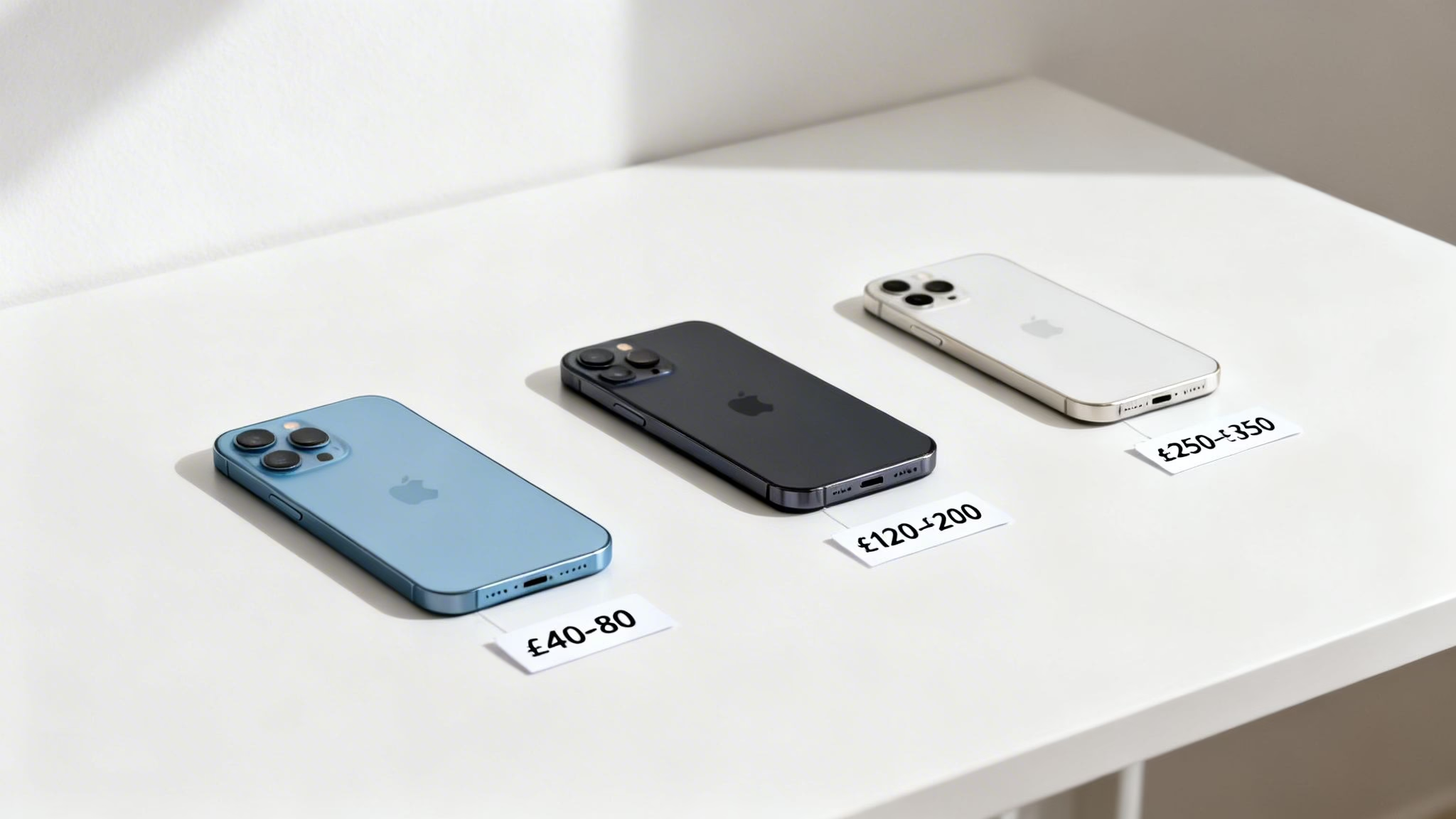
Before you decide to sell, getting a realistic idea of your Samsung Galaxy's value is the first step. The price you can expect hinges on a few key things: its exact model, age, storage size, and, most importantly, its physical and functional condition.
It’s a common thing for us to see people expect a top price for a device that has obvious screen scratches or a battery that can’t hold a full day's charge anymore. These issues will always bring the final offer down, so being honest from the get-go saves everyone a lot of time.
Factors That Determine Your Phone's Value
When a company values your mobile, they’re looking at several things. Here’s what really matters:
- Model and Age: It’s no surprise that newer models like the S24 or a recent Z Fold will be worth more than an older S20. Tech moves fast, and value naturally depreciates over time.
- Storage Capacity: A 512GB model will always fetch a higher price than its 128GB counterpart. More storage is a big plus for the next user.
- Condition (Grading): This is critical. Is the screen flawless? Are there scratches on the body? Does the battery still hold a decent charge? We'll break down how condition affects value in the table below.
- Network Lock: An unlocked phone that works on any network is more valuable than one locked to a specific provider like EE or Vodafone.
We often see phones described as 'Like New' that arrive with small but deep scratches on the screen, which are only visible when held up to the light. This immediately moves the device into a lower grade, which can be a surprise for the seller. Always check your screen under a bright light from multiple angles.
Fortunately for you, Samsung devices hold their value well in the UK. One of the main reasons is their sheer popularity and brand recognition. Samsung commands a solid 32.76% of the mobile vendor market share in the UK, making it the second most popular brand. This strong demand means there's always a healthy market for good quality, used Samsung phones. You can see the latest market share details on StatCounter to get a feel for brand popularity.
Estimated Resale Values for Popular Samsung Models
To give you a clearer picture, the table below shows some typical valuation ranges for popular Samsung models based on their condition. Think of these as a helpful guide, but they should set a realistic expectation before you start the selling process.
Samsung Galaxy Estimated Resale Value by Condition
This table shows estimated trade-in values for popular Samsung Galaxy models based on their cosmetic and functional condition, helping you set realistic price expectations.
| Model | Like New Condition (Estimated Value) | Good Condition (Estimated Value) | Fair Condition (Estimated Value) |
|---|---|---|---|
| Galaxy S23 Ultra | £550 – £650 | £400 – £500 | £250 – £350 |
| Galaxy S22 | £280 – £340 | £200 – £250 | £120 – £180 |
| Galaxy Z Flip5 | £450 – £550 | £350 – £420 | £200 – £300 |
| Galaxy A54 | £140 – £180 | £90 – £130 | £50 – £80 |
If you want to get a more precise figure, using an online valuation tool is a great next step. For a quick and accurate quote based on your specific phone, check out our guide on how much your phone is worth.
Just remember, these prices are a guide. The final offer you receive from any buyer or trade-in service will ultimately depend on their detailed inspection of your device.
Preparing Your Samsung Galaxy for a New Owner
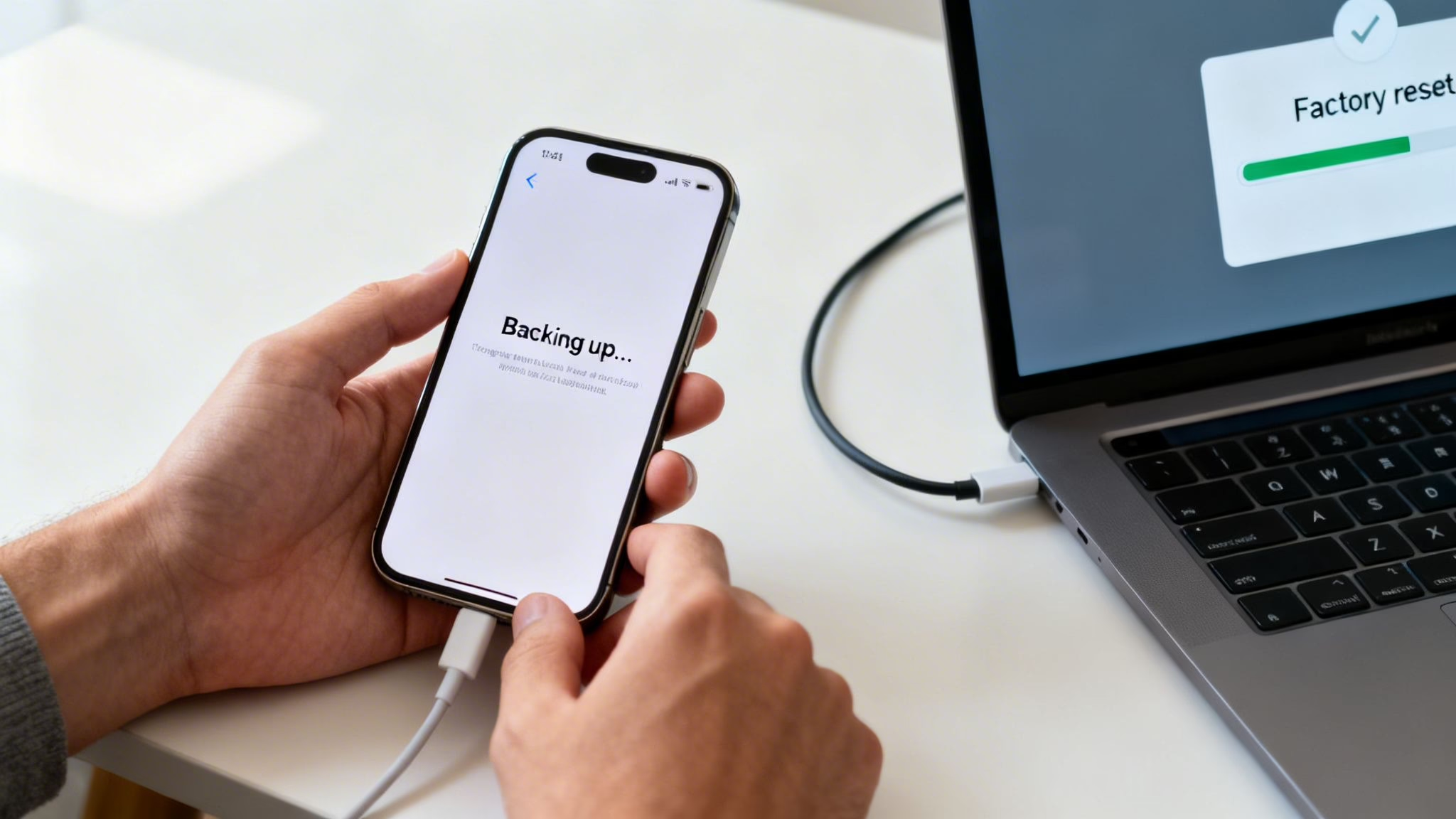
Before you even think about packaging up your phone or meeting a buyer, there are a few non-negotiable steps you need to take. This is more than just deleting a few photos; it’s about safeguarding your personal data and ensuring the phone is actually usable for its next owner.
We’ll walk you through the three crucial stages: backing up your data, signing out of your accounts, and finally, performing a full factory reset. Skipping any of these can lead to major headaches, from losing years of precious memories to accidentally locking the phone and making it completely unsellable.
First Things First: Back Up Your Data
Before you wipe a single thing, you need to save everything you want to keep. That heart-sinking feeling of realising you’ve lost all your photos, contacts, and messages is something we've seen too many times. It's so much better to prevent it in the first place.
Warning: A factory reset will permanently erase all data on your phone. Make a complete backup before you proceed.
Thankfully, Samsung gives you a few solid options to back everything up:
- Samsung Cloud: This is built right into your phone. Just head to Settings > Accounts and backup > Samsung Cloud. From there, you can save everything from contacts and calendar events to your apps and even your home screen layout.
- Google Account: Your Google account is already doing a lot of the heavy lifting, automatically syncing your data. You can double-check what’s being saved by going to Settings > Accounts and backup > Manage accounts, tapping your Google account, and then selecting Sync account.
- Smart Switch App: For a complete, local backup right onto your computer, Samsung's Smart Switch is your best friend. Download the app to your PC or Mac, connect your phone with a USB cable, and just follow the instructions on-screen to create a full copy of your device.
The Most Common Mistake: Removing Your Accounts
This is the single most critical step, and honestly, it’s where most people go wrong when they decide to "sell my Samsung Galaxy". You absolutely must remove your Google and Samsung accounts before you do the factory reset. If you don’t, you’ll trigger something called Factory Reset Protection (FRP).
We see FRP-locked phones every single week. A customer sends us a device that seems fine, but when we turn it on, it demands the previous owner's Google password. At that point, the phone is a paperweight to us, and we have to send it back.
FRP is a security feature designed to stop a thief from wiping your stolen phone and using it. It’s a great idea, but it will also stop a legitimate new owner from being able to set up the device.
Here’s how to remove your accounts correctly:
- Remove the Google Account: Navigate to Settings > Accounts and backup > Manage accounts. Tap on your Google account, then tap Remove account.
- Remove the Samsung Account: In that same menu (Settings > Accounts and backup > Manage accounts), find your Samsung account, tap on it, and select Remove account.
Once those accounts are gone, the FRP lock won't be an issue after you reset the phone.
Wiping Your Phone with a Factory Reset
With your data safely backed up and your accounts removed, it’s finally time to wipe the phone clean. This process returns it to its original factory state, leaving none of your personal information behind. For a complete walkthrough of the reset process, you can also check out our guide on how to properly wipe your phone's data.
The path to perform a factory reset is simple:
Settings > General management > Reset > Factory data reset
Take a moment to read the information on the screen, then scroll down and tap Reset. The phone will ask for your PIN or password one last time before it starts erasing everything. The process only takes a few minutes. Once it’s done, the phone will restart to the original "Welcome!" setup screen, completely clean and safe for its new home.
Where Is the Best Place to Sell My Samsung Galaxy?
So, you’ve backed up your data and wiped your Samsung clean, ready for its next chapter. The big question now is where to actually sell it. In the UK, you’ve got a few solid routes, but the best one for you really boils down to a simple trade-off: are you chasing the highest possible price, or do you prefer a quick, hassle-free sale?
Let's break down the three main options you'll come across: selling it yourself, trading it in with your network, and using a dedicated tech recycler like us.
Private Sales via Marketplaces
Putting your Samsung Galaxy up for sale on places like eBay, Facebook Marketplace, or Gumtree often feels like the most profitable route. By cutting out the middleman, you get to set the price, and you could pocket more cash than you would from a trade-in service. But, and it’s a big but, this path demands the most effort and comes with its own set of headaches.
You’ll be responsible for everything:
- Taking clear, well-lit photos that show the phone from every angle.
- Writing an honest, detailed description, making sure to mention any scuffs or scratches.
- Fielding endless questions from potential buyers (be prepared for some serious time-wasters).
- Figuring out a safe way to handle payment and get the phone to its new owner.
From what we hear from our customers, the biggest turn-off is the risk of dealing with scammers or buyers who make life difficult. A private sale might net you a few extra quid, but it can quickly turn into a real pain if things go sideways.
Network Provider Trade-Ins
Most of the big UK mobile networks—think EE, Vodafone, and O2—have trade-in schemes, which are especially tempting if you’re upgrading your contract. This is easily the most convenient option. You can walk into a store, hand over your old phone, and walk out with a discount on your new one. Simple.
The catch? Convenience almost always comes at a price. The value you get is usually handed out as credit towards your new device or plan, not cold, hard cash. Their valuation might also be a bit lower than what you could get elsewhere, as it’s all part of a bigger deal designed to keep you locked in as a customer. It's a decent, no-fuss option if you're upgrading anyway, but not so great if you just want cash in your pocket.
Choosing to sell your phone is also a great decision for the environment. Globally, Samsung is a huge player, shipping 60.1 million units in Q1 2024 alone, with popular mid-range models like the A-series always in high demand in the UK's used market. Selling your old device prevents it from becoming e-waste and gives someone else an affordable, high-quality mobile. You can read more about Samsung's market performance on SamMobile.
Dedicated Tech Recyclers and Trade-In Companies
This is where you find a sweet spot between getting a fair price and having a smooth experience. Companies like Used Mobiles 4 U Sell Your Tech specialise in buying used electronics, so the whole process is slick and straightforward. You get an instant quote online, we send you a free postage pack, and once we’ve checked the phone over, the money goes straight into your bank account.
It’s far quicker and a whole lot safer than selling privately because you’re dealing with a registered company that has clear terms and professional data-wiping policies. While the offer might be a touch less than the absolute top-end price you could haggle for on eBay, you dodge all the hassle, risk, and time-wasters. For anyone who wants a guaranteed price and fast, secure payment without any fuss, this is often the best way to go.
How to Package and Post Your Phone Safely
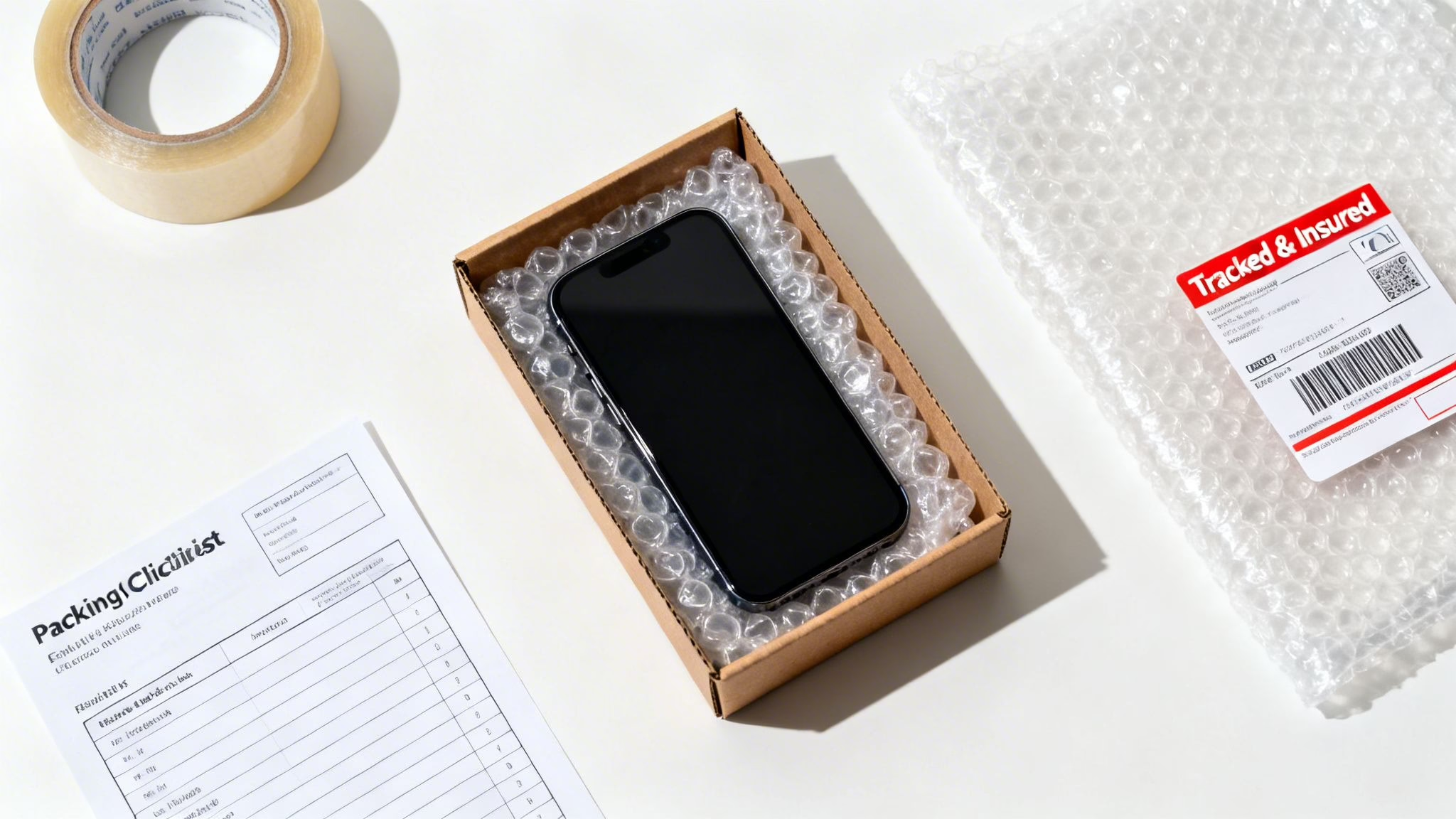
You’ve valued your Samsung Galaxy, wiped it clean, and found a buyer. You're almost at the finish line. The final step is getting it there in one piece, and this is where a lot of people trip up. We’ve seen countless disputes and reduced offers simply because a phone was damaged in transit. Taking a few extra minutes here protects your money and ensures everyone ends up happy.
The golden rule is simple: nothing should move. Your aim is to immobilise the phone inside the box. A sturdy, small cardboard box is your best friend here. If you still have the original Samsung box, that's a great start, but don't just slap a label on it. Always place the retail box inside a slightly larger, plain box for posting.
Getting the Packaging Right
Start by wrapping your Samsung generously in a few layers of bubble wrap until it feels like a well-protected cocoon. Pop it snugly into the centre of your postage box. Now, fill every bit of empty space around it with more bubble wrap, crumpled paper, or packing peanuts. When you give the box a gentle shake, you shouldn't hear or feel a thing.
While a comprehensive guide to UK padded envelopes sizes can be useful for smaller items, for something as valuable as a smartphone, a sturdy box is always our first recommendation.
Once it's packed tight, seal the box securely with strong packing tape. Make sure you tape over all the seams and edges to prevent it from accidentally opening on its journey.
A customer once sold a nearly new Galaxy Z Fold and just put it in a thin padded envelope. By the time it reached the buyer, the outer screen was cracked from being knocked around in a mail van. The buyer, quite rightly, refused to pay the agreed price. Using a proper box with padding would have prevented this entirely.
Selecting a Postage Service
With your phone securely packed, it’s time to choose a delivery service. Given the value of modern smartphones, you should never send your device via standard post. It offers zero protection if the parcel gets lost or damaged, and it's just not worth the risk.
We always tell our customers to use a fully tracked and insured service. The best options in the UK are:
- Royal Mail Special Delivery Guaranteed by 1pm: This is the gold standard for a reason. It gives you detailed tracking, a signature on delivery, and crucial insurance cover for valuable items.
- Courier Services (like DPD or ParcelForce): These are also excellent choices, offering robust tracking and the option for even higher insurance cover if needed.
Paying a few extra quid for proper insurance provides complete peace of mind. If the worst happens, you can claim back the full value of your phone. Many recycling companies, including Used Mobiles 4 U, simplify this by offering a free postage option that is already tracked and insured. You can learn more about how to sell your mobile with free postage through our service.
One last tip: before you seal the box, take a few quick photos of the phone showing its condition, and then another photo of it inside the packaging. This creates a clear record that can instantly shut down any claims that the phone arrived in a worse state than you described. It's a simple step that resolves most disputes before they even begin.
Common Questions About Selling Your Samsung
When you decide to part ways with your old Samsung Galaxy, it’s completely normal to have a few questions. We get asked the same things all the time by customers just like you, so we’ve pulled together some clear, straightforward answers to help you feel confident about the process.
Can I Sell a Samsung Galaxy That Is Locked to a Network?
Yes, you can, but it almost always affects the price you’ll be offered. An unlocked phone is simply more appealing because the new owner can pop in a SIM card from any network and start using it straight away. Because of this freedom, an unlocked device will usually fetch a higher price.
Most buyers, and that includes trade-in services like ours, will offer you less for a network-locked phone. Before you get a quote, it’s well worth contacting your network provider. Many will unlock your phone for free once you've finished your contract, and this one small step can often boost its value more than you'd expect.
What If My Samsung Has a Cracked Screen or Other Damage?
You can definitely still sell a damaged Samsung, but you have to be completely honest about it. A cracked screen, a camera that won't focus, or a battery that dies in a couple of hours will naturally lower its value. No surprise there.
When you're getting a quote online, make sure you choose the condition that accurately reflects your phone's real state. We sometimes see people list a phone with a cracked back as 'Good' condition, but this only leads to a revised, lower offer once we’ve inspected it. It saves everyone time if you're realistic from the get-go.
For older models with serious damage, it often makes more sense to sell it for spares or repairs. The cost of replacing a screen on an old Galaxy S10, for example, would likely be more than the phone is actually worth afterwards.
How Do I Avoid Scams When Selling Privately?
Selling your phone on a marketplace can be a great way to get a top price, but it does open you up to potential scams. To protect yourself, always meet buyers in a safe, public place—like a busy coffee shop—and never, ever post your phone before you have received cleared payment.
Be very wary of anyone offering you more than your asking price, especially if they want you to ship it abroad or use an odd payment method. These are classic red flags. For a completely secure and stress-free process, using a trusted trade-in service is the safest bet, as the entire transaction is managed by a professional company that takes on all the risk.
What Happens to My Data After I Trade In My Phone?
This is a big concern for many people, and rightly so. Reputable companies have very strict data protection policies. While we always recommend you perform a full factory reset yourself before sending it in, you can rest assured that every single phone we receive is professionally wiped.
We use government-certified software to make sure all personal data is permanently and securely destroyed. This isn't just an optional extra; it’s a standard, non-negotiable part of our process to give you complete peace of mind.
If you're ready to see what your old tech is worth, Used Mobiles 4 U makes it simple and secure. Get an instant, no-obligation quote and a free, insured postage pack by visiting our Sell Your Tech page.
Written by James Waterston — 24 years in the mobile phone industry from customer service through to Sales Director of a global repair and recycling company. Now running Used Mobiles 4 U for over 8 years.
LinkedIn:
https://uk.linkedin.com/in/james-waterston-9039a21a







