





SIM Free Mobile Phones Unlocked: A UK Buyer’s Guide

21/04/2026

17 Mins

If you're shopping for a phone in the UK right now, you've probably seen SIM free, carrier-independent, refurbished, and network compatible used almost as if they all mean the same thing. They don't.
The short version is this. A SIM-free phone is sold without a contract SIM in the box. A network-independent phone isn't restricted to one network. In practice, a new SIM-free handset in the UK should be network-independent, but a used or refurbished phone described as “network-independent” can still need a bit more checking before you buy.
That matters because a phone can be operable with any network and still be the wrong buy. I see this most often with refurbished mobiles that technically accept any SIM, but don't fully support the network bands you need, or don't support eSIM when the buyer expected they would. Those are the details that turn a bargain into a headache.
If you want to avoid that, the checks are straightforward. Confirm the lock status in settings, do a proper SIM swap test if you can, check network band support for your carrier, and make sure the seller is clear about grade, battery condition, warranty, and returns. That's what this guide covers in plain English.
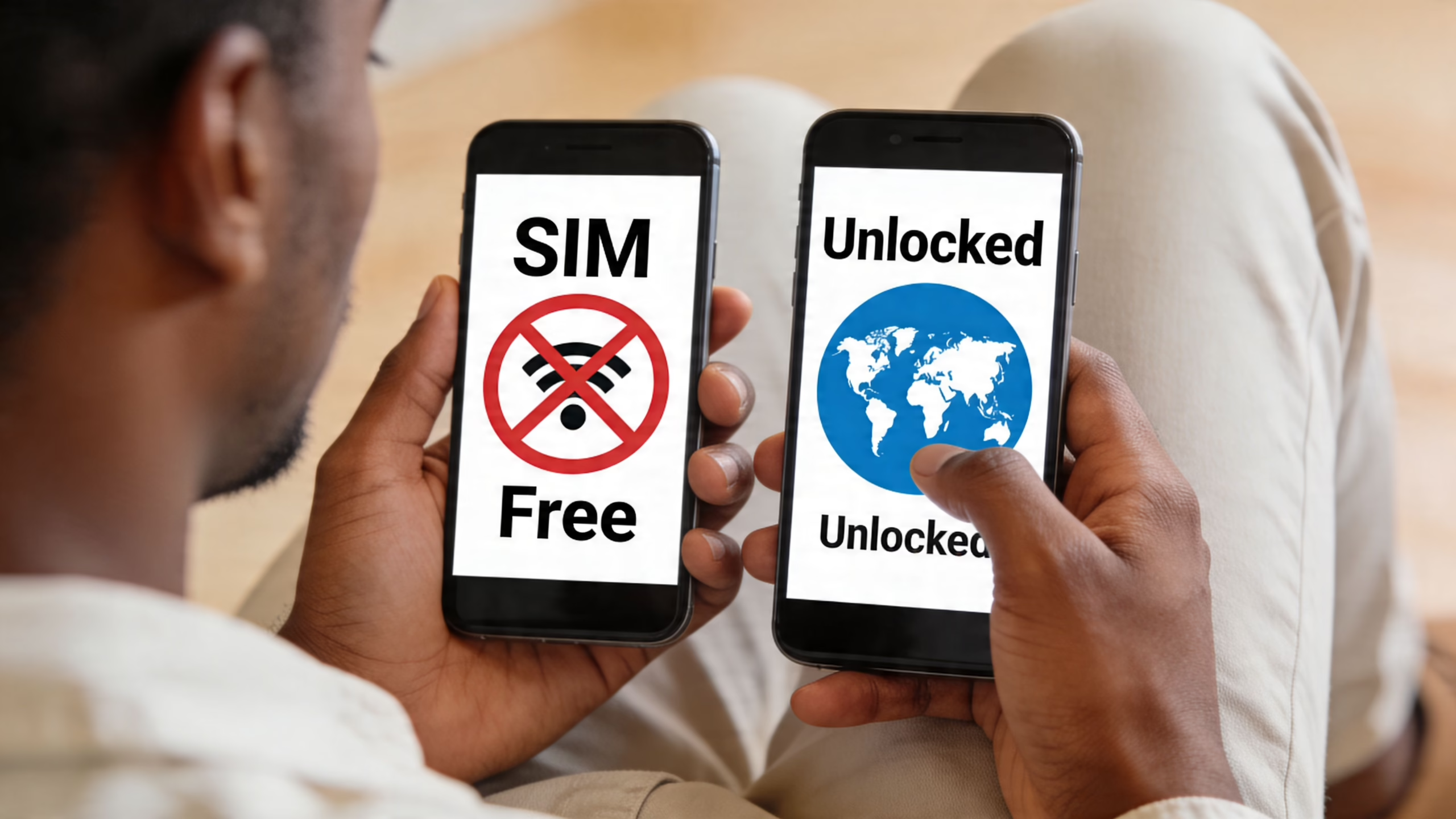
SIM Free vs Unlocked What You Need to Know First
When customers ask about sim free mobile phones not tied to a network, they're usually trying to answer one simple question. “Can I put my own SIM in this and just get on with it?”
Most of the time, yes. But it's worth separating the terms properly.
SIM free means the phone is sold without a network contract attached.
Open to all networks means the phone isn't restricted to one network.
Where people get caught out
A brand new SIM-free handset from a proper UK retailer is usually straightforward. You buy the phone, add your EE, O2, Vodafone, Three, giffgaff or Smarty SIM, and off you go.
Used and refurbished phones can be a bit messier. A seller might say 'open to all networks' because the phone no longer has a network lock, but that doesn't tell you whether it was originally a contract handset, whether the firmware has been altered, or whether all features work as expected on your chosen network.
Practical rule: “Unlocked” answers one question only. It doesn't confirm full network support, eSIM support, or overall condition.
Security is another area people forget. If you're moving your number to a new handset, it's worth understanding how to detect and stop phone number hijacking, including sim swap attacks before you start moving banking apps and verification texts across.
The simple buying rule
If the phone is new, SIM free and sold for the UK market, the risk is usually low.
If the phone is used, graded, or imported, treat “network-free” as the start of your checks, not the end. A more detailed explanation of the wording is in this guide on what SIM free means.
Understanding Why SIM Free Mobile Phones Unlocked Are the Standard
At the counter, I still see the same assumption: if a phone accepts any SIM, the job is done. In the UK, that is only part of the story, especially with refurbished stock.
Years ago, networks often supplied phones tied to their own service. That made sense for long contracts, but it also left buyers with extra admin, delayed switching, and the occasional argument when a handset changed hands. Since December 2021, Ofcom has banned mobile providers from selling handsets that are restricted to one network in the UK, as set out in Ofcom’s rules on banning locked handsets.
That rule changed the baseline for new phones. It did not magically tidy up the used market.
Refurbished phones still come from mixed sources. Some started life as clean UK retail stock. Some were contract devices. Some were imported from Europe or further afield. Some have had parts replaced, software reflashed, or network settings altered. A listing can say SIM free and still leave you with patchy 4G calling, missing eSIM support, or firmware that behaves differently from the UK version.
Why buyers now start with network-free phones
A handset free from network ties gives you more control over the part that changes most often: the SIM plan. Coverage shifts by postcode, prices change, and family or business needs can change halfway through the life of the phone. Keeping the handset separate from the tariff usually makes those changes simpler.
Software support matters too. Phones that receive updates direct from the manufacturer are often easier to manage than models loaded with network-specific software. In day-to-day use, that usually means fewer odd menus, fewer carrier apps you never asked for, and fewer delays waiting for approved updates.
A phone that receives updates sooner is usually easier to live with. Security patches arrive earlier, and small bugs tend to get fixed with less fuss.
Why refurbished buyers need to be more careful
At this point, the standard headline, "works on any network", stops being useful.
On a refurbished phone, value is in the checks behind the label. I would rather see a Grade B handset with honest battery health, proper UK model support, and confirmed eSIM status than a shinier Grade A listing with vague details. Cosmetic grade tells you how it looks in your hand. It tells you very little about network features.
Three points catch buyers out regularly:
- UK network feature support: A phone may take a SIM and still miss VoLTE, WiFi Calling, or full band support on your chosen network.
- eSIM support: Some imported or older variants lack eSIM completely, even when the UK version of the same model includes it.
- Refurb grading gaps: Sellers do not all grade the same way. "Excellent" on one site can mean a battery in the low 80s and a replaced screen from a third-party supplier.
That is why experienced buyers check the model number, not just the model name. An iPhone 13 is not always the same iPhone 13 in practice if it came from a different region or has had repair work done. The same goes for Samsung, Pixel, and other Android handsets.
Cost matters, but only if the phone fits your network
Buying the handset separately and pairing it with a SIM-only plan often works out better than spreading the cost through a contract. The catch is simple. Savings disappear quickly if you buy the wrong variant and then find out your signal is weaker indoors, your business line will not activate eSIM, or key calling features do not provision properly.
That is why a network-free handset has become the sensible default for many UK buyers. It gives you flexibility, but only when the phone itself is the right version for the UK market and has been tested properly.
If you are comparing refurbished stock, start with the checks that matter in practical use: exact model number, battery condition, eSIM support, and whether the seller explains how to check if a phone is actually free from network restrictions instead of just repeating the label.
How to Check if a Used Phone is Truly Unlocked
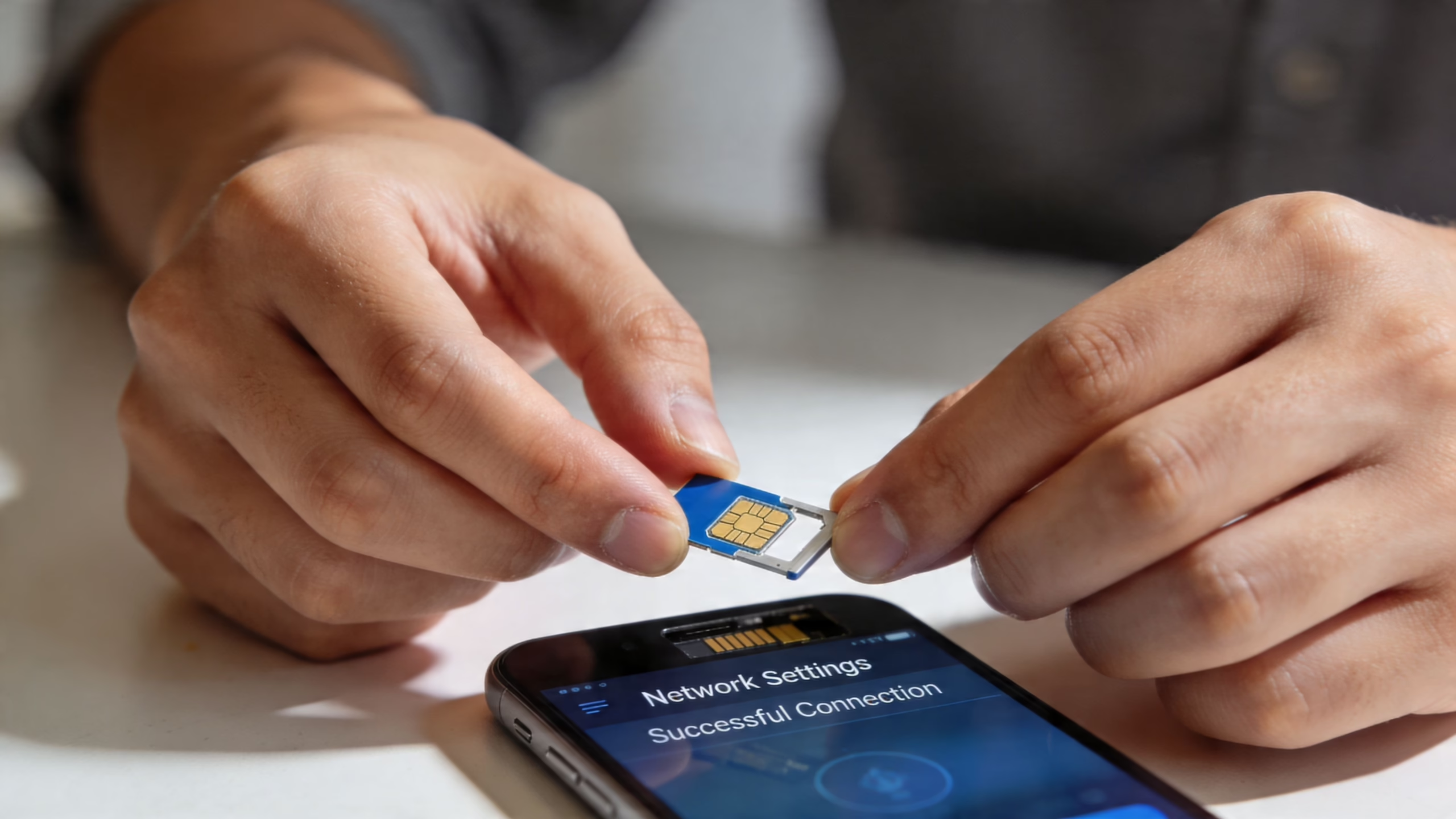
A private seller hands you a refurbished phone in a car park, the screen looks clean, it powers on fine, and they say it will work on any UK network. That is the point to slow down and test it properly. A handset can look perfect and still have network restrictions, a blacklist issue, or setup problems left behind after a rushed reset.
Check the settings first
Start with the phone menus, but do not stop there.
On an iPhone, go to:
Settings > General > About
Scroll to Network Provider Lock. If it says No SIM restrictions, that is the wording you want.
On Android, the menu path depends on the brand and Android version. Common places to check are:
- Settings > Connections > Mobile Networks
- Settings > Network & Internet > SIMs
- Settings > About phone > Status information
Some Android phones state their network status clearly. Others tell you very little, which is why menu checks are only the first pass.
If you need brand-specific steps, this guide on checking whether your phone is free from network restrictions is a useful starting point.
Run a real SIM test
In the workshop, I treat a SIM swap as the proof test.
Use a SIM from a different network to the one the phone was last used on. If the handset came from EE, test with O2, Vodafone, or Three. Then check the basics in order:
- Insert the other-network SIM
- Restart the phone
- Wait for signal bars and the network name
- Make a test call
- Send a text
- Turn on mobile data and load a webpage
Calls, texts, and data all need to work. Signal bars alone are not enough. I have seen phones show a network name and still fail on outgoing calls because the seller only checked the first screen and assumed the rest was fine.
If a phone is described as network-independent but will not register on another provider, do not assume it only needs a setting changed. Treat it as a fault until you can prove otherwise.
Problems that look like a network restriction, but are not
A failed test does not always mean the handset is tied to one carrier. Refurbished phones often come in with one of these issues instead:
- Wrong APN settings, common on some Android models after a reset
- A worn or damaged SIM, especially older ones that were cut down by hand
- A local network outage, which can waste a lot of time if you do not check first
- Blacklist or finance problems, which are separate from carrier status but can still block normal use
- eSIM confusion, where the phone accepts a physical SIM but the buyer later finds the UK network will not provision eSIM on that model variant
That last one catches buyers out more often now, especially with refurbished imports. A phone may work with a plastic SIM and still be the wrong version for the eSIM setup your provider supports.
A customer recently brought in a refurbished Samsung that had been sold privately as ready for any network. The phone accepted a new SIM and showed signal, but calls kept failing. The issue was not the network restriction status. It still had awkward carrier settings left over from its previous setup, and nobody had tested voice, text, and data after the reset.
Back up before resets or deeper checks
Factory resets are sometimes useful during fault finding, but back the phone up first.
A reset wipes user data. On a used iPhone or Android handset, it can also expose a second problem if the previous owner has not removed their account properly. Then you are dealing with activation or FRP lock on top of the original network issue, which turns a quick test into a much bigger job.
Ensuring Full UK Network Compatibility
A customer buys a refurbished phone, drops their UK SIM in, sees signal bars, and assumes the job is done. Then they get patchy data on Three, weak indoor coverage on EE, or no eSIM option on the network they planned to use. That is usually a compatibility problem, not a fault with the handset.
The main issue is the exact model variant. Two phones with the same retail name can support different 4G and 5G bands depending on whether they were made for the UK, Europe, the US, or Asia. In the workshop, this is one of the most common reasons a phone feels fine on one network and disappointing on another.
Why refurbished buyers get caught out
Refurbished stock often comes from mixed supply channels. A seller may list "iPhone 12" or "Galaxy S21" without making the regional version clear, and that missing detail matters more than buyers expect.
Band support works like road access. If your phone misses some of the frequencies your network uses heavily in your area, it can still connect, but coverage and speed may be inconsistent. You notice it most on trains, in rural spots, inside thick-walled buildings, and at the edge of towns where the handset needs every available band to hold a solid connection.
5G adds another layer. Some older or imported models support 5G in a limited way, not in the bands UK networks rely on most. A phone can show 5G in one postcode and spend much of its time back on 4G a few miles away.
What poor compatibility looks like in day-to-day use
The symptoms are usually subtle at first.
- Strong performance on Wi-Fi, but disappointing mobile data outside
- Frequent drops from 5G to 4G in places where your previous phone stayed steady
- Good results in city centres, weaker performance in villages or edge-of-town areas
- One UK network works acceptably, another feels unreliable with the same handset
- Physical SIM works, but eSIM setup is not supported on that model variant
That last point is easy to miss. A refurbished import may take a nano-SIM without complaint, yet still cause problems if you want to activate eSIM on EE, O2, Vodafone, or Three later. For buyers switching providers or using business lines, that can turn into an expensive nuisance.
Checks that save trouble before you buy
Start with the model number, not the marketing name. On iPhones, Samsungs, Pixels, and many other handsets, the model code tells you far more than the box name ever will.
Then check four things:
- UK network band support: Make sure the handset covers the 4G and 5G bands used by the network you plan to use most.
- Regional version: UK and European stock is usually the safer bet for UK buyers than random imported variants.
- eSIM support by model variant: Do not assume all versions of the same phone handle eSIM the same way on UK networks.
- Your real coverage pattern: Home, work, school run, travel routes, and rural use matter more than a quick signal test in one town centre.
For a network-specific example, this guide to using a refurbished phone on Vodafone shows the sort of checks that are worth applying before you buy.
What I’d advise at the counter
Heavy data users should be pickier. If you hotspot, commute, travel across the UK, or rely on mobile data for work, buy a newer UK-spec model with clearly stated band support and confirmed eSIM compatibility if you need it.
Lighter users have more flexibility. For calls, messages, banking apps, maps, and general browsing, an older refurbished handset can still be a sensible buy if the model matches the network properly.
Those phones are not without value. The key point is simple. Do not assume a phone free from network ties will give the same experience on every UK provider.
Your Buying Checklist for Refurbished Unlocked Phones
When you're buying refurbished, lock status is only one line on the checklist. The safer approach is to look at the whole package. A phone can be carrier-independent and still be a poor buy if the grading is vague, the battery is tired, or the returns policy is unclear.
Start with condition and testing
A proper refurbished listing should tell you what cosmetic grade you're buying and what the seller has tested.
Here’s a simple way to read common grade labels:
Those names can vary a bit between sellers, so don't rely on the label alone. Read the detail underneath it.
A useful sign is when the seller explains the Refurbishment and Testing Process in plain language rather than hiding behind general phrases.
The checklist I’d use at the counter
- Check the exact model: Make sure you're getting the storage size, colour and regional version you expect.
- Confirm it’s sim-free: Not just in the title. Ideally with settings proof or proper testing.
- Read the cosmetic grade carefully: “Good” can be fine for a child’s first phone. It may not suit you if you hate visible marks.
- Ask about battery condition: On used phones, battery wear is one of the biggest differences between a bargain and a nuisance.
- Look for a warranty: A clear warranty matters because some faults only show up after setup and a few charge cycles.
- Check the returns policy: Especially for online purchases where the photos are stock images.
- Ask if the phone has been data-wiped properly: It should be ready for your setup, not still linked to someone else’s account.
Common pitfalls people miss
The first is buying from a listing that says “tested” without saying what was tested. Charging, cameras, Face ID or fingerprint reader, speakers, microphones, buttons, and network connection should all be checked on a refurbished phone.
The second is treating cosmetic grade as if it tells you everything. It doesn't. A clean-looking phone with a weak battery can be more annoying than a scruffier one that works perfectly.
Workshop note: If a seller is clear about grading, testing, warranty and returns, problems are usually easier to sort out. If they're vague before the sale, they're often vague after it too.
One realistic way to choose
If you're buying for yourself and want the phone to feel close to new, go for the best grade you can sensibly afford.
If it's for a teen, a spare work line, or a backup handset, it often makes more sense to accept more cosmetic wear and put the money into a newer model with better long-term usability.
That balance matters more than chasing a shiny housing.
Practical Tips for Parents, Businesses and Budget Shoppers
A parent buying a first phone for a child, a company ordering ten handsets for staff, and a budget buyer replacing a cracked device are all shopping for different reasons. The right refurbished SIM-free phone depends less on headline specs and more on how it will be used.
Parents
For a child’s first phone, flexibility usually matters more than chasing the newest model. A refurbished SIM-free phone lets you start with a simple SIM-only or pay-as-you-go setup instead of committing to a costly contract for a handset that may hit the pavement in the first month.
I’d usually put these checks first:
- Durability over appearance: Light marks on the casing matter far less than a solid screen, reliable charging port, and good speaker.
- Healthy battery performance: Kids burn through battery with video, maps, school apps and messaging. A tired battery becomes a daily problem very quickly.
- Easy setup for family controls: Make sure parental controls, location sharing, app approvals and account sign-in all work before term starts.
- Correct SIM format or eSIM support: Some newer networks push eSIM harder than people expect, so check the phone matches the plan before you buy.
A scruffy but properly tested handset is often the better choice for school bags, sports kits and bus journeys than a cleaner-looking one with gaps in its history.
Businesses
Business purchases go wrong when buyers focus only on unit price. A more important test is whether every handset will slot into the company’s setup without wasting staff time.
One issue catches firms out repeatedly. eSIM support is still inconsistent across refurbished models, especially on slightly older devices that otherwise look ideal on paper. A business may plan to activate numbers remotely, issue dual work and personal lines, or move staff between networks quickly. If the handset does not support the right SIM setup, the cheap deal stops looking cheap.
Check these points before ordering in quantity:
- eSIM support on the exact model
- Dual-SIM capability if staff carry one phone for work and personal use
- Network band support for the areas your team works in
- Battery consistency across the batch, not just on one sample handset
- Whether setup will happen centrally or by each employee
I’ve seen companies buy a mixed batch of refurbished phones and then lose half a day because some devices needed physical SIMs and others did not. That sort of mismatch is avoidable. If you're comparing handsets for work use more broadly, this roundup of the best smartphone for business can help narrow the type of features worth prioritising before you buy refurbished.
Budget shoppers
Budget buying works best when you ignore badge value and buy for the job. A slightly older phone that is network-independent, tested properly, and suited to your UK network is often a better purchase than a newer-looking handset with an unclear background.
The hidden traps are usually practical ones. Poor battery health. Weak signal performance on your network. No eSIM support when you planned to use one. A grade description that sounds tidy but says nothing about how the phone performs.
Used Mobiles 4 U can be useful here if you want refurbished stock with grading, testing, warranty and UK support explained clearly before purchase, but the same rule applies wherever you buy. Ask direct questions and make sure the answers are specific.
For budget buying, the sweet spot is usually the phone that covers your real daily needs without pushing you into the oldest model on the shelf.
Frequently Asked Questions About Unlocked Phones
A lot of problems show up after the phone arrives, not at the point of sale. These are the questions buyers usually ask when they want a refurbished handset that will work properly in the UK, and not turn into a return a week later.
Can a network-restricted phone be made SIM-free later
Often, yes. The original network may remove the restriction if the handset meets its rules. In practice, that usually comes down to whether the contract has been settled and whether the device was supplied by that network in the first place.
Check before you buy, not after. If a seller says a phone "should work on other networks", that is not the same as confirmed SIM-free status.
Will a UK SIM-free phone work abroad
Often it will, but two checks matter. First, the handset needs to support the bands used by the local network. Second, it must not be blocked due to an unpaid contract, insurance claim, or loss report.
eSIM catches people out here. A phone can be SIM-free and still be a poor travel choice if it only supports physical SIM, or if its eSIM setup is limited by region or model variant.
Is buying privately always a bad idea
Private sales can be fine if you know what to test. The risk is that you are relying on the seller's word for battery condition, account removal, parts history, and whether the phone has been properly checked on UK networks.
At minimum, confirm calls, mobile data, Wi-Fi, cameras, Face ID or fingerprint login, charging, and IMEI status before handing over payment. Cosmetic grade matters less than those basics.
Should I reset a used phone as soon as I get it
Check the account status first. If the previous owner's Apple ID or Google account is still attached, a reset can leave you with a phone you cannot set up properly.
Once that is clear, reset it, install updates, and test your own SIM or eSIM straight away while any return window is still open.
If you're still unsure which refurbished sim-free phone will suit your network, or whether a model is the right fit for eSIM, battery life, or day-to-day use, the team at Used Mobiles 4 U can help you compare the options sensibly.
Written by James Waterston, 24 years in the mobile phone industry from customer service through to Sales Director of a global repair and recycling company. Now running Used Mobiles 4 U for over 8 years.
LinkedIn:
https://uk.linkedin.com/in/james-waterston-9039a21a
Looking for a refurbished phone?
Shop professionally tested refurbished iPhones and Samsung phones with 18 month warranty, 30 day returns and free UK delivery.
Browse Refurbished Phones






