





How to Trade in Your Old Phone for Cash: A Practical Guide

23/03/2026

15 Mins
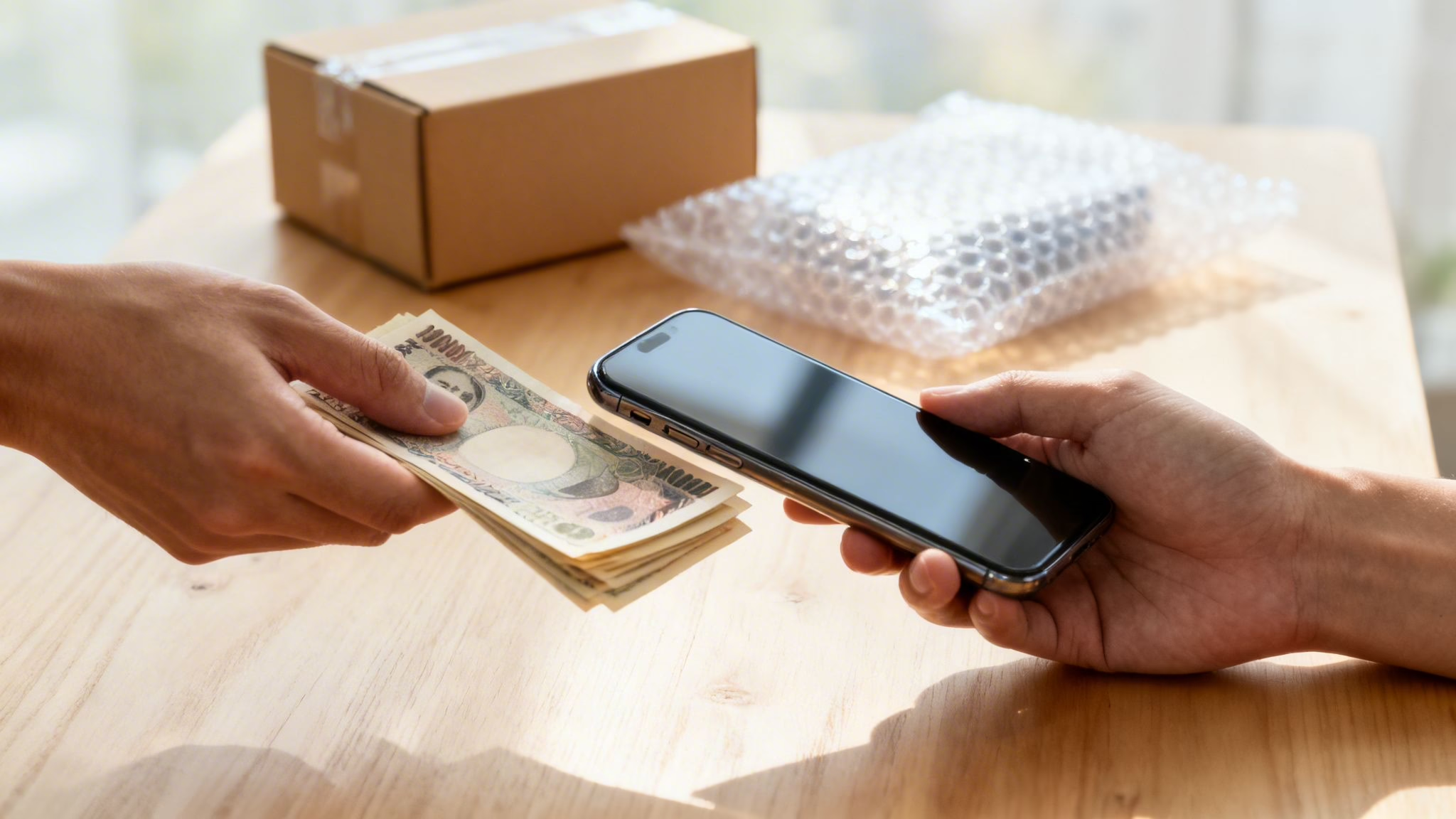
This guide explains how to trade in an old mobile for cash. You’ll learn how to get a valuation, what affects the price you’re offered, and how to prepare your phone securely before sending it off. The whole process is much simpler than you might think.
The key steps are getting a quick online quote to see what your mobile is worth, backing up your personal data, and then wiping the device completely before you post it. We’ll walk you through each part of the process.
Your Quick Guide to Getting Cash for Your Old Phone
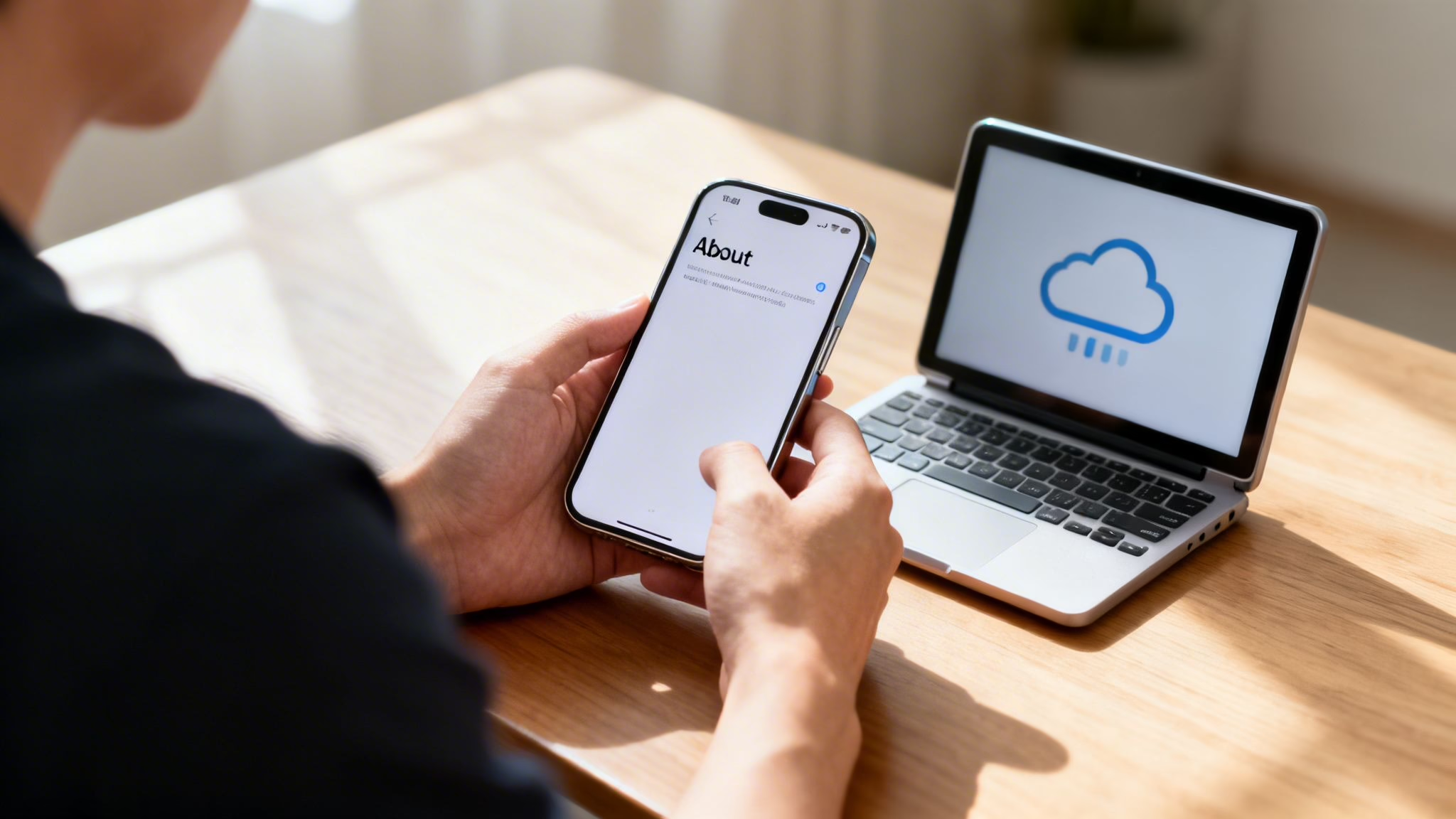
Turning that old mobile sitting in a drawer into cash is a good move – it’s good for your bank balance and better for the environment. Many of us have old devices gathering dust, with no real idea of what they’re worth or how to sell them on safely. The good news is that even older or slightly worn-out mobiles often still have some value.
The first step is always to get a valuation. This gives you a clear figure of what to expect and helps you decide if it’s worth your time. Most trade-in services, including ours, give you an instant online quote based on your mobile’s model and condition.
A Common Customer Scenario
Just the other week, we helped a customer who had an old Samsung Galaxy S10 that had been tucked away for over a year. They assumed it was worthless because the battery life wasn’t what it used to be, but after a few clicks on our online form, they were genuinely surprised by the offer.
They followed the simple steps to back up their photos and reset the mobile. A few days after posting it to us, the money was in their bank account. It’s a fairly typical story.
The process is designed to be as straightforward as possible:
- Get a Quote: Find out your mobile’s value in a couple of minutes.
- Prep Your Mobile: Back everything up, then do a full factory reset.
- Post It: Use the prepaid label to mail your mobile securely.
- Get Paid: Once we’ve checked the device, your payment is sent out.
The single biggest hold-up we see? People forgetting to remove their iCloud or Google accounts. You absolutely have to sign out of everything before you reset the phone, otherwise it causes delays and we can’t process the payment.
By following these simple steps, you can easily turn that unused gadget into cash. It’s a secure, efficient way to declutter, and you can rest easy knowing your old mobile will either be given a new lease of life or recycled correctly.
Ready to find out what your old mobile is worth? You can get an instant quote on our sell your phone page.
Maximising Your Phone’s Trade-In Value
Getting the most cash when you trade in an old phone isn’t just about luck—it comes down to a few small but important details. It’s all about being realistic about its condition, presenting it well, and even picking the right time to sell.
Being honest with yourself from the start is the best way to avoid any disappointment. We see it all the time: someone thinks their phone is pristine, but our technicians spot faint scratches on the screen that only show up under a bright light. These things affect the final offer.
How We Grade Phones
When a mobile arrives with us, our technicians give it a thorough check to confirm its condition. We keep things simple by sorting devices into a few clear grades, which helps us give you a fair and consistent price.
- Like New: The phone is almost untouched. There are no scratches, scuffs, or dents on the screen or body. Every button and feature works perfectly, and the battery health is excellent.
- Good: This is the category most used mobiles fall into. It might have light signs of use, like minor surface scratches or small marks, but nothing major. The phone is fully functional.
- Faulty: This covers a range of problems. Maybe the screen is cracked, a button is broken, the camera is faulty, or it just won’t switch on. Even faulty phones can have some trade-in value, so it’s always worth checking.
A classic mistake is forgetting to check the battery health before getting a quote. On an iPhone, it’s easy: just go to Settings > Battery > Battery Health & Charging. If the Maximum Capacity is below 80%, it will almost certainly need a new battery, and that will be factored into our offer.
Practical Steps to Boost Your Offer
You can take a few simple steps that could genuinely increase the cash you get for your old mobile.
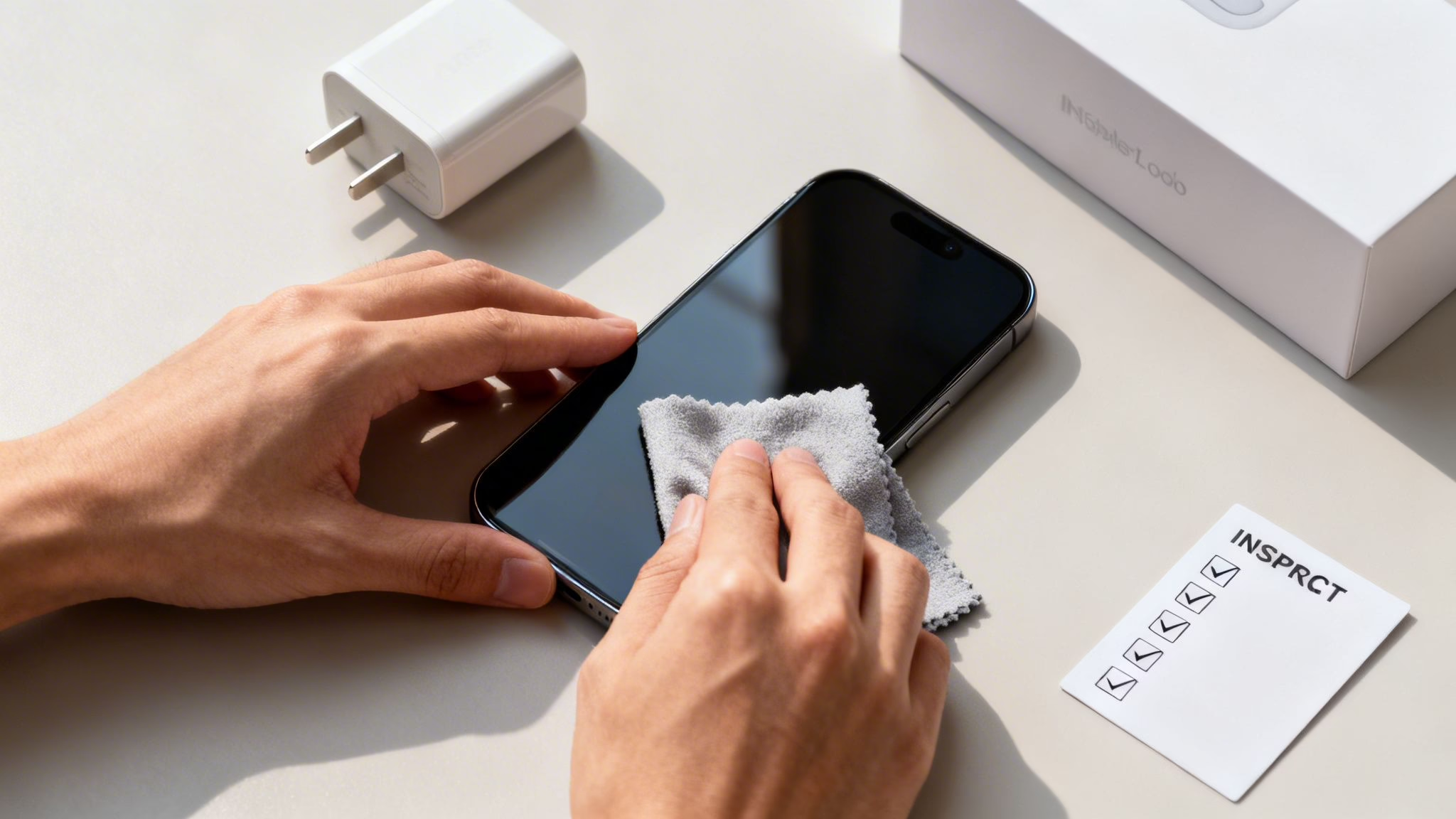
First, give it a good clean. A quick wipe with a microfibre cloth to get rid of fingerprints and dust from the screen, back, and camera lenses makes a surprisingly big difference. It just makes the mobile look much better cared for.
If you still have the original box, charging cable, and any other accessories, make sure you include them. A complete package is always more valuable. You can get a better idea of how we value devices in our guide on how much your phone is worth in the UK.
Timing Your Trade-In
Finally, timing can make a difference. The value of used mobiles, especially popular ones like iPhones, almost always drops right after a new model is announced. For Apple, this is typically in September.
If you can, try to trade your old phone in a few weeks before the new flagships are launched. You’ll be selling when demand for used devices is still strong and before the market is flooded with everyone else upgrading. It’s simple supply and demand, and getting the timing right can pay off.
How to Securely Prepare Your Phone for Trade-In
Before you put your old mobile in the post to trade in for cash, there’s one crucial job you can’t skip: protecting your personal data. This means doing more than just deleting a few pictures. You need to completely wipe the device, leaving no trace of your information for the next owner.
Thankfully, both Apple and Android make this fairly straightforward. But a word of warning: a factory reset is final. Once it’s done, your photos, messages, and contacts are gone for good. Always do a full backup first.
The Big Step: Backing Up Your Data
Forgetting to back up is a common and often heartbreaking mistake. Before you even think about wiping your phone, you need a safe copy of everything on it.
- For iPhone users: iCloud is your best option. Connect to Wi-Fi, go to Settings > [your name] > iCloud > iCloud Backup, and tap Back Up Now.
- For Android users: Google has you covered. You’ll usually find this in Settings > Google > Backup. Check that ‘Back up to Google One’ is toggled on and tap Back up now.
Once you’re confident the backup is complete, you can move on to the reset without any worries.
Wiping Your Phone: A Clean Slate
The factory reset is what returns your phone to its original, out-of-the-box state. It’s the only way to be completely sure that your data has been securely erased.
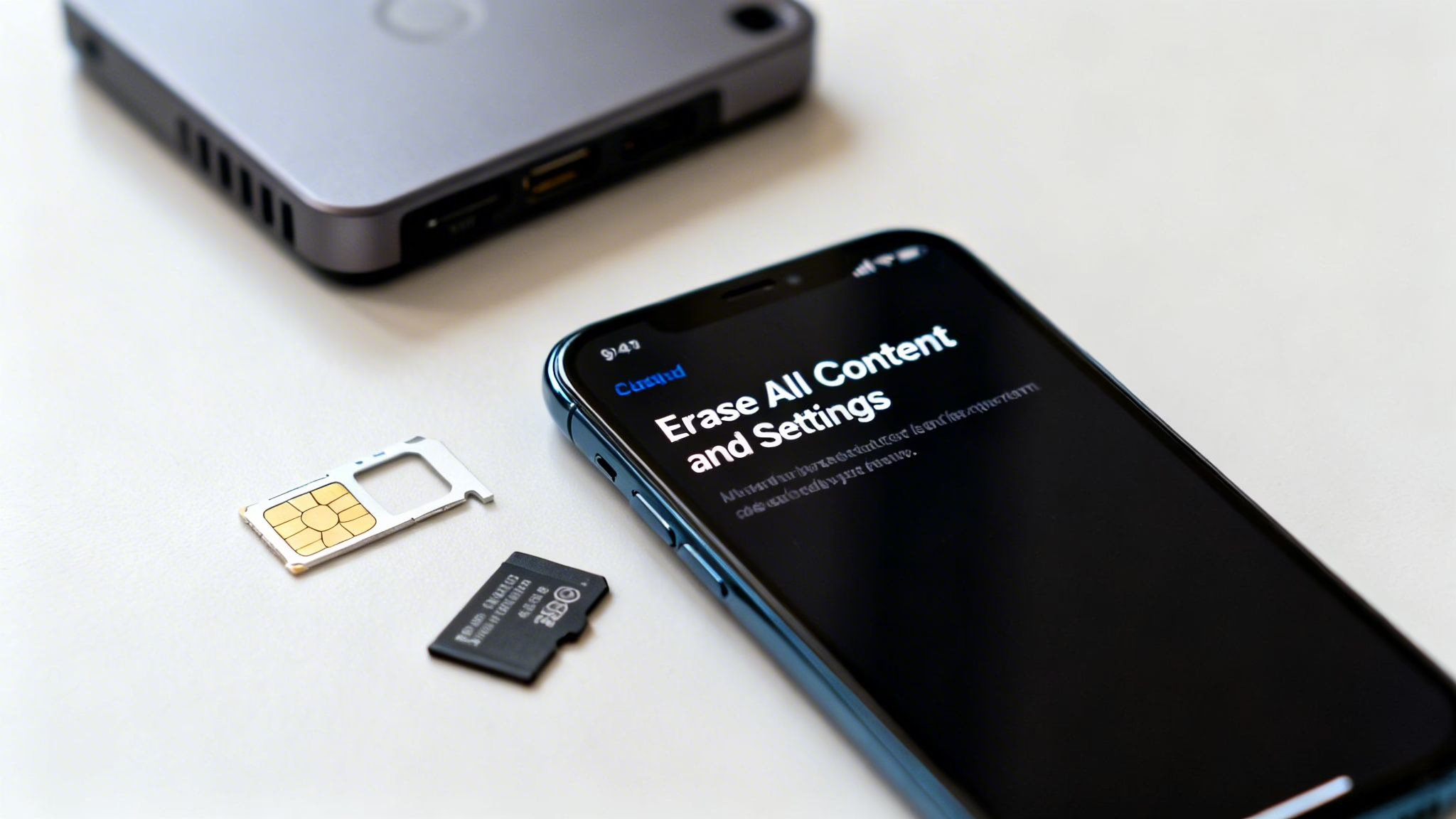
On an iPhone, it’s simple. Go to Settings > General > Transfer or Reset iPhone. From there, select Erase All Content and Settings and follow the prompts.
For Android phones, the exact path can differ slightly between manufacturers like Samsung or Google. Usually, you’ll find it under Settings > System > Reset options. Look for the one labelled Erase all data (factory reset). The search bar in Settings is your quickest route if you get stuck.
A Critical Step Often Missed
The most frequent problem we see with trade-ins is a phone arriving still locked to the owner’s account. This stops us from processing it and always delays payment while we have to contact the customer to sort it out.
This is why, before you reset, you must sign out of your Apple ID or Google Account. This deactivates security features like Find My iPhone (Activation Lock) and Google’s Factory Reset Protection—anti-theft tools that render the phone useless to anyone else. For a more detailed walkthrough, you can learn more about how to wipe your data securely.
Final Physical Checks
With the software all sorted, there are just a couple of physical items to remove before you pack it up. It’s amazing how often these small things get forgotten.
First, take out your SIM card. Your mobile number and plan are tied to this, and you’ll need it for your new phone.
Next, if your mobile is an Android, double-check the memory card slot for a microSD card. These can hold thousands of personal files, so make sure you pop it out.
By taking these careful steps—backing up, signing out, resetting, and removing your cards—you can send your phone off knowing your data is safe and your trade-in will be processed without a hitch.
Choosing Between a Trade-In and a Private Sale
It’s the classic dilemma when you get a new phone: what do you do with the old one? You might be weighing up whether to go for a quick and easy trade-in or try private selling to squeeze a bit more cash out of it. Both have their pros and cons, but the right choice really comes down to what you value more – your time and convenience, or a potentially higher price.
A trade-in service is designed to be the simplest option. It’s a secure and fast way to trade in an old phone for cash. You get a quote in minutes, we provide a prepaid postage label, and the money is in your account shortly after we’ve checked the device. We handle all the work so you don’t have to.
The Private Sale Alternative
On the flip side, listing your mobile on a platform like Facebook Marketplace or Gumtree can sometimes get you a bit more money. However, this route demands a lot more from you and comes with its own set of headaches.
You become the salesperson, customer service agent, and shipping department all in one. This means you’ll be:
- Crafting the perfect ad: Writing a clear description and being honest about the phone’s condition.
- Taking photos: Good pictures are essential if you want to attract serious buyers.
- Fielding messages: Get ready for a lot of questions, many from people with no real intention of buying.
- Sorting out logistics: You’ll need to package the mobile safely and arrange for insured delivery yourself.
The biggest drawback, though, is the risk. You’ll almost certainly deal with time-wasters who agree on a price and then disappear. Worse, you open yourself up to potential scammers. For many people, the extra stress and time isn’t worth the few extra quid they might make.
We recently spoke to a customer who tried selling his iPhone 13 privately. After a week of fending off low-ball offers and silly questions, he finally thought he had a buyer. The person stopped replying right after he’d packaged the mobile for posting. He ended up using our trade-in service and said the peace of mind was worth far more than the £20 extra he might have made.
Comparing Phone Trade-In vs Private Sale
To help you decide, sometimes it’s best to see the two options laid out side-by-side.
| Factor | Trade-In (e.g., Used Mobiles 4 U) | Private Sale (e.g., Marketplace) |
|---|---|---|
| Speed | Very fast. Get a quote in minutes and paid within days of posting. | Slow. Can take weeks to find a buyer and complete the sale. |
| Convenience | High. Prepaid postage and a simple, guided process. | Low. You manage everything from photos to postage and enquiries. |
| Price | Fair and competitive. The price is locked in once the quote is accepted. | Potentially higher, but not guaranteed. Haggling is common. |
| Security | High. You’re dealing with a reputable business with secure payment systems. | Low. Risk of scammers, payment fraud, and disputes. |
| Effort | Minimal. Just back up, wipe, and post the phone. | High. Requires significant time for listing, communication, and shipping. |
Ultimately, there’s no right or wrong answer – it’s about what works for you. If you’re after a quick, guaranteed payment with no fuss, a trade-in is almost always the smarter move. If you have time to spare and are happy to navigate the risks for a potentially bigger payout, then a private sale could be worth a try.
The Hidden Value in Your Unused Old Phones
Chances are, you’ve got a drawer somewhere that’s become a home for old tech. We all do it—hanging onto old mobiles out of habit or because we’re not sure what to do with them. But that collection of forgotten gadgets is really a stash of untapped cash.
When you trade in an old phone for cash, you’re not just decluttering and topping up your bank account. You’re also making a genuinely smart, eco-friendly choice. Every phone that gets a second life is one less that needs to be manufactured, which helps reduce the demand for the precious materials inside.
The Scale of Unused Tech
It’s easy to think it’s just a couple of old mobiles, but it all adds up. Across the country, these devices form a massive stockpile of valuable, unused electronics.
A 2025 report from the WWF painted a startling picture, estimating that a staggering 12 million unused phones are squirrelled away in UK homes. That collection represents billions of pounds in potential cash just waiting to be unlocked. What’s more surprising is how few people consider recycling, which shows how important trade-in schemes are for getting these devices back into circulation. You can find more detail in the full WWF report.
This means the old iPhone 8 or Samsung Galaxy S9 you’ve forgotten about isn’t just clutter—it’s a valuable asset.
Why Trade In Now
The thing about old electronics is that their value doesn’t last forever. As new models hit the market, the tech in older phones becomes more dated, and their trade-in price naturally drops. A phone that’s worth a decent amount today could be worth a lot less in six months or a year.
By trading in a phone, you’re not just getting cash for something you no longer use. You’re actively participating in the circular economy, which keeps valuable materials in use for longer and reduces electronic waste. It’s a simple action with a genuinely positive impact.
Think of it this way: that mobile isn’t doing anyone any good sitting in a drawer. Trading it in unlocks its remaining financial value and makes sure it’s handled properly, whether that means being refurbished for a new owner or having its parts safely recycled.
A Customer Example
Not long ago, we helped a customer who was having a big clear-out. They found a box with three old family iPhones—an iPhone 7, an iPhone X, and an iPhone SE. They figured the oldest ones were probably worthless and were about to drop them off at the local recycling centre.
On a whim, they decided to check the value on our website. They were completely shocked to find that, even though the phones were a few years old with some light scuffs, the combined value was over £150. It was an unexpected bonus that came from simply checking before getting rid of them. Their story is the perfect example of the hidden cash many of us have tucked away without even realising it.
Completing the Trade-In and Getting Paid
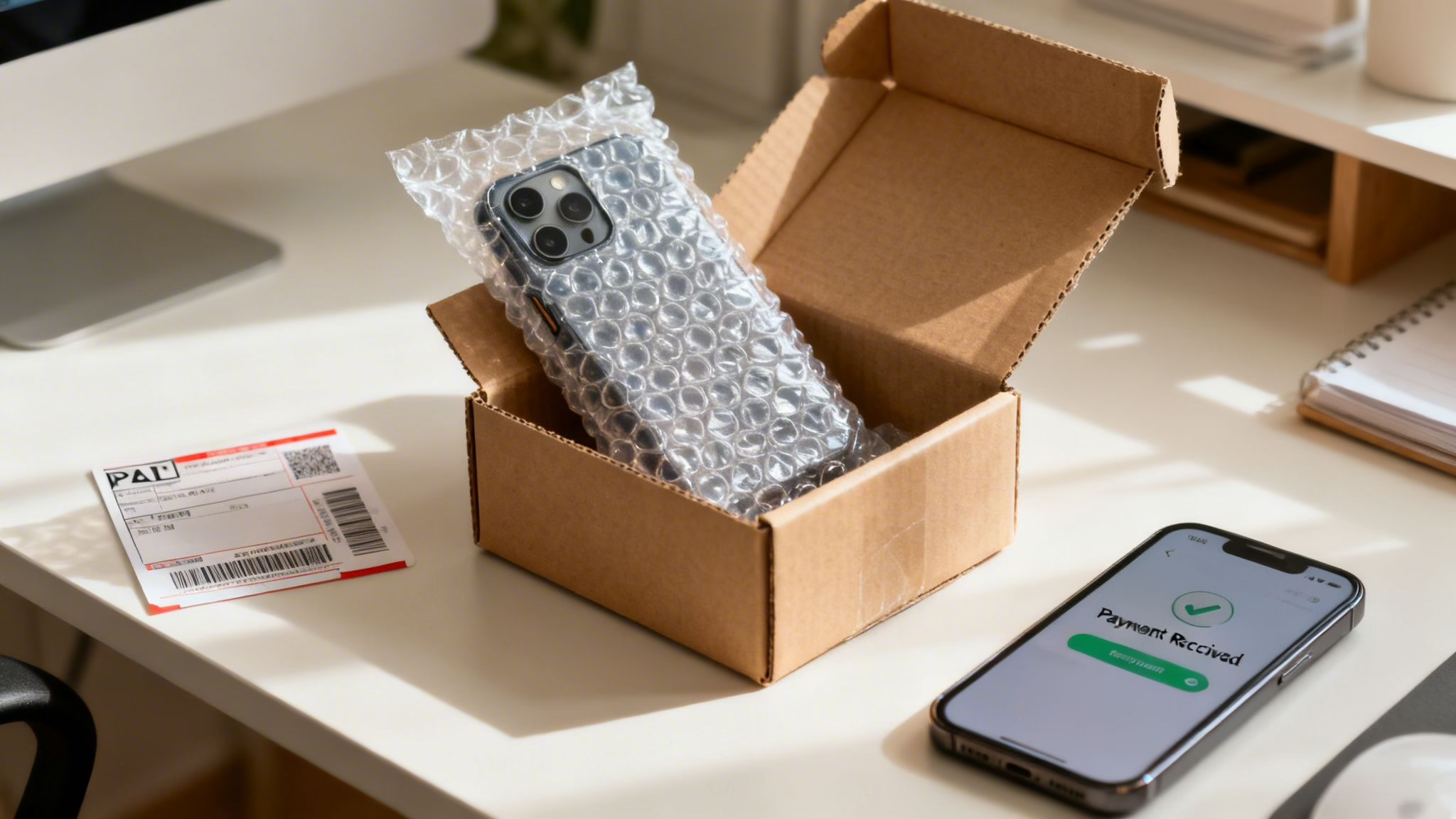
You’ve backed up your data, wiped the phone clean, and you have your quote. Now for the final step: getting the device to us so you can get paid. We’ve designed this part of the process to be as straightforward as possible, ensuring your phone arrives safely and your payment is processed without any fuss.
First, packaging your phone securely is a top priority. You don’t need anything fancy; a small, sturdy box and a bit of bubble wrap will do the job perfectly. The main goal is to stop the phone from rattling around inside the box, which prevents any accidental damage. It’s a simple step that makes sure the phone arrives in the exact condition you described.
Sending Your Phone to Us
With our service, we take the hassle out of postage. After you fill out the online form and accept your quote, we’ll provide you with a prepaid postage label. This means you don’t have to worry about postage costs.
All you need to do is print the label, stick it securely to your packaged phone, and drop it off at your local Post Office. It’s a tracked service, so both you and we can see exactly where your parcel is on its journey. That transparency gives you peace of mind.
Our Inspection and Your Payment
Once your phone arrives, our technicians get to work. Their job is to carry out a thorough inspection to confirm that the model and condition match the details you gave us in your online quote.
This check covers a few key areas:
- Physical Condition: We carefully examine the screen, casing, and camera lenses for any scratches or damage that might not have been mentioned.
- Functionality: Every component is tested, from the buttons and charging port to the speakers and Wi-Fi connectivity.
- Security Locks: Crucially, we check that the device has been fully signed out of any iCloud or Google accounts.
We always aim for complete transparency. If our technicians find that the phone’s condition doesn’t quite match the description, we’ll contact you straight away with a revised offer. You are never obligated to accept it; if you’re not happy, we’ll send your phone back to you, free of charge.
After the inspection is complete and everything checks out, we process your payment. Most payments are made via direct bank transfer and typically show up in your account within a few working days. We’ll keep you updated by email so you know exactly when to expect the money. Our goal is to make the final step to trade in an old phone for cash as smooth and predictable as possible.
The scale of mobile recycling in the UK is massive and growing. For example, Virgin Media O2’s O2 Recycle scheme paid out an incredible £6.6 million to customers in 2025, saving over 85,500 gadgets from landfill. This shows that turning your old mobile into cash is a big part of a sustainable tech economy. You can read more about it in Telecompaper’s report on the scheme.
Common Questions About Trading In Your Phone
Over the years, we’ve heard just about every question there is when it comes to trading in a phone for cash. It’s completely normal to have a few things you’re unsure about, especially when it comes to the condition of your device and what happens to your data.
Here are some of the most common ones we see.
Can I Trade In a Broken Phone?
Absolutely. A phone with a cracked screen, faulty buttons, or one that just won’t switch on still has value. Its internal components can often be salvaged and reused.
Of course, the offer will be lower than for a fully working device, but it’s always a better option than leaving it to gather dust. Just make sure you select the ‘Faulty’ category when you get your online quote to get an accurate price.
Does It Matter If My Phone Is Locked to a Network?
This is a common worry, but in most cases, it’s not a problem. Most trade-in specialists, including us, have the tools to unlock phones.
While a fully unlocked phone can sometimes fetch a slightly higher offer, being locked to a major UK network like O2, Vodafone, or EE will rarely stop you from being able to trade it in.
How Long Is My Quote Valid For?
The value of second-hand mobiles can shift quickly, so any quote you get will have an expiry date. We lock in our prices for 14 days.
This gives you a good window of time to sort out your data backup and get the device posted to us, all while knowing the price you were offered is guaranteed.
One of the biggest concerns we hear is about data security. It’s a valid worry, but any reputable company will use government-certified software to completely wipe every device. This process overwrites your data multiple times, making it forensically unrecoverable and ensuring your privacy is protected.
Another frequent problem is a forgotten iCloud or Google password. If you can’t remember it, you won’t be able to sign out and disable the security locks. Don’t worry, we’ve helped countless customers navigate the account recovery process with Apple or Google, so just get in touch if you get stuck.
If you’re still unsure about any part of the process or want to know what your options are for a refurbished phone, our UK-based team at Used Mobiles 4 U is always happy to help.
Written by James Waterston — 24 years in the mobile phone industry from customer service through to Sales Director of a global repair and recycling company. Now running Used Mobiles 4 U for over 8 years.
LinkedIn:
https://uk.linkedin.com/in/james-waterston-9039a21a







