





Your Practical Guide to Buying a Refurbished PC Desktop

04/03/2026

13 Mins
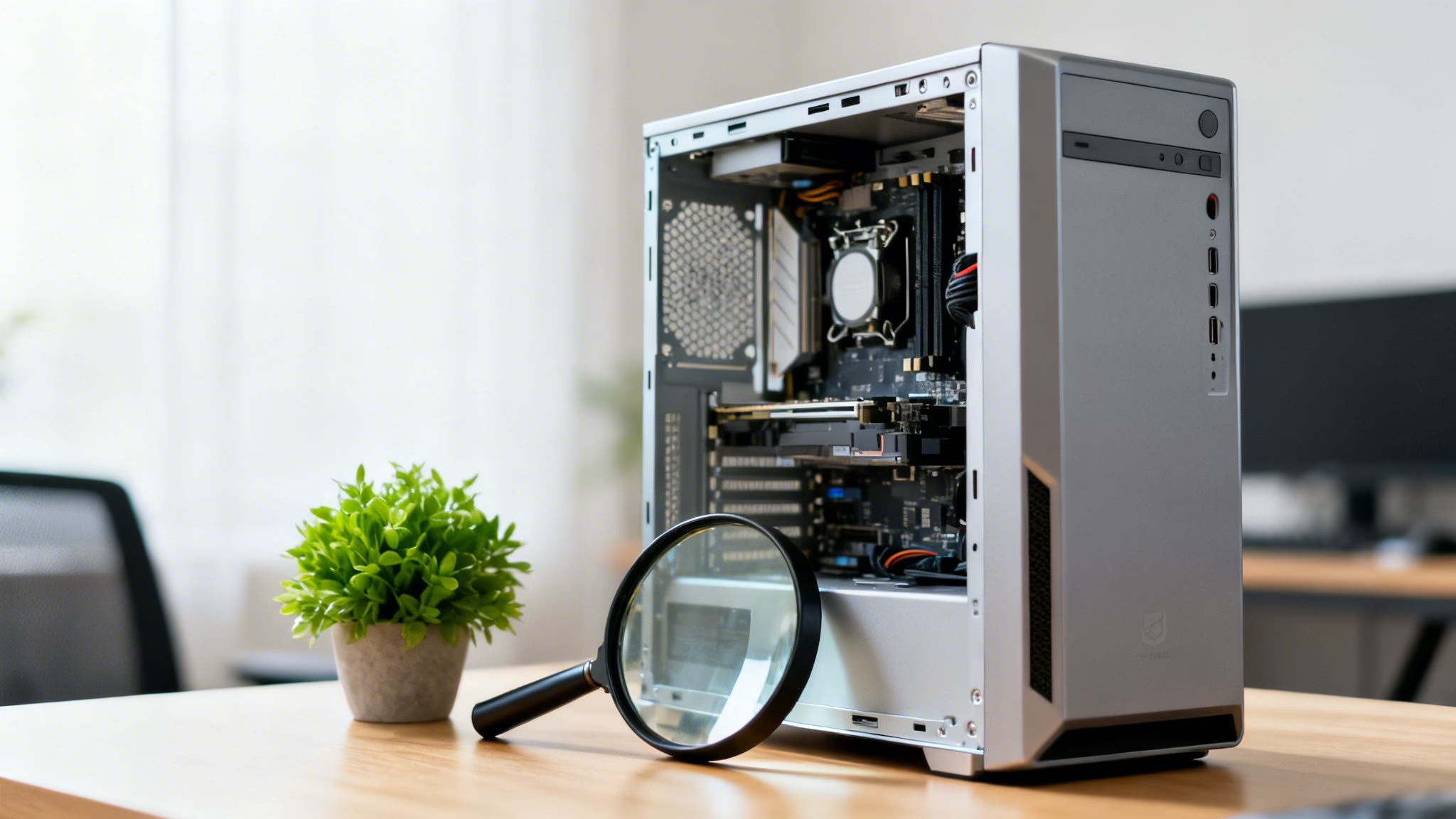
Thinking about getting a refurbished desktop PC? This guide explains what to look for so you can find a great value machine for your home or office. We'll cover what "refurbished" means, how to choose the right specifications, and how to find a trustworthy UK seller.
A refurbished PC desktop is a pre-owned computer that's been professionally tested, repaired, cleaned, and restored to full working order. We’ll show you what matters so you can buy a high-quality machine with confidence.

Why Choose a Refurbished Desktop PC?
Buying a refurbished desktop is a practical way for UK shoppers to get more for their money. A refurbished PC is a machine that has been returned, professionally overhauled, and put back on sale. This is very different from simply buying a "used" computer from a private seller.
A professionally refurbished machine goes through a strict process. This includes diagnostics on all components, securely wiping all data from the previous owner, and replacing any parts that don't meet performance standards. This process ensures the desktop you get is fully functional and ready to use, usually with a fresh installation of the operating system.
New vs. Refurbished Desktop at a Glance
To make things clearer, here’s a quick snapshot of the key differences between buying a brand-new desktop and a professionally refurbished one.
Both options provide a reliable machine with warranty protection, but the refurbished route offers excellent value for money.
The Main Advantages of a Refurbished PC
The benefits go beyond the initial price tag. While cost is a major factor, there are several other practical reasons to choose a refurbished model.
- Significant Cost Savings: This is the most obvious benefit. You can get a much more powerful machine for your budget or simply save money compared to the price of an equivalent new model.
- Proven Reliability: A new device can have unforeseen factory flaws. A refurbished PC desktop has already been in use, and the refurbishment process acts as a second, intensive layer of quality control, catching and fixing potential issues.
- Environmental Responsibility: Choosing refurbished tech is a smart way to how to reduce electronic waste (e-waste). You're extending the life of a perfectly good machine and cutting down the carbon footprint tied to manufacturing new hardware.
- Peace of Mind with Warranties: Reputable UK sellers back their products with a warranty, usually for a full 12 months. This gives you the same security you’d get when buying new. You can learn about how warranties work in our guide to understanding refurbished phones.
For most people, the combination of a lower price, tested performance, and a solid warranty makes a refurbished PC desktop a smart and secure investment for work, study, or home use.
Understanding the Refurbished Grading System
When you browse for a refurbished PC desktop, you’ll notice a grading system. This is a simple way to describe the cosmetic condition of the machine, so you know what you’re getting.
Crucially, these grades are about appearance, not performance. A professionally refurbished computer, whether it’s Grade A or Grade C, has been fully tested and is in perfect working order on the inside. The grade just tells you how much cosmetic wear is visible on the outside.

What the Grades Mean
While some sellers might use different names, the system usually follows a standard A, B, and C structure. This helps you balance how the machine looks with how much you want to spend.
Grade A (Excellent): These are the best available. A Grade A refurbished PC desktop will look almost new. You might find a very minor mark on the case if you look extremely closely, but it will be in excellent condition.
Grade B (Very Good): This is often the best balance of value and condition. A Grade B machine will have light signs of use, like minor scuffs or small scratches on the casing. These marks are purely cosmetic and have no impact on performance.
Grade C (Good): A Grade C machine is fully functional but shows more obvious signs of previous use. You can expect more noticeable scratches, scuffs, or even small dents on the case. For many buyers, this is a great trade-off, as these desktops offer the biggest savings.
The grading system is all about cosmetics. Every machine, regardless of grade, goes through the same testing and refurbishment process to ensure all internal parts work perfectly.
Which Grade Should You Choose?
The right grade for you depends on your priorities and where the PC will be used. The system is very similar to how phones are categorised, which you can read more about in our guide to refurbished phone grades.
For a refurbished PC desktop, think about these scenarios:
A Customer-Facing Office
If the PC will be on a reception desk where clients can see it, a Grade A machine is a good choice. Its near-perfect appearance projects a professional image.
Home Use or a Back Office
For a home setup or in an office where the tower is tucked under a desk, a Grade B machine is an excellent choice. You'll save money, and any minor scuffs will be out of sight.
Maximum Savings
If your only goal is getting a reliable computer for the lowest price, then Grade C is your best option. Imagine a small business owner who needs a PC for accounts in the stockroom. A few scratches on the case are a fair trade-off for a significant cost saving.
Choosing a lower-grade refurbished PC desktop is a practical way to get more power for your budget. Since the internal hardware is guaranteed to work, you can put more of your money towards better specs—like more RAM or a faster processor—instead of paying a premium for a perfect-looking case.
Weighing the Benefits and Risks
Deciding on a refurbished desktop PC involves balancing value against potential risks. Understanding both sides helps you make a confident purchase.
The most obvious benefit is the cost saving. A refurbished PC can be significantly cheaper than buying the same model new. This means you can either save money or get a much more powerful machine than your budget would normally allow.
The Clear Advantages
Beyond the price, a refurbished machine has several other practical benefits.
- A More Sustainable Choice: Opting for refurbished is an environmentally friendly choice. You're extending the life of good hardware, which reduces the demand for new manufacturing and helps cut down on e-waste. You can learn more in our guide on how to reduce electronic waste.
- Access to Business-Grade Hardware: Many refurbished desktops come from corporate upgrades. These PCs were built for office use, meaning they often have higher-quality, more reliable components than consumer-grade models.
- Proven Performance: A new PC could have a factory fault. A refurbished one has already been used and put through its paces. The refurbishment process itself is an intensive quality check, where a technician ensures any potential issues are found and fixed.
Understanding and Avoiding the Risks
While the benefits are compelling, it’s important to be aware of the potential downsides. The biggest risk when buying a refurbished PC desktop is not the computer itself—it's who you buy it from.
The main concern is the warranty. If you buy from a marketplace seller or a private individual, you might get a very short warranty, or none at all. If a part fails, you could be left with no support and a repair bill.
Another potential issue is the hardware's condition. A less reputable seller might not replace ageing components like the hard drive or power supply. This can lead to them failing sooner than they should.
To protect yourself, always buy from a reputable UK retailer. A trustworthy seller will provide a comprehensive warranty of at least 12 months and have a clear, fair returns policy. This security cancels out much of the risk, giving you similar peace of mind to buying new.
The demand for these reliable machines is growing. According to Grand View Research, the UK personal computer market is set for expansion, and refurbished models are a key part of that growth. For smart UK shoppers, a well-sourced refurbished pc desktop offers tested performance at a great price. You can see more data on the UK personal computer market outlook on Grand View Research.
How to Match PC Specs to Your Daily Needs
Choosing the right refurbished desktop is about matching its power to your purpose. You don't want to overspend on features you'll never use. Paying for a top-end graphics card is a waste if you only browse the web, just as a basic processor will be frustrating if you're trying to edit videos.
The key is to identify what you'll be doing most often and find a machine that handles those tasks. This starts with understanding the core components: the processor (CPU), memory (RAM), and storage. The CPU is the engine, RAM is the workspace for juggling tasks, and storage (ideally an SSD) is the filing cabinet. Getting the balance right is crucial.

For Everyday Home and Student Use
If you're buying a PC for web browsing, emails, streaming TV, and homework, you don't need a powerhouse. A modern, entry-level refurbished desktop will be more than capable.
- CPU: An Intel Core i3 or AMD Ryzen 3 processor is a great starting point.
- RAM: 8GB of RAM is the minimum you should aim for. This lets you have a few browser tabs open alongside other apps without the system slowing down.
- Storage: A 256GB Solid State Drive (SSD) is essential. SSDs are much faster than older hard drives (HDDs), meaning your PC will boot up in seconds and apps will launch quickly.
For the Busy Home Office
When your PC is your main tool for work, you need more power for multitasking. Juggling video calls, large spreadsheets, multiple browser windows, and business software requires a system that won't stutter.
- CPU: Step up to an Intel Core i5 or AMD Ryzen 5. These processors are built for more demanding workloads.
- RAM: 16GB of RAM is the sweet spot for office productivity. It gives you the headroom to switch between numerous applications without lag.
- Storage: A 512GB SSD is a wise move. It provides plenty of space for your work files and programs while keeping the system responsive.
For Gamers and Creative Professionals
Gaming and creative work like video editing or graphic design are the most demanding tasks. You’ll need to invest in more powerful and specialised components, especially the graphics card.
A dedicated graphics card (GPU) is non-negotiable. It handles all the visual heavy lifting, from rendering 3D worlds in games to speeding up video exports. For gamers, buying a refurbished PC can be a smart move, as it lets you get high-end parts for a lower price.
Recommended Specs For Your Use Case
This table provides a solid baseline, but for serious creative work or competitive gaming, you may want to aim higher, especially with RAM and the graphics card.
- CPU: An Intel Core i7/i9 or AMD Ryzen 7/9 will deliver the raw power needed for these intensive tasks.
- RAM: While 16GB is a good minimum, we'd recommend 32GB for serious gaming and professional creative work.
- Storage: A fast 1TB NVMe SSD is ideal. It ensures quick game load times and makes handling large project files easy.
- Graphics Card (GPU): Look for a dedicated GPU from NVIDIA (like a GTX 16-series or RTX 20/30-series) or AMD (like an RX 5000/6000-series). This is the single most important component for gaming performance.
For the most demanding professional jobs, you might look into purpose-built machines. For these needs, you can explore refurbished workstations that offer more robust capabilities. While we're focused on desktops here, the same logic applies to laptops. You can learn more in our guide on the best refurbished laptops in the UK.
Finding a Trustworthy UK Seller for Your Refurbished PC
Where you buy your refurbished desktop is just as important as the PC itself. A good seller is your safety net, ensuring the machine you get is affordable, reliable, and ready to use.

What to Look For in a Seller
When choosing where to buy your refurbished pc desktop, stick to established UK businesses. Look for a company with a physical address and a customer service number. These details show they are a legitimate operation.
Independent customer reviews are very helpful. Don’t just look at testimonials on the seller’s site—check platforms like Trustpilot or Google Reviews. Reading recent feedback gives you a genuine feel for other customers' experiences. A solid warranty is non-negotiable. A minimum 18 Month Warranty is the standard and shows the seller has confidence in their products.
Key Seller Checks Before You Buy
Before you buy, run through this quick checklist. A good seller will have this information easy to find on their website.
- Clear Returns Policy: Find and read their returns policy. A reputable seller will offer a returns window of at least 14 days, giving you time to test the machine.
- Detailed Product Descriptions: Vague listings are a warning sign. A professional seller provides all the details, including cosmetic grade, what’s in the box (keyboard, mouse, power leads), and how they test their machines.
- Actual Photos vs. Stock Images: Be wary of sellers using generic manufacturer photos. The best refurbishers often show high-quality images of the actual grade of machine you’re buying.
- UK-Based Support: If something goes wrong, you want to talk to someone in the UK. Check that their customer support is available during UK business hours.
A Real-World Example
Sarah, a freelance designer, was looking for a powerful but affordable Mac for her home studio. She saw a refurbished pc desktop on a large online marketplace for a very low price. But the description was vague, the photos were generic stock images, and it only came with a "30-day seller guarantee."
Feeling uneasy, she found a specialist UK refurbisher instead. Their price was a little higher, but the listing had a detailed Grade A description, photos of a similar-grade unit, a 18 Month Warranty, and hundreds of positive Trustpilot reviews. Sarah chose the specialist seller, knowing the peace of mind was worth the small extra cost. This shows how prioritising a solid warranty and a reliable seller leads to a better result.
Your Final Pre-Purchase Checklist
You've done your research, figured out what you need, and have a promising PC in mind. Before you buy, run through one last quick checklist to make sure there are no surprises.
First, do a final spec check. Go back to the list you made earlier—for home use, the office, or gaming—and compare it against the machine you're about to buy. A quick check now saves hassle later.
Confirm the Finer Details
Once you're confident about the specs, look closely at the product listing.
- Read the Full Description: Pay attention to the cosmetic grade. Does the seller's description of ‘Grade B’ match your expectations?
- Check What’s Included: The listing should be clear about what’s in the box. Does it come with a power lead, keyboard, and mouse, or will you need to buy them separately?
- Verify the Software: Make sure a fresh, genuine copy of the operating system (like Windows 11) is already installed.
This diligence means you know exactly what to expect when you unbox your refurbished PC desktop.
Warning: Before you move files from your old computer to the new one, always back everything up first. A complete backup of your important data protects you from accidental loss during the transfer.
Final Checks on the Seller and Warranty
The seller’s promises are as important as the PC’s hardware. For branded models, you can sometimes perform checks like an HP serial number warranty check to understand its history.
Next, double-check that the seller offers at least a 18 Month Warranty. Find and re-read their returns policy, too. And for good measure, do one last search for recent reviews of the seller on an independent site.
When your refurbished PC desktop arrives, set it up right away. Test everything. Plug devices into all the USB ports, connect to your Wi-Fi, and open the programs you’ll use most. This helps you spot any issues while you’re still within your return window. If you need help moving files, our guide on how to transfer data has some useful principles, and our guide on troubleshooting a used iPhone can also be helpful for general problem-solving.
Frequently Asked Questions
Here are the answers to some common questions about buying a refurbished PC, covering quality, warranties, and upgrades.
Is a Refurbished PC as Good as a New One?
Functionally, yes. A high-quality refurbished machine from a reputable seller will perform just like a new one with the same specifications. The main differences are its cosmetic history and its lower price.
Every recommended refurbished PC desktop goes through extensive testing. Any components that don't meet performance standards are repaired or replaced. When you buy from a seller who offers a solid warranty, a refurbished PC is a reliable alternative to buying new.
What Warranty Should I Look For?
In the UK, a trustworthy seller should offer a 18 Month Warranty as a minimum on refurbished desktops. A full year’s warranty shows that the seller is confident in the quality of their refurbishment process. Be very wary of anyone offering less than 12 months.
Can I Upgrade a Refurbished Desktop PC?
Yes. One of the best things about desktop PCs is that most are designed to be easily upgraded. You can add more RAM (memory) or install a larger SSD for more storage later on. This is a great way to extend the life of your refurbished PC desktop as your needs change.
Be aware that some very compact "mini PCs" or all-in-one models can have limited upgrade options. If you think you might want to upgrade later, it's a good idea to check that specific model's potential before you buy.
At Used Mobiles 4 U, we bring the same commitment to quality and transparency to all our certified refurbished tech. While we specialise in mobile phones, the principles of excellent value, rigorous testing, and solid warranties apply across the board. Explore our range of devices today at https://usedmobiles4u.co.uk.
Written by James Waterston — 24 years in the mobile phone industry from customer service to Sales Director of a global repair & recycling company; now running Used Mobiles 4 U for 8+ years. LinkedIn
Looking for a refurbished phone?
Shop professionally tested refurbished iPhones and Samsung phones with 18 month warranty, 30 day returns and free UK delivery.
Browse Refurbished Phones






