





What Is the Difference Between Android and iOS? A Practical Guide
Choosing your next mobile can feel like a big decision. This guide will help you understand the practical differences between Android and iOS, looking at everything from ease of use to security and cost. By the end, you'll have a clearer idea of which operating system is the right fit for you, especially when buying a used or refurbished phone.
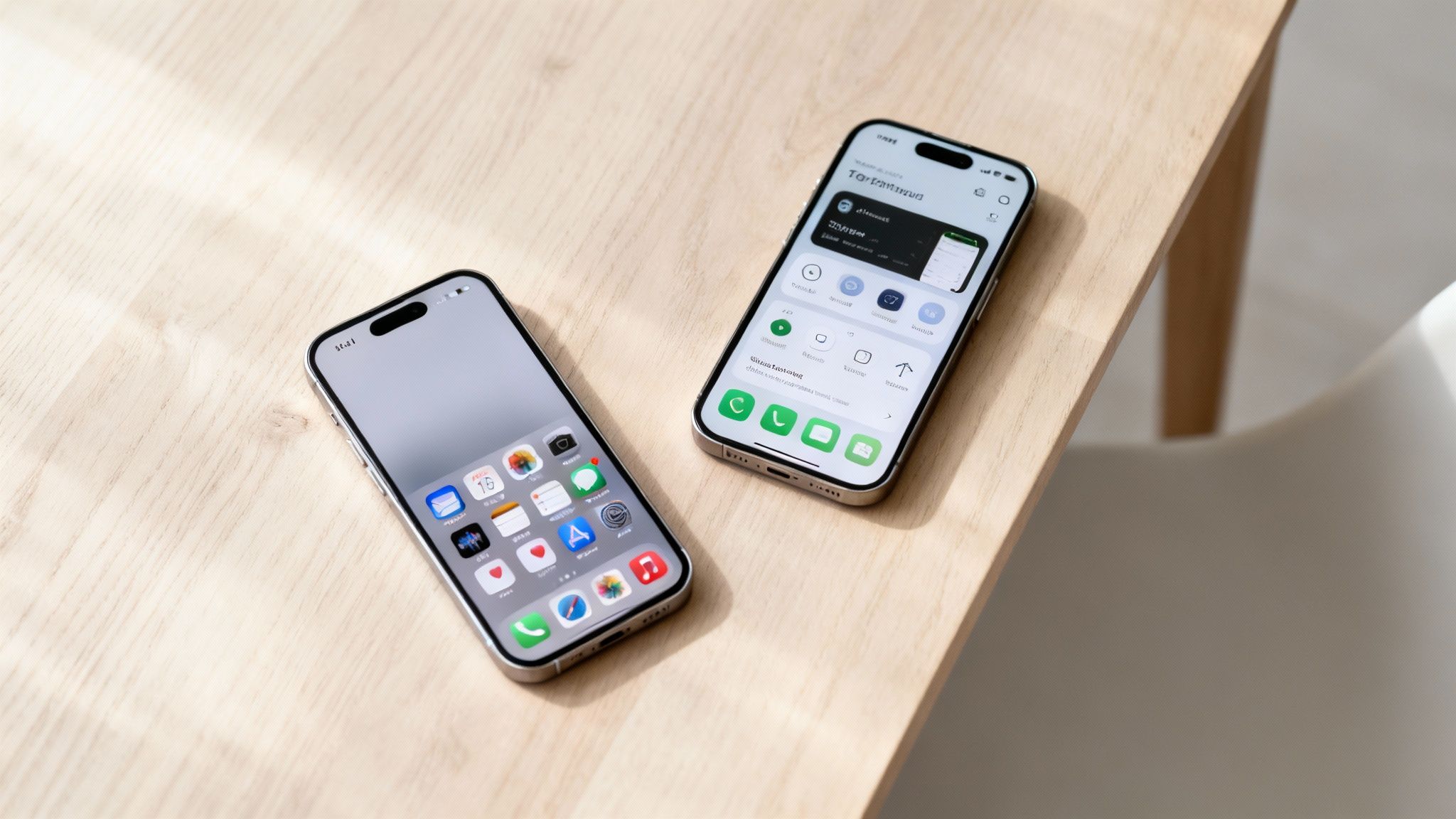
The core difference boils down to choice versus simplicity. Android gives you a massive variety of mobiles from countless brands at every price point, with heaps of options to personalise your device. On the other hand, iOS, which you’ll only find on iPhones, delivers a simple, secure, and incredibly consistent experience across all its devices.
Android vs iOS at a Glance
Choosing between an Android mobile and an Apple iPhone can be tough, especially when you’re looking at used or refurbished models. At their heart, both are powerful operating systems running the apps you use every day, but they go about it in completely different ways. Getting your head around these differences is the key to finding the mobile that’s the right fit for you and your budget.
To get started, here's a quick summary of the main points to help you see the core differences.
| Feature | Android | iOS (iPhone) |
|---|---|---|
| Hardware Choice | Huge variety of phones from many brands (Samsung, Google, etc.) at all price points. | Exclusively available on Apple iPhones, with a limited number of premium models. |
| Customisation | Highly customisable. You can change the home screen, default apps, and more. | Limited customisation. The experience is consistent and controlled by Apple. |
| App Store | Google Play Store – more open, with a wider variety of apps. Allows app installation from other sources. | Apple App Store – highly curated with strict security checks, leading to high-quality apps. |
| Ease of Use | Can have a slightly steeper learning curve due to its flexibility. | Known for its simple, intuitive, and easy-to-learn interface. |
| Security | Very secure, but updates can depend on the phone manufacturer, sometimes causing delays. | Generally considered more secure due to tight control over software and timely updates. |
| Resale Value | Tends to lose value more quickly, but offers great value in the refurbished market. | iPhones hold their value exceptionally well, making them a good long-term investment. |
As you can see, your choice really depends on what you value most—be it the freedom to tinker or the comfort of a seamless, controlled system.
Written by James Waterston — 24 years in the mobile phone industry from customer service to Sales Director of a global repair & recycling company; now running Used Mobiles 4 U for 8+ years. LinkedIn
Usability and Customisation: How Each System Feels to Use
One of the first things you'll notice when comparing phones is how they feel to use day-to-day. This is a huge part of understanding what is the difference between android and ios, as each system takes a completely different road when it comes to user experience.
Apple’s iOS, found only on iPhones, is built from the ground up for simplicity and consistency. When you power on an iPhone, you’re met with a clean, straightforward grid of app icons. This design is incredibly intuitive, making it a firm favourite for anyone who wants a phone that works perfectly straight out of the box, no fuss involved.
Getting around is always predictable. For example, if you need to check your software version, the path is always the same: Settings > General > About. This unwavering consistency is a hallmark of the iOS experience.
The iOS Approach: Simplicity and Control
The "it just works" philosophy is central to the iPhone. Apple controls both the hardware and the software, which guarantees a smooth and reliable experience. While this means less freedom to change how the system looks and feels, it provides a sense of dependability that many users really value.
- Fixed Home Screen: Your apps are laid out in a simple grid. You can group them into folders, but the fundamental layout remains consistent.
- Controlled Environment: Apple has the final say on which apps are available and what they can do, which is a major contributor to its strong security reputation.
- Ease of Use: The uniform design makes it incredibly easy for new users to pick up an iPhone and use it with confidence.
The Android Approach: Flexibility and Personalisation
In stark contrast, Android is all about giving you control. Made by Google but used by a huge range of manufacturers like Samsung and Motorola, it offers an incredible degree of flexibility. This is a key factor when you're weighing up what is the difference between android and ios.
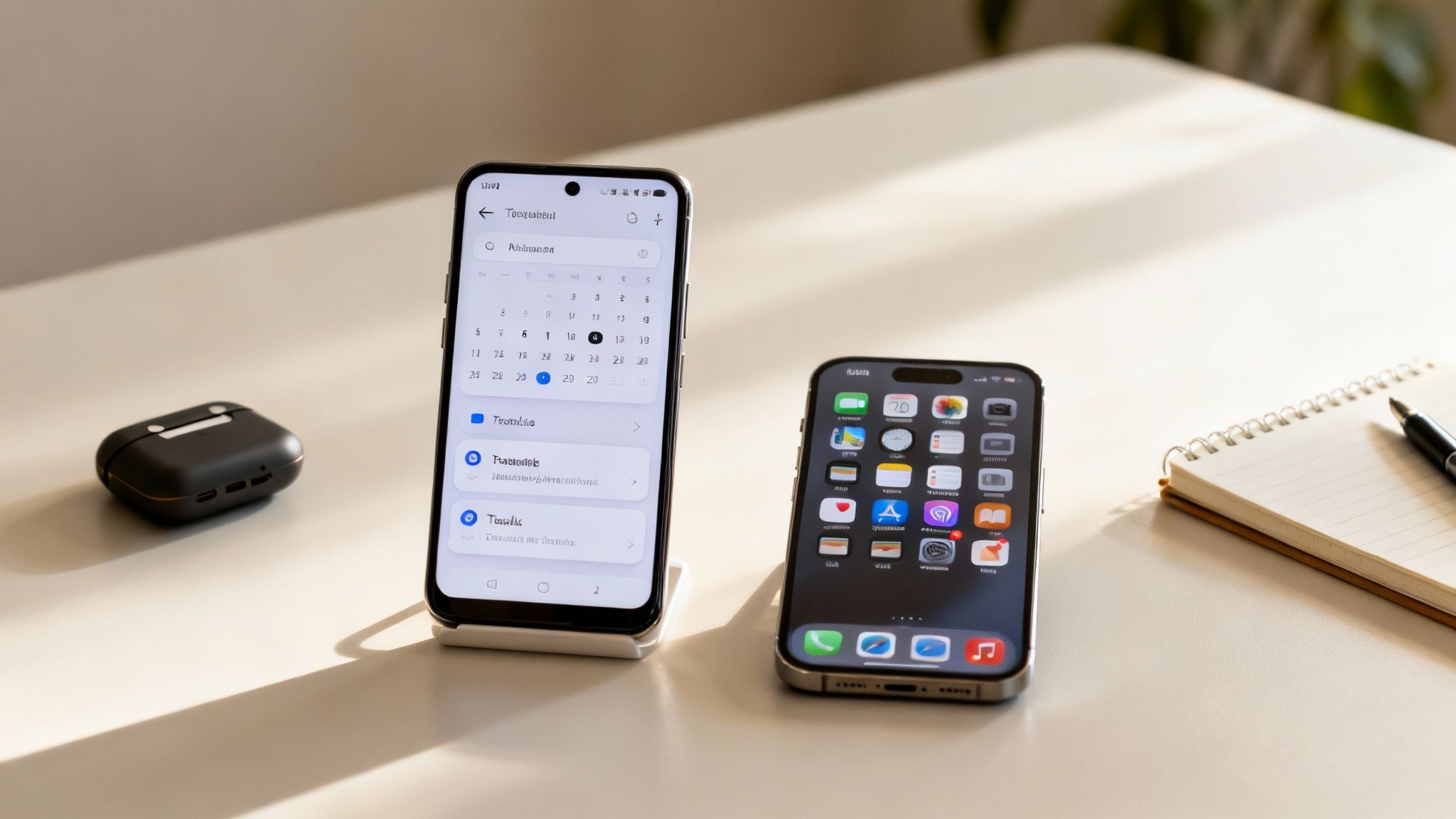
With an Android phone, you can change almost everything. You're free to replace the entire home screen launcher, add interactive widgets that show live information like the weather or your calendar, and set your own default apps for things like browsing the web or sending messages.
A Real-World Example
Imagine Sarah, who just bought a refurbished Samsung Galaxy for her small business. She personalises her home screen with a large calendar widget showing her appointments and a to-do list widget. Now, she sees her day's priorities at a glance without opening any apps—a level of customisation not as readily available on an iPhone.
This flexibility makes Android a fantastic fit for users who enjoy tinkering and setting up their device exactly how they want it. For a closer look at how this plays out between the two biggest names, you might be interested in our guide comparing iPhone vs Samsung Galaxy.
Written by James Waterston — 24 years in the mobile phone industry from customer service to Sales Director of a global repair & recycling company; now running Used Mobiles 4 U for 8+ years. LinkedIn
App Stores and Software Availability
When you’re choosing a mobile, the apps you can get are just as important as the device itself. This is another area where understanding what is the difference between android and ios really matters, as each platform has a completely different philosophy for its app store.
Both Apple’s App Store (for iOS) and the Google Play Store (for Android) list millions of apps, but they are managed very differently. The App Store has a reputation for being a highly curated, secure environment. Apple enforces strict guidelines for every app, which generally leads to a high standard of quality and security.
The App Store vs The Google Play Store
The Google Play Store, on the other hand, is much more open. While it still has security measures in place, its less restrictive policies mean you’ll find a far wider variety of apps, including those that can deeply customise your phone’s functions. This openness is a massive advantage for users who want more control. A great way to see how the app ecosystems differ is by looking at specific genres, like visual novel games on iOS and Android, which often have different availability on each platform.
This difference in approach also impacts how money is spent. In the UK, while the number of Android and iOS users is quite evenly split, spending habits vary. The iOS App Store consistently generates more revenue, which often means developers prioritise it for new, premium app releases.
A Word on Sideloading
A key distinction for Android is the ability to 'sideload' apps. This means you can install software from sources outside the official Google Play Store, such as directly from a developer's website. For tech-savvy users or businesses needing to install custom applications, this is a powerful feature.
However, this flexibility comes with risks.
Warning: Always back up your mobile first. Installing apps from unverified sources significantly increases the risk of downloading malware or viruses that could compromise your personal data. We strongly recommend that most users stick to the Google Play Store for all their app downloads.
For most people buying a refurbished phone, both stores will offer all the essential apps you need. After setting up your new device, you might want to check out our guide on the top apps to install on your refurbished phone to get started.
Written by James Waterston — 24 years in the mobile phone industry from customer service to Sales Director of a global repair & recycling company; now running Used Mobiles 4 U for 8+ years. LinkedIn
Security, Privacy, and Software Updates
Security is a major point of difference when comparing Android and iOS, especially when you’re buying a refurbished phone. The two platforms take fundamentally different approaches to security and software updates.
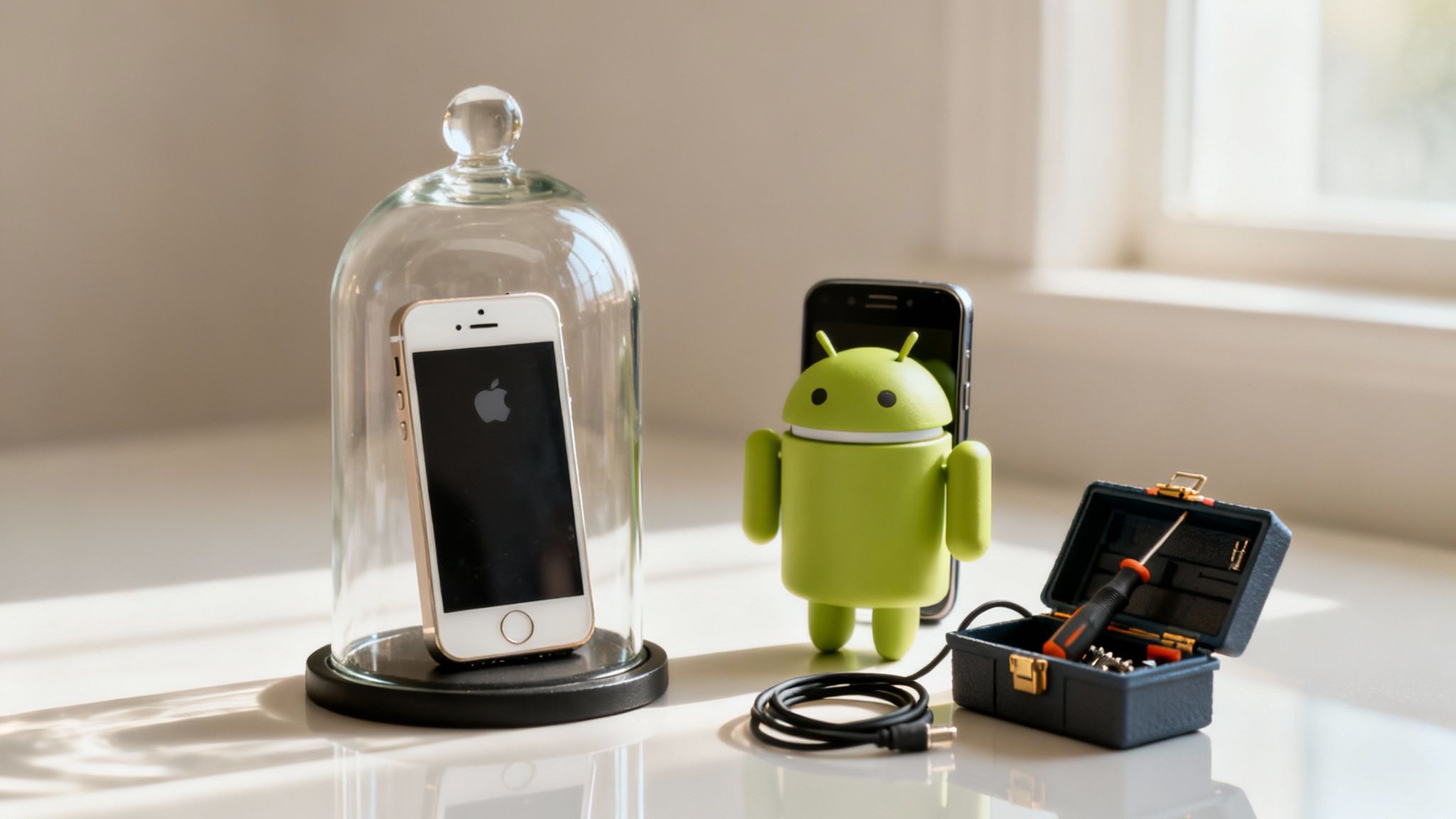
Apple’s ecosystem is often called a 'walled garden'. Because Apple controls the hardware (iPhone), the software (iOS), and the App Store, it maintains an iron grip over the entire experience. This tight integration is the foundation of the iPhone’s rock-solid security reputation.
When a security flaw is discovered, Apple can create a fix and push it out to every supported iPhone simultaneously. The process is fast, efficient, and ensures that even older models get critical protection. You can check for updates yourself by going to Settings > General > Software Update.
Apple's Centralised Update System
This unified approach means iPhones receive software updates for a very long time. It’s common for an iPhone to get major iOS updates and security patches for six years or more after its release. That long-term support adds incredible value, particularly for refurbished models.
Android's Fragmented Update Model
Android operates differently because it’s an open-source platform. Google develops the core Android software and releases monthly security patches. From there, it’s up to individual manufacturers like Samsung or Motorola to adapt the update for their specific phones and push it out to users.
This extra step often leads to delays. While premium Androids usually get updates quickly, older or cheaper models might be left waiting for weeks or months. In some cases, they might stop receiving updates altogether far sooner than an iPhone would. This is a crucial detail when deciding what is the difference between android and ios for long-term use.
A Real-World Scenario
Let’s say David is looking for a reliable mobile for his son on a tight budget. He's comparing a three-year-old refurbished iPhone against a three-year-old refurbished Android phone from a lesser-known brand. The iPhone is almost certain to still be receiving the latest security updates, while the Android device may have been dropped from its manufacturer's support list. For peace of mind, David chooses the iPhone.
If you ever need to get your device ready for a new owner, knowing how to securely reset an iPhone is essential.
Written by James Waterston — 24 years in the mobile phone industry from customer service to Sales Director of a global repair & recycling company; now running Used Mobiles 4 U for 8+ years. LinkedIn
Hardware Choices and the Wider Ecosystem
Perhaps the most obvious difference between Android and iOS is the sheer variety of phones available. This choice doesn't just affect the device in your hand; it shapes how you connect with all your other tech.
iOS runs exclusively on Apple's iPhones. Apple does this to keep complete control over its hardware and software. This tight integration means they can guarantee a premium, consistent experience across the handful of models released each year.
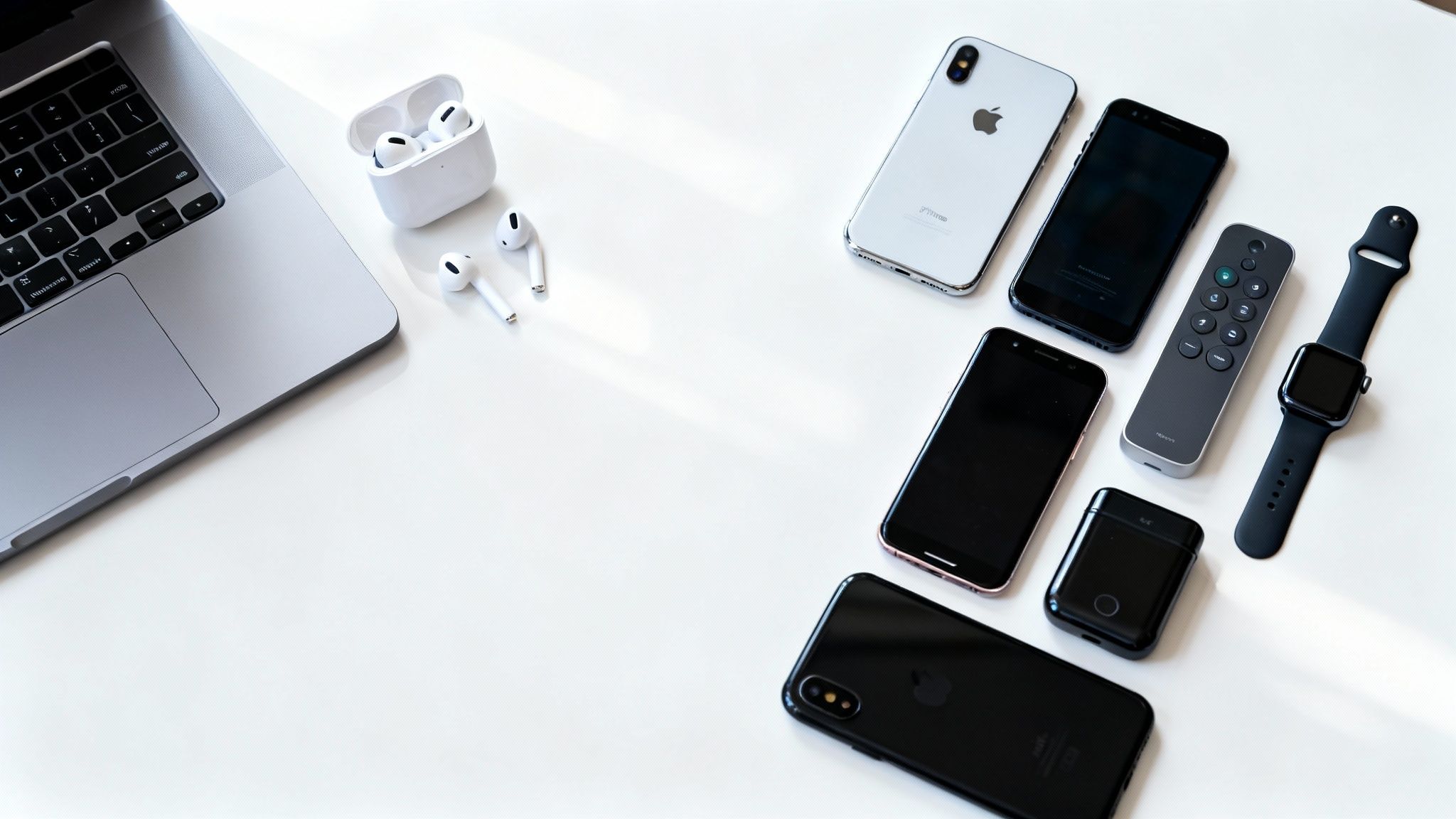
This focus is also the foundation of Apple’s wider ecosystem. An iPhone is built to work seamlessly with other Apple products like iPads, MacBooks, and the Apple Watch. Services like iCloud, iMessage, and AirDrop link everything together effortlessly.
The Apple Ecosystem: A Closed but Cohesive World
If you already own a MacBook or an Apple Watch, choosing an iPhone makes a lot of sense. The devices are designed to recognise each other and work together with virtually no setup.
- Handoff: Start an email on your iPhone and finish it on your Mac.
- iCloud Sync: Your photos, contacts, and calendars are automatically synced across all your devices. You can manage this by going to Settings > [your name] > iCloud.
- Apple Watch Integration: The watch becomes a true extension of your iPhone, delivering notifications and health data to your wrist.
The Android Ecosystem: An Open World of Choice
In complete contrast, the Android world is vast and varied. Understanding this is fundamental to knowing what is the difference between android and ios. Google’s Android software is used by dozens of manufacturers, leading to a huge selection of phones.
From top-of-the-line Samsung Galaxy flagships to affordable Motorola devices, there is an Android mobile for every need and budget. This variety is a huge advantage when shopping for a used or refurbished phone. It means you aren't locked into one brand or price point.
Here in the UK, the market is very closely split. According to Ofcom, as of early 2023, the share was around 50% for each operating system, showing just how popular both choices are. This is partly driven by the sheer variety of Android devices catering to different budgets.
Written by James Waterston — 24 years in the mobile phone industry from customer service to Sales Director of a global repair & recycling company; now running Used Mobiles 4 U for 8+ years. LinkedIn
Cost, Resale Value, and Making the Right Choice
Choosing your next mobile comes down to balancing what you pay today with what it’ll be worth tomorrow. Both Android and iOS offer fantastic value in the refurbished market, but they approach it from completely different angles.
iPhones are famous for holding their value incredibly well. While a refurbished iPhone might have a higher upfront cost than a similar Android, it tends to lose its value much more slowly. If you plan on trading it in after a couple of years, you’re likely to get a better return.
On the other hand, the Android world, with its huge range of manufacturers, gives you an incredible amount of choice and affordability right from the start. You can find top-quality refurbished Samsung or Google mobiles that deliver flagship features for a fraction of what a new device would cost. The initial savings are often much bigger.
Making the Right Choice for You
The "best" operating system is simply the one that fits your life and your budget. To give you an idea, here are a couple of real-world examples based on customers we’ve helped:
- For a parent buying a first phone: Sarah was looking for a simple, secure mobile for her 12-year-old. A refurbished iPhone SE was the perfect solution, giving her access to Apple's secure ecosystem and brilliant software support at a price that didn't break the bank.
- For the tech-savvy user on a budget: Tom loves to tweak his tech and wanted the best camera he could afford. A refurbished Samsung Galaxy S-series phone gave him a top-tier screen and camera, plus the freedom to customise his home screen—all for much less than a new flagship.
If you want long-term resale value and a simple, secure experience, an iPhone is a fantastic choice. If your priority is upfront affordability, choice, and freedom, the world of Android has something for you. All our devices come with a 12-month warranty for total peace of mind.
For more on this, check out our comparison of used iPhones versus new Android phones. No matter which path you choose, buying refurbished is always a smart way to get the tech you want for less.
Written by James Waterston — 24 years in the mobile phone industry from customer service to Sales Director of a global repair & recycling company; now running Used Mobiles 4 U for 8+ years. LinkedIn
Frequently Asked Questions
Here are some clear, practical answers to the most common queries we see about Android vs iOS.
Is It Easier to Switch from Android to iOS or Vice Versa?
Both Apple and Google have made switching between their systems much smoother. You won't be left high and dry, as each provides a dedicated app to help you move your most important information across.
- Moving to an iPhone: Apple’s ‘Move to iOS’ app, which you install on your Android mobile, helps transfer your contacts, message history, photos, and videos.
- Moving to an Android: When you're setting up a new Android device, it'll ask if you want to restore data from your Google Account, which brings over contacts, calendar entries, and apps.
Warning: Always perform a full backup of your old phone before you start moving anything. For an iPhone, go to Settings > [your name] > iCloud > iCloud Backup. This ensures your data is safe if anything goes wrong. For more help, check out our guide on how to transfer data to a new phone.
Which Operating System Is Better for Battery Life?
This depends far more on the specific phone model, its age, and your usage habits than the operating system itself. It’s not a simple case of one being better than the other.
Because Apple designs both the iPhone's hardware and software, it can fine-tune them to work together very efficiently. This often results in excellent battery performance. That said, many high-end Android phones from brands like Samsung come with massive batteries that can easily last just as long.
When you buy a refurbished mobile from us, every device undergoes a thorough inspection. This includes a battery health check to make sure it meets our high quality standards.
Are iPhones More Secure Than Android Phones?
Generally speaking, iOS is considered more secure out of the box. This is largely down to Apple’s 'walled garden' approach—they strictly control the App Store and push out timely, consistent software updates to all supported devices at once.
Android is also a very secure operating system, but its open nature can introduce more variables. Google releases security updates, but manufacturers have to adapt them, which can cause delays for some models. This means an older Android device might not be as protected as an older iPhone that's still receiving updates.
For most people who practise safe mobile habits—like only downloading apps from official stores—both platforms provide excellent security. If you're having any issues, our guide to troubleshooting a used iPhone might have the answer.
At Used Mobiles 4 U, we offer a fantastic range of fully tested, graded refurbished iPhones and Android devices to suit any budget, all backed by a 12-month warranty. Find your perfect mobile today at https://usedmobiles4u.co.uk.
Written by James Waterston — 24 years in the mobile phone industry from customer service to Sales Director of a global repair & recycling company; now running Used Mobiles 4 U for 8+ years. LinkedIn







