





10 Things to Check Before You Buy Second Hand Phone Devices Online

15/06/2026

10 Mins
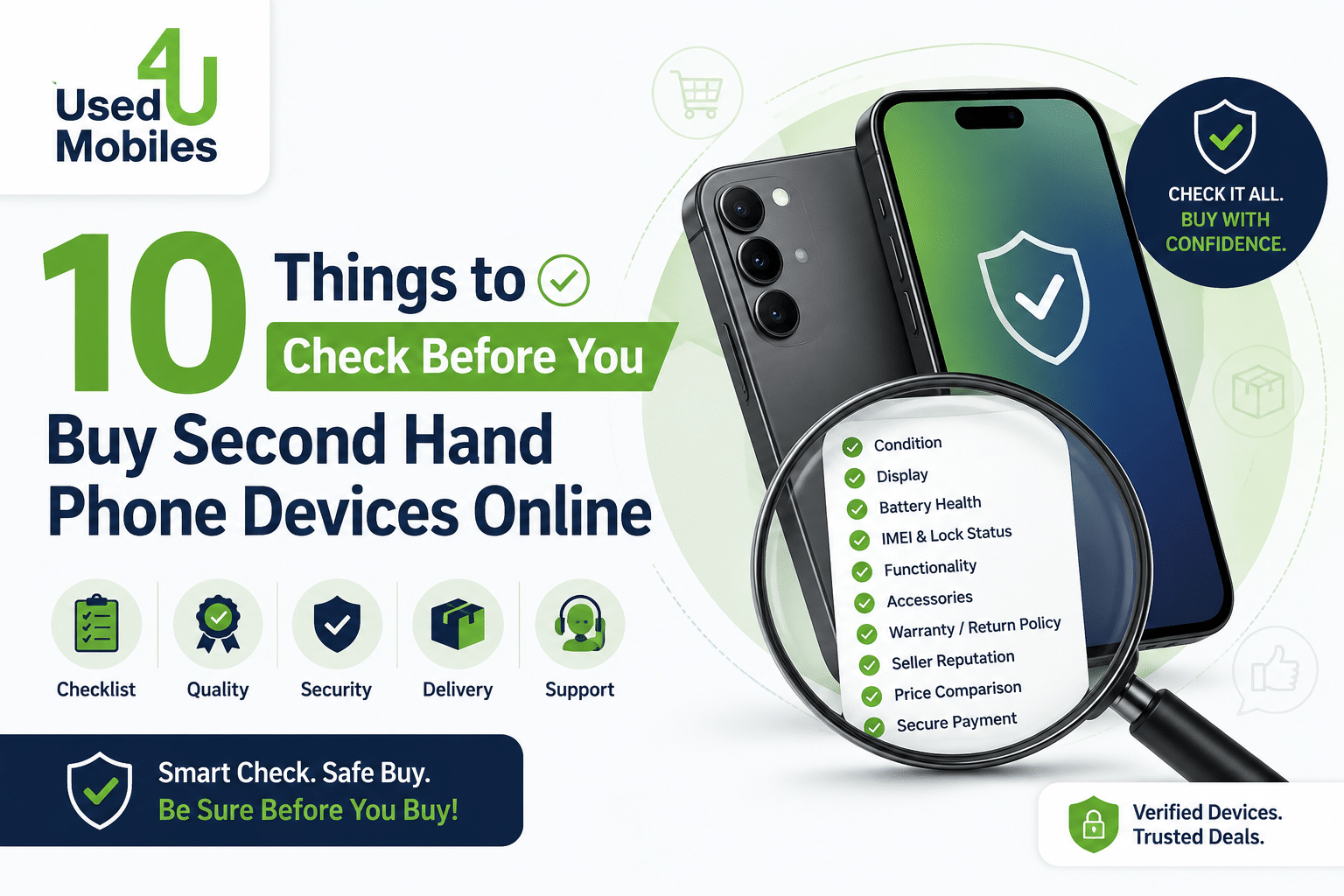
You could save £200, £400 even more when you buy second hand phone devices instead of going straight to the high street. The UK market for used mobile phones is booming, and for good reason. Pre-owned smartphones have never been more accessible, more reliable, or better value.
But here’s the thing: not every deal is a good one.
A cracked screen hidden under a case. A battery that dies by lunchtime. A handset still locked to someone else’s iCloud. These are real mistakes real buyers make every single week. The difference between a brilliant bargain and an expensive headache? Knowing exactly what to check before you hand over your money.
This guide covers the 10 non-negotiable checks you should run before buying any second hand mobile phone online whether you’re after second hand iPhones, affordable Android handsets, or budget refurbished smartphones in the UK.
Why Buying Second Hand Phones Is Smarter Than Ever
The average new smartphone in the UK now costs over £800. That’s a significant outlay especially when a one-year-old model often performs identically for everyday tasks.
The pre-owned smartphone market in the UK was valued at over £1.5 billion and continues to grow year on year, driven by sustainability concerns, tighter household budgets, and the sheer quality of recent flagship devices. Buying refurbished phones online or sourcing second hand mobile phones from reputable sellers gives you access to premium hardware at a fraction of the retail price.
The risk? Buying blind from a seller who’s not entirely upfront about a phone’s history. That’s what these checks are designed to prevent.
1. Check the IMEI Number First
Before anything else before you even look at the photos properly ask for the IMEI number.
Every phone has a unique 15-digit International Mobile Equipment Identity (IMEI) number. It’s the phone’s fingerprint. Run it through a free checker (Checkmend, IMEIpro, or your network’s IMEI checker) and you’ll instantly know:
- Whether the phone has been reported lost or stolen
- Whether it’s blacklisted by any UK network
- Whether the device is network locked
- The phone’s original make, model, and region
A blacklisted phone is essentially a brick it won’t work on any UK network, and you’ll have no legal recourse if you’ve bought it in good faith from a private seller. This single check could save you hundreds of pounds.
Did You Know? In the UK, you can check if a handset is stolen through the National Mobile Phone Register, which connects to police databases across the country.
2. Inspect the Phone’s Cosmetic Condition
Photos are easy to manipulate. Good lighting, clever angles, and a bit of editing can hide scratches, dents, and cracks that you absolutely need to know about.
When reviewing any listing for second hand mobile phones, look specifically for:
- Screen scratches: fine scratches are common and often invisible in photos
- Chassis dents or bends: especially along edges and corners
- Camera lens damage: even hairline cracks affect photo quality significantly
- Discolouration: yellowing on white devices or burn marks on screens
Ask the seller for photos in natural daylight, not ring-light setups. Request a short video of the screen turned on at full brightness. If they refuse, that’s your answer.
Most reputable sellers of refurbished smartphones UK-wide use a grading system:
Always confirm which grade you’re buying, and what that grade means for that specific seller.
3. Test the Battery Health
Battery degradation is the silent killer of a second hand phone deal.
A phone that holds 75% of its original battery capacity will struggle through a full day of use within months. On iPhones, this is easy to check: go to Settings > Battery > Battery Health. Anything above 85% is solid. Below 80% and you’re likely looking at an early battery replacement.
For Android devices, apps like AccuBattery or CPU-Z can give you a clear picture of battery cycle count and capacity.
When you buy refurbished phones online from a certified seller, battery health should be disclosed upfront. If it isn’t listed ask. A seller who hesitates to share this information is one to avoid.
4. Verify the Phone Is Network Unlocked
A phone locked to O2 won’t work on Vodafone. Sounds obvious, but it catches thousands of UK buyers out every year particularly those picking up affordable used phones from private sellers.
How to check: Insert your own SIM card. If it works, the phone is unlocked. If you see an error message, it’s locked to another network.
Some sellers will claim a phone is unlocked when it isn’t. Always verify this yourself before completing a purchase. If you’re buying remotely, insist on a returns policy that covers network lock issues.
Note: Most UK networks will unlock phones for free, but the process can take days and some sellers will use “easily unlocked” as a way to downplay the issue.
5. Check for iCloud or Google Account Locks
This is the one that catches the most buyers of second hand iPhones.
iCloud Activation Lock means the previous owner’s Apple ID is still tied to the device. If the seller hasn’t properly signed out before selling, you’ll be stuck at a setup screen you cannot bypass even with Apple’s help. The phone is, for all practical purposes, useless.
To check: Power the phone on. If it boots to the home screen and asks to set up without prompting for someone else’s Apple ID, you’re clear. If it shows an Activation Lock screen, walk away.
For Android devices, look for Google FRP (Factory Reset Protection) lock. Same principle if the previous Google account hasn’t been removed, you won’t be able to set the phone up after a factory reset.
Expert Insight: “I’ve seen buyers spend £400 on a second hand iPhone only to discover it’s iCloud locked. The seller disappears, Apple can’t help, and the buyer is left with an expensive paperweight. Always power on the device and confirm you can reach the home screen ideally while the seller is watching before any money changes hands.”
6. Examine the Screen for Dead Pixels or Damage
A cracked screen is obvious. Dead pixels aren’t.
Dead pixels tiny black or coloured dots that don’t respond can be invisible unless you know how to look. To check:
- Open a solid white image or page on the browser
- Then open solid black, red, green, and blue images in sequence
- Look carefully across the entire display for spots that don’t match the colour
Also check for OLED burn-in: display a grey or mid-tone image and look for ghost outlines of previous screen content (common on older OLED-screen Samsungs and iPhones used at high brightness for extended periods).
Touchscreen responsiveness matters too. Draw across the full screen with your fingertip and test the corners specifically. Digitiser issues often appear at the edges first.
7. Test Every Button, Port, and Feature
This takes five minutes and saves a lot of regret.
Run through this checklist methodically:
- Volume buttons: press up, down, and mute (where applicable)
- Power button: hold to turn off and restart
- Charging port: plug in and confirm charging starts immediately
- Headphone jack (if present): plug in earphones and test audio
- Speakers: play audio at various volumes, check for crackling
- Microphone: record a voice note and play it back
- Front and rear cameras: take a photo and record a short video
- Face ID / fingerprint sensor: register and test
- Wi-Fi: connect to a network and load a webpage
- Bluetooth: pair with a device
- GPS: open Google Maps and confirm location locks
When you buy pre-owned smartphones UK sellers sometimes overlook minor faults. Spending five minutes on this list means no surprises later.
8. Confirm the Storage and RAM Match the Listing
Misrepresentation of storage capacity is one of the most common issues with private listings for used mobile phones in the UK. A seller might list a “128GB iPhone” when it’s actually the 64GB variant easy to confuse, significant in value.
How to verify storage on iPhone: Settings > General > About > Capacity How to verify storage on Android: Settings > About Phone > Storage
Confirm RAM through Settings or a system info app. While RAM differences within a model line are less common, they do exist notably on some Samsung Galaxy configurations.
If the specs don’t match the listing, that’s a red flag and grounds for renegotiating the price or walking away entirely.
9. Review the Seller’s Reputation and Return Policy
Where you buy matters as much as what you buy.
When sourcing second hand mobile phones from online marketplaces or specialist retailers, always check:
- Seller ratings and feedback: look for patterns in negative reviews, not just the star average
- Time in business: newer sellers warrant more scrutiny
- Return policy: a minimum of 14 days is standard for UK online purchases under the Consumer Contracts Regulations 2013
- Communication quality: slow, vague, or evasive responses are warning signs
Specialist refurbished phone retailers tend to offer stronger protections than private sellers. Many offer 12-month warranties, pre-tested devices with grading certificates, and straightforward return processes. For peace of mind — especially on higher-value purchases like second hand iPhones a reputable retailer is worth the marginal premium over a private listing.
10. Understand What Warranty or Guarantee Comes With It
A warranty isn’t just a perk it’s a signal of a seller’s confidence in what they’re selling.
Reputable sellers of refurbished smartphones in the UK typically offer:
- 30-day returns as a baseline
- 3 to 12-month warranties on parts and labour
- Documented testing records showing what was checked
Private sellers generally offer no warranty whatsoever, which is fine but it means the risk sits entirely with you. That risk should be reflected in the price.
If a seller is marketing a device as “refurbished” but offering no warranty, question what “refurbished” actually means to them. Genuine refurbishment involves testing, replacement of failing components, and a quality assurance process. “Wiped and relisted” is not refurbishment.
Pro Tips for Getting the Best Deal
- Buy between model cycles. When Apple or Samsung releases a new flagship, prices on the previous generation drop sharply. That’s the ideal window to pick up an excellent device.
- Negotiate on cosmetic issues. A Grade B phone with a visible scratch is priced accordingly but if you spot a scratch that wasn’t mentioned in the listing, that’s a legitimate basis for further reduction.
- Use PayPal Goods & Services or a credit card for private purchases. Both offer buyer protection that bank transfers don’t.
- Ask for proof of purchase. Original receipts aren’t always available, but if a seller has one, it confirms the device’s age and legitimacy.
- Compare like for like. A 128GB iPhone 13 from a reputable retailer with a 12-month warranty is a better deal than the same model £30 cheaper from a private seller with no return policy.
Common Mistakes to Avoid
Skipping the IMEI check. It takes two minutes. There is no excuse for skipping it.
Trusting listing photos alone. Photos are marketing. Always request additional images or video in natural light.
Buying based on price alone. The cheapest listing is cheapest for a reason. Factor in warranty, condition, and seller reputation before making a decision.
Ignoring battery health. A phone with 74% battery health will need a replacement within months. That cost should come off the asking price.
Not testing before paying in person. If you’re collecting a device locally, never hand over cash before running through your checklist. Never.
Ready to Buy Second Hand Phone? Here’s Your Next Step
You now know exactly what to look for. The IMEI check, the battery health, the iCloud lock, the grading system you’ve got the full picture.
So there’s really only one question left: where do you actually buy?
The safest, simplest answer is a trusted UK retailer that does the hard work for you professionally tested devices, clear condition grading, honest specs, and a warranty that means something.
Browse our range of fully tested, grade-certified used mobile phones including second hand iPhones, refurbished Samsungs, and affordable Android handsets all with a minimum 12-month warranty and hassle-free returns. For more Contact Us.
FAQ
Q1: Is it safe to buy second hand phones online in the UK?
Yes, provided you buy from a reputable seller, check the IMEI, verify the phone is unlocked and free of account locks, and use a payment method with buyer protection. Specialist refurbished retailers carry significantly less risk than unverified private listings.
Q2: What is the difference between refurbished and second hand phones?
Second hand phones are pre-owned devices sold as-is. Refurbished smartphones have been tested, repaired if necessary, and certified to meet a defined standard of quality. Refurbished typically comes with a warranty; second hand usually doesn’t.
Q3: Are second hand iPhones worth buying?
Absolutely. iPhones hold their performance well across multiple iOS generations, and Apple supports devices with software updates for longer than most Android manufacturers. A second hand iPhone 13 or 14 represents exceptional value compared to buying new.
Q4: How do I check if a second hand phone is stolen in the UK?
Run the IMEI number through a service like Checkmend or your network’s IMEI checker. You can also check through the National Mobile Phone Register (NMPR), which is linked to UK police databases.
Q5: What grade should I buy when purchasing a refurbished smartphone?
Grade A or “Like New” is ideal if cosmetics matter to you. Grade B offers excellent value — functional and lightly used. Avoid Grade D unless you’re specifically buying for parts.
Q6: Can I return a second hand phone bought online?
Under the Consumer Contracts Regulations 2013, you have the right to return goods bought online within 14 days for any reason. This applies to business sellers. Private sellers are not legally obligated to accept returns, which is why buying from a registered retailer offers stronger protection.
Q7: What’s the best way to pay for a used mobile phone online?
PayPal Goods & Services and credit card payments both offer buyer protection. Avoid bank transfers for private purchases — if something goes wrong, recovery is extremely difficult.
Q8: How much should I expect to save buying second hand vs new?
Typically 30–60% off the original retail price, depending on the model, age, and condition. Flagship models from one to two years ago often deliver 90%+ of a new phone’s performance at half the price.
Looking for a refurbished phone?
Shop professionally tested refurbished iPhones and Samsung phones with 18 month warranty, 30 day returns and free UK delivery.
Browse Refurbished Phones






