





Why a Cheap Refurbished iPhone is a Smart Backup Work Phone

08/01/2026

10 Mins
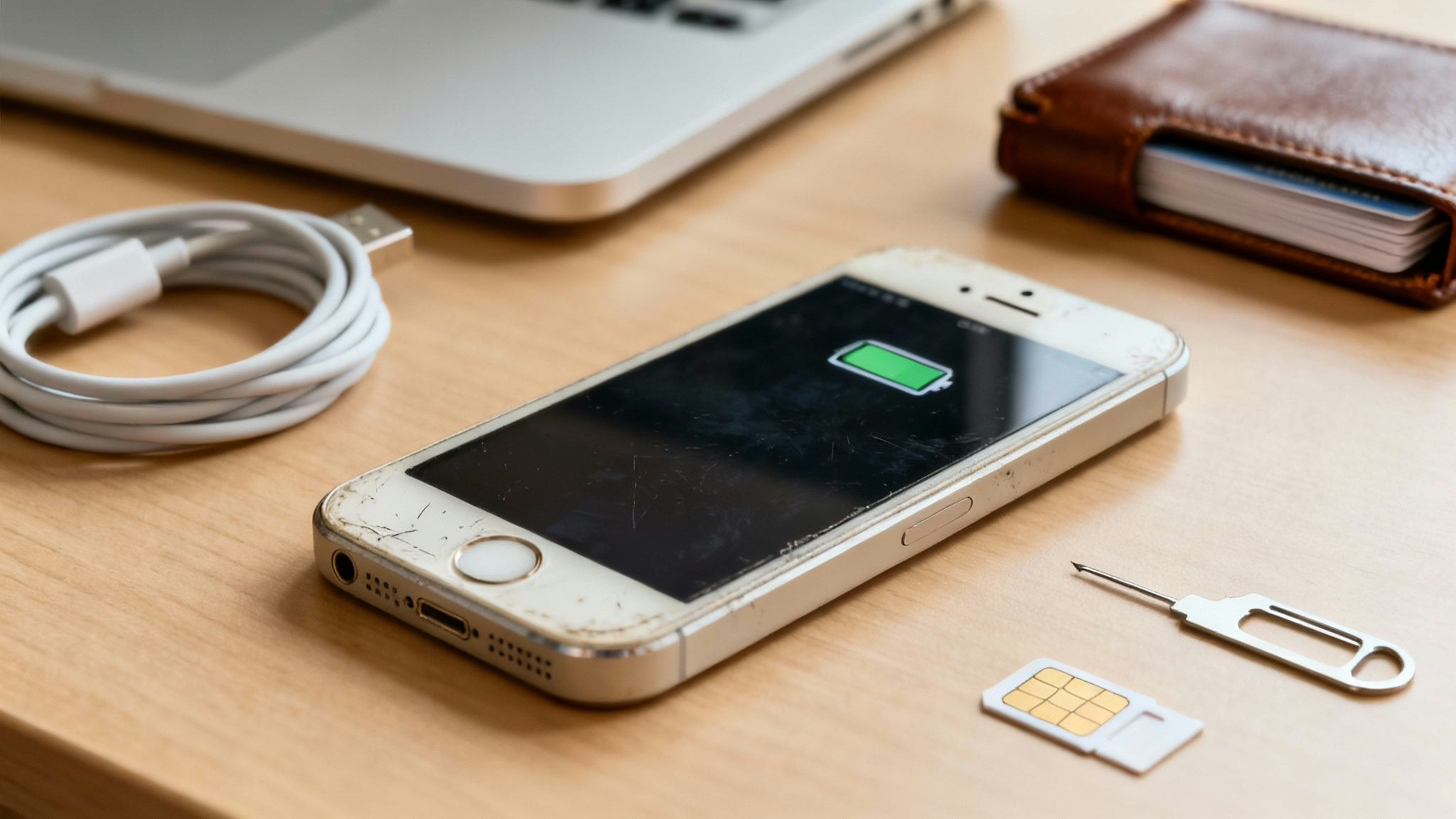
If your main work mobile suddenly breaks or gets lost, it can cause serious disruption. This guide explains how to choose and set up a cheap refurbished iPhone as a backup work phone, making sure you’re always connected for essential calls, emails, and apps without the high cost of a new device.
Why a Backup Work iPhone Is a Smart Business Move
Having a second phone is about ensuring business continuity and maintaining a healthy work-life balance. A dedicated backup phone keeps your personal and professional lives separate, which can reduce distractions and help protect your privacy.
Many professionals in the UK are finding that refurbished iPhones are reliable for businesses. They provide the robust security and familiar iOS interface needed for work, but at a much lower cost. Ultimately, having a dedicated work mobile means you’ve always got a fully charged, ready-to-go device for any emergency.
The Real Benefits of Choosing Refurbished
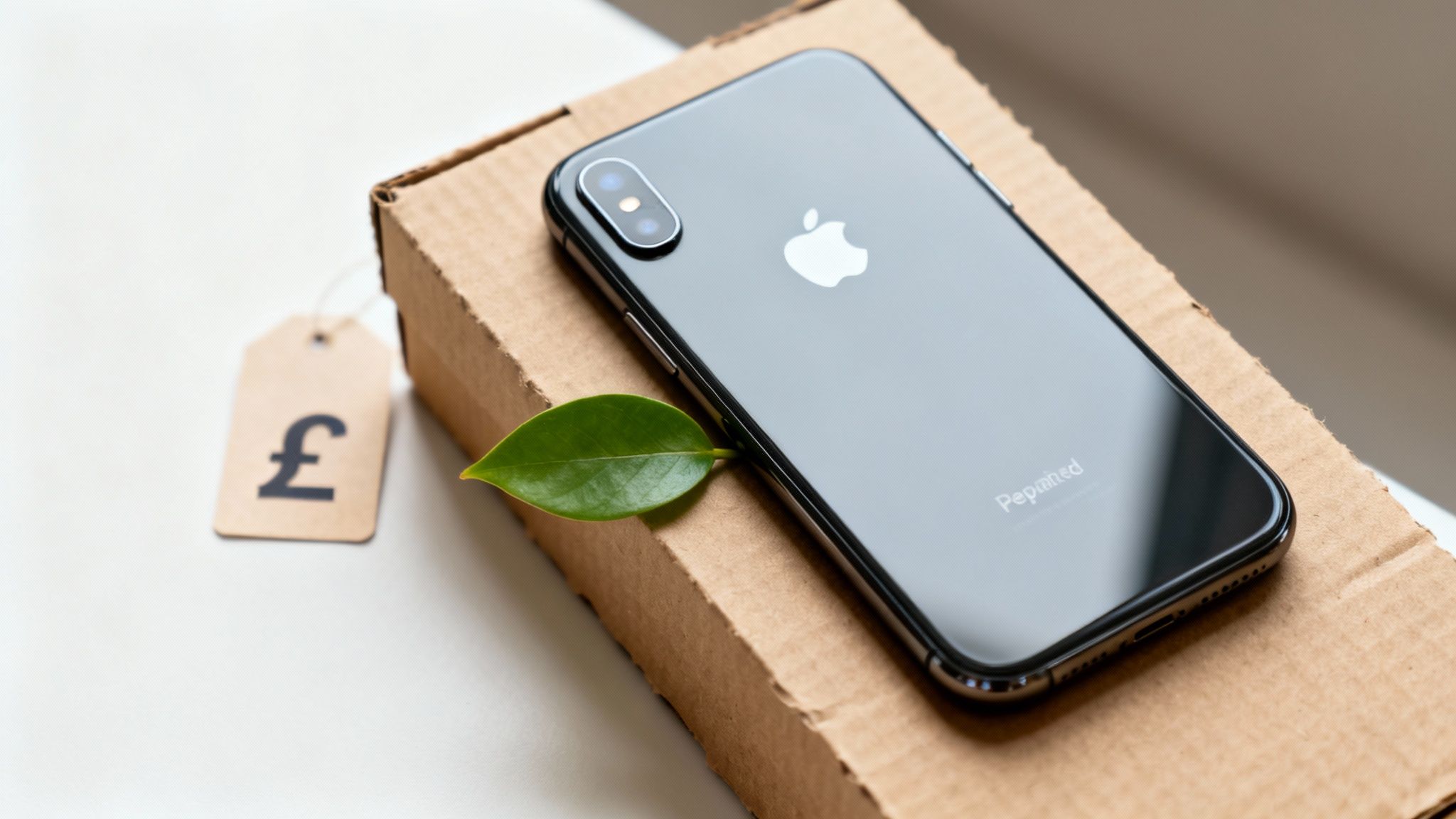
Considering a refurbished iPhone instead of a new one is more than just a way to save money. For professionals and small businesses in the UK, it’s a practical decision with several advantages.
The most obvious benefit is the cost. A good quality refurbished iPhone can be significantly cheaper than its brand-new equivalent. This frees up money that a freelancer or small business could use elsewhere, making a cheap refurbished iPhone as a backup work phone a sensible choice.
More Than Just a Lower Price
Beyond the price tag, choosing refurbished is a more sustainable option. You are giving a perfectly good device a second life, which helps reduce electronic waste.
You also don't have to compromise on performance. Apple provides long-term iOS updates, meaning even older models remain secure and capable of handling essential business tasks. A refurbished iPhone 11 or iPhone 12, for example, will manage emails, messaging apps, and mobile banking smoothly for years to come.
Customer Scenario: Sarah, a self-employed consultant, bought a refurbished iPhone SE after her main phone's screen cracked unexpectedly. She needed a simple, reliable mobile for calls and emails while her primary device was being repaired. The refurbished SE was affordable, easy to set up, and meant she didn't miss any important client communications.
A Smart Investment
The demand for pre-owned phones is growing. iPhones are particularly popular due to their long software support and good resale values, making them a dependable choice for a spare mobile.
It’s also wise to consider the total cost of ownership. Beyond the initial purchase, things like understanding iPhone screen repair costs help you appreciate just how much you save by starting with a lower-cost device. We also dive deeper into the many benefits of buying a refurbished iPhone in our own guide.
Ultimately, for any professional needing a reliable second device, picking a refurbished iPhone is a sound financial and practical decision.
How to Select the Right iPhone Model
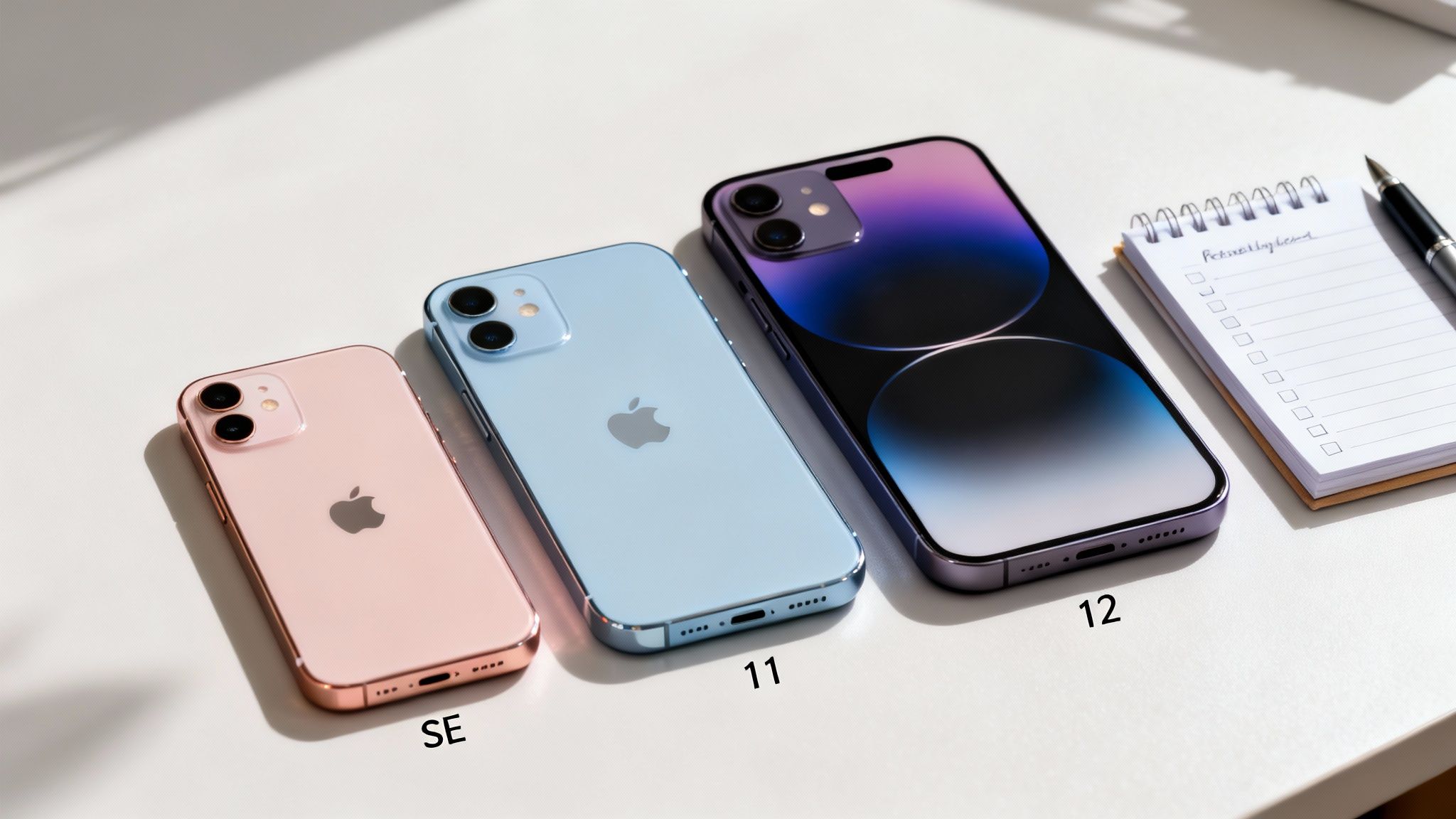
When you're looking for a cheap refurbished iPhone as a backup work phone, the focus should be on practical value, not the latest features. The goal is to find a dependable device that handles core business tasks without costing a fortune.
Models like the iPhone SE (2nd or 3rd Generation), iPhone 11, or iPhone 12 are excellent options. They offer a good balance of affordability, solid performance, and long-term iOS support from Apple. This means they will run your essential apps securely for years.
Prioritising What Matters for Work
For a backup mobile, your priorities should be focused on what helps you get the job done.
Here’s what to look for:
- Good Battery Health: The phone needs to hold a charge and be ready when you need it.
- Sufficient Performance: It must run apps like Microsoft Teams, Slack, and your email client without noticeable lag.
- A Decent Camera: It should be clear enough for scanning documents, capturing receipts, or reading QR codes.
- Ongoing Software Support: Choose a model that still receives iOS updates to keep your work data secure.
Finding the Balance of Price and Performance
In the UK, using refurbished iPhones as backup phones is a smart business practice. With new models costing over £1,000, devices like a used iPhone 11 or SE have become a popular choice for a spare work mobile that still runs everything you need. This approach avoids tying up cash that could be better used elsewhere. We are seeing this trend grow, and you can discover more insights into the market at Accio.com.
For many, the iPhone SE is a great choice. It has a powerful chip in a compact design, making it easy to carry. If you need a larger screen for viewing documents, the iPhone 11 or 12 offer bigger displays and excellent all-round performance for the price. If you're still weighing up the options, our detailed comparison can help you decide which used iPhone is right for your needs.
It’s also important to understand refurbishment grades. While a 'Pristine' device is tempting, a 'Good' or 'Very Good' condition phone often provides the best value. You get a fully functional device with minor cosmetic scuffs that don't affect performance, saving you money on aesthetics that don't matter for a backup.
Comparing Popular Refurbished iPhone Models for Work
Here’s a quick breakdown of models often recommended for a backup work phone. This should help you find the best value for your needs.
Note: Prices are approximate and can vary. iOS support dates are estimates based on Apple's typical support lifecycle.
The right phone depends on your priorities. If you just need a no-fuss backup, the SE is a great option. If you plan to use it more actively, stepping up to an iPhone 11 or 12 is a worthwhile investment.
Finding a Trustworthy UK Refurbisher
Buying a refurbished device requires some research. Your top priority should be the seller's reputation and policies, as this gives you peace of mind when you’re relying on your phone for work.
When you're comparing sellers, there are a few key things to check. A solid warranty is the most important one.
What to Look for in a Seller
Always look for a seller that offers a minimum 18 Month Warranty. This shows they are confident in their testing process and protects you if a fault develops. A clear returns policy is also crucial, giving you a safety net if the device isn't what you expected.
Here are the key things to verify before you buy:
- Warranty Length: A 18 Month Warranty should be the standard.
- Returns Policy: Check for a policy that gives you at least 14 days to return the phone.
- Testing Process: Reputable sellers will be transparent about their diagnostic checks.
- Data Wiping: Ensure the seller uses certified methods to wipe all previous owner's data.
Buying from a reputable UK-based specialist rather than a private seller is generally safer. A proper business provides customer support and ensures you're protected by UK consumer law. To find out more, you can check out our guide on where to buy refurbished iPhones.
A quick look at recent customer reviews on sites like Trustpilot can tell you a lot about a seller's reliability. Look for consistent positive feedback on product quality and how they handle any issues.
More Than Just a Good Deal
Opting for a refurbished iPhone is not just cheaper; it's also better for the environment. Sustainability is a significant factor for many buyers, and Apple devices are a large part of the secondary market. UK consumers increasingly see 'refurbished' as a smart choice that combines savings with responsible consumption. You can discover more insights on consumer trends from recent surveys.
Taking a few minutes to check the refurbisher is an important step. It ensures your cheap refurbished iPhone as a backup work phone is a reliable investment.
Setting Up Your iPhone for Work
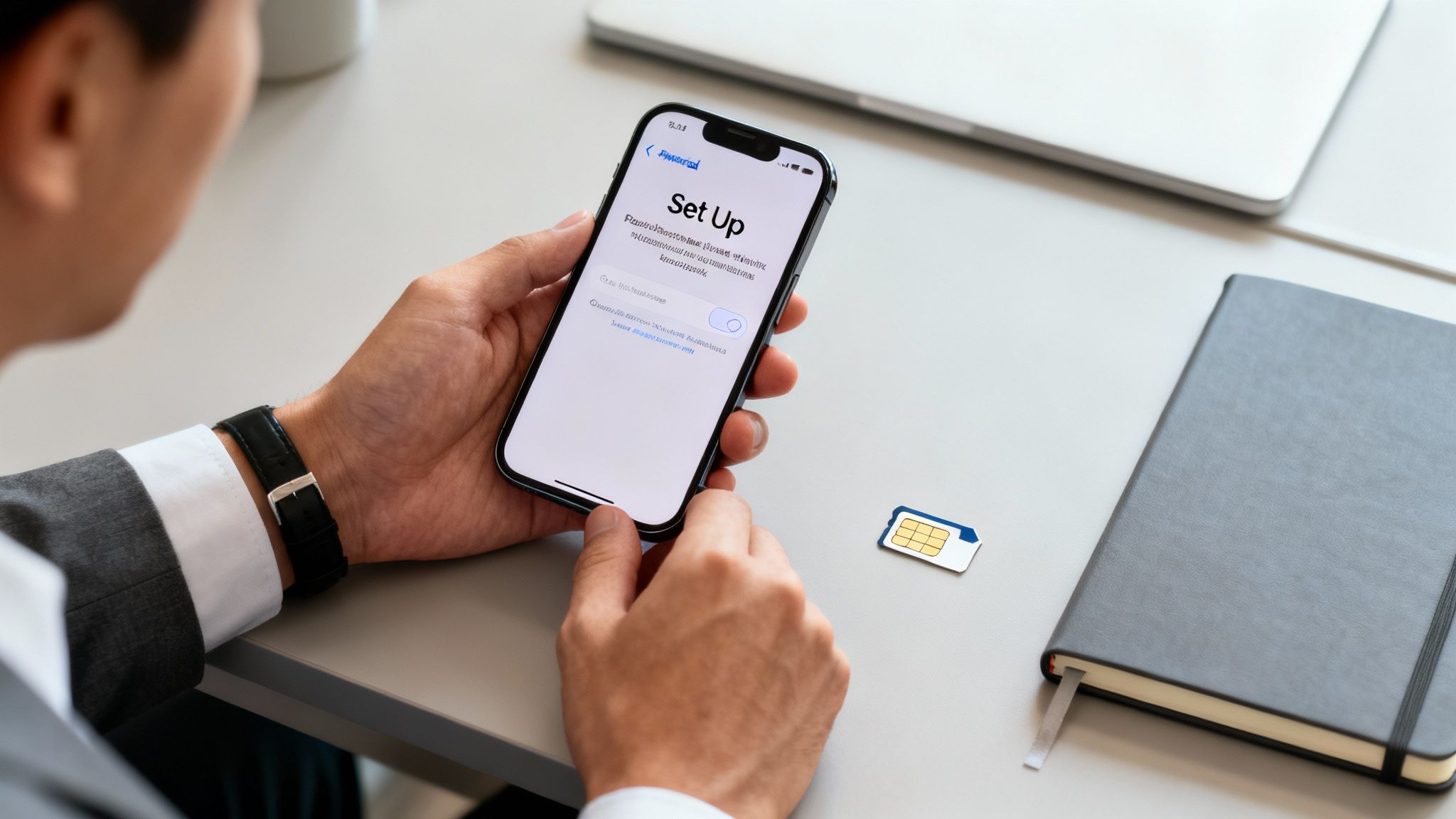
Once your refurbished iPhone arrives, the next step is to set it up correctly. This turns it into a secure and effective work tool, ready when you need it.
First, you’ll need a mobile plan. For a backup device, a budget-friendly, SIM-only contract is usually the best option. Many UK networks offer rolling 30-day plans with a modest amount of data, which is perfect for a phone that won't be used heavily every day.
Initial Device Configuration
When you switch on the iPhone, you’ll be given a choice.
- Set Up as New iPhone: This is the recommended option for a work phone. It gives you a clean slate, free from personal apps and notifications, helping to maintain a clear boundary between your personal and professional life. If you need help clearing an old device first, see our guide on how to reset an iPhone.
- Transfer from another iPhone: If this device is a direct replacement for an old work mobile, this is the fastest way to get set up. Our guide on how to transfer data to your new iPhone walks you through the process.
Warning: Before you transfer anything or wipe an old device, always make sure you have a recent backup. Data loss is a real risk. On your old device, go to Settings > [your name] > iCloud > iCloud Backup and tap Back Up Now.
For better security and separation, consider creating a separate Apple ID for this work phone. This prevents your personal contacts, calendars, and iMessages from syncing, which is important for privacy.
Securing Your Work Data
A backup work phone still needs strong security, especially if it will hold sensitive information. The basics are non-negotiable.
Always set a strong passcode—ideally a six-digit code or an alphanumeric one. You should also enable Face ID or Touch ID for quick, secure access.
Crucially, you must turn on 'Find My'. This is essential if the phone is lost or stolen.
- Open the Settings app.
- Tap on [Your Name] at the top.
- Go to Find My > Find My iPhone.
- Make sure the Find My iPhone toggle is switched on.
This allows you to locate, lock, or remotely wipe the device from any web browser via Apple's iCloud website, protecting your business data.
If your company uses a Mobile Device Management (MDM) system, your IT department will provide specific instructions for enrolling the device. It's always best to ask them before installing any work apps.
Keeping Your Backup iPhone Ready for Action
A backup phone is only useful if it's ready when you need it. A few simple habits can ensure your device is always good to go, especially regarding the battery.
An easy way to preserve battery is to limit background activity. Go to Settings > General > Background App Refresh and switch it off for apps you don't need running constantly. This stops them from draining the battery while the phone isn't in use.
Long-Term Storage and Battery Health
If you store the phone for long periods, the battery charge level is important. Aim for a charge between 20% and 80%. Leaving it at 100% or letting it go completely flat for a long time can reduce the battery’s overall capacity.
Keep the phone in a cool, dry place. Extreme heat, such as inside a car on a hot day, can cause permanent damage to the battery and other components.
Options for Business Buyers
For businesses needing to equip teams with backup phones, many refurbishers offer bulk purchasing options, which can often lead to a better price per device.
Many sellers also accept trade-ins on old company mobiles. This can reduce the cost of your backup fleet, making a cheap refurbished iPhone as a backup work phone an even more cost-effective solution for business continuity.
Common Questions About Work iPhones
Here are answers to some common questions about using a refurbished iPhone for work.
Is an Older Refurbished iPhone Secure Enough for Work?
Yes. One of the main benefits of iPhones is Apple's long-term commitment to security updates. Even models that are a few years old still receive important iOS patches, keeping your work data safe. Combined with features like Face ID and Touch ID, a refurbished iPhone is often a more secure choice than many new budget Android phones.
What Condition Grade Is Best for a Backup Phone?
For a backup phone, you don't need a cosmetically perfect device. A 'Good' condition grade usually offers the best value. You get a fully functional phone that has been thoroughly tested, but it may have a few light scuffs or scratches. Since its main job is to be reliable, this is a smart way to save money.
Can I Use My Personal Apple ID?
You can, but it is not recommended. Setting up a separate Apple ID for your work phone is the best way to keep your personal and professional lives separate. It prevents personal contacts, photos, and messages from mixing with business data, which is better for privacy and organisation.
How Much Should I Spend?
You don't need a large budget. For a dependable backup work phone, a budget between £100 and £250 is usually sufficient. This price range includes great models like the iPhone SE (2nd or 3rd Gen) or an iPhone 11, which are more than capable of handling essential business apps. When it's time to manage old devices, consider professional Apple iPhone disposal and recycling services.
At Used Mobiles 4 U, we stock a wide range of fully tested, high-quality iPhones perfect for business use. Every device we sell comes with a 18 Month Warranty, giving you complete peace of mind.
Find your ideal backup work phone today at https://usedmobiles4u.co.uk.
Written by James Waterston — 24 years in the mobile phone industry from customer service to Sales Director of a global repair & recycling company; now running Used Mobiles 4 U for 8+ years. LinkedIn
Looking for a refurbished phone?
Shop professionally tested refurbished iPhones and Samsung phones with 18 month warranty, 30 day returns and free UK delivery.
Browse Refurbished Phones






