





Chromebook vs Laptop: A Practical UK Comparison

08/03/2026

8 Mins
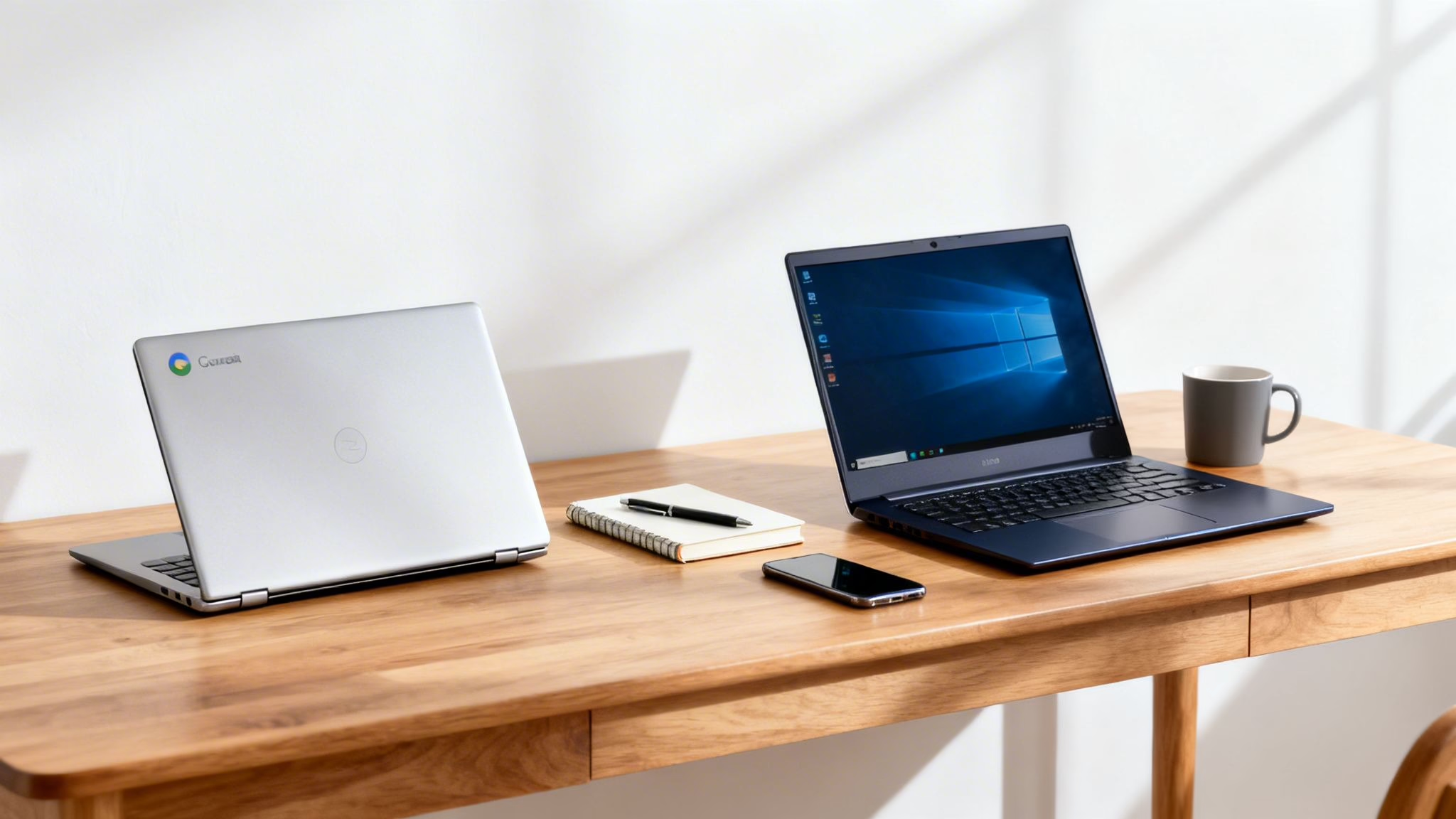
This guide will help you decide between a Chromebook and a traditional laptop by comparing their operating systems, performance, and real-world uses, especially for refurbished models. We'll explain the key differences so you can choose the right device for your needs and budget.

Picking between a Chromebook and a laptop can feel tricky, but it boils down to a simple trade-off: do you need the all-round power of a traditional laptop, or will the streamlined simplicity of a Chromebook do the job?
Chromebooks are great for getting online quickly, handling emails, and using web-based apps, often at a lower price. Laptops, running Windows or macOS, offer the flexibility to install powerful, specialised software for more demanding tasks. The right choice in the chromebook vs laptop debate depends entirely on what you'll be using it for day-to-day.
Chromebook vs Laptop: Key Differences at a Glance
Before we dive deeper, here is a quick look at the main differences. This should be your starting point for figuring out which device is the right fit.
This table gives you the basics, but the real decision comes from understanding how these differences play out in the real world.
How Operating Systems Define Your Experience
The biggest difference in the chromebook vs laptop debate is the operating system (OS). This isn’t just tech jargon; it fundamentally changes what you can and can’t do with your machine. A Chromebook runs on Google’s ChromeOS, which is best thought of as a secure, expanded version of the Chrome web browser.
This design makes ChromeOS simple and safe. It starts in seconds and handles all updates automatically, so you don't have to worry about viruses or fiddly security software. Everything is built to work with web apps and cloud storage—think Google Docs, Sheets, and Drive. You can also run many Android apps from the Google Play Store, which adds functions like WhatsApp or your favourite mobile games.

Software on Windows and macOS
Traditional laptops that run Windows or macOS offer a completely different philosophy: software freedom. These operating systems are built to run powerful programs you install directly onto the hard drive.
If your work or studies rely on specific installed software—like the Adobe Creative Suite for design, Sage for accounts, or specialised university software—a traditional laptop is your only practical option. While you can use web versions of Microsoft Office on a Chromebook, the experience isn't as feature-rich as the full desktop versions on a Windows PC or Mac. If you're curious about Apple’s laptops, our guide on the MacBook Air vs Pro explains more.
A Real-World Example
Here’s a common scenario that brings the difference to life.
- Scenario: A freelance virtual assistant, Sarah, buys a refurbished Chromebook for her new business. It’s affordable and she mainly uses Google Workspace, so it seems perfect.
- The Problem: A few months in, a major new client asks her to use a specific version of Microsoft Publisher and some custom accounting software that only runs on Windows. Her Chromebook can't install them.
- The Outcome: Sarah has to buy a second-hand Windows laptop to keep the client. A Windows machine from the start would have given her the flexibility to handle any software request.
This example highlights the core trade-off. A Chromebook is brilliant for a defined set of online tasks, but a traditional laptop gives you the versatility to tackle unexpected software demands.
Comparing Performance and Hardware
When it comes to performance in the chromebook vs laptop discussion, you can't judge them by the same standards. A Chromebook is all about efficiency, running the lightweight ChromeOS. This means it can feel very quick for daily tasks, even with hardware that looks modest on paper.
For many people, a Chromebook with a basic processor and 4GB of RAM is more than enough for smooth web browsing, video streaming, or document work. It's a case of doing more with less, as the operating system doesn't have the heavy demands of Windows or macOS.
Laptops and the Power Spectrum
Traditional laptops cover a massive range of hardware, from entry-level models to powerhouses with fast processors, dedicated graphics cards, and lots of RAM. This variety makes them the go-to for anyone who needs to run demanding software.
This extra muscle is essential for tasks a typical Chromebook isn't built for. If you are a serious gamer or your work involves editing videos, a laptop with a powerful processor and a dedicated graphics card is non-negotiable. For those looking at gaming, our guide on top refurbished gaming laptops is a great place to start.
You can't directly compare the specs of a Chromebook to a Windows laptop. A Chromebook with 4GB of RAM will often feel much smoother for web browsing than a Windows laptop with the same amount, simply because ChromeOS needs fewer resources to run.
What Really Matters in Hardware
Let's break down the core components:
- Processor (CPU): Chromebooks often use processors like the Intel Celeron, which are ideal for web-based activities. Laptops offer a wider spectrum, including more powerful Intel Core or AMD Ryzen chips for heavy lifting.
- Storage: Many Chromebooks use eMMC storage, which is like a built-in SD card—slower and cheaper. Most modern laptops use faster Solid-State Drives (SSDs), which help the OS and programs load quickly.
While Chromebooks are designed to stay quick, traditional laptops can get bogged down over time. If you're a laptop user, knowing how to speed up a slow computer can be a lifesaver. The right choice is about matching the hardware to what you do day-to-day.
Which Device Fits Your Daily Life?

The chromebook vs laptop debate isn't about which is better overall, but which one fits your daily routine. Thinking about how you’ll use the device is the key to choosing correctly.
For Students and Parents
A Chromebook often shines as a first device for children or for university students, thanks to its simplicity and security.
- For children: Many parents choose a refurbished Chromebook because it’s budget-friendly and safe. With built-in parental controls and a simple interface, it’s great for homework on Google Classroom and safe web browsing.
- For university students: The long battery life is a massive win, easily lasting a full day of lectures. For writing essays in Google Docs, joining online seminars, and streaming films, a Chromebook is often enough.
Of course, if a student’s course demands specific installed software—for architecture, engineering, or video production—a more powerful Windows or macOS laptop is necessary.
For Professionals
For work, the right choice is tied to your job. A Chromebook can be a hassle-free tool for some, but a non-starter for others.
The big question is: does your job rely on specific software that has to be installed? If yes, a traditional laptop is almost always the right tool. A business owner who needs desktop accounting software on Windows, for example, will find a laptop essential.
On the other hand, for remote workers whose days are spent in web-based tools, a Chromebook can be a brilliant, low-maintenance choice. For those who prioritise access from anywhere, understanding options like hosted desktops for remote work can also shape the decision. Some people also want the flexibility of a tablet; learn more in our guide to buying refurbished tablets in the UK.
How to Buy a Refurbished Device Safely
Opting for a refurbished device is a smart way to get the tech you want at a lower price. Whether you’re leaning towards a Chromebook or a laptop, a few simple checks can ensure you get a reliable machine.

What to Check Before You Buy
First, always buy from a trusted seller who offers a clear warranty. At Used Mobiles 4 U, for instance, every device comes with a 18 Month Warranty for peace of mind. Also, check the seller’s grading system (like 'Like New' or 'Good') so you know what to expect cosmetically.
Warning: Before switching to a new device, always back up your old one. You don't want to risk losing important files, photos, or documents. If you need help, our guide on how to transfer data to a new phone has useful tips that apply to other devices too.
When you're comparing a refurbished chromebook vs laptop, the essential checks are slightly different.
Checklist for a Refurbished Chromebook
With Chromebooks, one detail is critical: its software support lifespan.
- Auto Update Expiration (AUE) Date: Every Chromebook has a set AUE date. After this date, it stops receiving security updates from Google. Ask the seller for the AUE date or check it yourself by going to Settings > About ChromeOS > Additional details > Update schedule. A device with only a year or two of updates left isn't a good long-term purchase.
Checklist for a Refurbished Laptop
For a traditional laptop, focus on the hardware and software legitimacy.
- Battery Health: Ask the seller directly about the battery's condition. A tired battery that barely lasts an hour is frustrating and can be expensive to replace.
- Operating System: Ensure a genuine, licensed version of Windows or macOS is installed. Unlicensed software can be a security risk.
- Physical Condition: Check that all ports work, the keyboard feels right, and the screen is free from damage beyond the cosmetic grade you paid for.
These steps help you find a great deal on a machine that will serve you well. For a deeper look, check our guide on the best refurbished laptops in the UK.
The Final Verdict: Which One Should You Choose?
So, what’s the final word in the chromebook vs laptop debate? There’s no single winner. The best choice boils down to what you’ll be doing with it every day and your budget.
If your world is mostly online—browsing, emails, streaming, and using Google Docs—a Chromebook is a fantastic, budget-friendly option. They are secure, simple, and often have great battery life.
On the other hand, a traditional laptop is still the king of versatility and power. If you need to install specific desktop software, handle demanding creative tasks, or work extensively offline, a laptop is the way to go.
Making the Final Call
Ask yourself these three simple questions:
- What will I do with it 90% of the time? If it’s online tasks, a Chromebook is a strong contender.
- Is there any specific software I must have? If you rely on installed programs like Adobe Photoshop or Sage accounts, you need a traditional laptop.
- How often will I be working offline? While Chromebooks can do some things offline, laptops are far more capable away from a Wi-Fi signal.
A Customer Example
Think about our customer Alex. He was looking for a simple device for his retired parents. All they needed was something for video calls, emails, and watching shows. A refurbished Chromebook was the perfect solution—affordable, secure, and incredibly easy to use without any fuss.
Ultimately, the choice between a Chromebook and a laptop is a trade-off. Go for a Chromebook if you value simplicity and affordability. Choose a laptop when you need power and software freedom.
Written by James Waterston — 24 years in the mobile phone industry from customer service to Sales Director of a global repair & recycling company; now running Used Mobiles 4 U for 8+ years. LinkedIn
Looking for a refurbished phone?
Shop professionally tested refurbished iPhones and Samsung phones with 18 month warranty, 30 day returns and free UK delivery.
Browse Refurbished Phones






