





iPhone 15 Tips, Tricks & Hidden Features: Get More From Your iPhone – buy used iPhone 15

23/01/2026

5 Mins
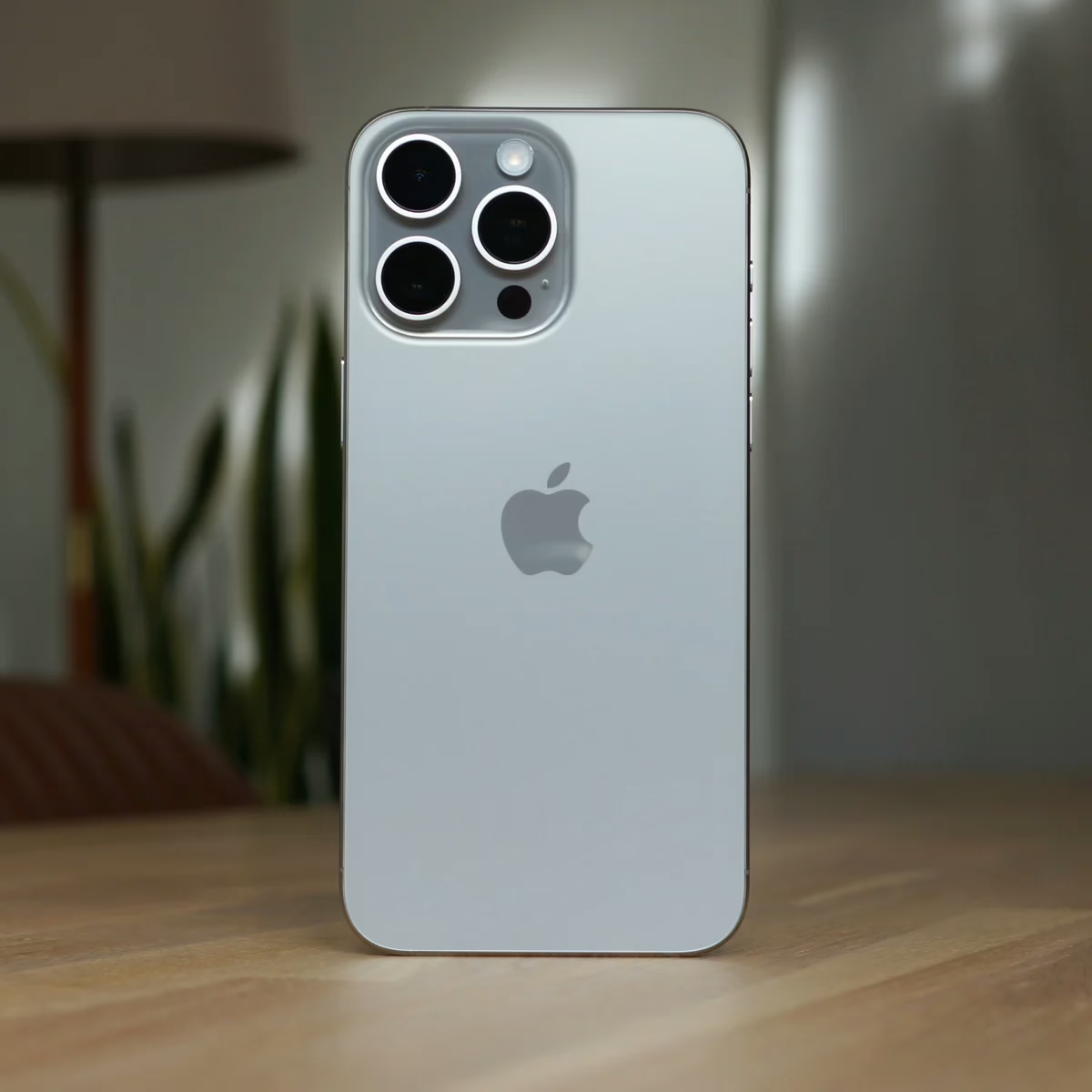
iPhone 15 Tips, Tricks & Hidden Features: Get More From Your iPhone – buy used iPhone 15
The iPhone 15 may look familiar at first glance, but once you start exploring its settings and features, it becomes clear that there is far more going on beneath the surface. Whether you’ve recently upgraded from an older iPhone or decided to buy used iPhone 15 models to save money, there are countless ways to customise, streamline and enhance how your device works day to day.
Apple has quietly refined many aspects of the iPhone experience. Some changes, such as the move to USB-C, are immediately noticeable, while others remain hidden unless you know where to look. This guide explores the most useful tips, tricks and lesser-known features to help you get the absolute most out of your iPhone 15.
The Action Button: Small Change, Big Impact

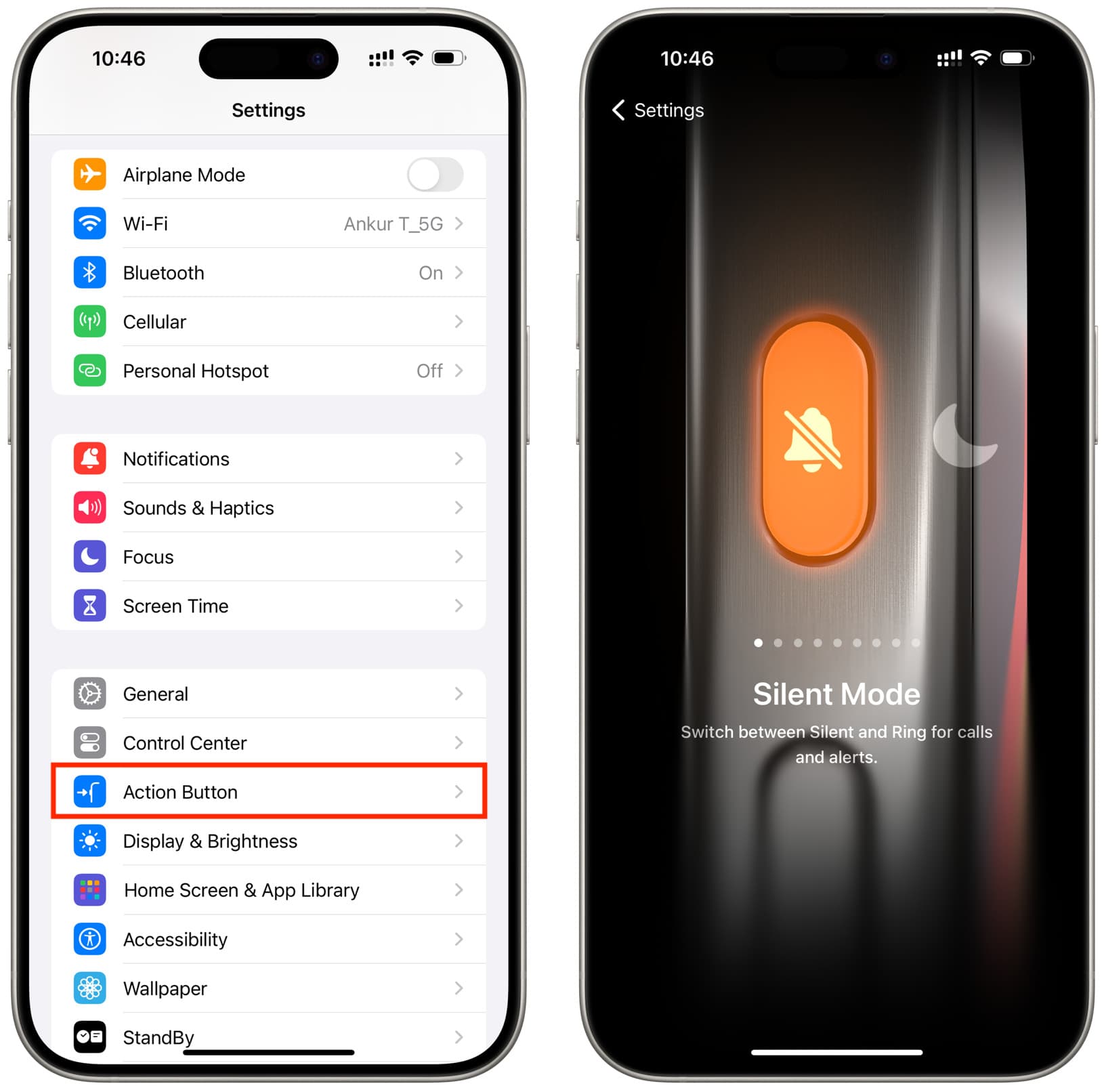
One of the biggest physical changes on the iPhone 15 range is the new Action Button. It replaces the traditional mute switch and introduces a new level of flexibility that many users overlook, especially those who buy used iPhone 15 devices and jump straight into daily use.
While it can still toggle silent mode, the Action Button can be reassigned to launch the camera, switch on the torch, record voice notes or activate a specific Focus mode. Because it works even when the phone is locked, it becomes one of the quickest ways to access essential features.
Over time, this small change can significantly improve how efficiently you use your phone.
Focus Modes: Smarter Control Over Notifications
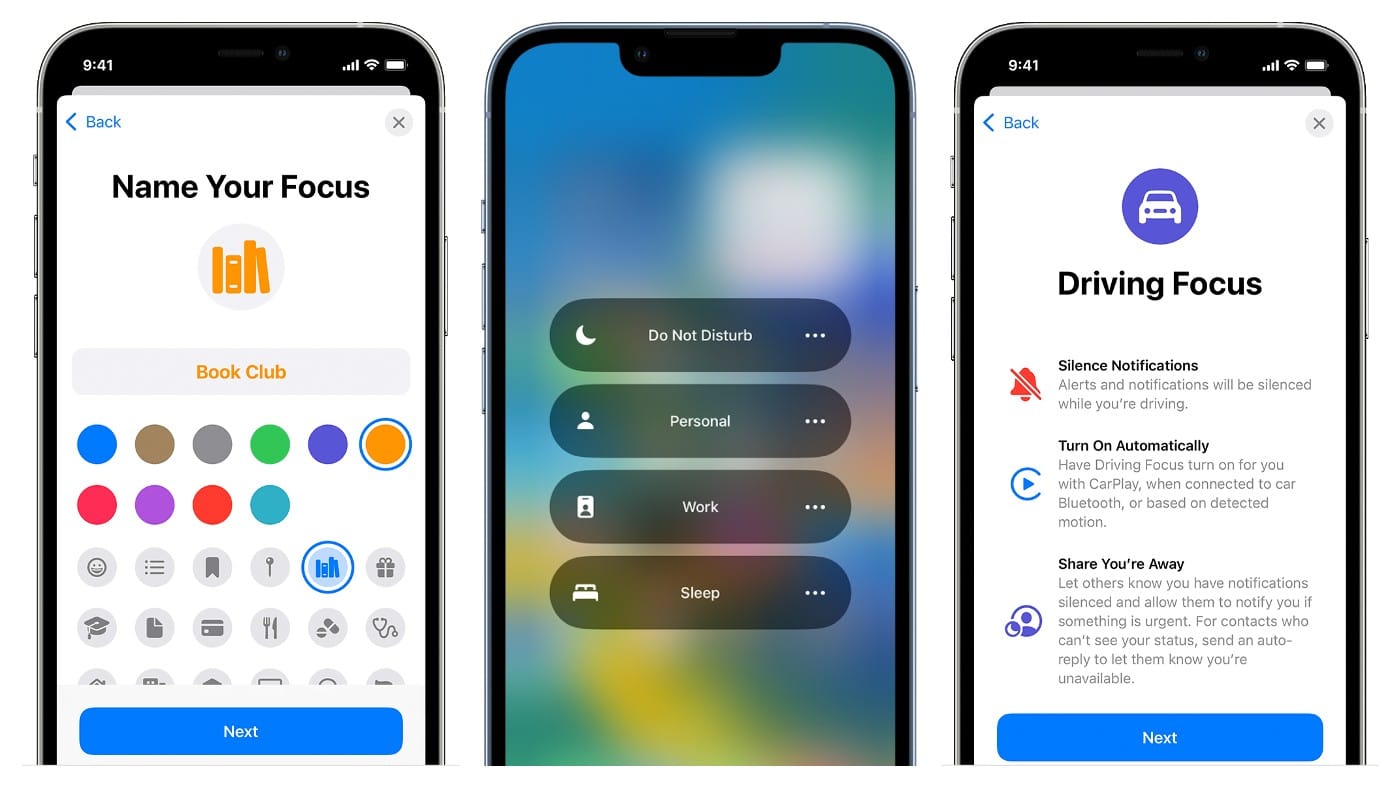

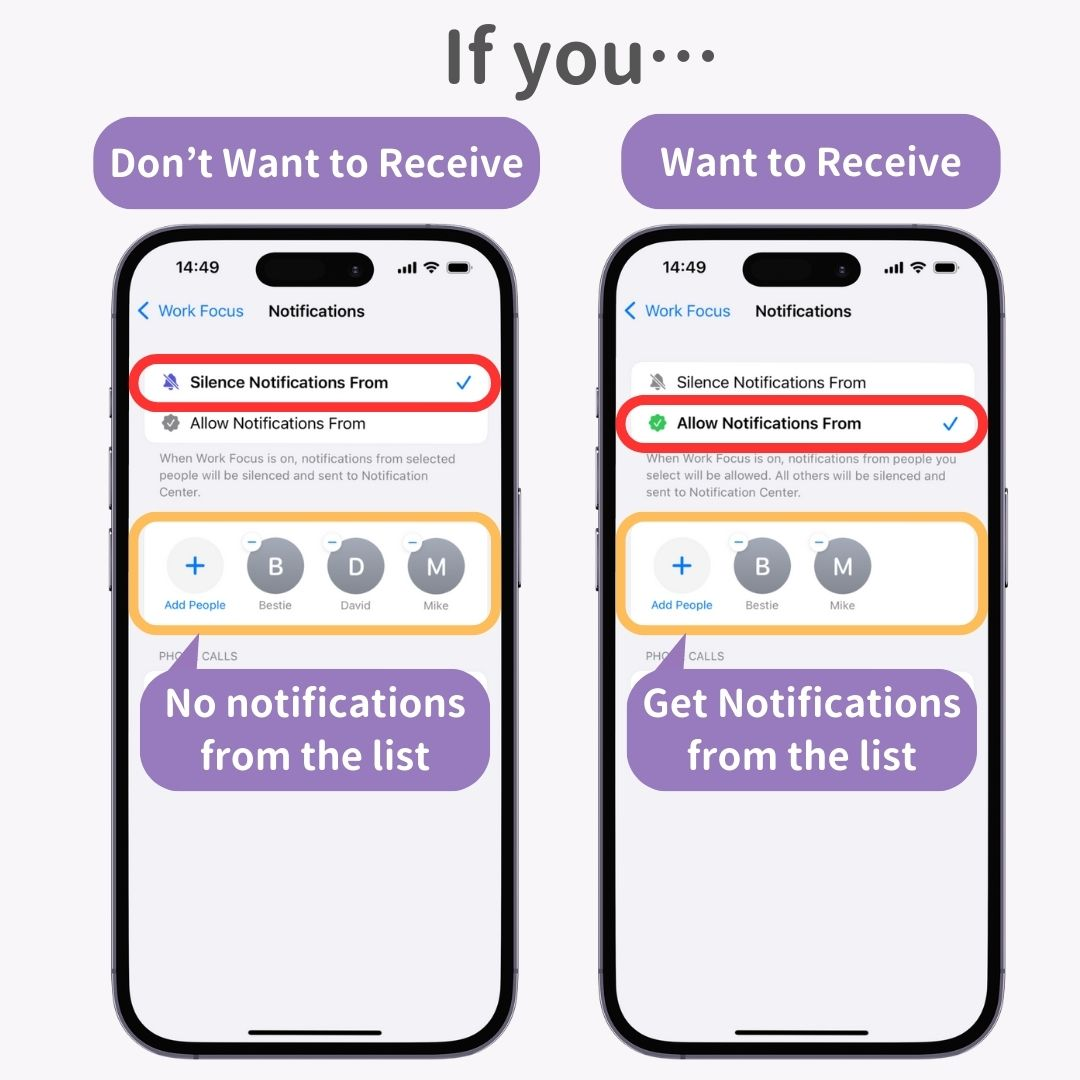
Managing notifications is one of the biggest challenges of modern smartphones. Focus modes on the iPhone 15 offer a refined solution, particularly useful if you buy used iPhone 15 models for work, study or productivity.
Focus allows you to create different profiles for different situations, such as work, personal time or sleep. Each mode lets you choose which apps and contacts can notify you, while others are silenced.
You can also link Focus modes to specific home screens, reducing distractions and encouraging healthier phone habits without installing third-party apps.
Contact Posters: Personalise Every Call
Contact Posters bring a visual refresh to phone calls. When you ring another iPhone user, your personalised poster appears on their screen, making calls feel more modern and personal.
You can customise fonts, colours, images and depth effects. It’s a subtle feature, but one that adds character to your device — especially appealing to users who buy used iPhone 15 phones and want them to feel uniquely theirs.
Back Tap: A Hidden Shortcut Worth Enabling

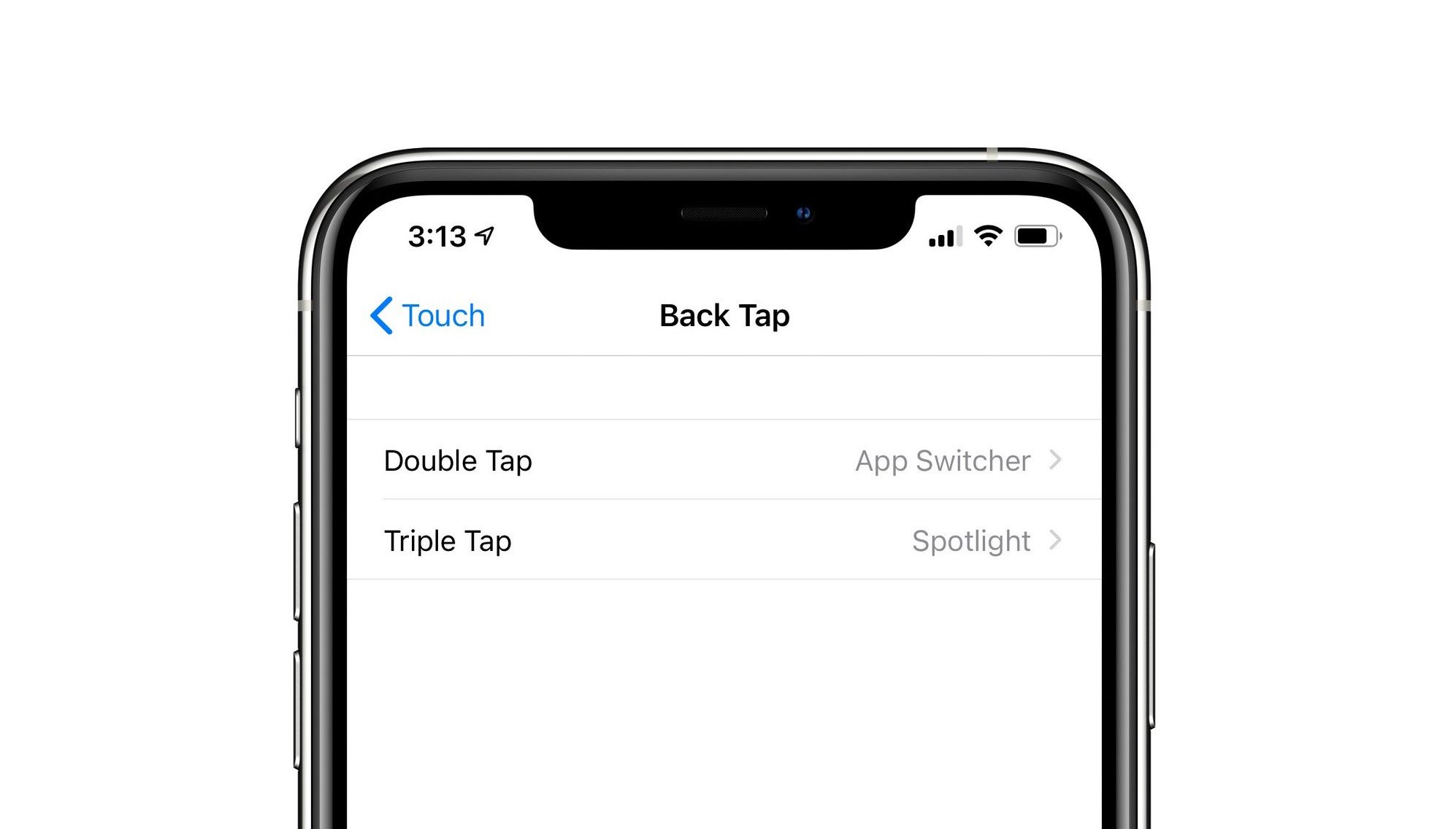

Back Tap is one of the iPhone’s best-kept secrets. Hidden within accessibility settings, it allows you to trigger actions by tapping the back of your phone two or three times.
You can assign shortcuts such as screenshots, opening the camera or enabling the torch. For people who buy used iPhone 15 devices and want faster control without extra apps, this feature is a real game-changer.
Control Centre: Tailor It to Your Routine
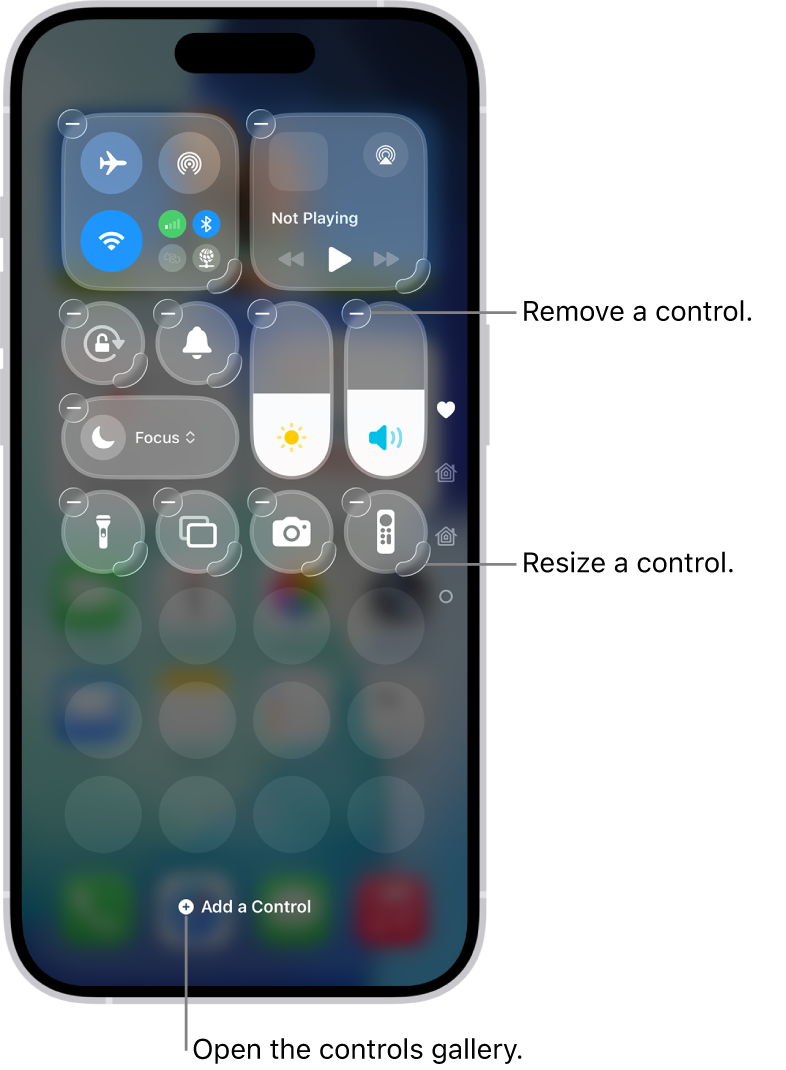
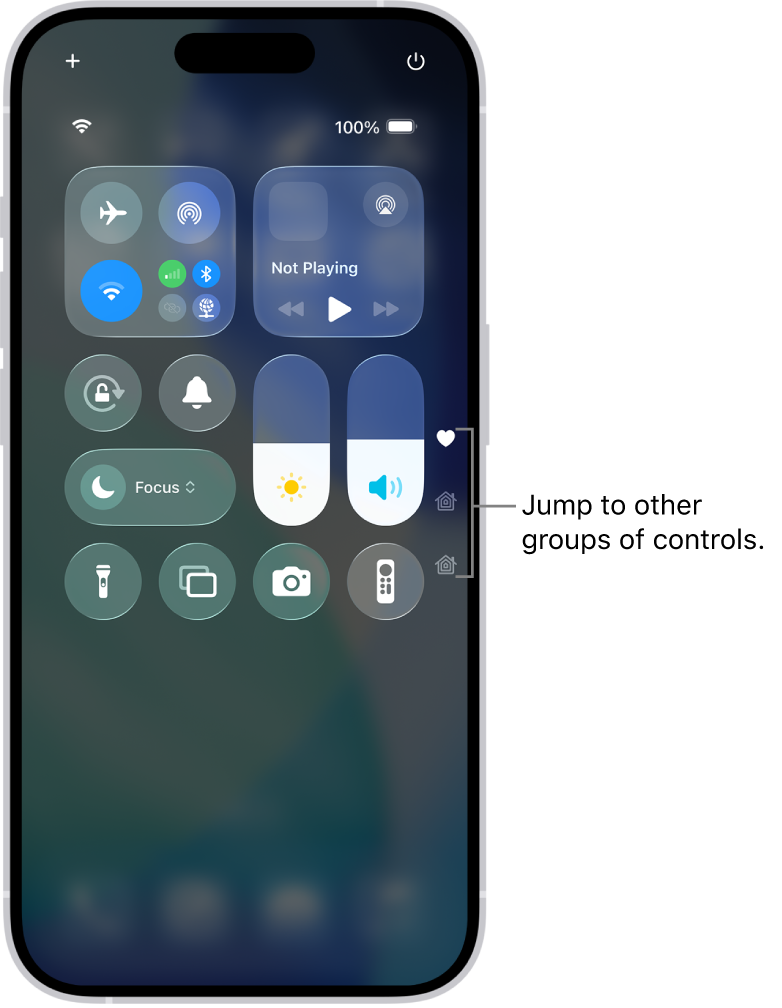
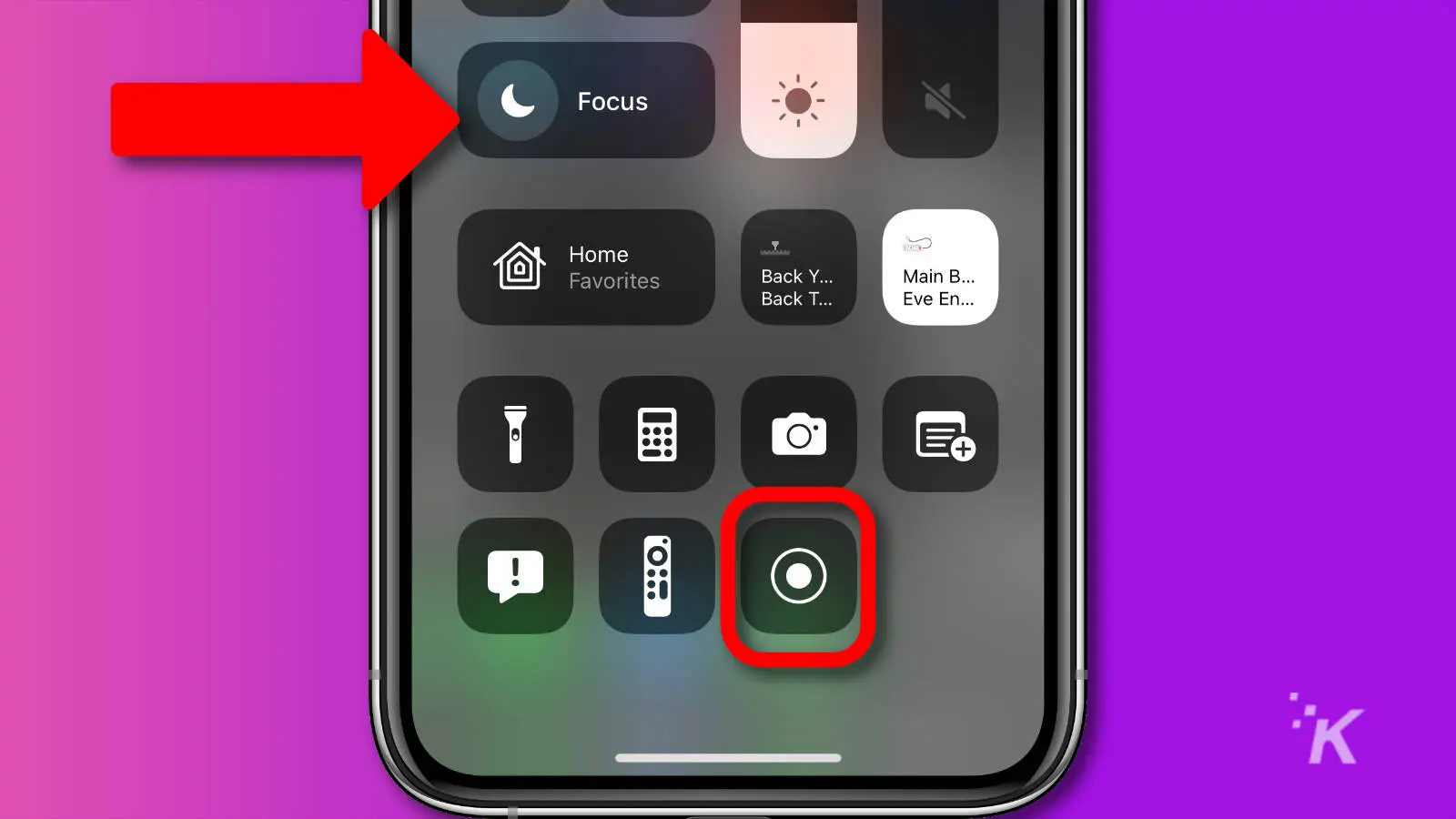
The Control Centre is one of the most frequently accessed areas of the iPhone, yet it’s often under-customised. On the iPhone 15, you can add or remove controls so only the tools you actually use are visible.
Low Power Mode, Screen Recording and accessibility shortcuts can all be added. This is particularly helpful if you buy used iPhone 15 models and want to fine-tune the experience from day one.
Wallet & Apple Pay: Convenience Behind the Scenes
Apple Pay continues to improve quietly. One lesser-known feature allows compatible cards to be added automatically based on Safari’s saved payment details.
This saves setup time and makes Wallet more useful immediately, which is ideal if you buy used iPhone 15 handsets and want everything working quickly without manual configuration.
Live Captions: Accessibility That Benefits Everyone
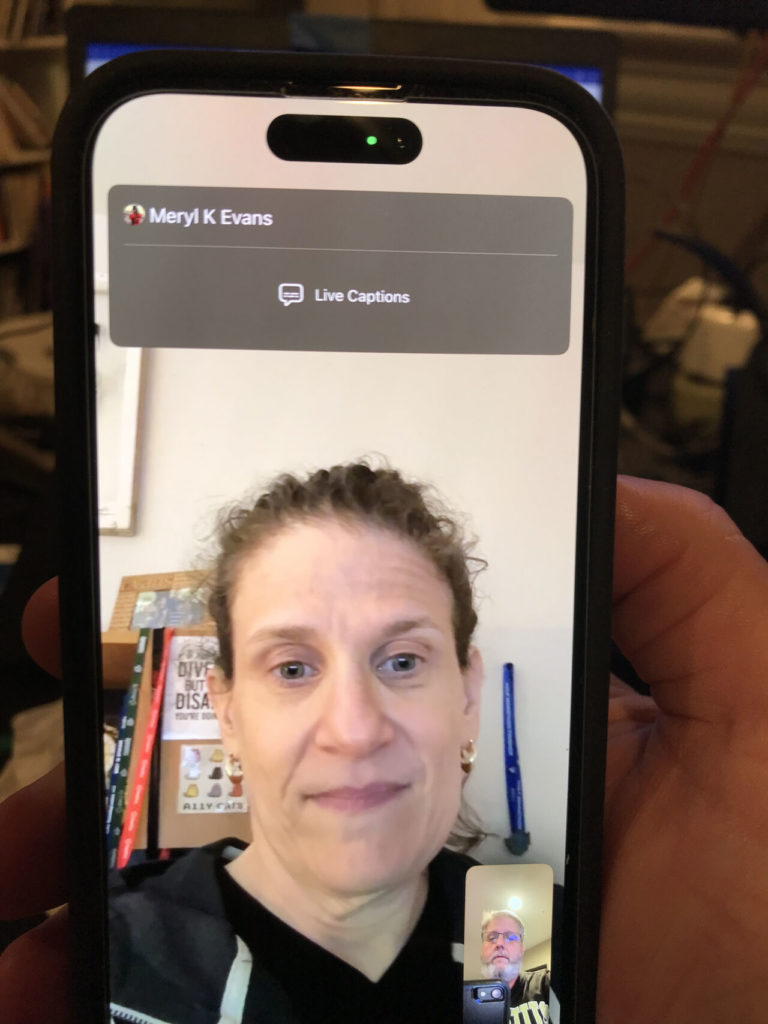
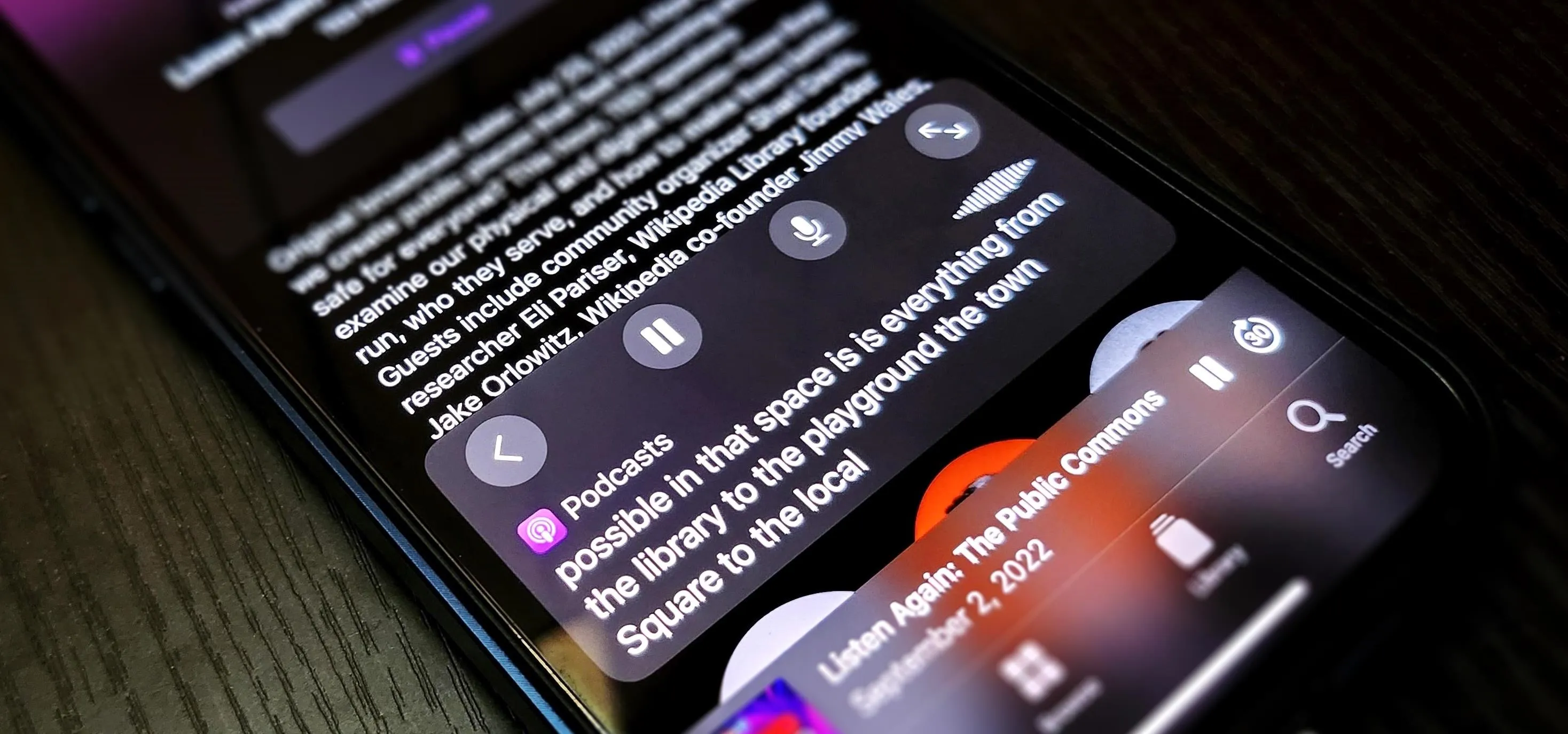

Live Captions display real-time subtitles for audio playing on your iPhone. Originally designed for accessibility, they’re also useful in noisy environments or shared spaces.
For users who buy used iPhone 15 devices for commuting, studying or work calls, Live Captions can make content far easier to follow without relying on headphones.
Camera Features You Might Be Missing
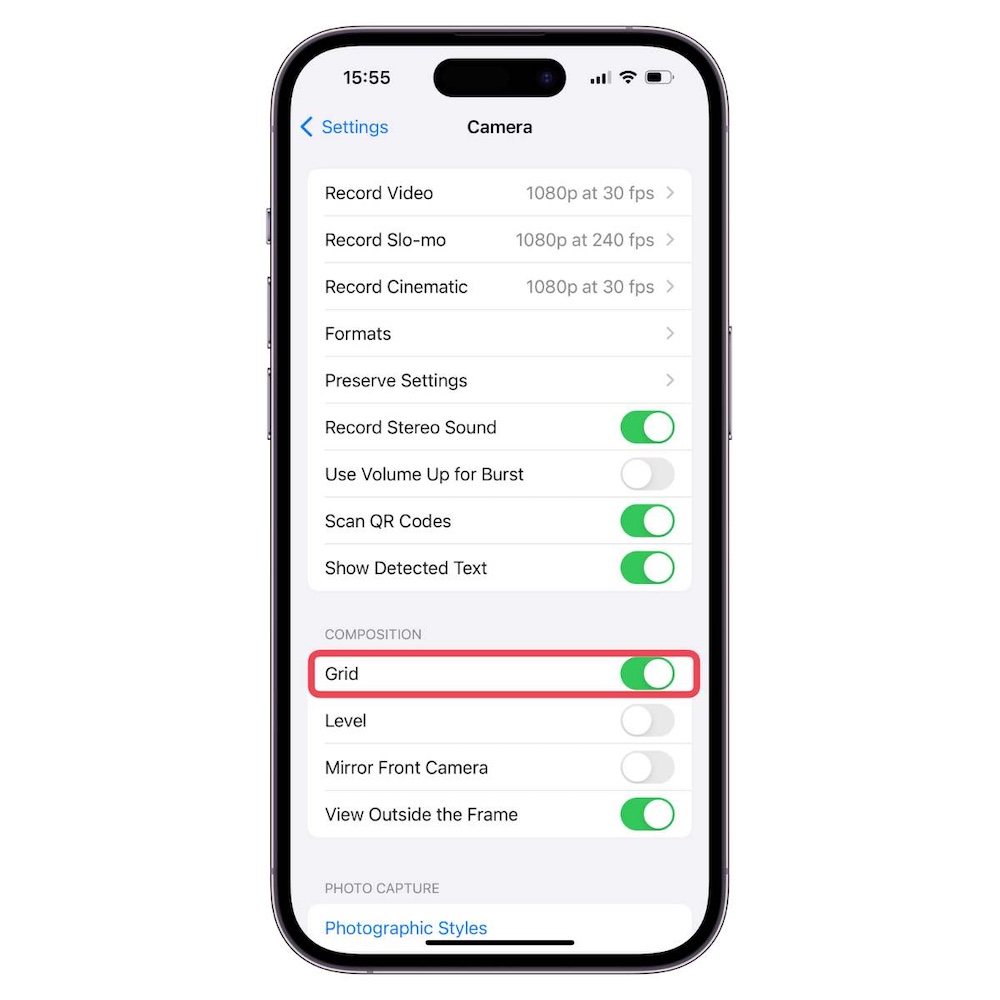
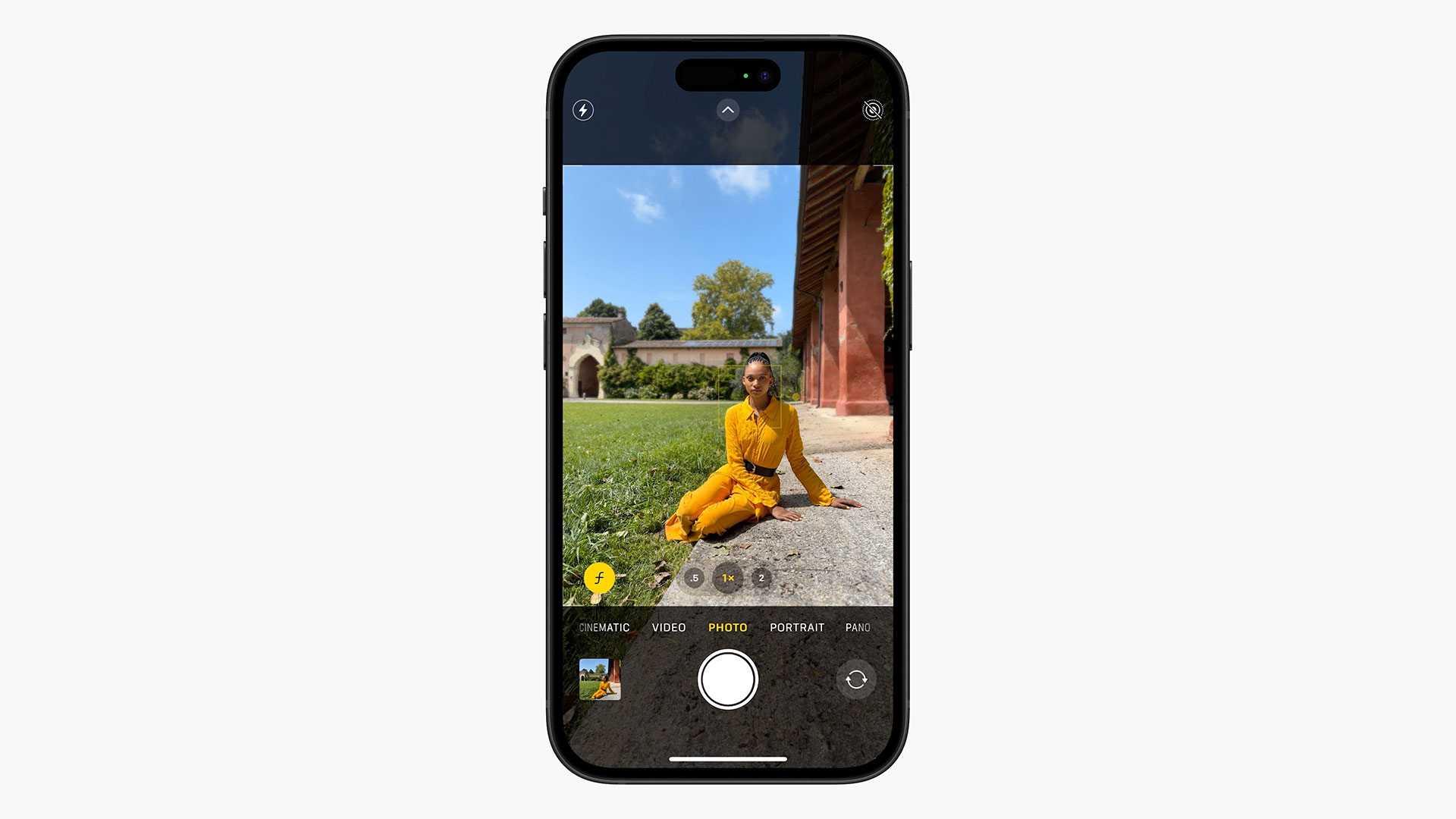
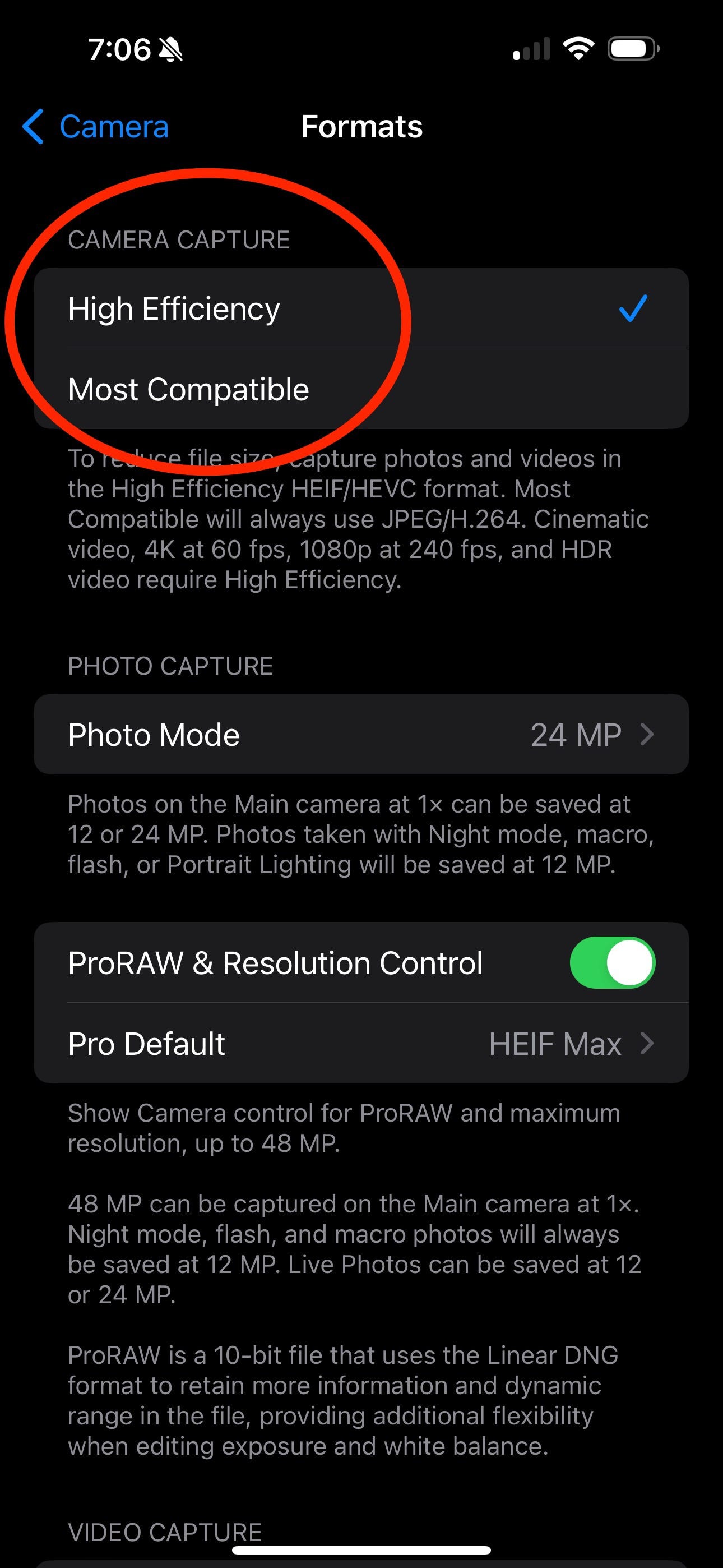
The iPhone 15 camera system is powerful, but many features are hidden in settings.
Composition tools such as grid lines and levelling help frame better photos. Automatic portrait depth allows you to apply background blur after the photo is taken, while custom focal lengths ensure consistent framing.
These features ensure that people who buy used iPhone 15 phones don’t miss out on advanced photography tools.
Photo & Video Formats Explained
The iPhone 15 supports multiple photo and video formats, including HEIF, JPEG and ProRAW. HEIF saves space, JPEG offers compatibility, and ProRAW provides editing flexibility.
For video, options range from HD to 4K with various frame rates. Choosing the right format is especially important if you buy used iPhone 15 models with lower storage capacities.
USB-C: A Practical Upgrade

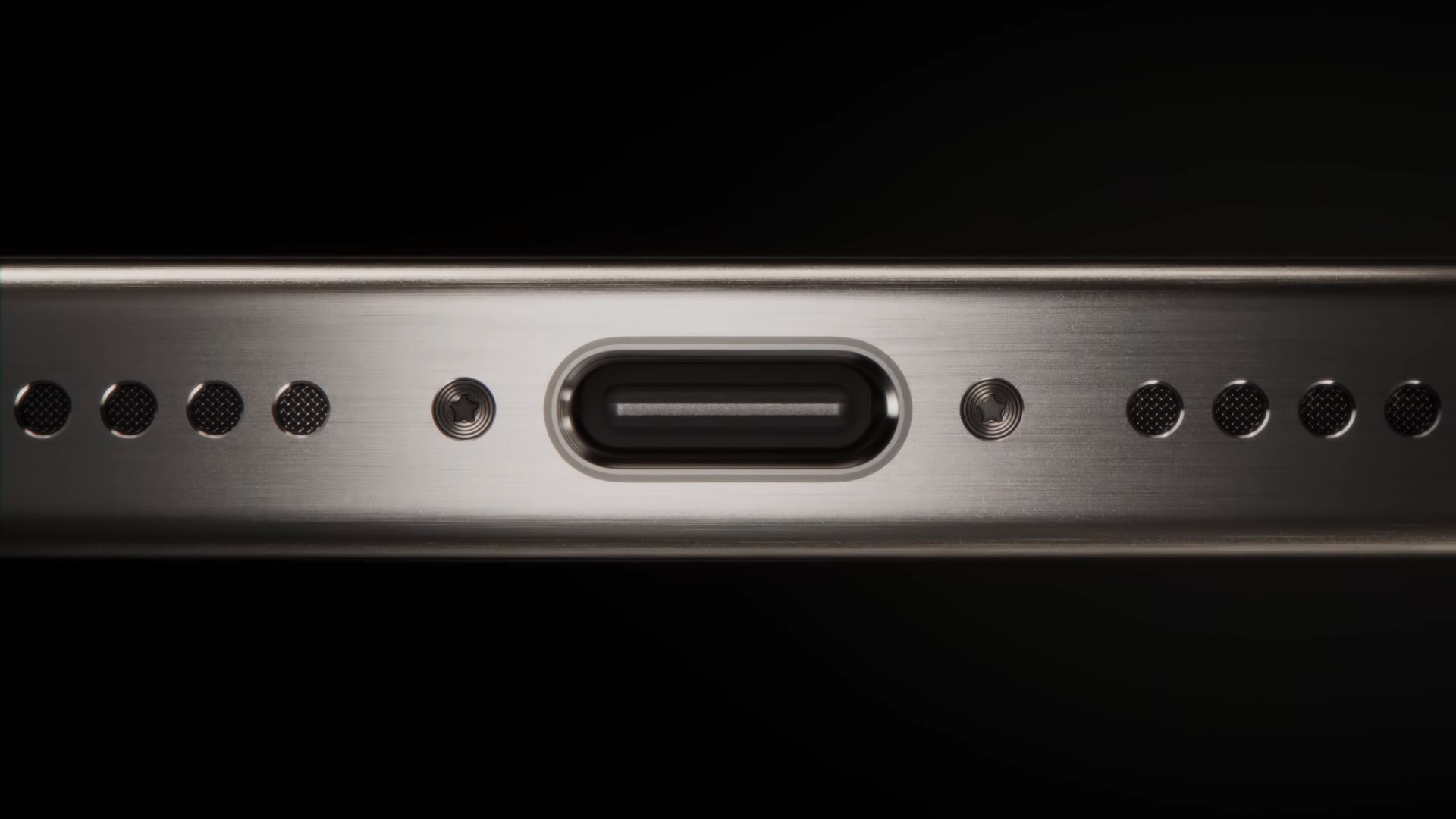

The switch to USB-C simplifies charging and data transfer. One cable can now charge multiple devices, making travel easier and reducing clutter.
This is a welcome improvement for users who buy used iPhone 15 phones and want modern connectivity without investing in proprietary accessories.
Battery Health & Long-Term Care
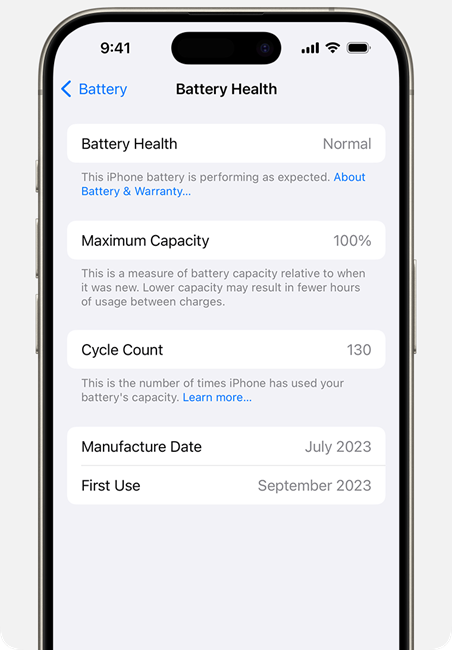

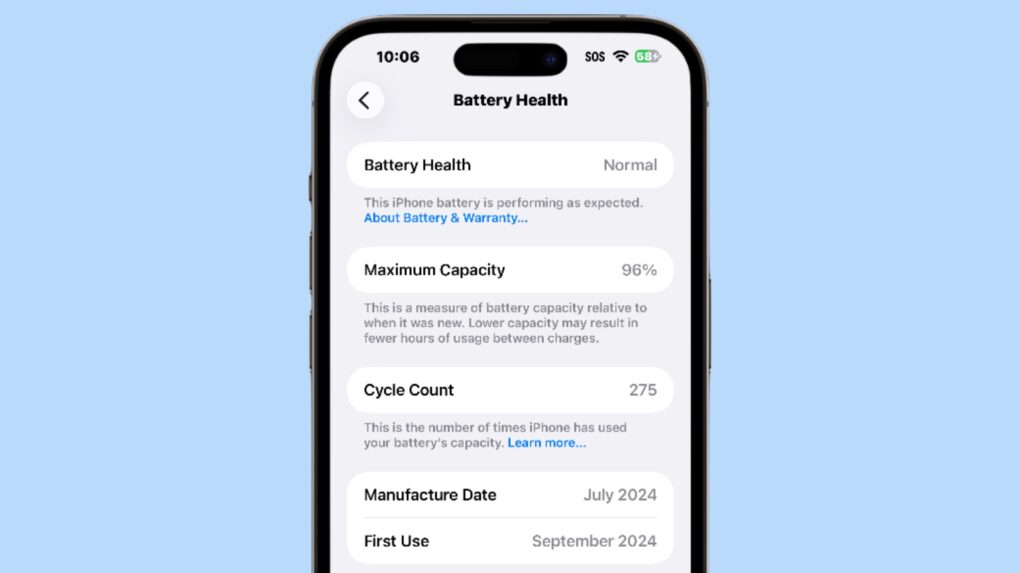
Battery transparency has improved on the iPhone 15. You can view cycle count, manufacture date and health percentage, which is particularly reassuring if you buy used iPhone 15 handsets.
Optimised Charging and optional charging limits help extend battery lifespan, ensuring strong performance over time.
Everyday Tweaks That Add Up
Beyond major features, the iPhone 15 includes dozens of small refinements. Smoother animations, better haptics and improved system behaviour make the phone feel polished and responsive.
For those who buy used iPhone 15 devices, these refinements ensure the experience feels current and premium, even at a lower cost.
Final Thoughts: Is the iPhone 15 Still Worth It?
The iPhone 15 offers a refined, feature-rich experience that rewards exploration. Its hidden tools, thoughtful shortcuts and practical upgrades make it a strong choice well beyond its launch year.
If you’re looking to buy used iPhone 15 models, taking the time to explore these features ensures you get the same premium experience without paying full retail price. With the right setup, the iPhone 15 remains a powerful and future-proof device.
Looking for a refurbished phone?
Shop professionally tested refurbished iPhones and Samsung phones with 18 month warranty, 30 day returns and free UK delivery.
Browse Refurbished Phones






