





How Does Dual SIM Work: A Practical Guide for Your Mobile

30/01/2026

10 Mins
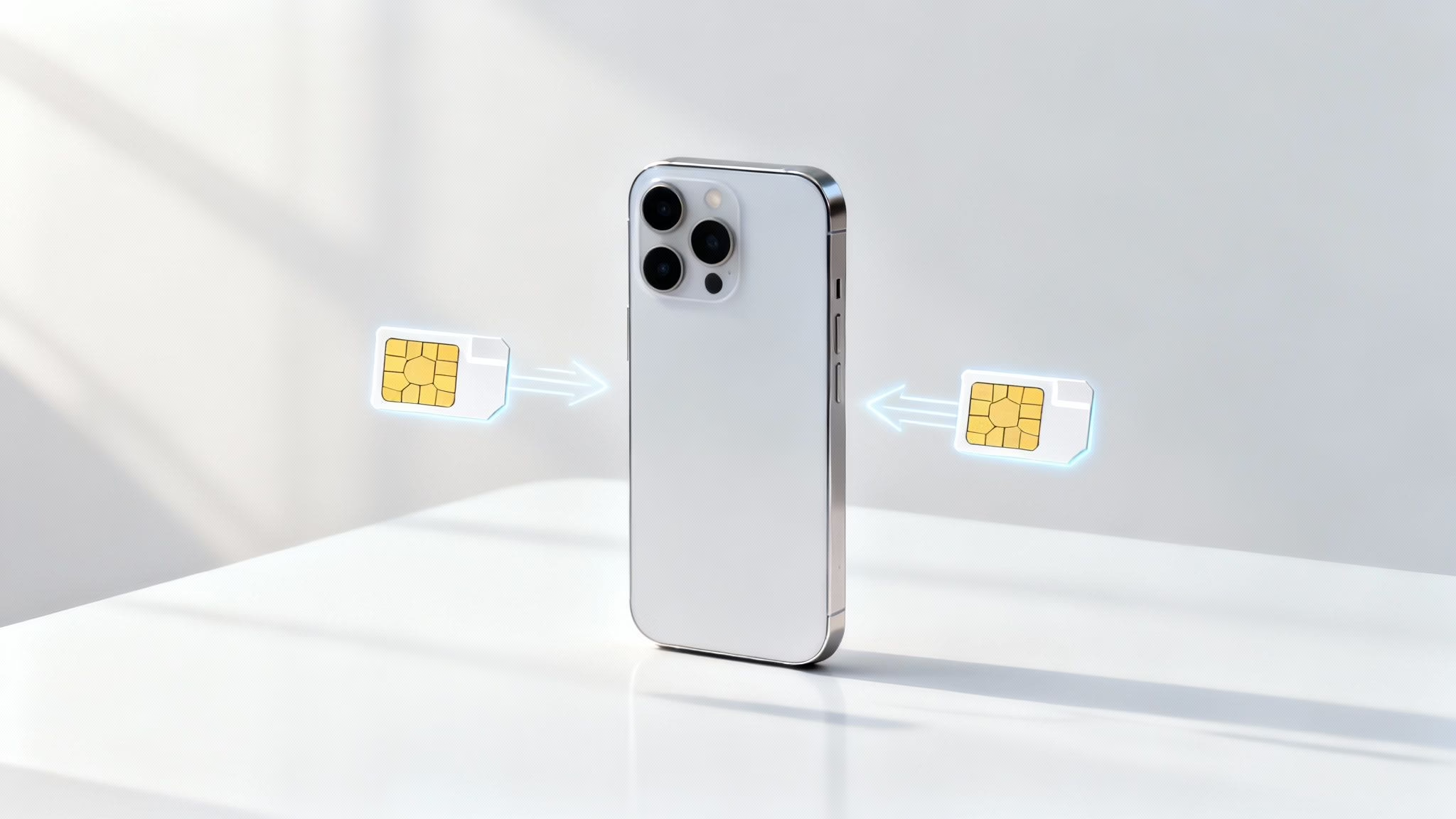
This guide explains how dual SIM works on your mobile, helping you use two numbers on one device to manage work and personal life, save money, or travel without high roaming charges. We'll cover what it is, the different types, and how to set it up on your iPhone or Android.
What Is Dual SIM and Why Would You Need It?
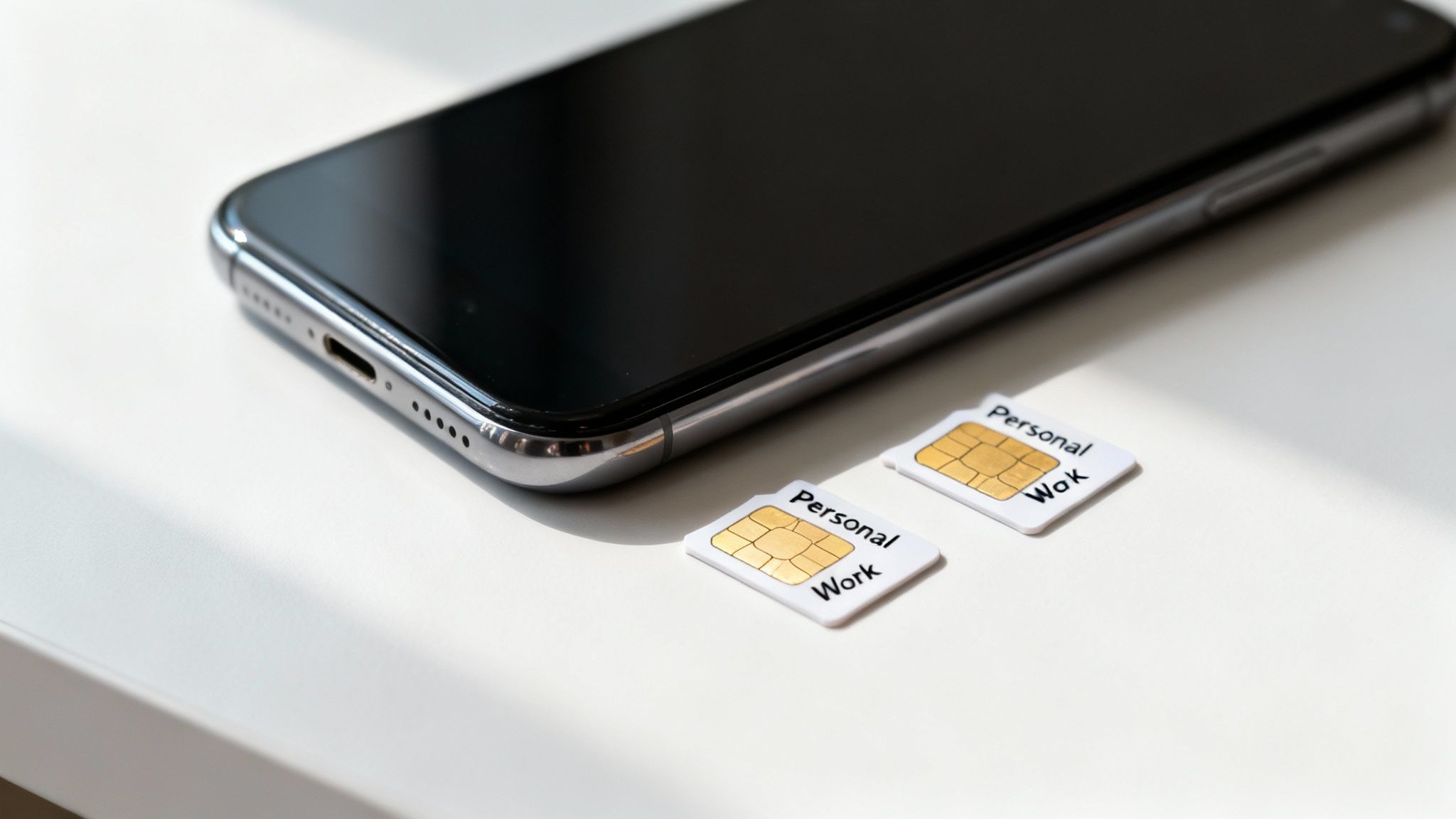
At its heart, dual SIM capability allows a single phone to hold and use two different SIMs at the same time. This gives you the freedom to switch between them for calls, texts, and data without ever needing to physically swap tiny plastic cards.
This feature is very handy for keeping different parts of your life separate. For example, you could have one number for friends and family and a second strictly for business. When your workday ends, you can switch off the work line and enjoy your evening uninterrupted.
Common Reasons People Use Dual SIM
Many of our customers buying refurbished phones tell us that dual SIM technology solves several everyday problems. Here are the main benefits:
- Combining Work and Personal Life: Stop juggling two separate mobiles. Use one SIM for your personal number and add a second for your work line, keeping contacts and bills separate but all on one device.
- Saving Money on Plans: You are no longer tied to one provider for everything. You can use one network for its cheap calls and another data-only SIM from a provider that offers a better deal on mobile data.
- Affordable Travel: Avoid expensive roaming charges when you go abroad. Keep your main UK number active for important calls, while using a cheap local or travel SIM for all your data needs.
A Realistic Scenario
Imagine a customer, Sarah, buys a refurbished iPhone from us. Her main contract is with EE, but she's found a great pay-as-you-go data deal with Giffgaff. With dual SIM, she keeps her EE SIM for her usual number and adds the Giffgaff plan as a digital eSIM.
Her iPhone is now set to use the cheaper Giffgaff data for browsing and apps, while ensuring she never misses a call to her main EE number. This is a perfect example of how does dual SIM work to save money.
Understanding the Different Types of Dual SIM
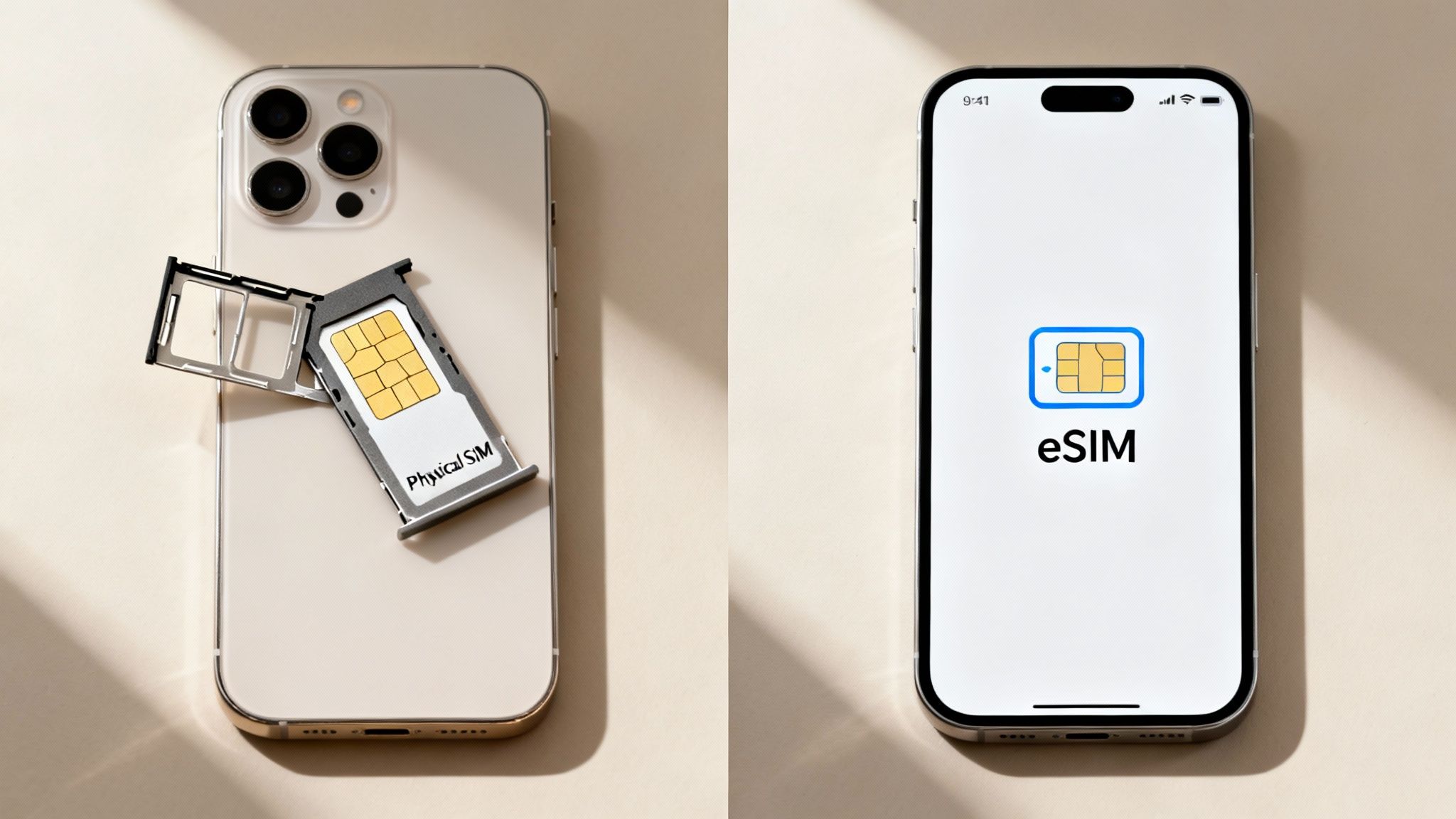
To use dual SIM, you first need to understand how a phone holds two mobile plans. The technology has evolved, so you’ll find a few different setups, especially when browsing the refurbished market.
Physical SIM vs eSIM
The most common types you’ll come across are physical SIMs and the newer eSIMs. A clear grasp of how does dual SIM work starts with knowing these two formats.
- Physical Dual SIM: This is the traditional method. The phone has a tray with slots for two separate, physical nano-SIM cards. You just pop both cards into the tray. This setup is common in older models but is becoming less frequent in recent UK mobiles.
- eSIM (Embedded SIM): This is the modern, digital approach. An eSIM is a tiny chip built into the phone’s main board. Instead of a plastic card, you add your mobile plan by scanning a QR code or activating it through your network provider’s app.
Most newer iPhones and many high-end Android phones use a combination of one physical SIM slot and one eSIM. This gives you the best of both worlds, letting you keep your main plastic SIM while easily adding a second line digitally for travel or work.
Dual SIM Dual Standby (DSDS) Explained
It's also important to know how the phone manages two active connections. The vast majority of dual SIM phones today use a system called Dual SIM Dual Standby (DSDS).
Both of your numbers are active and ready to receive calls or texts—they are on ‘standby’. However, they share a single radio transmitter inside the mobile.
This means if you're on a call using your personal number, any incoming calls to your work number will go straight to voicemail. The moment you hang up, your phone will notify you about the missed call on your second line. For most people, this is a practical solution that also helps conserve battery life.
How to Set Up Dual SIM on Your iPhone
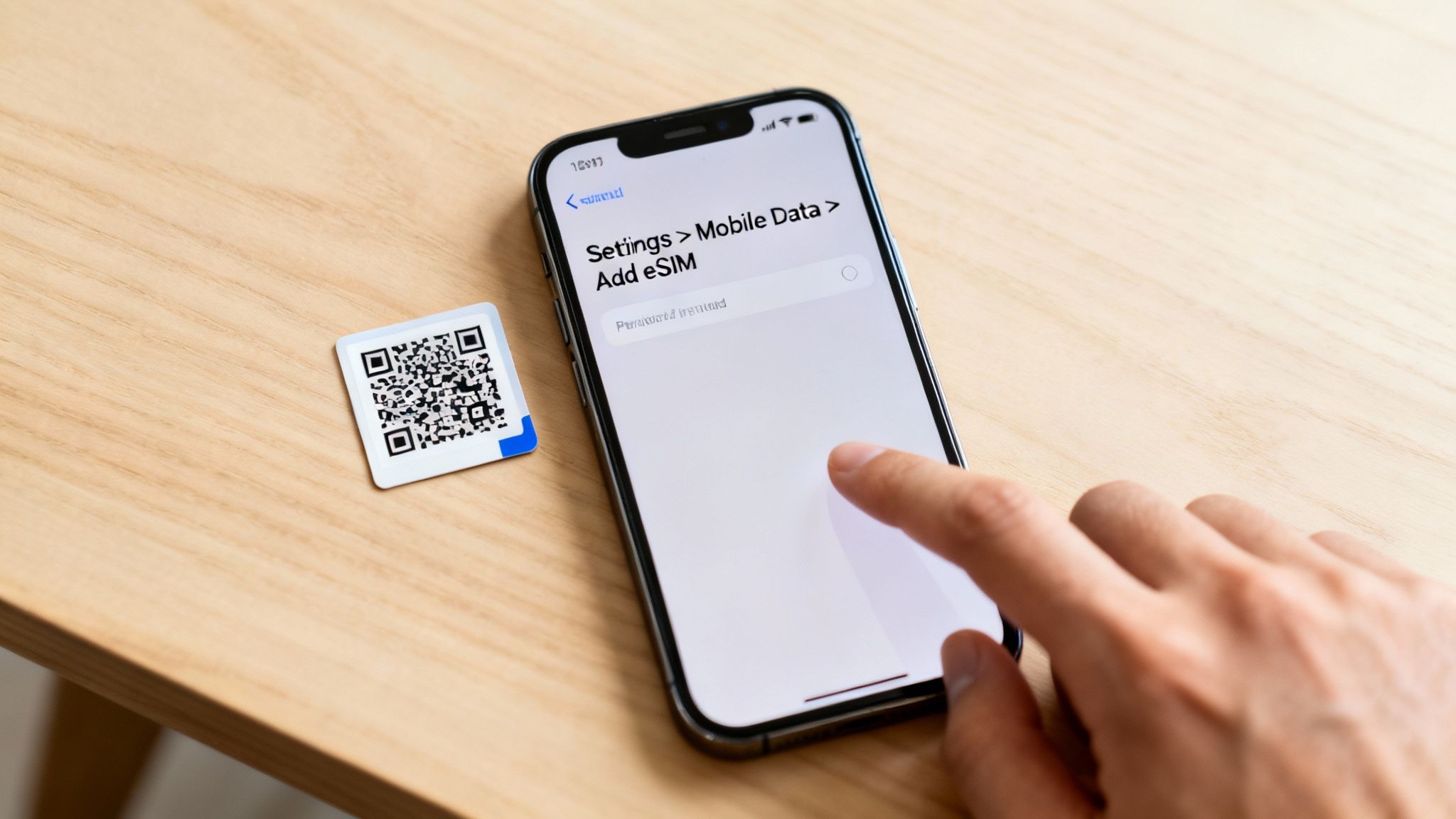
Getting a second line running on your refurbished iPhone is straightforward, especially with digital eSIMs. Most UK networks will send you a QR code to scan, and your new plan will be active in minutes. The setup process lets you tell the iPhone exactly how you want to use each number.
Adding Your New eSIM Plan
First, make sure your iPhone is connected to Wi-Fi. You'll need an internet connection to download and activate the eSIM profile. The exact wording on your screen might change slightly depending on your iOS version.
Here's how to add your new line:
- Go to Settings > Mobile Data.
- Tap Add eSIM.
Your iPhone will prompt you to scan the QR code from your new network. Point your camera at the code, and it will recognise the plan details. From there, just follow the on-screen instructions to finish the activation.
Customising Your Dual SIM Settings
Once your second plan is active, your iPhone will ask you to label your lines. Using clear labels like "Personal" and "Work" makes it much easier to see which number you're using.
After labelling, you’ll need to set your defaults:
- Default Voice Line: The number your iPhone uses automatically when you call or text someone new. You can always switch to your other line for a specific call.
- iMessage and FaceTime: Choose which number (or both) you want to link with iMessage and FaceTime.
- Mobile Data: Pick which plan to use for your internet connection. We recommend turning on "Allow Mobile Data Switching", which lets your iPhone switch to your other line for data if your main one has a poor signal.
If you need help moving your information to a new device, our guide on how to set up your second-hand iPhone without losing data is a great place to start.
Setting Up Dual SIM on an Android Phone
If you have a refurbished Android mobile, like a Samsung Galaxy or a Google Pixel, setting up a dual SIM is just as simple. The exact steps might look a little different between brands, but the overall process is very similar.
The main idea is to get into your phone's SIM management settings. This is where you can add a new line—whether it's a second physical SIM or a digital eSIM—and decide how each one behaves. Getting this right is the key to understanding how does dual SIM work on your device.
Finding and Adding Your Second SIM
On most modern Android phones, you’ll find what you need inside the main network settings.
Here’s a general path:
- Open the Settings app.
- Tap Network & internet (on a Google Pixel) or Connections (on a Samsung).
- Look for an option called SIMs or SIM card manager.
Once in, you'll see your current SIM. To add another, you can either insert a second physical SIM or look for an option like "Add eSIM". If you're using an eSIM, your phone will ask you to scan the QR code from your network provider.
Assigning Your Default Lines
With both lines active, the next step is to tell your phone which SIM should handle which job. You'll be asked to set a primary SIM for:
- Calls: Choose which number to use by default.
- Messages (SMS): Select the number your texts will come from.
- Mobile data: Pick the plan you want to use for browsing.
These choices are not permanent. Most Android phones let you switch between SIMs each time you make a call or send a text, directly from the dialler or messaging app. If you’re still weighing up your options, our guide on finding the best budget Android phones can help you pick a model with the features you need.
Practical Ways to Use Dual SIM Every Day
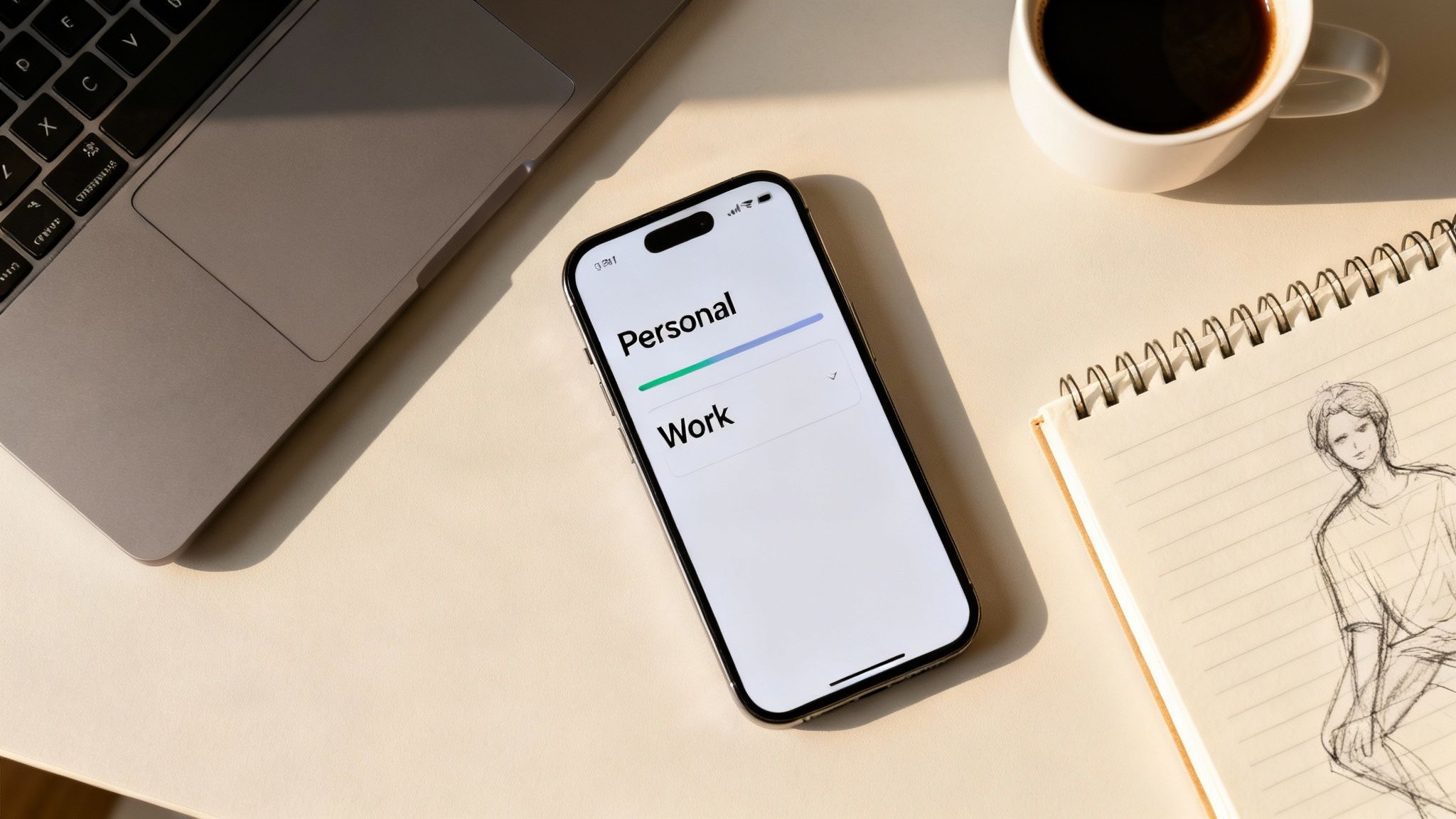
Now let's talk about how dual SIM helps in real life. The flexibility of having two lines in one phone can save you money and simplify your daily routine.
Separating Work and Personal Life
This is the most common reason people use dual SIM. It’s the perfect way to maintain a professional image without the hassle of carrying two separate mobiles.
Customer Scenario: The Freelance Designer
A freelance graphic designer bought a refurbished iPhone 14 from us. They kept their main pay-monthly contract for personal calls. For their business, they added a cheap, pay-as-you-go eSIM. This gave them a dedicated business number for their website, which they can switch off outside work hours for a better work-life balance.
Saving Money and Improving Coverage
You can mix and match plans to get the best deals on calls and data separately. This is a massive plus once you understand how does dual SIM work.
- For Better Coverage: If you live in an area where one network has a poor signal, you can add a second SIM from a provider with better local coverage. Your phone can then intelligently switch to whichever network is stronger.
- For Family Mobiles: A family gives their teenager a refurbished Samsung. They use one SIM for a low-cost contract and a second, data-only eSIM from a budget provider. This gives their child plenty of data for apps without the risk of a huge bill. For this to work, it's worth checking out the benefits of unlocked phones for a smart, flexible choice.
Making Travel Cheaper and Easier
For anyone who travels abroad, dual SIM is a game-changer. It removes the fear of coming home to a massive roaming bill.
You can buy a local or regional eSIM for your destination before you leave. When you land, you activate it for cheap mobile data while keeping your main UK number active for important calls and texts from your bank or family.
What to Check When Buying a Refurbished Dual SIM Phone
Going for a refurbished phone with dual SIM support is a great way to get high-end features without the high price. But before you buy, it’s worth running through a quick checklist.
First, it helps to understand exactly what a refurbished phone is and the quality you can expect. Once you’re comfortable with that, you can look at the specifics of the phone you are considering.
Key Checks for Your Refurbished Phone
-
Is it Unlocked? This is the most important thing to check. An unlocked phone isn't tied to a single network, which means it will accept SIM cards from any UK provider. This freedom is essential for dual SIM to work effectively.
-
What is the SIM Configuration? Not all dual SIM phones are the same. Find out the specific setup for the model you’re interested in. Does it have two physical SIM slots, or does it use one physical SIM and one eSIM?
You can usually find this information in the phone's technical specs on the product page. Knowing this beforehand is a practical step in understanding how does dual sim work on that particular handset. If you're having trouble with your current phone, our guide on how to troubleshoot a used iPhone may help.
Shop with Confidence
When you’re looking for the best place to buy refurbished phones, peace of mind is everything. It’s vital to choose a seller that stands by the quality of its products and offers a good warranty on refurbished phones.
At Used Mobiles 4 U, every device we sell goes through a rigorous testing process. They are all professionally data-wiped and confirmed to be fully unlocked. Every purchase is also backed by our free 18 Month Warranty, so you can start enjoying your dual SIM phone right away.
Got Questions About Dual SIM? We've Got Answers
To wrap things up, here are some straightforward answers to the questions we hear most often from customers.
Can I Use WhatsApp on Both My Numbers?
Officially, WhatsApp only lets you link one phone number to the app on a single device. However, some Android phones, like those from Samsung, often include a 'Dual Messenger' feature which clones an app. This lets you run two separate versions of WhatsApp, one for each number. Unfortunately, Apple does not offer this feature on iPhones.
Does Running Two SIMs Drain the Battery Faster?
In theory, yes, but in practice, the difference is usually minimal. Your phone uses a tiny bit more power to stay connected to two networks, but modern mobiles are very efficient. The impact on your daily battery life is so small that most people never notice it.
What Happens If Someone Rings My Second Number While I’m Already on a Call?
Most modern devices use 'Dual SIM Dual Standby' (DSDS). With DSDS, if you're on a call using SIM 1, any call that comes through to SIM 2 at the same time will go straight to your voicemail. As soon as you hang up, you’ll get a missed call notification.
At Used Mobiles 4 U, all our refurbished phones are fully tested, unlocked, and ready for you to take advantage of features like dual SIM. Find your next quality-checked device today at https://usedmobiles4u.co.uk.
Written by James Waterston — 24 years in the mobile phone industry from customer service to Sales Director of a global repair & recycling company; now running Used Mobiles 4 U for 8+ years. LinkedIn
Looking for a refurbished phone?
Shop professionally tested refurbished iPhones and Samsung phones with 18 month warranty, 30 day returns and free UK delivery.
Browse Refurbished Phones






