





How to Check Refurbished iPhone Quality: A Buyer’s Guide

15/06/2026

9 Mins

If you’re about to buy a refurbished iPhone, check the battery health, repair history, screen and camera performance, charging port, and Activation Lock before you decide it’s a good buy. The outside can look tidy while the inside tells a different story, so the quality check needs to go beyond scratches and dents.
A refurbished iPhone is worth buying when the seller is clear about grading, battery condition, warranty, and testing. If any of that is vague, slow down.
The Short Version What to Check
If you want the quickest answer on how to check refurbished iPhone quality, start with the seller, then the battery, then the basic hardware tests. A decent listing should tell you the cosmetic grade, confirm the phone is unlocked if that’s what you need, explain the warranty, and make it easy to return if something isn’t right.
Quick Answer
- Check who is selling it: Look for a proper UK business, clear contact details, sensible grading, and support after the sale. If you want a benchmark for what that looks like, browse UsedMobiles4U iPhones and compare how devices are described.
- Ask about the battery: Battery health affects daily use more than most buyers expect. A phone can be fast enough and still feel poor if it needs charging too early in the day.
- Don’t trust cosmetics alone: Apple’s own preowned guidance says to inspect the display, sides, back and connectors, then check Settings > General > About and run functional tests on buttons, cameras, speakers, microphone and charging. That’s the right way to screen a used or refurbished iPhone.
- Look for repair transparency: On supported models with iOS 15.2 or later, Parts and Service History can show whether key components have been replaced. That matters because poor-quality parts often cause the annoying faults buyers notice later, not on day one.
- Make the warranty part of the quality check: A warranty isn’t a bonus. It’s proof the seller expects the phone to keep working after the parcel arrives.
Practical rule: If the seller can’t clearly explain battery standard, grading, and returns, I’d treat that as a warning sign before I even look at the handset itself.
The Essential Pre-Purchase Checklist
Most problems are easier to avoid before you pay than after the phone lands on your doorstep. The smart way to buy is to judge the seller first, then the handset.
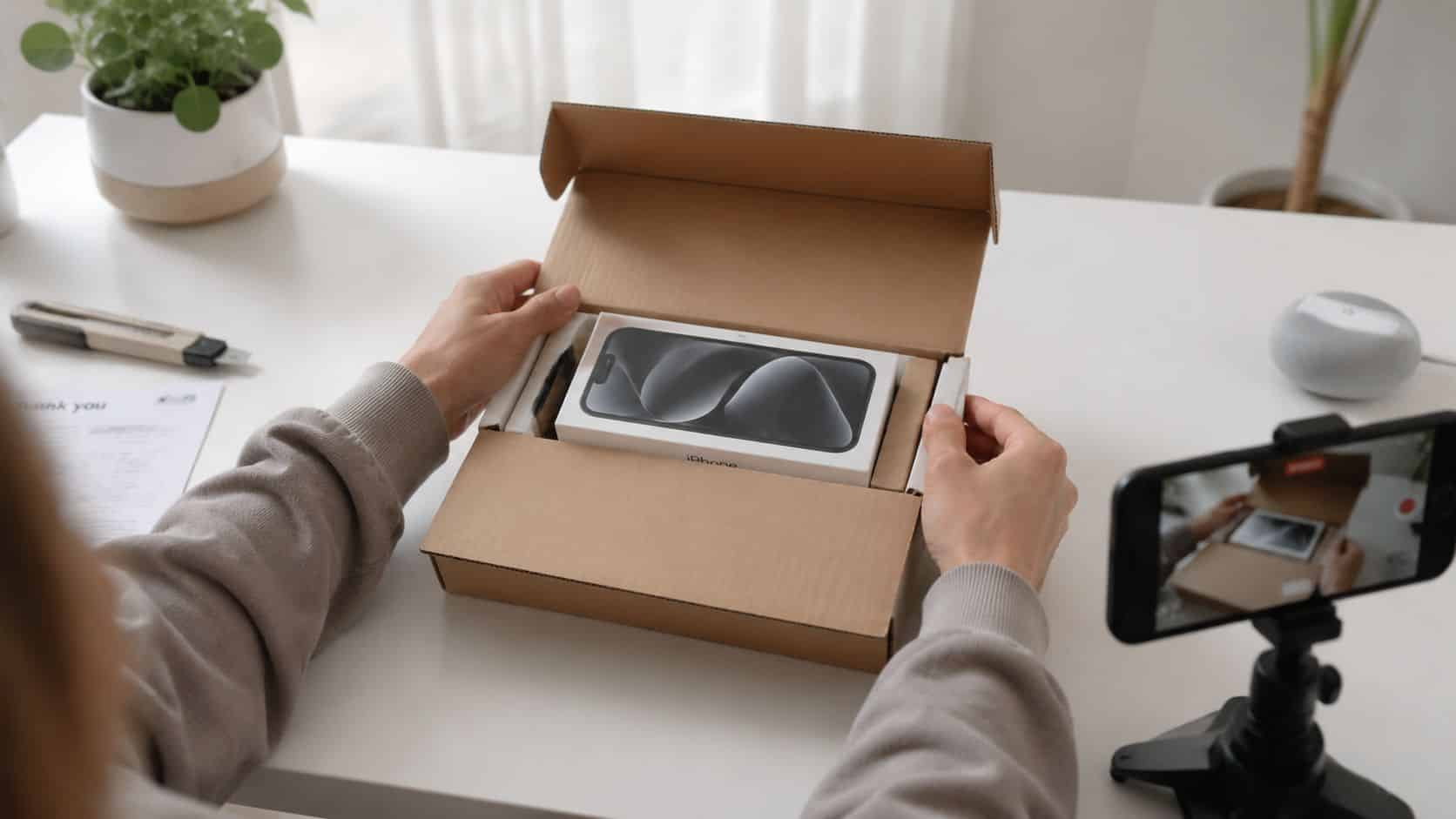
Check the retailer before the iPhone
A proper refurbished phone retailer should tell you what grade you’re buying, what battery standard applies, what warranty comes with it, and how returns work. If you have to dig for basic details, that’s not a good sign.
It also helps when the business shows its working. Clear product photos, realistic descriptions, and a straightforward buying guide usually tell you more than flashy promises. If you’re comparing sellers, this guide on where to buy refurbished iPhones UK is a useful starting point.
Know what cosmetic grades actually mean
Buyers often focus too much on the word grade and not enough on what was tested. Grade mostly describes appearance. It does not, by itself, tell you how well the battery holds charge, whether the screen is original quality, or whether the charging port is on its last legs.
A Like New phone should look cleaner than a Good grade phone, but both still need the same hardware checks. That’s important because independent consumer testing found that in a latest test of 44 refurbished iPhone X and iPhone 11 units sold as “as good as new,” 18% failed quality tests due to serious defects, and 13 more had minor faults. The lesson is simple. Nice cosmetics don’t guarantee proper refurbishment.
A tidy frame and polished screen tell you how the phone looks. They do not tell you how it was repaired.
Warranty and returns are part of the phone’s value
A warranty matters because some faults only show up after a few days of normal use. Battery drain, intermittent charging, muffled microphones, and temperamental Face ID can all slip through a weak process.
Returns matter just as much. You need time to move your SIM over, sign in, test the cameras outdoors, try a few calls, and see how the battery behaves in real life. A refurbished iPhone should come with enough support that you can buy calmly, not cross your fingers.
How to Check an iPhone On Delivery Quick Steps
The moment the box arrives, don’t rush to set it up and throw the packaging away. Check the phone methodically while your return window is still fresh.
How to check an iPhone on delivery Quick Steps
- Film the unboxing first: Keep the parcel label, seal, accessories and handset in view. If something arrives damaged or wrong, that recording makes the conversation much easier.
- Inspect the body before powering on: Check the display glass, frame corners, camera lenses, speaker grilles and charging port. You’re looking for cracks, poor panel fit, bent metal, dirt packed into the port, or screws that look marked from previous repair work.
- Boot it and check for Activation Lock: If the phone asks for someone else’s Apple ID, stop there and contact the seller. A phone still tied to the previous owner isn’t ready for resale.
- Open Settings > General > About: Confirm the model, storage and iOS version match the listing. On supported models running iOS 15.2 or later, check Parts and Service History. Apple recommends this as part of checking a preowned iPhone in its preowned iPhone guidance, along with physical and functional tests.
- Check battery health: Go to Settings > Battery > Battery Health. Read Maximum Capacity and look for any warning messages. A battery can still show a fair number but behave poorly if the part quality is poor, so use this check alongside real-world use.
- Test every button and core feature: Try volume up, volume down, side button, mute switch if fitted, Face ID or Touch ID, vibration, speakers and microphones. Record a voice note and play it back. Make a test call if you can.
- Test the cameras properly: Open front and rear cameras, switch between lenses if the model has more than one, test photo, video, focus and flash. Look for haze, poor focus hunting, or odd colour shift.
- Charge it and try the port: Connect a known good cable and gently move it. The cable should seat properly and charge consistently. Loose charging is one of the most common signs of heavy wear.
Apple’s guidance is useful because it focuses on the things that actually fail in day-to-day use, not just appearance. If any of those checks fail, treat the phone as not properly refurbished and raise it straight away.
If you want a more detailed day-one routine, use this guide on Checking your refurbished device and work through it before you transfer everything over.
Bench habit: Always test the microphone and charging port early. Buyers often leave those until later, then discover the problem after they’ve already set the phone up.
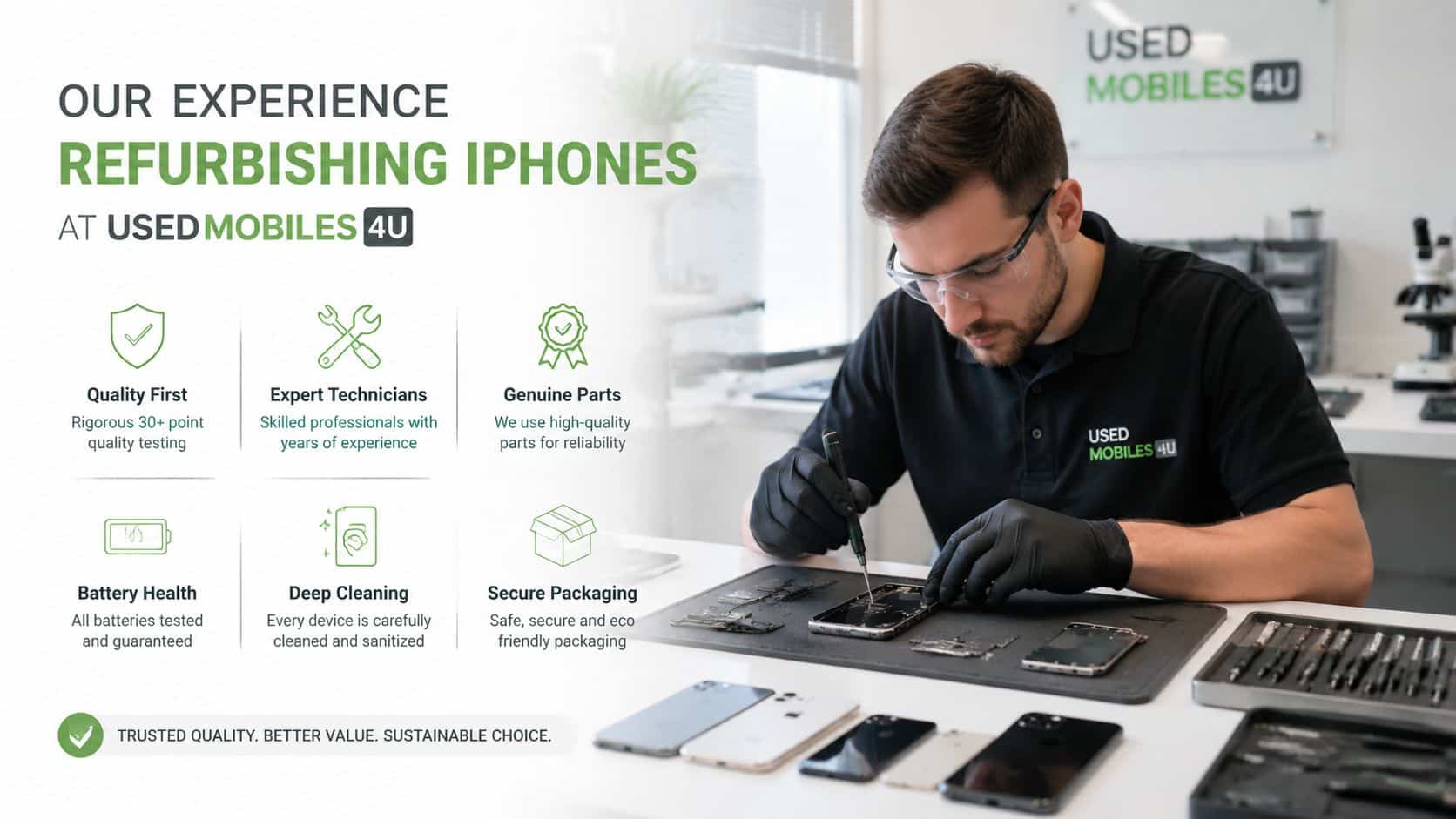
Our Experience Refurbishing iPhones at Used Mobiles 4U
What goes wrong with refurbished iPhones usually isn’t dramatic. It’s the smaller faults that make a phone feel disappointing. Poor battery stability, weak microphones, patchy True Tone behaviour, soft vibration motors, and charging ports that only work at one angle are the sort of things technicians learn to spot quickly.
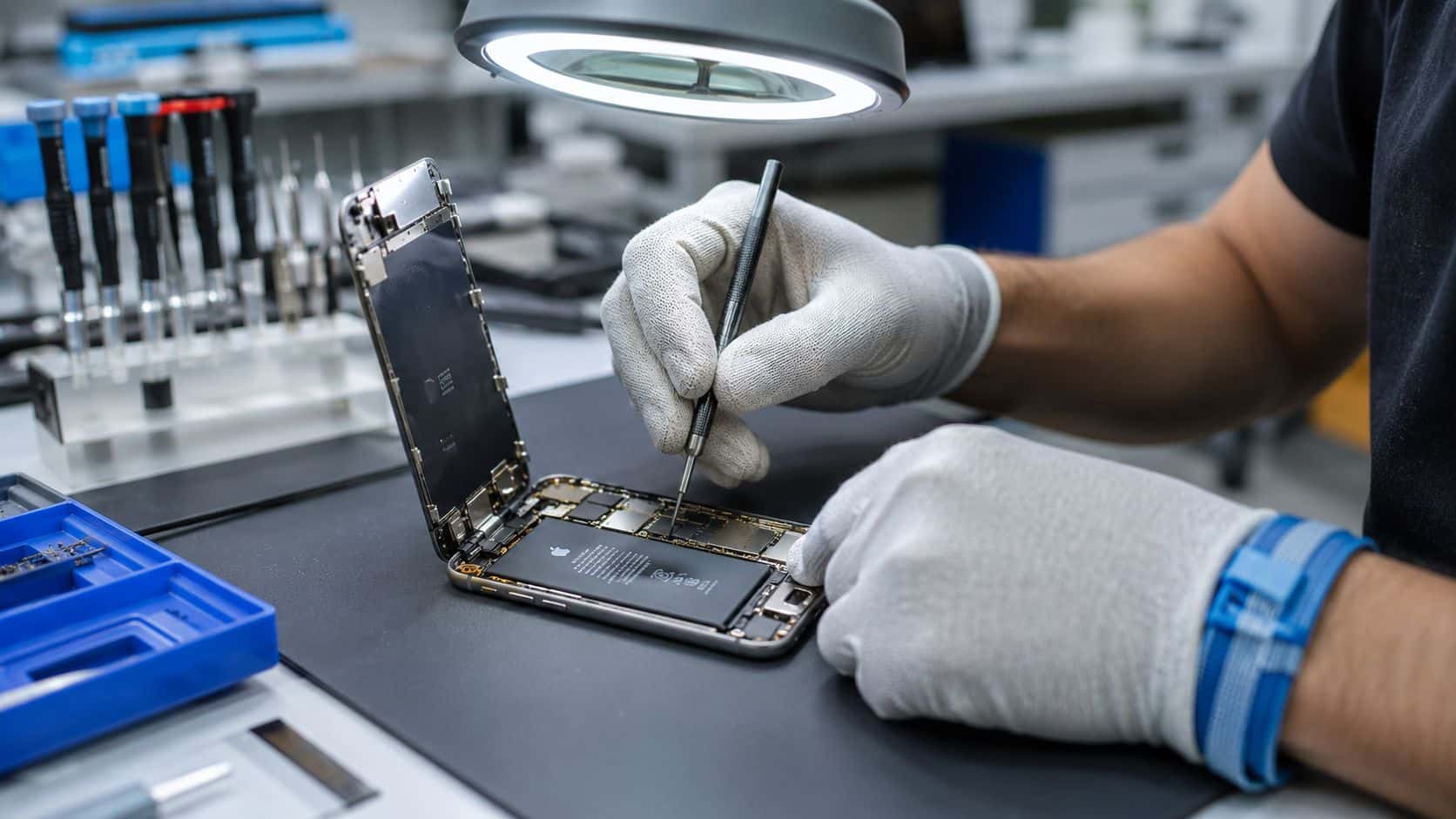
One thing we regularly notice is that heavy wear often shows up first around the charging port and lower microphone area, not the screen. A phone can arrive looking presentable from the front but still show clear signs of years of pocket fluff, cable strain, and damp exposure underneath.
What hidden faults actually look like
Our technicians often see iPhones with replacement screens that seem fine indoors, then show weaker touch response or poorer colour once you compare them side by side. That’s why a quick tap around the home screen isn’t enough. You need to test typing, scrolling, camera focus, brightness changes and edge response.
Battery behaviour is another one. A phone may charge, hold a percentage reading, and still drop faster than expected once you start using maps, video or mobile data. That’s why we don’t treat a battery figure on its own as the whole story.
Water exposure is the fault buyers almost never spot for themselves. Independent testing found that in a recent batch of 44 refurbished iPhones sold as “as good as new,” 18% failed quality tests because of serious defects including internal oxidation from previous water damage and faulty touchscreens. That lines up with what technicians already know. A phone can clean up well cosmetically and still have hidden corrosion risk.
Repair or replace depends on the whole phone
A common example we see is an otherwise solid iPhone with one weak point, usually the battery or charging port. In that case, repair makes sense if the rest of the handset is healthy and the display, cameras and housing are still good. If the phone has stacked issues, replacement is normally the smarter route.
Grade differences matter too, but mostly for appearance. Heavier-used phones often have more polished edges, more wear around the port, and a greater chance of previous repairs. That doesn’t mean a lower-grade phone is bad. It just means the testing needs to be more careful, because signs of hard use usually point to where faults are likely to appear.
If you want to see the standard we work to before listing a handset, the Used Mobiles 4U Refurbishment Process gives a clear picture of the checks involved.
Good refurbishment isn’t making a used iPhone look new. It’s making sure it behaves properly after a week of normal use.
What We Check Before Resale
Any seller offering refurbished iPhones should be doing more than a quick reset and polish. Apple’s own certified refurbishment process is a useful benchmark because it includes a 70-point diagnostic check, automated tests on more than 30 components, full functional testing, a new battery and outer shell, and traceable new part and serial numbers. That’s not the same as every independent refurbisher, but it shows what proper quality control should cover.
What buyers should expect to be checked
- Battery condition: Not just whether it charges, but whether it behaves normally during use and supports stable performance.
- Display quality: Brightness, touch response, fitment, camera cut-out alignment, and signs of poor replacement work.
- Cameras and sensors: Front and rear cameras, flash, focus, Face ID or Touch ID where fitted, and basic sensor behaviour.
- Audio and call functions: Earpiece, loudspeaker, microphones, vibration and network basics should all be tested.
- Ports and connectivity: Charging port fit, cable connection, Wi-Fi, Bluetooth and general connectivity should be checked under use.
- Identity and security: IMEI status, activation status, and secure data wiping should be part of the process before resale.
That’s also why we set a clear baseline on battery condition, secure data wiping, grading and support, rather than treating them as optional extras. If a seller won’t explain their testing in plain English, I’d assume the process is lighter than it should be.
Red Flags and Your Next Steps
Some faults are immediate return reasons. If the iPhone is Activation Locked, cameras don’t focus properly, Face ID or Touch ID doesn’t work when it should, charging cuts in and out, or you spot signs of moisture damage, don’t try to live with it.
What usually affects value
- Battery weakness: If the battery drains abnormally in normal use, the phone won’t feel reliable even if everything else works.
- Non-genuine or poor-quality parts: Screen quality, touch response and camera behaviour can all suffer.
- Heavy frame wear: Cosmetic wear is one thing. Bent housings and damaged screw points suggest a harder life.
- Vague seller support: If you struggle to get a straight answer before the sale, after-sales help is unlikely to improve.
A common example we see is a buyer saying the phone looks fine but drops charge too quickly once they start using it properly. The right next step is simple. Stop troubleshooting for days, keep your evidence, contact the seller promptly, and use the return or warranty route while you’re still within the window.
The verdict is straightforward. A refurbished iPhone is a sensible buy if the seller is transparent and you know how to check refurbished iPhone quality properly on arrival. It suits buyers who want value without gambling on a private sale. If you want less risk, stick to tested stock, clear grading and proper UK support.
If you want a handset that’s been tested, data-wiped, graded clearly and backed by UK support, take a look at Used Mobiles 4 U and compare the available refurbished iPhone options before you buy.
Written by James Waterston, 24 years in the mobile phone industry from customer service through to Sales Director of a global repair and recycling company. Now running Used Mobiles 4U for over 8 years.
LinkedIn: James Waterston
Meta description: Learn how to check refurbished iPhone quality with practical UK buying advice on battery health, grading, repairs, warranty and day-one tests.
Looking for a refurbished phone?
Shop professionally tested refurbished iPhones and Samsung phones with 18 month warranty, 30 day returns and free UK delivery.
Browse Refurbished Phones






