





Refurbished iPhone Battery Health UK: Your 2026 Guide

02/06/2026

9 Mins
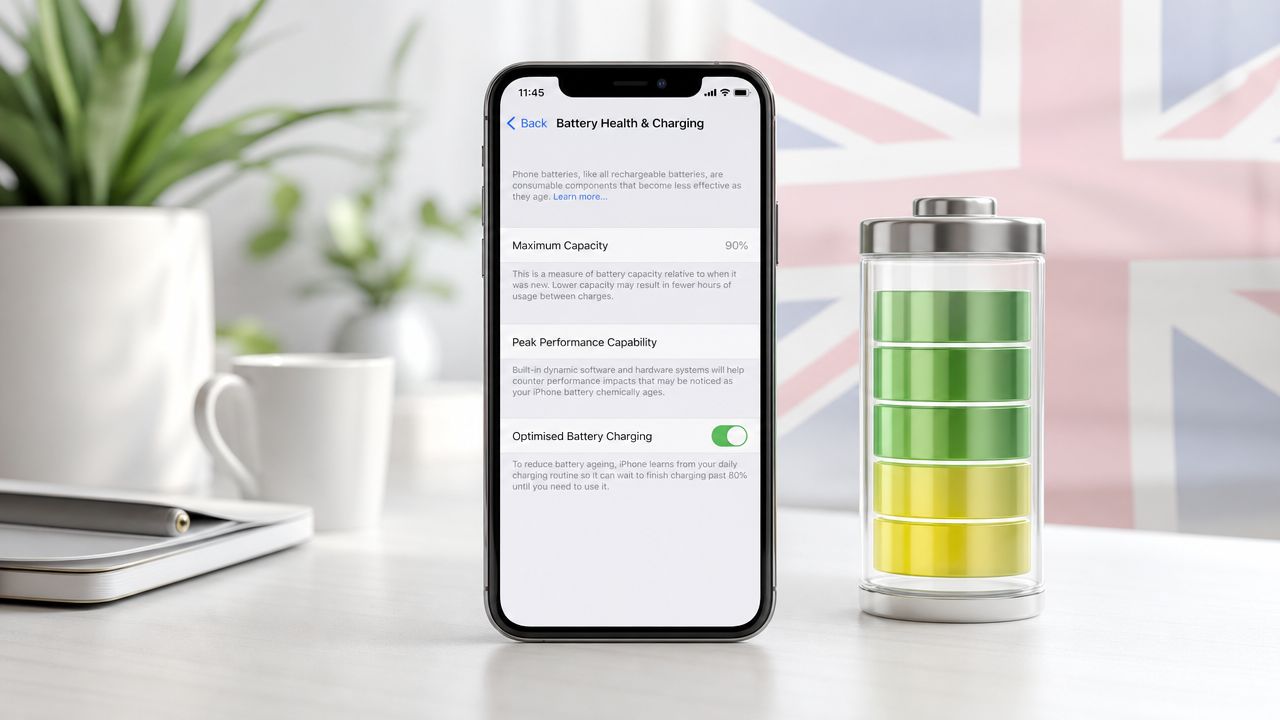
Is a refurbished iPhone only worth buying if the battery says 100%? No. For most UK buyers, the better question is whether the battery health is strong enough for your daily routine and the price makes sense.
On the repair bench, the biggest mistake people make is treating 85% and 100% as if one is “good” and the other is “bad”. In real use, an 85% battery can still be a sensible buy if the phone is properly tested, honestly graded, and sold with clear support.
The Short Version What to Look For
If you’re checking refurbished iPhone battery health UK listings, keep it simple. A refurbished iPhone in the UK is commonly expected to arrive with 80% to 100% battery health, and Apple treats 80% or above as normal condition. Higher-grade refurbished devices are often sold at 85% to 100%, with many sellers replacing batteries below 80%, as outlined in this refurbished iPhone battery health guide.
Practical verdict
- Aim for clarity first. A reputable seller should tell you the minimum battery standard they work to, not dodge the question.
- 85% is a sensible target. That’s usually the point where most buyers still get solid day-to-day use without paying extra just to chase a perfect number.
- 100% isn’t always the best-value buy. If two phones are otherwise similar, the one with slightly lower battery health may be the smarter purchase if the saving is meaningful.
- Watch the seller, not just the percentage. Testing, returns, warranty, charging checks, Face ID checks, and honest grading matter just as much as the number in settings.
- Buy from somewhere that states its standards clearly. If you’re ready to buy refurbished iPhones, look for tested stock, transparent grading, and a stated battery-health floor.
Bench rule: A battery percentage is only useful when it comes with proper testing and a seller willing to stand behind the phone.
Understanding iPhone Battery Health and Maximum Capacity
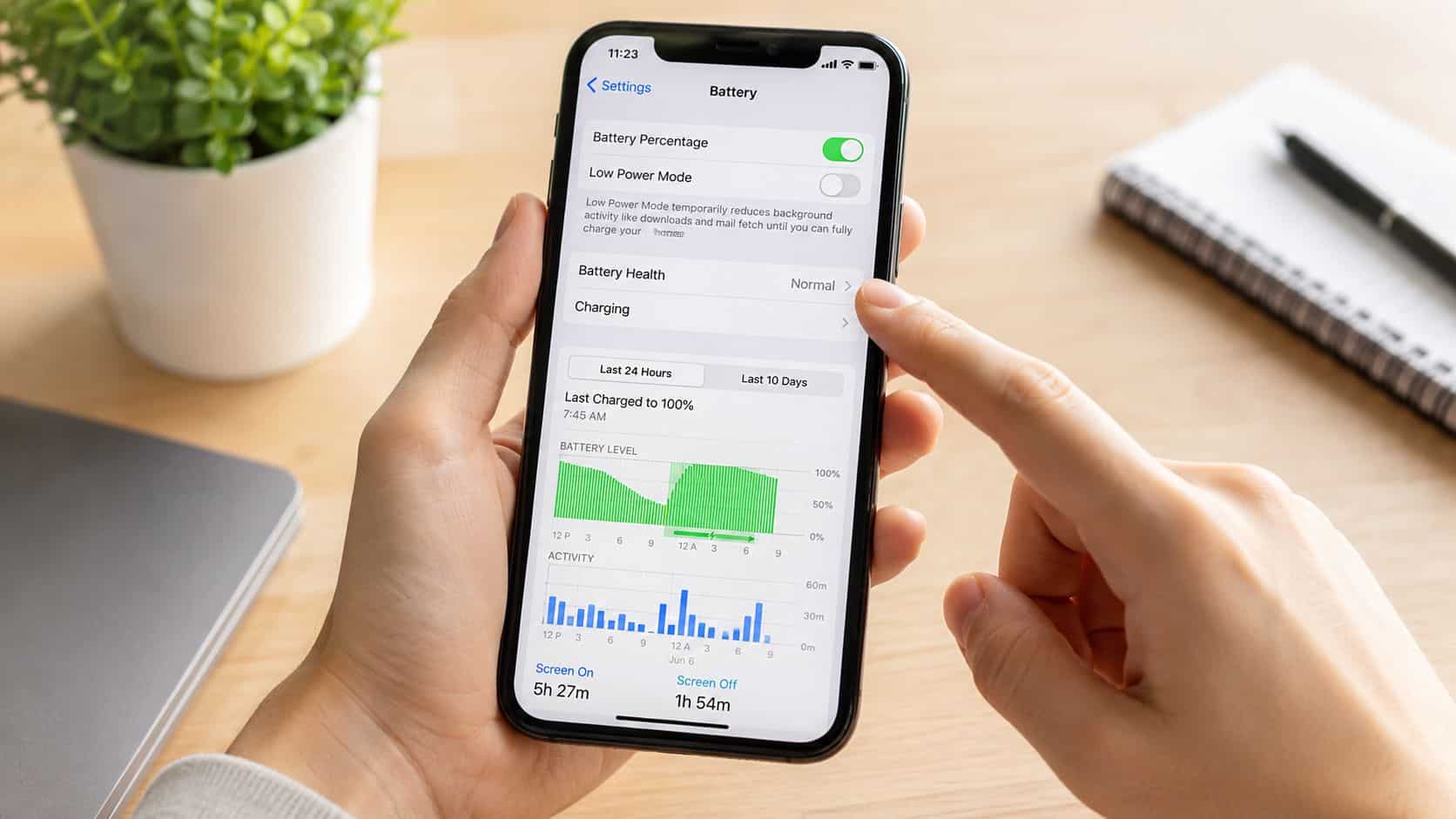
Battery Health on an iPhone is really a wear reading. It tells you how much charge the battery can hold now compared with when it was new.
That matters because a phone can still look spotless outside and still have a battery that runs down sooner than you’d expect. The number in settings doesn’t tell you whether the phone can charge to 100% on screen. It tells you how much of its original capacity remains.
What Maximum Capacity means in real life
If Maximum Capacity is lower than new, the usual effect is shorter runtime between charges. It doesn’t automatically mean the phone is faulty. It usually means the battery has aged normally.
Apple’s battery guidance is built around a 500 complete charge-cycle design point, where a normal iPhone battery is designed to retain up to 80% of its original capacity after 500 cycles, which is why that benchmark is used so often in refurbished sales and battery decisions. That’s covered in this explanation of the 500-cycle iPhone battery benchmark.
A practical way to think about it is this. Maximum Capacity is the size of the fuel tank now, compared with when the phone left the factory. It isn’t a speed score. It isn’t a cosmetic grade. It’s a clue about how often you’ll be reaching for a charger.
Why buyers obsess over 100%
People naturally like round numbers. But on refurbished phones, chasing 100% at all costs often leads to overpaying or ignoring more important checks such as charging stability, overheating, or whether the handset has been tested properly.
If you want a second opinion on repair routes and replacement options, this overview can help you find Apple battery services and understand where battery support sits in the wider repair picture.
For a more hands-on explanation of what you’ll see in the settings screen, our guide to reading battery health in iPhone settings breaks it down simply.
A refurbished iPhone at 88% battery health isn’t automatically a poor phone. It’s usually a used phone with a battery that has aged as batteries do.
How to Check an iPhone’s Battery Health Quick Steps
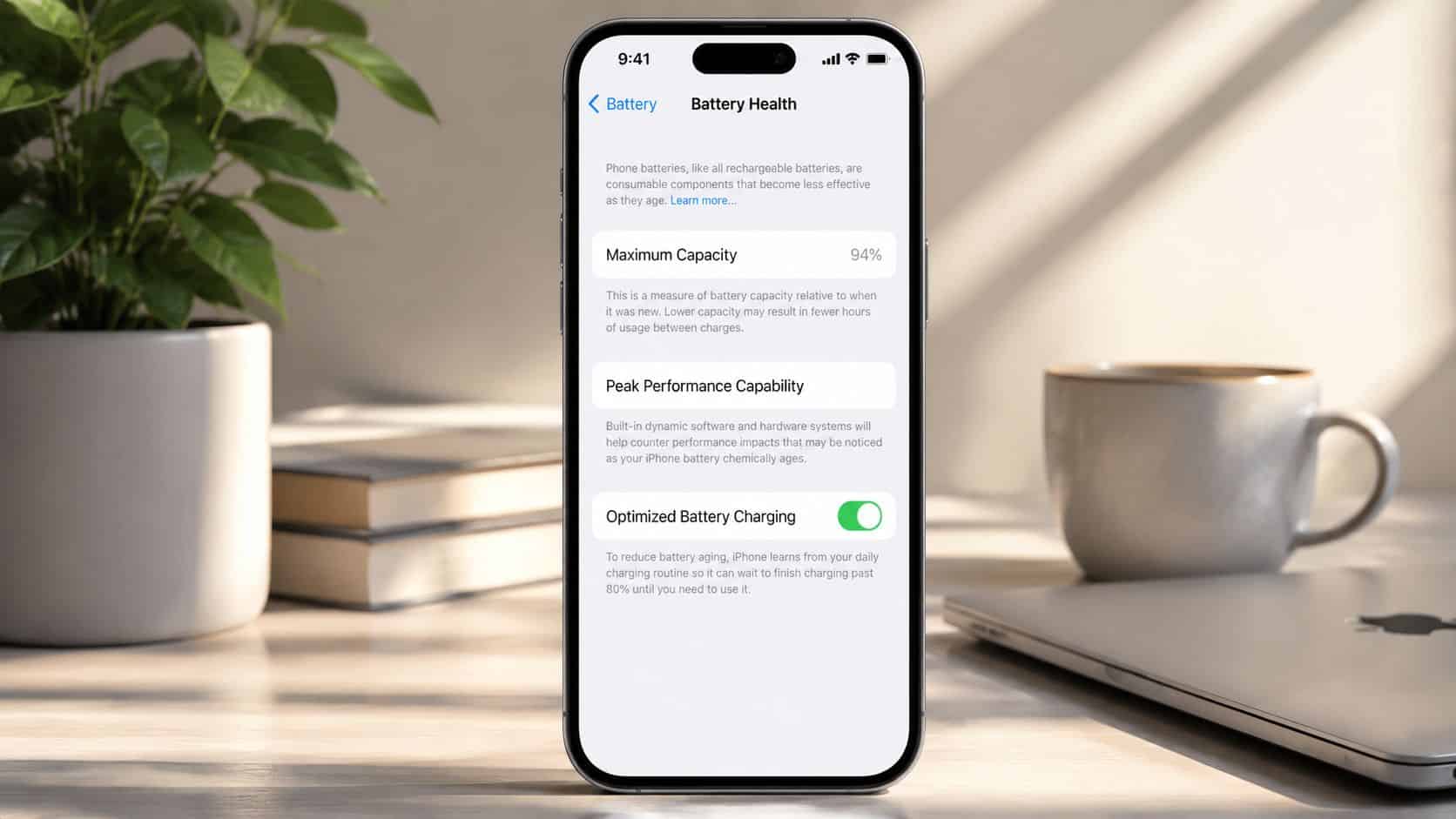
If you’re buying in person, collecting a phone, or checking one you’ve just received, this is one of the first things to look at. It only takes a moment.
How to check battery health
- Open Settings. Start from the iPhone home screen.
- Tap Battery. This takes you to the phone’s power and usage area.
- Tap Battery Health. On some versions of iOS, you may see Battery Health & Charging.
- Read Maximum Capacity. This is the key number. It shows the battery’s current charge-holding ability compared with when it was new.
- Check Peak Performance Capability. If the phone reports normal performance support, that’s a good sign. If it shows a battery service warning, pay attention.
- Watch for battery messages. If the phone says the battery needs service or shows a warning about battery condition, ask questions before buying.
- Test real charging behaviour as well. A healthy-looking number is useful, but you should still check that the handset charges properly and doesn’t heat up abnormally.
What the screen is really telling you
The screen gives you a quick snapshot, not the full life story of the phone. A decent reading still needs to be backed up by proper checks on charging, stability, and general condition.
If you’re comparing seller descriptions, our page on understanding refurbished iPhone battery reports helps make sense of how that information should be presented.
Simple check: Don’t just read the number. Read the message underneath it as well.
What Is a Good Refurbished iPhone Battery Health Percentage
For day-to-day buying advice, 85% or higher is the point I’d call comfortable. That lines up with UK refurbisher guidance that treats above 85% as good, while devices above 80% should still work normally. Below 80%, shorter runtime and reduced performance under load become more likely, as explained in this guide on what counts as good battery health on a refurbished phone.
The real difference between 85% and 100%
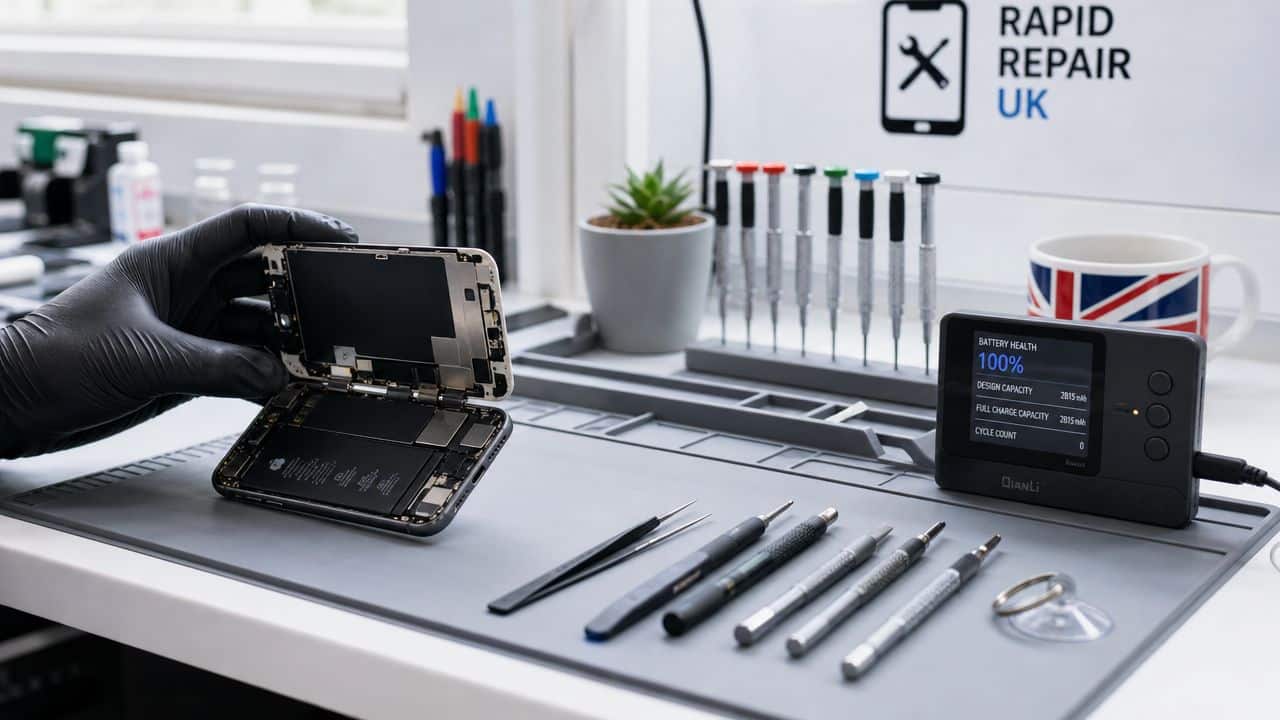
This is where buyers often need the most honest advice. A phone at 100% battery health is closer to new-battery stamina. That’s useful if you’re a heavy user, rely on mobile data all day, use sat nav regularly, or don’t like carrying a charger.
But 85% is not a dead battery, and it isn’t a sign the phone is near the end. For many people, it simply means a little less headroom by late afternoon or evening, especially on busy days. If your usage is calls, messages, browsing, banking apps, music, school runs, and the odd bit of video, an 85% battery can still feel absolutely fine.
Where the value sweet spot usually sits
A common example we see is someone choosing between a cleaner, higher-graded phone with stronger battery health and a cheaper one in a lower cosmetic grade with a still-healthy battery. If the lower-priced handset is properly tested and the battery sits comfortably above the seller’s minimum, that can be the better value purchase.
The mistake is assuming the battery percentage should make the whole decision for you. It shouldn’t. Storage, overall condition, charging port wear, camera condition, Face ID function, network use, and warranty support all matter.
- Choose the higher battery reading if: you work long days away from a charger, use hotspot or sat nav often, or want the phone to feel as close to new as possible.
- Choose the lower but still healthy reading if: you want stronger value, can top up during the day, or care more about getting a better model or more storage for the same budget.
- Avoid chasing numbers alone if: the seller is vague about testing, won’t confirm returns, or can’t explain the phone’s condition clearly.
If you want a deeper practical breakdown, our guide to understanding iPhone battery health percentages looks at what those numbers mean in daily use rather than just on paper.
If the choice is an honestly graded iPhone at 85% from a proper refurbisher or a “mint” private sale with no comeback, I’d take the tested refurb every time.
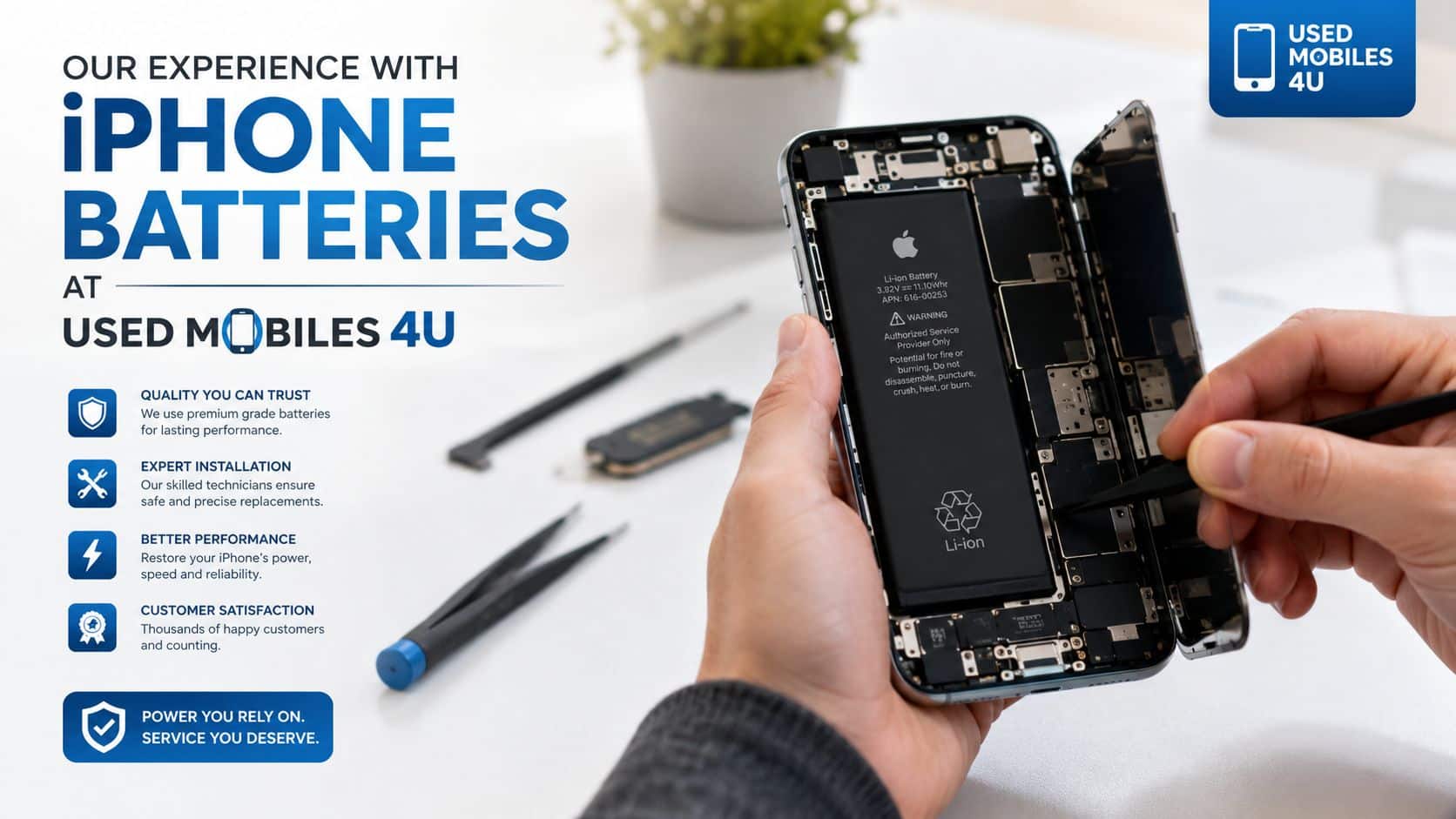
Our Experience Refurbishing This Model at Used Mobiles 4U
One thing we regularly notice is that two iPhones of the same model can arrive in very different battery condition, even when the screens and housings look almost identical. Previous charging habits, storage conditions, and heat exposure make a real difference over time.
Apple’s UK battery guidance notes that keeping an iPhone half charged for long-term storage and avoiding hot environments or direct sunlight helps reduce degradation, which matches what we see in refurbishment. You can read Apple’s own care advice in its UK battery and performance guidance.
What we commonly see
- Heavy-use signs don’t always match cosmetic wear. A very tidy iPhone may still have had hard charging habits, lots of heat exposure, or long periods left flat.
- Charging ports tell part of the story. If a phone has seen lots of cable wear, pocket fluff, or rough charging use, we inspect that area carefully because poor charging can be mistaken for poor battery life.
- Grade differences matter. “Like New” and “Good” don’t just affect cosmetics. Lower cosmetic grades often come from phones that have had a harder life overall, so they deserve closer battery and charging checks.
- Replacement isn’t just about a number. Our technicians often see batteries that might still be technically usable, but the phone also shows unstable charging, excess heat, or poor day-to-day stamina. That’s when repair or replacement logic becomes practical rather than theoretical.
What we check before resale
Battery health is only one part of the inspection. We also look at charging consistency, connector condition, signs of swelling, how the phone behaves under load, and whether the device feels normal in use rather than just looking acceptable on a report.
We also compare the phone against nearby alternatives in the range. Sometimes the smarter move for a buyer isn’t replacing a battery in an older handset. It’s stepping into a newer refurbished iPhone with better all-round efficiency, especially if they’re already frustrated by daily charging.
When we do recommend a battery replacement, it’s usually because the phone’s real-world behaviour supports it, not because buyers need a perfect-looking number on screen.
Your Checklist Before Buying a Refurbished iPhone
If you’re comparing sellers, ask direct questions. A good seller should answer them plainly and without dancing around the details.
Questions worth asking
- What minimum battery health do you guarantee? If the seller can’t state a floor clearly, that’s not a good sign.
- Is the phone tested beyond the battery percentage screen? Ask about charging, camera, Face ID, speakers, buttons, and network checks.
- What happens if the battery performance feels poor after delivery? You want a clear returns route and warranty support, not vague reassurance.
- Has the battery been replaced, or is it original? Neither answer is automatically wrong. What matters is that the seller is honest and the phone works as it should.
- How is the phone graded? Cosmetic grade affects value, but it shouldn’t hide functional issues.
- Is the device SIM-free and properly data-wiped? That should be standard on a professionally prepared handset.
- Can you explain why this phone is priced lower or higher than another one? The answer should reflect grade, storage, battery condition, and overall state of the handset.
What buyers usually ask us
- “Should I hold out for 100%?” Only if you really need that extra runtime or the price gap is small enough to justify it.
- “Is 85% too low?” Not for most people. It’s often the practical middle ground between strong battery life and sensible pricing.
- “Will a higher percentage always feel better?” Usually for battery life, yes. But not always enough to outweigh a better model, better storage option, or stronger overall condition.
- “What should I avoid?” Vague listings, private sellers with no comeback, and phones where battery health is treated as the only thing that matters.
If you want one final rule, it’s this. Buy the phone that fits your daily use, not the screenshot that looks nicest. For most people, a properly tested refurbished iPhone with healthy battery condition, clear grading, support, and a sensible price is worth buying. If you’re a very heavy user or hate topping up, pay more for stronger battery health. If you mainly want value and reliability, don’t reject a good phone just because it isn’t sitting at 100%.
If you’re comparing options, Used Mobiles 4 U sells tested SIM-free refurbished phones with clear grading, secure data wiping, UK support, returns, a 12-month warranty, and a minimum 85% battery health standard. That makes refurbished iPhone battery health UK buying a lot easier to judge in practical terms rather than guesswork.
Written by James Waterston, 24 years in the mobile phone industry from customer service through to Sales Director of a global repair and recycling company. Now running Used Mobiles 4U for over 8 years.
LinkedIn: James Waterston
Meta description: Refurbished iPhone battery health UK explained simply. Learn if 85% is enough, what to check before buying, and how to judge real everyday value.
Looking for a refurbished phone?
Shop professionally tested refurbished iPhones and Samsung phones with 18 month warranty, 30 day returns and free UK delivery.
Browse Refurbished Phones






