





Maximising Your Refurbished iPhone 13 Tips and Tricks

14/02/2025

7 Mins
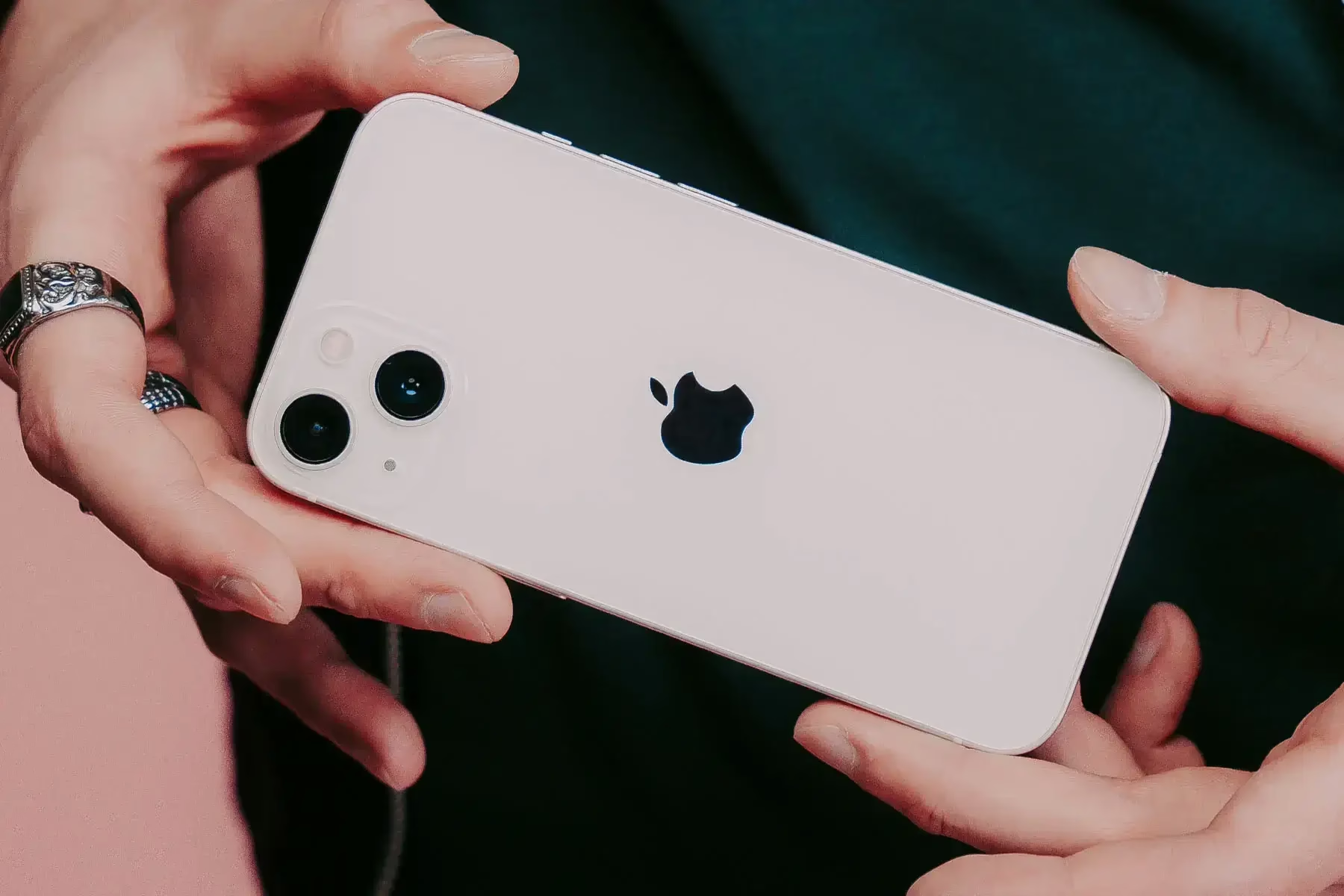
Unlock the Full Potential of Your Refurbished iPhone 13: Tips and Tricks
Owning a Refurbished iPhone 13 Tips and Tricks is an excellent way to get the most out of Apple’s premium features without the steep price tag. With a combination of cutting-edge technology and sleek design, the iPhone 13 remains one of the most sought-after devices on the market. But, are you truly maximizing your device? Whether you’re a new iPhone 13 owner or just looking for a few tips to enhance your experience, this blog will share essential iPhone 13 tips and tricks to help you unlock the full potential of your refurbished iPhone 13.
Customise Your Home Screen and App Icons
One of the first things you can do to personalize your iPhone 13 is customize the home screen. Apple gives you plenty of options to make your device truly yours. You can start by changing the wallpaper, which is an easy way to give your device a fresh look. But why stop there? With iOS 14 and newer, Apple introduced the ability to create custom app icons. This allows you to make your home screen visually appealing and reflect your style.
To get started, go to the Shortcuts app, tap Create Shortcut, then Add Action, and search for Open App. Choose the app you want to change the icon for, tap the three dots in the top right, and select Add to Home Screen. From there, you can choose an image for your app icon and set it to your home screen.
Moreover, take advantage of widgets to give your home screen even more functionality. Widgets allow you to access information like the weather, calendar events, or fitness data with just a glance. Arrange them in a way that suits you, so your Refurbished iPhone 13 Tips and Tricks is as efficient as it is stylish.
Boost Battery Life with Optimised Settings
Even though the iPhone 13 offers impressive battery life, there are still ways you can optimize its longevity. With iOS’s battery management tools and a few simple changes, you can extend your battery’s lifespan throughout the day.
Start by going to Settings > Battery to see which apps are using the most power. If you notice certain apps are draining your battery unnecessarily, either limit their background activity or disable their location services. To conserve power further, you can turn off Background App Refresh, which ensures that apps are only updating content when you open them.
Another key tip to boost your battery life is to reduce screen brightness. You can adjust the brightness manually in Control Center, or enable Auto-Brightness in your settings so that your screen dims when you’re in lower light environments.
Additionally, if you’re in a pinch and need to save even more battery, you can activate Low Power Mode. This temporarily reduces background activity, like mail fetching and visual effects, to prolong battery life. You can enable Low Power Mode by heading to Settings > Battery and toggling the switch.
Lastly, check the Battery Health feature under Settings > Battery > Battery Health & Charging to see if your battery is still performing at peak capacity. Since refurbished iPhone 13 devices go through rigorous testing, they typically have a battery that works just as efficiently as new ones, but it’s always good to keep an eye on your battery health.
Take Advantage of the Dual Camera System
The iPhone 13 comes with a powerful dual-camera system, offering incredible capabilities to capture stunning photos and videos in a variety of conditions. Whether you’re an aspiring photographer or just want to snap some memorable shots, the iPhone 13 has all the features you need.
Start by using Portrait Mode to take professional-looking photos with a beautifully blurred background (bokeh effect). This is perfect for capturing portraits of people, pets, or objects in a creative and artistic way. Try experimenting with different lighting effects within Portrait Mode, like Natural Light, Studio Light, and Stage Light, to see how they can enhance your shots.
For low-light conditions, Night Mode is a game-changer. It automatically kicks in when the lighting isn’t ideal, allowing you to capture clear and vibrant images even in dimly lit environments. While Night Mode is available on both the main and ultra-wide cameras, you can also manually adjust the exposure to capture the perfect shot.
If you’re into macro photography, the iPhone 13’s camera system lets you get incredibly close to your subject. Whether it’s a tiny insect or a delicate flower petal, Macro Mode allows you to capture the finest details with precision. It’s a great tool for those interested in the art of close-up photography.
Don’t forget to explore the video features of your iPhone 13 as well. With Cinematic Mode, you can record video with a shallow depth of field and automatic focus transitions, giving your videos that “movie-like” quality. This feature is fantastic for creating dynamic video content or capturing moving subjects.
Refurbished iPhone 13: Enjoy the Same Features as New
One common misconception about purchasing refurbished devices is that they are somehow inferior to new models. This is far from the truth. When you buy a refurbished iPhone 13, you’re getting the same high-quality device as someone who purchased a brand-new one – at a fraction of the cost.
Refurbished iPhones go through a strict process of inspection, repair (if necessary), and quality checks to ensure they meet Apple’s standards. This includes testing the camera, screen, battery, and other important components. You can enjoy the same iPhone 13 experience, with all the cutting-edge features like Face ID, OLED display, 5G connectivity, and more.
Furthermore, Apple offers a one-year warranty on all refurbished devices, just as it does with new ones. This means you can rest assured that if anything goes wrong with your refurbished Refurbished iPhone 13 Tips and Tricks, you’ll have access to support and repairs directly from Apple.
Explore Hidden Features and Shortcuts
Your iPhone 13 comes packed with hidden features that might not be immediately obvious but can make your experience even better. Here are a few iPhone 13 tips and tricks to explore:
- Back Tap: This feature allows you to perform actions by tapping the back of your iPhone. You can enable this by going to Settings > Accessibility > Touch > Back Tap. Choose from options like taking a screenshot, launching the camera, or even running a shortcut with just a double or triple tap on the back of your phone.
- Focus Mode: iOS 15 introduced Focus Mode, which allows you to customize notifications based on your activity. Whether you’re working, exercising, or winding down, you can set up specific Focus modes to filter out distractions. Go to Settings > Focus to set it up.
- QuickTake Video: If you want to record a video without switching to video mode, simply press and hold the shutter button in the Camera app. Your iPhone 13 will start recording a video without you having to swipe to video mode.
- Keyboard Shortcuts: Create custom shortcuts for commonly typed phrases. For example, if you often type your address or signature, you can set up a shortcut so you only need to type a few letters to input your full information. Go to Settings > General > Keyboard > Text Replacement to set it up.
- Live Text: With iOS 15, you can now interact with text in your photos. Simply tap on the text in an image, and your iPhone will allow you to copy, paste, look up, or translate the text, making it easier to extract useful information.
Stay Secure with Advanced Privacy Settings
Apple is known for its strong commitment to privacy, and with the iPhone 13, you have numerous tools at your disposal to protect your data. In addition to Face ID and Touch ID, iOS 15 has introduced new privacy features that give you more control over your personal information.
Check out the Privacy Report in the Settings app to see how your apps are using your data. You can also use App Privacy Labels on the App Store to get detailed information about how an app collects and uses your data before downloading it.
Another great feature is Mail Privacy Protection, which prevents senders from knowing when you open their emails. This can help you maintain better control over your email activity and reduce tracking from advertisers.
Conclusion
Maximising your iPhone 13’s potential is easy with the right tips and settings. From customising your home screen to taking advantage of the advanced camera system, there are countless ways to make the most of your device. Even though you own a Refurbished iPhone 13 Tips and Tricks, you can still enjoy all the impressive features that come with it, just like a brand-new model.
With features like improved battery life, high-quality photography, and an abundance of privacy options, the iPhone 13 is a powerful device that suits a wide range of needs. By following these iPhone 13 tips and tricks, you’ll be able to enhance your experience and get the most out of your refurbished iPhone 13, all while enjoying the savings that come with purchasing a refurbished device.
Take a look at our selection of refurbished Refurbished iPhone 13 Tips and Tricks models today and start enjoying your new device with confidence!
For more details on how to optimize your iPhone experience, check out these resources:
Looking for a refurbished phone?
Shop professionally tested refurbished iPhones and Samsung phones with 18 month warranty, 30 day returns and free UK delivery.
Browse Refurbished Phones






