





A Smart Buyer’s Guide to a Refurbished MacBook Air in the UK

26/01/2026

7 Mins
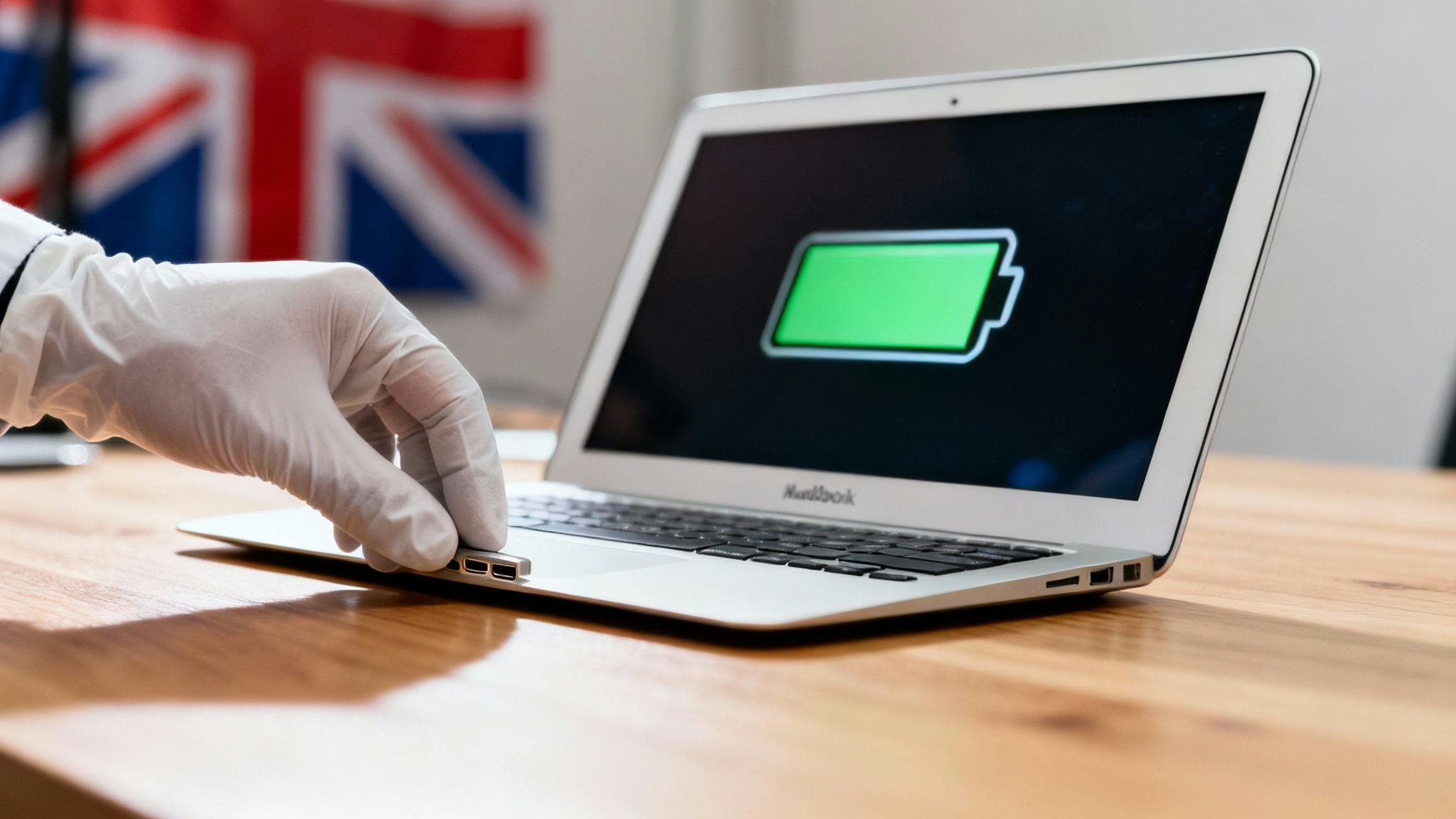
This guide will help you confidently choose and buy a refurbished MacBook Air in the UK. We'll explain what 'refurbished' means, how to understand condition grades, and what essential checks to perform to find a great laptop for a fraction of the new price.
A refurbished MacBook Air offers the design and performance of a new Apple laptop at a much lower cost. These are pre-owned devices that have been professionally inspected, tested, repaired, and cleaned to ensure they are in full working order.
Most importantly, they should come with a warranty, giving you peace of mind with your purchase.
What 'Refurbished' Really Means
The term 'refurbished' is often confused with 'used', but they are very different. A used laptop bought from a private seller online is sold 'as is', which means it could have hidden faults, a poor battery, or data from the previous owner. There is usually no warranty, so you are on your own if something goes wrong.
A professionally refurbished MacBook Air has been through a detailed technical process. A trained technician inspects, tests, and certifies that the device is fully functional, giving you a reliable machine straight out of the box.
The Refurbishment Process
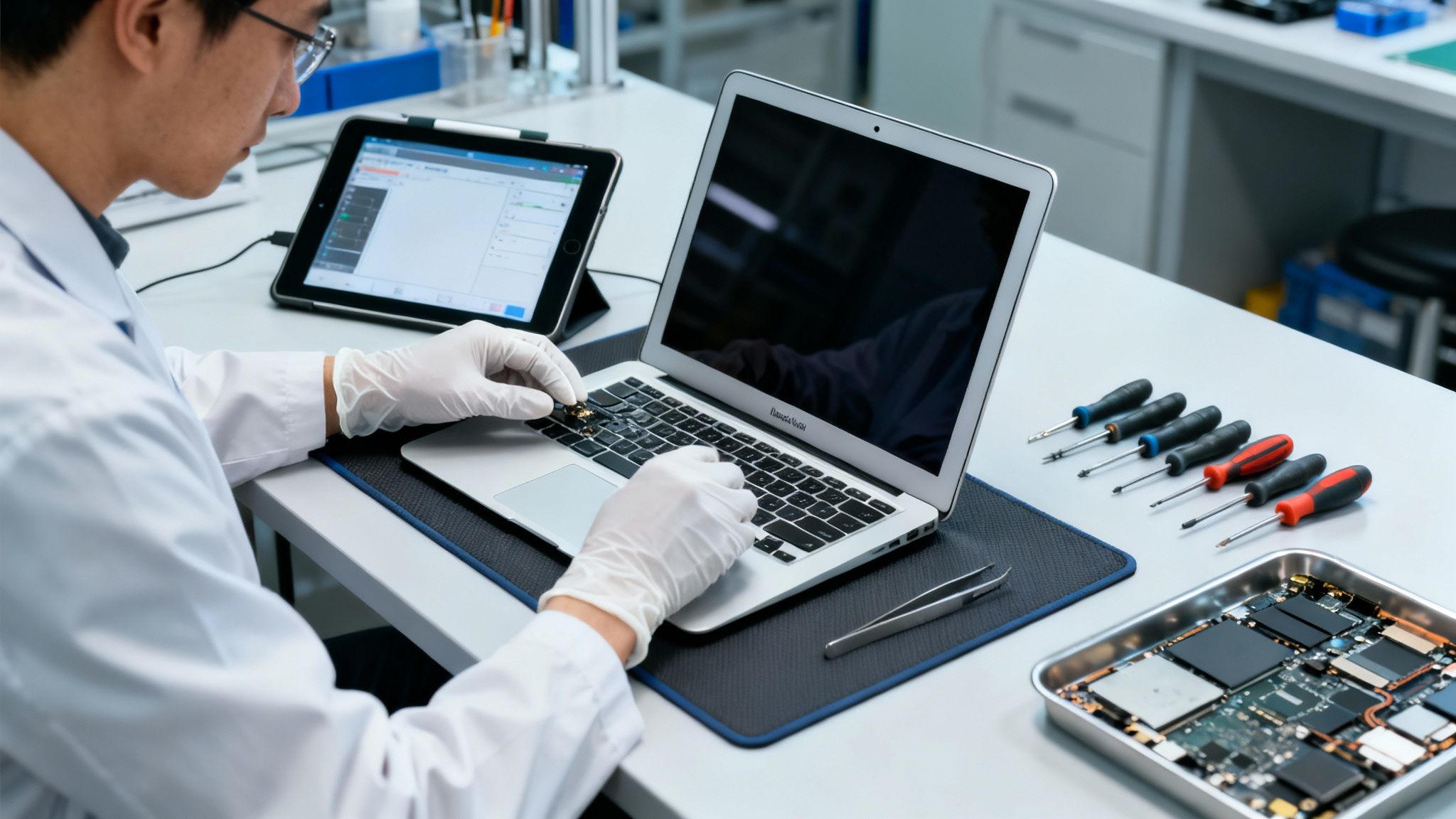
This process turns a pre-owned item into a quality-assured product. It typically includes:
- Comprehensive Diagnostics: Technicians run hardware checks on every component, including the screen, ports, keyboard, trackpad, Wi-Fi, and Bluetooth.
- Professional Repairs: If any part fails testing, it is repaired or replaced with a fully functional one.
- Secure Data Wiping: The storage is professionally wiped to remove all previous owner data and restore the MacBook Air to factory settings.
- Thorough Cleaning: The laptop is physically cleaned to remove cosmetic signs of previous use.
- Final Quality Check: The device undergoes a final inspection before being listed for sale.
This process ensures you get a machine that has been professionally restored to full working condition. You can learn more about the specific checks by reading about our 10-step refurb process.
A Real-World Example
Consider Alex, a university student in Manchester looking for an affordable laptop. He sees a cheap used MacBook Air on a local selling app but is concerned about hidden problems. Instead, he opts for a refurbished MacBook Air from a reputable UK seller.
The device he receives has been fully tested, works perfectly, and comes with a 18 Month Warranty. By choosing refurbished, Alex saved a significant amount of money compared to buying new and avoided the risks of a private sale.
How to Decode Refurbished Grades
Understanding the grading system helps you get the best value. Grades describe the device's cosmetic appearance, not its performance. A lower grade can save you money if you don't mind minor signs of wear.
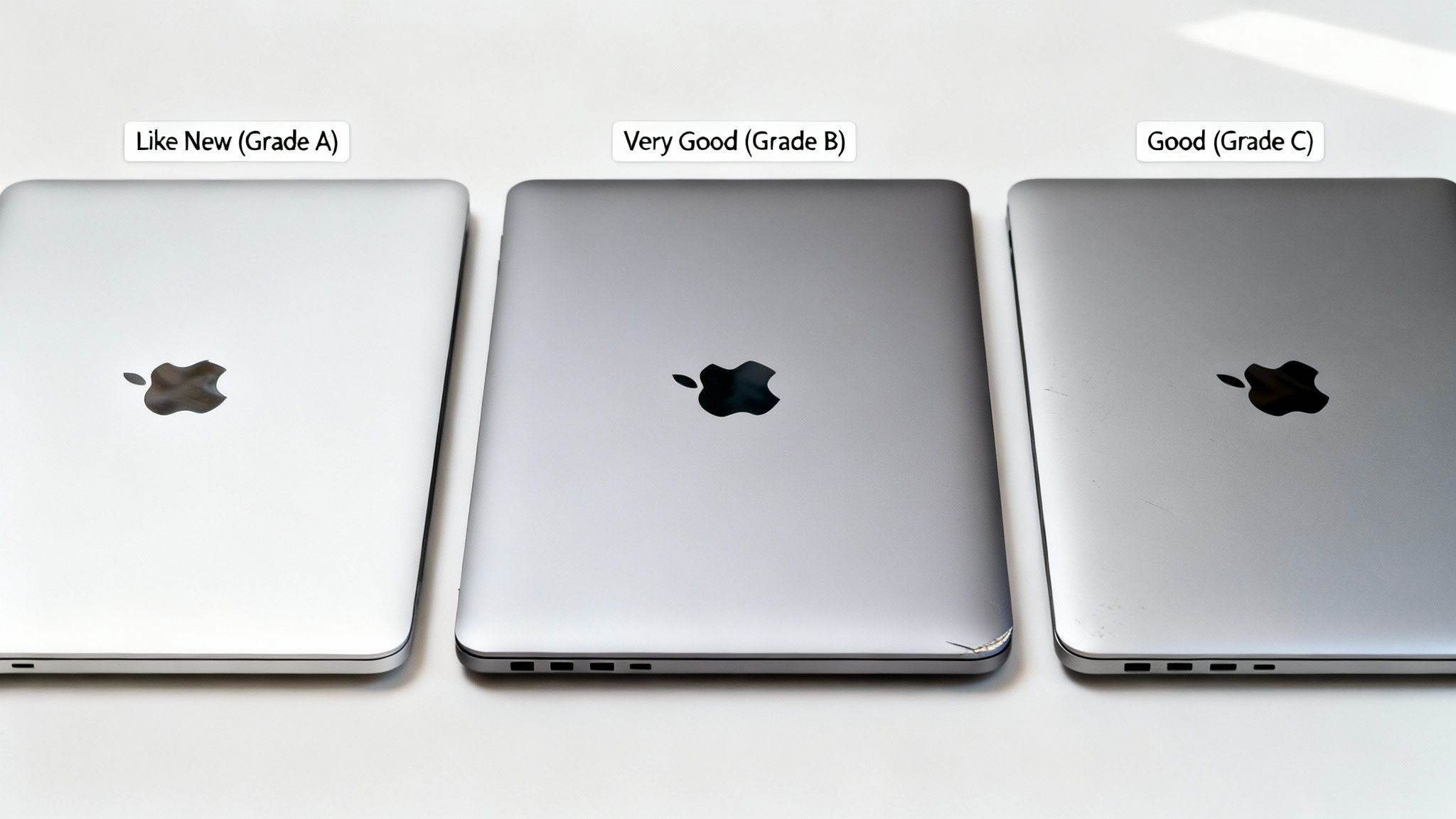
Every refurbished device we sell is fully functional, regardless of its grade. A 'Good' condition device has passed the same technical tests as a 'Like New' one.
The Main Grading Tiers Explained
Most sellers use a similar three-tier system:
- Like New (Grade A): The device will look almost untouched, with no noticeable scratches on the screen or body. It's the closest you can get to a brand-new machine.
- Very Good (Grade B): This grade often offers the best balance of value and appearance. The laptop might have very light signs of use, like faint scuffs on the body, but the screen will be in excellent condition.
- Good (Grade C): This grade provides the biggest savings. A 'Good' condition refurbished MacBook Air will show more obvious signs of wear, such as small scratches on the casing. The device is still guaranteed to be 100% functional.
How to Choose the Right Grade for You
The right grade depends on your personal preference and how you plan to use the laptop. If you're buying a gift, 'Like New' might be best. For daily use where a few scuffs don't matter, a 'Good' condition model could save you money for accessories.
The UK's Good Housekeeping Institute advises buyers to check these grades carefully. They note that reputable sellers grade transparently and provide a full warranty. You can read their full advice on refurbished tech for more insights.
Choosing the Right Model and Specs
Picking the right MacBook Air model for your needs ensures you get a good deal without paying for power you won't use. The most important factor is the processor.
Newer models use Apple's own 'Apple Silicon' chips (M1, M2, etc.), which offer a significant improvement in speed and battery life over older Intel-based models. If your budget allows, a refurbished MacBook Air with an M-series chip is a wise investment.
Decoding Apple Silicon M-Series Chips
The M-series chips make modern MacBook Airs powerful and efficient.
- M1 Chip: This was the first Apple Silicon chip and is more than powerful enough for browsing, streaming, office work, and light creative tasks. A refurbished M1 MacBook Air is excellent value for most people.
- M2 Chip (and newer): Each new generation offers a slight boost in performance. An M2 model might handle more demanding tasks like video editing a little more smoothly, but for general use, the difference from an M1 may not be huge.
Unless you are a professional doing heavy video rendering or complex coding, a refurbished M1 or M2 model will feel very capable for years.
How Much RAM Do You Need?
RAM (memory) allows your MacBook Air to run multiple applications at once.
8GB of RAM: This is the standard amount and is fine for most users. It's enough for web browsing, writing documents, sending emails, and streaming video.
16GB of RAM: Consider this if you are a power user who often edits large photos, produces videos, uses programming software, or keeps many apps open simultaneously.
Choosing the Right Storage Size
Storage is where your files, photos, and apps are kept.
- 256GB: A good starting point if you mainly use cloud services like iCloud and don't store large files on your machine.
- 512GB or more: If you have a large photo library or work with large files, 512GB provides more comfortable space.
You can always use an external drive, but having enough internal storage is more convenient. Getting the specs right will help you find the best refurbished laptops in the UK for your needs.
Essential Checks Before You Buy
Before buying, a few final checks can prevent future problems. A trustworthy seller will have already performed these inspections and should be happy to confirm the results.
Checking the Battery Health
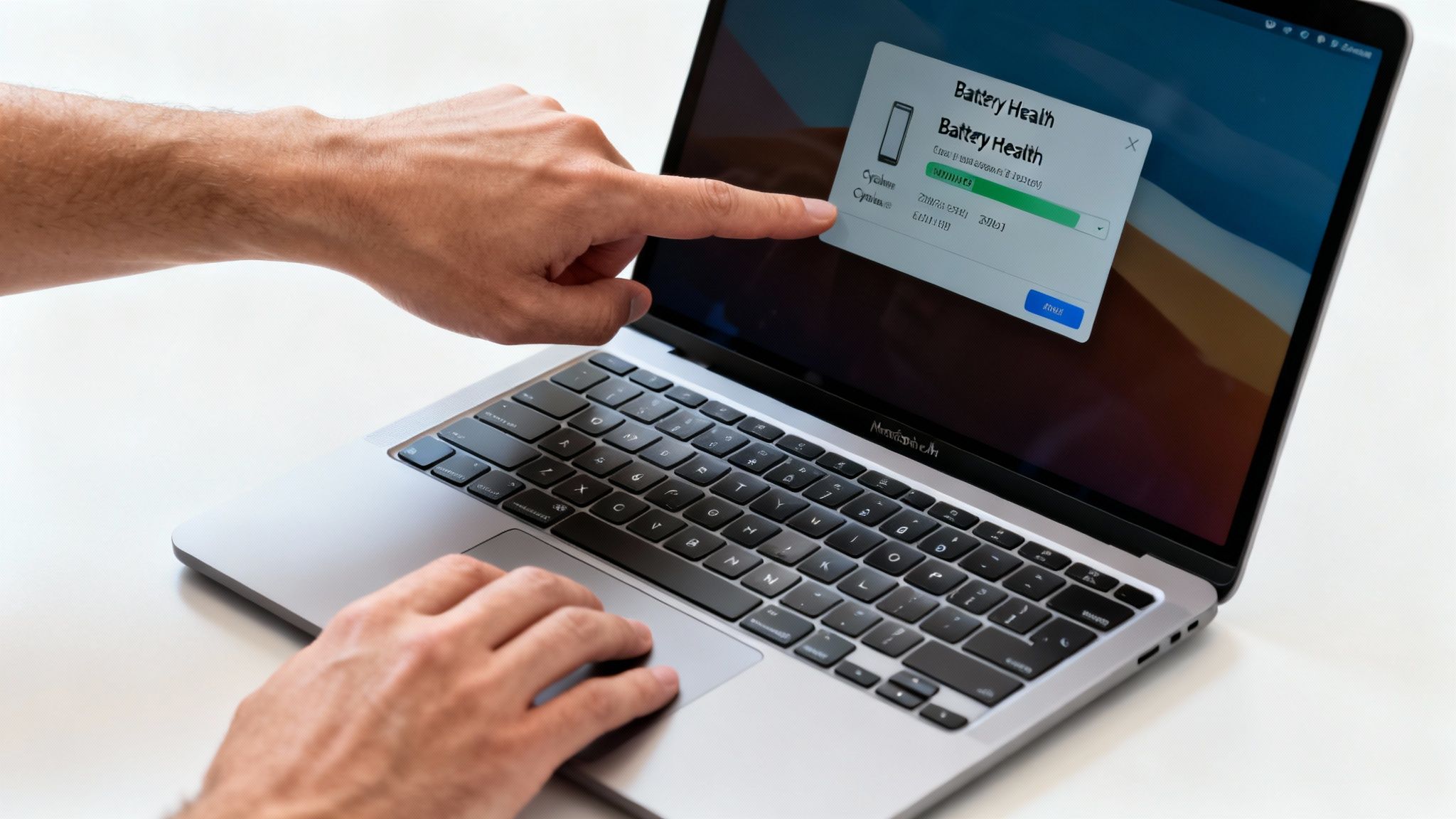
A laptop's battery health is crucial for portability. You can check it on a Mac:
- Click the Apple menu in the top-left corner.
- Go to System Settings > Battery.
- Click the small info 'i' icon next to Battery Health.
On older macOS versions, the path may be slightly different. Look for the "Maximum Capacity" percentage. A good refurbished device should have a battery capacity of 80% or higher.
Physical and Functional Inspection
Check the key hardware components:
- Screen Condition: Check for dead pixels or discolouration on a plain white background.
- Keyboard and Trackpad: Open a text document and test every key. Use the trackpad to click, drag, and scroll.
- Ports and Connectivity: Test all ports (USB-C, headphone jack) and check the Wi-Fi and Bluetooth connections.
The Most Important Check: iCloud Lock
This is the most critical check. A MacBook still linked to a previous owner's Apple ID (iCloud Activation Lock) is unusable.
Warning: Before buying, ensure the device is not tied to an Apple ID. A professional seller guarantees this, but it's a huge risk with private sales. If you see a login screen asking for a previous owner’s details, do not buy it.
Buying a refurbished MacBook Air from a reputable seller removes this risk, as all devices are professionally wiped and reset. To find out more, check our range of second-hand Apple laptops.
Finding a Trusted Seller
The quality of your refurbished MacBook Air depends heavily on the seller. A warranty and returns policy are just as important as the price.
Look for sellers offering a minimum 18 Month Warranty. This shows they are confident in their refurbishment process. A clear returns policy is also essential, allowing you to send the device back if it's not what you expected.
What to Look for in a Seller
A few minutes of research can confirm you are dealing with a legitimate business.
- Independent Reviews: Check customer reviews on sites like Trustpilot for honest feedback.
- UK-Based Support: A UK-based support team makes it easier to resolve any issues.
- Clear Information: The seller’s website should clearly state their warranty, returns process, and grading system.
Just as it's key to find a trusted seller for a refurbished device, finding a trusted Managed Service Provider is vital for businesses needing reliable IT support. In both situations, vetting your provider is essential.
Common Questions
Here are answers to some common questions about buying a refurbished MacBook Air.
What is the battery condition like?
Any trustworthy seller will guarantee their batteries meet a high standard, typically holding at least 80% of their original capacity. This ensures the battery holds a reliable charge.
Can I get AppleCare+?
Usually, no. AppleCare+ can typically only be added within 60 days of the Mac's original sale date. However, a reputable retailer will provide a solid 18 Month Warranty that covers potential faults.
What comes in the box?
Your refurbished MacBook Air should come with a compatible charger and charging cable. Always check the product description to see exactly what is included.
Is it safe to buy from somewhere other than Apple?
Yes, as long as you choose a trusted specialist. Independent UK retailers often offer better prices and a wider selection. Look for a seller with a 18 Month Warranty, clear grading, positive independent reviews, and a fair returns policy.
Ready to find a great deal on a laptop you can trust? At Used Mobiles 4 U, every device is professionally tested and backed by a 18 Month Warranty. Explore our full range of certified refurbished MacBooks today.
Written by James Waterston — 24 years in the mobile phone industry from customer service to Sales Director of a global repair & recycling company; now running Used Mobiles 4 U for 8+ years. LinkedIn
Looking for a refurbished phone?
Shop professionally tested refurbished iPhones and Samsung phones with 18 month warranty, 30 day returns and free UK delivery.
Browse Refurbished Phones






