





Refurbished Samsung DeX Phones That Support Desktop Mode in 2026

08/07/2026

8 Mins
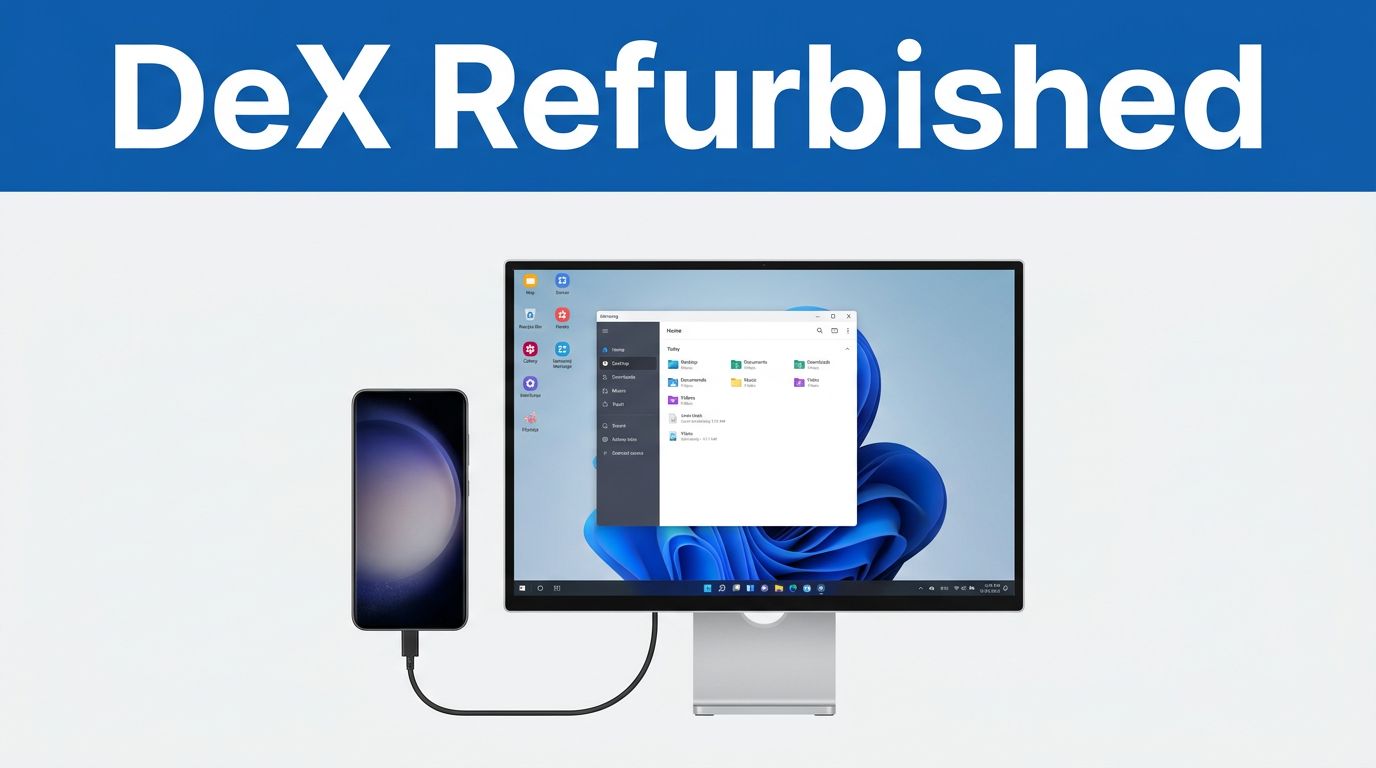
If you are looking to purchase refurbished Samsung DeX phones in 2026, the safest choices remain the Galaxy S, Note, and Fold models, along with the occasional exception such as the Galaxy A90 5G. It is important to note that most budget-friendly Galaxy A-series phones do not support the feature, and older Z Flip models are excluded. When choosing, remember that you are generally looking for flagship phones to ensure the best experience.
This distinction matters because Samsung DeX only feels truly useful when the phone remains stable, the USB-C port outputs video correctly, and the battery is robust enough to handle a long work session. We must identify the right model first, then we can properly judge its condition and price.
Key Takeaways
- The Galaxy S series, Note, and Fold devices are the main DeX choices in 2026, with support stretching back to the S8 era.
- Most Galaxy A-series phones do not support DeX, and the A90 5G is the rare exception.
- Only the Z Flip 7 family supports DeX in the Flip line, so older Flip models are a poor buy for this feature.
- Port condition matters as much as battery health on refurbished phones, because DeX depends on clean video output to function properly with an external display.
- Samsung’s official support pages are the best place to double-check compatibility before we spend money.
Quick Answer
- Buy pre-owned Galaxy phones from the S8 series or newer if you want DeX without overthinking it. Selecting an unlocked device ensures the most flexibility for different carriers and desktop setups.
- A refurbished Note 10 or Note 20 is a strong pick if you require advanced multitasking and S Pen support.
- A refurbished Galaxy Fold or Z Fold is the best fit if you want the largest possible DeX workspace.
- Skip most Galaxy A-series phones and older Z Flip models if DeX is the primary reason for your purchase.
Which refurbished Samsung phones support DeX in 2026
Samsung restricts access to Samsung DeX to its premium flagship devices, meaning not every handset with a USB-C port is capable of running this powerful desktop mode. Samsung’s own DeX support page serves as the most reliable reference point, and it perfectly aligns with the handsets we currently see passing through our refurbished stock.
The most common mistake buyers make is assuming that a premium-looking Samsung phone automatically supports this desktop experience. It does not. Because Samsung DeX is a sophisticated combination of hardware and software, the specific model family matters far more than the handset’s design language or release year.
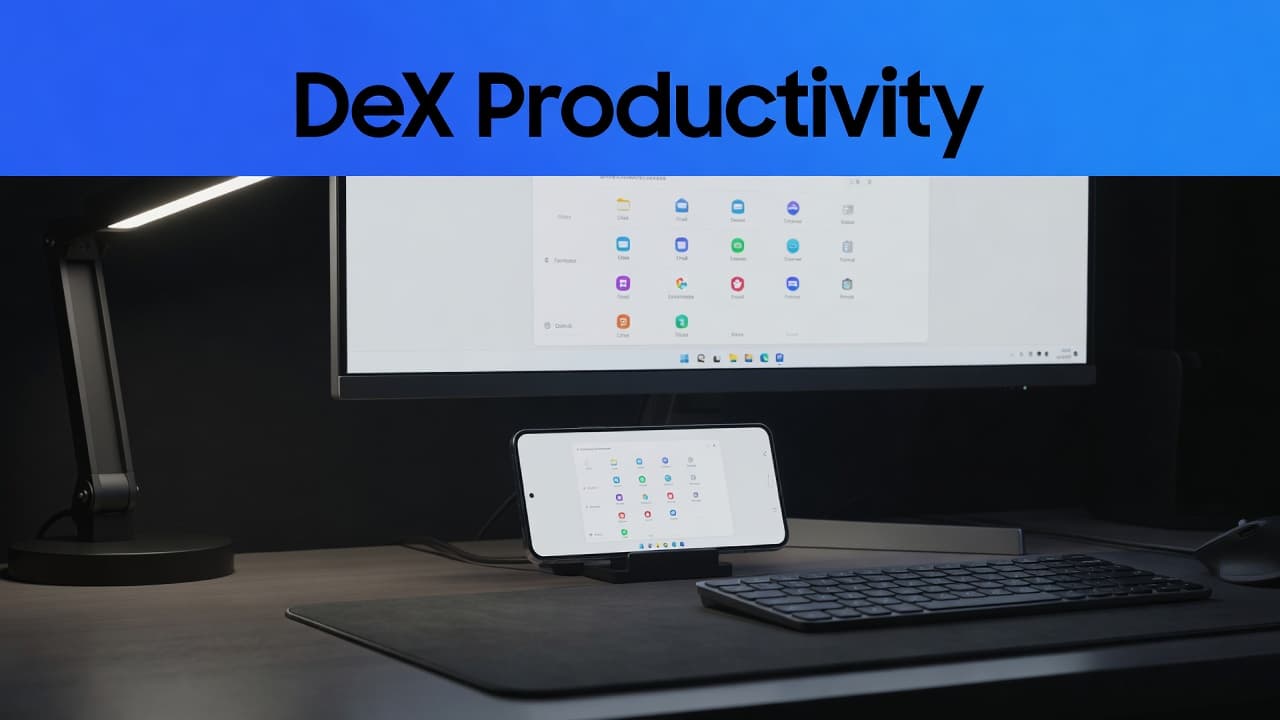
The refurbished Samsung models we would shortlist first
If we want the best balance of price and usefulness, we would start with these models.
- Galaxy S21 FE, S22 or S23: These are sensible DeX starters if we want a modern feel without current-flagship prices. The S21 FE and S23 are particularly neat options because the efficient Snapdragon processor handles desktop tasks with ease, offering a smooth experience alongside a familiar premium Samsung layout.
- Galaxy Note 20 or Note 20 Ultra: These still make sense for desk work, note-taking, and split-screen use. The S Pen adds a layer of precision for multi-tasking that a cheaper phone simply cannot match.
- Galaxy Z Fold 4, Z Fold 5 or Z Fold 6: These are the easiest phones to enjoy with DeX because the larger screen real estate makes multi-tasking feel far less cramped. They suit people who want a phone and a mini tablet in one device.
- Galaxy Z Flip 7: This is only worth a look if we want the compact design as well as DeX. Earlier Flip phones are not in the same conversation.
If we are only after calls, maps, and social media, a DeX-capable Samsung is probably more phone than we need. If we want a pocket-sized desktop, these are the models that make the idea work.
What DeX changes in daily use
Samsung DeX is a game changer when we need more than a small screen, but not a full laptop. It effectively transforms your handset into a powerful mobile workstation for email, web browsing, spreadsheets, streaming, and document editing, all of which feel much easier when the phone powers an external display.
Samsung’s DeX apps and services page makes it clear that this is a proper workspace, not just a novelty feature. While wireless DeX is handy for quick sessions, wired DeX provides a much steadier experience on refurbished phones because it avoids the pitfalls of a flaky wireless connection. To get the most out of this, you should connect via a high-quality USB-C hub or a reliable HDMI cable to your external display. The desktop interface really comes into its own when you pair your device with a physical keyboard and mouse for true productivity.
This reliance on wired connectivity makes the condition of the USB-C port a vital buying factor. A phone can still charge perfectly fine while failing to support DeX, particularly if the connector is loose or the internal video-out pins have been damaged by previous heavy use.
If DeX is the primary reason you are buying a device, choosing a budget A-series phone is usually a false economy.
Where buyers usually go wrong
The first mistake is buying by appearance alone. A phone can look clean on the back and still have a tired battery or a port that will not hold a proper connection. This level of technical integrity matters far more on DeX phones than it does on basic handsets. Before you commit to a used Galaxy phone, always verify that the battery health has been professionally tested, as a degraded cell will struggle to power the high-performance demands of desktop multitasking.
The second mistake is assuming every Samsung with a USB-C port supports desktop mode. Plenty of Galaxy A phones are excellent everyday devices, but they are not DeX phones. The same is true of older Z Flip models, which often catch people out because they look premium without offering the feature. We always recommend looking for a Certified Re-Newed standard when shopping, as this ensures the device has undergone the rigorous testing required for advanced features like DeX.
We also see people compare refurbished iPhones, used iPhones UK listings, and cheap refurbished iPhones, then forget to apply the same discipline to Samsung. Refurbished iPhone deals UK and second hand iPhones UK stock can look appealing, but a low price only helps if battery health, ports, and warranty are in order. The same rigorous standards apply to refurbished smartphones UK buyers seek in general, and it is just as true when comparing any high-end Samsung with a desktop feature against other popular brands.
If you are still deciding whether Samsung is the right route, our guide on whether refurbished Samsung phones are any good is a useful baseline. If price is the main concern, finding cheap Samsung phones in the UK explains where the false savings usually appear and how to avoid buying a device that fails to meet your expectations.
Our Experience Refurbishing This Model at Used Mobiles 4U
One thing we regularly notice is that DeX-capable Samsung phones often arrive with better screens than ports. The handset may look tidy, yet the USB-C socket has taken years of daily charging, car mounts, or desk docks. Within our comprehensive refurbishing process, we pay meticulous attention to these ports because when that connection is worn, DeX can fail even though ordinary charging still works.
On the bench, we pay close attention to battery health, display output, and whether the phone sits flat. A bent frame, a loose port, or signs of repeated heat stress can turn a good-looking handset into a poor desktop phone very quickly. By performing these rigorous checks, we ensure that our Certified Re-Newed stock offers a far more reliable experience than the average used Galaxy phone found on secondary marketplaces.
What We Commonly See
- Buyers usually choose these phones when they want one device for work, travel, and everyday use.
- The most common concern is whether the USB-C port still handles video output cleanly for external displays.
- We perform extensive testing on wireless DeX stability to ensure a seamless connection without the need for cables.
- Our team verifies compatibility with classic accessories, including the original DeX Station or DeX Pad, to support varied user setups.
- The main thing we check before resale is battery wear plus charging stability under heavy desktop loads.
- The model tends to sell best when the cosmetic grade and battery report both look strong.
- Customers often compare them with refurbished iPhones or cheaper Android handsets, but the productivity benefits of DeX are what push them towards Samsung.
- The main reason to step up to a newer model is usually battery life or a larger screen, not raw processing speed.
That pattern is why we do not treat DeX phones like ordinary refurbished stock. A phone that is fine for casual browsing can still be the wrong choice if the internal components cannot handle a monitor-connected workspace.
Frequently Asked Questions
Does every refurbished Samsung phone with a USB-C port support DeX?
No, many Samsung phones lack the necessary internal hardware to output a desktop-style interface via USB-C. You should only look at the Galaxy S, Note, and Fold series, as most Galaxy A-series models and older Z Flips are incompatible.
Why is the condition of the USB-C port so important for DeX?
Samsung DeX requires a stable data and video connection to function reliably with an external monitor. If the port is worn from years of use or has damaged internal pins, it may still charge the device but fail to output the high-quality video signal needed for your desktop workspace.
Is wireless DeX as reliable as a wired connection?
While wireless DeX is convenient for light tasks, it can be prone to lag or signal dropouts depending on your network environment. For professional work sessions, a wired connection via a high-quality USB-C hub or HDMI cable remains the best way to ensure a stable and flicker-free experience.
Can I use a refurbished Galaxy A-series phone for DeX?
Almost all Galaxy A-series phones do not support DeX, with the rare exception of the Galaxy A90 5G. If desktop productivity is the main reason you are purchasing a refurbished handset, it is much safer to invest in a flagship S or Note model to avoid disappointment.
Conclusion
If Samsung DeX is a priority for your workflow, it is best to stay within the Galaxy S, Note or Fold families, with the Galaxy A90 5G remaining the only A-series exception. Most other Galaxy A phones, along with older Z Flip models, are not safe choices if you rely on this feature for your daily productivity.
For the best value, a refurbished Galaxy S21 FE, S22 or S23 is a sensible starting point. If you want the most seamless desktop experience on the go, a Fold model is a stronger candidate. By simply pairing your chosen device with a compatible HDMI cable, you can transform your mobile handset into a capable workstation. If you want to compare value before you decide, our refurbished Samsung guide and our selection of cheap Samsung phones in the UK are worth a look.
This guide reflects the same checks we make before resale, especially regarding battery health, USB-C output and port wear.
Written by James Waterston, 24 years in the mobile phone industry, now running Used Mobiles 4U. LinkedIn
Meta description: Refurbished Samsung DeX phones in 2026: see which Galaxy S, Note, Fold and Flip models support DeX, which A-series phones to avoid, and what to check.
Looking for a refurbished phone?
Shop professionally tested refurbished iPhones and Samsung phones with 18 month warranty, 30 day returns and free UK delivery.
Browse Refurbished Phones






