





How To Check Samsung Battery Health On A Refurbished Phone

30/05/2026

6 Mins
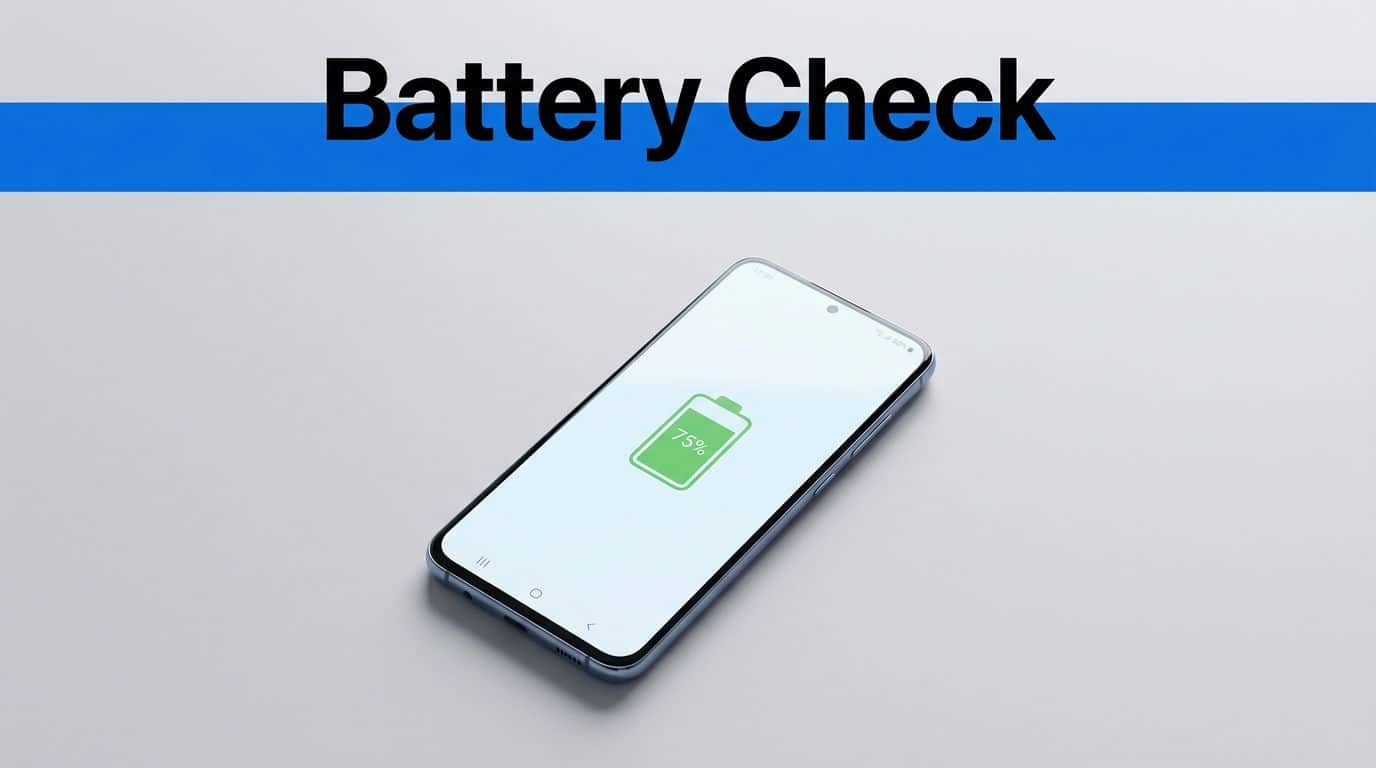
Samsung battery health is one of the first things we check on a refurbished phone, because a clean screen means little if the battery falls flat by lunchtime. On many Galaxy models, you can check useful battery details in Samsung Members, and some newer phones also show extra information in Settings.
If we are comparing used mobiles, that check matters just as much as grade or storage. It is the difference between a phone that feels fresh and one that keeps hunting for a charger.
Quick Answer
- Open Samsung Members, then go to Support and Phone diagnostics.
- Run the battery test and read the result.
- Check Settings too, usually under Battery or Battery and device care.
- Look at real use as well, because battery figures do not tell the whole story.
- If the phone heats up, drops power fast or shuts down early, treat that as a warning sign.
Check Battery Health In Samsung Members
Samsung’s own Galaxy Battery support page shows the main battery test route on recent Galaxy phones. On most refurbished Samsung phones, that is still the easiest place to start.
The steps are simple. Open Samsung Members, tap Support, then choose Phone diagnostics or Diagnostics. From there, run the battery test or the full test suite. The result may show a clear status, such as normal, or it may give a more limited readout.
If you do not see a neat battery health percentage, that is normal on some models. Samsung does not always expose the same battery details on every handset.
If Samsung Members does not show a full battery health figure, that does not automatically mean the phone is in poor shape. It usually means the model hides more of the data.
A quick look in Settings helps too. On some Galaxy phones, battery details sit under Battery or Battery and device care. Newer models tend to be more open about battery information than older ones.
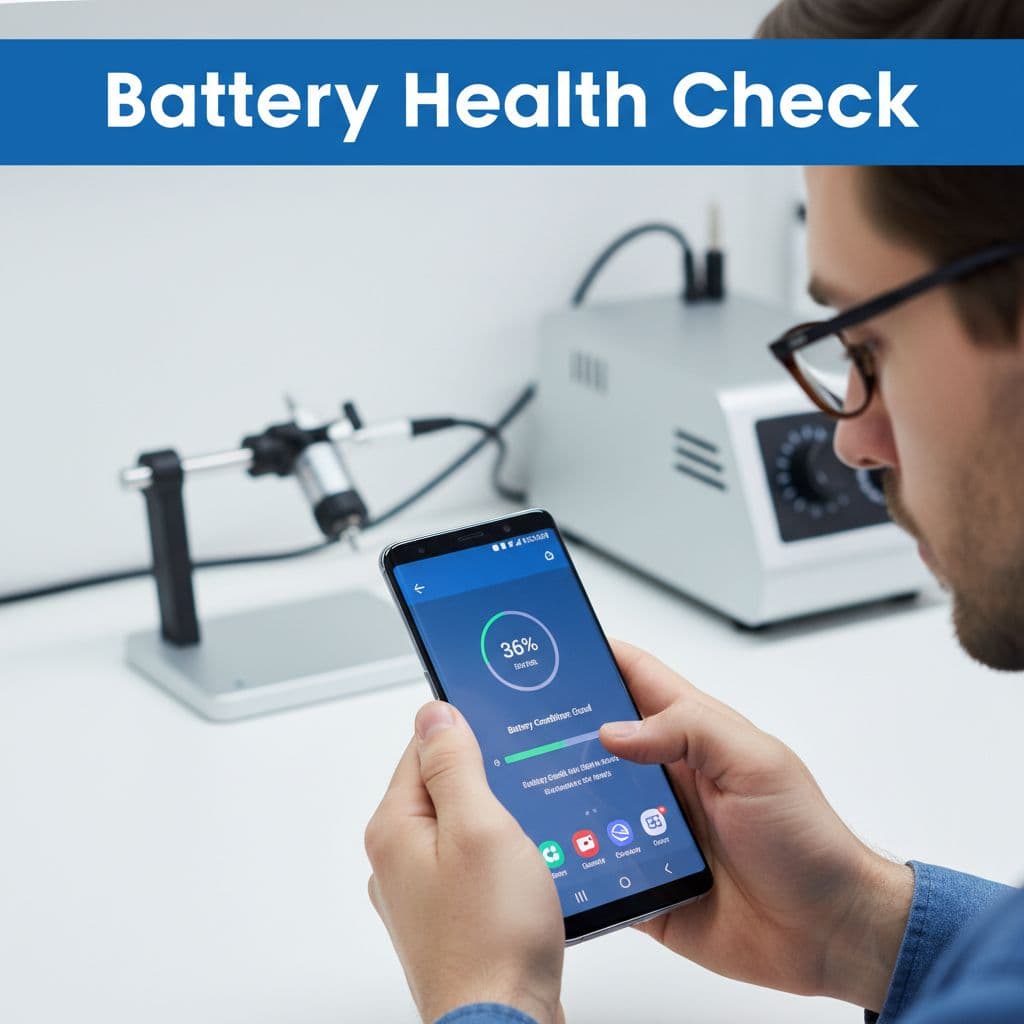
What Battery Wear Feels Like In Real Use
A battery can look fine on a screen and still feel tired in daily use. That is why we always test beyond the menu.
Watch how the phone behaves during normal tasks:
- Maps and navigation should not cause a sudden percentage drop.
- Camera use should not make the phone hot within a few minutes.
- Video streaming should drain steadily, not in sharp jumps.
- Idle drain should stay reasonable when the phone is left alone.
- Charging should feel consistent, not stop and start when the cable moves.
A worn battery often shows up as a phone that loses power quickly after a full charge. It can also switch off early, even when the percentage still looks high. Heat is another clue. If the back of the phone gets warm during simple jobs, we take that seriously.
Fast charging can hide weak battery health for a while. A phone that tops up quickly is not always a healthy phone. It may just be masking a tired cell.
For a deeper check, charge the phone to full, then use it for 15 to 20 minutes with brightness up, Wi-Fi on and a few normal apps open. If the percentage falls sharply, the battery is probably not in good shape.
How We Check Refurbished Samsung Phones Before Sale
Before we list a refurbished Samsung phone, we test the battery in the same way a buyer would use it at home. That means we do not stop at a diagnostic screen.
We usually check:
- The battery status in Samsung Members.
- Charging speed with a known good cable and charger.
- Battery drain during screen-on use.
- Heat around the frame and rear cover.
- Whether the phone shuts down or drops percentage suddenly.
We also look at the hardware around the battery. A bent frame, a poor charging port or signs of a past repair can affect battery performance. If a phone has had a hard life, the battery is often the first part to feel it.
That is one reason a proper refurbishment process matters. A tested device, a secure data wipe, clear grading and a proper warranty reduce the guesswork for buyers. The battery reading is useful, but it is only one part of the picture.
Our Experience Refurbishing This Model At Used Mobiles 4U
One thing we regularly notice is that Samsung battery health issues often depend more on usage than model age alone. A lightly used Galaxy A-series phone can still hold up well, while a premium S-series phone that has been charged hard every day can feel worn sooner than expected.
On the bench, this model usually shows one of three patterns. Some units still hold charge well and only need a clean test and grading. Others have decent battery life on paper, but the percentage drops too quickly once brightness, camera use or mobile data kick in. A smaller group needs a battery replacement because the phone drains fast, gets hot or shows signs of swelling.
The biggest difference between grades is usually not the battery number on its own. It is the overall state of the device. A phone with a healthy battery, a clean charging port and a straight frame is usually a much safer buy than a cosmetically tidy handset with hidden charging issues.
Our technicians often see worn charging ports, old screen repairs, and minor frame bends alongside battery complaints. Those faults matter because they can make a battery seem worse than it really is. A loose cable or damaged port can make a healthy battery look unreliable.
Where Buyers Usually Go Wrong
People comparing refurbished iPhones, used iPhones UK listings, cheap refurbished iPhones, refurbished iPhone deals UK, second hand iPhones UK and refurbished smartphones UK often make the same mistake. They chase colour, storage or the lowest sticker price, then forget to check the battery. The same habit shows up when we buy refurbished iPhone models too.
Samsung buyers do it as well. A phone can look clean in photos and still feel tired after one afternoon.
The most common slip-ups are easy to avoid:
- Choosing the cheapest listing without checking battery condition.
- Assuming a fast charger means a healthy battery.
- Ignoring heat, sudden shutdowns or percentage jumps.
- Skipping the warranty terms.
- Buying on looks alone.
A refurbished phone should be judged like a used car. The paint can look fine, but the engine matters more.
Repair Or Replace When The Battery Looks Weak
If the battery is weak but the rest of the phone is solid, a replacement battery can make sense. That is especially true on newer Galaxy models, where the phone still has enough life left to justify the work.
The picture changes when the handset already has other faults. A tired battery, a worn charging port and a cracked screen quickly turn into a poor-value repair. In that case, replacement is often the cleaner choice.
If we would rather move on to a better handset, budget-friendly refurbished Samsung phones can offer a calmer option than pouring more money into an ageing device. For tighter budgets, refurbished Samsung phones under £200 can be a sensible landing point.
That is where battery condition becomes a buying filter, not just a technical check. If the phone cannot hold charge properly, it is not a bargain.
Conclusion
A refurbished Samsung phone is only a good buy if the battery still matches the rest of the device. Samsung Members, Settings and a short real-world test will tell us far more than the listing photos ever will.
If the phone holds charge well, stays cool and charges cleanly, we have a solid buy. If it drains fast, heats up or shows signs of age in use, we should treat it as a repair or replace decision.
For anyone comparing upgrades, it is better to spend a little more on a healthier handset than to keep fighting a weak battery. Battery condition is the part we feel every day.
Meta description: Learn how to check Samsung battery health on a refurbished phone, spot worn batteries, and decide when to repair or replace before you buy.
This guide is based on the battery checks we make when grading refurbished Samsung phones for resale.
Written by James Waterston, 24 years in the mobile phone industry, now running Used Mobiles 4U. LinkedIn profile
Looking for a refurbished phone?
Shop professionally tested refurbished iPhones and Samsung phones with 18 month warranty, 30 day returns and free UK delivery.
Browse Refurbished Phones






