iPad vs iPad Pro: Which one is right for you?
This guide will help you decide between an Apple iPad and an iPad Pro, especially if you're looking at refurbished models. We'll break down the key differences in performance, display, accessories, and price to help you find the best fit for your needs, whether it's for family entertainment or professional work.
The choice between an iPad and an iPad Pro usually comes down to a simple trade-off: the standard iPad offers great value for everyday tasks, while the iPad Pro delivers professional-level performance for a higher price. Your decision depends on whether you need a capable tablet for casual use, or a powerful tool for demanding creative and productive work.
A quick comparison
To start, let's get a quick overview of the core features that matter most. This will help you see which device fits your budget and lifestyle before we get into the details.
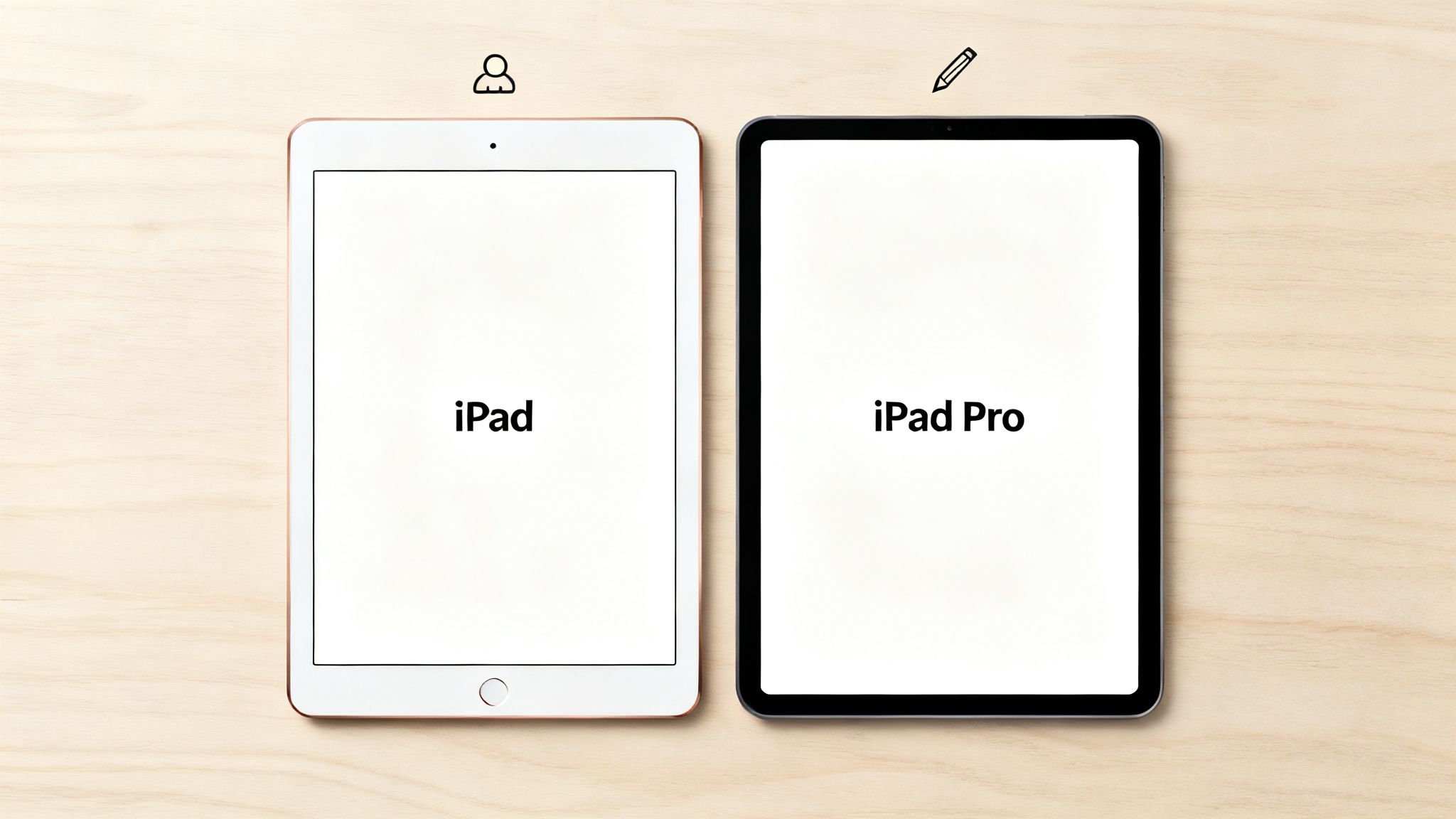
iPad vs iPad Pro at a glance
This table breaks down what separates the standard iPad from its Pro sibling, covering the essentials that influence the decision for most users.
| Feature | Standard iPad | iPad Pro |
|---|---|---|
| Best For | Everyday use, browsing, streaming, casual gaming, and education. | Professional creative work, demanding apps, and laptop replacement. |
| Processor | Capable A-series chip, great for daily tasks. | Desktop-class M-series chip for high-end performance. |
| Display | Liquid Retina display; bright and clear for general viewing. | Liquid Retina XDR or Ultra Retina XDR with ProMotion for an ultra-smooth response. |
| Accessories | Supports Apple Pencil (1st or 2nd Gen) and Smart Keyboard. | Supports Apple Pencil Pro and Magic Keyboard with trackpad. |
| Price | More affordable, especially when buying refurbished. | Premium price, representing a significant investment. |
The main takeaway in the iPad vs iPad Pro debate is that the Pro model is designed for people who will genuinely use its advanced power. For many, a standard iPad, especially a more recent refurbished one like the iPad 6th Gen, provides everything needed for a brilliant tablet experience at a lower cost.
Performance and processing power
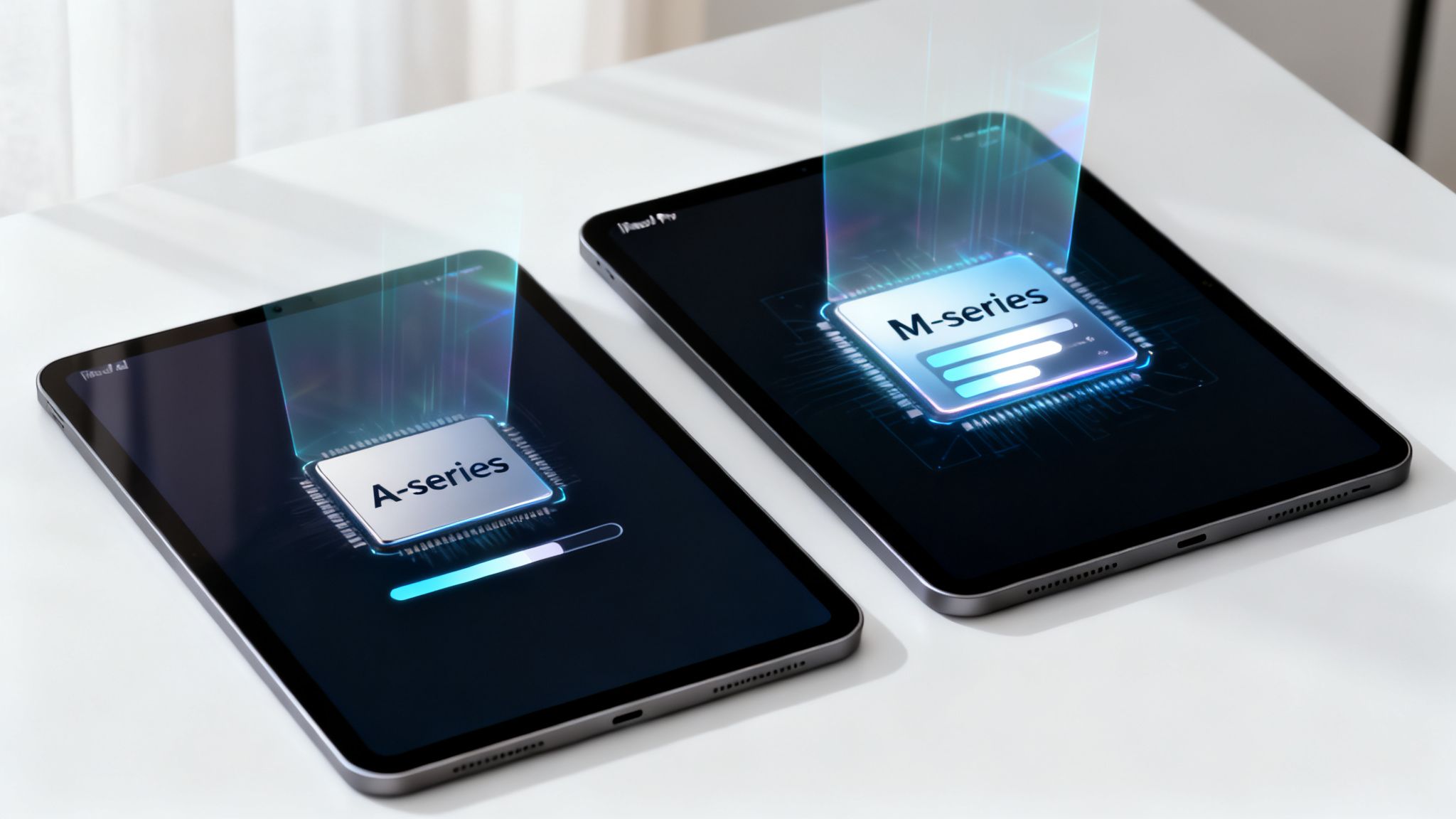
The biggest difference between an iPad and an iPad Pro is under the bonnet. The standard iPad is built for everyday life—think browsing the web, streaming shows, and playing games. It comes with one of Apple's capable A-series chips, which handles these jobs smoothly.
The iPad Pro, however, is a different beast. It runs on Apple's M-series chips, the same family of processors you'll find inside their MacBook laptops. This is a massive leap in performance, giving the Pro enough power to handle demanding professional apps without slowing down.
What the power gap means for you
This performance gap is at the heart of the iPad vs iPad Pro debate. For most people, the power of an M-series chip is more than they need. If you'll mainly be using your tablet for entertainment, reading, and light tasks like checking emails, the standard iPad’s A-series chip is more than enough.
On the other hand, if your work or hobbies involve processor-hungry tasks, the iPad Pro is the clear choice. Its desktop-class processor can handle complex projects that would slow down a standard iPad, such as:
- Editing 4K video footage in apps like LumaFusion.
- Creating detailed illustrations with dozens of layers in Procreate.
- Running multiple demanding apps side-by-side using Stage Manager.
- Working with large, complex files in design or architecture software.
This extra power also makes the iPad Pro more future-proof, as it can handle more complex apps and software updates for years to come.
A real-world example
Let's imagine a customer, Sarah, who is a freelance graphic designer. She bought a refurbished iPad Pro to work on client projects while travelling. The powerful M-series chip means apps like Procreate run smoothly, even with large, high-resolution files. For her, the investment in a Pro model saves time and avoids frustration, making it a smart business decision.
Multitasking and memory
Another key point is how they handle multitasking. Thanks to its M-series chip and larger amount of RAM, the iPad Pro can run more applications at once without needing to close them in the background.
This is vital for productivity. A professional might have Safari open for research, be writing in Pages, and referencing a spreadsheet all at once. The iPad Pro handles this seamlessly. A standard iPad might need to reload apps as you switch between them, which can interrupt your workflow.
If you’re considering an iPad as a laptop replacement, this multitasking capability is essential. Before switching devices, always back up your data.
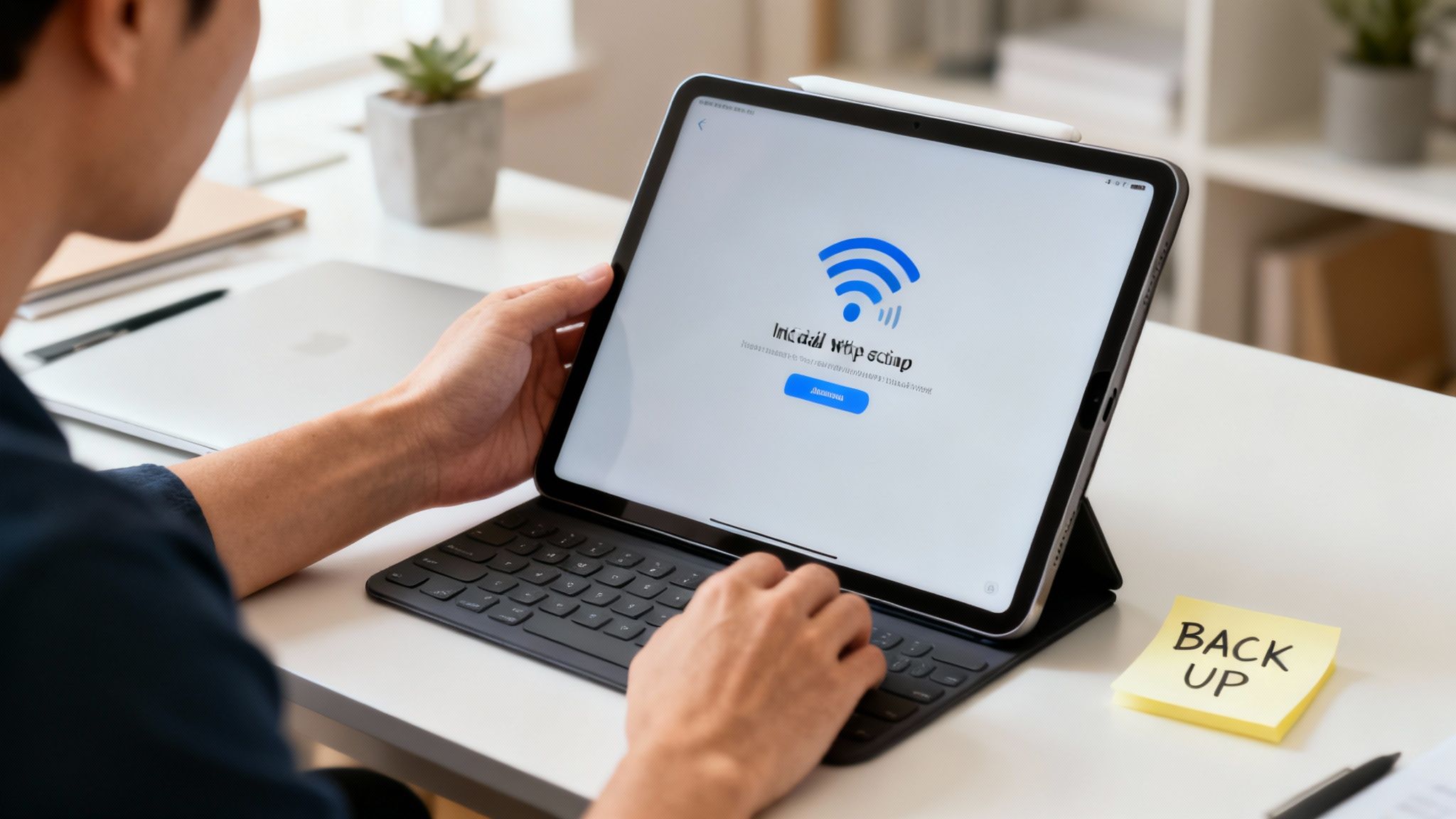
Warning: There is always a risk of data loss when changing devices. To protect your information, perform a full backup first. You can do this by going to Settings > [your name] > iCloud > iCloud Backup and tapping Back Up Now. If you need more help, our guide on how to transfer data from an old device has some useful tips.
Display quality and design
The screen is your window to everything you do on a tablet, and it’s a big difference when comparing the iPad vs iPad Pro. It isn't just about size; the technology powering the display determines how smooth and colourful your experience will be.
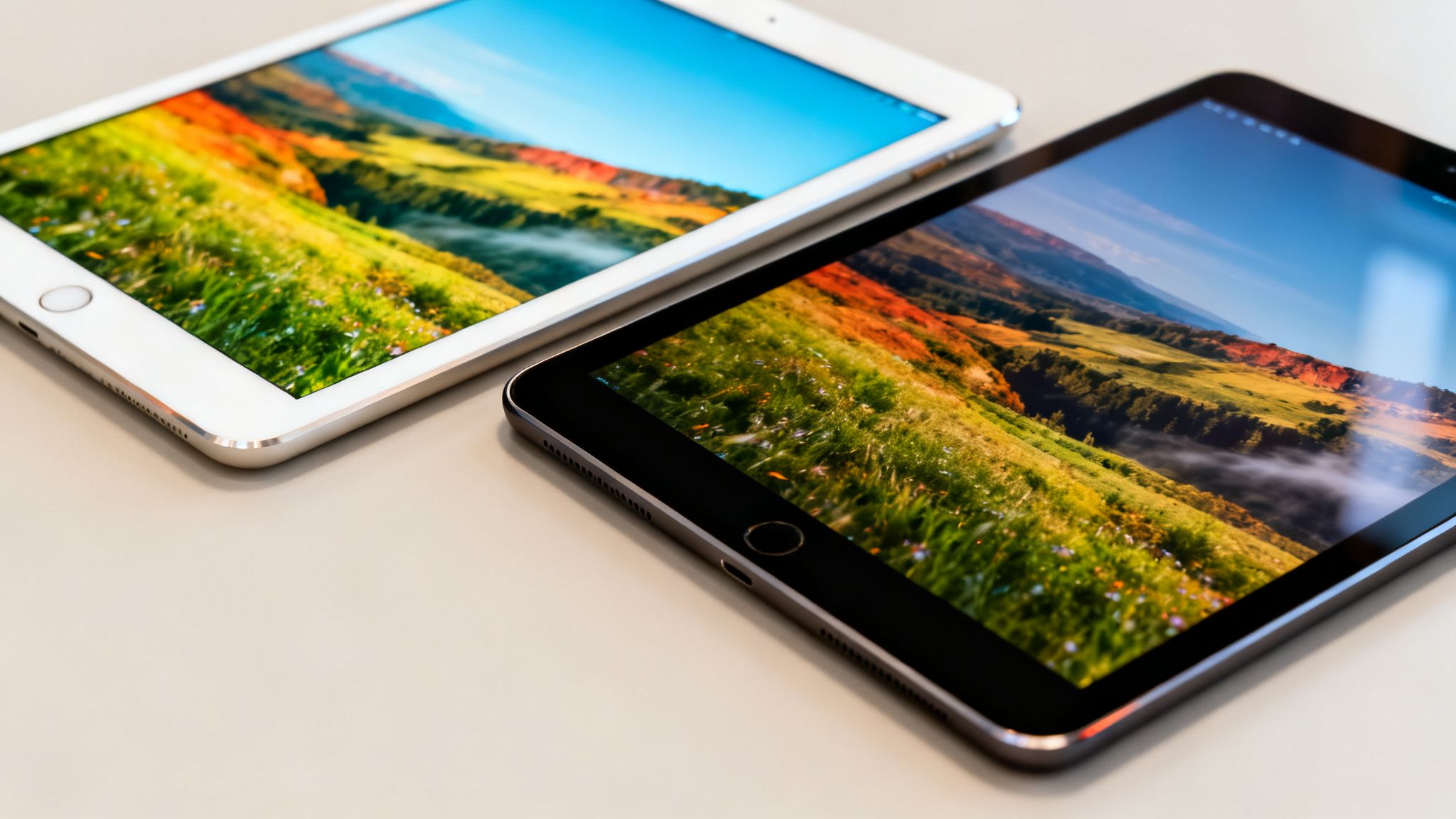
The standard iPad comes with a very good Liquid Retina display. It’s bright, clear, and more than capable for everyday tasks like browsing the web or watching YouTube. For most people, this screen is fantastic.
However, the iPad Pro takes this to another level.
ProMotion and better colour
A standout feature of the iPad Pro is its ProMotion technology. This lets the display refresh up to 120 times per second (120Hz), which is double the standard iPad's 60Hz screen. In practice, this means scrolling, flicking between apps, and drawing with the Apple Pencil feels incredibly fluid and responsive.
The Pro models also have superior brightness and colour accuracy, making them ideal for creative professionals. For photographers and video editors, this is essential for getting colours just right. Top-tier iPad Pro models even feature Ultra Retina XDR displays, which use advanced OLED technology to deliver unbelievable contrast and deep blacks.
For a visual artist, the iPad Pro's display is often its most compelling feature. The combination of ProMotion and XDR technology provides a level of clarity and fluidity that a standard iPad cannot match.
Physical design and portability
The physical designs are also different. The iPad Pro models are generally thinner and lighter than standard iPads, with much slimmer bezels around the screen. This gives them a more modern, premium feel.
This difference in design is reflected in UK market trends. The iPad Pro is popular among UK buyers, suggesting that many users see the value in the Pro's superior design and display, especially when considering refurbished options. The Pro's lighter build makes it a favourite for those who need a powerful device they can easily carry around. You can read more about these tablet market trends.
Ultimately, when choosing in the iPad vs iPad Pro debate based on design, your decision comes down to what you value most: the practical durability of the standard iPad or the sleek finish and superior screen of the iPad Pro.
Accessory compatibility and connectivity
An iPad's usefulness can be transformed by its accessories. It's important to consider the ecosystem of keyboards and styluses that will turn it into the tool you need. While both models support accessories, their quality, capability, and cost are very different.
Keyboards and Apple Pencil
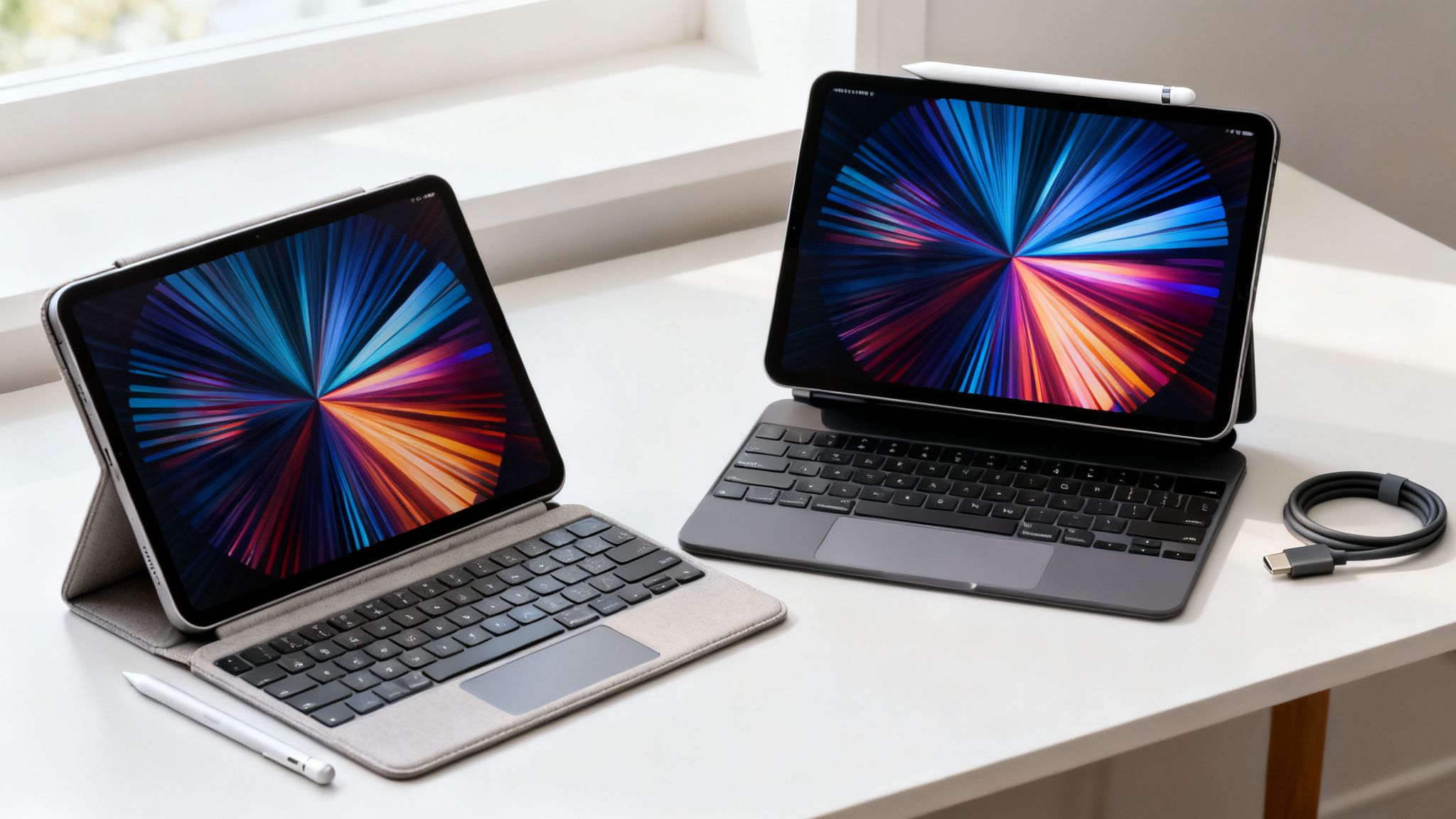
The standard iPad works well with simpler keyboard cases, like Apple’s Smart Keyboard Folio. These are great for typing emails or essays and are practical for everyday tasks.
The iPad Pro is built to pair with the more advanced Magic Keyboard. This accessory includes backlit keys and a built-in trackpad, turning the iPad Pro into something very close to a laptop. If you want to use your tablet as your main work machine, the Magic Keyboard is a huge point in the Pro’s favour.
The Apple Pencil is another key difference. Not all Pencils work with all iPads.
- Standard iPad: Generally supports the Apple Pencil (1st Generation) or the Apple Pencil (USB-C). These are excellent for general use.
- iPad Pro: Works with the newer Apple Pencil Pro and Apple Pencil (2nd Generation). These versions attach magnetically to the iPad to pair and charge—a much slicker experience. They also include advanced features for finer control in creative apps.
For any artist or designer, the seamless experience of the 2nd Generation or Pro Pencil is a big reason to choose an iPad Pro. Before you buy a second-hand accessory, always double-check on Apple's official site that it will work with your specific iPad model, as compatibility can change between generations.
Connectivity ports and wireless speeds
The iPad Pro typically comes with more advanced ports, like Thunderbolt/USB 4, which offers very fast data transfer speeds. This is essential for professionals like photographers who are constantly moving large files from cameras. A standard iPad usually has a regular USB-C port, which is fine for charging but much slower for data transfers.
When it comes to wireless, it's helpful to understand the different Wi-Fi technology standards. Newer iPad Pro models support Wi-Fi 6E, giving you faster connections on compatible networks. You probably won't notice the difference with casual browsing, but it can impact download speeds in busy areas.
Both models are available in Wi-Fi only or Wi-Fi + Cellular versions. A cellular model lets you use a mobile data plan for internet access on the go, which is a worthwhile investment if you travel a lot.
Price and finding the best value
For many of us, the decision between an iPad vs iPad Pro comes down to price. When buying new, the choice is clear. The standard iPad is Apple’s most affordable tablet, while the iPad Pro is at the top end.
But the refurbished market changes the conversation completely. Suddenly, the Pro’s high-end features become far more attainable, offering excellent value for money.
New vs refurbished pricing
The biggest benefit of buying a refurbished iPad is the cost saving. You can often get a much higher-spec device for what you'd pay for a brand-new, entry-level model. This is where the iPad vs iPad Pro debate gets interesting for anyone looking for a smart deal.
A 'Like New' refurbished iPad Pro from a year or two ago could cost the same as a new standard iPad. For that price, you get a superior ProMotion display, a more powerful M-series chip, and compatibility with better accessories. You're effectively getting a professional-grade tool for a consumer-level price.
Understanding our grading system
When you buy a refurbished device from us, every iPad is fully tested and guaranteed to be 100% functional, no matter its cosmetic condition. The grade is purely about how it looks.
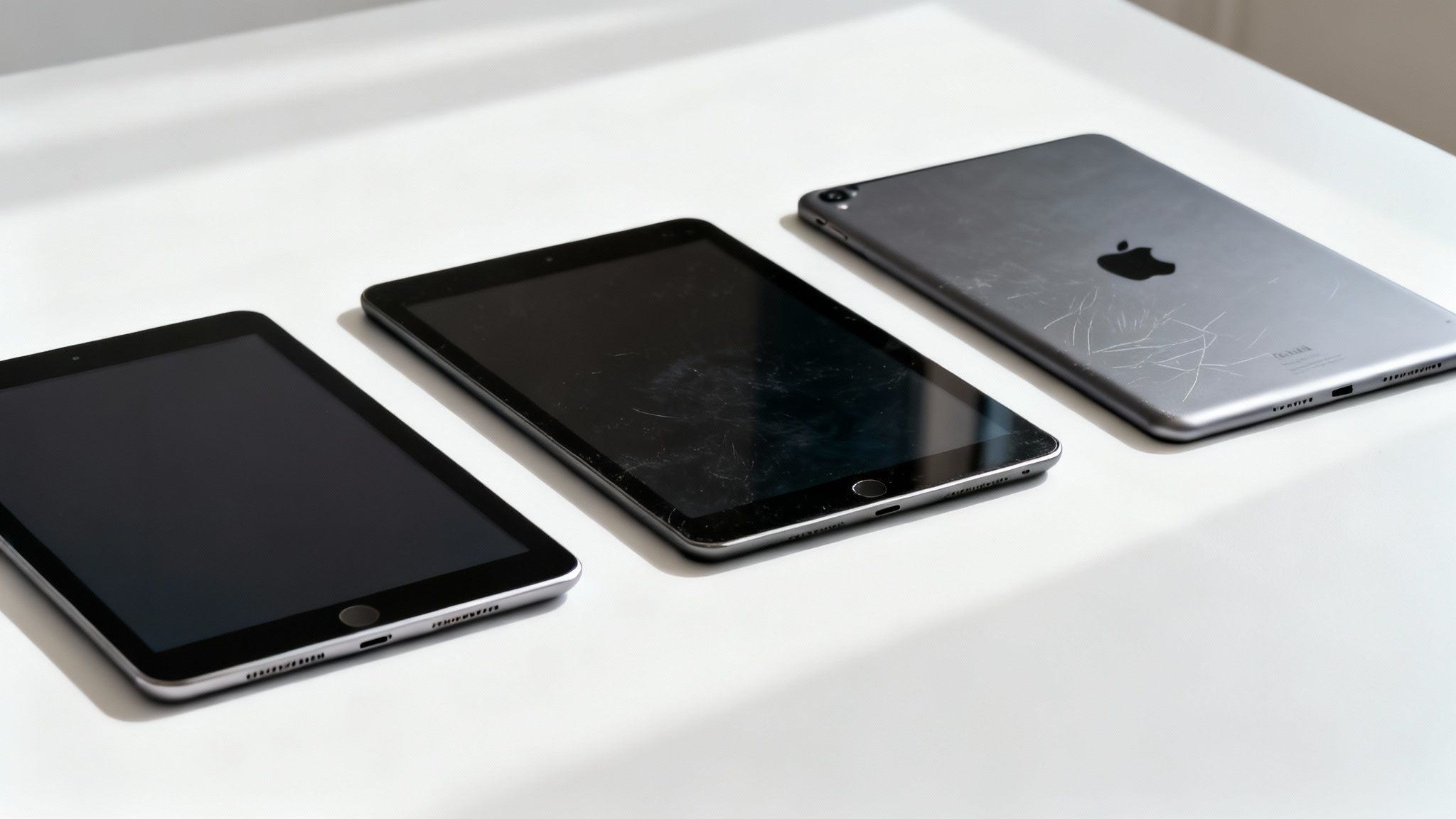
- Like New: The device is in pristine condition, with no visible scratches or marks.
- Very Good: You might find some very light signs of use, like faint scratches you can only see on close inspection.
- Good: The device will show more noticeable signs of wear, such as small scratches or scuffs, but remains fully functional and offers the best value.
This system lets you find the right balance between cost and cosmetic condition for your budget.
UK market trends and value
Data on the UK tablet market shows a clear preference for value and performance. Many UK tablet owners choose Apple, and the iPad Pro has become a popular choice. This trend is particularly strong among younger users aged 18-34, who value its power for creative work.
This is mirrored in the refurbished market, where an iPad Pro can deliver high-end performance at significant savings. That’s why refurbished Pro models are a great option for businesses and parents looking for a powerful device for educational use. You can explore more insights about UK iPad ownership on Statista. For families, our guide to the best refurbished tablets for kids offers more tailored advice.
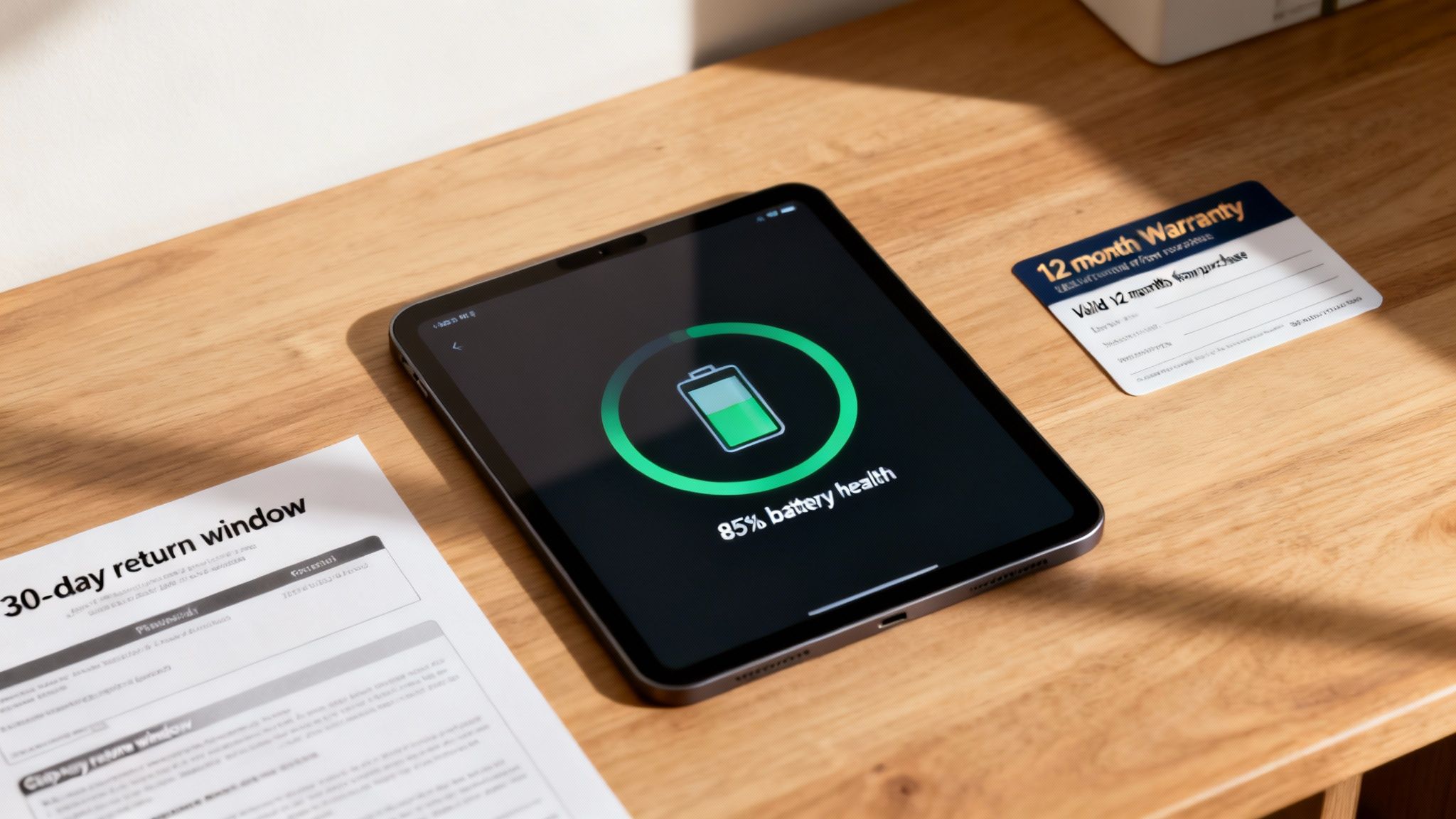
When weighing up the price, looking at certified refurbished models is the smartest way to get the most for your money. All our devices come with a warranty, giving you peace of mind that your investment is protected. You can find out more by reading our warranty information.
Our recommendation: Which iPad should you choose?
After weighing up the specs and prices, the choice between an iPad vs iPad Pro boils down to what you need it for. This isn't about which one is "better", but which one is the right fit for you.
Getting this decision right means you'll have a device that feels perfect for your daily life, without paying for power you’ll never use.
For families and casual use
For everyday tasks – streaming films, browsing the web, playing games, and helping with homework – a refurbished standard iPad is the clear winner. It offers great value, giving you a smooth and reliable experience for all the basics without the high price.
- Why it's a great fit: You get the brilliant, simple Apple experience for entertainment and daily tasks at the most affordable price.
- Our recommendation: A 'Good' or 'Very Good' grade refurbished standard iPad. It delivers the best possible value for family use.
For students and light productivity
If you're a student or need more power for multitasking—think writing, research, and some light creative work—a refurbished entry-level iPad Pro is a fantastic middle ground. The jump to a model with ProMotion makes taking notes with an Apple Pencil feel significantly smoother, and the extra processing power helps when you’ve got multiple apps open.
Paired with a keyboard, it becomes a very capable and portable machine for taking notes and writing essays, all without the full cost of a new laptop.
For creative professionals and power users
For graphic designers, video editors, or anyone whose work demands top-tier performance, a certified refurbished iPad Pro is the clear winner. The M-series chip delivers desktop-class speed, which is essential for handling massive files and demanding apps like Procreate or LumaFusion without lag.
The superior colour accuracy and smooth feel of the ProMotion display are non-negotiable for professional creative work. When your livelihood depends on performance, the iPad Pro is the right tool for the job. Buying refurbished just makes that tool much more affordable. Before you dive in, you might want to learn how to transfer your data smoothly to get your new device set up.
Frequently asked questions
Still weighing things up? Here are a few common questions about the iPad vs iPad Pro decision.
Is the iPad Pro worth the extra money for a casual user?
For most casual users—people who mainly browse the web, watch videos, and use social media—the standard iPad is more than powerful enough. The extra money for an iPad Pro goes towards performance and display features you’re unlikely to notice during everyday tasks. A good quality refurbished standard iPad is a fantastic choice here.
Can the iPad Pro replace my laptop?
Paired with a Magic Keyboard, the iPad Pro can be a powerful laptop replacement for many professionals. Its M-series chip is as capable as those in MacBooks, making it an excellent tool for creative work.
However, iPadOS is more limited than macOS or Windows for certain tasks, like complex file management. Whether it’s a full replacement depends on your workflow. For some, it's perfect; for others, it's a brilliant companion device.
What should I check when buying a refurbished iPad?
Always buy from a reputable seller that offers a warranty, like our 12-month guarantee. It’s also wise to check the device grading to understand its cosmetic condition and make sure the seller has professionally tested the battery and securely wiped all previous data. If you ever have issues with your device, you might find our guide on how to troubleshoot a used iPhone helpful, as many tips also apply to iPads.
Finally, confirm their returns policy for complete peace of mind. Forgetting your password can be a headache, so it’s always a good idea to know how to reset your iPad password if you get stuck.
Ready to find the perfect tablet? Explore the great value on certified refurbished iPads at Used Mobiles 4 U.
https://usedmobiles4u.co.uk
Written by James Waterston — 24 years in the mobile phone industry from customer service to Sales Director of a global repair & recycling company; now running Used Mobiles 4 U for 8+ years. LinkedIn