





Test True Tone on a Refurbished iPhone Before Buying

06/08/2026

10 Mins

If you’re searching for “test True Tone refurbished iPhone”, begin with the setting itself. A missing True Tone switch can suggest a screen replacement or incomplete calibration, but it doesn’t prove the phone is faulty. Check the repair history before paying for a used iPhone.
True Tone can help you judge display quality, but it isn’t a complete quality certificate. An aftermarket screen may look acceptable without True Tone, while a tidy-looking used iPhone may still have a weak battery, unreliable unlocking, charging faults or a bent frame. Check the whole handset before paying, not just the screen.
Quick Answer
Use this inspection checklist when assessing a used iPhone:
- Open Settings > Display & Brightness and look for the True Tone switch.
- Turn off Night Shift, then switch True Tone off and on while viewing a white screen.
- Move between cool indoor light and warmer natural light. The screen should adjust its colour temperature smoothly.
- Check Settings > General > About > Parts and Service History where the iPhone supports that information.
- If the feature is missing on a used iPhone, ask whether the screen replacement involved an aftermarket screen, and whether the original screen or its calibration information remains available.
- Treat a missing True Tone switch on a used iPhone as a repair history warning, not automatic proof that the phone is unusable.
What True Tone Does, and Why the Toggle Matters
True Tone uses the iPhone’s ambient light sensors to adjust the display’s colour temperature (color temperature). Under warm lamps, whites can look slightly warmer. In cooler daylight, the display can shift towards a more neutral tone. The aim is to make the screen look consistent with the light around you.
Night Shift works differently. It applies a warmer colour cast according to a schedule or manual setting. True Tone responds to the room, whilst Night Shift follows your chosen time or preference. Both can be switched on together, so turn Night Shift off during testing to avoid confusing the results.
A missing True Tone option often points to a screen replacement or an incomplete repair history. The original screen contains information used for display calibration, and a proper data transfer may be needed after repair. An aftermarket screen can remove the feature even when display quality looks sharp, while touch response and brightness seem normal.
Apple also warns that non-genuine displays can affect colour adjustment and ambient light performance. An aftermarket screen may therefore behave differently, even if the picture initially looks fine. Its guidance on genuine iPhone displays is useful when a seller describes an aftermarket screen as “original” without explaining its source.
A missing toggle doesn’t prove that a used iPhone is poor quality. It does tell us to ask the seller about the part, the repairer and the repair history. Before buying another used iPhone, check the warranty cover too.
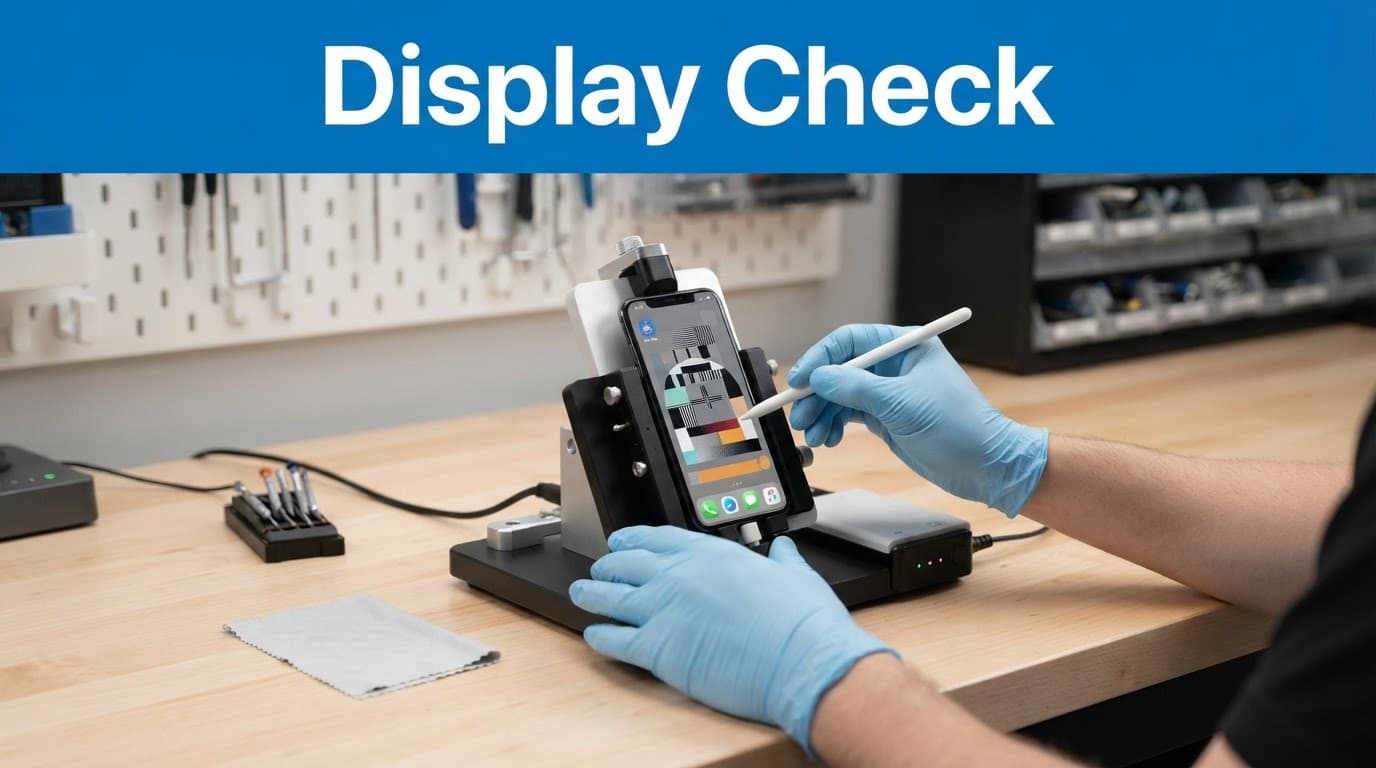
How to Test True Tone on a Refurbished iPhone
Use these steps before deciding whether a used iPhone’s display is acceptable.
- Open Settings, tap Display & Brightness, and look for True Tone. You can also press and hold the brightness slider in Control Centre to find the same control.
- Turn off Night Shift temporarily. Go to Settings > Display & Brightness > Night Shift and make sure it isn’t applying a scheduled warm tint.
- Open a mostly white page, such as a blank note or a light webpage. On a used iPhone, this makes it easier to judge display quality than a colourful wallpaper or video.
- Turn True Tone off, wait a few seconds, then turn it on again. You should see a subtle change in the screen’s warmth, not a dramatic effect. There should be no flicker, sudden dark patch or uneven tint.
- Move the phone between two different light sources. Compare the screen’s color temperature near a window and under an indoor lamp, or use a cool overhead light followed by warmer lighting. True Tone should respond gently, so give the ambient light sensors time to adjust.
- Raise the display brightness and inspect the whole panel. This full-panel check helps assess overall display quality. Use a pixel test if available. Check for yellow corners, grey patches, lines or dead pixels. Also look for burn-in, flickering and poor touch sensitivity around the edges. Inconsistent brightness can indicate an aftermarket screen.
- Check the display from a slight angle. On a used iPhone, an aftermarket screen may look acceptable straight on. From the side, it may show weak display brightness, strange colour shifts or uneven blacks.
If the True Tone switch is missing after a screen replacement, the display may not support the feature. If the switch is present but the screen barely changes, check Auto-Brightness as well. Go to Settings > Accessibility > Display & Text Size > Auto-Brightness. The two features perform different jobs, but faulty or obstructed ambient light sensors can affect the phone’s behaviour.
A working True Tone toggle is a positive sign, but it doesn’t prove that every part of the display assembly is genuine or that Face ID works. Check those functions separately, then consider the used iPhone’s repair history before accepting it.
Used iPhone Checks to Complete Before Buying
When comparing used iPhone listings in the UK, test each handset as if you were using it immediately. Start with the basics, then check identity and account security.
Test Face ID several times on a used iPhone, including after locking and unlocking the phone. Open both cameras, take a photo and record a short video. Play audio through the earpiece and loudspeaker, record a voice memo, and make a test call if possible. Inspect the front sensor assembly too, as damage there can affect Face ID.
Run your finger across every part of the display on a used iPhone. Open a keyboard and type near each corner. Touch problems often appear along the edge after a poor screen replacement. An aftermarket screen may not have been fitted evenly. Check the display quality at low and high levels, then raise display brightness fully and look for uneven lighting. After checking True Tone, continue with the wider inspection.
For a used iPhone, check charging with a suitable cable. A charging port that only works when the cable is held at an angle may contain pocket lint, but it can also have worn contacts. Cleaning can remove debris, but it cannot repair a damaged connector. Also test wireless charging on models that support it.
Then confirm the used iPhone’s identity:
- Find the IMEI number in Settings > General > About and compare it with the seller’s records. You can also display it by entering
*#06#in the Phone app. - Check Network Provider Lock in the About section. This network lock setting should show “No SIM restrictions” when the iPhone is unlocked.
- Ask the seller to erase the phone. During setup, it should reach the Hello screen without requesting the previous owner’s Apple Account.
- If it asks for someone else’s account, an iCloud lock means Activation Lock remains enabled. Do not buy the phone until the previous owner removes it properly.
- Check Parts and Service History for display, battery or camera entries. These details can reveal repair history and show whether the original screen remains fitted. Available records vary by software version.
Battery health matters as much as screen condition when choosing a used iPhone. We would rather choose a phone with small cosmetic marks and strong battery health than a spotless handset with a tired cell. Phone condition is only part of the decision, so also review the seller’s repair history, testing process and warranty policy. For context, our used versus refurbished iPhone comparison explains why structured testing and warranty terms matter when comparing pre-owned devices.
Our Experience Refurbishing This Model at Used Mobiles 4U
We often find True Tone missing after a screen replacement, rather than because of a serious logic-board fault. An aftermarket screen may still deliver clear images and responsive touch, but the missing setting prompts us to inspect the repair history carefully.
On the bench, worn batteries are more common than dramatic internal damage. Our mobile diagnostic checks True Tone, charging stability, Face ID, cameras, microphones, speakers, mobile signal, wireless charging and the charging port. Our phones meet a minimum 85% battery health standard, alongside functional testing and secure data wiping.
The biggest difference between cosmetic grades is usually light scratching around the frame or back glass. Cosmetic marks can affect resale value, but a bent chassis, lifted display, uneven screen gaps or a loose connector matter more for long-term display quality. A new panel fitted onto a twisted frame can sit under constant pressure and fail later.
Our technicians also look for signs of heavy use around the Lightning port, speaker grilles and front sensor area. A damaged front assembly can affect Face ID, proximity sensing and the earpiece. When comparing refurbished iPhone grades, remember that cosmetic grade doesn’t confirm whether the original screen is fitted.
What We Commonly See
- Buyers usually focus on scratches first, although frame condition and battery performance matter more for reliable daily use on a used iPhone.
- The most common concern is whether a missing True Tone switch means the phone is fake. It usually points to display history instead.
- Customers often compare a cheaper used iPhone 13 with a used iPhone 14, then choose based on storage, condition and warranty support.
- The main reason to step up to an iPhone 15 is often USB-C, not a dramatic change in ordinary messaging, maps or banking use.
- The cheapest options can look tempting, but unclear parts information and weak warranty support can remove the saving.
Can a True Tone Programmer Restore the Feature?
A specialist True Tone programmer can sometimes restore the feature after a screen replacement. The repairer connects the original screen, reads its calibration or identification data, then writes it to the replacement panel. This data transfer preserves display calibration when the source data remains readable, helping a used iPhone retain the feature.
The exact process varies by iPhone generation, display type and programmer. Some tools work with the display’s control chip, whilst others transfer data through a dedicated connector. An aftermarket screen may limit what can be copied on a used iPhone. This is not a hidden iOS setting, and it cannot repair a faulty light sensor.
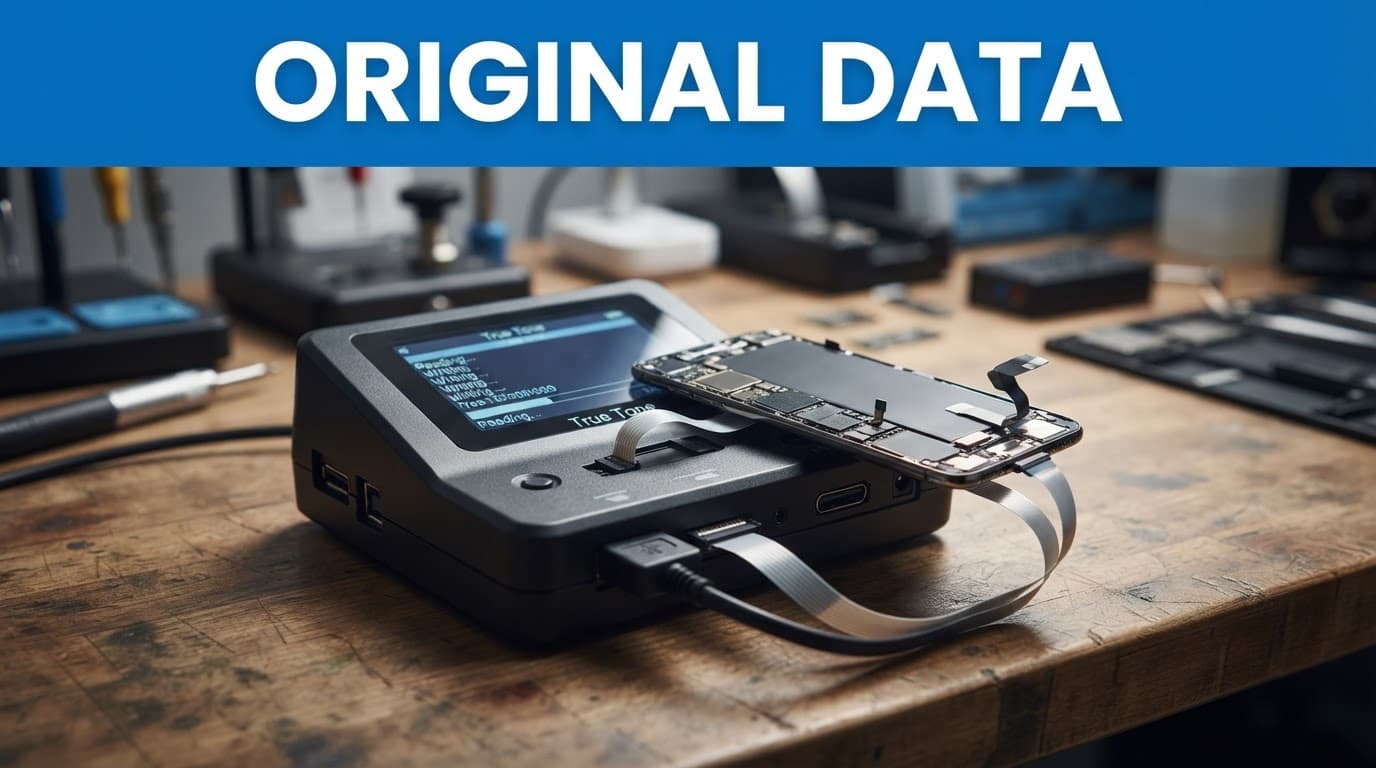
The original screen normally needs to be available and readable. If its data cannot be recovered, a programmer may not recreate the original match. A repairer should also test touch, brightness, sensors and Face ID after the transfer, before sealing the phone. This helps confirm a used iPhone is ready for sale.
We don’t recommend buying a programmer for one home repair. The tools are model-specific, and a mistake can damage a display or connector. If you use an independent repair shop, ask about the repair history, whether it transfers the original display data, what panel it uses and what warranty policy applies if the transfer fails. This can help you decide whether a used iPhone is worth the repair cost.
Repair or Replace?
A screen-only repair can make sense when True Tone works, the phone has good battery health, a straight frame, dependable charging and Face ID. An original screen can improve confidence, but a quality aftermarket screen is not automatically defective. It becomes poor value for a used iPhone when repair history is unclear, or when a weak battery, liquid exposure, bent housing or loose port reduces resale value.
First, back up a used iPhone if it still works. If glass is shedding or the display is glitching, stop using it until someone checks the phone. Opening a newer handset yourself can affect the seller’s warranty policy, especially if a cable tears or the repair leaves the phone incorrectly sealed. Check the retailer’s written terms and your consumer rights before proceeding.
If you would rather avoid unknown repairs, Browse Refurbished iPhones and compare a used iPhone’s battery condition, grade, parts information and warranty together. You can also Read Our Refurbished iPhone Buying Guide before choosing between used iPhone models.
Frequently Asked Questions
Does a missing True Tone switch mean the refurbished iPhone is faulty?
Not necessarily, but it can suggest that the display has been replaced or that its calibration information was not transferred. Ask the seller about the screen, repair history and warranty before deciding whether the used iPhone is good value.
How can I test True Tone before buying a used iPhone?
Open Settings > Display & Brightness, turn off Night Shift and switch True Tone off and on while viewing a mostly white screen. Move the phone between cooler and warmer lighting, then check for a smooth change without flickering, uneven tints or dark patches.
Can True Tone be restored after a screen replacement?
A specialist repairer may be able to restore True Tone by transferring readable calibration data from the original display. This depends on the iPhone model, replacement panel and condition of the original screen, so ask what parts and repair methods are being used.
What else should I check besides True Tone?
Test Face ID, touch response, cameras, speakers, microphones, charging, battery health and wireless charging where supported. Also verify the IMEI, network lock, Parts and Service History and Activation Lock before paying for a used iPhone.
Final Checks Before You Commit
True Tone remains a useful final test because it can suggest a replaced display or poor calibration. Still, it is only one part of a proper inspection. Confirm biometric unlocking, touch response, cameras, battery condition, charging, IMEI, network status and iCloud security before buying a used iPhone.
A missing True Tone toggle can be acceptable if the seller explains the repair history clearly and prices the used iPhone fairly. If they avoid questions about the display, cannot demonstrate Activation Lock removal or offer a clear warranty, choose another handset. You can also Sell Your Old Phone if replacing your current used iPhone helps make the upgrade affordable.
Meta description: Learn how to test True Tone on a refurbished iPhone, spot display repairs, check battery condition and verify IMEI, iCloud status and warranty.
Written by James Waterston, 24 years in the mobile phone industry, now running Used Mobiles 4U. James Waterston on LinkedIn
Looking for a refurbished phone?
Shop professionally tested refurbished iPhones and Samsung phones with 18 month warranty, 30 day returns and free UK delivery.
Browse Refurbished Phones






