





Trade in Laptop UK

17/07/2026

10 Mins
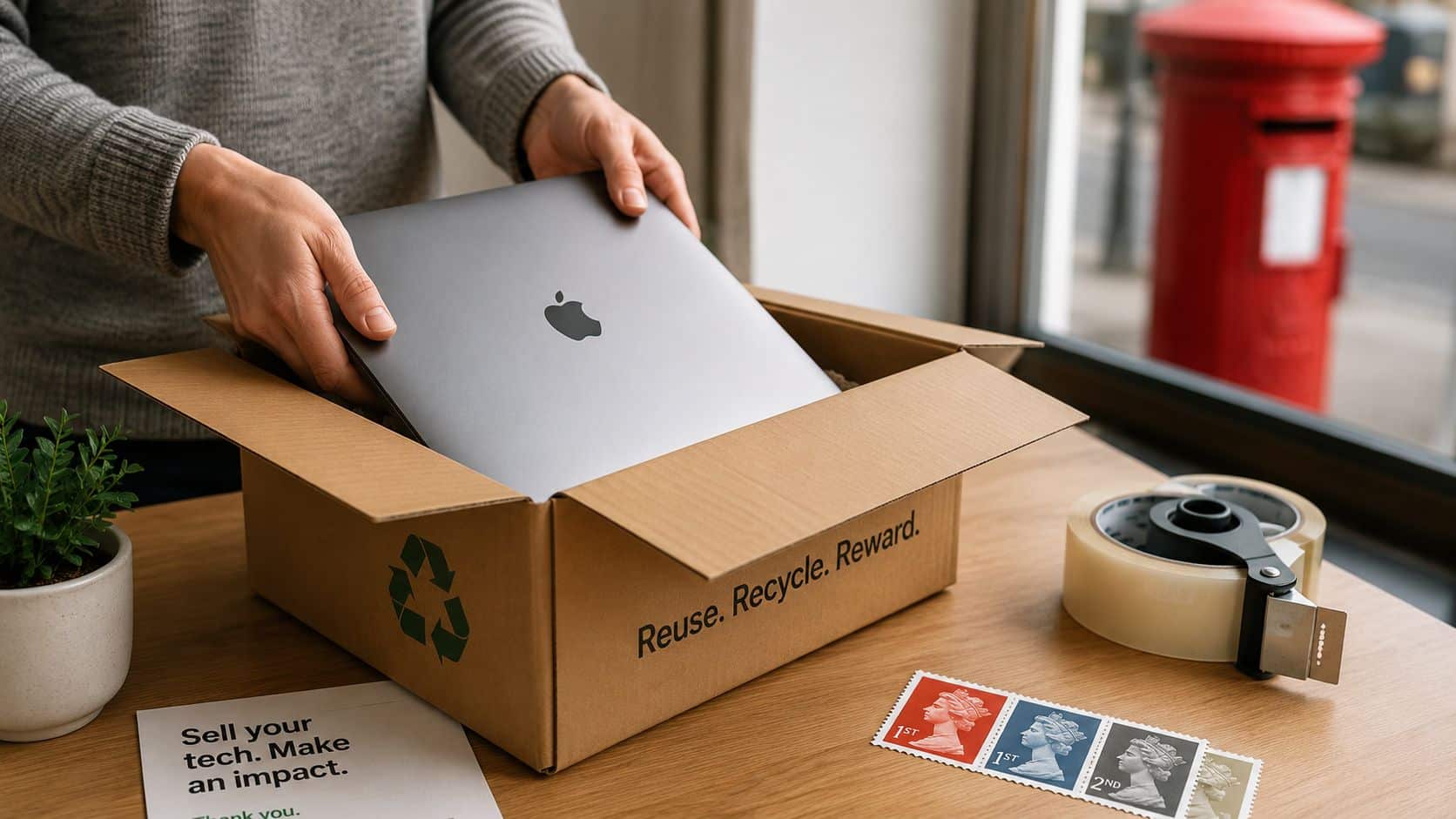
You’ve probably got an older laptop on the side, still working well enough, and you want to know if a trade in laptop UK deal is worth the bother. Short answer: yes, if you want speed and less hassle, but only if you prepare it properly and describe it honestly.
Most disappointing trade-in offers happen for predictable reasons. The machine isn’t ready, the seller assumes a factory reset is enough, or the condition gets overstated before inspection.
The Short Version
- Pick the right route: High street trade-ins are simple, online specialists can be more flexible, manufacturers can suit brand-loyal buyers, and business recyclers are only practical if you’ve got multiple machines.
- Prepare the laptop before you quote it: Charge it, clean it, remove accounts, find the charger, and check it actually powers on properly.
- Secure wiping matters: A basic reset and a proper data wipe aren’t the same thing. If you’re nervous about personal files, bank details or work documents, treat data erasure as a priority, not an afterthought.
- Don’t oversell the condition: Small dents, keyboard shine, screen marks and weak batteries all affect offers in real life.
- Know the trade-off: Trade-ins are easier than private selling, but you usually accept less money for that convenience.
- Eligibility is strict: If a laptop won’t power on, won’t hold charge, has a cracked screen, shows liquid damage, or is still password locked, many buyers will reject it straight away.
- Older hardware drops fast: Age, processor generation and general resale demand matter more than many sellers expect.
Practical rule: If you wouldn’t feel comfortable handing the laptop to a stranger in its current state, it isn’t ready for trade-in yet.
Choosing Your Trade In Channel in the UK
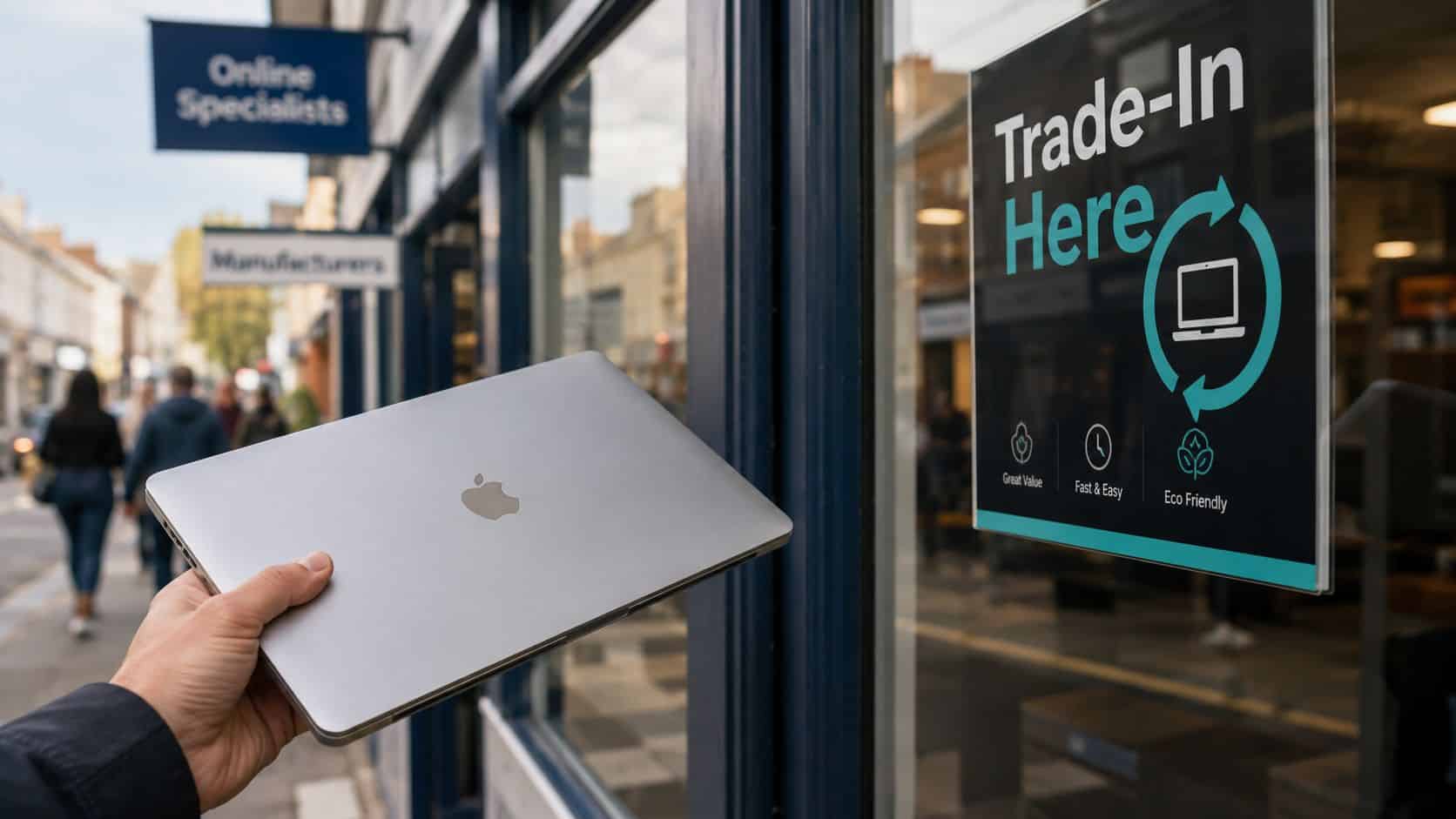
If you’re comparing trade in laptop UK options, start with the route that matches your priorities. Most people care about three things: how fast they get paid, whether they get cash or store credit, and how strict the inspection will be.
High street retailers
This is the easiest option if you want convenience. You walk in, answer the condition questions, and if the machine qualifies you can usually move on quickly.
For example, in-store trades tend to process payment in around 3 to 5 days, while remote appraisals can take up to 30 days, based on UK benchmark guidance from [Innovent Recycling’s laptop disposal guide](https://www.innovent-recycling.co.uk/what-to-do-with-old-laptop-uk-guide/). That speed is the main reason many people accept a lower return.
- Best for: People replacing a laptop soon and wanting a tidy, low-effort process.
- Downside: You may get store credit rather than flexible cash, and condition grading can be stricter than expected.
Online specialists
Online buyers suit sellers who want a broader market without handling the mess of a private sale. The better ones are clearer about what they’ll accept and what happens if the condition changes after inspection.
If you want a broader view of your options, this simple guide on selling laptops is a useful starting point. It helps you decide whether speed, convenience or maximum payout matters most for your machine.
- Best for: People comfortable posting devices and waiting a little longer for the final result.
- Watch for: Revised offers after physical inspection if your condition description is too generous.
Manufacturer schemes
These can be convenient if you’re already buying another device from the same brand. The catch is that the terms are often narrow, and the strongest offers usually apply to newer, cleaner stock.
There are occasional standout deals. One example is Three’s scheme, which offered £150 cash for an old laptop if it was less than three years old, in perfect working order, with all cables and accessories and a fully working battery, as reported by [The Next Web’s coverage of the Three laptop trade-in scheme](https://thenextweb.com/news/150-for-your-old-computer-three-launches-laptop-trade-in-scheme).
Business and bulk recyclers
This is a different market. If you’re a business clearing old staff laptops, you’ll often deal with stricter hardware rules, collection arrangements and volume thresholds.
One example is [Innovent’s IT trade-in service](https://www.innovent.co.uk/trade-in), which requires a minimum of 10 devices and only accepts laptops with Intel 6th Gen processors or newer. That tells you something important. Bulk buyers care less about sentiment and more about resale viability.
For a single personal laptop, don’t waste time with a business recycler unless they explicitly accept one-off consumer devices.
How to Prepare Your Laptop for Trade In Quick Steps
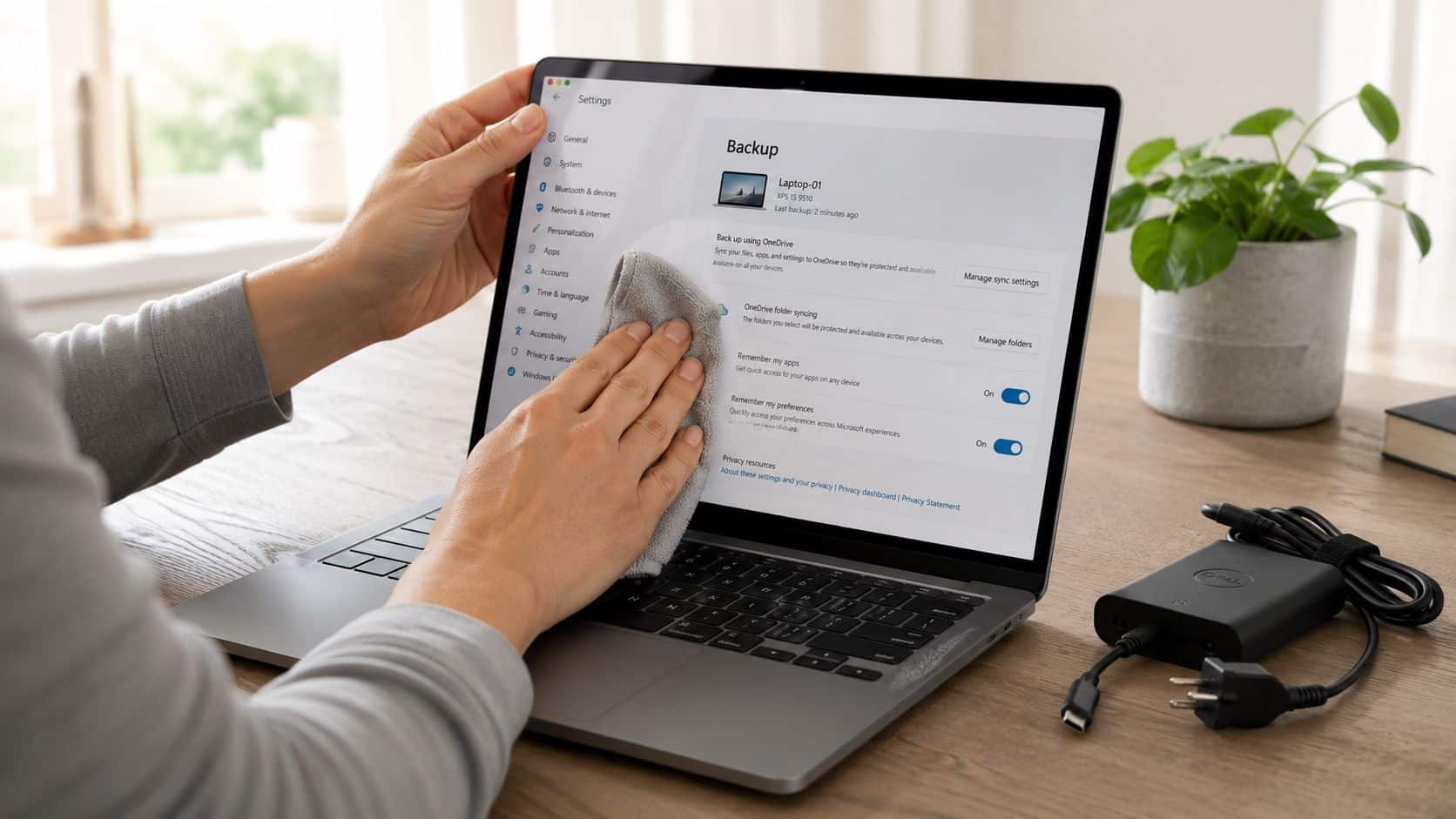
Preparation is where most value is won or lost. A laptop that’s ready to inspect always has a better chance than one that arrives dirty, locked, half-dead and missing its charger.
Back up anything you need first. Once you wipe it properly, you may not get it back.
- Back up your files first
Move photos, documents, browser bookmarks and anything work-related to external storage or cloud backup. Don’t assume your Desktop folder is the only place that matters. Check Downloads, Documents, saved passwords and email archives. - Sign out of accounts and remove device locks
This matters more than people think. If your laptop is still tied to your Microsoft account, Apple ID, company login or BIOS password, it can delay or kill the trade. If you need a refresher on the basics, start with how to factory reset a laptop, then make sure account removal is included before you hand it over. - Wipe the data properly
A normal factory reset is often fine for basic reuse, but it isn’t the same as a professional-grade wipe. That’s the gap many sellers worry about. UK guidance on laptop trade-ins highlights that most providers say they’ll wipe data, but rarely explain the technical standard or offer proof, even though 70% of UK consumers cite data security as their top reason for avoiding second-hand tech in [Berkshire Computer Recycling’s discussion of laptop trade-in concerns](https://berkshire-computer-recycling.co.uk/2025/01/08/laptop-trade-in/). - Clean it like someone is about to judge it
Because they are. Wipe the screen gently, clean the keyboard, clear dust from vents and remove stickers if they leave residue. A laptop doesn’t need to look new, but it does need to look cared for. - Gather the charger and any original accessories
Missing chargers create friction. Even if the buyer will still take the machine, an incomplete setup can weaken the appeal of the device and slow testing. - Check the basics before you ask for a quote
Power it on fully. Test Wi-Fi, keyboard keys, trackpad, speakers, webcam and charging. If the battery drops unusually fast or the hinge feels loose, note that before listing the condition. - Photograph the real condition
Take clear shots of the lid, screen, corners, keyboard and ports. If there’s a dent or scratch, show it. Honest photos protect you if the inspection result comes back lower than expected.
Why data wiping is where people go wrong
The cosmetic side gets all the attention because it’s visible. Data risk is quieter, and that’s exactly why it gets overlooked.
A common example we see is someone resetting Windows, seeing the setup screen return, and assuming the drive is now clean. That’s not the same as knowing how the storage was erased or whether recovery remains possible. If a trade-in company can’t clearly explain what happens to your data, ask before you send the laptop.
Factory reset is a user action. Secure erasure is a process. Treat them differently.
What We Check When You Sell Your Laptop to Us
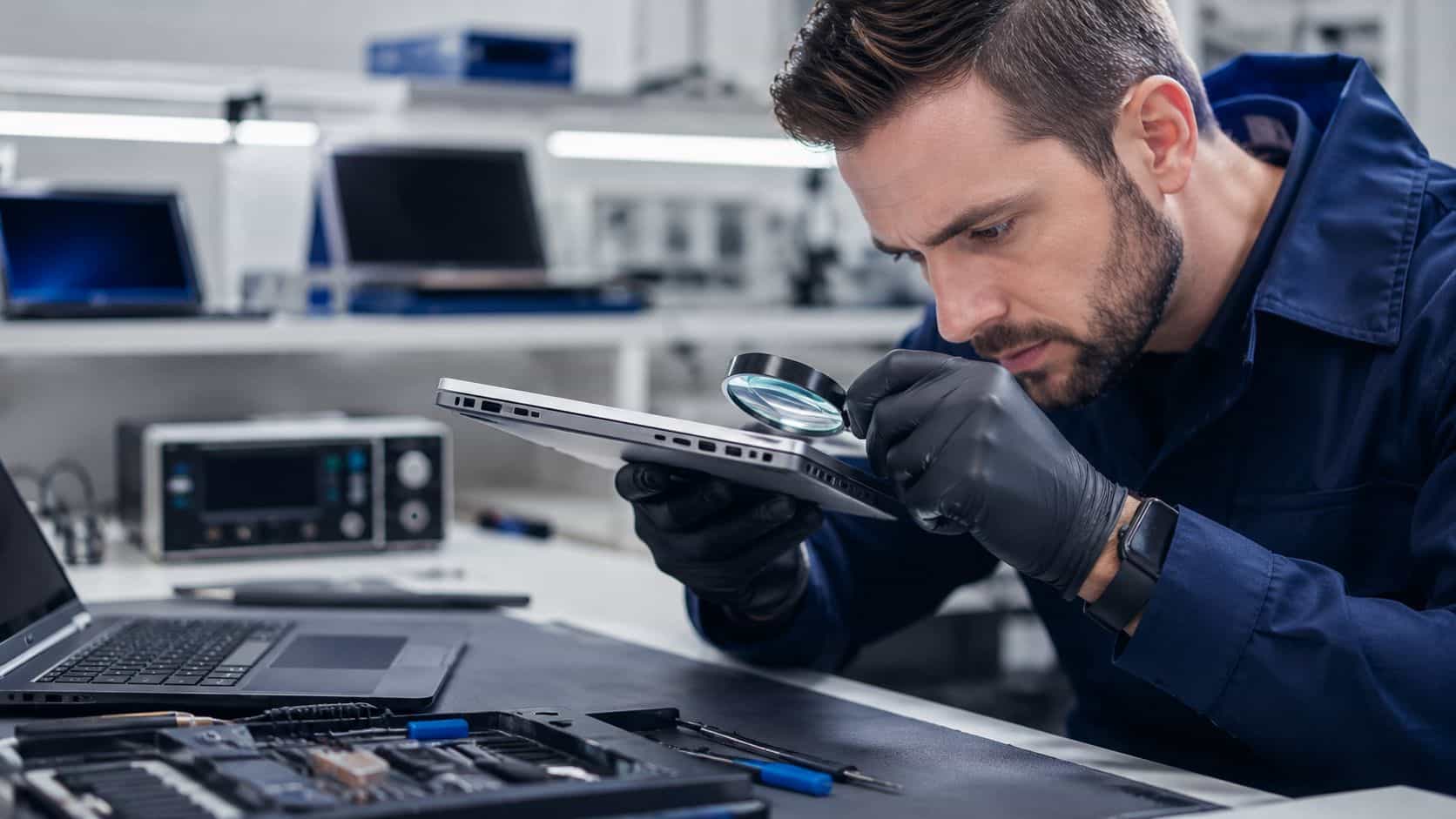
This is the bit most marketing pages skip. From a technician’s side, laptop trade-in isn’t guesswork. It’s a short list of pass or fail checks first, then a more detailed condition and resale assessment after that.
The first four gates
The initial screen is blunt. To get a valuation through many major UK trade-in routes, the laptop must power on, the battery must hold a charge, the screen must be uncracked, and there must be no liquid damage or password locks. If it fails any one of those, it’s commonly rejected. That’s also why consumer-submitted devices see a 25% to 30% rejection rate at major retailers, as set out in [Currys laptop trade-in guidance](https://www.currys.co.uk/services/trade-in/laptops-trade-in.html).
One thing we regularly notice is that sellers focus on scratches and completely miss account locks, weak batteries or charging faults. From the bench, those matter more.
- Power behaviour: Does it boot normally, restart correctly and charge without cable fiddling?
- Battery condition: We look for obvious drain issues, swelling signs and whether the unit actually holds charge during handling.
- Screen quality: Not just cracks. Pressure marks, dead pixels and hinge strain can all affect how desirable it is for resale.
- Liquid clues: Corrosion in ports, staining around screws and keyboard issues often tell the story.
Our Experience Refurbishing This Model at Used Mobiles 4U
Our technicians often see the same pattern across trade-in laptops, especially older MacBooks and mainstream Windows models from Lenovo, HP and Dell. Battery wear is usually the first thing that changes the decision. A laptop may still turn on and look tidy, but if the battery drains too fast or the machine gets unusually warm under light use, it stops being an easy resale item.
One thing we regularly notice is that “light wear” means very different things to different people. On the bench, heavy use usually shows up as polished keys, shiny palm rests, worn trackpad coating, fine cracks around screw points, and chargers with bent strain relief. Those details don’t always kill a trade-in, but they do change grade.
Common faults include tired batteries, broken feet, worn charging ports, sluggish SSD performance on neglected machines, and webcam or microphone issues people hadn’t tested before sending. We also see laptops that have been reset but not properly de-linked from user accounts. That creates delays straight away.
For a look at the kind of checks a serious buyer should carry out before resale, our Refurbishment and Testing Process gives a good benchmark. The main point is simple. A proper inspection goes beyond “does it switch on”.
What Usually Affects Value
- Age of the machine: Newer laptops are easier to place. Older hardware falls off quickly once support, battery life or processor demand becomes a problem.
- Battery behaviour: A laptop that only works happily on charge is far less attractive than one that behaves normally unplugged.
- Screen and casing: Corners, lid dents, pressure marks and cracked bezels matter because buyers notice them immediately.
- Completeness: Charger present, accounts removed, no BIOS or user lock, and a clean install all make the handover smoother.
Bench note: The cleanest trade-ins aren’t always the newest. They’re the ones that have been looked after properly and described honestly.
How to Get the Best Price for Your Laptop Trade In

If your goal is the highest possible payout, a trade-in usually won’t beat a private sale. If your goal is a quicker, cleaner transaction with less back-and-forth, trade-in makes sense.
UK benchmark data shows trade-in services tend to return 40% to 50% less than private sale values. A 3-year-old mid-range Windows laptop might fetch £150 to £250 on eBay versus £80 to £150 via trade-in schemes, while eligible trade-ins achieve a 95% acceptance rate through standardised protocols in [Innovent Recycling’s UK guide to old laptops](https://www.innovent-recycling.co.uk/what-to-do-with-old-laptop-uk-guide/). That’s the real trade. More money privately, less friction via trade-in.
The actions that usually help most
- Be strict with your own grading: If you’re hesitating between “good” and “fair”, call it fair and be pleasantly surprised if it does better.
- Charge it before inspection: A flat laptop creates doubt immediately, especially if the buyer needs to test battery behaviour.
- Include the charger: It makes the device easier to test and easier to resell.
- Clean the machine properly: Dirt makes wear look worse than it is. Clean laptops usually grade better because faults are easier to assess fairly.
- Choose the right sales route for the laptop: If it’s a MacBook in tidy condition, specialist buyers may understand it better than a generic trade-in portal. For Apple laptops, Used Mobiles 4 U’s MacBook advice is a sensible place to sense-check what matters before you sell.
The biggest mistake
Overstating cosmetic condition is where sellers lose time and money. UK guidance suggests that doing this commonly leads to a 15% to 20% reduction in the final offer after physical inspection in [Innovent Recycling’s laptop trade-in overview](https://www.innovent-recycling.co.uk/what-to-do-with-old-laptop-uk-guide/). That’s avoidable.
A common example we see is a seller describing a laptop as “excellent” because it works perfectly, while the lid has two dents and the keyboard has clear shine from heavy use. Functional condition and cosmetic condition aren’t the same. Separate them in your own head before you request a quote.
If you want the best price, don’t try to “sell” the condition. Describe it like a technician would.
So Is Trading In Your Laptop Worth It
Yes, for plenty of people it is. A trade in laptop UK service is worth using if you want a simple process, you don’t want to deal with online buyers, and you’d rather accept a lower figure than spend time chasing the highest one.
It’s a poor choice if your only goal is maximum cash. In that case, private sale usually gives you more headroom, especially on newer laptops in strong cosmetic condition.
My view is straightforward. Trade in if the laptop is eligible, clean, unlocked, and you value convenience. Sell privately if the machine is desirable, complete, and you’re happy to put in the extra effort. Either way, prepare it properly, wipe it properly, and be honest about the condition from the start.
Written by James Waterston, 24 years in the mobile phone industry from customer service through to Sales Director of a global repair and recycling company. Now running Used Mobiles 4U for over 8 years.
LinkedIn: James Waterston
Meta description: Trade in laptop UK advice from a refurbisher’s perspective. Learn how to prepare your laptop, avoid common mistakes, and get the best realistic offer.
If you want a straightforward route to sell old tech or replace it with tested refurbished devices, have a look at Used Mobiles 4 U. You’ll find professionally checked phones, tablets and laptops, clear grading, secure data wiping, UK support, and a practical Sell Your Tech option if you’d rather keep the process simple.
Looking for a refurbished phone?
Shop professionally tested refurbished iPhones and Samsung phones with 18 month warranty, 30 day returns and free UK delivery.
Browse Refurbished Phones






