





Used iPhone 15 Pro Max: Common Issues & What You Can Do About Them

16/11/2025

3 Mins
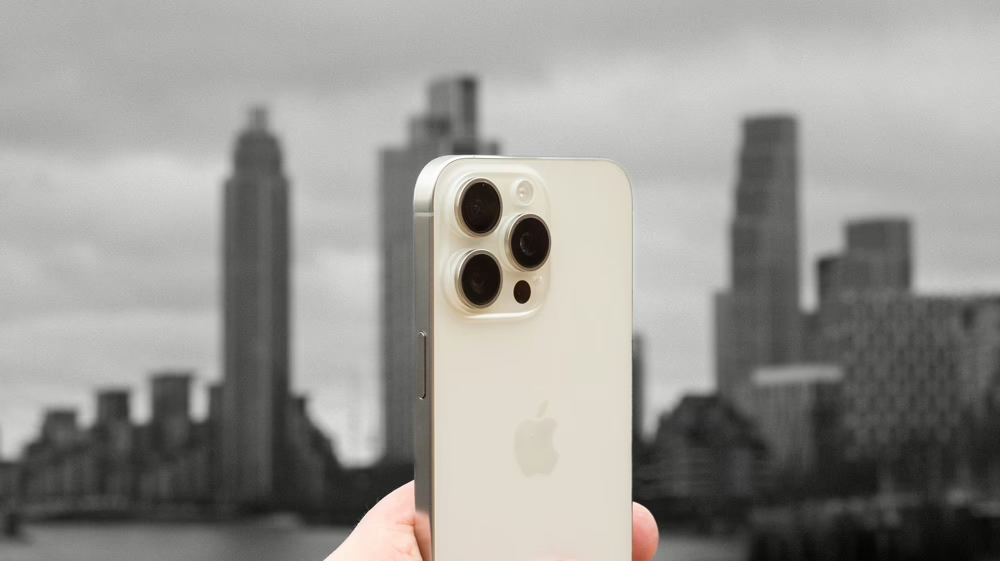
Used iPhone 15 Pro Max: Common Issues & What You Can Do About Them
Available at Used Mobiles 4 U
The used iPhone 15 Pro Max continues to be one of the most sought-after smartphones, combining Apple’s advanced A17 Pro chip, a stunning Super Retina display, and exceptional performance. Even though it’s a premium device, some users experience occasional issues. Whether you’ve purchased a used iPhone 15 Pro Max from Used Mobiles 4 U or are considering one, knowing these common problems and how to solve them ensures you get the most out of your purchase.
1. Performance & Battery Drain
Even a used iPhone 15 Pro Max can experience faster-than-expected battery drain, particularly when running demanding apps or multiple background processes. To fix this, always make sure your iPhone runs the latest iOS version, as updates often enhance battery optimisation. You can check which apps consume the most energy in Settings → Battery and limit those that use unnecessary power. When your charge is low, activating Low Power Mode in Settings → Battery helps extend battery life by reducing system activity. It’s also smart to adjust Background App Refresh so only important apps update in the background — this simple tweak can make a used iPhone 15 Pro Max feel brand new again.
2. Connectivity Problems (Wi-Fi & Bluetooth)
Another common issue some used iPhone 15 Pro Max owners face involves Wi-Fi disconnections or Bluetooth pairing troubles. These are usually simple to resolve. You can reset your network settings by going to Settings → General → Reset → Reset Network Settings, which clears out problematic data and restores connectivity. A quick toggle of Airplane Mode can also refresh your wireless connection. If Wi-Fi still drops, forget the network in settings and reconnect it as new. For Bluetooth, remove the paired device under Settings → Bluetooth, then pair again — this often resolves pairing failures and restores smooth performance on your used iPhone 15 Pro Max.
3. Display Issues
The 6.7-inch Super Retina XDR display is one of the biggest draws of the used iPhone 15 Pro Max, but some users report flickering or unresponsive screens. To fix this, force-restart your device by pressing and releasing the Volume Up button, then the Volume Down button, and holding the Side button until the Apple logo appears. This refresh often clears temporary software glitches. You can also adjust brightness settings by disabling True Tone or Auto-Brightness in Settings → Display & Brightness. If issues persist, consider performing a factory reset after backing up your data — this can often restore a used iPhone 15 Pro Max display to flawless operation.
4. Audio Problems
Some owners of the used iPhone 15 Pro Max experience reduced volume or slight distortion during calls or music playback. Cleaning the speaker and microphone openings gently with a soft brush can often fix the problem by removing trapped dust or debris. You should also review your sound preferences in Settings → Sounds & Haptics to ensure volumes are correctly set. Check your equaliser under Settings → Music → EQ, since some presets can affect clarity. If you’re using a case, try removing it temporarily to ensure it isn’t blocking the sound outlets. With these quick steps, your used iPhone 15 Pro Max should deliver the same crystal-clear audio performance as a new model.
Final Thoughts
The used iPhone 15 Pro Max is one of Apple’s finest creations — fast, durable, and elegant — but like any advanced device, it may show occasional quirks. Understanding and addressing these common problems ensures long-term satisfaction and keeps your phone performing at its best.
When you buy a used iPhone 15 Pro Max from Used Mobiles 4 U, you can shop with complete confidence knowing each device is fully tested, data-wiped, and backed by warranty. Whether you’re upgrading your current phone or looking for a reliable refurbished option, a used iPhone 15 Pro Max offers unbeatable value for money.
If you encounter any issues, visit our store or contact our support team — we’ll help you get your used iPhone 15 Pro Max running like new again.
Looking for a refurbished phone?
Shop professionally tested refurbished iPhones and Samsung phones with 18 month warranty, 30 day returns and free UK delivery.
Browse Refurbished Phones






