





Your Practical Guide to Buying a Used Samsung Tab

06/02/2026

12 Mins
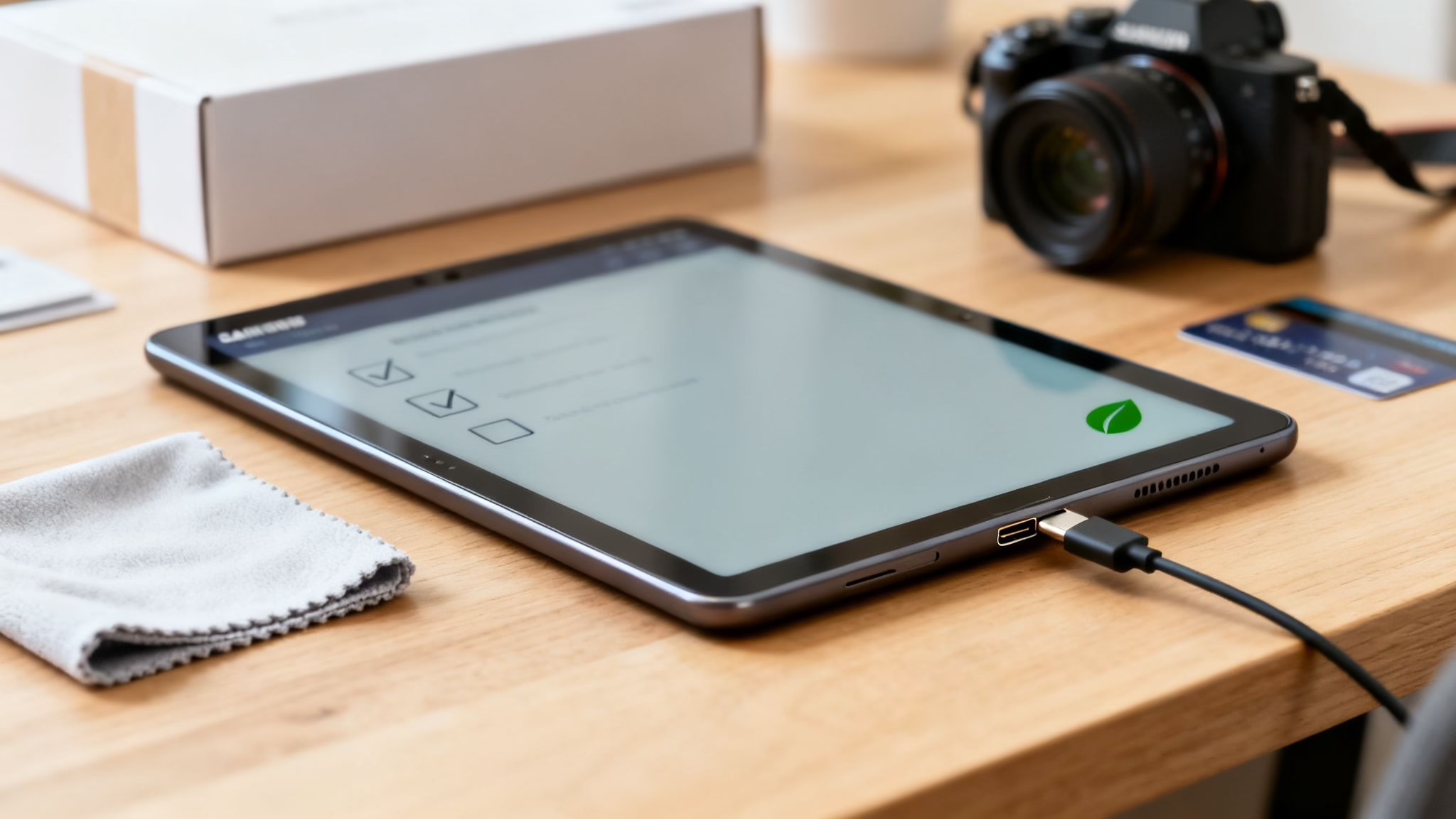
Thinking about picking up a used Samsung Tab? It’s a great way to get your hands on fantastic tech without paying high-street prices. This guide will help you choose the right model, check it for common problems, and understand what to expect from a refurbished device.
Whether you're after the powerful Galaxy Tab S series or the versatile Galaxy Tab A, we'll give you a straightforward checklist for inspecting any tablet. You'll also learn what condition grades like 'Very Good' actually mean, so you can buy with confidence.
What to Know Before Buying a Used Samsung Tab
Choosing a used or refurbished tablet isn't just about saving a bit of money—it’s about getting great value. A used Samsung Tab can offer the perfect balance of performance and price, making it a good choice for family entertainment, work on the move, or kitting out a small business.
To make sure you get a reliable device that fits your budget, it helps to know what you’re looking for.
This guide will cover the essentials:
- Popular Models: We’ll look at the key differences between the premium Tab S and the more affordable Tab A.
- Inspection Checklist: Practical, hands-on tips for checking everything from the screen and battery to the charging ports.
- Condition Grades: We’ll explain terms like 'Like New' and 'Good' so you know exactly what to expect.
- Warranties and Returns: Find out why buying from a certified seller gives you important peace of mind.
While many people focus on second-hand mobiles, the tablet market is full of good options. The same rigorous testing and grading we apply to our refurbished Samsung Galaxy phones goes into our tablets, so you can be confident in the quality.
Why Choose a Refurbished Samsung Tab?
Choosing a used Samsung Tab is more than just a way to save cash—it's a practical move for both your wallet and the planet. The most obvious benefit is the price. A brand-new tablet comes with a premium price tag, but a device that’s only a year or two old can give you almost identical performance for a fraction of the cost.
This means you can either pocket the difference or get a higher-spec model you might not have considered buying new. Imagine getting a powerful Galaxy Tab S series, with its incredible screen and S Pen, for the price of a more basic, brand-new tablet. For a lot of people, this makes top-tier tech much more accessible.
A More Sustainable Choice
Beyond the financial benefits, picking a refurbished device is a good decision for the environment. It takes a lot of energy and raw materials to manufacture new electronics, which adds to the growing problem of e-waste. By giving a pre-owned tablet a second home, you're helping to reduce that impact.
Every refurbished device sold is one less that needs to be produced from scratch. It conserves resources and stops a perfectly good gadget from ending up in a landfill. It’s a simple way to make a more sustainable choice without compromising on quality.
A Trusted Name in the UK Market
Samsung’s large presence in the UK gives you confidence and a wide range of models to choose from. Their popularity means there’s a steady stream of high-quality devices entering the refurbished market.
Choosing a refurbished model from a major brand like Samsung means you’re not just buying a cheaper device; you’re investing in proven technology that's built to last, with widespread support and a vast selection of accessories available. This makes it easy to find a used Samsung Tab that fits exactly what you need, whether it’s for work, study, or just relaxing with a film. The logic is very similar to buying a refurbished mobile, which we cover in our guide on the benefits of buying a refurbished Samsung phone.
Choosing the Right Samsung Tab Model for You
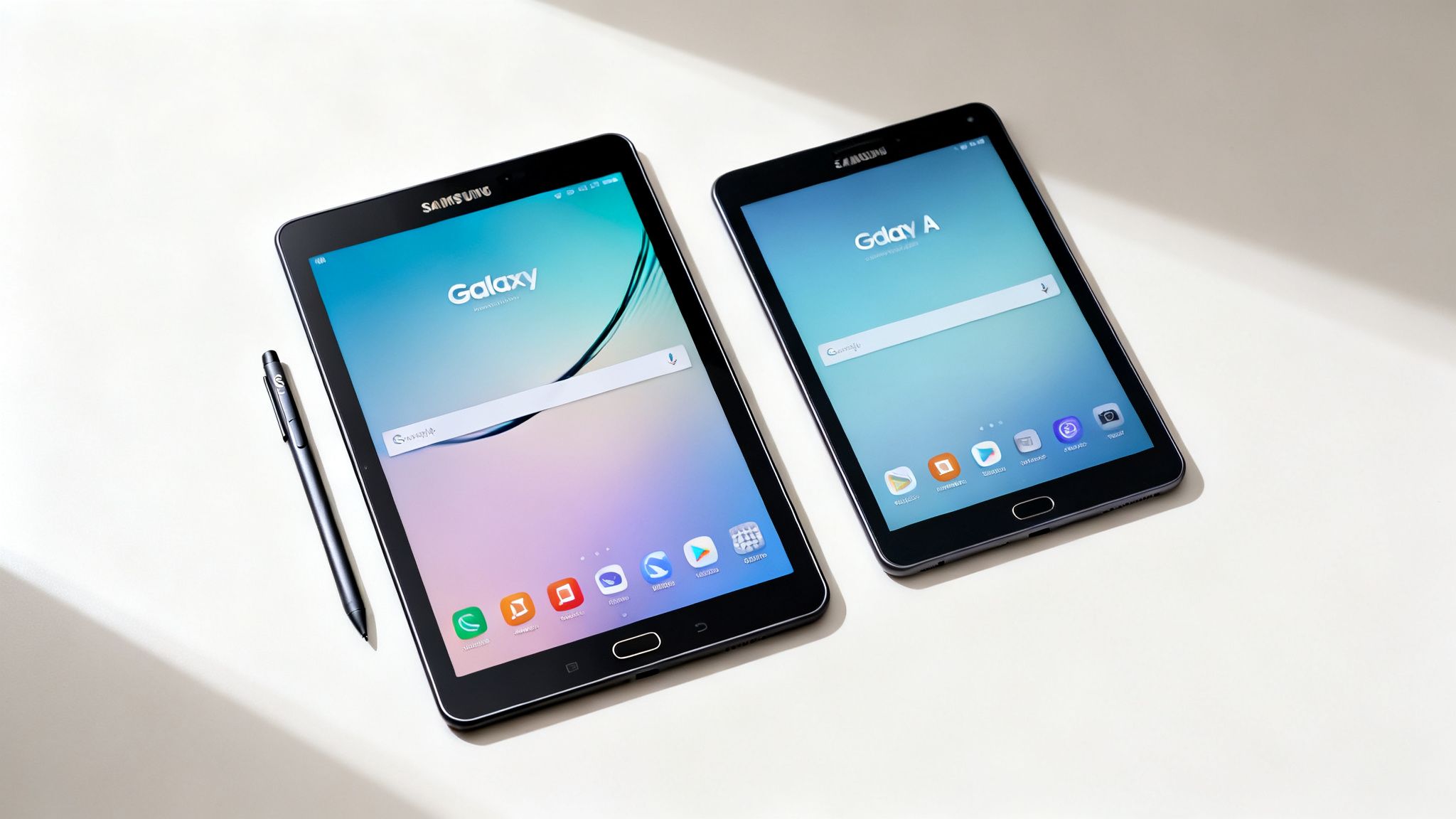
When you're looking for a used Samsung Tab, your choice will nearly always come down to two main families: the premium Galaxy Tab S series and the more budget-friendly Galaxy Tab A series. Understanding the key differences is the first step to finding a tablet that suits your needs without overspending.
The Galaxy Tab S series is Samsung's top-of-the-line range, designed to compete with Apple's iPad Pro and Air. They have vibrant, high-resolution AMOLED screens, powerful processors, and often include the S Pen stylus in the box. This makes them a great choice for creative work, demanding tasks, and high-quality entertainment.
On the other hand, the Galaxy Tab A series is all about delivering solid, everyday performance at an affordable price. These tablets are perfect for web browsing, streaming films, social media, and light gaming. Their durable builds and lower prices also make them a popular choice for children or as a shared family device.
Galaxy Tab S Series Key Features
The Tab S is the high-performance option. A used model from this series can give you premium features for a mid-range price.
- Display: They feature stunning AMOLED or Dynamic AMOLED screens, which offer deep blacks and vibrant colours.
- Performance: Kitted out with faster processors and more RAM, they handle multitasking and demanding apps with ease.
- S Pen Support: Most Tab S models come with the S Pen, making them ideal for digital art or note-taking.
- Best for: Professionals, students, artists, and anyone who wants the best possible media experience.
Galaxy Tab A Series Key Features
The Tab A series is the practical workhorse of the Samsung tablet lineup. It gives you all the essential features you need for daily use.
- Display: They typically have clear and bright LCD screens, which are perfectly fine for everyday tasks like reading and watching videos.
- Performance: With more modest processors, they are capable enough for web browsing, emails, and casual games.
- Value: A used Samsung Tab A model offers excellent value, often costing significantly less than its S series counterpart.
- Best for: Casual users, families with children, or as a straightforward device for browsing and streaming.
Comparing Used Samsung Galaxy Tab S and Tab A Series
Still weighing your options? This quick comparison table should help you see the differences at a glance.
Essentially, choosing a used Tab S gets you flagship power and features for a mid-range price, while a used Tab A delivers reliable performance for a bargain.
For example, a student who needs a device for taking notes in lectures and streaming films might find a used Galaxy Tab S7 FE with its included S Pen to be an excellent choice. But if you're looking for a simple, reliable tablet for your child to use for homework and games, a refurbished Galaxy Tab A8 is a durable and cost-effective solution.
Your Essential Pre-Purchase Inspection Checklist
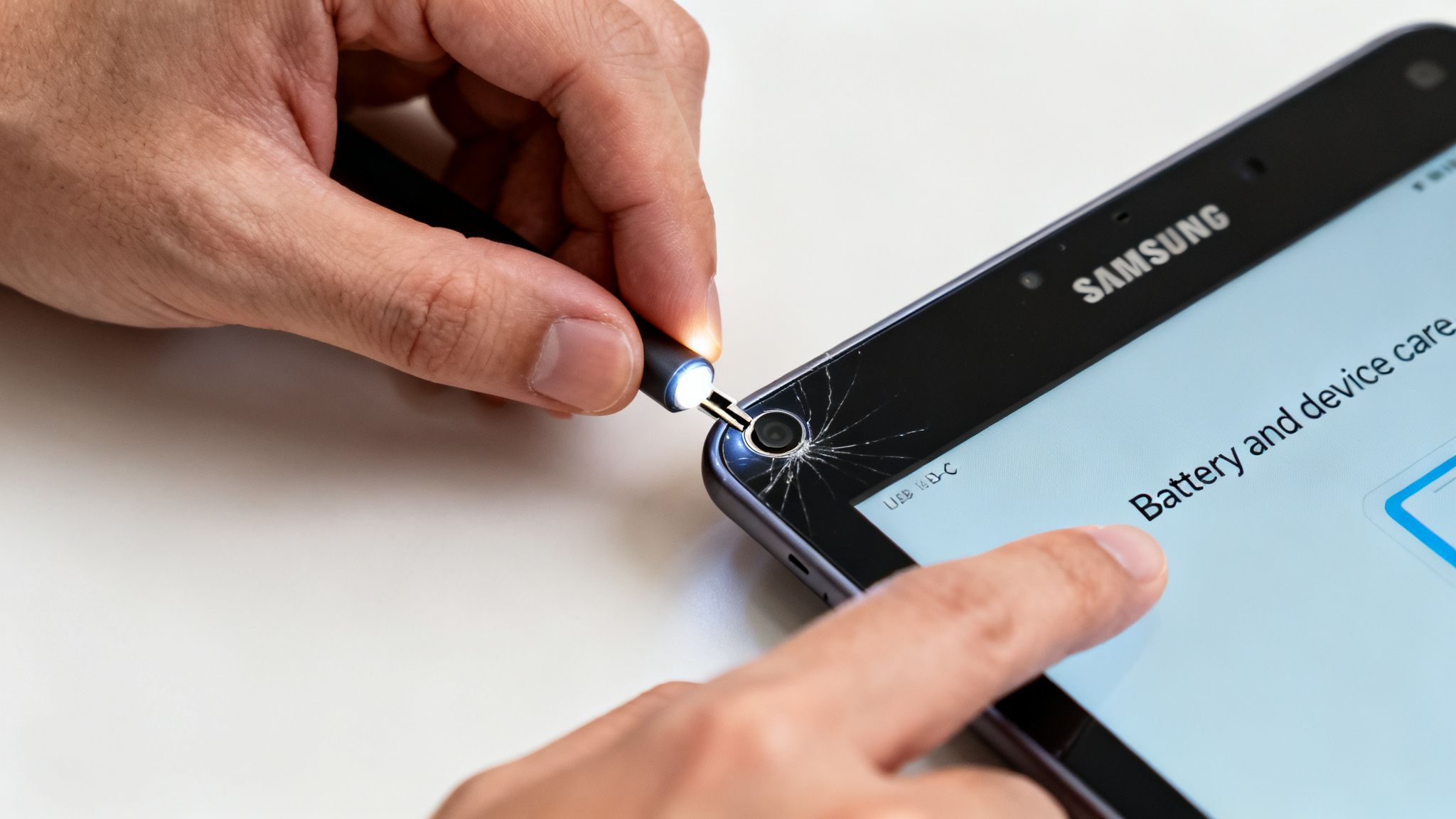
Before you commit to buying a used Samsung Tab, it’s a good idea to give it a proper check. A few minutes of hands-on inspection can save you hassle later on. This simple checklist covers the most important things to check, both inside and out.
First, get a good look at the outside of the tablet. Find some decent light and tilt the screen to catch any reflections. You're looking for deep scratches that could be distracting, or any dead pixels – those tiny black or coloured dots that don't change.
Next, run your fingers around the casing, paying close attention to the corners, as that’s where drops usually leave their mark. You’re looking for any significant dents or cracks. Finally, check the ports. Make sure the USB-C charging port and headphone jack (if it has one) are clean and free from damage.
Checking Key Functions and Software
Once you're happy with the physical condition, it’s time to see how it runs. Power the tablet on and make sure it boots up correctly.
- Battery Health: Samsung makes it easy to check the battery’s condition. Go to Settings > Battery and device care > Diagnostics > Battery status. A healthy battery should last a full day with normal use.
- Cameras: Open the camera app and switch between the front and rear cameras. Take a photo and a short video with each to make sure they focus properly and the images look clear.
- Connectivity: This is a must. Go into settings and connect to a Wi-Fi network to confirm it works. Then, turn on Bluetooth and try pairing it with your mobile or headphones.
- Buttons and Touchscreen: Press the power and volume buttons to ensure they feel responsive. Test the touchscreen by opening an app and dragging an icon all around the screen to check for any dead spots.
A Final, Important Step Before You Switch
So, you’ve done your checks and found the perfect used tablet. Before you start setting it up, there's one last crucial step if you're moving from an old device.
Warning: Always back up your data from your old mobile or tablet before you begin any data transfer process. This protects your photos, contacts, and files from being accidentally lost.
This simple preparation ensures all your important information is safe. Once the backup is done, you can confidently move everything over to your new tablet. If you want to know more about our professional checks, you can read about our 10-step refurb check.
Understanding Refurbished Grades and Warranties
The word 'used' can mean many different things, so knowing what you're buying is crucial. A used Samsung Tab from a private seller on a marketplace is very different to a certified refurbished one from a professional retailer. It really all boils down to two things: a clear condition grade and a proper warranty.
A private sale can be a gamble. A seller might describe their tablet as being in ‘good condition’, but one person's 'good' is another's 'scratched'. You’re trusting their word, and if you spot a problem a week later, you have little to no recourse.
In contrast, a certified refurbisher uses a consistent grading system. This isn’t subjective; it’s a clear guide to the cosmetic condition of the device, so you know exactly what to expect when it arrives.
What Do the Grades Mean?
Grades are a way to balance cost with condition. Everyone has different priorities, and a grading system helps you find the perfect match for your needs and budget.
- Like New (or Pristine): This is the top tier. The device will look and feel practically untouched, with no visible scratches or marks. It’s for someone who wants that brand-new experience without the brand-new price tag.
- Very Good (or Excellent): You might find some very minor signs of use, like faint scratches you’d have to look for to notice. The screen will be in great shape. This is often the sweet spot between condition and cost.
- Good: This grade typically offers the best value. The tablet will show more obvious signs of use, like small scratches or scuffs, but it will be 100% fully functional.
Understanding these categories means you can make a choice you're happy with. To learn more about how we assess devices, check out our guide to refurbished phone grades.
The Importance of a Warranty
This is the biggest reason to buy from a reputable seller. When you buy from a private seller, the sale is usually final. If the battery fails a month later or the screen develops a fault, you’re on your own.
A professional retailer stands by their products. They provide a warranty—we include a 18 Month Warranty as standard—that protects you from unexpected hardware problems. That peace of mind is invaluable. It turns a risky purchase into a smart, secure investment.
For example, Sarah from Bristol recently bought a ‘Good’ condition Galaxy Tab A for her son’s homework. A few weeks in, the charging port became a bit temperamental. Because she bought it from a reputable seller with a warranty, a quick, no-fuss repair was arranged, and the tablet was back with her son in just a few days. With a private sale, she would have faced a repair bill or a useless tablet.
A clear returns policy adds another layer of security, making sure you can send the device back if it isn’t quite what you expected. It's this combination of transparent grading and a solid warranty that makes buying a certified refurbished used Samsung Tab the smart and safe choice.
How Businesses and Schools Save with Used Tablets
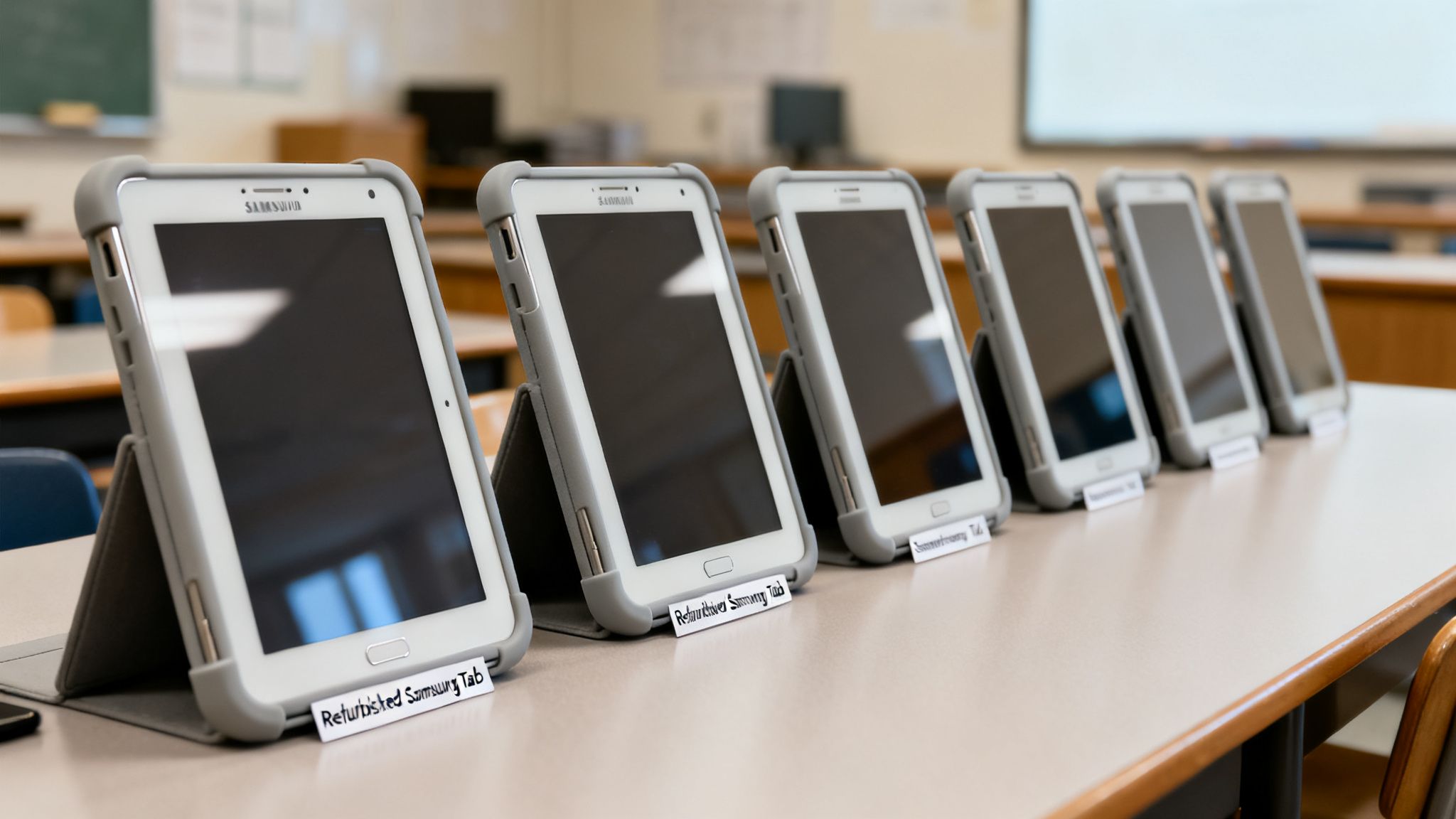
It’s not just individuals who are seeing the value of refurbished tech. Businesses and schools across the UK are also making the switch. A used Samsung Tab is a cost-effective way for organisations to get the equipment they need without stretching their budget.
For any business, buying refurbished tablets in bulk is a financially smart move. Instead of paying full price for new hardware, they can equip an entire workforce for a fraction of the cost. This frees up money for other important areas of the business.
Practical Applications in Business
A used Samsung Tab is a perfect fit for all sorts of commercial jobs:
- Point-of-Sale (POS) Systems: Cafes and small shops can use them as flexible, modern cash registers.
- Inventory Management: Warehouse staff can track stock and manage logistics on the move.
- Remote Work: They are an excellent tool for field agents or remote staff needing a portable device for emails and reports.
A Smart Choice for Education
Schools are also seeing huge benefits. Educational budgets are often tight, yet the need for digital learning tools has never been greater. The durable and affordable Galaxy Tab A models are popular choices for the classroom.
By opting for refurbished tablets, schools can give more students access to essential digital resources. A whole classroom can be equipped with reliable devices for the price of just a handful of new ones, making sure no pupil gets left behind.
This strategy allows schools to make technology upgrades that are both sustainable and affordable. It ensures students have the tools they need to learn while also teaching a valuable lesson about making environmentally responsible choices.
Your Questions Answered
Thinking about a used Samsung Tab? Here are answers to some of the most common questions we get from customers.
How Long Should the Battery Last on a Used Samsung Tab?
The battery life depends on the tablet’s age and previous use, but a professionally refurbished device should hold at least 80% of its original capacity. That’s enough for a full day of browsing, streaming, or emails.
You can check it yourself by going to Settings > Battery and device care > Diagnostics > Battery status. This tool gives you a live look at the battery's health. If you're buying from a private seller, always ask about the battery.
Will an Older Used Samsung Tab Still Get Updates?
Yes, but there's a limit. Samsung provides several years of Android and security updates from a model's release date. This means a newer second-hand model, like a Galaxy Tab S8, will keep getting updates for longer than an older Tab S6, for example.
Before you buy, it's a good idea to check the tablet's original release date. This gives you a rough idea of how much software support it has left. Reputable retailers will generally sell models with plenty of life left in them.
Is It Safe to Buy a Used Samsung Tab Online?
It is very safe, as long as you choose a trusted UK-based seller that specialises in certified refurbished technology. These businesses put every tablet through rigorous testing, securely wipe all previous data, and grade them accurately.
Most importantly, they provide a proper warranty and have a clear returns policy. This is the kind of protection you don’t get when buying from an individual on a marketplace. Always look for genuine customer reviews and a registered UK business address.
Ready to find a reliable, affordable tablet? At Used Mobiles 4 U, every device comes with a 18 Month Warranty and free next-day delivery, so you can buy with complete confidence. Explore our range of certified refurbished tablets today.
Written by James Waterston — 24 years in the mobile phone industry from customer service to Sales Director of a global repair & recycling company; now running Used Mobiles 4 U for 8+ years. LinkedIn
Looking for a refurbished phone?
Shop professionally tested refurbished iPhones and Samsung phones with 18 month warranty, 30 day returns and free UK delivery.
Browse Refurbished Phones






