





What to Do With Unwanted Phones in a Drawer

18/12/2025

8 Mins
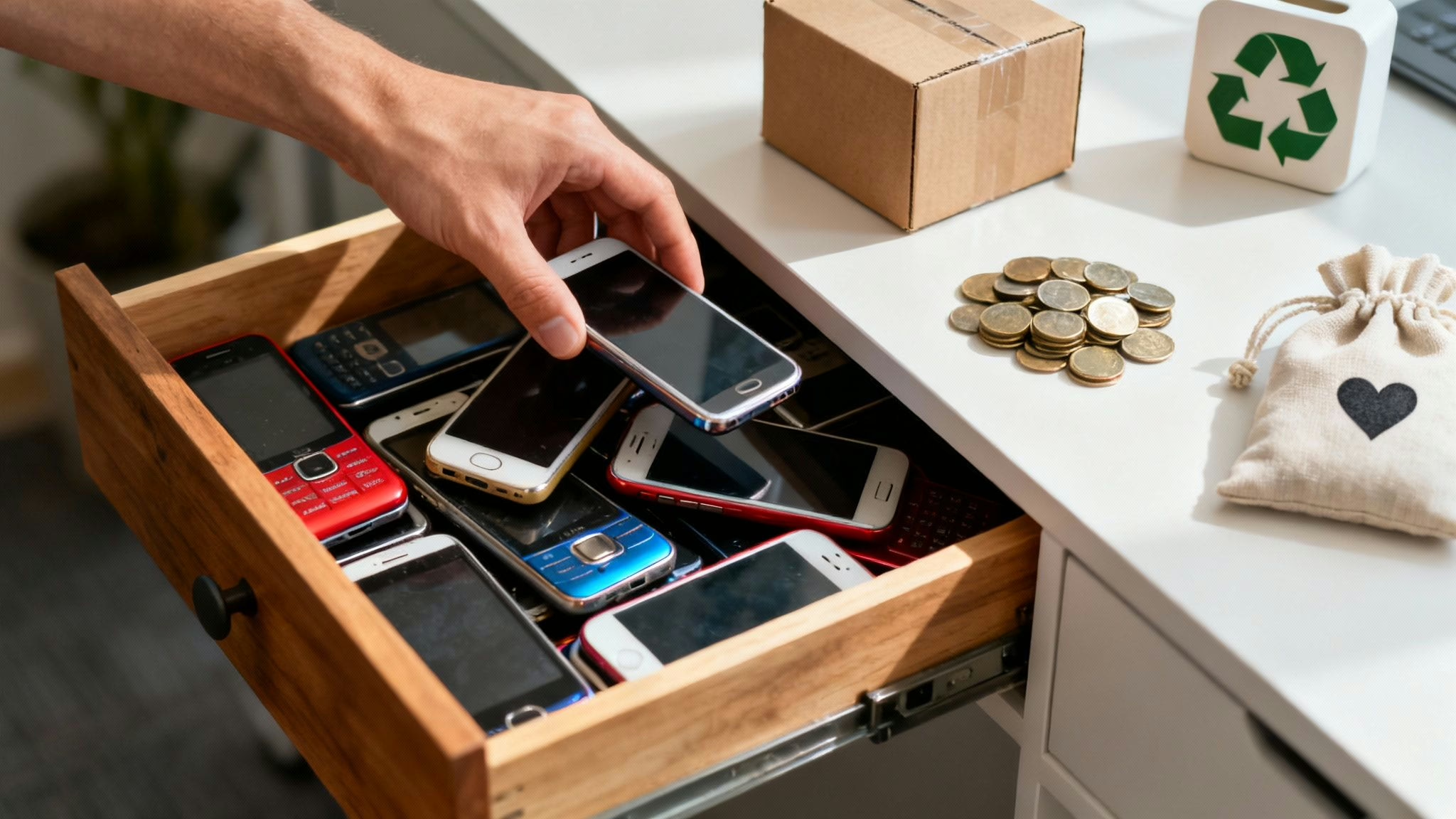
This article will help you decide what to do with unwanted phones in a drawer by guiding you through backing up, wiping, valuing and releasing each mobile safely—whether you choose to sell, donate, recycle or repurpose it.
Quick Summary Of Unwanted Phone Options
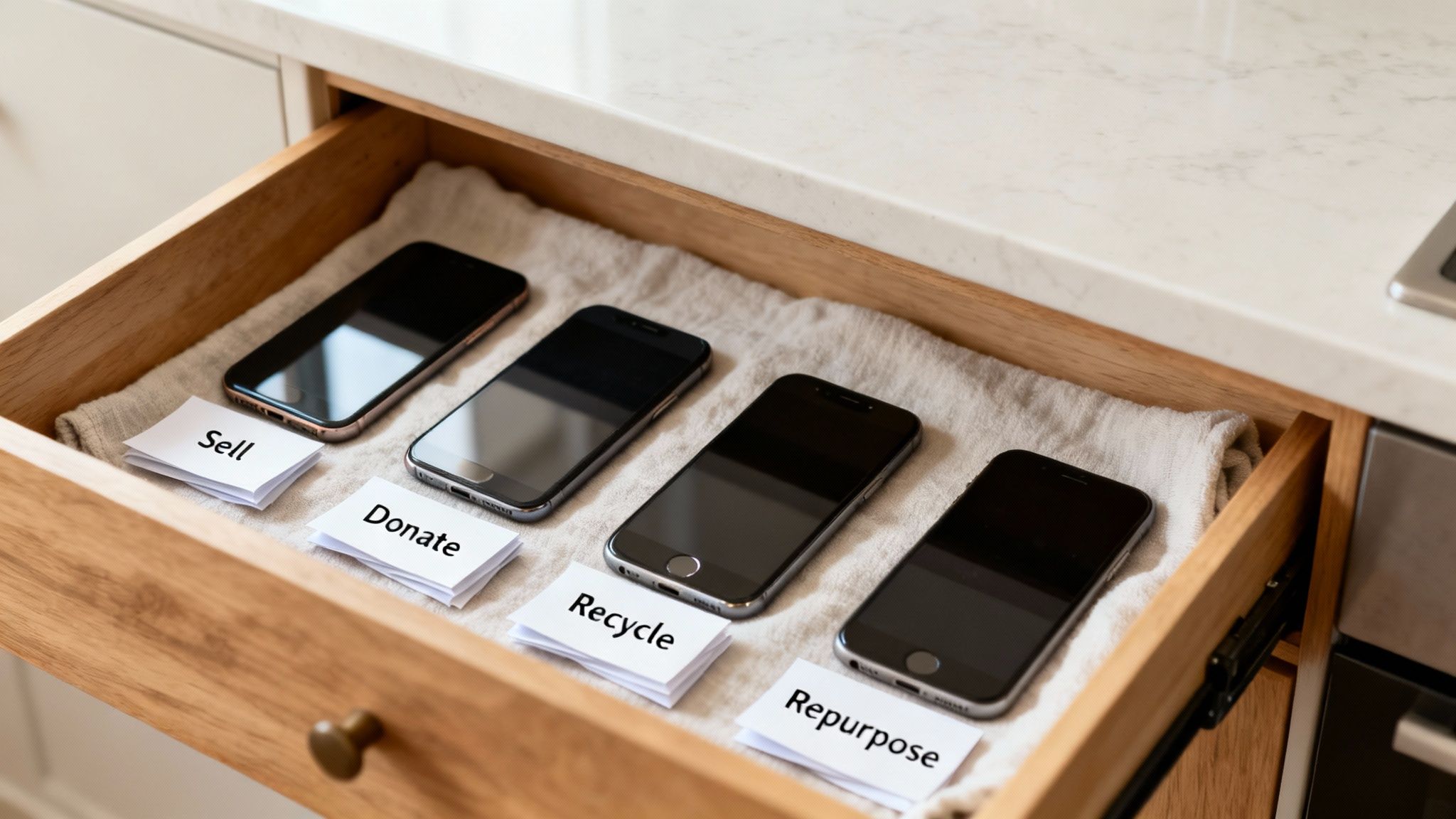
Here’s a concise look at four ways to clear that drawer while doing some good:
- Selling: quick cash via online marketplaces or trade-in portals.
- Donating: hand mobiles to charities like Oxfam or Red Cross.
- Recycling: recover precious metals and plastics responsibly.
- Repurposing: turn spares into DIY security cameras, music players or photo frames.
Always back up your data first—see our Transfer Data guide. For iPhone, go to Settings > [Your Name] > iCloud > iCloud Backup. Android users can open Settings > Google > Backup > Back up now. Next, choose the reset option in Settings > System > Reset options > Erase all data.
You might compare trade-in deals on sites such as Compare And Recycle to get the best return.
Options For Unwanted Phones
For example, one busy parent gathered five unused mobiles and sold three via a specialist site, pocketing over £150. The other two went to a homeless charity through the Red Cross, clearing the drawer and doing some real good.
Below, we’ll dive into detailed steps for preparing, valuing and releasing your mobiles so you know exactly what to do with unwanted phones in a drawer.
Preparing Your Mobile For Next Steps
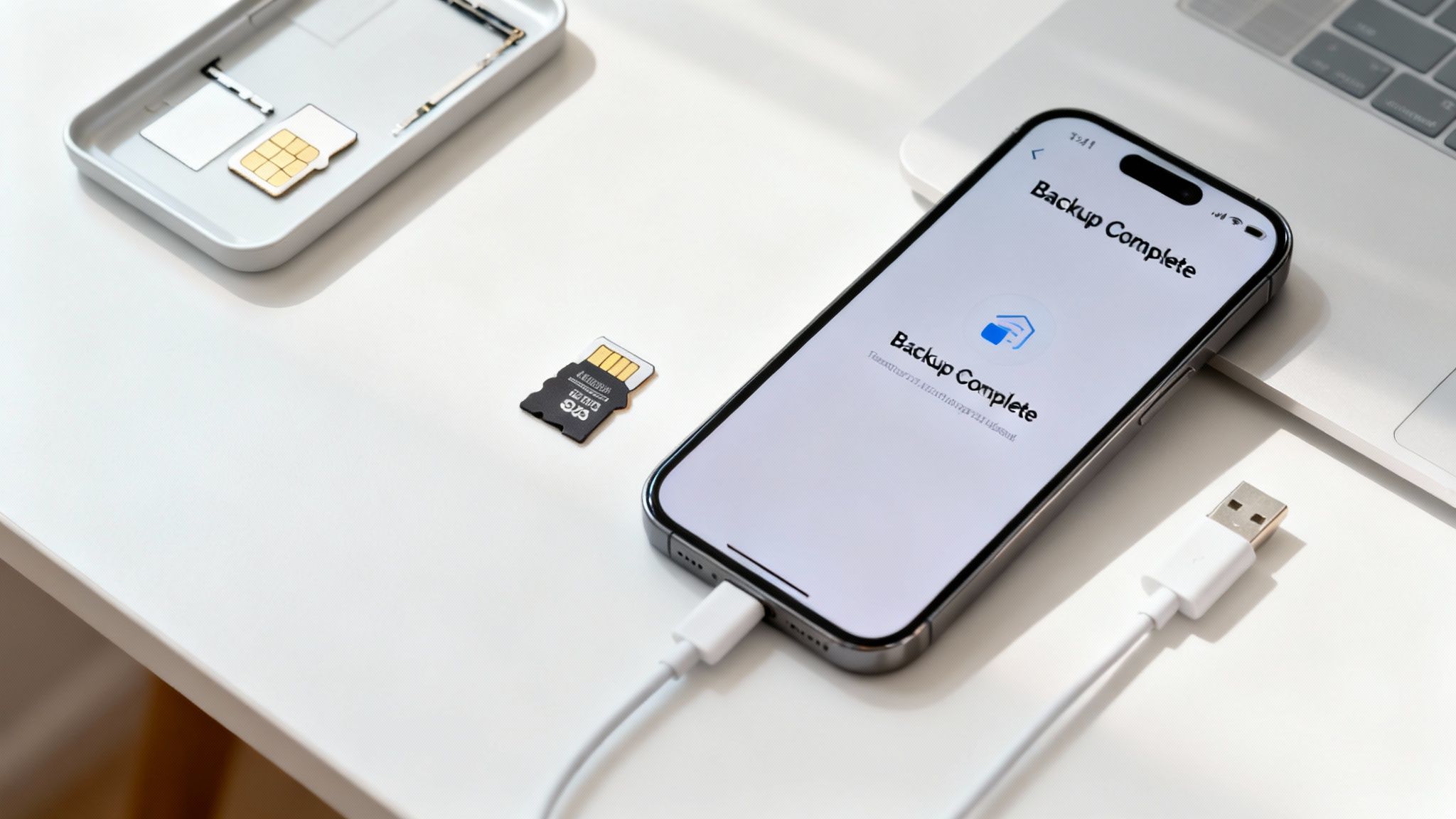
Before you decide what to do with unwanted phones in a drawer, make sure personal data is safe. Backing up first means contacts, photos and messages aren’t lost. Skip this and you might regret it later.
Backing Up Your Data
- iPhone: go to Settings > [Your Name] > iCloud > iCloud Backup, then tap Back Up Now.
- Android: open Settings > Google > Backup > Back up now, then check under Settings > Google > Backup that your data is listed.
Remove any SIM or microSD cards before proceeding. A forgotten SIM can stall a trade-in.
Note: A verified backup ensures you won’t lose important files when wiping your phone.
Verifying Backup Success
Mia, a university student, discovered hundreds of holiday snaps on her refurbished mobile. She followed our Transfer Data guide, then used our Reset iPhone guide to reset safely. The result? She boosted her trade-in value by £50 and handed over a spotless handset.
Factory Reset And Data Wipe
Warning: back up your device fully before wiping to prevent permanent data loss.
- iPhone: navigate Settings > General > Reset > Erase All Content and Settings. Enter your Apple ID password to confirm.
- Android: head to Settings > System > Reset options > Erase all data (factory reset), then tap Erase all data.
After reset, the phone restarts to the welcome screen. A quick wipe of casing and screen makes it photo-ready. You may also find our how to prepare iPhone for sale guide helpful.
Final Checks And SIM Removal
- Remove any cases or screen protectors for a cleaner look.
- Pack your phone in the original box or sturdy generic packaging.
- Take out your SIM card to prevent mix-ups with a new contract.
- Keep microSD cards separate as extras for buyers asking about accessories.
With these steps done, you’ll be ready to move on to valuation and release.
Assessing Value And Release Options
Once your mobile is backed up, wiped and reset, it’s time to gauge its market value. That clarity helps you pick the right release route—whether you sell, trade in or donate.
Key Factors For Valuation
- Model and storage capacity
- Cosmetic condition (scratches, dents)
- Remaining warranty or original accessories
- Refurbishment grade (Like New, Good)
- Any postage or handling fees
Tip: Comparing offers can increase your return by spotting hidden costs.
Checking Trade In Versus Private Sale
Jane compared three quotes for her refurbished iPhone 11:
- O2 Recycle: £120
- Compare And Recycle: £110
- Private sale on Gumtree: £150 (after listing fees)
Private listings often pay more but require extra effort. Trade-in services are faster and include pre-paid postage but may deduct handling charges. Decide if a larger cheque is worth the extra legwork.
The Virgin Media O2 study shows just 1 in 10 people recycle unused smartphones, meaning many households miss out on reclaiming hundreds of pounds.
Spotting Fees And Maximising Return
Before you submit any serial numbers, check for:
- Postage costs deducted from your payout
- Handling or repair deductions
- Any return window if the device is rejected
Selling privately comes with extras too:
- PayPal Goods & Services fees (check PayPal’s site for current rates)
- Listing or commission fees on marketplaces
Pro Tip: Pack your phone in bubble wrap inside a sturdy box to minimise damage claims.
Learn more about pricing in The True Price of Second-Hand iPhones.
Selling And Trading Your Phone Safely
Stashed in a drawer, unused mobiles rarely earn their keep. Selling or trading them frees up space and puts extra cash in your pocket.
Honest Listings And Clear Photos
Good ads start with good photos. Use a neutral backdrop, bright natural light and show every angle.
- Include charger and cases to add value
- Note any dents, scratches or screen marks in bullet points
- Highlight remaining warranty or test reports
Sam listed his Galaxy S10 at lunchtime and attracted offers within a day. A prompt reply and clear photos closed the sale quickly.
Choosing Secure Payment Options
Select a payment method that suits both sides:
- Bank transfer or PayPal Goods & Services offer protection and clear records
- Confirm funds have arrived before shipping
- Ship with Royal Mail Special Delivery and keep the tracking number
Packaging And Postage Best Practices
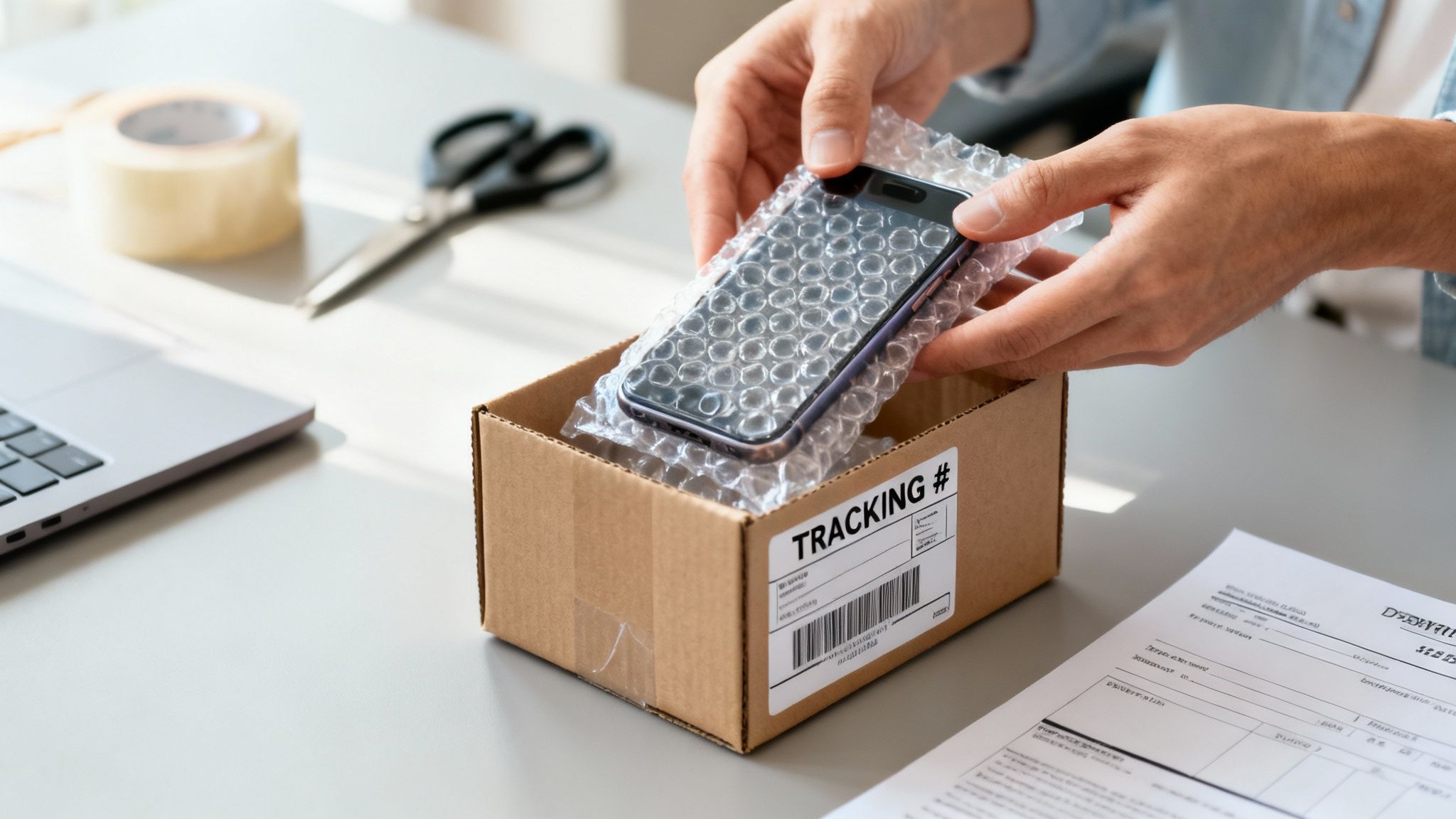
Treat your mobile like a fragile item:
- Wrap in bubble wrap or padded envelope
- Seal the box with tamper-evident tape
- Include a printed receipt inside
- Label clearly and save the tracking details
Security Tip: Reliable packaging routines mean fewer damage claims and happier buyers.
Example Trade Story
James, a freelance designer, found three mobiles in his drawer. He listed each on a popular marketplace with detailed specs and photos. Two sold within days for a total of £180, sent with tracked postage. The third went to a trade-in partner, Used Mobiles 4 U, and he had a voucher in hand within a week. It shows how honest listings and simple planning make a difference.
Useful Resources
For detailed steps on trading in, see how to trade in your iPhone.
Donating And Recycling Electronics Responsibly
That spare handset could do more than gather dust. Donating or recycling old mobiles keeps valuable materials in use and supports local causes.
Charities such as Oxfam and the Red Cross welcome working phones, while recycling centres handle devices beyond repair. If you prefer mail-in schemes, they can collect your unwanted mobiles straight from your door.
- Oxfam’s Give and Gain collects mobiles in store to support global initiatives
- Red Cross uses donations to fund local aid and skills programmes
- Compare And Recycle offers a small fee for recovering components
Local Drop Off And Mail-In
Back up contacts and media, then erase your data:
- iPhone: Settings > General > Reset > Erase All Content and Settings
- Android: Settings > System > Reset options > Erase all data
Warning: back up first to prevent permanent loss. Find a local drop-off via your council’s website or charity shops. For mail-in, use schemes that provide a prepaid label.
Donation And Recycling Steps
- Clean your device with a soft cloth and mild cleaner
- Complete a full factory reset after backing up
- Verify the charity or recycler’s acceptance criteria
- Pack snugly, add tracking and send on its way
In Bristol, a community centre gathered ten mobiles to run free language-tutoring sessions. Repurposing phones kept everyone connected without extra cost.
Check Eligibility And Drop Off
UK WEEE regulations require safe disposal of batteries. Always check each scheme’s model and battery requirements. Learn more in our guide on recycling mobile phones in the UK.
Proper e-waste handling stops harmful toxins entering landfill and recovers precious metals.
Creative Ways To Repurpose Old Phones
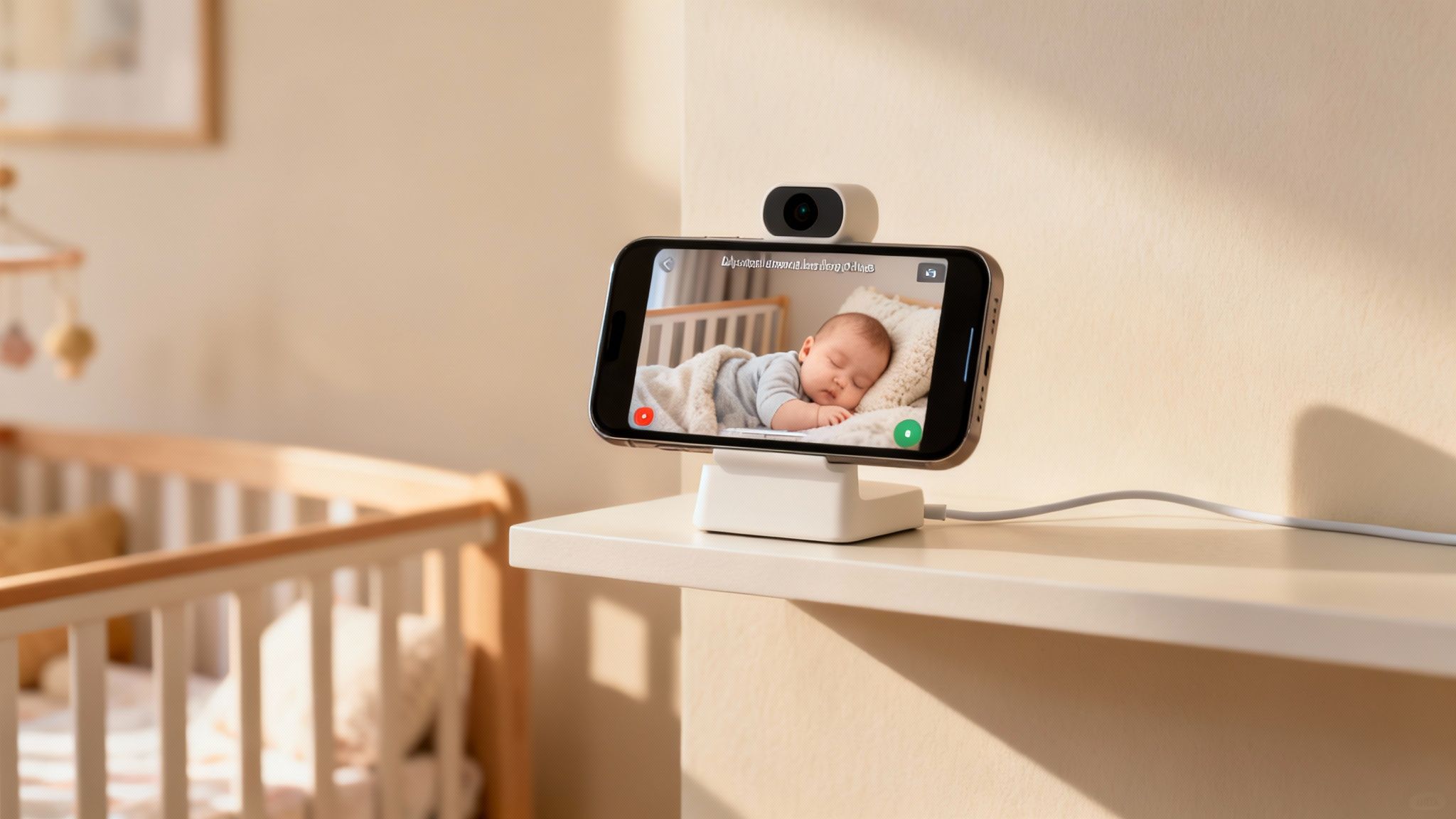
If you’re wondering what to do with unwanted phones in a drawer beyond selling or recycling, you can repurpose them at home.
Wipe your data first: go to Settings > System > Reset options > Erase all data.
Make A Home Security Camera With Alfred
Install Alfred Camera on both your spare and main mobiles, sign in to the same account, and grant camera permissions. Once linked over Wi-Fi, place the spare device on a shelf or tripod for live feeds and motion alerts.
Use As A Nursery Baby Monitor
Position the mobile near the cot, plug in and launch Alfred Camera or Dormi. Set motion notifications and angle the camera for peace of mind.
Turn It Into A Dedicated Music Player
Install your playlists, switch off mobile data and connect to Bluetooth speakers. It keeps tunes flowing without draining your main mobile’s battery.
Convert To A Digital Photo Frame
Use Google Photos to set up a continuous slideshow. Keep the screen awake, prop the mobile on a stand and enjoy a rolling gallery.
Deploy As A Smart-Home Remote
Add Google Home or Mi Home to the device, link your smart lights and switches, then create shortcuts for routines like “Lights at dusk.”
Create A Car Dash Cam
Fit a dash-mount, install a dash-cam app and insert a microSD card. Continuous loop recording with timestamps captures every journey.
Example Scenario
The Roberts family repurposed an old Android as a nursery monitor and a spare iPhone as a smart-home hub, saving over £30 on extra kit.
Tips For Battery Health
- Keep repurposed phones plugged in when used as stationary devices
- Lower screen brightness and disable unused radios
- Enable built-in battery optimisation features
Frequently Asked Questions
How To Back Up When Dealing With Unwanted Phones In A Drawer
Safeguard your data before erasing by going to Settings > [Your Name] > iCloud > iCloud Backup and tapping Back Up Now. Then use Settings > General > Reset > Erase All Content and Settings. You’ll keep your photos and contacts safe.
Best Trade In Option For Unwanted Phones In A Drawer
Top options include:
- O2 Recycle
- Compare And Recycle
- Used Mobiles 4 U
Check postage and handling charges, and remember that selling privately on online marketplaces can pay more if you don’t mind extra effort.
Where To Recycle Unwanted Phones In A Drawer Locally
Start with your council’s WEEE drop-off list. Charity shops and community centres often host tech collections. If you prefer mail-in, many recyclers provide a free prepaid label.
Can I Donate Broken Unwanted Phones In A Drawer
Yes. Charities and repair workshops harvest parts from non-working mobiles. To prepare:
- Clean and perform a factory wipe
- Remove cases, SIM cards and accessories
- Pack securely to avoid further damage
Written by James Waterston — 24 years in the mobile phone industry from customer service to Sales Director of a global repair & recycling company; now running Used Mobiles 4 U for 8+ years. LinkedIn
Looking for a refurbished phone?
Shop professionally tested refurbished iPhones and Samsung phones with 18 month warranty, 30 day returns and free UK delivery.
Browse Refurbished Phones






