





Which Used iPhone Is Best for Teenagers UK? A Parent’s Guide

29/12/2025

13 Mins
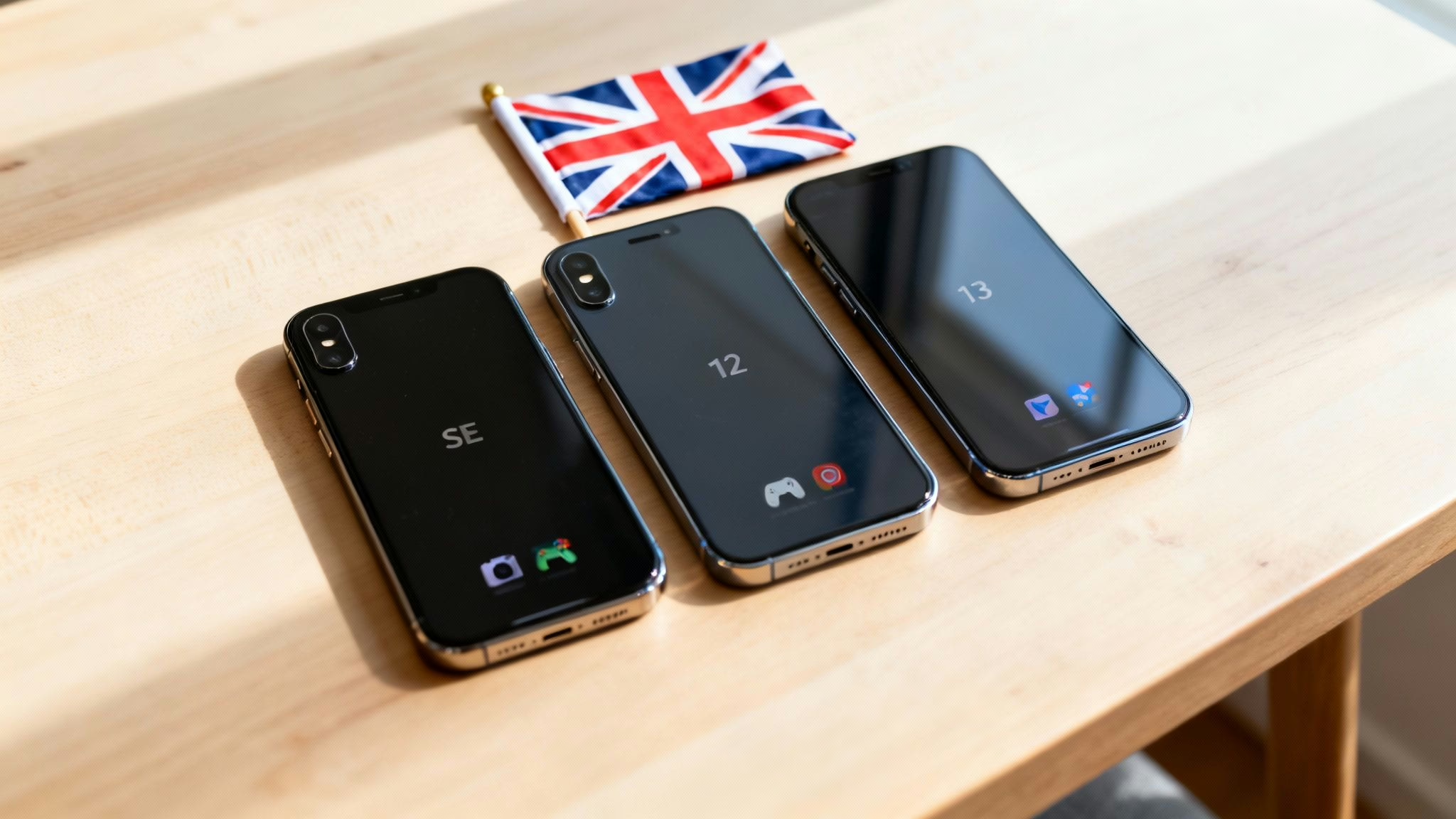
This guide will help you choose the right used iPhone for your teenager by comparing suitable models, explaining what to check before you buy, and showing you how to set it up safely. For most UK parents, the iPhone 12 or 13 are excellent choices, offering modern features, a great camera, and long-term software support without the high price of a new device.
Finding the Best Used iPhone for Your Teenager
Choosing a phone for a teenager is a big decision. You need something that can survive daily school life, has a battery that lasts until they get home, and sports a decent camera for their social media. Of course, you’ll also want solid parental controls for your own peace of mind and a price tag that makes sense. A quality refurbished iPhone from a trusted UK seller often ticks all these boxes.
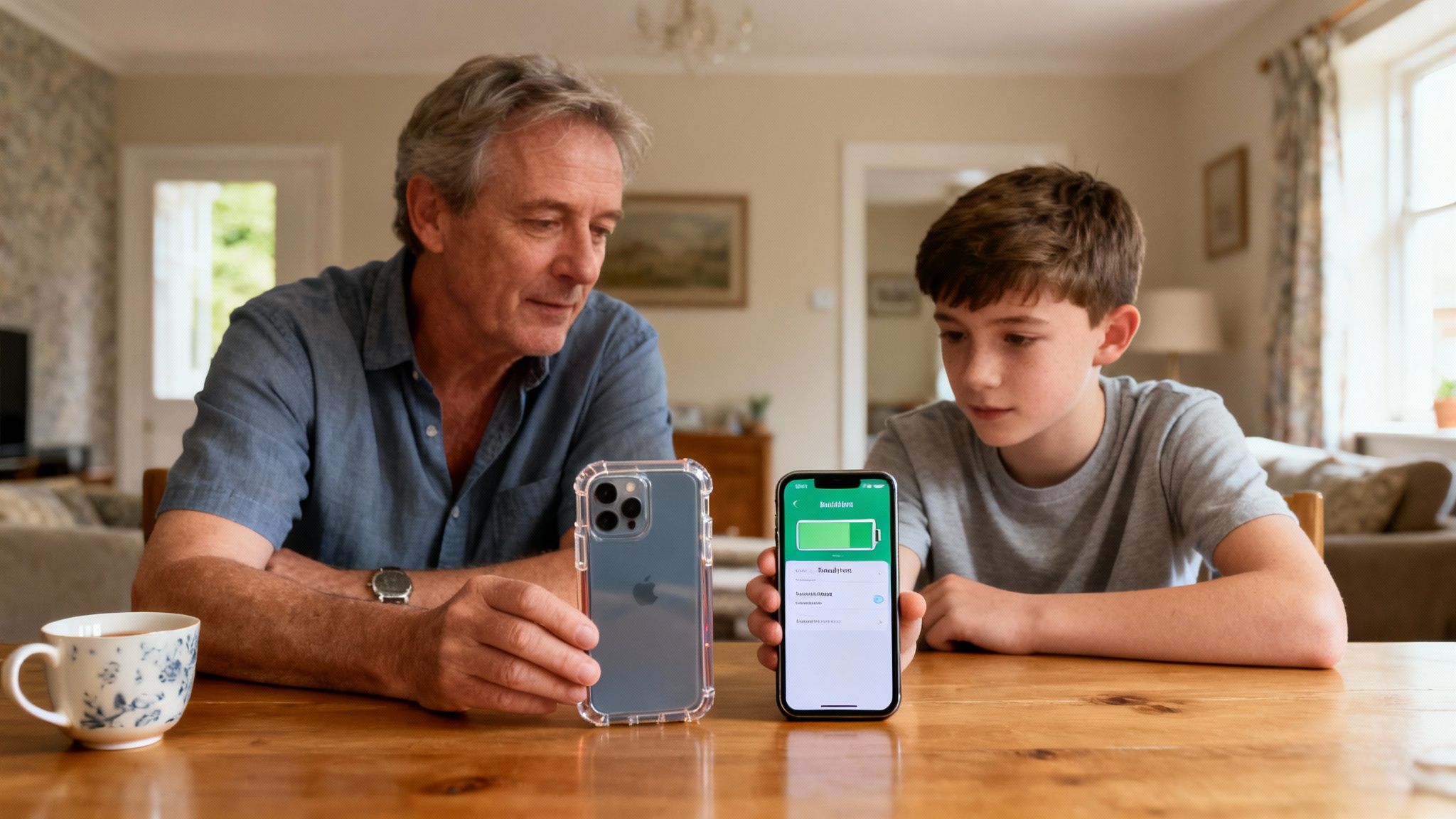
With a phone being so central to a teenager's life for everything from homework to staying in touch with friends, finding a reliable device is important. Our goal here is to give you straightforward, practical advice so you can confidently choose a mobile that both you and your teen will be happy with.
For a wider look at other suitable phones, you might also find our guide on the best phones for teens useful. To make things even easier, the table below gives a quick rundown of our top picks, matching the right iPhone to different teenage needs and budgets.
Quick Guide to Top Used iPhones for UK Teenagers
Here's a quick summary of our top recommended used iPhones, broken down by the typical needs of a teenager.
This table should help you narrow down the options, but remember to think about battery health and condition grades when you're ready to buy.
Why a Refurbished iPhone Is a Smart Choice
Choosing a refurbished iPhone over a brand-new one is a practical move that more parents are making. It’s a decision that balances cost and quality, making it an ideal solution for families across the UK.
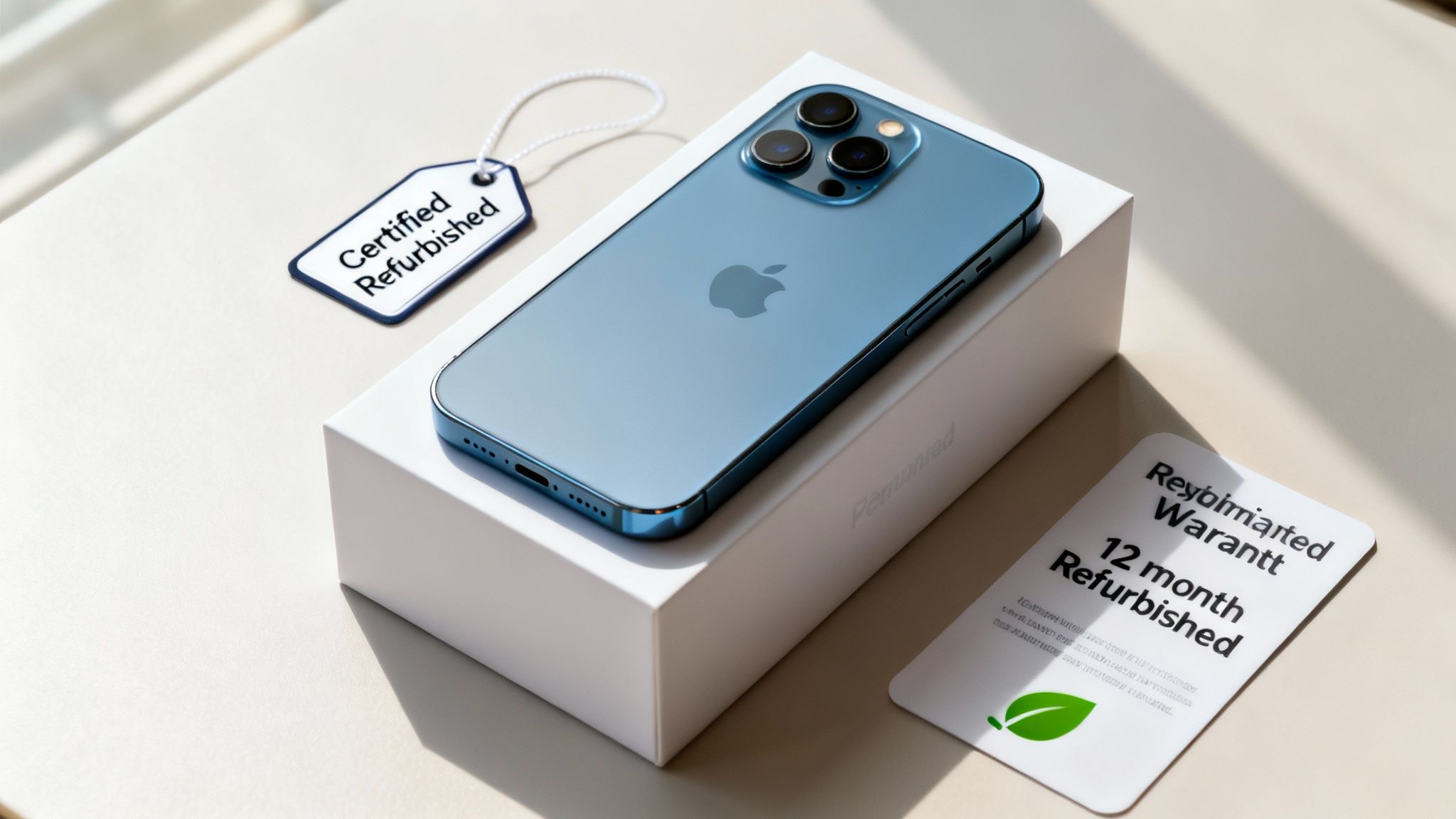
The most obvious benefit is the cost saving. Going refurbished means you can often get a much better iPhone for the same price as a basic, new phone. Your teenager gets a device with a superior camera and better performance, without you having to stretch the budget.
The Value of Professional Refurbishment
A refurbished phone isn't the same as a second-hand one from a private seller on an auction site. Professional refurbishment is a meticulous process where every device is rigorously tested, repaired if needed, and cleaned to a high standard.
This process guarantees the phone is in full working order. Reputable sellers check dozens of functions—from the battery and camera to the speakers and screen—so you know you're getting a reliable device. That reliability is a huge factor when deciding which used iPhone is best for teenagers UK; you need a phone you can count on.
Warranty and Support Included
One of the biggest advantages of buying refurbished from a trusted retailer is the included warranty. At Used Mobiles 4 U, for instance, every device we sell comes with a 18 Month Warranty, protecting you against technical faults.
This safety net is something you simply don't get when buying from a stranger online. If an unexpected issue pops up, you have a UK-based team ready to help with support, repairs, or a replacement.
A Greener Choice
Opting for a refurbished iPhone is also a more environmentally friendly choice. By giving a pre-owned device a second life, you're directly helping to cut down on e-waste and reducing the demand for new manufacturing. It’s a simple way to teach your teenager about making more sustainable choices.
A Real-World Scenario
Sarah is looking for a phone for her 14-year-old son, Tom. He wants an iPhone 12 for its great camera and 5G, but a new one is outside Sarah's budget. Instead of buying a less capable new phone, she looks at refurbished models.
She finds an iPhone 12 in 'Very Good' condition from a certified seller. It’s been fully tested, has 90% battery health, and comes with a 18 Month Warranty—all for a price she can afford. Tom gets the phone he wanted, and Sarah has the confidence of a warranty-backed, professionally checked device.
For a deeper dive, read our guide explaining in more detail why quality refurbished iPhones are a smart choice. This is why the conversation around which used iPhone is best for teenagers UK so often leads to the value of refurbished models.
Comparing the Best Used iPhone Models
Deciding on the right used iPhone is about how the phone performs in the real world. We'll break down four strong options—the iPhone SE (2022), iPhone 11, iPhone 12, and iPhone 13—focusing on what matters to a teen: camera quality, battery life, and performance.
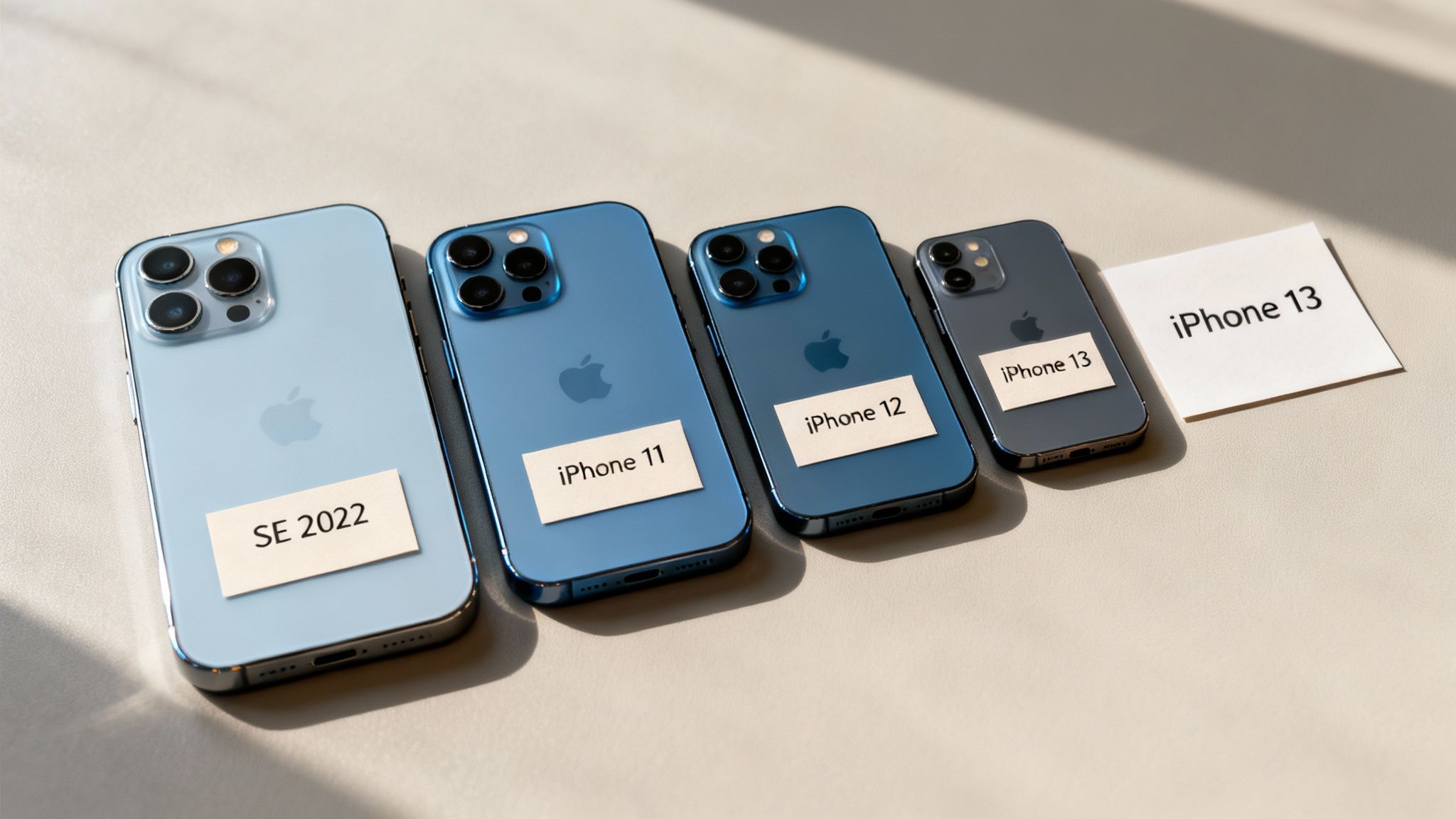
Each of these phones strikes a different balance between features and value. Understanding the practical differences will help you pick a device that fits your teenager's lifestyle and your budget.
The Budget Champion: iPhone SE (2022)
The iPhone SE (2022) is an excellent first smartphone. Its secret weapon is the powerful A15 Bionic chip—the same processor found in the pricier iPhone 13. This means it's very fast, handles apps like TikTok and Snapchat easily, and will get software updates from Apple for years to come.
The trade-off is its classic design, based on the older iPhone 8. This gives you a smaller 4.7-inch display and a single-lens camera. While the camera takes great daytime photos, it doesn't have advanced features like Night mode or an ultra-wide lens.
Who is it for? The iPhone SE (2022) is perfect for a younger teen getting their first phone, or for anyone who wants top-tier performance in a compact and wallet-friendly package.
The All-Rounder: iPhone 11
The iPhone 11 is still very popular because it introduced the dual-camera system with an ultra-wide lens, which is great for group shots. Its large 6.1-inch Liquid Retina display is bright and colourful, making it much better for watching videos than the SE.
Its A13 Bionic chip still packs more than enough punch for any app or game a teenager will use. The battery is a solid step up from the SE, easily lasting a full day. The main compromise here is the screen, which is an LCD panel rather than the superior OLED found in newer models.
The Modern Upgrade: iPhone 12
The iPhone 12 is a significant leap forward. It has a modern, flat-edged design and a 6.1-inch Super Retina XDR (OLED) display. That screen technology delivers deeper blacks and richer colours, making photos and videos look more vibrant.
Performance is excellent, thanks to the A14 Bionic chip, and this was the first iPhone lineup to support 5G for faster mobile data speeds. The camera system is a real improvement over the iPhone 11, with Night mode available on all lenses, which makes a big difference for low-light photos.
For a deeper dive, you can explore our guide on comparing second-hand iPhones to see how different generations stack up.
The Premium Performer: iPhone 13
Building on the success of the 12, the iPhone 13 offers key refinements. It's powered by the same A15 Bionic chip as the SE (2022), so it handles apps and games effortlessly. The most significant improvement is its battery life, which is noticeably longer than the iPhone 12’s.
Its camera system is more advanced, with larger sensors that capture better, brighter photos. The iPhone 13 also introduced Cinematic mode, a video feature that adds a professional-looking depth-of-field effect, perfect for teens who love creating content. According to Ofcom, the vast majority of 16-24 year olds in the UK use a smartphone, and for today's teens, the iPhone 13's blend of a great camera and all-day battery makes it an outstanding choice.
Used iPhone Feature Comparison for Teenagers
To help you see the differences side-by-side, we've put together a quick breakdown of the features that matter most to a teenager.
Ultimately, your decision will come down to balancing your budget with the features your teenager will appreciate most.
Matching an iPhone to Your Teenager's Needs
Choosing the right mobile isn't a one-size-fits-all job. To help you figure out which used iPhone is best for teenagers in the UK, we’ve broken it down into three common profiles, matching specific models to different needs. The key is to understand what your teen will use their phone for.
For the First-Time User
A teenager getting their first mobile needs something dependable, easy to manage, and tough. The main priorities are durability, long-term software support, and safety features.
The iPhone SE (2022) is an outstanding choice. Its smaller size and tough glass make it more resilient to drops. Crucially, it has the same A15 Bionic chip as the iPhone 13, which means it’s incredibly fast and will get iOS security updates for years to come.
- Why it works: It combines modern performance with a budget-friendly price, making it a lower-risk investment.
- Key features: Simple and secure Touch ID, a compact design, and a powerful chip that keeps everything running smoothly.
For the Social Media Creator
If your teenager lives on TikTok, Instagram, and Snapchat, their priorities will be a high-quality camera and a bright, vibrant screen. They need a phone that captures great photos and videos and has a battery that can keep up.
For this user, the iPhone 12 or iPhone 13 are excellent options. The iPhone 12 introduced a stunning OLED display and Night mode on all its cameras. The iPhone 13 builds on this with an even better camera system and a noticeable boost in battery life.
- Why they work: Both models have versatile dual-camera systems, fantastic screens for editing content, and all-day battery performance.
- Key features: The OLED screen makes colours pop, the ultra-wide lens is perfect for group shots, and 5G support means faster uploads.
If you have a budding photographer, you could help them develop their iPhone photography skills with a dedicated course.
For the Mobile Gamer and Power User
For the teenager who uses their phone for intense gaming or streaming HD videos, processing power and screen size are key. They need a device that won’t lag and a battery that won’t die halfway through a session.
The iPhone 13 is the clear winner here. Its A15 Bionic chip handles even the most graphically demanding games with ease, and its larger battery provides the stamina needed for prolonged use. If you're wondering which used iPhone is best for teenagers in the UK who are serious about mobile gaming, this is a very smart investment.
- Why it works: It offers top-tier performance that rivals newer models, ensuring it can handle any app or game for years to come.
- Key features: The A15 chip provides elite speed, the battery life is one of the best you’ll find, and the screen is immersive.
Your Checklist Before Buying a Used iPhone
Buying a used mobile is a smart move financially, but it pays to do your homework. Knowing what to look for can be the difference between a great deal and a headache. A few quick checks can save you from common problems, like a poor battery or a phone that’s locked to the wrong network.
Check the Battery Health First
The battery is the heart of any mobile phone. A worn-out battery won't get your teen through a school day, which leads to frustration.
You can check this yourself by following these steps:
- Go to Settings > Battery.
- Tap on Battery Health & Charging.
- Look for the Maximum Capacity percentage.
We recommend aiming for a battery health of 85% or higher. Reputable sellers like Used Mobiles 4 U guarantee a minimum battery health on every device, so there’s no guesswork involved.
Understand Cosmetic Condition Grades
Refurbished iPhones are often sold with grades like 'Pristine', 'Very Good', or 'Good'. These describe the phone's physical appearance, not its functionality.
- Pristine/Like New: The phone will look like it just came out of the box with no visible marks.
- Very Good: You might spot a few very light scratches, but they will be hard to see and invisible during normal use.
- Good: The phone will have more obvious signs of wear, like visible scratches or small scuffs, but it will be in perfect working order.
For a teenager's phone, 'Very Good' or 'Good' is often the best value, saving you money and the stress of worrying about the first scratch.
Verify Key Device Information
Beyond the physical condition, a couple of other checks are important. First, make sure the phone is unlocked. An unlocked iPhone gives you the freedom to use a SIM card from any UK network.
Second, check that the device has been professionally data-wiped. Any good seller will perform a secure factory reset. Warning: A factory reset will erase all data on the device. If you ever need to do this yourself, back up any important information first. We have a guide on how to reset an iPhone if you need help.
The Importance of a Warranty
Only buy from a trusted UK seller that provides a warranty. A warranty is your safety net against unexpected hardware faults. At Used Mobiles 4 U, every device comes with a 18 Month Warranty, giving you the same peace of mind you’d get with a new phone.
How to Set Up the iPhone Safely for Your Teenager
Once you’ve chosen the perfect used iPhone, the next step is setting it up safely. Apple’s built-in parental controls, known as Screen Time, are powerful tools for creating a balanced and secure digital space for your child.
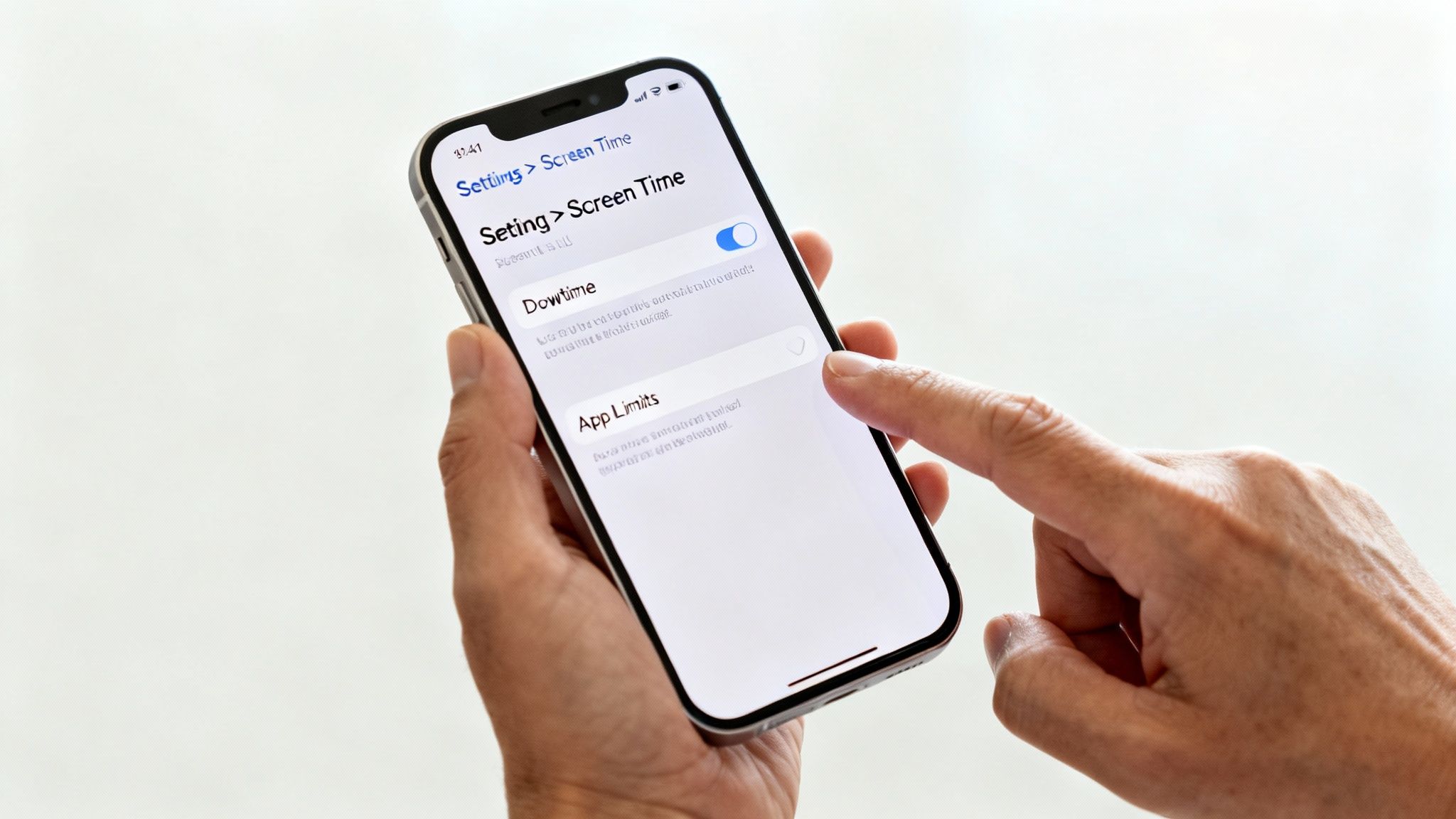
Warning: Always back up important data before making major changes to settings. To back up the device, go to Settings > [your name] > iCloud > iCloud Backup and tap Back Up Now.
Using Screen Time for Parental Controls
Screen Time is your command centre for monitoring usage and setting limits. To get started, go to Settings > Screen Time and tap Turn On Screen Time. Select This is My Child's iPhone to begin. You will be prompted to create a dedicated passcode—make sure it's one only you know to prevent your teen from changing the settings.
Here are the key features:
- Downtime: Schedule blocks of time when only approved apps and phone calls are available, such as during homework or after bedtime.
- App Limits: Set daily time limits for app categories like 'Social' or 'Games'. For example, you could cap social media apps at 90 minutes per day.
- Communication Limits: Control who your teen can communicate with via Phone, FaceTime, Messages, and iCloud contacts.
Setting Content and Privacy Restrictions
This is where you can block inappropriate content and prevent accidental spending. Inside Screen Time, go to Content & Privacy Restrictions.
Here's what you can manage:
- iTunes & App Store Purchases: Prevent in-app purchases or stop apps from being installed or deleted without your permission.
- Allowed Apps: Disable certain built-in apps like Safari if you wish.
- Content Restrictions: Filter content based on age ratings for music, films, and apps, and block access to explicit websites.
For a more detailed walkthrough, our guide on parental controls on refurbished iPhones has extra tips. It’s also wise for parents to be aware of the helpful UK mental health resources for teens available for support.
Your Questions Answered
Here are some quick, straightforward answers to the most common questions from parents choosing a used iPhone.
How Long Will a Used iPhone Get Software Updates?
Apple supports its phones for a long time, usually for five to seven years after release. A refurbished iPhone 12, for example, should keep getting important security updates and new features until at least 2026 or 2027. This long-term support is a major advantage of choosing an iPhone, as it keeps the phone secure and useful for years.
What’s a Good Battery Health for a Used iPhone?
You should look for a battery health of 85% or higher. This indicates that the battery can still hold a solid charge and will comfortably get your teen through a full day of typical use. You can check this by going to Settings > Battery > Battery Health & Charging.
Should I Get an Older Premium Model or a Newer Standard One?
For most teenagers, a newer standard model like the iPhone 12 or 13 is the better choice. These phones have more modern processors, better battery life, and will be supported with software updates for longer. An older premium phone, like an iPhone 11 Pro, might have a slightly better camera, but the newer chip in the iPhone 12 ensures it runs faster and will be compatible with new apps for longer, making it a more practical choice.
What if the Refurbished iPhone Has a Fault?
This is why buying from a seller that offers a warranty is so important. When you buy from a trusted UK retailer like Used Mobiles 4 U, your device is covered by a 18 Month Warranty against any technical defects. If a problem does occur, our UK-based team can help with troubleshooting, repairs, or a replacement.
At Used Mobiles 4 U, we have a range of fully tested, high-quality refurbished iPhones perfect for any teenager. Every phone comes with a 18 Month Warranty and free next-day delivery. Find the perfect iPhone for your teen today.
Written by James Waterston — 24 years in the mobile phone industry from customer service to Sales Director of a global repair & recycling company; now running Used Mobiles 4 U for 8+ years. LinkedIn
Looking for a refurbished phone?
Shop professionally tested refurbished iPhones and Samsung phones with 18 month warranty, 30 day returns and free UK delivery.
Browse Refurbished Phones






