





How to Choose the Right Storage Size for a Refurbished iPhone

03/01/2026

11 Mins
This guide will help you figure out exactly how much storage you need for your refurbished iPhone. We’ll look at how to check your current usage, estimate your future needs, and understand the difference between 64GB, 128GB, and 256GB so you can make a choice that fits your budget and habits.
Your Guide to iPhone Storage
Figuring out how much space you need on a refurbished mobile can feel like a bit of a guessing game. Nobody wants to pay for storage they’ll never use, but that constant “Storage Almost Full” notification is one of the most frustrating things about owning a phone. This guide will walk you through how to choose storage size on a refurbished iPhone, minus the stress.
Why Storage Matters More Than You Think
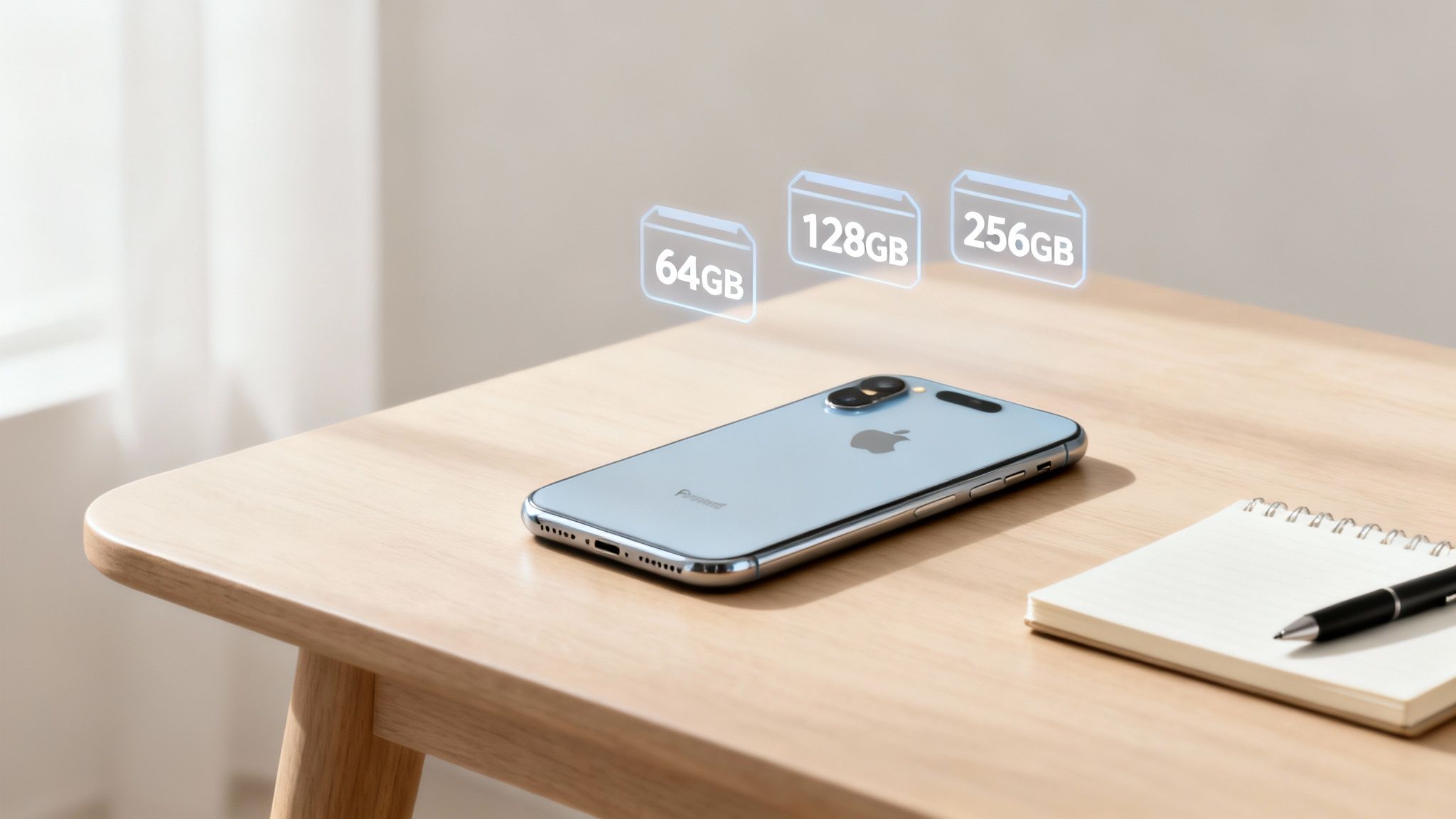
Your iPhone’s storage is where everything lives permanently—the operating system, all your apps, photos, videos, music, and any files you download. It's a physical chip inside the mobile that you can't upgrade later, which makes getting this choice right from the start so important.
A refurbished iPhone is a great way to get a premium device for less, but the price will still shift based on its storage capacity and physical condition. Our guide to refurbished phone grades explains how we rate a device’s appearance, but what’s inside is just as vital for a great experience.
We’ll walk you through a few practical steps to make a smart decision:
- Check your current phone’s usage to get a realistic baseline.
- Estimate your future needs by thinking about photos, apps, and system files.
- Understand how iCloud can help you manage your space without breaking the bank.
By the end, you'll feel confident choosing between common sizes like 64GB, 128GB, or 256GB, ensuring your refurbished iPhone is the perfect fit for both your life and your wallet.
Start By Checking Your Current Storage Usage
The best way to figure out what you’ll need tomorrow is to understand what you’re using today. Before you even think about choosing a storage size for a refurbished iPhone, take a quick look at your current mobile. It’s the most reliable starting point for making a smart decision.
This simple check gives you a real-world baseline. Instead of guessing, you’ll have hard facts about your own habits to guide your choice.
How to Find Your Storage Breakdown
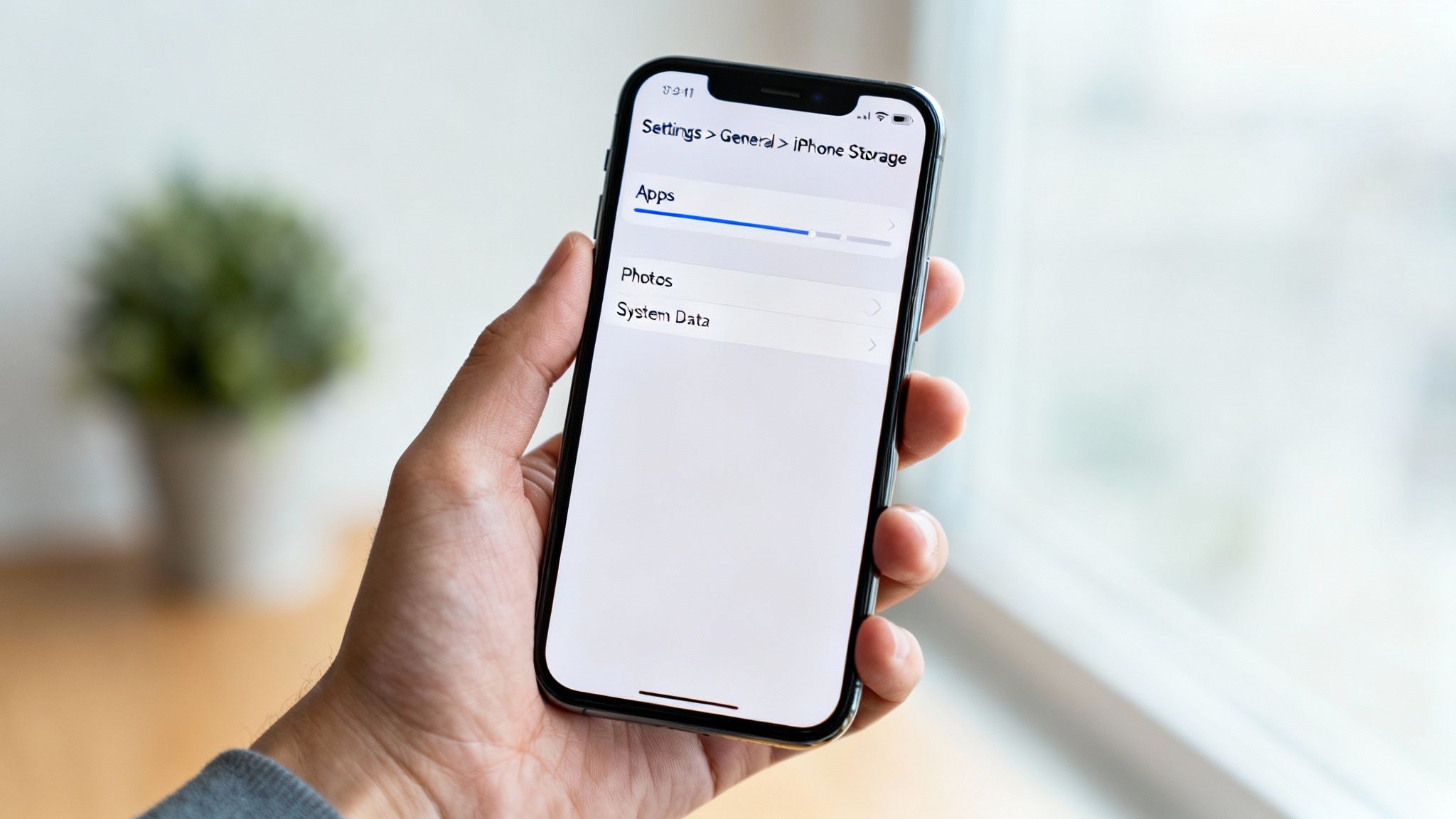
Finding this information on your current iPhone is straightforward. Just follow these steps to see exactly what’s taking up all that space.
- Open the Settings app on your iPhone.
- Tap General.
- Select iPhone Storage.
You’ll see a colourful bar graph at the top, showing exactly where your gigabytes are going. It neatly categorises everything, making it easy to spot the main culprits eating up your storage. Pay close attention to the largest categories.
What to Look For in Your Storage Report
Once you're on the iPhone Storage screen, don't just glance at the total number. Dig a little deeper into the categories to understand your habits.
- Photos: Is this category massive? If your photo library takes up a huge chunk of space, you'll want to prioritise a larger storage size on your next device.
- Apps: Scroll down the list of apps. Are there any surprises? Often, a game you downloaded months ago and rarely play can be taking up several gigabytes.
- System Data: This is a catch-all category that includes caches, logs, and other temporary files. A consistently large System Data figure might indicate your current phone is working hard to manage its limited space.
This simple audit is a crucial first step. It helps you separate your genuine storage needs from digital clutter that has built up over time. If you decide you need to reset your device after clearing it out, our guide on how to reset an iPhone can help.
How to Estimate Your Future Storage Needs
Looking at your current phone’s storage is a good starting point, but it's only half the story. When you’re moving to a newer, more capable refurbished iPhone, your habits are likely to change. A better camera tempts you to take more photos and videos, and those high-resolution files use up space surprisingly fast.
Thinking ahead is crucial to avoid that dreaded “Storage Almost Full” notification just a few months down the line. It's not just about what you need now, but what your new device will inspire you to do.
Consider How Your Usage Might Change
Upgrading your phone often changes how you use it. Someone moving from an old iPhone X to a refurbished iPhone 14, for example, will find the camera system is leagues ahead. This single upgrade could turn you from a casual snapper into someone who regularly shoots 4K video.
Think about these potential shifts in your habits:
- Photos and Videos: Are you likely to start shooting in high-resolution formats like 4K video or ProRAW photos? These files are massive compared to standard ones.
- Apps and Games: Planning to download graphically intense games or large productivity apps for work? They're only getting bigger.
- Offline Content: Do you save music, podcasts, or films from services like Spotify and Netflix for your commute? This can easily eat up gigabytes of space.
For most people, the better the phone, the more storage they end up using. It’s a natural progression.
A Realistic Customer Example
Imagine Sarah, who is upgrading from a 64GB iPhone 11 to a refurbished iPhone 14. She loves taking photos of her children but was often frustrated by the old camera's quality. With the iPhone 14, she'll start recording video in 4K and downloading more educational apps for her kids. A 128GB model would likely be a better, more future-proof choice for her than simply replacing her 64GB device like-for-like.
Content creators, even those just posting on social media, feel this pressure the most. If that sounds like you, our guide on the best refurbished phones for content creators in 2025 has some recommendations tailored for that. By thinking ahead, you can choose a storage size that will comfortably fit your digital life for years to come.
A Practical Look at iPhone Storage Sizes
When you're staring at options like 64GB, 128GB, or 256GB, what do those numbers actually mean for how you'll use your phone day-to-day? It can be tough to picture how many photos or apps a gigabyte holds, so let’s translate those specs into real-world scenarios.
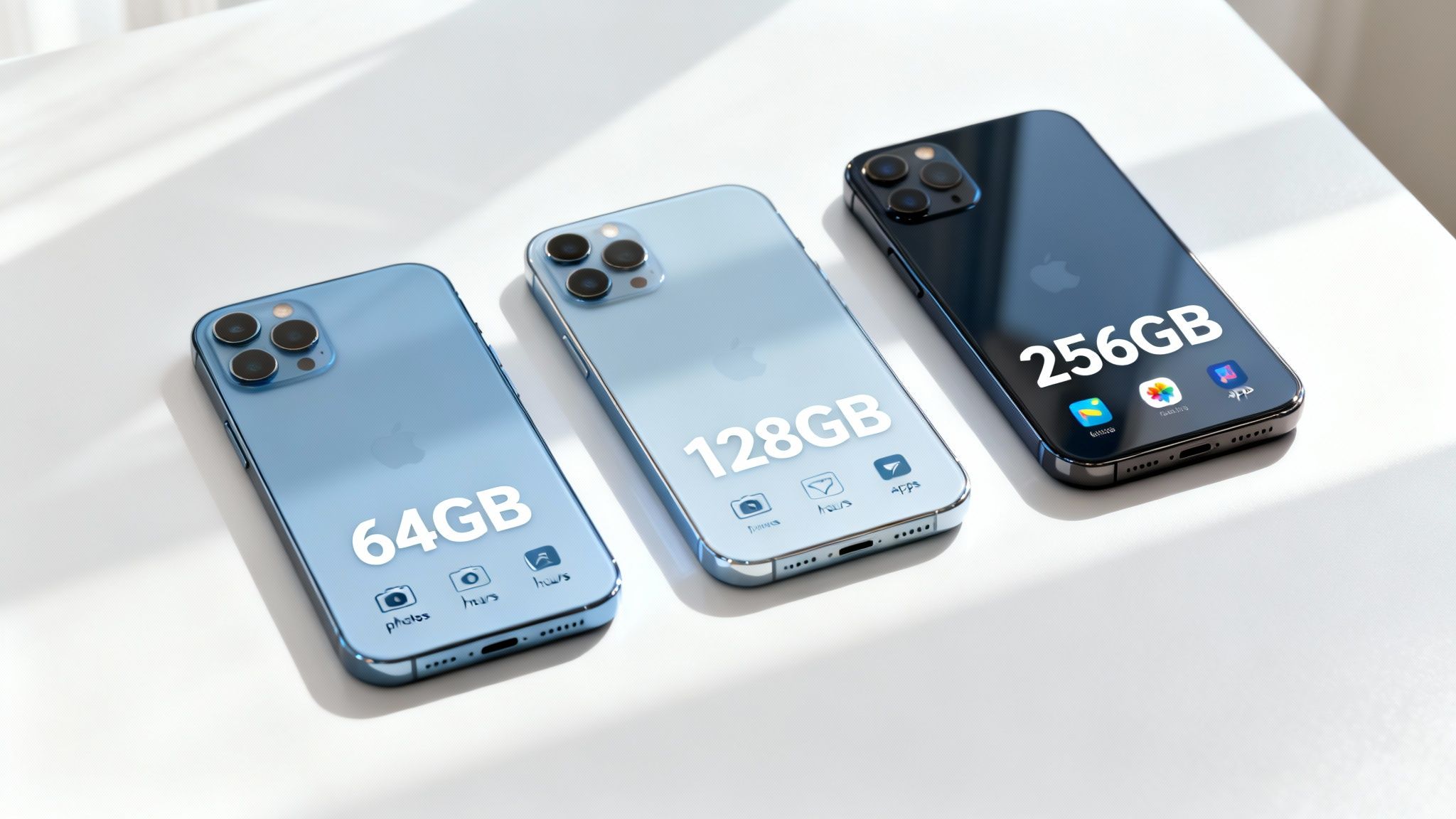
First thing to remember: the advertised storage isn't exactly what you get. The iPhone's operating system (iOS) and its pre-installed apps will always take up a chunk of space—usually between 10GB to 15GB depending on the model and iOS version—before you’ve even saved a single photo.
What Different Storage Sizes Can Actually Hold
Here’s a quick breakdown of what each common storage size can realistically accommodate. Think of it as a cheat sheet for turning gigabytes into something more tangible.
As you can see, the jump between tiers is significant. What might seem like a small upgrade on paper can make a huge difference in how freely you can use your phone.
64GB: The Bare Minimum
A few years back, 64GB felt like plenty of space. These days, with apps getting bigger and cameras becoming more powerful, it's really only suitable for the lightest of users. This size can work if your phone is mainly for calls, texts, and a bit of web browsing, and you're disciplined about using cloud services like iCloud for all your photos.
128GB: The New Standard for Most People
For the majority of users, 128GB has become the sweet spot. It offers enough breathing room for thousands of photos, a healthy collection of apps, and some downloaded music or videos without forcing you to constantly play clean-up crew. This is a great choice for how to choose storage size on a refurbished iPhone without overspending.
This capacity is ideal if you're an average user who takes photos regularly, is active on social media, and has a good mix of utility and entertainment apps. If you're curious about a more personal take, you can read our article on why the iPhone 15 128GB is a great choice.
256GB and Beyond: For Power Users and Creators
If you love shooting high-resolution 4K video, are a keen mobile gamer, or download entire Netflix series to watch offline while travelling, then 256GB is a worthwhile investment. This much larger capacity gives you the freedom to store a massive amount of data right on your device, no questions asked.
Choosing 256GB or more is all about convenience and peace of mind. It ensures your phone's storage is never a limitation on how you want to use it, which is crucial for content creators, vloggers, and heavy media consumers.
Using iCloud to Manage Your iPhone Storage
The storage chip inside your iPhone isn't your only option for keeping your files safe. Apple's iCloud is designed to work seamlessly with your device, acting as a digital extension of your mobile's built-in space. Understanding how it works can influence your decision on storage size for a refurbished iPhone, and potentially save you money.
This cloud-based approach allows you to pair a refurbished iPhone with a smaller physical capacity—like 64GB or 128GB—with a low-cost monthly iCloud+ plan. It’s a clever strategy for managing a huge photo library without paying the premium for a high-capacity device.
How iCloud Photos Frees Up Space
The key feature here is iCloud Photos, especially when you enable the optimisation setting. Once it's activated, your phone keeps smaller, device-friendly versions of your pictures and videos locally, while the full-resolution originals are stored securely in iCloud.
It's simple to switch on:
- Go to Settings > [your name] > iCloud.
- Tap on Photos.
- Make sure Sync this iPhone is toggled on.
- Select Optimise iPhone Storage.
This one setting can free up gigabytes of space, which is a massive help if you've got thousands of photos clogging up your phone.
The Cost Versus Convenience Trade-Off
Of course, iCloud isn't completely free beyond the initial 5GB you get with your Apple ID. But in the UK, the paid plans are very reasonable. The most popular option gives you 50GB for just £0.99 per month. Larger plans are also available for families or anyone with a truly massive media library.
Here’s a practical example:
Let's say you're eyeing up a refurbished iPhone 13. The price difference between a 64GB and a 128GB model might be around £40. If your main storage hog is photos, you could buy the 64GB model and subscribe to the 50GB iCloud plan. Over two years, that iCloud subscription would cost you less than £24, saving you money.
The only real downside is that you need an internet connection to access your full-resolution files. If you often find yourself without Wi-Fi or mobile data, relying heavily on iCloud might not be ideal.
When you're ready to set up your new device, you can learn more about getting your data across in our guide on how to transfer everything from an old iPhone to a new one.
So, Which Storage Size Is Right for You?
We've covered a lot of ground, from checking your current usage to weighing up the cloud. Now it’s time to pull it all together and make a final decision. The best way to do this is to ask yourself a few direct questions about what you really need.
A few minutes of honest reflection now will save you from that dreaded "Storage Almost Full" notification down the line.
Key Questions to Ask Yourself
Before you hit that ‘buy’ button, just pause for a moment and think about these three things. There’s no right or wrong answer here—it’s all about what works for you.
- What’s my realistic budget? Be honest about what you’re truly comfortable spending. The good news is that with a refurbished iPhone, the price jump between storage tiers is often much smaller than buying new.
- How long am I planning to keep this phone? If you see yourself using this iPhone for the next two or three years, investing in a bit more storage now is a genuinely smart move. Your collection of apps, photos, and files will almost certainly grow over time.
- Am I a cloud person or a local storage person? If you love having all your photos and files right there on your device, ready to access instantly without an internet connection, then larger internal storage is a must. If you’re happy relying on iCloud, you can be more flexible.
A final piece of advice from my years in this business: if you’re genuinely torn between two storage sizes, go for the bigger one if your budget allows. That small extra cost upfront buys you a massive amount of peace of mind and often translates to better resale value when you eventually decide to upgrade again.
Choosing the right capacity is the final piece of the puzzle. Get this right, and you'll get the most out of your refurbished iPhone from day one.
Your Questions Answered
Still weighing things up? Here are some quick answers to the questions we get asked all the time about iPhone storage.
Is 64GB Enough for an iPhone Anymore?
Honestly, for most people in the UK, 64GB is cutting it very fine these days. Once you factor in the space iOS takes up and a few essential apps, there’s not much breathing room left for your photos and videos.
It could just about work if you're an extremely light user who relies on the cloud, or perhaps for a child's first phone. For the average person, though, we’d strongly recommend starting at 128GB.
Does the Refurbished Condition Affect Storage?
Not at all. The storage capacity is a physical part of the iPhone's hardware and has nothing to do with the cosmetic grade of the phone. A ‘Good’ condition refurbished iPhone with 128GB has the exact same amount of usable storage as a ‘Like New’ one.
Can I Upgrade My iPhone Storage Later?
No, unfortunately not. The internal storage on an iPhone is fixed and can't be physically upgraded after you've bought it. This is exactly why it's so important to figure out how to choose storage size on a refurbished iPhone before you buy.
Your only real options for adding space later are cloud services like iCloud or portable plug-in drives, which aren't nearly as convenient. Getting it right from the start will save you a world of hassle.
Ready to find the perfect refurbished iPhone with the right amount of storage? At Used Mobiles 4 U, we have a wide range of fully tested devices to suit every need and budget.
Browse our full range of refurbished iPhones
Written by James Waterston — 24 years in the mobile phone industry from customer service to Sales Director of a global repair & recycling company; now running Used Mobiles 4 U for 8+ years. LinkedIn
Looking for a refurbished phone?
Shop professionally tested refurbished iPhones and Samsung phones with 18 month warranty, 30 day returns and free UK delivery.
Browse Refurbished Phones






