





A Practical Guide to the iPad Air 4th Gen for UK Buyers

09/03/2026

11 Mins
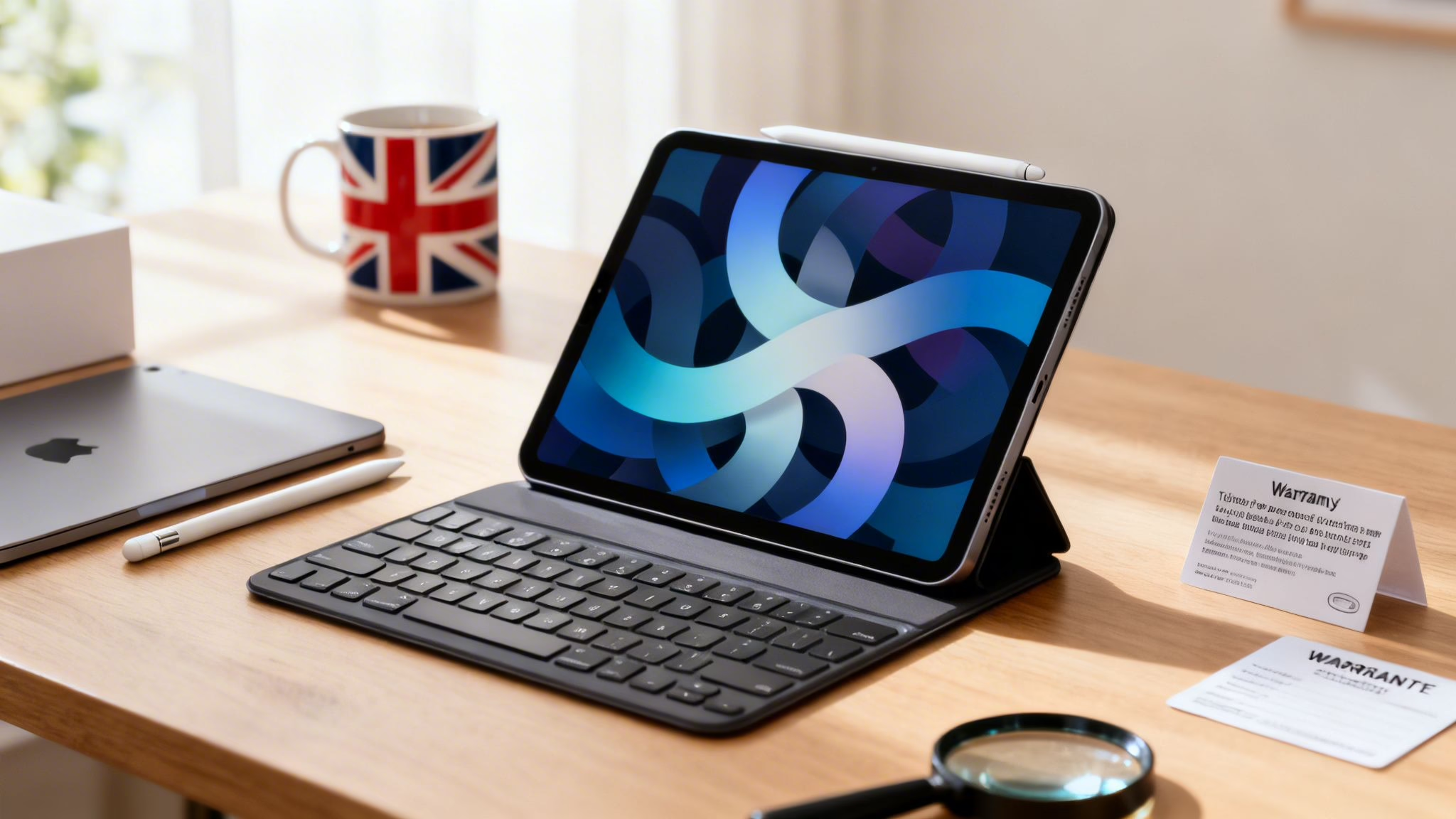
This guide will help you decide if a refurbished iPad Air 4th gen is the right tablet for you. We'll look at its key features, how it performs for everyday tasks, and provide a clear checklist for buying a used model in the UK.
Is the iPad Air 4 Still a Good Choice?

Yes, it is. Even a few years after its 2020 release, the iPad Air 4 is a brilliant device, especially on the refurbished market. It strikes a great balance between modern design, solid performance, and a reasonable price, making it a reliable choice for years to come.
This is a tablet that works for many different people. A university student can use it for taking notes with an Apple Pencil, a family can use it for streaming films on the sofa, and it’s more than capable for web browsing and emails. Its A14 Bionic chip is still impressively quick for everyday tasks and can even handle a good amount of creative work.
This guide gives you a clear, honest breakdown of what you're getting. We’ll be covering:
- Key features that still feel modern and useful today.
- Real-world performance for the apps you actually use.
- Practical tips for what to look for when buying a used or refurbished model.
By the end, you'll know if the iPad Air 4 is the right fit for your needs and budget. If you're still weighing up your options, you can also have a look at our guide on other refurbished tablets in the UK to see how it compares.
Why the iPad Air 4th Gen Still Feels Modern

When Apple released the iPad Air 4th gen in 2020, it brought a fresh, modern look to the Air lineup by borrowing its all-screen design from the more expensive iPad Pro. This is a huge reason why it still looks and feels so current today. It did away with the large bezels and the physical Home button, giving you much more screen in a sleek, lightweight body.
This design isn’t just about looking good; it’s practical. The slim, flat edges make it comfortable to hold and, crucially, allow the Apple Pencil (2nd generation) to snap magnetically to the side for charging and storage. It's a small detail that makes a real difference for anyone who likes taking notes or drawing.
The Power of USB-C and Touch ID
Another major update was the switch from Apple's Lightning connector to a USB-C port. This was a welcome change, making the iPad Air 4th gen far more versatile. You can now use the same charger for your iPad and other devices like a laptop, and it opens up a whole world of accessories.
For example, a student could plug in an external hard drive to access their research papers, or a photographer could connect their camera to transfer photos directly. It simplifies your setup and makes the tablet a more capable device for getting work done.
With the Home button gone, Apple moved the fingerprint sensor. The Touch ID sensor is built right into the top power button. It’s quick, reliable, and a feature many people find more convenient than Face ID, especially when the iPad is lying flat on a desk.
The A14 Bionic Chip Still Delivers
Under the bonnet, the iPad Air 4th gen is powered by the A14 Bionic chip. While it's no longer Apple's newest processor, it remains impressively powerful and efficient. For everyday tasks like browsing the web, streaming video, and using social media, it feels snappy and responsive.
It also handles more demanding apps and multitasking with ease. You can comfortably run multiple apps side-by-side without frustrating slowdowns. This sustained performance is a key reason why it remains such a popular choice on the refurbished market.
Recent data shows that iPad Air models accounted for 23% of all iPad sales over the last year. You can read the full report on these iPad sales trends on Mactech.com. This strong performance shows it holds its own against both budget and Pro models.
Real-World Performance: How It Holds Up Today

Technical specs are one thing, but what really matters is how a device feels to use every day. The good news is that the iPad Air 4th gen is powered by the A14 Bionic chip, which remains more than powerful enough for almost anything you can throw at it. It delivers a smooth, snappy experience that rarely feels its age.
For day-to-day activities, it’s a brilliant performer. Streaming films on Netflix or BBC iPlayer is a joy on its Liquid Retina display, with sharp and vibrant colours. Even with a dozen tabs open in Safari, you won't notice any real lag. It also handles productivity apps like Pages, Numbers, and the Microsoft Office suite without breaking a sweat, making it a reliable tool for work or study.
Handling More Demanding Tasks
The A14 chip also holds its own when you push it a bit harder. If you're a hobbyist photographer, editing your shots in Adobe Lightroom is a smooth and responsive process. The tablet is also excellent for multitasking with iPadOS features like Split View and Slide Over.
Imagine you're planning a family holiday. You could have Google Maps open on one side of the screen and a web browser on the other to compare hotels, all while keeping an eye on your messages in a slide-over window. The iPad Air 4th gen manages this kind of multitasking gracefully.
For creative work like digital art in Procreate or basic video editing in iMovie, the performance is solid. It might not render a complex 4K video as quickly as a new iPad Pro, but for most people who aren't professional creators, it's perfectly capable. If you ever need to give your device a fresh start, our guide on how to reset an iPad can walk you through the process.
Battery Life and Software Support
One of the biggest questions with any used device is the battery. When new, the iPad Air 4th gen was rated for around 10 hours of web browsing or video playback. With a refurbished model, the time you'll get depends on its condition, but a device with 85-90% battery health should comfortably get you through a day of typical use.
Here are a few things to keep in mind about the battery:
- Check Battery Health: It's always worth checking the battery health in Settings > Battery > Battery Health & Charging. This gives you a clear idea of its remaining capacity, though this feature may vary by iPadOS version.
- Refurbisher’s Promise: Reputable sellers will often guarantee a minimum battery health, usually above 80%, so you know you're getting a device that will last.
Crucially, the iPad Air 4th gen continues to receive the latest iPadOS updates from Apple. This means you get the newest features, security patches, and app compatibility for years to come, which is a huge plus for its long-term value. If you're upgrading, be sure to check our tips on how to transfer data to a new iPad.
Comparing the iPad Air 4th Gen to Other Models
Choosing the right iPad can feel overwhelming, especially when many models look similar. This is where the iPad Air 4th gen really shines on the UK refurbished market. Let’s see how it stacks up against the standard iPad 10th gen, the newer iPad Air 5th gen, and some older, similarly priced iPad Pro models.
There’s no denying the iPad's popularity in the UK. In 2022, Apple iPads accounted for 51% of the entire UK tablet market. This level of trust shows why models like the iPad Air 4th generation are such a common and reliable choice. You can read more about these UK iPad market statistics on SellCell.com.
iPad Air 4th Gen vs Key Alternatives
To help you visualise the differences, here’s a quick breakdown of how the iPad Air 4th gen compares to some of the most popular alternatives you'll find on the new and refurbished market.
As you can see, each model has its strengths. The iPad Air 4th gen sits comfortably in the middle, offering a fantastic balance of modern features without the Pro price tag.
Key Differences to Consider
When weighing up your options, the main things to focus on are the processor (which dictates speed), the display quality, and which accessories it supports.
iPad Air 4th Gen vs iPad 10th Gen: While the standard iPad 10th gen has a similar look, the iPad Air 4th gen has a crucial advantage: its laminated display. This means the screen is closer to the glass, making it feel more direct when using an Apple Pencil. The 10th gen also only supports the older 1st generation Apple Pencil, which is clunkier to charge.
iPad Air 4th Gen vs iPad Air 5th Gen: The main upgrade in the 5th generation is the jump to the M1 chip. This delivers a major performance boost for heavy-duty apps like video editors or complex games. For everyday browsing and streaming, the difference isn't huge, but the M1 makes the 5th gen more future-proof.
iPad Air 4th Gen vs Older iPad Pro Models: A refurbished iPad Air 4th gen often competes on price with an older 11-inch iPad Pro (like the 2nd gen from 2020). The Pro model's key feature is its ProMotion display, with a 120Hz refresh rate. This makes everything from scrolling to drawing feel incredibly fluid. For more details, see our guide on the differences between the iPad and iPad Pro.
For most people, the iPad Air 4th gen hits that perfect sweet spot. It delivers a premium design and great performance that’s a clear step up from the basic iPad, without the high cost of the M1 chip or the niche features of a Pro model.
Your Checklist for Buying a Refurbished iPad

Buying a pre-owned tablet requires a careful eye to ensure you’re getting a great device. This checklist will walk you through what to look for on a refurbished iPad Air 4th gen, covering its physical state and essential software checks to help you buy with confidence.
Let's imagine you've just bought a refurbished iPad Air 4 for your son who's starting college. You've found a great deal online, but you want to be sure it's in good working order before he relies on it for his studies. Here’s what you should do as soon as it arrives.
Physical Inspection
Start by giving the body and screen a good look. Hold it under a light and tilt it back and forth; this makes any imperfections much easier to spot.
- Screen: Check the display for scratches. Faint, hairline marks are normal on used devices, but look out for deep gouges you can feel with a fingernail.
- Aluminium Body: Look over the flat edges and back for any noticeable dents or scuffs. Pay special attention to the corners, as they’re common impact points.
- USB-C Port: Look inside the USB-C port to make sure it’s clean. Plug in the charging cable to confirm it clicks in securely and starts charging without wobbling.
Software and Functionality Checks
Once you’re happy with how it looks, power it on and test the important functions.
Warning: Before doing anything else, you must ensure the iPad isn't linked to a previous owner's account. An Activation Locked iPad is useless, so this is the most important check you can make. Back up any existing data before proceeding with resets or data transfers.
When you first switch it on, the iPad should show the "Hello" setup screen. If it asks for a previous owner’s Apple ID and password, the device is Activation Locked, and you need to contact the seller immediately.
After confirming it’s unlocked, run through these quick tests:
- Battery Health: Go to Settings > Battery > Battery Health & Charging. A reputable seller ensures the device has at least 80% of its original capacity.
- Touch ID: During setup, add your fingerprint via the top button. Test it a few times to make sure it unlocks the iPad quickly.
- Cameras and Speakers: Open the Camera app to test both front and rear cameras. Then, play a video to check the speakers work clearly.
For a more detailed rundown of tests, have a look at our refurbished iPhone checklist, as many of the same checks apply. You can also find good advice in this guide on the key considerations for buying a refurbished laptop. Always buy from a trusted UK seller that provides a warranty and a clear returns policy.
Frequently Asked Questions About the iPad Air 4
Still considering a refurbished iPad Air 4th gen? Let's clear up a few common questions we hear from UK buyers.
Is the iPad Air 4 Still a Good Buy?
Yes. For most people, the iPad Air 4 hits the perfect spot between modern features and great value. You get the sleek, all-screen design of newer models, and the A14 Bionic chip still packs plenty of punch for streaming, browsing, and light creative work.
Because it continues to get the latest iPadOS updates, it's a secure and capable tablet that will serve you well for years. It's no surprise it's a hit with younger users in the UK, where audience insights show that 67.3% of iPad users are aged between 18-24. You can see the full details at Start.io.
What Are Common Problems to Look For?
Aside from the usual battery wear, the only quirk some users mention is a minor effect called ‘jelly scrolling’. This happens when one side of the screen refreshes a fraction of a second slower than the other while scrolling in portrait mode. It's a subtle visual effect and doesn't affect the tablet's performance. Otherwise, the hardware is known for being very reliable.
If you find your iPad is unresponsive, our guide on what to do if your iPad won't turn on has some helpful troubleshooting steps.
How Much Should I Pay for a Refurbished Model?
In the UK, prices for a refurbished iPad Air 4th gen depend on its storage size and cosmetic grade. As a general rule, you should expect to pay somewhere between £250 and £350 for a model in ‘Good’ or ‘Excellent’ condition. Be sure you’re buying from a reputable seller that includes a warranty.
Can It Replace a Laptop?
For many tasks, yes. Pair an iPad Air 4th gen with a keyboard case like Apple's Magic Keyboard, and it becomes a brilliant little machine for writing essays, managing emails, and general web browsing. However, if your work relies on specialised desktop software or managing lots of local files, a traditional laptop is probably still your best bet.
Ready to find your perfect tablet? At Used Mobiles 4 U, we offer a range of certified refurbished iPad models, all fully tested and backed by a 18 Month Warranty.
Browse our selection of refurbished iPads today
Written by James Waterston — 24 years in the mobile phone industry from customer service to Sales Director of a global repair & recycling company; now running Used Mobiles 4 U for 8+ years. LinkedIn
Looking for a refurbished phone?
Shop professionally tested refurbished iPhones and Samsung phones with 18 month warranty, 30 day returns and free UK delivery.
Browse Refurbished Phones






