





Is It Better to Trade In or Sell My iPhone Privately?

17/12/2025

13 Mins
Deciding what to do with your old iPhone when you're ready to upgrade can be tricky. This guide will help you understand the pros and cons of trading it in versus selling it yourself, so you can choose the best option for your situation. We’ll cover how much money you can expect, how to prepare your mobile safely, and what each process involves.
Selling your iPhone privately will nearly always get you more money. However, a trade-in is the quickest and easiest way to get a guaranteed price with minimal fuss. Let's look at both options to see which one is the right fit for you.
Trade-In vs Private Sale: A Quick Look
Here’s a simple comparison to show the main differences between trading in and selling your mobile. This should give you a clear idea of what to expect from each.
As you can see, there isn’t one "best" answer. The right choice depends on whether you prioritise getting the most money or saving the most time.
Comparing the Value: Trade-In vs Private Sale
When you're ready for an upgrade, the question of is it better to trade in or sell my iPhone privately comes down to what you value most: getting the best price or getting it done quickly. Both are good options, but they suit different priorities.
Understanding the Trade-In Value
A trade-in is all about speed and simplicity. Services from Apple, mobile networks, and specialist companies give you a guaranteed quote in minutes. You are effectively paying for the convenience of not having to sell the mobile yourself.
The offer you get reflects the work the company has to do. They take on the risk and effort of inspecting, refurbishing, and reselling the device. Because of this, their offer will be lower than what a private buyer might pay. Think of it as paying a small fee for a guaranteed, easy outcome.
How Private Sales Can Earn You More
Selling your iPhone on platforms like eBay, Gumtree, or Facebook Marketplace will almost always put more money in your pocket. This is because you’re selling directly to the next user and cutting out the middleman.
The person buying it is happy to pay more than a trade-in company because they are buying it for themselves, not to resell for a profit. As the seller, you keep the extra money that a trade-in service would have taken as their margin.
Of course, this extra cash is earned through your own time and effort. You'll need to take photos, write a description, answer questions, and handle postage. If you're leaning this way, our guide on where to sell your iPhone can help you choose the best platform.
A Realistic Example
Let's imagine you have an iPhone 13 in good condition.
-
Trade-In Scenario: You get an online quote for £250. You accept it, the company sends you a free postage pack, and the money is in your account a few days after they receive the mobile. The whole process takes about 15 minutes of your time.
-
Private Sale Scenario: You check similar listings and see your model is selling for around £350. You spend an hour cleaning the mobile, taking good photos, and writing a description. Over the next few days, you answer questions from potential buyers. Someone buys it. You then have to pack it securely and take it to the post office. After platform fees and postage, you make £320.
In this example, the private sale earned you an extra £70. The question is whether that extra time and effort was worth it to you. For some, it is. For others, the simplicity of the trade-in is more valuable.
How to Get the Best Price When Selling Your iPhone Privately
If you want to get the most cash for your old iPhone, selling it yourself is the best approach. It takes more work than a trade-in, but good presentation and smart pricing can make a real difference to the final amount you receive.
Preparing Your iPhone for Sale
Before you list your iPhone, a little preparation goes a long way. A clean, well-presented mobile suggests it has been looked after.
- Clean the Device: Use a soft, lint-free cloth to wipe the screen, back, and sides. Carefully clean around the camera lenses and ports to remove any dust.
- Gather the Originals: If you still have the original box, charging cable, and any paperwork, get them together. Including these can make your listing more attractive.
- Assess the Condition Honestly: Note any scratches or scuffs, no matter how small. Being upfront builds trust with buyers and helps avoid problems later.
Creating Your Listing
Your online listing is your chance to make a good impression. The goal is to provide clear, honest information that makes buyers feel confident.
Take Clear Photographs
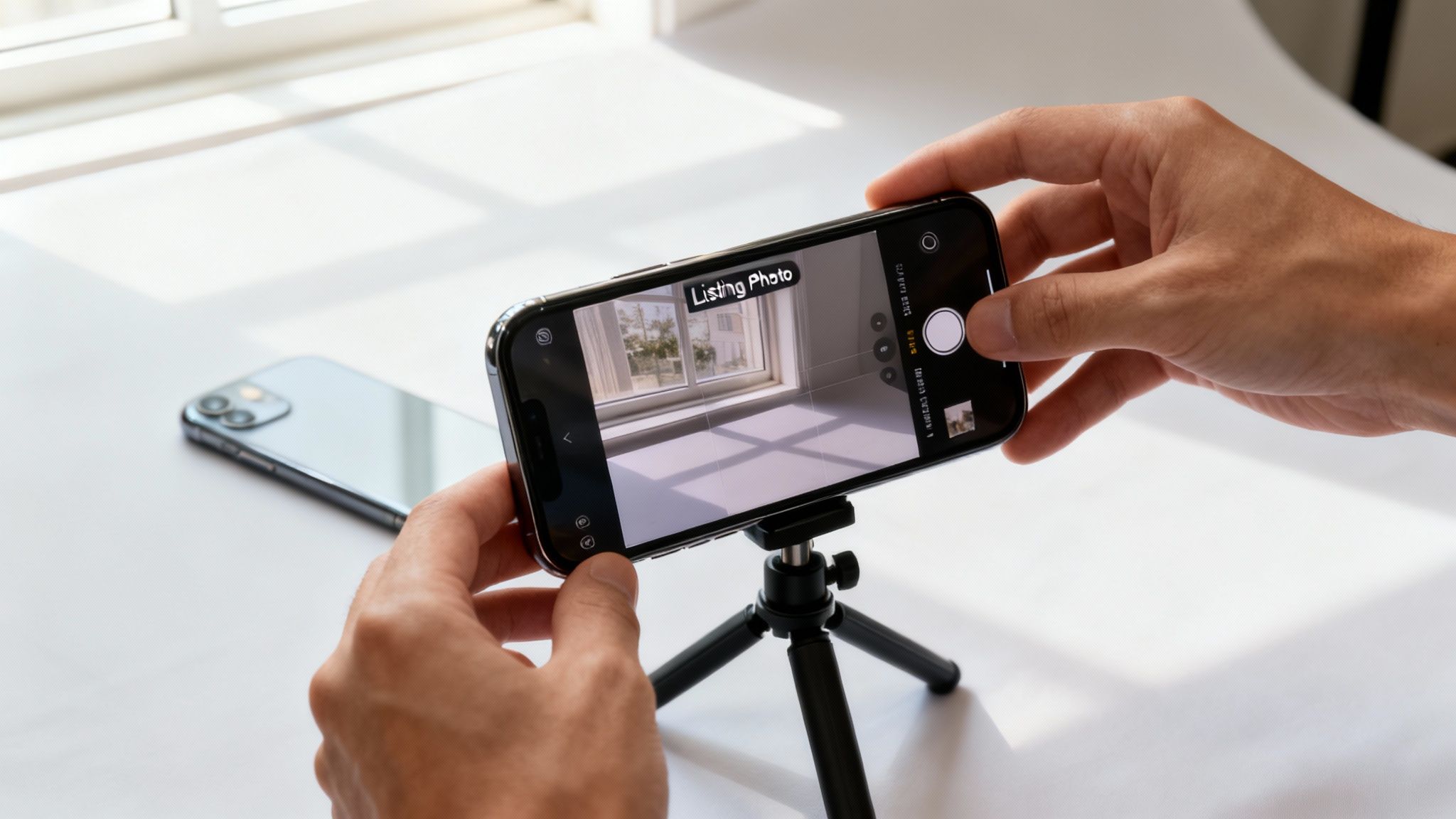
You don't need a special camera; your new mobile will work fine. Good lighting is the most important thing.
- Use Natural Light: Take photos near a window to avoid harsh shadows.
- Show All Angles: Take pictures of the front (with the screen on), the back, and all four sides.
- Photograph Any Flaws: Get close-up shots of any scratches you noted earlier. Honesty is important.
- Include Accessories: If you're including the box or charger, lay everything out for a group photo.
Write a Clear Description
A good description is detailed but easy to read.
- Model, Colour, and Capacity: Start with the basics (e.g., "iPhone 13, Blue, 128GB").
- Network Status: State clearly whether the mobile is unlocked or locked to a network.
- Condition: Describe the cosmetic state honestly, mentioning your photos. Be sure to include the battery health, which you can find in Settings > Battery > Battery Health & Charging.
- What’s Included: List everything the buyer will receive.
For more tips, our guide on how to sell your iPhone offers extra advice.
Setting the Right Price
Pricing is a balancing act. Too high and you'll get no interest; too low and you lose money.
Start by researching what your exact model is selling for on sites like eBay. Look at the sold listings, not just active ones, to see what people are actually paying. Timing also matters. Demand often increases just before new Apple launches (usually in September), which can be a good time to sell.
Handling the Sale Securely
Once you have a buyer, it's vital to protect yourself.
- Use Secure Payments: For online sales, stick to platforms with seller protection, like PayPal Goods & Services. Avoid direct bank transfers with strangers.
- Choose Safe Postage: Always use a tracked and insured service, like Royal Mail Special Delivery. This protects both you and the buyer.
- Final Data Wipe: WARNING: Before sending your mobile, make sure you have been paid and have wiped your data. Always back up first. You can erase your data by going to Settings > General > Transfer or Reset iPhone > Erase All Content and Settings. This permanently removes your personal information. If you're unsure how, read our guide on how to factory reset an iPhone.
Understanding the iPhone Trade-In Process
If you prefer an easier option, trading in your old iPhone is the most straightforward choice. The process is designed for speed and simplicity, removing the need to find a buyer yourself.
A trade-in means you swap the effort of a private sale for a slightly lower but guaranteed price. You're working with an established business that handles all the details, which makes it a very secure option.
How the Trade-In Process Works
While there are small differences between companies, the basic steps are nearly always the same.
- Get an Online Quote: You’ll start by answering a few simple questions on the company’s website about your iPhone’s model, storage, and condition. Be honest for the most accurate offer.
- Accept the Offer: If you're happy with the price, you accept it. The company will then arrange to get the device from you, usually by sending a free, prepaid postage pack.
- Device Inspection: Once your iPhone arrives, technicians will check it to make sure its condition matches your description.
- Final Offer and Payment: If everything is as described, they’ll confirm the offer and send your payment. This could be cash to your bank or credit towards a new mobile, and it usually arrives within a few days.
This simple process is why many people decide trading in is better than selling an iPhone privately, especially when they're short on time.
Comparing Your Trade-In Options
In the UK, you have a few different places to trade in your iPhone.
- Apple's Trade-In Programme: This is a popular option if you're buying your next iPhone from Apple. They offer store credit towards your new purchase. It's a smooth process, but the value might not be the highest available.
- Mobile Network Providers: Networks like EE, O2, and Vodafone often have trade-in deals when you upgrade. These can be competitive, but the value is usually a credit on your bill rather than cash.
- Specialist Services (Like Used Mobiles 4 U): Dedicated companies that buy used mobiles often have competitive offers and usually pay in cash. This gives you the freedom to spend the money as you wish. You can learn more about how to trade in your iPhone with us.
What Happens If the Offer Changes?
It's important to know what happens if the company's assessment of your iPhone doesn't match yours. If they find an issue you didn't mention, they will send you a revised, lower offer.
A reputable company will always give you a choice. You can either accept the new offer or reject it. If you reject it, they will send your mobile back to you free of charge. This keeps you in control of the final decision.
Written by James Waterston — 24 years in the mobile phone industry from customer service to Sales Director of a global repair & recycling company; now running Used Mobiles 4 U for 8+ years. LinkedIn
Your Security Checklist Before Selling or Trading In
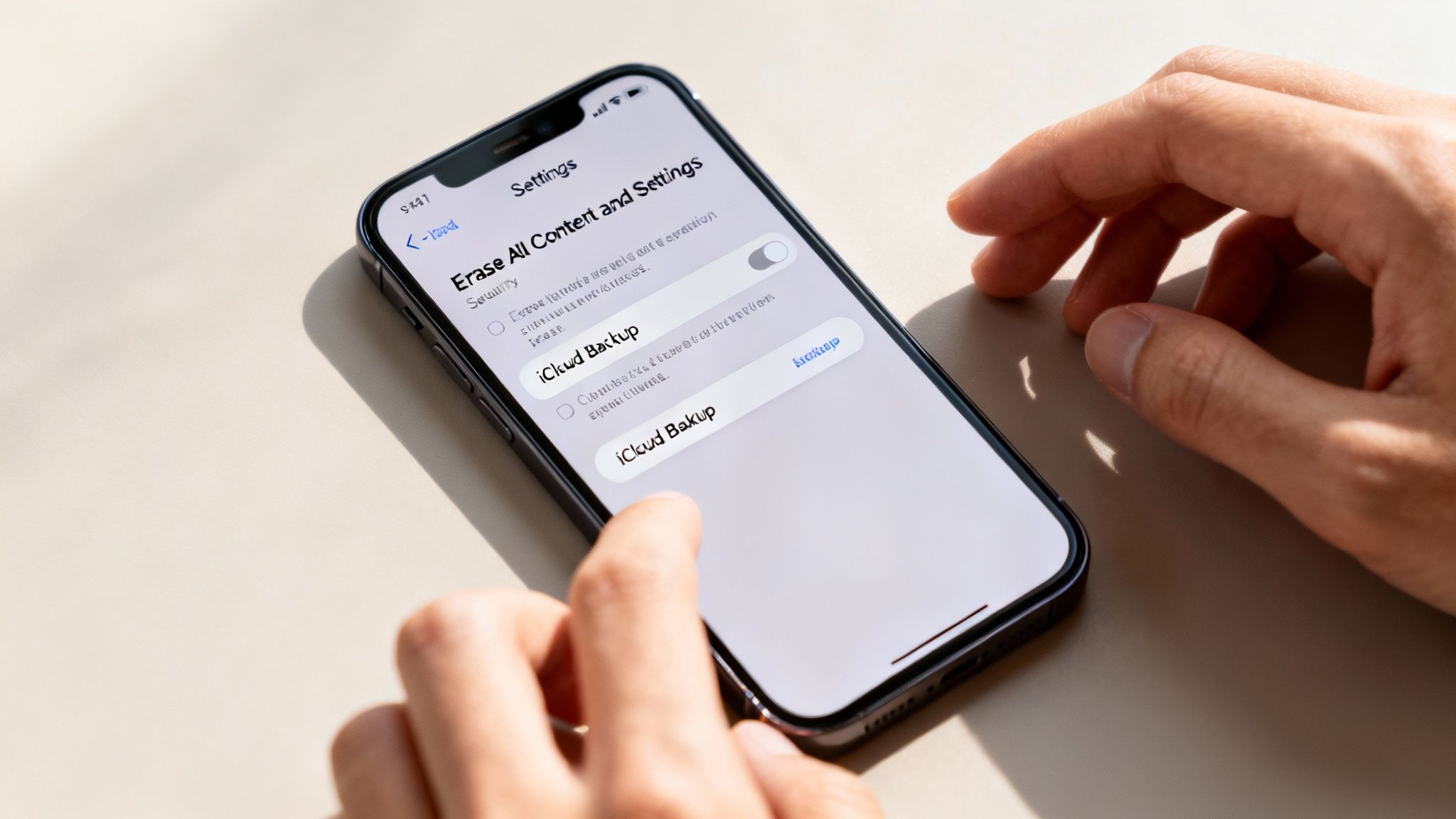
Whether you trade in or sell your iPhone privately, this next step is essential. Before your mobile leaves your possession, you must protect your personal data by backing it up and then completely wiping the device.
WARNING: If you forget to back up your data first, you will lose your photos, messages, contacts, and app data permanently. Following these steps ensures a secure handover and protects your privacy.
Step 1: Back Up Everything
First, create a complete copy of everything on your iPhone. This saves your information so you can easily move it to your new device. You can find detailed instructions in our guide on how to transfer data from one iPhone to another.
To Back Up to iCloud:
This is often the easiest method.
- Connect your iPhone to Wi-Fi.
- Go to Settings > [your name] > iCloud.
- Tap iCloud Backup.
- Make sure iCloud Backup is on, then tap Back Up Now. Stay connected to Wi-Fi until it's finished.
To Back Up to a Computer:
This is a good alternative if your iCloud storage is full.
- Connect your iPhone to your computer with a cable.
- On a Mac, open Finder. On a Windows PC, open iTunes.
- Select your iPhone when it appears.
- Choose to Back up all of the data on your iPhone to this Mac (or PC).
- Click Back Up Now.
Step 2: Sign Out of Your Accounts
Once you are certain your backup is complete, it's time to disconnect your accounts from the mobile. This is a crucial security step.
Start by signing out of iCloud. Go to Settings > [your name], scroll to the bottom and tap Sign Out. You will need to enter your Apple ID password to turn off Find My, which is essential. This deregisters the device from your account.
Step 3: Erase All Content and Settings
This is the final step that wipes your iPhone back to its factory state, deleting all your apps, photos, and personal details.
Crucial Warning: Only do this after you have successfully backed up your device. Once erased, your data cannot be recovered from the mobile.
To perform the factory reset:
- Go to Settings > General > Transfer or Reset iPhone.
- Tap Erase All Content and Settings.
- You’ll see a final summary of what will be removed. Tap Continue.
- Enter your passcode and Apple ID password to confirm.
The iPhone will restart to the "Hello" screen, just like it was new. It is now clean and safe to pass on. This preparation is vital whether you feel it is better to trade in or sell your iPhone privately.
Written by James Waterston — 24 years in the mobile phone industry from customer service to Sales Director of a global repair & recycling company; now running Used Mobiles 4 U for 8+ years. LinkedIn
So, What's the Right Choice for You?
You've seen both sides of the argument. But how do you decide whether to trade in or sell your iPhone privately? The best choice depends on your personal priorities. Are you short on time and want an easy upgrade, or do you have the patience to get the biggest cash return?
When a Trade-In Is Your Best Bet
For many people, the simplicity of a trade-in is the winning factor. It removes all the hassle from the process.
You should lean towards a trade-in if:
- You Value Speed: If you need a quick, guaranteed way to get value from your old mobile, a trade-in is ideal.
- You Want Zero Hassle: A trade-in avoids taking photos, writing listings, answering messages, and dealing with postage.
- You Find a Good Promotional Offer: Networks and retailers sometimes run good trade-in deals, especially when a new iPhone is launched.
- Your Phone Isn't in Perfect Condition: Selling a mobile with cosmetic damage privately can be difficult. Trade-in companies are equipped to handle this and will give you a clear offer.
When a Private Sale Makes More Sense
If your main goal is to get the most money possible for your old device, a private sale is almost always the better financial choice.
Consider selling privately if:
- You Want Maximum Cash: This is the biggest reason to sell it yourself. You cut out the middleman and can often get a better price than any trade-in offer.
- Your iPhone is in Excellent Condition: A well-looked-after, recent model will always be in high demand on the private market.
- You Don't Mind a Little Admin: If you're happy to take photos, write a description, and manage the sale, the extra effort will pay off.
- You're Not in a Rush: A private sale can take longer. If you can wait for the right buyer, you will likely earn more.
A Customer Example
Sarah has an iPhone 12 Mini that she no longer uses. A trade-in company offers her £140. She sees similar models on Facebook Marketplace selling for over £200. As she's not in a hurry for the money and is comfortable meeting a buyer locally, she decides to sell it privately. She lists it for £210, and after a few messages, sells it for £200 cash. The extra £60 was worth the small amount of effort for her.
Ultimately, the best way to answer "is it better to trade in or sell my iPhone privately" is to get real numbers. Take a few minutes to get online trade-in quotes, then check the sold prices for your model on eBay. Seeing the figures side-by-side will make your decision clear.
Written by James Waterston — 24 years in the mobile phone industry from customer service to Sales Director of a global repair & recycling company; now running Used Mobiles 4 U for 8+ years. LinkedIn
Frequently Asked Questions
Here are some answers to common questions we hear from people trying to decide on the best option for them.
Does the time of year affect my iPhone's value?
Yes, it does. An iPhone's value changes with market demand. You will generally see the highest prices for used iPhones in the weeks before a new Apple launch (typically in September). If you're selling privately, this is a great time to get a top price. Trade-in values, however, tend to drop as soon as a new model is announced.
What if my iPhone is damaged?
A damaged mobile still has value. Most trade-in services will accept iPhones with cracked screens, poor battery health, or other issues. Your quote will be lower to reflect the damage, but it's a simple process. If you sell it privately, you must be very clear about every fault in your listing to avoid issues with the buyer later. For damaged devices, a trade-in is often the easier choice. If you're having trouble with your device, our guides on troubleshooting a used iPhone may help.
Do I need to include the original box and accessories?
For a private sale, including the original box and charging cable can make your listing more appealing and help you get your asking price. For most trade-in programmes, however, they are not required. The offer is based on the mobile itself. It’s always best to check the specific requirements of the service you are using.
If you're looking for a fair offer and a hassle-free way to handle your old tech, or if you're in the market for a reliable refurbished device with a solid warranty, explore what we have to offer at Used Mobiles 4 U.
Take a look at our certified refurbished iPhones today.
Written by James Waterston — 24 years in the mobile phone industry from customer service to Sales Director of a global repair & recycling company; now running Used Mobiles 4 U for 8+ years. LinkedIn
Looking for a refurbished phone?
Shop professionally tested refurbished iPhones and Samsung phones with 18 month warranty, 30 day returns and free UK delivery.
Browse Refurbished Phones






