





Used iPhones to Avoid: What You Need to Know Before You Buy (2025 UK Guide)

12/06/2025

5 Mins
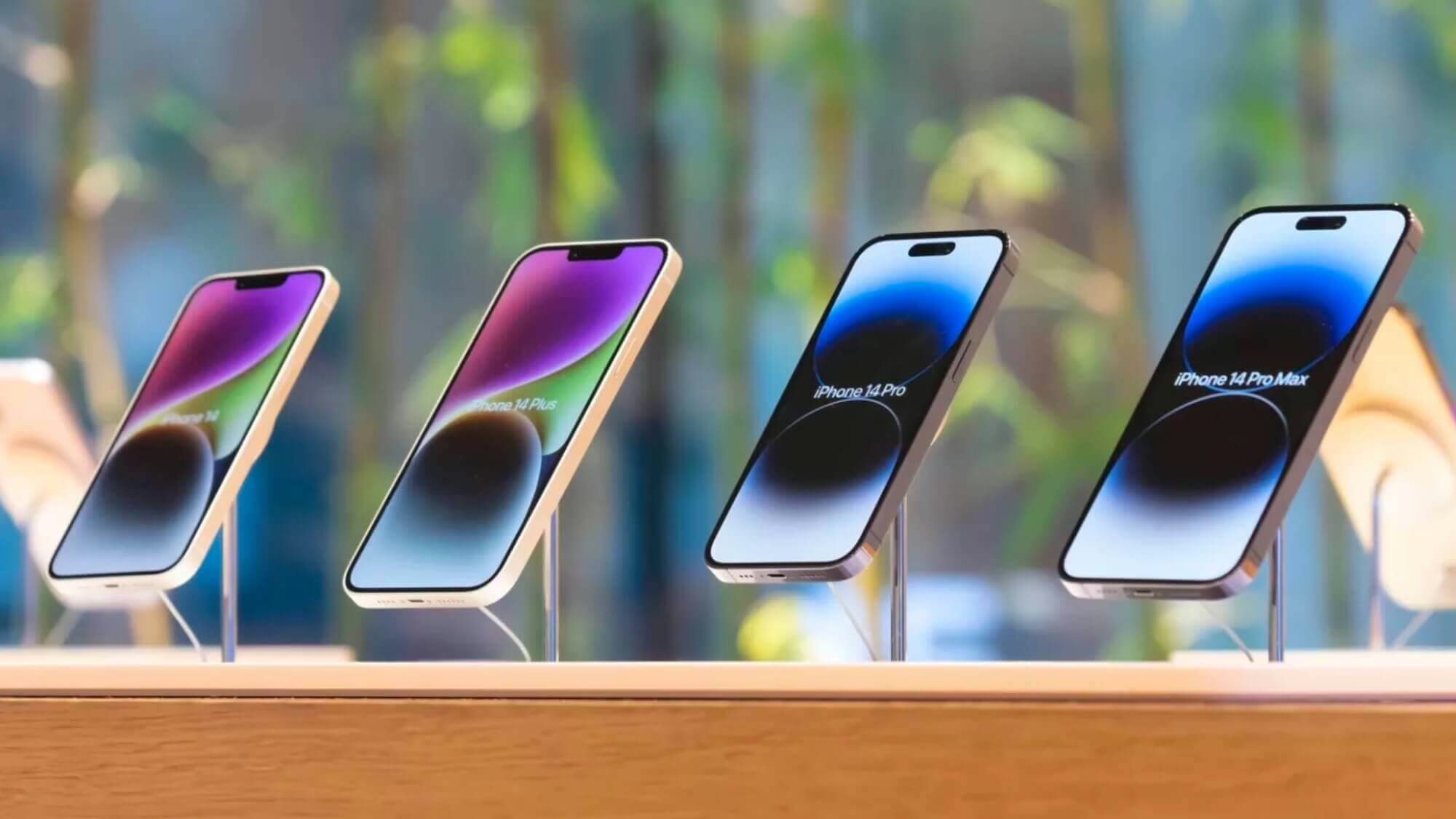
In today’s tech-driven world, iPhones are more than just phones—they’re tools for work, communication, creativity, and connection. But not everyone wants or needs the latest model, especially when iPhones offer an excellent alternative at a much lower cost.
Still, buying Used iPhones can be tricky. Without the right knowledge, you could end up with a device that’s outdated, faulty, or even locked and unusable. That’s why we’ve compiled this detailed guide to help you understand what to look for—and what to avoid—when shopping for Used iPhones in the UK in 2025.
1. Why People Choose Used iPhones
For many UK buyers, iPhones strike the perfect balance between performance and affordability.
-
Cost-Effective: You can save 30–70% over new models.
-
Sustainable Choice: Buying iPhones reduces electronic waste and carbon footprint.
-
Capable Devices: Most Used iPhones still support current apps and iOS versions.
However, not all iPhones are worth your money. Some come with hidden issues that turn a good deal into a regrettable decision.
2. Which iPhone Models to Avoid in 2025
As Apple continues to release new iOS updates, older models gradually lose support. Certain Used iPhones may no longer receive security patches, making them risky investments.
Avoid These iPhones:
These iPhones may no longer receive updates or support for newer apps. Instead, aim for models like the iPhone XR, XS, iPhone 11, 12, or SE (2022)—they’re still great options.
3. Beware of iCloud-Locked Devices
An iCloud-locked iPhone is essentially a brick unless you have the original Apple ID. Many unsuspecting buyers of Used iPhones fall into this trap.
How to Check:
-
Set up the phone: If it asks for a previous owner’s Apple ID, it’s locked.
-
Ask seller to remove the iPhone from iCloud via iCloud.com.
Avoid Used iPhones from sellers who can’t prove the device is iCloud-free.
4. Verify IMEI and Serial Numbers
Before paying for iPhones, always ask for the IMEI or serial number. These unique codes help identify if a device has been:
-
Reported stolen
-
Blacklisted
-
Locked to a carrier
Use Apple’s warranty checker or tools like CheckMEND to verify the status of Used iPhones.
5. Battery Health and Age
Battery life is one of the most important aspects when it comes to Used iPhones. A weak battery can ruin the user experience.
What to Look For:
-
Check battery capacity in Settings > Battery > Battery Health
-
Avoid devices with under 80% battery health
Battery replacements are an extra expense—so factor that in when buying iPhones.
6. Physical Condition and Cosmetic Damage
Not all signs of wear and tear are cosmetic. When examining Used iPhones, check:
-
For cracked screens, dead pixels, or discoloration
-
That buttons, speakers, and charging ports work properly
-
Whether Face ID or Touch ID is functional
Cosmetic condition can hint at how the phone was treated, so don’t ignore scratches and dents when buying Used iPhones.
7. Functionality Tests Before Buying
Always test Used iPhones thoroughly before committing to a purchase. You should confirm:
-
Touchscreen responsiveness
-
Camera quality (front and back)
-
Audio clarity (calls and speakers)
-
GPS, Bluetooth, and Wi-Fi connectivity
-
Siri and sensor accuracy
If you’re buying online, request a video showing all tests in real time to avoid scams involving faulty iPhones.
8. Be Wary of Aftermarket Parts
Many Used iPhones have been repaired using third-party parts, which may affect performance or resale value.
Red Flags:
-
“Important battery message” or “Unknown display part” in settings
-
Face ID issues after screen replacements
-
Inconsistent brightness or colour quality
Always ask whether genuine Apple parts were used in the refurbishment of Used iPhones.
9. Refurbished vs. Used
These terms are often used interchangeably, but there’s a big difference.
-
Refurbished means tested, repaired, and often comes with warranty
-
Used simply means second-hand—without any guarantee of condition
If you’re shopping for Used iPhones, prioritise refurbished units from trusted sellers like Apple, Back Market, or Used Mobiles 4 U.
10. Network Compatibility and Locking
Some iPhones are locked to a specific carrier, which can limit your options or increase your costs.
What to Ask:
-
Is this iPhone unlocked?
-
Can I use my current SIM or eSIM?
-
Does it support 5G if you need it?
Unlocked Used iPhones are preferable because they offer maximum flexibility.
11. Understand the Seller’s Return Policy
Not all sales of Used iPhones are final—but you need to be clear on the return terms.
Look for:
-
At least 14-day return window
-
Clear terms for refunds or exchanges
-
Coverage for DOA (dead on arrival) devices
Avoid Used iPhones from sellers who offer “no refunds, no returns.”
12. Ask These Crucial Questions
Before purchasing any Used iPhones, ask the seller:
-
Is it unlocked?
-
Has the battery been replaced?
-
Are all features working?
-
Are the parts genuine?
-
Can I see the IMEI?
The answers will help you assess whether the iPhones are trustworthy or not.
13. Where to Buy Used iPhones in the UK
There are many platforms to buy Used iPhones, but some are safer than others.
Best Options:
-
Used Mobiles 4 U
-
Apple Refurbished Store
-
Back Market
-
MusicMagpie
-
CeX (for in-person inspection)
Higher Risk:
-
Facebook Marketplace
-
Gumtree
-
eBay (unless seller is well-rated and transparent)
Avoid impulse purchases of Used iPhones from sellers who can’t provide verifiable details or testing proof.
14. Price Comparison and Market Trends
Compare prices across retailers and marketplaces to gauge the fair market value of iPhones. Pay attention to:
-
Device condition (new, excellent, good, fair)
-
Battery health
-
Accessories included (charger, box, etc.)
-
Warranty status
A bargain price could indicate deeper problems. Always match the price to the actual value of the iPhones.
15. Final Tips for Buying Used iPhones in 2025
To wrap up, here are some final reminders for buying Used iPhones safely and confidently:
✅ Always check IMEI and iCloud status
✅ Test all functions or request a video proof
✅ Prefer certified refurbished models
✅ Buy from sellers with clear policies and reviews
✅ Avoid outdated models no longer supported by iOS
Conclusion
Buying Used iPhones is a smart move for many people—saving money, reducing waste, and still enjoying Apple’s powerful features. But not every deal is a good one. By staying informed and asking the right questions, you can avoid common pitfalls and find a device that meets your needs without compromise.
Whether you’re shopping for your first iPhone, upgrading, or looking for a backup device, make sure your choice in Used iPhones is one that pays off.
Looking for a refurbished phone?
Shop professionally tested refurbished iPhones and Samsung phones with 18 month warranty, 30 day returns and free UK delivery.
Browse Refurbished Phones






