





A Practical Guide to Buying a Used Samsung Tablet

27/01/2026

12 Mins
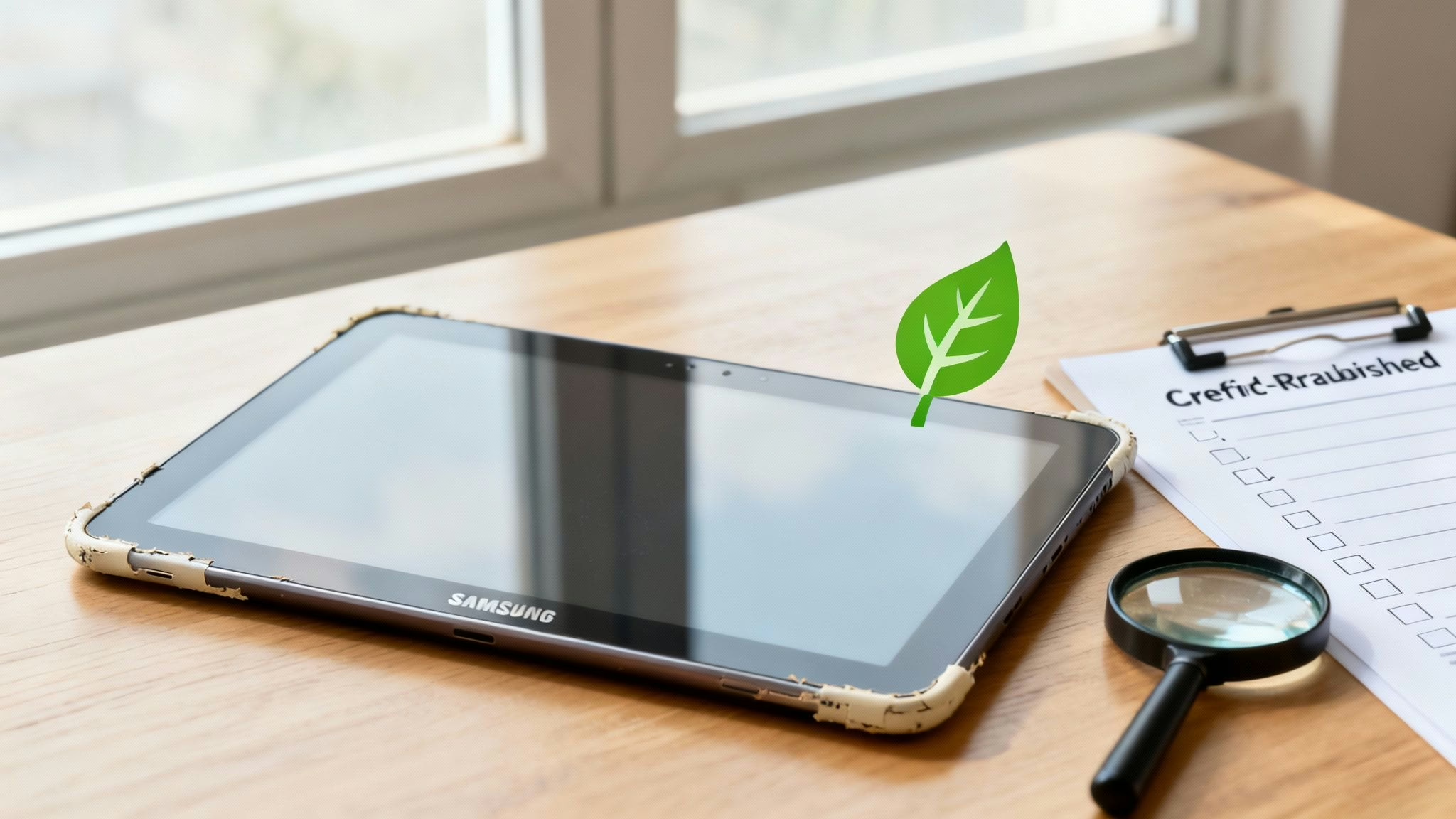
This guide will help you choose the right used Samsung tablet for your needs. We'll explain how to understand condition grades, what key checks to perform on the battery and screen, and how to find a trustworthy UK seller who provides a good warranty.
How to Choose a Great Used Samsung Tablet
Choosing a second-hand tablet doesn’t have to feel like a roll of the dice. With a bit of practical knowledge, you can confidently find a device that’s a perfect fit for your life, whether it’s for work, study, or just relaxing with a film. The trick is simply knowing what to look for.
This guide will help you focus on what really matters:
- How to match a tablet model to what you'll actually be using it for.
- Understanding what cosmetic grades like 'Like New' and 'Good' mean for the device you receive.
- Running a few simple but important checks yourself before you commit.
By the end, you'll know how to find a great deal on a reliable used Samsung tablet. Once you've chosen your device, remember that the right accessories can make a big difference. If you plan on doing a lot of typing, for instance, it's worth reading up on Choosing the Best Wireless Tablet Keyboard.
Why a Used Samsung Tablet Is a Smart Choice
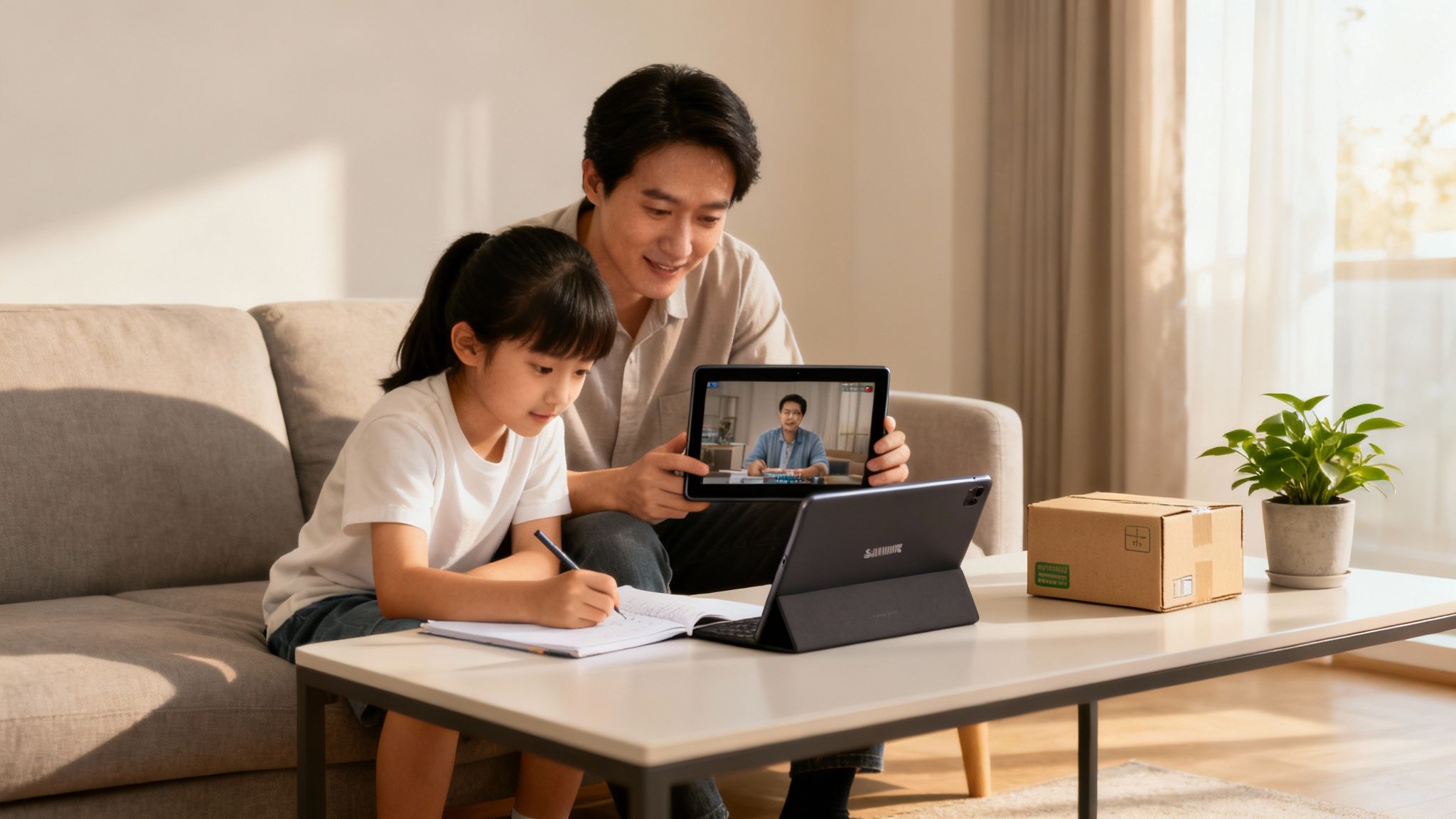
Let's be honest, the main reason most of us look at a used Samsung tablet is the price. Opting for a pre-owned device is a sensible way to get premium technology without the high cost of a brand-new model. You could get a top-tier Galaxy Tab S series for what you might pay for a new, entry-level tablet.
More Than Just a Lower Price
Beyond the savings, choosing a used tablet is a responsible choice for the environment. Every refurbished device that finds a new home is one less item contributing to electronic waste. It gives quality gadgets a second life, reducing the resources needed for new manufacturing.
A professionally refurbished tablet from a trusted seller has been properly tested, cleaned, and restored to full working order. You get the reliability you need at a price that makes sense.
For example, imagine you need a tablet for the kids’ homework, streaming films, and video calls with family. A brand-new, top-of-the-line model is probably more than you need and a big expense. A used Samsung tablet handles all of this perfectly, giving you a reliable and feature-packed device without the hefty cost.
When you decide to buy second-hand, you're not just helping your wallet; you're also doing something positive for the environment. Many of the same principles apply to mobiles, and you can learn more in our guide on the benefits of buying a used mobile phone. This approach gets you a dependable tablet that does everything you need it to.
Finding the Right Samsung Tablet Model for You
Choosing a used Samsung tablet can feel a bit overwhelming at first, but Samsung’s range is quite logical. It's mostly split into two main families: the premium Galaxy Tab S series and the more budget-friendly Galaxy Tab A series. The Tab S is like a high-performance car, while the Tab A is a reliable family runaround.
Comparing Samsung Galaxy Tab Series
Here's a quick comparison to help you choose the best Samsung tablet series for your needs.
Both series offer fantastic value on the second-hand market, but they're built for very different uses.
The Premium Performer: Galaxy Tab S Series
The Galaxy Tab S models are Samsung’s top-tier tablets, designed for people who need power and a stunning display. If your plans for a used Samsung tablet involve creative work, multitasking, or enjoying films in the best possible quality, this is where you should look.
Key features you’ll typically find in the Tab S series include:
- AMOLED Displays: These screens offer vibrant colours and deep blacks that are fantastic for watching media and editing photos.
- S Pen Support: Most Tab S models come with Samsung's excellent stylus, the S Pen. It’s ideal for note-taking and drawing.
- Powerful Processors: They are equipped with faster chips and more RAM, ensuring smooth performance even with demanding apps.
- Samsung DeX: This feature lets you use your tablet like a desktop computer by connecting it to a monitor and keyboard.
Because they start at a higher price when new, buying a used Galaxy Tab S is an excellent way to get these premium features for a much more manageable price.
The Everyday All-Rounder: Galaxy Tab A Series
The Galaxy Tab A series is designed for value and versatility. These tablets are brilliant all-rounders, perfectly suited for web browsing, social media, and watching YouTube. They are a popular choice for families and students.
While they don't have the high-end screens of the S series, they are more than capable for most people's needs. A used Galaxy Tab A offers great value, giving you a reliable device for a very low cost. They are also often a good choice for children, and if you're looking for a device for younger users, our guide to the best refurbished tablets for kids has some useful tips.
If you want a laptop replacement for creative work or the best screen for Netflix, a used Galaxy Tab S is the way to go. If you just need a dependable screen for the sofa or for keeping the kids entertained, a Galaxy Tab A is a smart, budget-friendly choice.
What About Older Generations?
A newer model will naturally have a faster processor and is guaranteed to receive software and security updates for longer. However, a model that's a couple of years old can still be a fantastic purchase and offer a great experience.
As a general rule, a tablet released in the last three to four years will still receive important security updates. Always check the model's original release date to get a sense of its age. This helps you find the right balance between cost and performance for your used Samsung tablet.
Understanding Condition Grades and What to Inspect
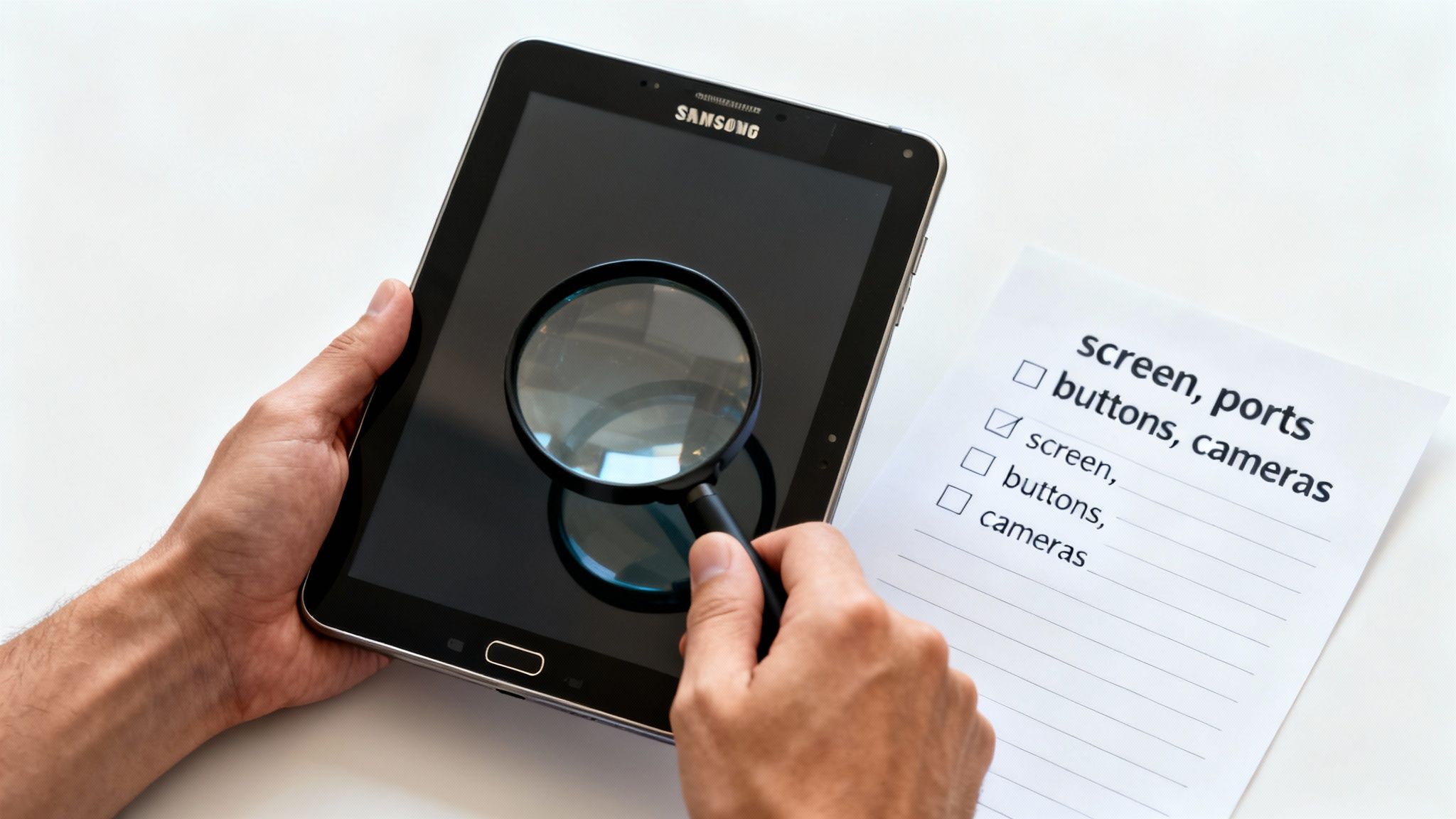
When you’re browsing for a used Samsung tablet, one of the first things you'll see is the condition grade. This is a simple way for retailers to describe the tablet's cosmetic state. It's important to understand what grades like 'Like New' or 'Good' actually mean.
A device graded as 'Good' should work just as flawlessly as one graded 'Like New'; it will simply show more signs of its previous use.
Decoding the Grading System
While different sellers might use slightly different words, the grading system is fairly consistent.
Here’s a quick rundown of what you’ll typically find:
- Like New (or Pristine): The tablet will look practically untouched, with no visible scratches or marks on the screen or body.
- Very Good: The tablet might have very faint signs of use, like tiny micro-scratches that you would only see up close.
- Good: This is often the sweet spot for value. The tablet will show moderate signs of wear, such as noticeable scratches or small scuffs, but nothing that affects its function.
For a more detailed look at cosmetic conditions, you can check out our guide on refurbished phone grades, as the principles are the same for tablets.
Your Practical Inspection Checklist
No matter what grade you choose, it’s always a good idea to give your tablet a quick check when it arrives. Remember, any reputable seller will have a returns policy, giving you time to test the device and make sure you’re happy.
Here’s a simple checklist to run through:
- Check the Screen: Display a completely white image, then a completely black one, to spot any dead pixels or bright spots.
- Test All Buttons and Ports: Physically press the power and volume buttons to make sure they click and respond. Plug in a charging cable to confirm it’s charging, and test the headphone jack if there is one.
- Verify the Cameras: Open the camera app and take a few photos and a short video with both the front and rear cameras to ensure they are clear.
- Confirm Connectivity: Go to Settings > Connections to connect to your Wi-Fi. Once connected, open a web browser to be sure it’s working. Also, turn on Bluetooth and try pairing a device like headphones.
Example Scenario: Sarah's Smart Purchase
Sarah runs a small cake business and needed a tablet to handle payments and show her portfolio at market stalls. A brand-new tablet wasn't in the budget, so she chose a used Samsung tablet in 'Good' condition.
When it arrived, she went through the checklist. The screen was flawless. As described, the body had a few light scuffs, but they were invisible once she put a case on it. She confirmed the Wi-Fi connected, the camera took great photos of her cakes, and the charging port worked perfectly. By choosing a 'Good' condition tablet, Sarah saved over £200 and got a fully functional device that was perfect for her business.
How to Check the Battery Health and Performance
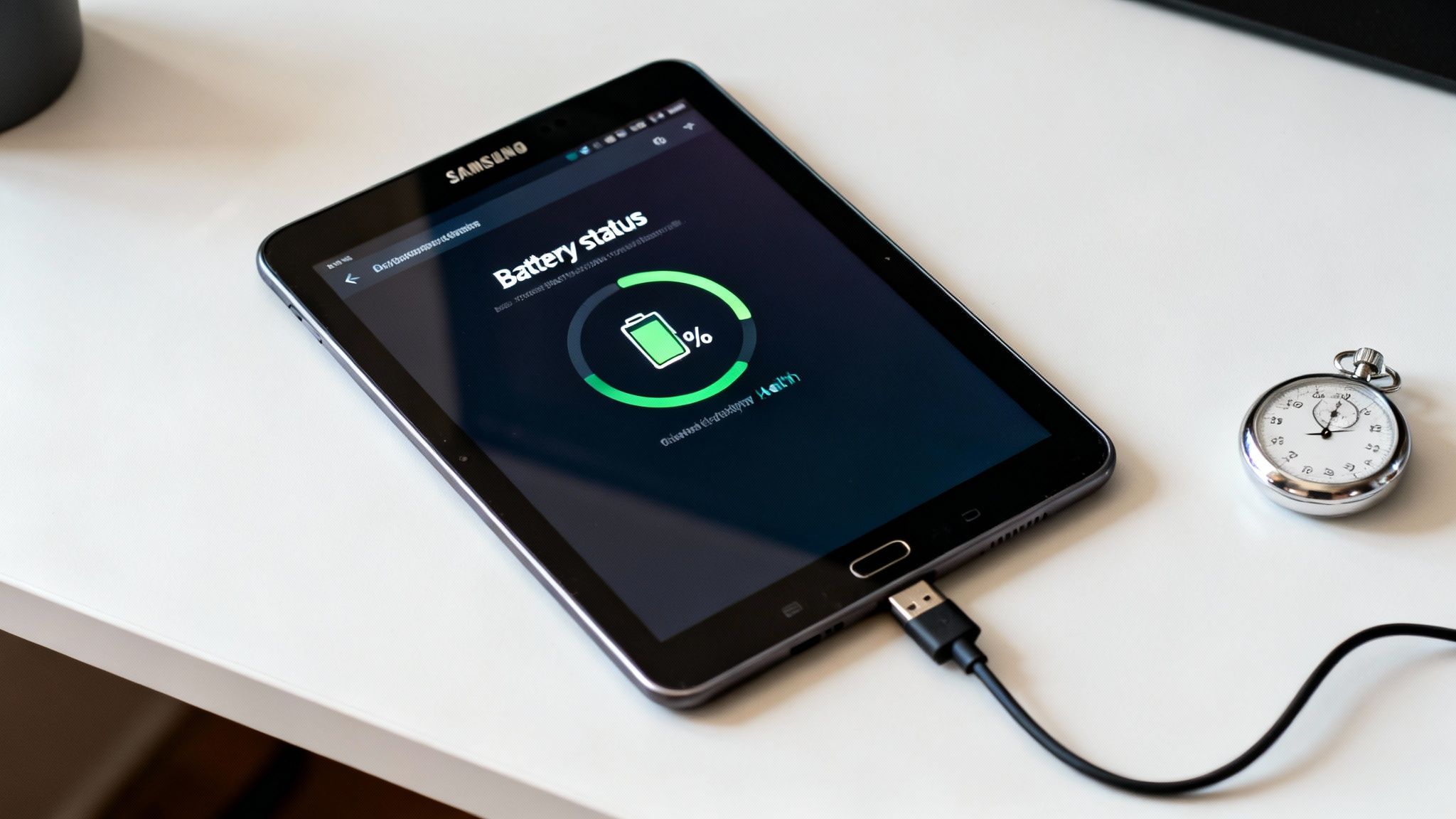
When buying any second-hand device, the battery and its overall speed are common concerns. A tablet with a worn-out battery isn't very useful, and a slow device can be frustrating. Here are a few simple steps to check these things on your used Samsung tablet.
Checking the Battery Status
Unlike iPhones, Samsung tablets don't show a simple battery health percentage. However, they have a built-in diagnostics tool that gives you a good idea of the battery's condition.
Here’s how you find it:
- Open the Settings app.
- Scroll down and tap on Battery and device care.
- Tap on Diagnostics.
- From the list of tests, tap on Battery status.
The tablet will run a quick check and show the battery's status. You’re looking for a 'Good' or 'Normal' rating. If it shows 'Weak' or 'Bad', that’s a clear sign of a problem. Remember that any reputable seller will offer a returns period, so you can send it back if the battery isn't up to scratch.
Performing a Practical Battery Drain Test
The built-in tool is a great start, but a real-world test gives a clearer picture. First, make sure the tablet is fully charged to 100%.
- The Test: Open the YouTube app and play a video with the screen brightness and volume at a medium level.
- The Method: Let the video run for 30 minutes.
- The Result: After half an hour, check the remaining battery percentage.
A healthy battery should only drop by around 5-8%. If you see a big drop of 15% or more, it's a strong sign the battery is degraded and won't hold its charge for long.
Assessing the Tablet's Performance
Performance is about how the tablet feels in use. A good used Samsung tablet should feel snappy and smooth.
Here are a few quick ways to test it:
- Multitasking Test: Open several common apps one after the other, such as a web browser, the settings app, and the camera. Switch between them quickly to see if the tablet keeps up or stutters.
- Web Browsing Test: Use the browser to visit a couple of busy websites with lots of images. Scroll up and down the pages quickly. A capable tablet will handle this smoothly.
- Camera Test: Open the camera app. It should be ready to take a photo almost instantly. Switch between the front and back cameras to check for any delay.
These checks only take a few minutes but tell you a lot about the device's condition. If you do spot any issues, our guide to troubleshooting a used phone has tips that often work for tablets too.
Finding a Trustworthy Seller with a Good Warranty
When you’re buying a used Samsung tablet, the best protection you have is choosing the right seller. Buying from a reputable business gives you a safety net that you don't get from a private sale. This comes down to two things: a solid warranty and a fair returns policy.
A warranty is a promise from the seller that the tablet is in full working order. If an unexpected fault develops, the seller must repair or replace it. Look for a minimum 18 Month Warranty for proper peace of mind. A good returns policy gives you a window, usually 14 to 30 days, to test the tablet yourself.
What to Look for in a Seller
It’s vital to know how to spot a trustworthy online retailer.
Here are the key signs of a reliable seller:
- Genuine Customer Reviews: Check independent sites like Trustpilot or Google for unfiltered customer experiences.
- Transparent Grading: A good seller will have a clear guide explaining their condition grades.
- UK-Based Support: Look for a UK phone number and address on their website so you can speak to someone if needed.
- A Solid Warranty: A 18 Month Warranty is the gold standard for refurbished tech. It shows the seller is confident in their products.
Why Avoid Private Sales
Buying from a marketplace might seem cheaper, but it's a big gamble. You get no warranty, no returns policy, and no protection if the tablet is faulty or not as described. A professional retailer is accountable and bound by UK consumer law, which gives you far more protection.
The UK tablet market is growing, with much of that growth coming from trusted online retailers who provide buyers with confidence. You can read more about the UK tablet market trends to see why professional sellers are a popular choice.
Got Questions About Used Samsung Tablets?
It's normal to have a few questions when thinking about buying a used Samsung tablet. Here are some of the most common queries we hear.
Will My Used Samsung Tablet Still Get Software Updates?
This depends on the model's age. Samsung typically offers around four years of major Android OS updates and five years of security updates for its more recent tablets. A model released in the last three or four years is a safe bet for getting the latest features and security patches.
Can I Trade in My Old Device When Buying a Used Tablet?
Yes, many reputable sellers have trade-in programmes. It’s a great way to reduce the price of your tablet and responsibly recycle your old tech. You can get a quote for your old tablet or mobile and apply that value to your purchase.
What Comes in the Box with the Tablet?
This can vary, so always check the product description. Most refurbished sellers will include the tablet and a compatible charging cable. To keep costs low, original accessories like the wall plug or original box are not usually included. The seller will clearly state if an accessory like an S Pen is part of the package.
Is My Data Safe on a Refurbished Tablet?
WARNING: Always back up your data from any old device before you trade it in or dispose of it.
As long as you buy from a professional retailer, your data is completely safe on your newly purchased device. The refurbishment process includes a certified data wipe, restoring the tablet to its factory settings. This securely erases all information from the previous owner, giving you a completely fresh start.
What Can I Do with a Used Samsung Tablet?
You can do pretty much anything you can do with a new one. These devices are very versatile and are perfect for a huge range of activities.
You’ll find they’re great for:
- Entertainment: Streaming films and TV shows.
- Productivity: Sending emails, managing your calendar, and using office apps.
- Creativity: Digital art, note-taking, and editing photos, especially on models with S Pen support.
- Family Use: Educational apps, games, and video calls.
If you're considering a tablet for family use, you might find guides on downloadable videos for tablets helpful. A quality used Samsung tablet gives you all the functionality you need without the high price.
Written by James Waterston — 24 years in the mobile phone industry from customer service to Sales Director of a global repair & recycling company; now running Used Mobiles 4 U for 8+ years. LinkedIn
Looking for a refurbished phone?
Shop professionally tested refurbished iPhones and Samsung phones with 18 month warranty, 30 day returns and free UK delivery.
Browse Refurbished Phones






