





What Is Refurbished Laptops: A UK Buyer’s Guide 2026

15/07/2026

10 Mins
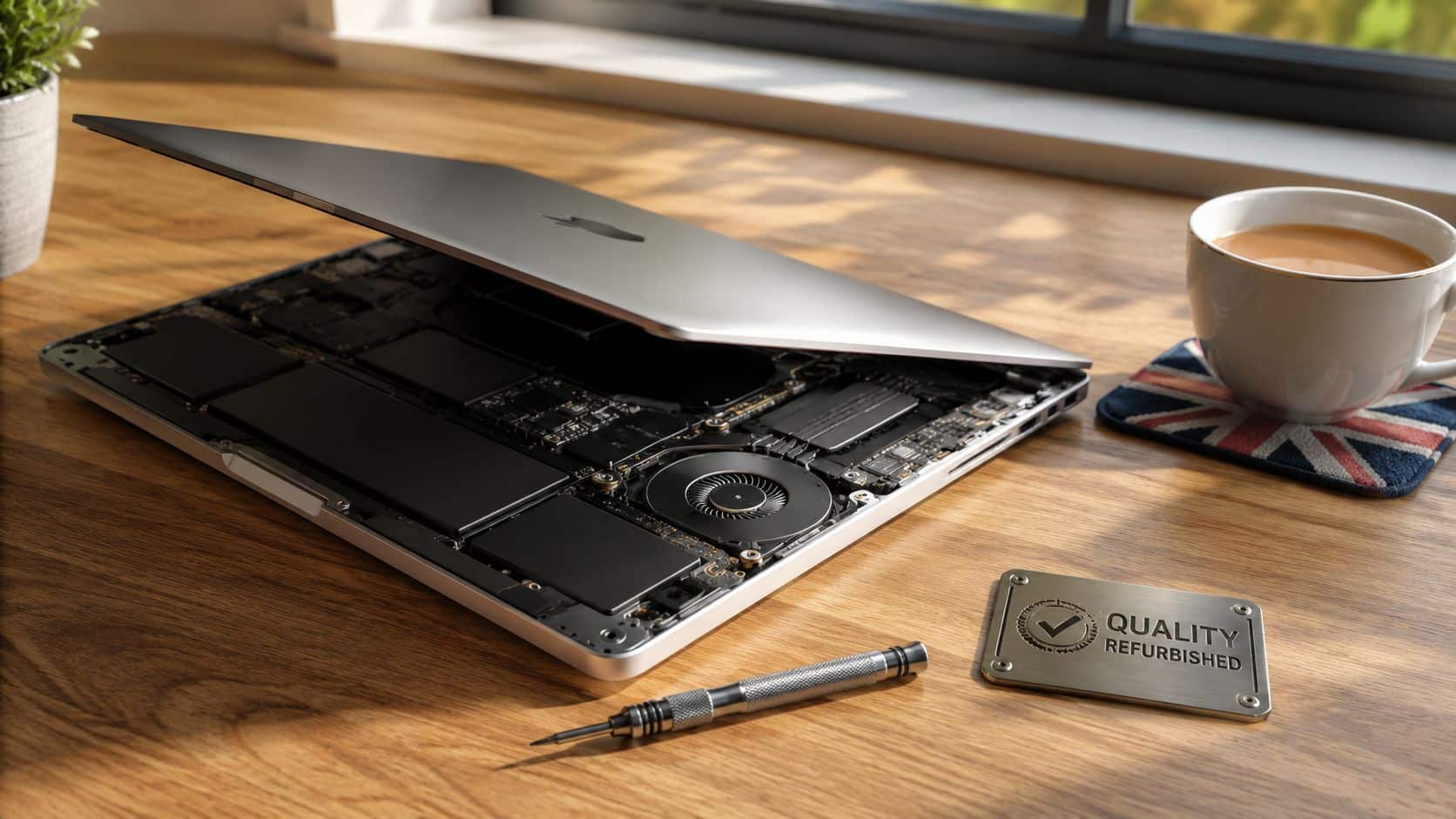
If you’re asking what is refurbished laptops, the short answer is this. They’re pre-owned laptops that have been properly checked, securely wiped, tested, cleaned, repaired where needed, and resold in reliable working order. That’s very different from buying a used machine from a private seller and hoping for the best.
A good refurbished laptop isn’t just second-hand. It’s second-hand stock that’s had the risky bits dealt with before it reaches you.
What Is a Refurbished Laptop?
A refurbished laptop is a pre-owned device that has gone through a professional process before being sold again. That usually means secure data wiping, hardware checks, fault finding, part replacement where necessary, cleaning, grading, and a fresh operating system so it’s ready for the next owner.
When people search for what is refurbished laptops, they’re often really asking whether refurbished means safe, reliable, and worth the money. In practice, that depends less on the word “refurbished” and more on what the seller actually did to the machine before listing it.
Refurbished is not the same as used
A used laptop from a marketplace seller might still be fine, but you usually get no proof of testing, no proper battery benchmark, no data wiping record, and no meaningful comeback if something fails. A refurbished laptop should have those checks built into the sale.
- Used laptop means you’re buying it as it sits.
- Refurbished laptop means someone has inspected it, tested it, and sorted problems before you see it.
Practical rule: buy the process, not just the product. Two identical laptop models can be worlds apart depending on how they were handled before resale.
What you’re really paying for
You’re not only paying for the hardware. You’re paying for the reduction in risk. A decent refurbisher has already checked the charging ports, keyboard, screen, SSD health, battery condition, hinges, webcam, speakers, Wi-Fi, and general stability, rather than leaving that job to you after purchase.
That’s why refurbished makes sense for a lot of buyers. You get the value of second-hand hardware, but with much more of the reassurance people usually associate with buying new.
The Short Version What to Know Before You Buy
- Refurbished means tested. It should be more than a quick wipe-down and relist.
- Price is a genuine advantage. In the UK, refurbished laptops and desktop PCs are typically 20 to 40% lower priced than new equivalents, depending on model and spec, as noted in this UK refurbished market report.
- Grade affects looks, not basic function. Cosmetic wear and reliability aren’t the same thing.
- Battery matters more than most buyers realise. Ask what minimum battery standard is being sold, not just what grade it is.
- Business models are often the smarter buy. Dell Latitude, HP EliteBook, and Lenovo ThinkPad ranges are usually built for heavier daily use than cheap consumer machines.
- Warranty and returns matter. If a seller is vague on either, walk away.
Where Do Good Refurbished Laptops Come From?
Many of the best refurbished laptops in the UK don’t come from random personal trade-ins. They come from offices, schools, and business fleets where machines were bought in volume, maintained on schedule, and replaced in batches.
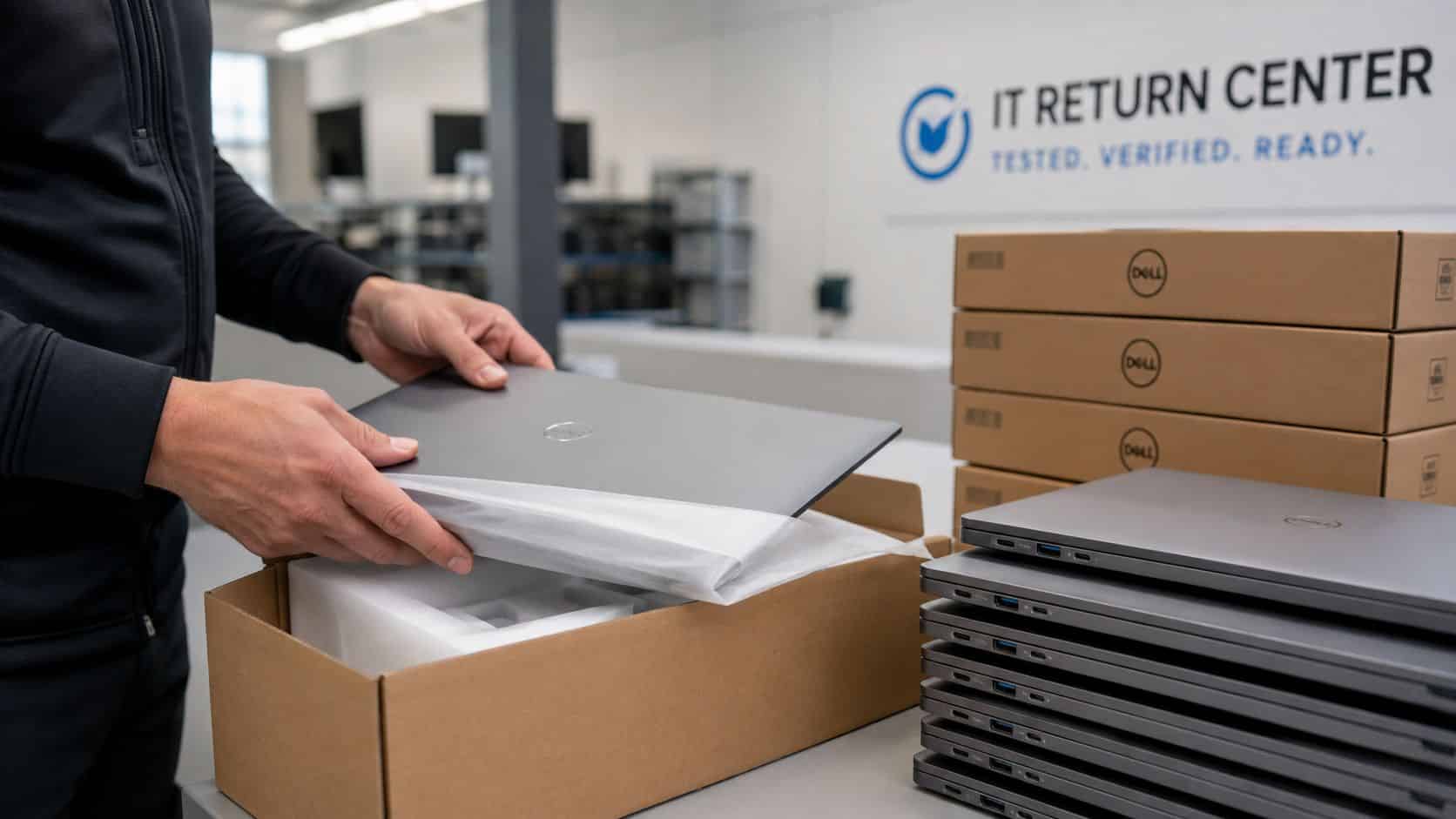
That matters because ex-corporate laptops often have a better history than privately owned budget models. They’ve usually spent their life doing emails, spreadsheets, browser work, and video calls, not being stuffed into a school bag loose or run hard for gaming.
The UK stock shift that changed the market
One of the biggest reasons buyers are seeing better refurbished stock in the UK is the Windows 10 changeover. In late 2025, Microsoft’s end of support for Windows 10 triggered the biggest corporate hardware refresh in a decade, sending hundreds of thousands of professionally maintained, business-grade laptops into the UK refurbished market after secure wiping, testing, and resale, as outlined in this UK market analysis of the Windows 10 refresh cycle.
That’s a big reason refurbished laptops have become more appealing recently. The source stock improved. Instead of scraping the bottom of the barrel, refurbishers had access to large batches of Dell Latitude, HP EliteBook, and Lenovo ThinkPad machines that were built for business use in the first place.
Why ex-corporate stock is often the sweet spot
- Build quality is usually better. Business laptops tend to have sturdier hinges, better keyboards, and easier service access.
- Maintenance is often more consistent. Fleet devices are commonly retired on schedule rather than run until they fail.
- The original price was higher. That means you’re often buying a better class of machine for a much lower resale figure.
- The refurbishment process is more structured. Bulk corporate stock usually goes through formal asset disposal and data wiping before resale.
A refurbished laptop is often a former premium business machine sold at a used-market price. That’s usually a better deal than a cheap consumer laptop that was flimsy when it was new.
This is the bit many buyers miss. A laptop’s past life matters. I’d generally rather see a well-kept three-year-old ThinkPad from an office than a lightly described consumer laptop from an unknown seller with no testing behind it.
Our Refurbishment Process From A to Z
When a refurbisher does the job properly, the process is methodical. It isn’t just “turn it on, see if it boots, list it online”. A laptop should go through several stages before anyone calls it refurbished.

What happens before it goes up for sale
- Data wiping. Any previous business or personal data should be securely removed. That protects the last owner and gives the next one a clean start.
- Diagnostics. A proper bench check covers screen condition, keyboard, trackpad, ports, charging, speakers, webcam, Wi-Fi, Bluetooth, and general system stability.
- Battery testing. In the UK refurbished laptop trade, professional refurbishment uses a minimum battery health threshold of 80% of original design capacity to separate certified Grade A and B units from basic used stock, as detailed in this guide to UK refurbishment grading and battery standards.
- Repairs and replacements. Faulty SSDs, damaged keyboards, worn chargers, failing fans, and cracked palm rests should be dealt with before grading, not after a customer complains.
- Cleaning. Internal dust, old residue, and general grime need sorting. A clean laptop also runs better when ventilation has been neglected.
What grading should mean
Grading should describe cosmetic condition, not excuse poor function. A Grade B laptop can still be an excellent buy if it has marks on the lid but passes all the same working checks as a cleaner Grade A unit.
After testing and repair, the machine gets its operating system installed, updated, and checked again so it’s ready to use out of the box. If you want a look at how a proper retailer handles that side of the job, the Refurbishment and Testing Process page is the sort of detail buyers should expect to see from any seller.
Cosmetic grade tells you how it looks on the desk. Testing tells you whether it will still be working properly after the novelty wears off.
Our Experience Refurbishing Laptops at Used Mobiles 4U
One thing we regularly notice is that the best refurbished laptops usually don’t shout about themselves. The machines that come in from business environments often look plain, but they tell a good story once our technicians start checking the details.
The first thing we care about isn’t the sticker on the lid. It’s the health underneath. Battery behaviour, SSD wear, hinge tension, keyboard shine, webcam clarity, charger fit, fan noise, and whether the machine stays stable under load all tell you more than a glossy product title ever will.
What our technicians often see on the bench
Storage health is a good example. UK-certified refurbished business laptops often show 10,000 to 20,000 SSD power-on hours and 5 to 30 TB written, which is still modest against manufacturer-rated lifetimes of 150 to 600 TBW, as explained in this UK guide to SSD and certified laptop checks. In plain English, that often means the drive has plenty of life left when the rest of the machine has been looked after properly.
We also pay close attention to wear patterns. A polished space bar and shiny trackpad usually just mean office use. Loose hinges, damaged corners, pressure marks on the display, and heavy wear around a charging port suggest rough handling. Those signs matter because they often predict what fails next.
- Battery health. We check whether the battery is still sensible for day-to-day use, not just whether it powers on.
- Keyboard and palm rest wear. Heavy shine can be harmless, but missing key response isn’t.
- Port condition. USB and charging ports take a lot of abuse over time.
- Cooling. If a fan sounds rough or the machine runs too hot, it needs sorting before resale.
- Screen integrity. We watch for dead pixels, pressure spots, dim areas, and lid flex damage.
Repair or replace usually comes down to risk
A common example we see is a laptop that looks clean externally but has one weak point internally, usually battery decline or a tired keyboard. Those are often worth putting right. If a machine shows signs of deeper board trouble, unstable charging, or structural damage around the hinge area, that’s where repair can stop making sense and replacement becomes the better call.
Our technicians often see buyers focus too much on cosmetic grade and not enough on component health. I’d take a Grade B business laptop with strong internals over a prettier machine with vague battery details every time.
If you’re browsing budget-friendly UK laptop offers, that’s the mindset worth keeping. Don’t just ask how clean it looks. Ask what was checked, what was replaced, and what standard the battery and storage had to meet before sale.
A UK Buyer’s Checklist What to Insist On
If you’re buying refurbished, don’t be shy about asking direct questions. A decent seller should answer them plainly. If they dodge the basics, that tells you enough.
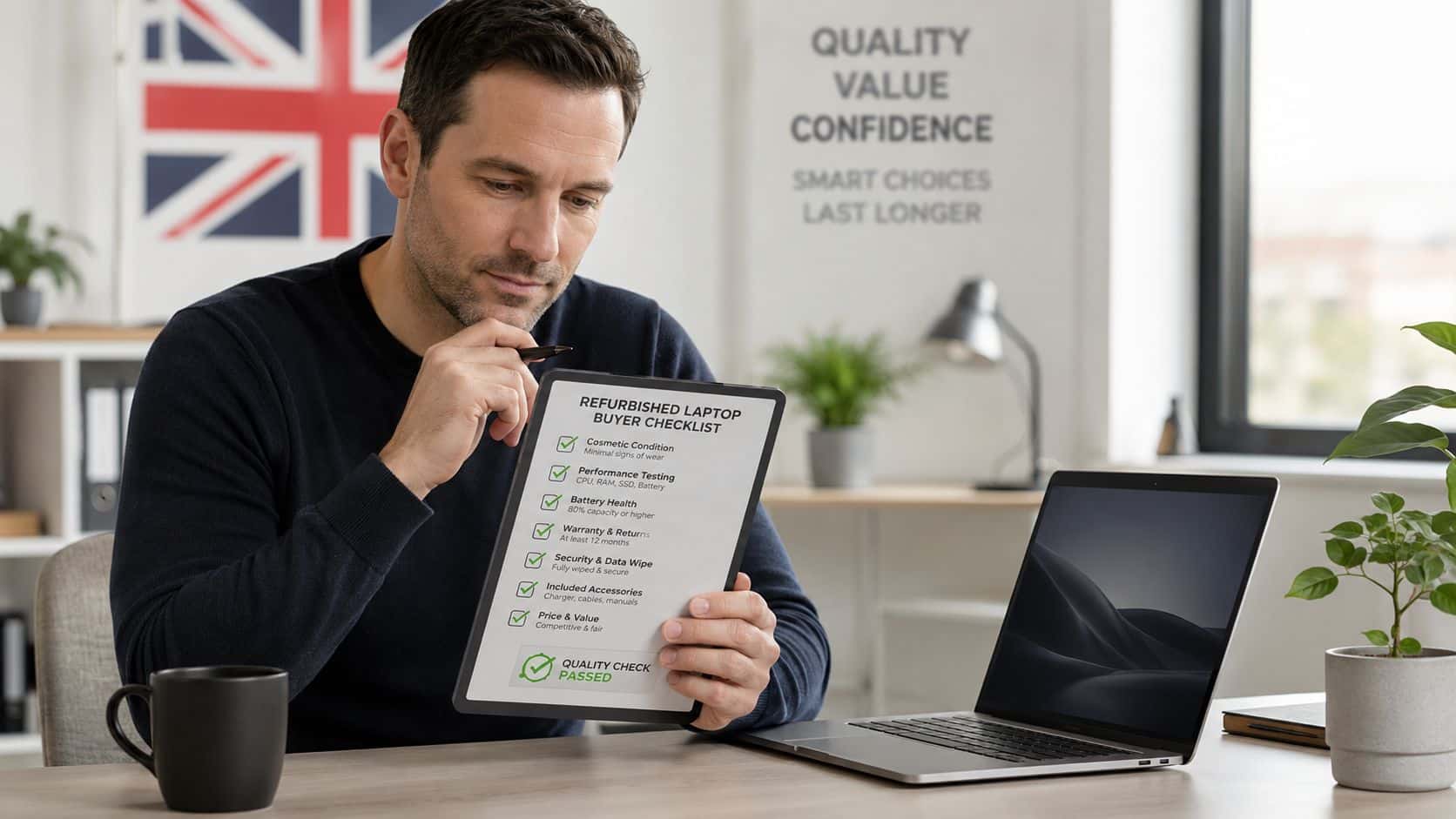
What to insist on before paying
- A written warranty. If there’s no proper warranty, you’re drifting back into used-laptop territory.
- A clear returns policy. You need a straightforward route back if the machine isn’t as described.
- Transparent grading. Ask what marks are acceptable in each grade and whether photos reflect the real condition.
- Battery clarity. This is the one many buyers skip, and they shouldn’t.
- UK-based support. If anything goes wrong, you want practical after-sales help, not a maze of emails.
Battery transparency matters more than most listings suggest. 70% of UK consumers are willing to consider refurbished electronics, but many listings still don’t make it clear that certified grading often reuses the original battery unless stated otherwise, and battery wear is a major hidden cost issue in the popular £200 to £300 bracket, as covered in this UK refurbished battery buying note.
One extra check that’s worth your time
If a battery has been replaced, ask what kind of replacement was used. Cheap non-genuine batteries can create more problems than they solve. For a sensible read on that side of things, Steel City IT shares useful insights on laptop battery safety that line up with what careful repairers see in the real world.
Good refurbished stock should come with honest battery information. “Holds charge” isn’t a proper battery description.
If you’re comparing listings and want a safer starting point, look for sellers that find reliable second hand laptops through tested and graded stock rather than vague one-line descriptions.
Refurbished vs New vs Used Laptops
Most buyers don’t need the latest machine. They need a dependable one that fits the job, doesn’t drain the budget, and won’t become a project the week after it arrives. That’s why refurbished is usually the most sensible middle ground.
Here’s the practical split.
- Choose New if
- You need the newest hardware. Heavy creative work, specialist software, or demanding modern workloads can justify buying new.
- You want the longest possible support window. That matters if you plan to keep the laptop for a long time.
- You’re happy paying the premium. New gives you first-owner peace of mind, but you pay for it.
- Choose Refurbished if
- You want the best balance of value and reassurance. It’s the right option for most office work, study, home use, admin, browsing, and general business tasks.
- You care about testing and warranty. That’s the gap between refurbished and a private used sale.
- You’d rather buy a better-built older business laptop than a flimsy cheap new machine. This is usually my recommendation.
- Choose Used if
- You can diagnose faults yourself. A private sale is less risky if you already know what bad battery wear, hinge damage, or storage issues look like.
- You accept no real safety net. If it fails, the repair bill is yours.
- Your budget is extremely tight. Sometimes used is the only route, but it’s rarely the lowest-risk one.
If you want the smartest buy for most people, it’s refurbished. For a closer look at sensible options, browse certified refurbished laptops UK and compare condition, support, and battery standards rather than chasing the cheapest listing.
So, what is refurbished laptops in real terms? It’s the category that makes the most sense when you want lower cost than new, less risk than used, and a machine that’s been properly prepared for its next owner. It suits students, home users, small businesses, and anyone who values reliability over bragging rights. If you want the newest flagship hardware, buy new. If you want sensible value and fewer surprises, refurbished is usually the better call.
If you’re weighing up your next laptop, Used Mobiles 4 U is a sensible place to start for tested refurbished tech, clear grading, UK support, and straightforward buying advice without the hard sell.
Written by James Waterston, 24 years in the mobile phone industry from customer service through to Sales Director of a global repair and recycling company. Now running Used Mobiles 4U for over 8 years.
LinkedIn: James Waterston on LinkedIn
Meta description: What is refurbished laptops? Learn what refurbished really means, how UK sellers test them, and what to check before you buy one.
Looking for a refurbished phone?
Shop professionally tested refurbished iPhones and Samsung phones with 18 month warranty, 30 day returns and free UK delivery.
Browse Refurbished Phones






